instrument panel CHEVROLET TRACKER 2003 2.G User Guide
[x] Cancel search | Manufacturer: CHEVROLET, Model Year: 2003, Model line: TRACKER, Model: CHEVROLET TRACKER 2003 2.GPages: 372, PDF Size: 2.65 MB
Page 90 of 372

Overdrive Off
If your vehicle has this feature, the overdrive-off button
is located on the left side of the shift lever. When
operating under normal conditions, the vehicle will
automatically default to overdrive when initially started
until it is disengaged. If overdrive is turned off and
the vehicle is turned off, when the vehicle is restarted,
overdrive will automatically turn back on. By operating
the overdrive off button, with the ignition in the ON
position, the four-speed automatic transmission
(three-speed plus overdrive) can be converted to a
three-speed automatic transmission. While in the
three-speed mode, the transmission will not shift into
the overdrive position.To convert the transmission to the three-speed mode,
press in the overdrive-off button and release it.
The OD/OFF indicator light on the instrument panel
cluster will come on. The overdrive-off button is
for normal driving, however, it also offers more power
and lower fuel economy than driving in the overdrive
position. Here are some times you might choose to drive
with the overdrive-off button engaged:
·When driving on hilly, winding roads.
·When going down a steep hill.
To return the transmission to the four-speed mode,
press in the overdrive-off button again. The OD/OFF
indicator light will go off. Disengaging the overdrive-off
button is for normal driving with the four-speed
automatic transaxle. If you need more power for
passing, and you are:
·Going less than about 35 mph (55 km/h), push your
accelerator pedal about halfway down.
·Going about 35 mph (55 km/h), push your
accelerator all the way down.
If the transfer case shift lever is in the 4L position,
the four-speed automatic transmission will remain in the
three-speed mode.
2-22
Page 91 of 372
Power Mode
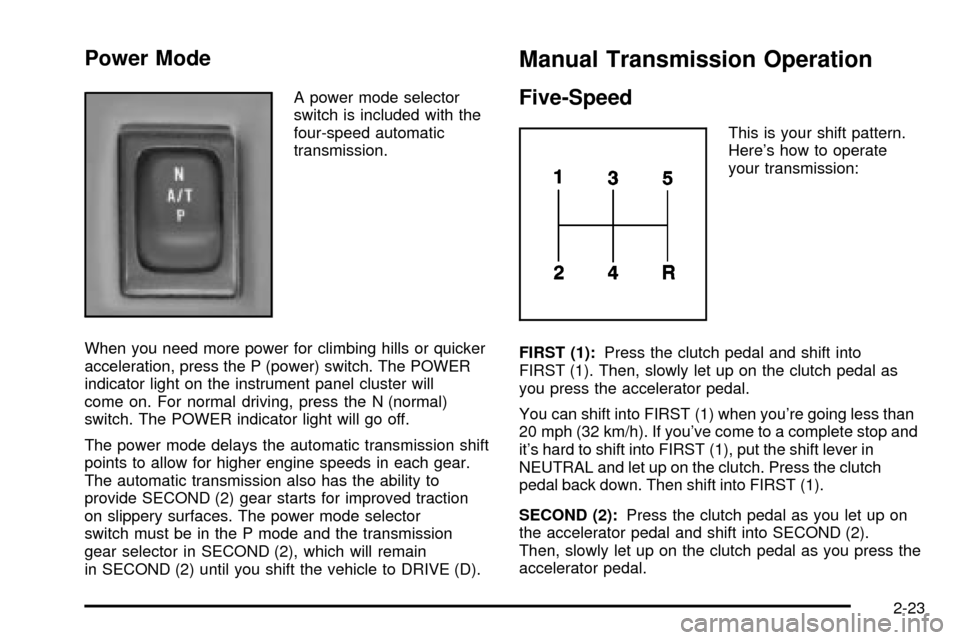
A power mode selector
switch is included with the
four-speed automatic
transmission.
When you need more power for climbing hills or quicker
acceleration, press the P (power) switch. The POWER
indicator light on the instrument panel cluster will
come on. For normal driving, press the N (normal)
switch. The POWER indicator light will go off.
The power mode delays the automatic transmission shift
points to allow for higher engine speeds in each gear.
The automatic transmission also has the ability to
provide SECOND (2) gear starts for improved traction
on slippery surfaces. The power mode selector
switch must be in the P mode and the transmission
gear selector in SECOND (2), which will remain
in SECOND (2) until you shift the vehicle to DRIVE (D).
Manual Transmission Operation
Five-Speed
This is your shift pattern.
Here's how to operate
your transmission:
FIRST (1):Press the clutch pedal and shift into
FIRST (1). Then, slowly let up on the clutch pedal as
you press the accelerator pedal.
You can shift into FIRST (1) when you're going less than
20 mph (32 km/h). If you've come to a complete stop and
it's hard to shift into FIRST (1), put the shift lever in
NEUTRAL and let up on the clutch. Press the clutch
pedal back down. Then shift into FIRST (1).
SECOND (2):Press the clutch pedal as you let up on
the accelerator pedal and shift into SECOND (2).
Then, slowly let up on the clutch pedal as you press the
accelerator pedal.
2-23
Page 102 of 372
Mirrors
Manual Rearview Mirror
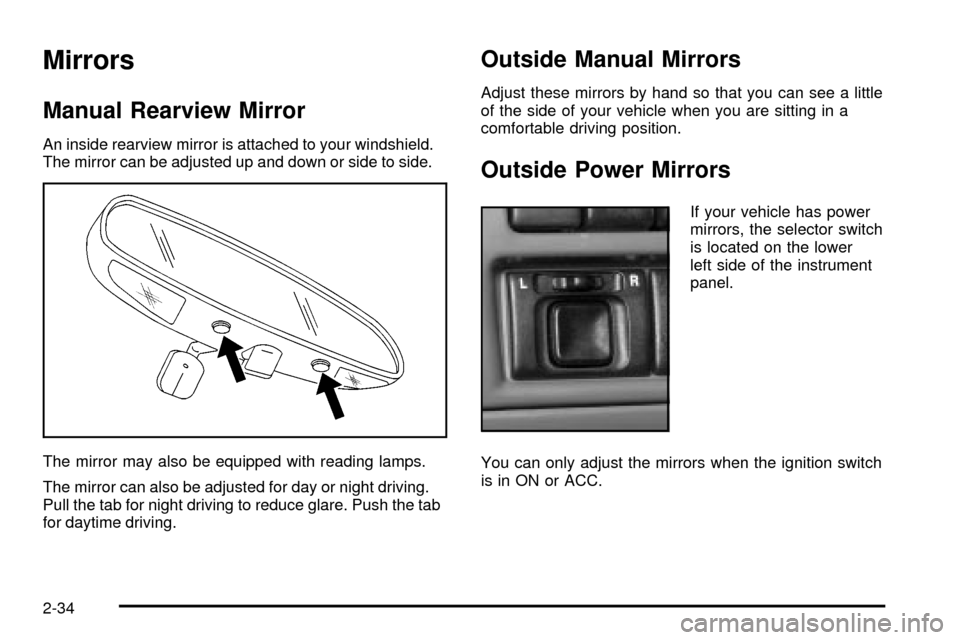
An inside rearview mirror is attached to your windshield.
The mirror can be adjusted up and down or side to side.
The mirror may also be equipped with reading lamps.
The mirror can also be adjusted for day or night driving.
Pull the tab for night driving to reduce glare. Push the tab
for daytime driving.
Outside Manual Mirrors
Adjust these mirrors by hand so that you can see a little
of the side of your vehicle when you are sitting in a
comfortable driving position.
Outside Power Mirrors
If your vehicle has power
mirrors, the selector switch
is located on the lower
left side of the instrument
panel.
You can only adjust the mirrors when the ignition switch
is in ON or ACC.
2-34
Page 103 of 372
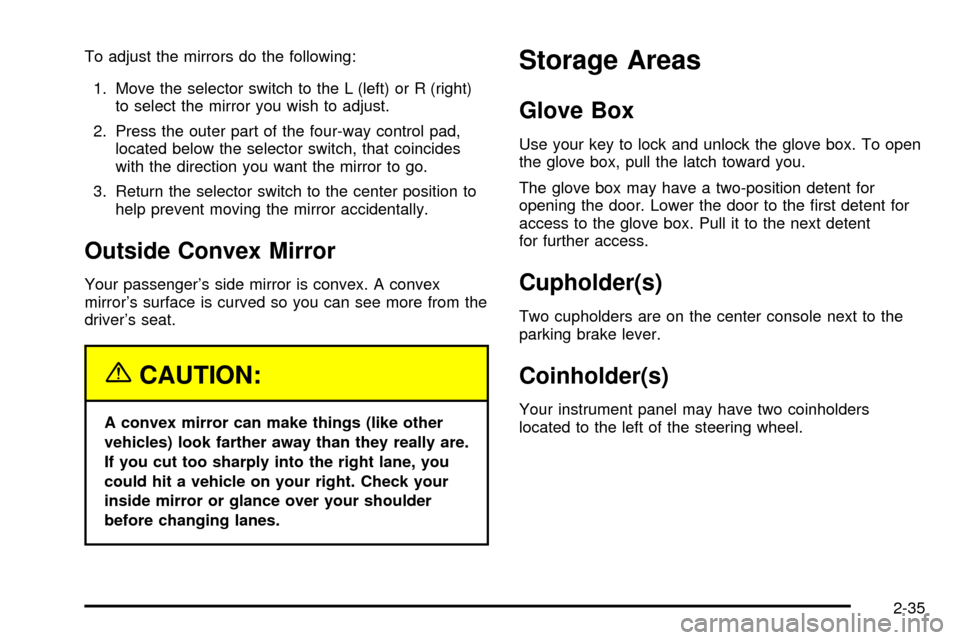
To adjust the mirrors do the following:
1. Move the selector switch to the L (left) or R (right)
to select the mirror you wish to adjust.
2. Press the outer part of the four-way control pad,
located below the selector switch, that coincides
with the direction you want the mirror to go.
3. Return the selector switch to the center position to
help prevent moving the mirror accidentally.
Outside Convex Mirror
Your passenger's side mirror is convex. A convex
mirror's surface is curved so you can see more from the
driver's seat.
{CAUTION:
A convex mirror can make things (like other
vehicles) look farther away than they really are.
If you cut too sharply into the right lane, you
could hit a vehicle on your right. Check your
inside mirror or glance over your shoulder
before changing lanes.
Storage Areas
Glove Box
Use your key to lock and unlock the glove box. To open
the glove box, pull the latch toward you.
The glove box may have a two-position detent for
opening the door. Lower the door to the ®rst detent for
access to the glove box. Pull it to the next detent
for further access.
Cupholder(s)
Two cupholders are on the center console next to the
parking brake lever.
Coinholder(s)
Your instrument panel may have two coinholders
located to the left of the steering wheel.
2-35
Page 113 of 372

Instrument Panel Overview...............................3-2
Hazard Warning Flashers................................3-4
Other Warning Devices...................................3-4
Horn.............................................................3-4
Tilt Wheel.....................................................3-5
Turn Signal/Multifunction Lever.........................3-5
Exterior Lamps.............................................3-12
Interior Lamps..............................................3-15
Accessory Power Outlets...............................3-17
Ashtrays and Cigarette Lighter........................3-17
Climate Controls............................................3-18
Climate Control System.................................3-18
Outlet Adjustment.........................................3-21
Passenger Compartment Air Filter...................3-22
Warning Lights, Gages and Indicators.............3-24
Instrument Panel Cluster................................3-25
Speedometer and Odometer...........................3-26
Tachometer.................................................3-26
Safety Belt Reminder Light.............................3-26Air Bag Readiness Light................................3-27
Charging System Light..................................3-28
Brake System Warning Light..........................3-28
Anti-Lock Brake System Warning Light.............3-30
Engine Coolant Temperature Gage..................3-31
Malfunction Indicator Lamp.............................3-31
Oil Pressure Light.........................................3-34
Overdrive Off Light........................................3-35
Four-Wheel-Drive Light..................................3-35
Power Indicator Light.....................................3-36
Fuel Gage...................................................3-36
Audio System(s).............................................3-37
Setting the Time...........................................3-37
Radio with CD..............................................3-38
Understanding Radio Reception......................3-42
Care of Your CDs.........................................3-43
Care of Your CD Player................................3-43
Fixed Mast Antenna......................................3-43
Section 3 Instrument Panel
3-1
Page 114 of 372

Instrument Panel Overview
3-2
Page 115 of 372

The main components of your instrument panel are the following:
A. Side Defroster Outlets. See
Outlet Adjustment on
page 3-21.
B. Air Outlets. See
Outlet Adjustment on page 3-21.
C. Turn Signal/Multifunction Lever. See
Turn
Signal/Multifunction Lever on page 3-5.
D. Instrument Panel Cluster. See
Instrument Panel
Cluster on page 3-25.
E. Windshield Wipers Lever. See ªWindshield Wipersº
under
Turn Signal/Multifunction Lever on page 3-5.
F. Hazard Button. See
Hazard Warning Flashers
on page 3-4.
G. Rear Window Defogger Button (If Equipped).
See ªRear Window Defoggerº under
Climate Control
System on page 3-18.
H. Cruise Control Button (If Equipped). See ªCruise
Controlº under
Turn Signal/Multifunction Lever
on page 3-5.
I. Climate Controls. See
Climate Control System on
page 3-18.
J. Rear Window Washer/Wiper Button (If Equipped).
See ªRear Window Washer/Wiperº under
Turn
Signal/Multifunction Lever on page 3-5.
K. Coinholder (If Equipped). See
Coinholder(s) on
page 2-35.L. Outside Power Mirrors (If Equipped). See
Outside
Power Mirrors on page 2-34.
M. Instrument Panel Brightness Thumbwheel.
See ªInstrument Panel Brightnessº under
Interior
Lamps on page 3-15.
N. Hood Release. See
Hood Release on page 5-10.
O. Instrument Panel Fuse Block. See ªInstrument Panel
Fuse Blockº under
Fuses and Circuit Breakers on
page 5-89.
P. Ignition Switch. See
Ignition Positions on page 2-15.
Q. Cigarette Lighter/Accessory Power Outlet
(If Equipped). See
Accessory Power Outlets on
page 3-17.
R. Power Mode Selector Button (If Equipped).
See ªPower Modeº under
Automatic Transmission
Operation on page 2-19.
S. Shift Lever. See
Shifting Into Park (P) on page 2-28.
T. Ashtray. See
Ashtrays and Cigarette Lighter on
page 3-17.
U. Audio System (If Equipped). See
Audio System(s)
on page 3-37.
V. Vent Shut-off Thumbwheel. See
Outlet Adjustment
on page 3-21.
3-3
Page 116 of 372
Hazard Warning Flashers
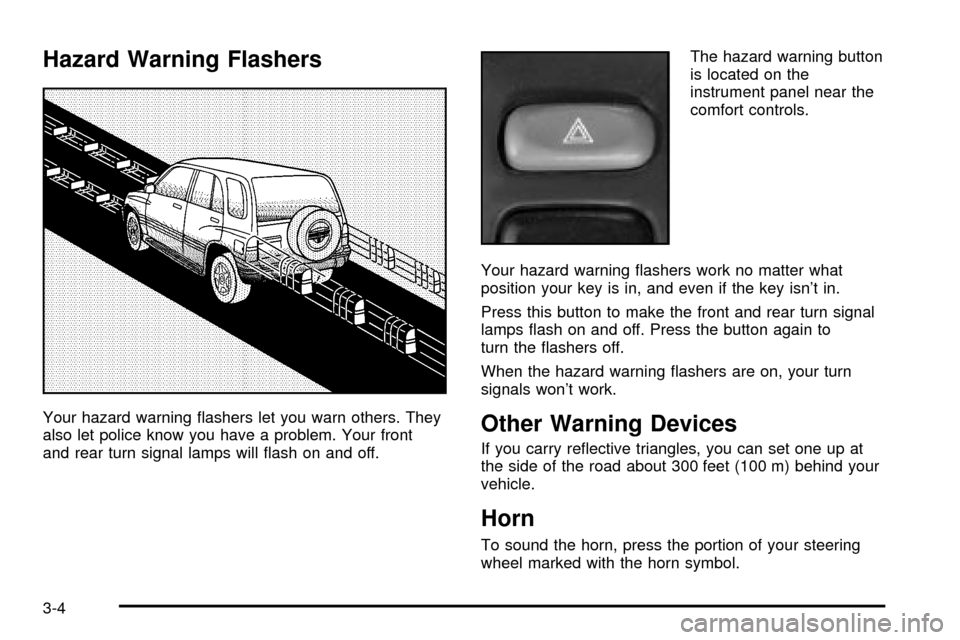
Your hazard warning ¯ashers let you warn others. They
also let police know you have a problem. Your front
and rear turn signal lamps will ¯ash on and off.The hazard warning button
is located on the
instrument panel near the
comfort controls.
Your hazard warning ¯ashers work no matter what
position your key is in, and even if the key isn't in.
Press this button to make the front and rear turn signal
lamps ¯ash on and off. Press the button again to
turn the ¯ashers off.
When the hazard warning ¯ashers are on, your turn
signals won't work.Other Warning Devices
If you carry re¯ective triangles, you can set one up at
the side of the road about 300 feet (100 m) behind your
vehicle.
Horn
To sound the horn, press the portion of your steering
wheel marked with the horn symbol.
3-4
Page 118 of 372
Turn and Lane-Change Signals
The turn signal has an upward (for right) and a
downward (for left) position. These positions allow you
to signal a turn or a lane change.
To signal a turn, move the lever all the way up or down.
When the turn is ®nished, the lever will return
automatically.
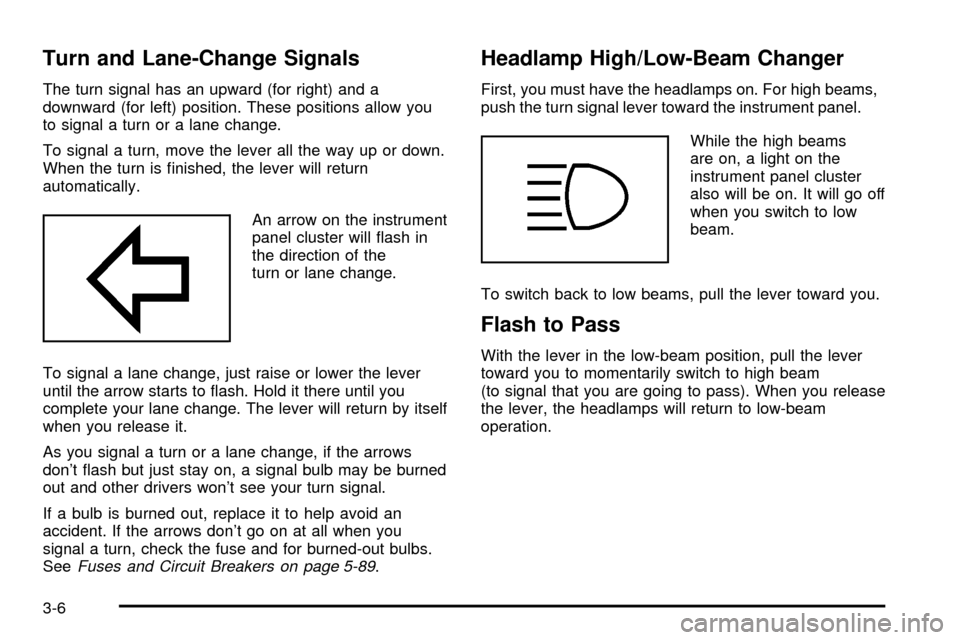
An arrow on the instrument
panel cluster will ¯ash in
the direction of the
turn or lane change.
To signal a lane change, just raise or lower the lever
until the arrow starts to ¯ash. Hold it there until you
complete your lane change. The lever will return by itself
when you release it.
As you signal a turn or a lane change, if the arrows
don't ¯ash but just stay on, a signal bulb may be burned
out and other drivers won't see your turn signal.
If a bulb is burned out, replace it to help avoid an
accident. If the arrows don't go on at all when you
signal a turn, check the fuse and for burned-out bulbs.
See
Fuses and Circuit Breakers on page 5-89.
Headlamp High/Low-Beam Changer
First, you must have the headlamps on. For high beams,
push the turn signal lever toward the instrument panel.
While the high beams
are on, a light on the
instrument panel cluster
also will be on. It will go off
when you switch to low
beam.
To switch back to low beams, pull the lever toward you.
Flash to Pass
With the lever in the low-beam position, pull the lever
toward you to momentarily switch to high beam
(to signal that you are going to pass). When you release
the lever, the headlamps will return to low-beam
operation.
3-6
Page 121 of 372
Cruise Control
If your vehicle has cruise control, you can maintain a
speed of about 25 mph (40 km/h) or more without
keeping your foot on the accelerator. This can really
help on long trips. Cruise control will not set at speeds
below about 25 mph (40 km/h).
{CAUTION:
·Cruise control can be dangerous where
you can not drive safely at a steady speed.
So, do not use your cruise control on
winding roads or in heavy traffic.
·Cruise control can be dangerous on
slippery roads. On such roads, fast
changes in tire traction can cause
needless wheel spinning, and you could
lose control. Do not use cruise control on
slippery roads.
Setting Cruise Control
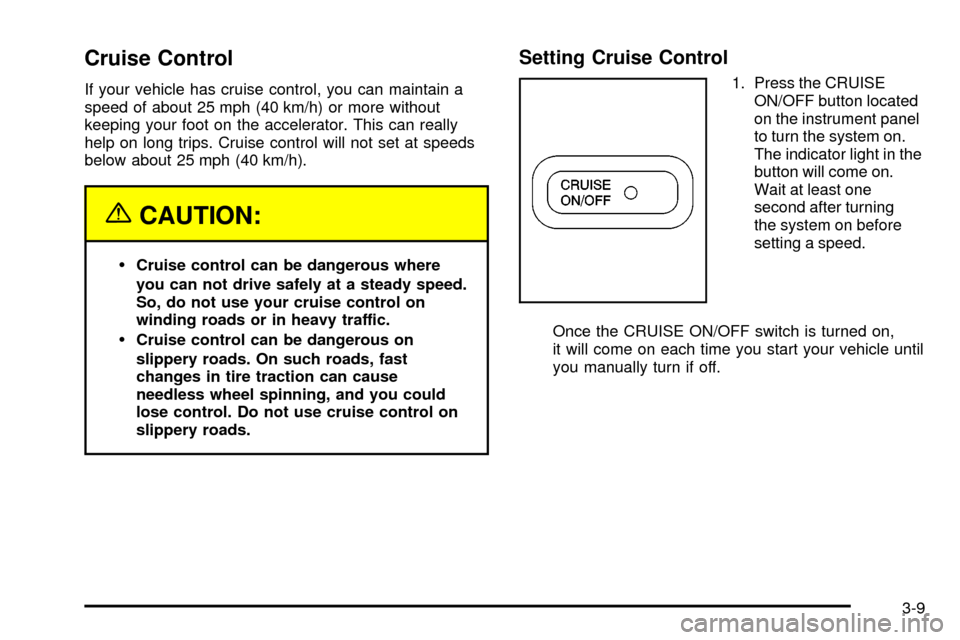
1. Press the CRUISE
ON/OFF button located
on the instrument panel
to turn the system on.
The indicator light in the
button will come on.
Wait at least one
second after turning
the system on before
setting a speed.
Once the CRUISE ON/OFF switch is turned on,
it will come on each time you start your vehicle until
you manually turn if off.
3-9