ignition CHEVROLET TRAVERSE 2009 1.G Workshop Manual
[x] Cancel search | Manufacturer: CHEVROLET, Model Year: 2009, Model line: TRAVERSE, Model: CHEVROLET TRAVERSE 2009 1.GPages: 422, PDF Size: 2.06 MB
Page 193 of 422
Exiting the Feature
Settings Menu
The feature settings menu will be
exited when any of the following
occurs:
The vehicle is shifted out of
P (Park).
The vehicle is no longer in
ON/RUN.
The trip/fuel or vehicle
information DIC buttons
are pressed.
The end of the feature settings
menu is reached and exited.
A 40 second time period has
elapsed with no selection made.
Audio System(s)
Determine which radio the vehicle
has and read the following pages to
become familiar with its features.
{CAUTION
Taking your eyes off the road
for extended periods could cause
a crash resulting in injury or death
to you or others. Do not give
extended attention to
entertainment tasks while driving.
This system provides access to
many audio and non audio listings.
To minimize taking your eyes
off the road while driving, do the
following while the vehicle is parked:
Become familiar with the
operation and controls of
the audio system.
Set up the tone, speaker
adjustments, and preset
radio stations.For more information, seeDefensive
Driving on page 4-2.
Notice:Contact your dealer/
retailer before adding any
equipment.
Adding audio or communication
equipment could interfere
with the operation of the vehicle’s
engine, radio, or other systems,
and could damage them.
Follow federal rules covering
mobile radio and telephone
equipment.
The vehicle has Retained Accessory
Power (RAP). With RAP, the audio
system can be played even after the
ignition is turned off. SeeRetained
Accessory Power (RAP) on
page 2-22for more information.
Instrument Panel 3-73
Page 194 of 422
Setting the Clock
To adjust the time and date:
1. Turn the ignition key to
ACC/ACCESSORY or ON/RUN,
then press
O, to turn the
radio on.
2. Press
Gto display HR, MIN,
MM, DD, YYYY (hour, minute,
month, day, and year).
3. Press the pushbutton located
under any one of the labels to
be changed.4. To increase the time or date, do
one of the following:
Press the pushbutton below
the selected label.
Press¨SEEK.
Press\FWD.
Turnfclockwise.
5. To decrease the time or date,
do one of the following:
Press©SEEK.
PresssREV.
Turnfcounter-clockwise.To change the time default setting
from 12 hour to 24 hour or to
change the date default setting from
month/day/year to day/month/year:
1. Press
Gand then the pushbutton
located under the forward arrow
that displays on the radio screen
until the time 12H (hour) and
24H (hour), and the date MM/DD
(month and day) and DD/MM
(day and month) displays.
2. Press the pushbutton located
under the desired option.
3. Press
Gagain to apply the
selected default, or let the screen
time out.
3-74 Instrument Panel
Page 197 of 422
Playing the Radio
O(Power/Volume):Press to turn
the system on and off. Turn to
increase or decrease the volume.
For vehicles with a Rear
Entertainment System (RSE),
press and hold for more than
two seconds to turn off the entire
radio and RSE system and to start
the parental control feature. Parental
control prevents the rear seat
occupant from operating the Rear
Seat Audio (RSA) system or remote
control.
A lock symbol displays next to
the clock display while the parental
control feature is being used.
The feature remains on until
Ois
pressed and held for more than
two seconds, or the driver turns the
ignition off and exits the vehicle.
4(Information):Press to switch the
display between the radio station
frequency and the time. When
the ignition is in the OFF position,
press
4to display the time.
For vehicles with XM, MP3, WMA
or RDS features, press
4to display
additional text information related
to the current FM-RDS or XM
station; or CD, MP3 or WMA song.
If information is available during XM,
CD, MP3 or WMA playback, the song
title information displays on the
top line of the display and artist
information displays on the bottom
line. When information is not
available, “NO INFO” is displayed.
Speed Compensated Volume
(SCV):The Speed Compensated
Volume (SCV) feature automatically
adjusts the radio volume to
compensate for road and wind noise
as the vehicle speeds up or slows
down, so that the volume level is
consistent.To activate SCV:
1. Set the radio volume to the
desired level.
2. Press the MENU button to
display the radio setup menu.
3. Press the pushbutton under
the AUTO VOLUM (automatic
volume) label on the radio
display.
4. Press the pushbutton under the
desired Speed Compensated
Volume setting (OFF, Low, Med,
or High) to select the level of radio
volume compensation. Press the
pushbutton located below the
BACK label on the MENU SETUP
display or let the display time out
after approximately 10 seconds.
Each higher setting allows for
more radio volume compensation
at faster vehicle speeds.
Instrument Panel 3-77
Page 202 of 422
Radio Messages
Calibration Error:The audio
system has been calibrated for the
vehicle from the factory. If Calibration
Error displays, it means that the radio
has not been congured properly for
the vehicle and it must be returned to
your dealer/retailer for service.
Locked:This message displays
when the THEFTLOCK
®system
has locked up the radio. Take
the vehicle to your dealer/retailer
for service.
If any error occurs repeatedly or
if an error cannot be corrected,
contact your dealer/retailer.
XM™ Satellite Radio Service
XM is a satellite radio service
that is based in the 48 contiguous
United States and 10 Canadian
provinces. XM Satellite Radio
has a wide variety of programming
and commercial-free music,
coast-to-coast, and in digital-quality
sound. During your trial or when
you subscribe, you will get unlimited
access to XM Radio Online for when
you are not in the vehicle. A service
fee is required to receive the XM
service. For more information,
contact XM at xmradio.com or call
1-800-929-2100 in the U.S. and
xmradio.ca or call 1-877-438-9677
in Canada.
Radio Messages for XM Only
SeeXM Radio Messages on
page 3-102later in this section
for further detail.
Playing a CD
(Single CD Player)
Insert a CD partway into the slot,
label side up. The player pulls
it in and the CD should begin
playing.
Playing a CD (In Either the
DVD or CD Slot)
Insert a CD partway into the slot,
label side up. The player pulls it in
and the CD should begin playing
(loading a disc into the system,
depending on media type and format
ranges from 5 to 20 seconds for a
CD, and up to 30 seconds for a DVD
to begin playing).
If the ignition or radio is turned off,
while a CD is in the player, it stays in
the player. When the ignition or radio
is turned on, the CD starts playing
where it stopped, if it was the last
selected audio source. The CD is
controlled by the buttons on the
radio faceplate or by the RSA unit.
3-82 Instrument Panel
Page 219 of 422
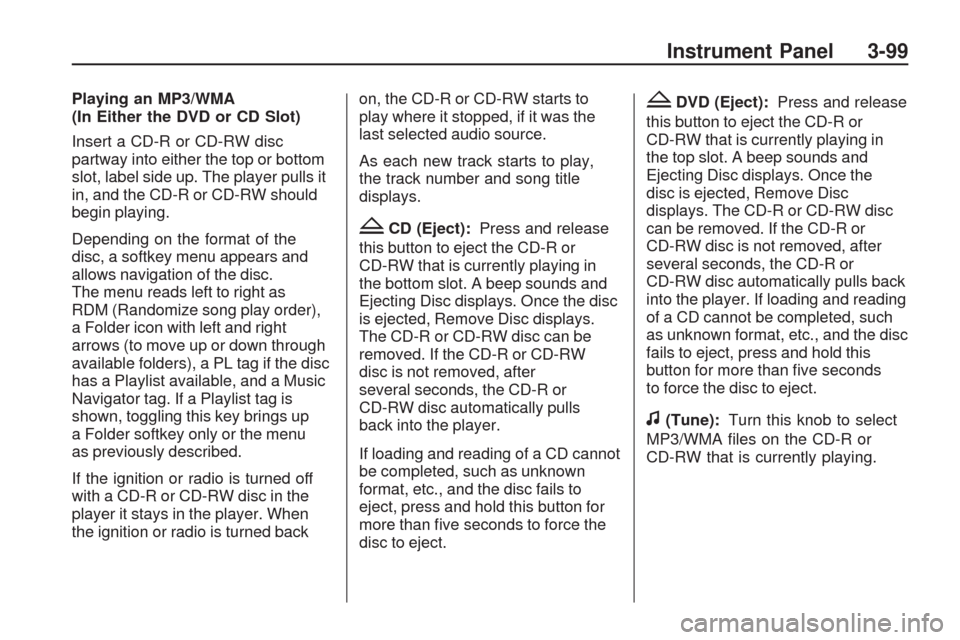
Playing an MP3/WMA
(In Either the DVD or CD Slot)
Insert a CD-R or CD-RW disc
partway into either the top or bottom
slot, label side up. The player pulls it
in, and the CD-R or CD-RW should
begin playing.
Depending on the format of the
disc, a softkey menu appears and
allows navigation of the disc.
The menu reads left to right as
RDM (Randomize song play order),
a Folder icon with left and right
arrows (to move up or down through
available folders), a PL tag if the disc
has a Playlist available, and a Music
Navigator tag. If a Playlist tag is
shown, toggling this key brings up
a Folder softkey only or the menu
as previously described.
If the ignition or radio is turned off
with a CD-R or CD-RW disc in the
player it stays in the player. When
the ignition or radio is turned backon, the CD-R or CD-RW starts to
play where it stopped, if it was the
last selected audio source.
As each new track starts to play,
the track number and song title
displays.
ZCD (Eject):Press and release
this button to eject the CD-R or
CD-RW that is currently playing in
the bottom slot. A beep sounds and
Ejecting Disc displays. Once the disc
is ejected, Remove Disc displays.
The CD-R or CD-RW disc can be
removed. If the CD-R or CD-RW
disc is not removed, after
several seconds, the CD-R or
CD-RW disc automatically pulls
back into the player.
If loading and reading of a CD cannot
be completed, such as unknown
format, etc., and the disc fails to
eject, press and hold this button for
more than ve seconds to force the
disc to eject.
ZDVD (Eject):Press and release
this button to eject the CD-R or
CD-RW that is currently playing in
the top slot. A beep sounds and
Ejecting Disc displays. Once the
disc is ejected, Remove Disc
displays. The CD-R or CD-RW disc
can be removed. If the CD-R or
CD-RW disc is not removed, after
several seconds, the CD-R or
CD-RW disc automatically pulls back
into the player. If loading and reading
of a CD cannot be completed, such
as unknown format, etc., and the disc
fails to eject, press and hold this
button for more than ve seconds
to force the disc to eject.
f(Tune):Turn this knob to select
MP3/WMA les on the CD-R or
CD-RW that is currently playing.
Instrument Panel 3-99
Page 241 of 422
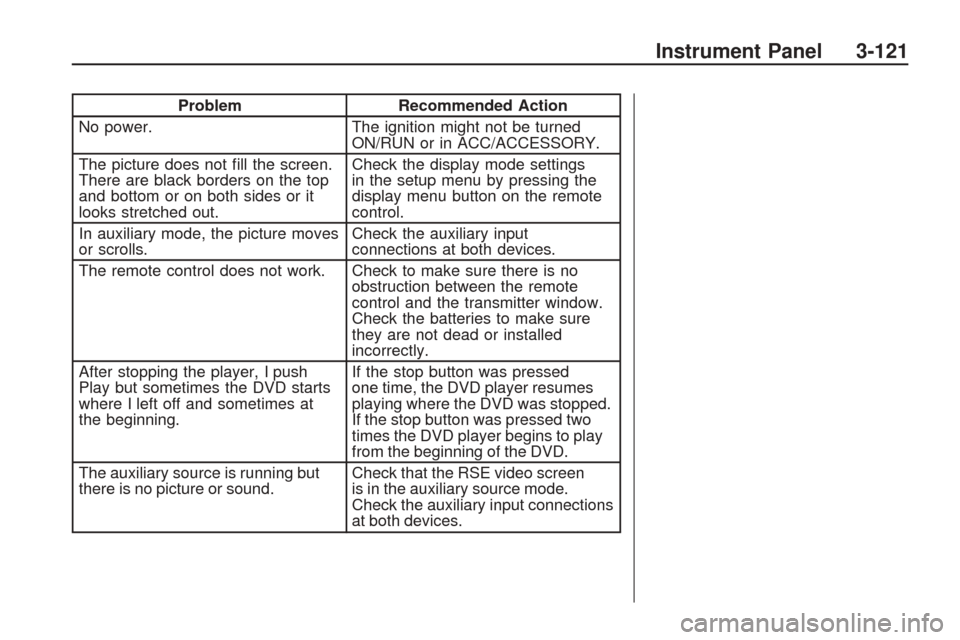
ProblemRecommended Action
No power. The ignition might not be turned
ON/RUN or in ACC/ACCESSORY.
The picture does not ll the screen.
There are black borders on the top
and bottom or on both sides or it
looks stretched out. Check the display mode settings
in the setup menu by pressing the
display menu button on the remote
control.
In auxiliary mode, the picture moves
or scrolls. Check the auxiliary input
connections at both devices.
The remote control does not work. Check to make sure there is no obstruction between the remote
control and the transmitter window.
Check the batteries to make sure
they are not dead or installed
incorrectly.
After stopping the player, I push
Play but sometimes the DVD starts
where I left off and sometimes at
the beginning. If the stop button was pressed
one time, the DVD player resumes
playing where the DVD was stopped.
If the stop button was pressed two
times the DVD player begins to play
from the beginning of the DVD.
The auxiliary source is running but
there is no picture or sound. Check that the RSE video screen
is in the auxiliary source mode.
Check the auxiliary input connections
at both devices.
Instrument Panel 3-121
Page 261 of 422
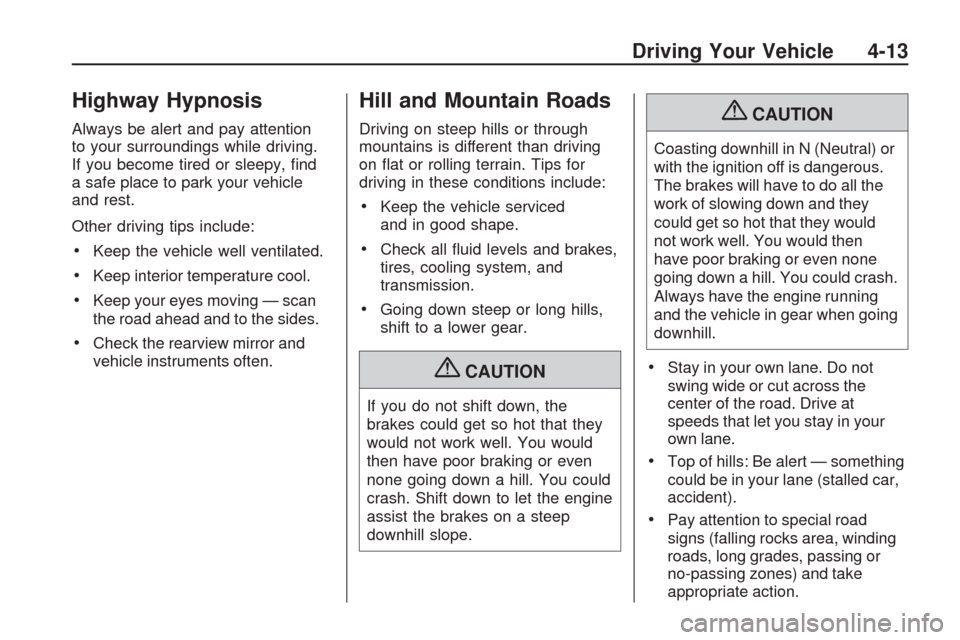
Highway Hypnosis
Always be alert and pay attention
to your surroundings while driving.
If you become tired or sleepy, nd
a safe place to park your vehicle
and rest.
Other driving tips include:
Keep the vehicle well ventilated.
Keep interior temperature cool.
Keep your eyes moving — scan
the road ahead and to the sides.
Check the rearview mirror and
vehicle instruments often.
Hill and Mountain Roads
Driving on steep hills or through
mountains is different than driving
on at or rolling terrain. Tips for
driving in these conditions include:
Keep the vehicle serviced
and in good shape.
Check all uid levels and brakes,
tires, cooling system, and
transmission.
Going down steep or long hills,
shift to a lower gear.
{CAUTION
If you do not shift down, the
brakes could get so hot that they
would not work well. You would
then have poor braking or even
none going down a hill. You could
crash. Shift down to let the engine
assist the brakes on a steep
downhill slope.
{CAUTION
Coasting downhill in N (Neutral) or
with the ignition off is dangerous.
The brakes will have to do all the
work of slowing down and they
could get so hot that they would
not work well. You would then
have poor braking or even none
going down a hill. You could crash.
Always have the engine running
and the vehicle in gear when going
downhill.
Stay in your own lane. Do not
swing wide or cut across the
center of the road. Drive at
speeds that let you stay in your
own lane.
Top of hills: Be alert — something
could be in your lane (stalled car,
accident).
Pay attention to special road
signs (falling rocks area, winding
roads, long grades, passing or
no-passing zones) and take
appropriate action.
Driving Your Vehicle 4-13
Page 270 of 422
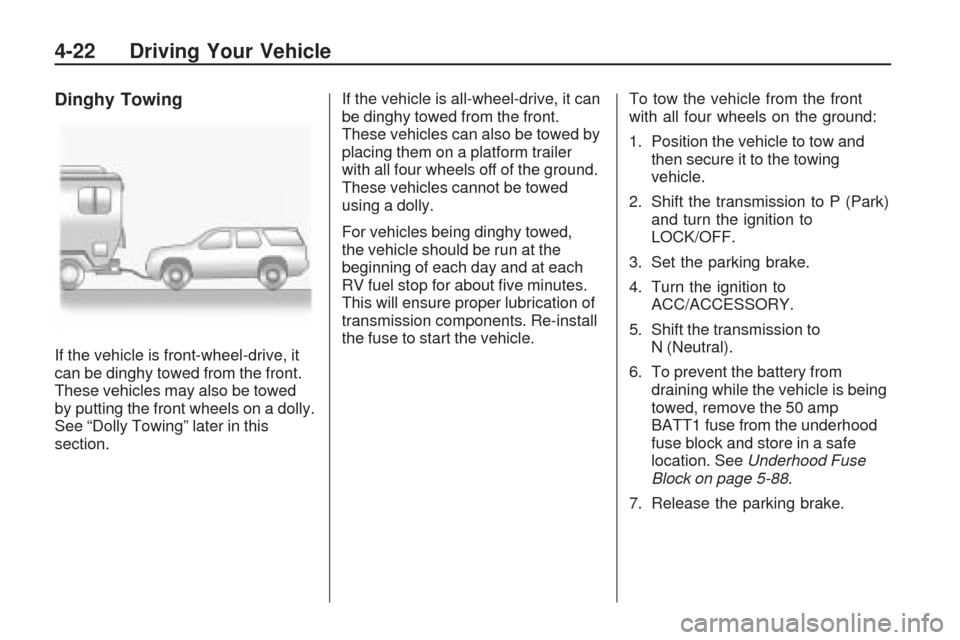
Dinghy Towing
If the vehicle is front-wheel-drive, it
can be dinghy towed from the front.
These vehicles may also be towed
by putting the front wheels on a dolly.
See “Dolly Towing” later in this
section.If the vehicle is all-wheel-drive, it can
be dinghy towed from the front.
These vehicles can also be towed by
placing them on a platform trailer
with all four wheels off of the ground.
These vehicles cannot be towed
using a dolly.
For vehicles being dinghy towed,
the vehicle should be run at the
beginning of each day and at each
RV fuel stop for about ve minutes.
This will ensure proper lubrication of
transmission components. Re-install
the fuse to start the vehicle.To tow the vehicle from the front
with all four wheels on the ground:
1. Position the vehicle to tow and
then secure it to the towing
vehicle.
2. Shift the transmission to P (Park)
and turn the ignition to
LOCK/OFF.
3. Set the parking brake.
4. Turn the ignition to
ACC/ACCESSORY.
5. Shift the transmission to
N (Neutral).
6. To prevent the battery from
draining while the vehicle is being
towed, remove the 50 amp
BATT1 fuse from the underhood
fuse block and store in a safe
location. SeeUnderhood Fuse
Block on page 5-88.
7. Release the parking brake.
4-22 Driving Your Vehicle
Page 271 of 422
Notice:If the vehicle is
towed without performing
each of the steps listed under
“Dinghy Towing,” the automatic
transmission could be damaged.
Be sure to follow all steps of the
dinghy towing procedure prior to
and after towing the vehicle.
Notice:If 65 mph (105 km/h) is
exceeded while towing the
vehicle, it could be damaged.
Never exceed 65 mph (105 km/h)
while towing the vehicle.Once the destination is reached:
1. Set the parking brake.
2. Reinstall the 50 amp BATT1 fuse
to the underhood fuse block.
3. Shift the transmission to P (Park),
turn the ignition to LOCK/OFF
and remove the key from
the ignition.
4. Disconnect the vehicle from the
towing vehicle.
Notice:Do not tow a vehicle
with the front drive wheels on the
ground if one of the front tires
is a compact spare tire. Towing
with two different tire sizes on the
front of the vehicle can cause
severe damage to the
transmission.Dolly Towing (All-Wheel-Drive
Vehicles)
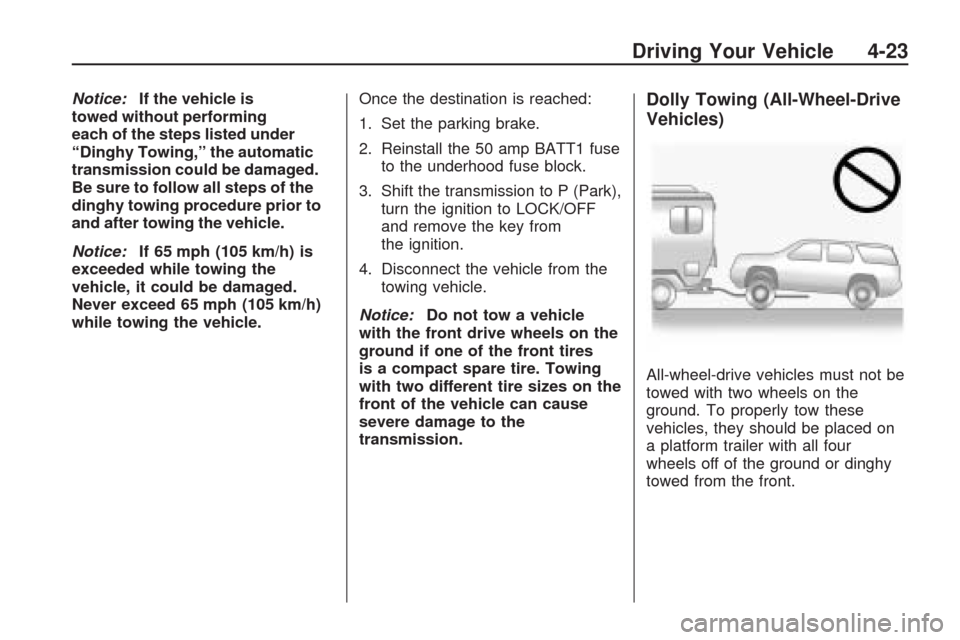
All-wheel-drive vehicles must not be
towed with two wheels on the
ground. To properly tow these
vehicles, they should be placed on
a platform trailer with all four
wheels off of the ground or dinghy
towed from the front.
Driving Your Vehicle 4-23
Page 272 of 422
Dolly Towing
(Front-Wheel-Drive
Vehicles Only)
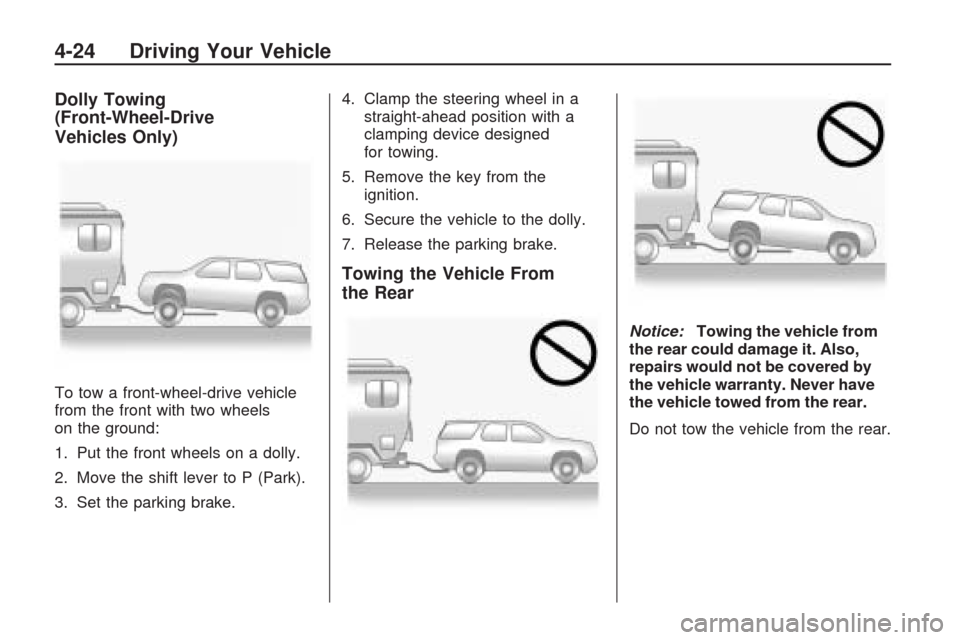
To tow a front-wheel-drive vehicle
from the front with two wheels
on the ground:
1. Put the front wheels on a dolly.
2. Move the shift lever to P (Park).
3. Set the parking brake.4. Clamp the steering wheel in a
straight-ahead position with a
clamping device designed
for towing.
5. Remove the key from the
ignition.
6. Secure the vehicle to the dolly.
7. Release the parking brake.
Towing the Vehicle From
the Rear
Notice:Towing the vehicle from
the rear could damage it. Also,
repairs would not be covered by
the vehicle warranty. Never have
the vehicle towed from the rear.
Do not tow the vehicle from the rear.
4-24 Driving Your Vehicle