seats CHEVROLET UPLANDER 2005 1.G Owner's Guide
[x] Cancel search | Manufacturer: CHEVROLET, Model Year: 2005, Model line: UPLANDER, Model: CHEVROLET UPLANDER 2005 1.GPages: 460, PDF Size: 2.75 MB
Page 182 of 460
tr(Decrease Setting):Press this button to
decrease the fan or temperature setting when arrows
are active in the display.
[u(Increase Setting):Press this button to
increase the fan or temperature setting when arrows are
active in display.
9(Fan):Press this button to increase or decrease
fan speed. After pressing this button, arrows and a fan
will appear in the display. The arrows indicate that to
increase or decrease fan speed, you need to press
either the left or right arrow button. The displayed arrows
and fan will disappear after a few seconds.
b(Temperature):Press this button to increase or
decrease temperature. After pressing this button, arrows
and a temperature scale will appear in the display.
The arrows indicate that to increase or decrease
temperature, you need to press either the left or right
arrow button. The displayed arrows and temperature
scale will disappear after a few seconds.
Rear Air Outlets
The outlet behind the left rear seat is the cold air return
outlet. Be sure to keep it free from obstructions.
Also, keep the area around the base of the center
instrument panel console, between and under the front
seats, free of objects that could also obstruct airow
to the rear seating area.
For more information on how to use the main climate
control system, seeClimate Control System on
page 3-25. For information on ventilation, seeOutlet
Adjustment on page 3-28.
3-30
Page 304 of 460
Never exceed the GVWR for your vehicle or the GAWR
for either the front or rear axle.
{CAUTION:
Do not load your vehicle any heavier than the
Gross Vehicle Weight Rating (GVWR), or either
the maximum front or rear Gross Axle Weight
Rating (GAWR). If you do, parts on your
vehicle can break, and it can change the way
your vehicle handles. These could cause you
to lose control and crash. Also, overloading
can shorten the life of your vehicle.
Notice:Overloading your vehicle may cause
damage. Repairs would not be covered by your
warranty. Do not overload your vehicle.
If you put things inside your vehicle — like suitcases,
tools, packages, or anything else, they will go as fast as
the vehicle goes. If you have to stop or turn quickly,
or if there is a crash, they will keep going.
{CAUTION:
Things you put inside your vehicle can strike
and injure people in a sudden stop or turn, or
in a crash.
Put things in the cargo area of your
vehicle. Try to spread the weight evenly.
Never stack heavier things, like suitcases,
inside the vehicle so that some of them
are above the tops of the seats.
Do not leave an unsecured child restraint
in your vehicle.
When you carry something inside the
vehicle, secure it whenever you can.
Do not leave a seat folded down unless
you need to.
4-38
Page 371 of 460
Tire Terminology and Denitions
Air Pressure:The amount of air inside the tire pressing
outward on each square inch of the tire. Air pressure
is expressed in pounds per square inch (psi) or
kilopascal (kPa).
Accessory Weight:This means the combined weight
of optional accessories. Some examples of optional
accessories are, automatic transmission, power steering,
power brakes, power windows, power seats, and air
conditioning.
Aspect Ratio:The relationship of a tire’s height to its
width.
Belt:A rubber coated layer of cords that is located
between the plies and the tread. Cords may be made
from steel or other reinforcing materials.
Bead:The tire bead contains steel wires wrapped by
steel cords that hold the tire onto the rim.
Bias Ply Tire:A pneumatic tire in which the plies are
laid at alternate angles less than 90 degrees to the
centerline of the tread.
Cold Ination Pressure:The amount of air pressure in
a tire, measured in pounds per square inch (psi) or
kilopascals (kPa) before a tire has built up heat
from driving. SeeInation - Tire Pressure on page 5-57.Curb Weight:This means the weight of a motor
vehicle with standard and optional equipment including
the maximum capacity of fuel, oil and coolant, but
without passengers and cargo.
DOT Markings:A code molded into the sidewall of a
tire signifying that the tire is in compliance with the U.S.
Department of Transportation (DOT) motor vehicle
safety standards. The DOT code includes the Tire
Identication Number (TIN), an alphanumeric designator
which can also identify the tire manufacturer, production
plant, brand and date of production.
GVWR:Gross Vehicle Weight Rating, seeLoading
Your Vehicle on page 4-33.
GAWR FRT:Gross Axle Weight Rating for the front
axle, seeLoading Your Vehicle on page 4-33.
GAWR RR:Gross Axle Weight Rating for the rear axle,
seeLoading Your Vehicle on page 4-33.
Intended Outboard Sidewall:The side of an
asymmetrical tire, that must always face outward when
mounted on a vehicle.
Kilopascal (kPa):The metric unit for air pressure.
Light Truck (LT-Metric) Tire:A tire used on light duty
trucks and some multipurpose passenger vehicles.
5-55
Page 413 of 460
Fuses Usage
1 Trunk, Door Locks
2 Electronic Level Control
3 Rear Wiper
4 Radio Amplier
5 Interior Lamps
6 OnStar
®
7 Keyless Entry Module
8Cluster, Heating, Ventilation, Air
Conditioning
9 Cruise Switch
10 Steering Wheel Illumination
11 Power Mirror
12 Stoplamp, Turn Lamps
13 Heated Seats
14 Blank
15 Electronic Level Control
16 Heated Mirror
17Center High-Mounted Stoplamp,
Back-up Lamps
18 Blank
19 Canister Ventilation
Fuses Usage
20 Park Lamps
21 Power Sliding Door
22 Blank
23 Blank
24 Left Power Sliding Door
25 Right Power Sliding Door
Relays Usage
26 Blank
27 Blank
28 Park Lamps
29 Retained Accessory Power
30 Rear Defog
PLR Fuse Puller
Circuit
BreakersUsage
31 Power Seats
32 Power Window
5-97
Page 425 of 460
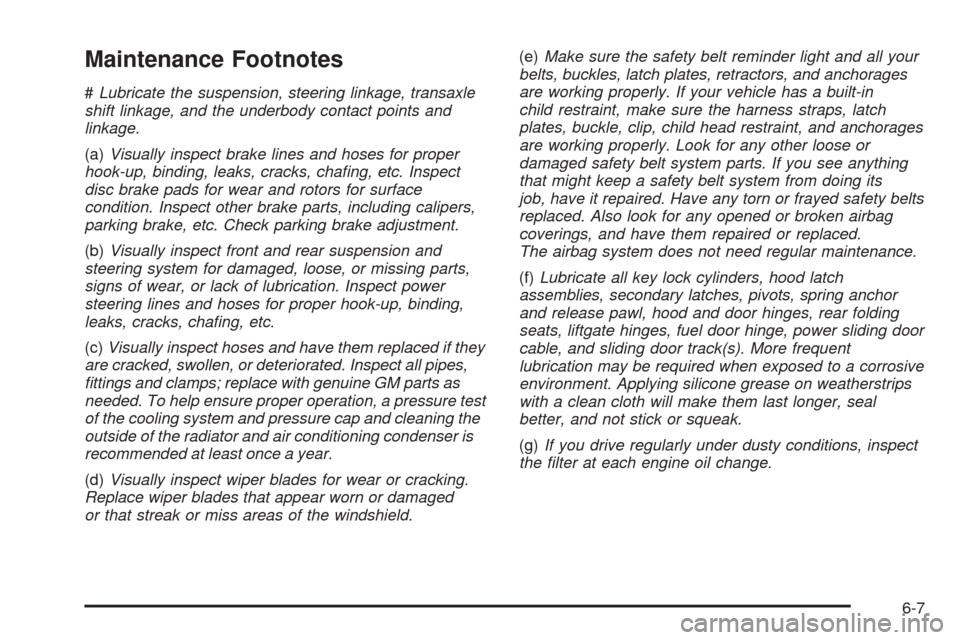
Maintenance Footnotes
#Lubricate the suspension, steering linkage, transaxle
shift linkage, and the underbody contact points and
linkage.
(a)Visually inspect brake lines and hoses for proper
hook-up, binding, leaks, cracks, chang, etc. Inspect
disc brake pads for wear and rotors for surface
condition. Inspect other brake parts, including calipers,
parking brake, etc. Check parking brake adjustment.
(b)Visually inspect front and rear suspension and
steering system for damaged, loose, or missing parts,
signs of wear, or lack of lubrication. Inspect power
steering lines and hoses for proper hook-up, binding,
leaks, cracks, chang, etc.
(c)Visually inspect hoses and have them replaced if they
are cracked, swollen, or deteriorated. Inspect all pipes,
ttings and clamps; replace with genuine GM parts as
needed. To help ensure proper operation, a pressure test
of the cooling system and pressure cap and cleaning the
outside of the radiator and air conditioning condenser is
recommended at least once a year.
(d)Visually inspect wiper blades for wear or cracking.
Replace wiper blades that appear worn or damaged
or that streak or miss areas of the windshield.(e)Make sure the safety belt reminder light and all your
belts, buckles, latch plates, retractors, and anchorages
are working properly. If your vehicle has a built-in
child restraint, make sure the harness straps, latch
plates, buckle, clip, child head restraint, and anchorages
are working properly. Look for any other loose or
damaged safety belt system parts. If you see anything
that might keep a safety belt system from doing its
job, have it repaired. Have any torn or frayed safety belts
replaced. Also look for any opened or broken airbag
coverings, and have them repaired or replaced.
The airbag system does not need regular maintenance.
(f)Lubricate all key lock cylinders, hood latch
assemblies, secondary latches, pivots, spring anchor
and release pawl, hood and door hinges, rear folding
seats, liftgate hinges, fuel door hinge, power sliding door
cable, and sliding door track(s). More frequent
lubrication may be required when exposed to a corrosive
environment. Applying silicone grease on weatherstrips
with a clean cloth will make them last longer, seal
better, and not stick or squeak.
(g)If you drive regularly under dusty conditions, inspect
the lter at each engine oil change.
6-7
Page 448 of 460
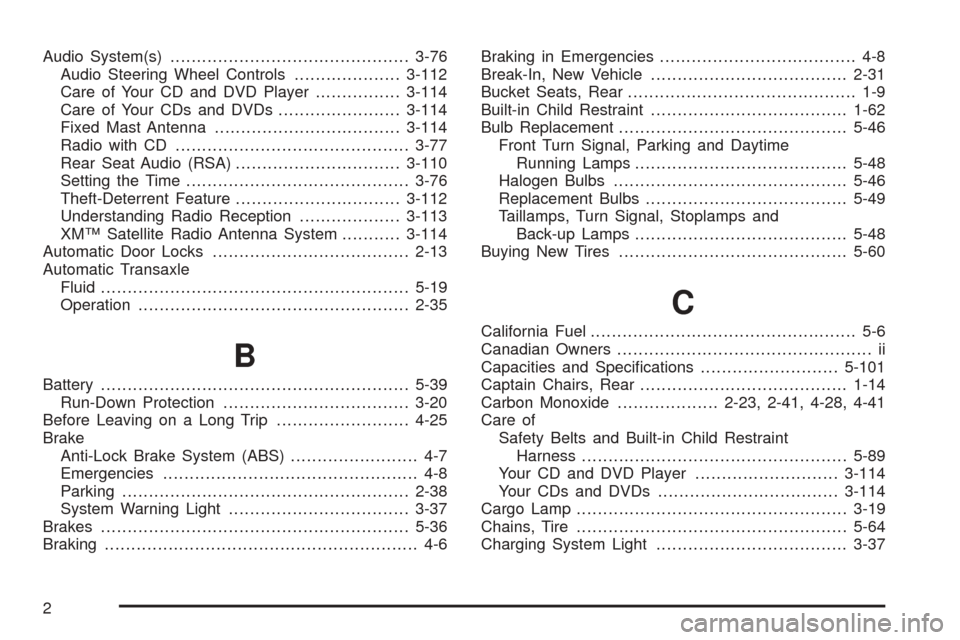
Audio System(s).............................................3-76
Audio Steering Wheel Controls....................3-112
Care of Your CD and DVD Player................3-114
Care of Your CDs and DVDs.......................3-114
Fixed Mast Antenna...................................3-114
Radio with CD............................................3-77
Rear Seat Audio (RSA)...............................3-110
Setting the Time..........................................3-76
Theft-Deterrent Feature...............................3-112
Understanding Radio Reception...................3-113
XM™ Satellite Radio Antenna System...........3-114
Automatic Door Locks.....................................2-13
Automatic Transaxle
Fluid..........................................................5-19
Operation...................................................2-35
B
Battery..........................................................5-39
Run-Down Protection...................................3-20
Before Leaving on a Long Trip.........................4-25
Brake
Anti-Lock Brake System (ABS)........................ 4-7
Emergencies................................................ 4-8
Parking......................................................2-38
System Warning Light..................................3-37
Brakes..........................................................5-36
Braking........................................................... 4-6Braking in Emergencies..................................... 4-8
Break-In, New Vehicle.....................................2-31
Bucket Seats, Rear........................................... 1-9
Built-in Child Restraint.....................................1-62
Bulb Replacement...........................................5-46
Front Turn Signal, Parking and Daytime
Running Lamps........................................5-48
Halogen Bulbs............................................5-46
Replacement Bulbs......................................5-49
Taillamps, Turn Signal, Stoplamps and
Back-up Lamps........................................5-48
Buying New Tires...........................................5-60
C
California Fuel.................................................. 5-6
Canadian Owners................................................ ii
Capacities and Specications..........................5-101
Captain Chairs, Rear.......................................1-14
Carbon Monoxide...................2-23, 2-41, 4-28, 4-41
Care of
Safety Belts and Built-in Child Restraint
Harness..................................................5-89
Your CD and DVD Player...........................3-114
Your CDs and DVDs..................................3-114
Cargo Lamp...................................................3-19
Chains, Tire...................................................5-64
Charging System Light....................................3-37
2
Page 451 of 460
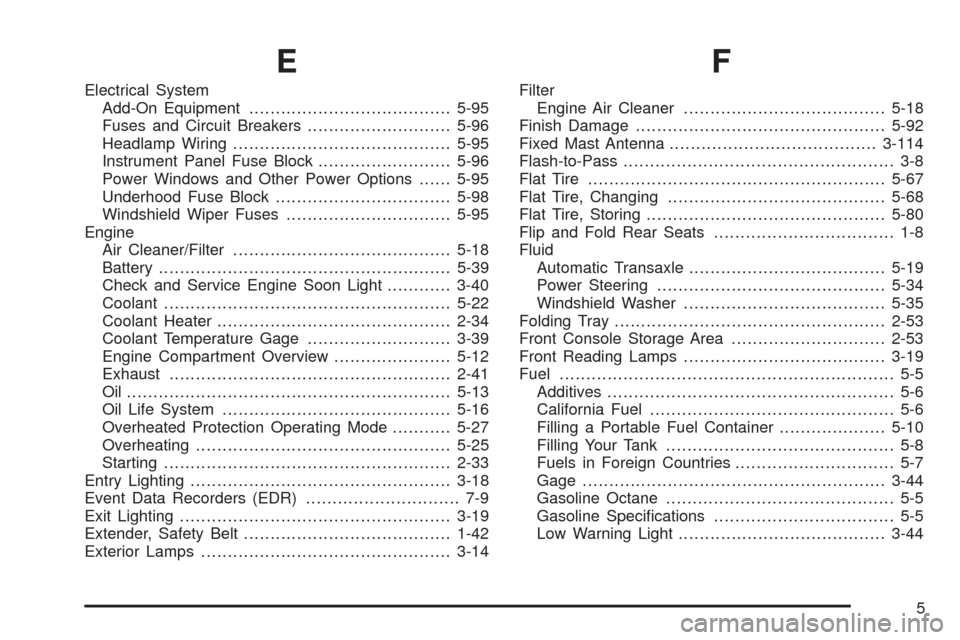
E
Electrical System
Add-On Equipment......................................5-95
Fuses and Circuit Breakers...........................5-96
Headlamp Wiring.........................................5-95
Instrument Panel Fuse Block.........................5-96
Power Windows and Other Power Options......5-95
Underhood Fuse Block.................................5-98
Windshield Wiper Fuses...............................5-95
Engine
Air Cleaner/Filter.........................................5-18
Battery.......................................................5-39
Check and Service Engine Soon Light............3-40
Coolant......................................................5-22
Coolant Heater............................................2-34
Coolant Temperature Gage...........................3-39
Engine Compartment Overview......................5-12
Exhaust.....................................................2-41
Oil .............................................................5-13
Oil Life System...........................................5-16
Overheated Protection Operating Mode...........5-27
Overheating................................................5-25
Starting......................................................2-33
Entry Lighting.................................................3-18
Event Data Recorders (EDR)............................. 7-9
Exit Lighting...................................................3-19
Extender, Safety Belt.......................................1-42
Exterior Lamps...............................................3-14
F
Filter
Engine Air Cleaner......................................5-18
Finish Damage...............................................5-92
Fixed Mast Antenna.......................................3-114
Flash-to-Pass................................................... 3-8
Flat Tire........................................................5-67
Flat Tire, Changing.........................................5-68
Flat Tire, Storing.............................................5-80
Flip and Fold Rear Seats.................................. 1-8
Fluid
Automatic Transaxle.....................................5-19
Power Steering...........................................5-34
Windshield Washer......................................5-35
Folding Tray...................................................2-53
Front Console Storage Area.............................2-53
Front Reading Lamps......................................3-19
Fuel............................................................... 5-5
Additives...................................................... 5-6
California Fuel.............................................. 5-6
Filling a Portable Fuel Container....................5-10
Filling Your Tank........................................... 5-8
Fuels in Foreign Countries.............................. 5-7
Gage.........................................................3-44
Gasoline Octane........................................... 5-5
Gasoline Specications.................................. 5-5
Low Warning Light.......................................3-44
5
Page 452 of 460
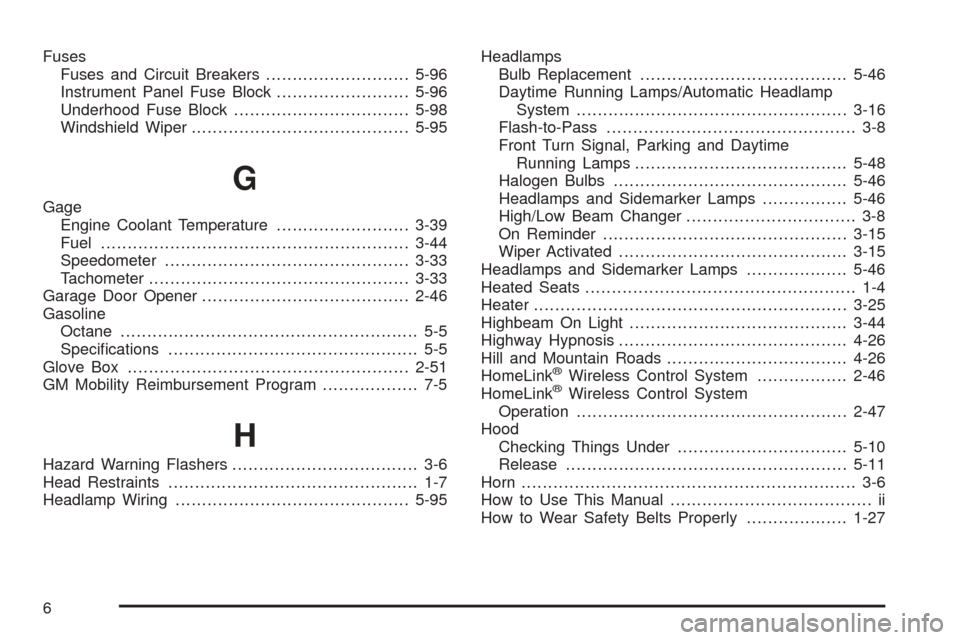
Fuses
Fuses and Circuit Breakers...........................5-96
Instrument Panel Fuse Block.........................5-96
Underhood Fuse Block.................................5-98
Windshield Wiper.........................................5-95
G
Gage
Engine Coolant Temperature.........................3-39
Fuel..........................................................3-44
Speedometer..............................................3-33
Tachometer.................................................3-33
Garage Door Opener.......................................2-46
Gasoline
Octane........................................................ 5-5
Specications............................................... 5-5
Glove Box.....................................................2-51
GM Mobility Reimbursement Program.................. 7-5
H
Hazard Warning Flashers................................... 3-6
Head Restraints............................................... 1-7
Headlamp Wiring............................................5-95Headlamps
Bulb Replacement.......................................5-46
Daytime Running Lamps/Automatic Headlamp
System...................................................3-16
Flash-to-Pass............................................... 3-8
Front Turn Signal, Parking and Daytime
Running Lamps........................................5-48
Halogen Bulbs............................................5-46
Headlamps and Sidemarker Lamps................5-46
High/Low Beam Changer................................ 3-8
On Reminder..............................................3-15
Wiper Activated...........................................3-15
Headlamps and Sidemarker Lamps...................5-46
Heated Seats................................................... 1-4
Heater...........................................................3-25
Highbeam On Light.........................................3-44
Highway Hypnosis...........................................4-26
Hill and Mountain Roads..................................4-26
HomeLink
®Wireless Control System.................2-46
HomeLink®Wireless Control System
Operation...................................................2-47
Hood
Checking Things Under................................5-10
Release.....................................................5-11
Horn............................................................... 3-6
How to Use This Manual...................................... ii
How to Wear Safety Belts Properly...................1-27
6
Page 454 of 460
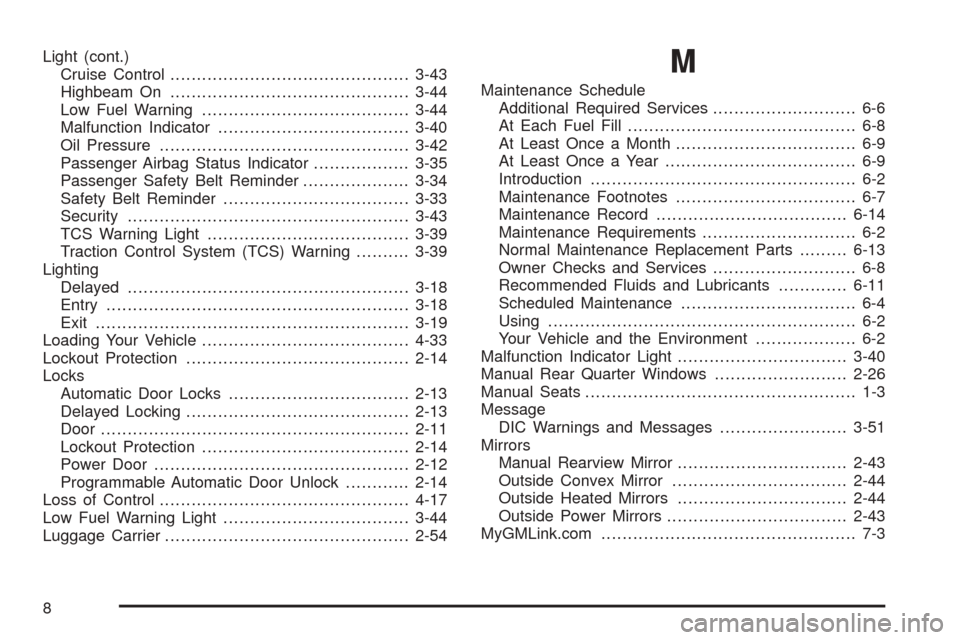
Light (cont.)
Cruise Control.............................................3-43
Highbeam On.............................................3-44
Low Fuel Warning.......................................3-44
Malfunction Indicator....................................3-40
Oil Pressure...............................................3-42
Passenger Airbag Status Indicator..................3-35
Passenger Safety Belt Reminder....................3-34
Safety Belt Reminder...................................3-33
Security.....................................................3-43
TCS Warning Light......................................3-39
Traction Control System (TCS) Warning..........3-39
Lighting
Delayed.....................................................3-18
Entry.........................................................3-18
Exit...........................................................3-19
Loading Your Vehicle.......................................4-33
Lockout Protection..........................................2-14
Locks
Automatic Door Locks..................................2-13
Delayed Locking..........................................2-13
Door..........................................................2-11
Lockout Protection.......................................2-14
Power Door................................................2-12
Programmable Automatic Door Unlock............2-14
Loss of Control...............................................4-17
Low Fuel Warning Light...................................3-44
Luggage Carrier..............................................2-54M
Maintenance Schedule
Additional Required Services........................... 6-6
At Each Fuel Fill........................................... 6-8
At Least Once a Month.................................. 6-9
At Least Once a Year.................................... 6-9
Introduction.................................................. 6-2
Maintenance Footnotes.................................. 6-7
Maintenance Record....................................6-14
Maintenance Requirements............................. 6-2
Normal Maintenance Replacement Parts.........6-13
Owner Checks and Services........................... 6-8
Recommended Fluids and Lubricants.............6-11
Scheduled Maintenance................................. 6-4
Using.......................................................... 6-2
Your Vehicle and the Environment................... 6-2
Malfunction Indicator Light................................3-40
Manual Rear Quarter Windows.........................2-26
Manual Seats................................................... 1-3
Message
DIC Warnings and Messages........................3-51
Mirrors
Manual Rearview Mirror................................2-43
Outside Convex Mirror.................................2-44
Outside Heated Mirrors................................2-44
Outside Power Mirrors..................................2-43
MyGMLink.com................................................ 7-3
8
Page 455 of 460
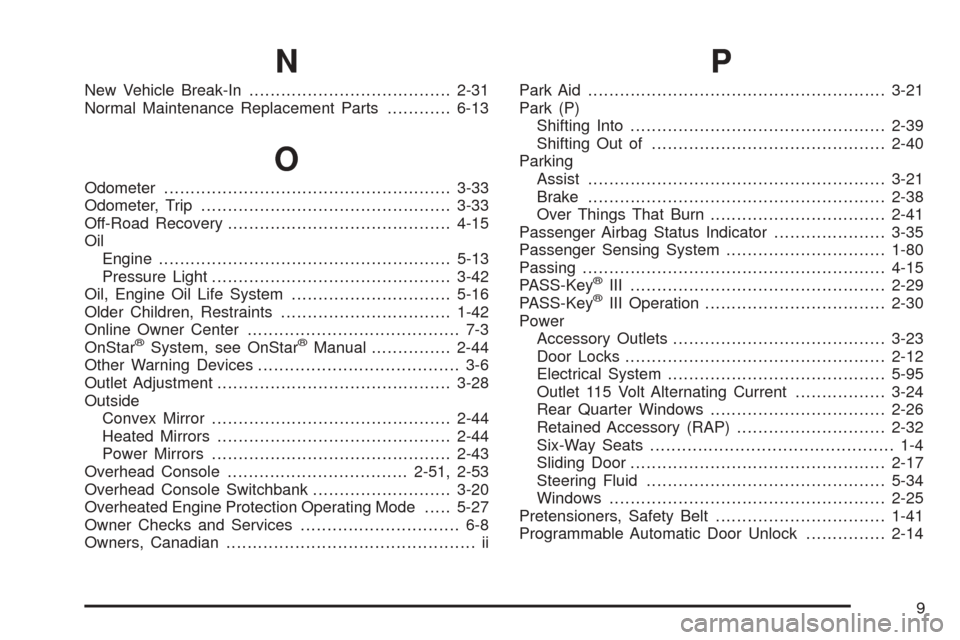
N
New Vehicle Break-In......................................2-31
Normal Maintenance Replacement Parts............6-13
O
Odometer......................................................3-33
Odometer, Trip...............................................3-33
Off-Road Recovery..........................................4-15
Oil
Engine.......................................................5-13
Pressure Light.............................................3-42
Oil, Engine Oil Life System..............................5-16
Older Children, Restraints................................1-42
Online Owner Center........................................ 7-3
OnStar
®System, see OnStar®Manual...............2-44
Other Warning Devices...................................... 3-6
Outlet Adjustment............................................3-28
Outside
Convex Mirror.............................................2-44
Heated Mirrors............................................2-44
Power Mirrors.............................................2-43
Overhead Console..................................2-51, 2-53
Overhead Console Switchbank..........................3-20
Overheated Engine Protection Operating Mode.....5-27
Owner Checks and Services.............................. 6-8
Owners, Canadian............................................... ii
P
Park Aid........................................................3-21
Park (P)
Shifting Into................................................2-39
Shifting Out of............................................2-40
Parking
Assist........................................................3-21
Brake........................................................2-38
Over Things That Burn.................................2-41
Passenger Airbag Status Indicator.....................3-35
Passenger Sensing System..............................1-80
Passing.........................................................4-15
PASS-Key
®III ................................................2-29
PASS-Key®III Operation..................................2-30
Power
Accessory Outlets........................................3-23
Door Locks.................................................2-12
Electrical System.........................................5-95
Outlet 115 Volt Alternating Current.................3-24
Rear Quarter Windows.................................2-26
Retained Accessory (RAP)............................2-32
Six-Way Seats.............................................. 1-4
Sliding Door................................................2-17
Steering Fluid.............................................5-34
Windows....................................................2-25
Pretensioners, Safety Belt................................1-41
Programmable Automatic Door Unlock...............2-14
9