display CHEVROLET VOLT 2011 Service Manual
[x] Cancel search | Manufacturer: CHEVROLET, Model Year: 2011, Model line: VOLT, Model: CHEVROLET VOLT 2011Pages: 516, PDF Size: 6.61 MB
Page 178 of 516
Black plate (58,1)Chevrolet Volt Owner Manual - 2011
5-58 Instruments and Controls
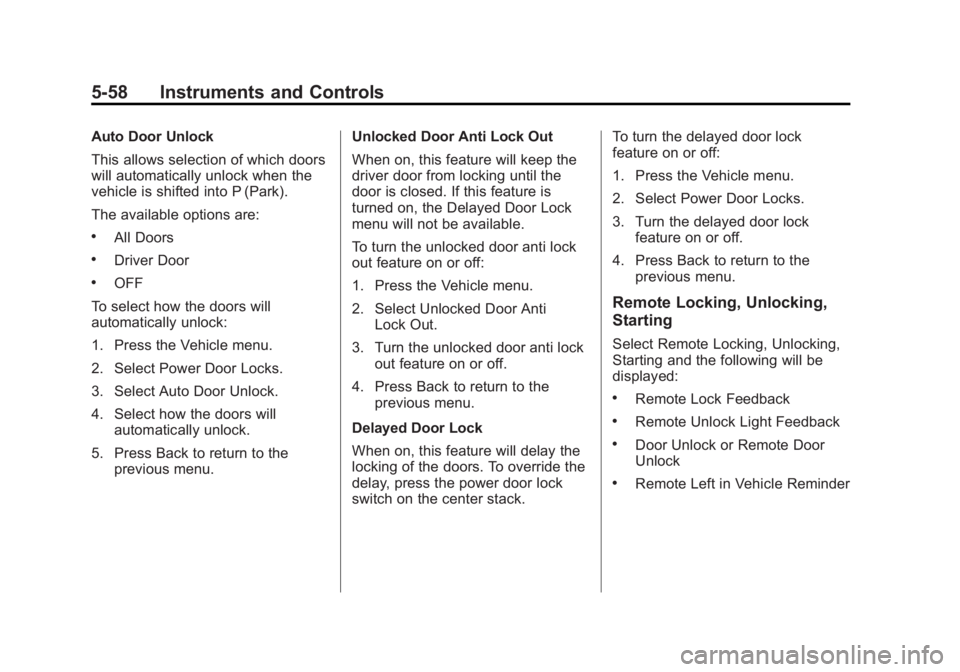
Auto Door Unlock
This allows selection of which doors
will automatically unlock when the
vehicle is shifted into P (Park).
The available options are:
.All Doors
.Driver Door
.OFF
To select how the doors will
automatically unlock:
1. Press the Vehicle menu.
2. Select Power Door Locks.
3. Select Auto Door Unlock.
4. Select how the doors will automatically unlock.
5. Press Back to return to the previous menu. Unlocked Door Anti Lock Out
When on, this feature will keep the
driver door from locking until the
door is closed. If this feature is
turned on, the Delayed Door Lock
menu will not be available.
To turn the unlocked door anti lock
out feature on or off:
1. Press the Vehicle menu.
2. Select Unlocked Door Anti
Lock Out.
3. Turn the unlocked door anti lock out feature on or off.
4. Press Back to return to the previous menu.
Delayed Door Lock
When on, this feature will delay the
locking of the doors. To override the
delay, press the power door lock
switch on the center stack. To turn the delayed door lock
feature on or off:
1. Press the Vehicle menu.
2. Select Power Door Locks.
3. Turn the delayed door lock
feature on or off.
4. Press Back to return to the previous menu.
Remote Locking, Unlocking,
Starting
Select Remote Locking, Unlocking,
Starting and the following will be
displayed:
.Remote Lock Feedback
.Remote Unlock Light Feedback
.Door Unlock or Remote Door
Unlock
.Remote Left in Vehicle Reminder
Page 189 of 516

Black plate (5,1)Chevrolet Volt Owner Manual - 2011
Lighting 6-5
Interior Lighting
Instrument Panel
Illumination Control
The brightness of the instrument
panel cluster display, infotainment
display and controls, steering wheel
controls, and all other illuminated
controls, as well as feature status
indicators can be adjusted.The thumbwheel is on the
instrument panel to the left
of the steering column.
Move the thumbwheel up or down to
brighten or dim the lights.
Dome Lamps
The dome lamp controls are in the
overhead console.
To operate, press the following
buttons:
+(On):
Press to turn on the
dome lamps.
1(Door): Press to turn the lamps
on automatically when a door is
opened.
*(Off): Press to turn the lamps
off, even when a door is open.
Reading Lamps
The front reading lamps are in the
overhead console.
# $: Press to turn each lamp on
or off.
Lighting Features
Entry Lighting
The headlamps, parking lamps,
taillamps, back‐up lamps, and the
interior lights turn on briefly, when
the Remote Keyless Entry (RKE)
transmitter
Kis pressed. The lights
turn off immediately when the
POWER
Obutton is pressed or
automatically after a brief period.
Page 195 of 516

Black plate (5,1)Chevrolet Volt Owner Manual - 2011
Infotainment System 7-5
S. AS1-2 (Autostore)
T.
X(Eject)
NAV (Navigation) Menu
Use the Navigation Menu screen
to access the navigation system
settings. SeeUsing the Navigation
System on page 7‑39 for more
information.
.Press the NAV button to view
the navigation map screen.
The map and the current
vehicle location display.
.Press the NAV button to change
between a map/audio split view
or a full map view.
Config Setup Menu
Press the CONFIG button to display
the Config Menu. The Config Menu
is used for changing the settings for
the audio, navigation display, phone,
vehicle configuration, and time
features.
Turn the TUNE/MENU knob to scroll
through the available setup features.
Once the desired feature displays,
press the TUNE/MENU knob or
press the desired feature on the
screen, to display more options
within that feature.
Page 196 of 516
Black plate (6,1)Chevrolet Volt Owner Manual - 2011
7-6 Infotainment System
Languages
To change the display language,
seeVehicle Personalization on
page 5‑53 for more information.
The vehicle supports English,
French Canadian, and Spanish.
The default language is English.
English and Metric Unit
Conversion
To change the display readings
between English and metric units,
see Driver Information Center (DIC)
on page 5‑43 for more information.
Deleting Personal Information
The navigation system can record
and store destinations and personal
information such as names and
addresses.
It is recommended that this
information be deleted when
selling or disposing of the vehicle:
.Previous Destinations
.Address Book, Fav Route,
Preset Destinations, and HDD
Music Files
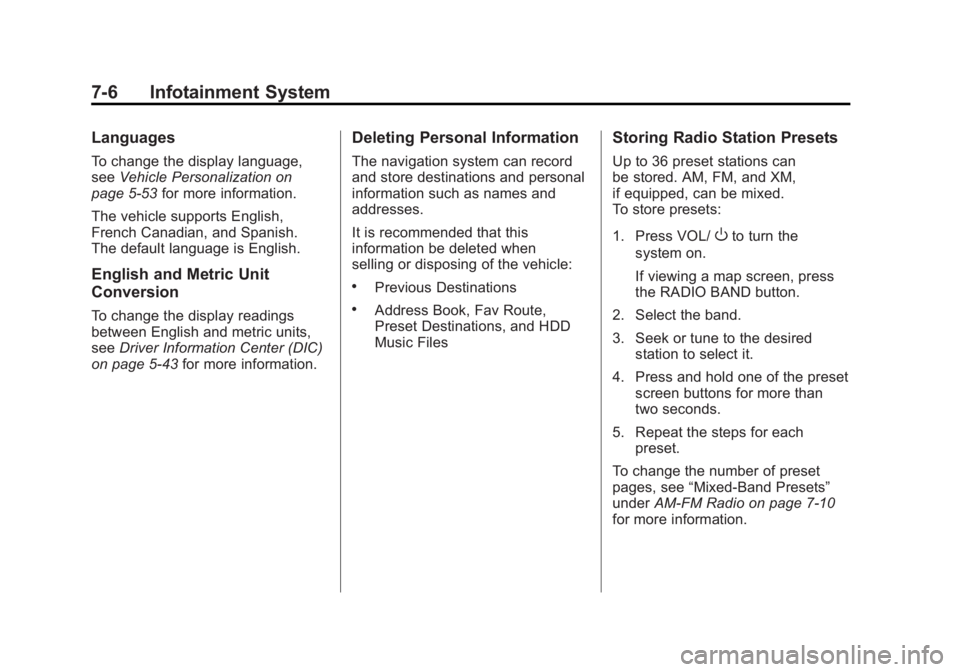
Storing Radio Station Presets
Up to 36 preset stations can
be stored. AM, FM, and XM,
if equipped, can be mixed.
To store presets:
1. Press VOL/
Oto turn the
system on.
If viewing a map screen, press
the RADIO BAND button.
2. Select the band.
3. Seek or tune to the desired station to select it.
4. Press and hold one of the preset screen buttons for more than
two seconds.
5. Repeat the steps for each preset.
To change the number of preset
pages, see “Mixed-Band Presets”
under AM-FM Radio on page 7‑10
for more information.
Page 197 of 516
Black plate (7,1)Chevrolet Volt Owner Manual - 2011
Infotainment System 7-7
Entering an Address and Point
of Interest, and Storing Preset
Destinations
The vehicle must be in P (Park) to
perform these operations.
Entering an Address
To more easily find a city or a
street name:
.Enter the street name first
instead of the city name,
or vice versa.
.Enter more characters or reduce
the number of characters to
reduce or expand the available
options.
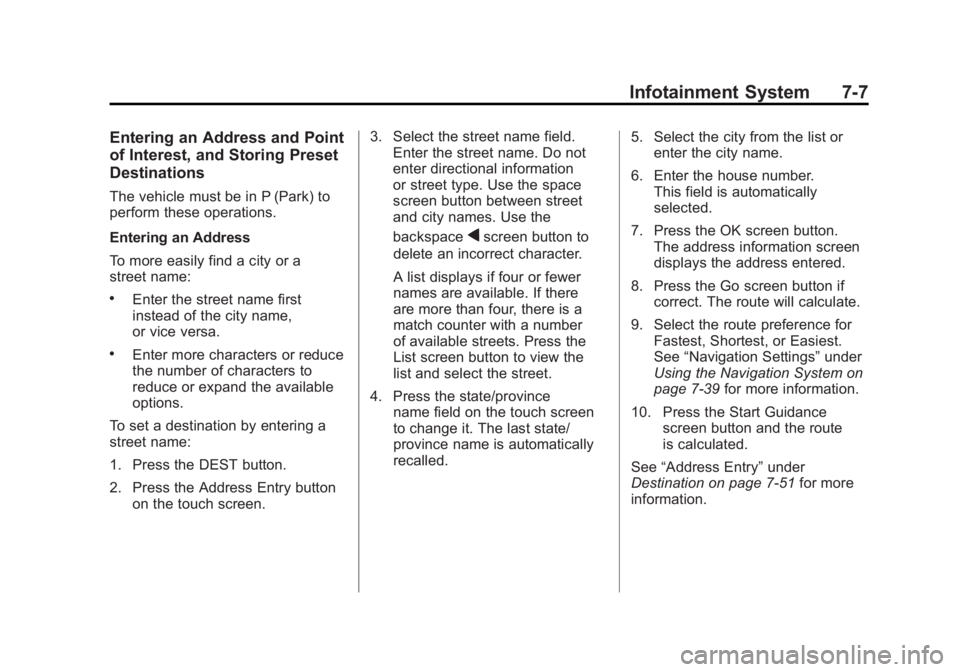
To set a destination by entering a
street name:
1. Press the DEST button.
2. Press the Address Entry button on the touch screen. 3. Select the street name field.
Enter the street name. Do not
enter directional information
or street type. Use the space
screen button between street
and city names. Use the
backspace
qscreen button to
delete an incorrect character.
A list displays if four or fewer
names are available. If there
are more than four, there is a
match counter with a number
of available streets. Press the
List screen button to view the
list and select the street.
4. Press the state/province name field on the touch screen
to change it. The last state/
province name is automatically
recalled. 5. Select the city from the list or
enter the city name.
6. Enter the house number. This field is automatically
selected.
7. Press the OK screen button. The address information screen
displays the address entered.
8. Press the Go screen button if correct. The route will calculate.
9. Select the route preference for Fastest, Shortest, or Easiest.
See “Navigation Settings” under
Using the Navigation System on
page 7‑39 for more information.
10. Press the Start Guidance screen button and the route
is calculated.
See “Address Entry” under
Destination on page 7‑51 for more
information.
Page 198 of 516
Black plate (8,1)Chevrolet Volt Owner Manual - 2011
7-8 Infotainment System
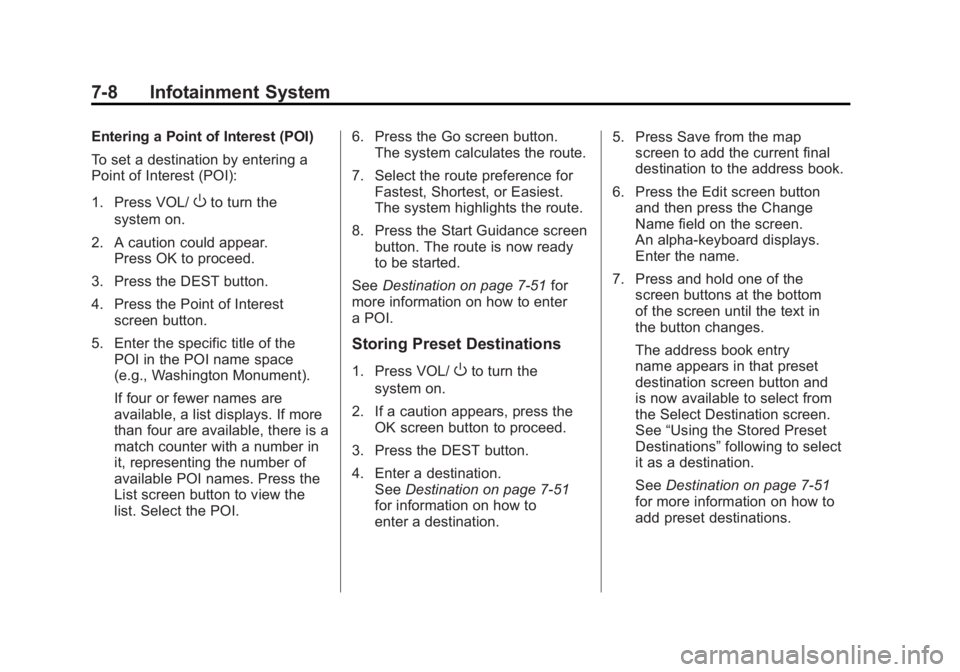
Entering a Point of Interest (POI)
To set a destination by entering a
Point of Interest (POI):
1. Press VOL/
Oto turn the
system on.
2. A caution could appear. Press OK to proceed.
3. Press the DEST button.
4. Press the Point of Interest screen button.
5. Enter the specific title of the POI in the POI name space
(e.g., Washington Monument).
If four or fewer names are
available, a list displays. If more
than four are available, there is a
match counter with a number in
it, representing the number of
available POI names. Press the
List screen button to view the
list. Select the POI. 6. Press the Go screen button.
The system calculates the route.
7. Select the route preference for Fastest, Shortest, or Easiest.
The system highlights the route.
8. Press the Start Guidance screen button. The route is now ready
to be started.
See Destination on page 7‑51 for
more information on how to enter
a POI.
Storing Preset Destinations
1. Press VOL/Oto turn the
system on.
2. If a caution appears, press the OK screen button to proceed.
3. Press the DEST button.
4. Enter a destination. See Destination on page 7‑51
for information on how to
enter a destination. 5. Press Save from the map
screen to add the current final
destination to the address book.
6. Press the Edit screen button and then press the Change
Name field on the screen.
An alpha-keyboard displays.
Enter the name.
7. Press and hold one of the screen buttons at the bottom
of the screen until the text in
the button changes.
The address book entry
name appears in that preset
destination screen button and
is now available to select from
the Select Destination screen.
See “Using the Stored Preset
Destinations” following to select
it as a destination.
See Destination on page 7‑51
for more information on how to
add preset destinations.
Page 199 of 516
Black plate (9,1)Chevrolet Volt Owner Manual - 2011
Infotainment System 7-9
Using the Stored Preset
Destinations
These destinations are available for
selection while driving.
1. Press VOL/
Oto turn the
system on.
2. A caution could appear. Press the OK screen button
to proceed.
3. Press the DEST button.
4. Press one of the available preset destination screen
buttons. The system calculates
the route.
5. Select the route preference for Fastest, Shortest, or Easiest.
The system highlights the route.
6. Press the Start Guidance screen button. The route is now ready
to be started.
See “Preset Destinations” under
Destination on page 7‑51 for more
information.
Canceling Guidance
Guidance is canceled at the final
destination. To cancel guidance
prior to reaching the final
destination:
1. Press the DEST button.
2. Press the Cancel Guidance screen button.
3. Press the Yes screen button to confirm cancellation.
Voice Guidance
To adjust the volume of voice
guidance prompts:
1. Press the CONFIG button toenter the menu features. Turn
the TUNE/MENU knob until Nav
displays. Press the TUNE/MENU
knob to select Nav or press the
Nav screen button to display
more options within that feature.
2. Press Voice Prompt. 3. Press Voice Volume.
4. Press the + or
–screen buttons
to increase or to decrease the
volume of the voice prompts.
See Using the Navigation System
on page 7‑39 for more information.
Cleaning the Display
If the center stack or the display is
stained, wipe it with a dry, soft cloth.
Notice:Using abrasive cleaners
when cleaning glass surfaces,
could scratch the glass. When
cleaning the glass, use only a
soft cloth and do not spray
cleaner directly on the system.
Do not wipe the center stack with
a hard cloth or use a volatile liquid
such as paint thinner; it could
scratch the surface or erase
the characters on the buttons.
Page 200 of 516

Black plate (10,1)Chevrolet Volt Owner Manual - 2011
7-10 Infotainment System
Radio
AM-FM Radio
Playing the Radio
Audio Source Menu
VOL/
O(Volume/Power):
1. Press to turn the radio on or off.
2. Turn to increase or decrease the volume. The volume is
adjusted for the current audio
source, active navigation voice
guidance, voice prompts,
or audio cues.
The steering wheel controls can
also be used to adjust the volume.
See Steering Wheel Controls on
page 5‑6 for more information.
TUNE/MENU: Turn to change
the radio station. See “Finding a
Station” in this section for more
information. RADIO BAND:
Press to select the
AM, FM, and XM (if equipped) band.
The audio sources can also be
changed by using the steering
wheel controls. See Steering
Wheel Controls on page 5‑6
for more information.
HDD/DVD/AUX: Change to the
Hard Drive, CD, DVD, USB, or AUX
by pressing the HDD/DVD/AUX
button until the desired source is
selected.
If the audio source is on while
viewing a map screen, a source
indicator button displays at the
top of the map screen.
Press the source indicator button
to display the current audio source
screen. The display shows a split
screen with the audio source screen
on the left side and the map or
guidance screen on the right side.
Press the Full Map button to exit the
split screen.
Page 202 of 516
Black plate (12,1)Chevrolet Volt Owner Manual - 2011
7-12 Infotainment System
Radio Menu
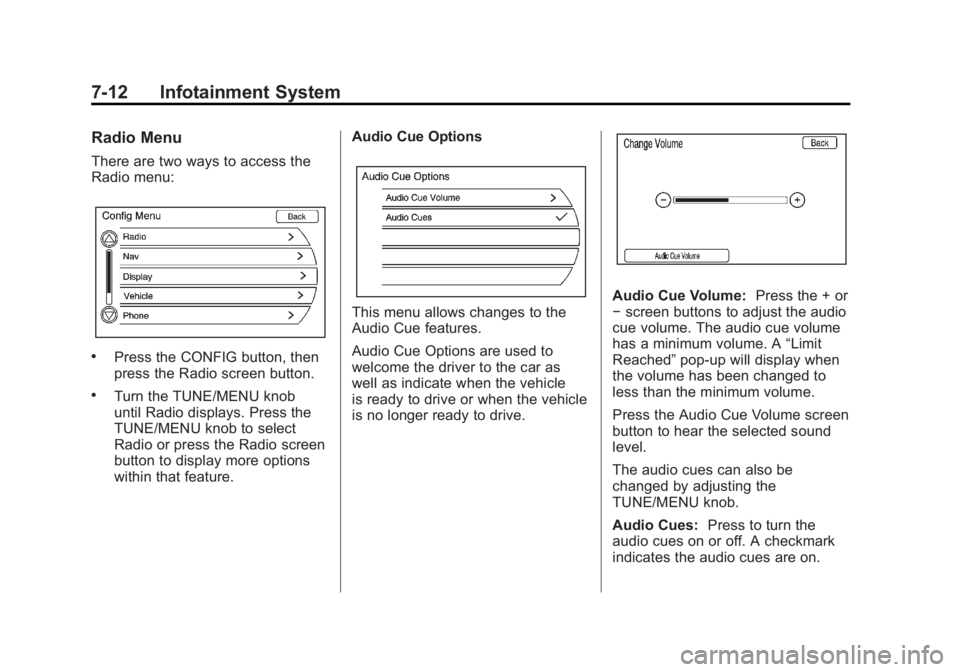
There are two ways to access the
Radio menu:
.Press the CONFIG button, then
press the Radio screen button.
.Turn the TUNE/MENU knob
until Radio displays. Press the
TUNE/MENU knob to select
Radio or press the Radio screen
button to display more options
within that feature.Audio Cue Options
This menu allows changes to the
Audio Cue features.
Audio Cue Options are used to
welcome the driver to the car as
well as indicate when the vehicle
is ready to drive or when the vehicle
is no longer ready to drive.
Audio Cue Volume:
Press the + or
− screen buttons to adjust the audio
cue volume. The audio cue volume
has a minimum volume. A “Limit
Reached” pop-up will display when
the volume has been changed to
less than the minimum volume.
Press the Audio Cue Volume screen
button to hear the selected sound
level.
The audio cues can also be
changed by adjusting the
TUNE/MENU knob.
Audio Cues: Press to turn the
audio cues on or off. A checkmark
indicates the audio cues are on.
Page 203 of 516
Black plate (13,1)Chevrolet Volt Owner Manual - 2011
Infotainment System 7-13
Auto Volume
Select OFF, Low, Medium, or High
sensitivity to automatically adjust
the volume to minimize the effects
of unwanted background noise
that can result from changing road
surfaces, driving speeds, or open
windows. This feature works best
at lower volume settings where
background noise is typically louder
than the sound system volume.
Number of Favorite Pages
Change the number of mixed-band
preset pages when using the FAV
button. Press 1-6 to select the
number of preset lists.
HDD FAV Pages (Number
of Favorite Categories for
HDD Mode)
Select the categories such as
Playlist, Artist, Album, and Genre
to be used as a favorite category
during HDD mode.Show/Hide XM Categories
Configure favorite categories to be
used during XM mode.
DivX Registration Code
Display the DivX registration code
used for DivX media playback.
Finding a Station
To select the band, see
“Audio
Source Menu” earlier in this section.
Turn the TUNE/MENU knob to find
a radio station. To select a preset
station, press the corresponding
preset button.
See “Mixed-Band Presets” later for
more information.
Seeking a Station
Press
rSEEK/SEEK[to search
for a station. Local Station List Search
To find a list of local stations
in the current band, press the
TUNE/MENU knob. The radio
performs a search for available
stations.
Mixed-Band Presets
Up to 36 preset stations can
be stored. Each page can store
six preset stations. The presets
within a page can be from different
radio bands.