ECO mode CHRYSLER 300 2020 Owner's Manual
[x] Cancel search | Manufacturer: CHRYSLER, Model Year: 2020, Model line: 300, Model: CHRYSLER 300 2020Pages: 328, PDF Size: 14.28 MB
Page 59 of 328

GETTING TO KNOW YOUR VEHICLE57
Cabin Air Filter
The climate control system filters out dust and
pollen from the air. Contact an authorized
dealer to service your cabin air filter, and to
have it replaced when needed.
Operating Tips Chart
WINDOWS
POWER WINDOW CONTROLS
The window controls on the driver's door control
all the door windows.
Power Window Switches
There are single window controls on each
passenger door trim panel, which operate the
passenger door windows. The window controls will operate only when the ignition is in the ACC
or ON/RUN position.
NOTE:
For vehicles equipped with the Uconnect
system, the power window switches will remain
active for up to 10 minutes after the ignition is
placed in the OFF position. Opening either front
door will cancel this feature. The time is
programmable. Refer to “Uconnect Settings” in
“Multimedia” for further information.
WEATHER CONTROL SETTINGS
Hot Weather And
Vehicle Interior Is Very Hot Set the mode control to
, on, and blower on high. Roll down the
windows for a minute to flush out the hot air.
Adjust the controls as needed to achieve comfort.
Warm Weather Turn
on and set the mode
control to the position.
Cool Sunny Operate in position.
Cool & Humid Conditions Set the mode control to
and turn on to
keep windows clear.
Cold Weather Set the mode control to
the position. If
windshield fogging starts
to occur, move the control
to the position.
WEATHER CONTROL SETTINGS
WARNING!
Never leave children unattended in a vehicle,
and do not let children play with power
windows. Do not leave the key fob in or near
the vehicle, or in a location accessible to
children, and do not leave the ignition of a
vehicle equipped with Keyless Enter-N-Go in
the ACC or ON/RUN mode. Occupants,
particularly unattended children, can become
entrapped by the windows while operating
the power window switches. Such entrapment
may result in serious injury or death.
2
20_LX_OM_EN_USC_t.book Page 57
Page 60 of 328

58GETTING TO KNOW YOUR VEHICLE
Auto-Down Feature
The driver and, in some models, passenger
power window switches have an Auto-Down
feature. Push the window switch to the second
detent, release, and the window will go down
automatically.
To open the window part way, push the window
switch to the first detent and release it when
you want the window to stop.
To stop the window from going all the way down
during the Auto-Down operation, pull up on the
switch briefly.
Auto-Up Feature With Anti-Pinch Protection
— If Equipped
Pull window up switch to second detent for at
least a half of a second and the window will go
up automatically.
To stop the window during an Auto-Up
operation, push or pull the window switch again.
To close the window part way, pull and hold the
window switch briefly and release it when you
want the window to stop. NOTE:
If the window runs into any obstacle during
Auto-Closure, it will reverse direction and
then go back down. Remove the obstacle and
use the window switch again to close the
window.
Any impact due to rough road conditions may
trigger the Auto-Reverse function unexpect
-
edly during auto-closure. If this happens, pull
and hold the switch to close the window
manually.
Reset Auto-Up
Should the Auto-Up feature stop working, the
window may need to be reset. To reset Auto-Up:
1. Make sure the door is fully closed.
2. Pull the window switch up to close the
window completely and continue to hold the
switch up for an additional two seconds
after the window is closed. 3. Push the window switch down firmly to the
second detent to open the window
completely and continue to hold the switch
down for an additional two seconds after
the window is fully open.
Window Lockout Switch
The window lockout switch on the driver's door
trim panel allows you to disable the window
controls on the rear passenger doors and the
rear sunscreen (if equipped). To disable the
window controls and the rear sunscreen, push
and release the window lockout button (setting
it in the down position). To enable the window
controls and the rear sunscreen, push and
release the window lockout button again
(setting it in the up position).
Window Lockout Switch
WARNING!
There is no anti-pinch protection when the
window is almost closed. Be sure to clear all
objects from the window before closing.
20_LX_OM_EN_USC_t.book Page 58
Page 61 of 328

GETTING TO KNOW YOUR VEHICLE59
(Continued)
WIND BUFFETING
Wind buffeting can be described as the
perception of pressure on the ears or a
helicopter-type sound in the ears. Your vehicle
may exhibit wind buffeting with the windows
down, or the sunroof (if equipped) in certain
open or partially open positions. This is a normal
occurrence and can be minimized. If the
buffeting occurs with the rear windows open,
open the front and rear windows together to
minimize the buffeting. If the buffeting occurs
with the sunroof open, adjust the sunroof
opening to minimize the buffeting or open any
window.
PANORAMIC SUNROOF — IF EQUIPPED
The Panoramic sunroof switch is located to the
left between the sun visors on the overhead
console.
The power shade switch is located to the right
between the sun visors on the overhead
console.
Panoramic Sunroof And Power Shade Switches
OPENING SUNROOF
Express Mode
Push the switch rearward and release it within
one-half second. The sunroof will open
automatically to the open position. This is called
“Express Open”. During Express Open
operation, any movement of the sunroof switch
will stop the sunroof.
Manual Mode
To open the sunroof, push and hold the switch
rearward. The sunroof will stop automatically at
the open position. Any release of the switch will
stop the movement. The sunroof and sunshade
WARNING!
Never leave children unattended in a
vehicle, or with access to an unlocked
vehicle. Never leave the key fob in or near
the vehicle, or in a location accessible to
children. Do not leave the ignition of a
vehicle equipped with Keyless Enter-N-Go
in the ACC or ON/RUN mode. Occupants,
particularly unattended children, can
become entrapped by the power sunroof
while operating the power sunroof switch.
Such entrapment may result in serious
injury or death.
In a collision, there is a greater risk of being
thrown from a vehicle with an open sunroof.
You could also be seriously injured or killed.
Always fasten your seat belt properly and
make sure all passengers are also properly
secured.
Do not allow small children to operate the
sunroof. Never allow your fingers, other
body parts, or any object, to project through
the sunroof opening. Injury may result.
WARNING!
(Continued)
2
20_LX_OM_EN_USC_t.book Page 59
Page 62 of 328

60GETTING TO KNOW YOUR VEHICLE
will remain in a partially opened condition until
the switch is pushed and held rearward again.
NOTE:
If the sunshade is in the closed position when
Express or Manual Open operation is initiated
the sunshade will automatically open to the half
open position prior to the sunroof opening.
Vent Open
Push and release the vent switch within
one-half second and the sunroof will open to the
vent position. This is called “Express Vent”, and
it will occur regardless of sunroof position.
During Express vent operation, any movement
of the switch will stop the sunroof.
NOTE:
If the sunshade is in the closed position when the
vent switch is pushed, the sunshade will auto -
matically cycle to the halfway open position prior
to the sunroof opening to the Vent position.
CLOSING SUNROOF
Express Mode
Push the switch forward and release it within
one-half second and the sunroof will close
automatically from any position. The sunroof will close fully and stop automatically. This is
called “Express Close”. During Express Close
operation, any other actuation of the switch will
stop the sunroof.
Manual Mode
To close the sunroof, push and hold the switch
in the forward position. Any release of the
switch will stop the movement and the sunroof
will remain in a partially closed condition until
the sunroof switch is pushed again.
WIND BUFFETING
Wind buffeting can be described as the
perception of pressure on the ears or a
helicopter-type sound in the ears. Your vehicle
may exhibit wind buffeting with the windows
down, or the sunroof (if equipped) in certain
open or partially open positions. This is a normal
occurrence and can be minimized. If the
buffeting occurs with the rear windows open,
then open the front and rear windows together
to minimize the buffeting. If the buffeting occurs
with the sunroof open, adjust the sunroof
opening to minimize the buffeting or open any
window.
OPENING POWER SHADE
Express Mode
Push the shade switch rearward and release it
within one-half second and the shade will
automatically open to the halfway position and
stop automatically. Push the switch a second
time from the halfway position and the shade
will automatically open to the full open position
and stop automatically. This is called “Express
Open”. During Express Open operation, any
movement of the shade switch will stop the
shade.
Manual Mode
To open the shade, push and hold the switch
rearward. The shade will open and stop
automatically at the half-open position. Push
and hold the shade switch rearward again and
the shade will open automatically to the
full-open position. Any release of the switch will
stop the movement and the shade will remain in
a partially opened condition until the switch is
pushed again.
20_LX_OM_EN_USC_t.book Page 60
Page 63 of 328

GETTING TO KNOW YOUR VEHICLE61
CLOSING POWER SHADE
Express Mode
Push the switch forward and release it within
one-half second and the shade will close
automatically from any position. If the sunroof is
completely closed the shade will close fully and
stop automatically. This is called “Express
Close”. During Express Close operation, any
movement of the switch will stop the shade.
NOTE:
If the sunroof is open, the shade will close to the
half-open position. Pushing the shade close
button again will automatically close both the
sunroof and shade completely.
Manual Mode
To close the shade, push and hold the switch in
the forward position. Any release of the switch
will stop the movement and the shade will
remain in a partially closed condition until the
switch is pushed again.
PINCH PROTECT FEATURE
This feature will detect an obstruction in the
closing of the sunroof during the Express Close
operation. If an obstruction in the path of the sunroof is detected, the sunroof will
automatically retract. Remove the obstruction if
this occurs.
NOTE:
If three consecutive sunroof close attempts
result in Pinch Protect reversals, Pinch Protect
will disable and the sunroof must be closed in
Manual Mode.
SUNROOF MAINTENANCE
Use only a non-abrasive cleaner and a soft cloth
to clean the glass panel. Periodically check for
and clear out any debris that may have
collected in the tracks.
IGNITION OFF OPERATION
NOTE:
The power sunroof switch can remain active
in Accessory Delay for up to approximately
10 minutes after the vehicle’s ignition is
placed in the OFF position. Opening either
front door will cancel this feature.
This feature is programmable using the
Uconnect system. Refer to “Uconnect
Settings” in “Multimedia” for further informa
-
tion.
HOOD
TO OPEN THE HOOD
Two latches must be released to open the hood.
1. Pull the hood release lever located under
the driver’s side of the instrument panel.
Hood Release Lever
2
20_LX_OM_EN_USC_t.book Page 61
Page 69 of 328

GETTING TO KNOW YOUR VEHICLE67
1. Place the ignition in the ON/RUN position.
2. Place the hand-held transmitter 1 to
3 inches (3 to 8 cm) away from the
HomeLink® button you wish to program
while keeping the HomeLink® indicator
light in view.
3. Push and hold the HomeLink® button you want to program while you push and hold
the hand-held transmitter button.
4. Continue to hold both buttons and observe the indicator light. The HomeLink®
indicator will flash slowly and then rapidly
after HomeLink® has received the
frequency signal from the hand-held
transmitter. Release both buttons after the
indicator light changes from slow to rapid.
5. On the garage door opener (in the garage), locate the “LEARN” or “TRAINING” button.
This can usually be found where the
hanging antenna wire is attached to the
garage door opener/device motor. Firmly
push and release the “LEARN” or
“TRAINING” button. On some garage door
openers/devices there may be a light that
blinks when the garage door opener/device
is in the LEARN/TRAIN mode. NOTE:
You have 30 seconds in which to initiate the
next step after the LEARN button has been
pushed.
6. Return to the vehicle and push the
programmed HomeLink® button twice
(holding the button for two seconds each
time). If the garage door opener/device
activates, programming is complete.
NOTE:
If the garage door opener/device does not acti -
vate, push the button a third time (for two
seconds) to complete the training.
To program the remaining two HomeLink®
buttons, repeat each step for each remain -
ing button. DO NOT erase the channels.
Reprogramming A Single HomeLink® Button
(Rolling Code)
To reprogram a channel that has been
previously trained, follow these steps:
1. Place the ignition in the ON/RUN position.
2. Push and hold the desired HomeLink® button until the indicator light begins to flash after 20 seconds. Do not release the
button.
3. Without releasing the button proceed with “Programming A Rolling Code” step 2 and
follow all remaining steps.
Programming A Non-Rolling Code
For programming garage door openers
manufactured before 1995.
1. Place the ignition in the ON/RUN position.
2. Place the hand-held transmitter 1 to 3 inches (3 to 8 cm) away from the
HomeLink® button you wish to program
while keeping the HomeLink® indicator
light in view.
3. Press and hold the HomeLink® button you want to program while you press and hold
the hand-held transmitter button.
4. Continue to hold both buttons and observe the indicator light. The HomeLink®
indicator will flash slowly and then rapidly
after HomeLink® has received the
frequency signal from the hand-held
transmitter. Release both buttons after the
indicator light changes from slow to rapid.
2
20_LX_OM_EN_USC_t.book Page 67
Page 71 of 328

GETTING TO KNOW YOUR VEHICLE69
Reprogramming A Single HomeLink® Button
(Canadian/Gate Operator)
To reprogram a channel that has been
previously trained, follow these steps:
1. Place the ignition in the ON/RUN position.
2. Press and hold the desired HomeLink®
button until the indicator light begins to
flash after 20 seconds. Do not release the
button.
3. Without releasing the button, proceed with “Canadian/Gate Operator Programming”
step 2 and follow all remaining steps.
USING HOMELINK®
To operate, push and release the programmed
HomeLink® button. Activation will now occur for
the programmed device (i.e. garage door
opener, gate operator, security system, entry
door lock, home/office lighting, etc.). The
hand-held transmitter of the device may also be
used at any time.
SECURITY
It is advised to erase all channels before you sell
or turn in your vehicle.
To do this, push and hold the two outside
buttons for 20 seconds until the orange
indicator flashes. Note that all channels will be
erased. Individual channels cannot be erased.
The HomeLink® Universal Transceiver is
disabled when the Vehicle Security Alarm is
active.
TROUBLESHOOTING TIPS
If you are having trouble programming
HomeLink®, here are some of the most
common solutions:
Replace the battery in the garage door
opener hand-held transmitter.
Push the LEARN button on the garage door
opener to complete the training for a rolling
code.
Did you unplug the device for programming
and remember to plug it back in? If you have any problems, or require assistance,
please call toll-free 1-800-355-3515 or, on the
Internet at HomeLink.com for information or
assistance.
WARNING!
Vehicle exhaust contains carbon monoxide,
a dangerous gas. Do not run your vehicle in
the garage while programming the trans -
ceiver. Exhaust gas can cause serious
injury or death.
Your motorized door or gate will open and
close while you are programming the
universal transceiver. Do not program the
transceiver if people, pets or other objects
are in the path of the door or gate. Only use
this transceiver with a garage door opener
that has a “stop and reverse” feature as
required by Federal safety standards. This
includes most garage door opener models
manufactured after 1982. Do not use a
garage door opener without these safety
features. Call toll-free 1-800-355-3515 or,
on the Internet at HomeLink.com for safety
information or assistance.
2
20_LX_OM_EN_USC_t.book Page 69
Page 80 of 328
78GETTING TO KNOW YOUR INSTRUMENT PANEL
engine cooling system is operating satis-
factorily.
The gauge pointer will likely indicate a
higher temperature when driving in hot
weather, up mountain grades, or when
towing a trailer. It should not be allowed
to exceed the upper limits of the normal
operating range. 5. Fuel Gauge
The pointer shows the level of fuel in the
fuel tank when the Keyless Push Button
Ignition is in the ON/RUN position.
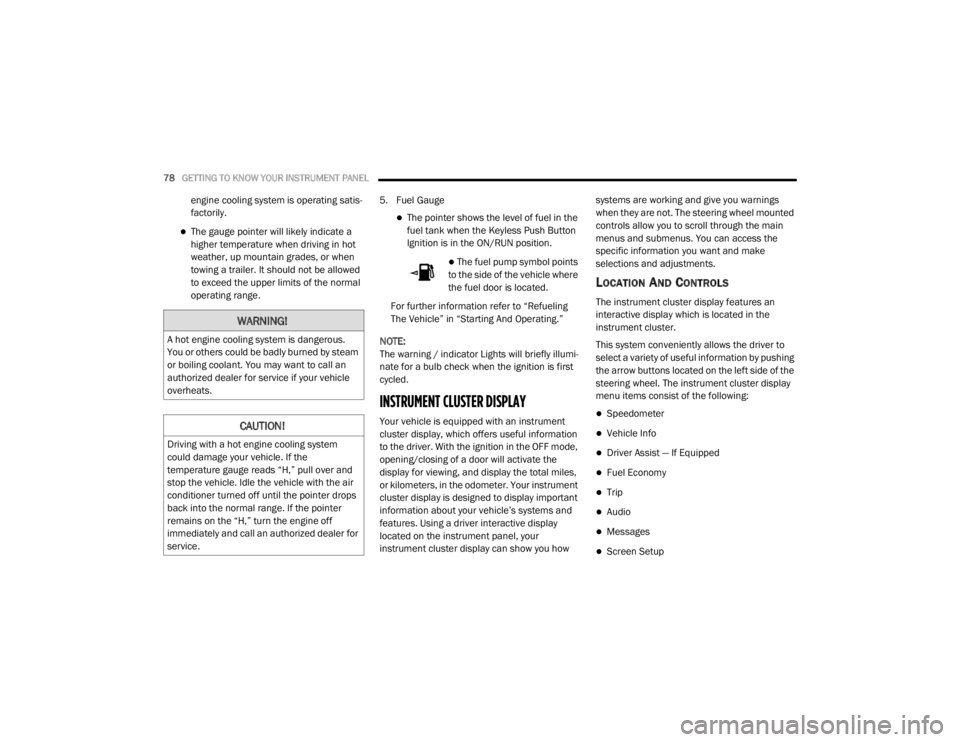
The fuel pump symbol points
to the side of the vehicle where
the fuel door is located.
For further information refer to “Refueling
The Vehicle” in “Starting And Operating.”
NOTE:
The warning / indicator Lights will briefly illumi -
nate for a bulb check when the ignition is first
cycled.
INSTRUMENT CLUSTER DISPLAY
Your vehicle is equipped with an instrument
cluster display, which offers useful information
to the driver. With the ignition in the OFF mode,
opening/closing of a door will activate the
display for viewing, and display the total miles,
or kilometers, in the odometer. Your instrument
cluster display is designed to display important
information about your vehicle’s systems and
features. Using a driver interactive display
located on the instrument panel, your
instrument cluster display can show you how systems are working and give you warnings
when they are not. The steering wheel mounted
controls allow you to scroll through the main
menus and submenus. You can access the
specific information you want and make
selections and adjustments.
LOCATION AND CONTROLS
The instrument cluster display features an
interactive display which is located in the
instrument cluster.
This system conveniently allows the driver to
select a variety of useful information by pushing
the arrow buttons located on the left side of the
steering wheel. The instrument cluster display
menu items consist of the following:
Speedometer
Vehicle Info
Driver Assist — If Equipped
Fuel Economy
Trip
Audio
Messages
Screen Setup
WARNING!
A hot engine cooling system is dangerous.
You or others could be badly burned by steam
or boiling coolant. You may want to call an
authorized dealer for service if your vehicle
overheats.
CAUTION!
Driving with a hot engine cooling system
could damage your vehicle. If the
temperature gauge reads “H,” pull over and
stop the vehicle. Idle the vehicle with the air
conditioner turned off until the pointer drops
back into the normal range. If the pointer
remains on the “H,” turn the engine off
immediately and call an authorized dealer for
service.
20_LX_OM_EN_USC_t.book Page 78
Page 93 of 328
GETTING TO KNOW YOUR INSTRUMENT PANEL91
When the LaneSense system senses the lane
has been approached and is in a lane depar-
ture situation, the LaneSense indicator
changes from solid white/green to flashing
yellow.
Refer to “LaneSense – If Equipped" in
“Starting And Operating” for further informa -
tion.
Service LaneSense Warning Light — If
Equipped
This warning light will illuminate when
the LaneSense system is not
operating and requires service.
Please see an authorized dealer.
Service Adaptive Cruise Control Warning
Light — If Equipped
This light will turn on when a ACC is
not operating and needs service.
Refer to “Adaptive Cruise Control
(ACC)” in “Starting And Operating” for
further information.
YELLOW INDICATOR LIGHTS
Forward Collision Warning Off Indicator
Light — If Equipped
This indicator light illuminates to
indicate that Forward Collision
Warning is off.
Refer to “Forward Collision Warning (FCW) With
Mitigation Operation — If Equipped” in “Safety”
for further information.
GREEN INDICATOR LIGHTS
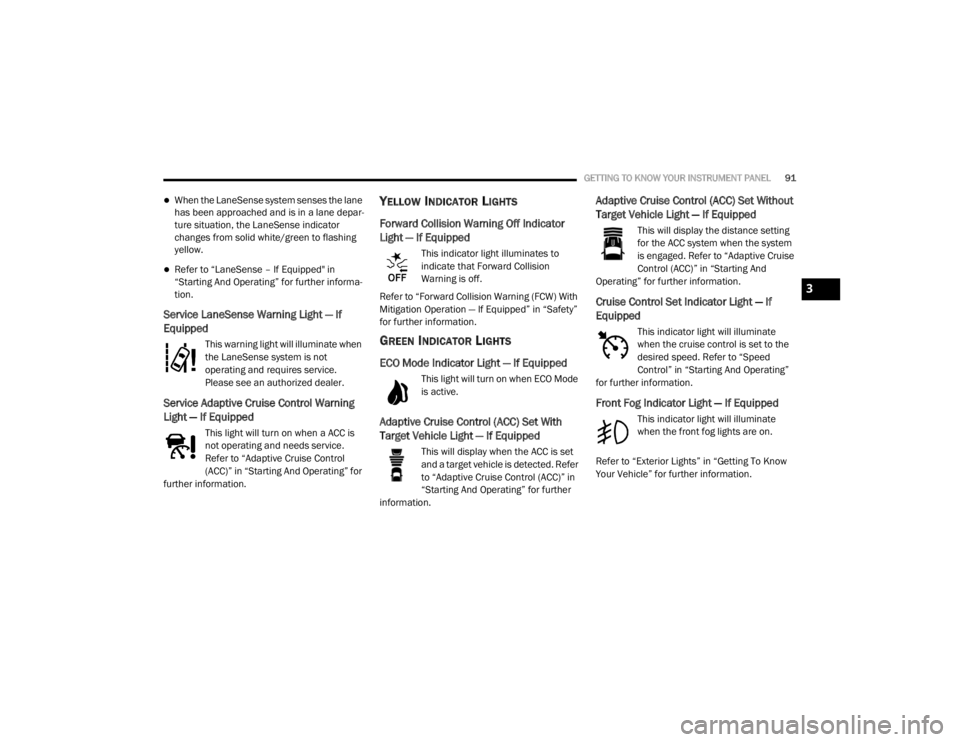
ECO Mode Indicator Light — If Equipped
This light will turn on when ECO Mode
is active.
Adaptive Cruise Control (ACC) Set With
Target Vehicle Light — If Equipped
This will display when the ACC is set
and a target vehicle is detected. Refer
to “Adaptive Cruise Control (ACC)” in
“Starting And Operating” for further
information.
Adaptive Cruise Control (ACC) Set Without
Target Vehicle Light — If Equipped
This will display the distance setting
for the ACC system when the system
is engaged. Refer to “Adaptive Cruise
Control (ACC)” in “Starting And
Operating” for further information.
Cruise Control Set Indicator Light — If
Equipped
This indicator light will illuminate
when the cruise control is set to the
desired speed. Refer to “Speed
Control” in “Starting And Operating”
for further information.
Front Fog Indicator Light — If Equipped
This indicator light will illuminate
when the front fog lights are on.
Refer to “Exterior Lights” in “Getting To Know
Your Vehicle” for further information.
3
20_LX_OM_EN_USC_t.book Page 91
Page 98 of 328

96SAFETY
Anti-Lock Brake Warning Light
The yellow “Anti-Lock Brake Warning Light” will
turn on when the ignition is placed in the ON/
RUN mode and may stay on for as long as four
seconds.
If the “Anti-Lock Brake Warning Light” remains
on or comes on while driving, it indicates that
the anti-lock portion of the brake system is not
functioning and that service is required.
However, the conventional brake system will
continue to operate normally if the “Anti-Lock
Brake Warning Light” is on.
If the “Anti-Lock Brake Warning Light” is on, the
brake system should be serviced as soon as
possible to restore the benefits of anti-lock
brakes. If the “Anti-Lock Brake Warning Light”
does not come on when the ignition is placed in
the ON/RUN mode, have the light repaired as
soon as possible.
ELECTRONIC BRAKE CONTROL (EBC)
S
YSTEM
Your vehicle is equipped with an advanced
Electronic Brake Control (EBC) system. This
system includes Electronic Brake Force
Distribution (EBD), Anti-Lock Brake System
(ABS), Brake Assist System (BAS), Hill Start Assist (HSA), Traction Control System (TCS),
Electronic Stability Control (ESC), and Electronic
Roll Mitigation (ERM). These systems work
together to enhance both vehicle stability and
control in various driving conditions.
Your vehicle may also be equipped with Ready
Alert Braking (RAB), and Rain Brake Support
(RBS).
Brake Assist System (BAS)
The Brake Assist System (BAS) is designed to
optimize the vehicle’s braking capability during
emergency braking maneuvers. The system
detects an emergency braking situation by
sensing the rate and amount of brake
application and then applies optimum pressure
to the brakes. This can help reduce braking
distances. The BAS complements the Anti-Lock
Brake System (ABS). Applying the brakes very
quickly results in the best BAS assistance. To
receive the benefit of the system, you must
apply continuous braking pressure during the
stopping sequence (do not “pump” the brakes).
Do not reduce brake pedal pressure unless
braking is no longer desired. Once the brake
pedal is released, the BAS is deactivated.
Brake System Warning Light
The red “Brake System Warning Light” will turn
on when the ignition is placed in the ON/RUN
mode and may stay on for as long as four
seconds.
If the “Brake System Warning Light” remains on
or comes on while driving, it indicates that the
brake system is not functioning properly and
that immediate service is required. If the “Brake
System Warning Light” does not come on when
the ignition is placed in the ON/RUN mode,
have the light repaired as soon as possible.
WARNING!
The Brake Assist System (BAS) cannot
prevent the natural laws of physics from
acting on the vehicle, nor can it increase the
traction afforded by prevailing road
conditions. BAS cannot prevent collisions,
including those resulting from excessive
speed in turns, driving on very slippery
surfaces, or hydroplaning. The capabilities of
a BAS-equipped vehicle must never be
exploited in a reckless or dangerous manner,
which could jeopardize the user's safety or
the safety of others.
20_LX_OM_EN_USC_t.book Page 96