uconnect CHRYSLER TOWN AND COUNTRY 2014 5.G User Guide
[x] Cancel search | Manufacturer: CHRYSLER, Model Year: 2014, Model line: TOWN AND COUNTRY, Model: CHRYSLER TOWN AND COUNTRY 2014 5.GPages: 148, PDF Size: 4.26 MB
Page 2 of 148
This guide has been prepared to help you get quickly acquainted with your new
Chrysler and to provide a convenient reference source for common questions. However, it is not a substitute for your Owner’s Manual. For complete operational
instructions, maintenance procedures and important safety messages, please
consult your Owner’s Manual, Navigation/ Uconnect® Manuals and other Warning
Labels in your vehicle. Not all features shown in this guide may apply to your vehicle.
For additional information on accessories to help personalize your vehicle, visit
mopar.com (U.S.), mopar.ca (Canada) or your local Chrysler dealer.
DRIVING AND ALCOHOL : Drunken driving is one of the most frequent
causes of collisions. Your driving ability can be seriously impaired with blood alcohol
levels far below the legal minimum. If you are drinking, don’t drive. Ride with a
designated non-drinking driver, call a cab, a friend, or use public transportation.
IF YOU ARE THE FIRST REGISTERED RETAIL OWNER OF YOUR
VEHICLE, YOU MAY OBTAIN A COMPLIMENTARY PRINTED COPY
OF THE OWNER’S MANUAL, NAVIGATION/ UCONNECT® MANUALS
OR WARRANTY BOOKLET BY CALLING 1-800-247-9753 (U.S.) OR
1-800-387-1143 (CANADA) OR BY CONTACTING YOUR DEALER.
The driver’s primary responsibility is the safe operation of the vehicle. Driving while distracted can
result in loss of vehicle control, resulting in a collision and personal injury. Chrysler Group LLC
strongly recommends that the driver use extreme caution when using any device or feature that
may take their attention off the road. Use of any electrical devices such as cell phones, computers,
portable radios, vehicle navigation or other devices by the driver while the vehicle is moving is
dangerous and could lead to a serious collision. Texting while driving is also dangerous and should
never be done while the vehicle is moving. If you find yourself unable to devote your full attention
to vehicle operation, pull off the road to a safe location and stop your vehicle. Some States or
Provinces prohibit the use of cellular telephones or texting while driving. It is always the driver’s
responsibility to comply with all local laws.
IMPORTANT: This User Guide is intended to familiarize you with the important features of
your vehicle. The DVD enclosed contains your Owner’s Manual, Navigation/ Uconnect®
Manuals, Warranty Booklets, Tire Warranty and Roadside Assistance (new vehicles
purchased in the U.S.) or Roadside Assistance (new vehicles purchased in Canada) in
electronic format. We hope you find it useful. Replacement DVD kits may be purchased by
visiting www.techauthority.com. Copyright 2014 Chrysler Group LLC.
WARNING
Driving after drinking can lead to a collision. Your perceptions are less sharp, your
reflexes are slower, and your judgment is impaired when you have been drinking.
Never drink and then drive.
1638537_14d_TownCountry_UG_021014.indd 22/10/14 11:08 AM
Page 3 of 148
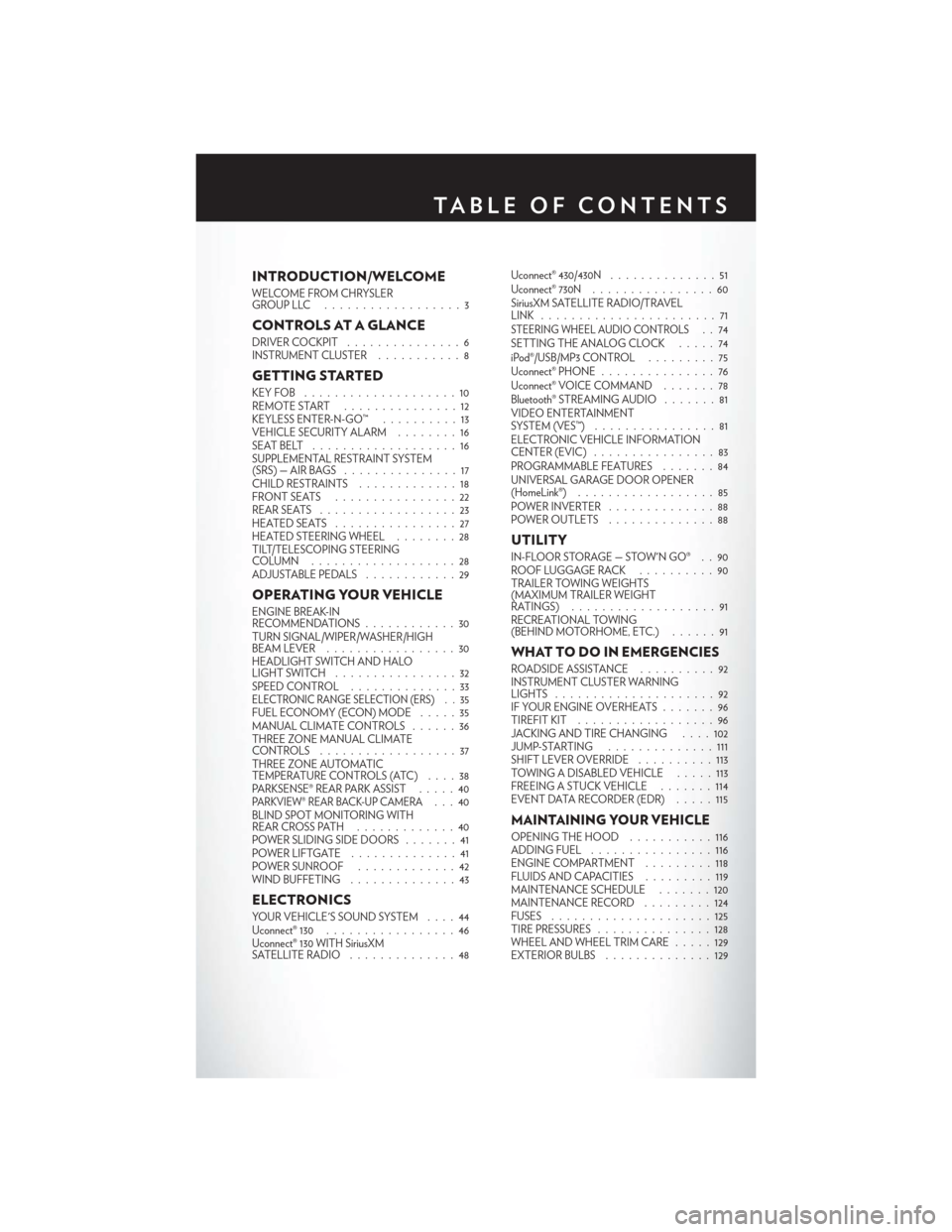
INTRODUCTION/WELCOME
WELCOME FROM CHRYSLER
GROUPLLC ..................3
CONTROLS AT A GLANCE
DRIVER COCKPIT...............6
INSTRUMENT CLUSTER ...........8
GETTING STARTED
KEYFOB ....................10
REMOTE START...............12
KEYLESS ENTER-N-GO™ ..........13
VEHICLE SECURITY ALARM ........16
SEATBELT ...................16
SUPPLEMENTAL RESTRAINT SYSTEM
(SRS)—AIRBAGS ...............17
CHILD RESTRAINTS .............18
FRONTSEATS ................22
REAR SEATS ..................23
HEATEDSEATS ................27
HEATED STEERING WHEEL ........28
TILT/TELESCOPING STEERING
COLUMN ...................28
ADJUSTABLE PEDALS ............29
OPERATING YOUR VEHICLE
ENGINE BREAK-IN
RECOMMENDATIONS............30
TURN SIGNAL/WIPER/WASHER/HIGH
BEAM LEVER .................30
HEADLIGHT SWITCH AND HALO
LIGHTSWITCH ................32
SPEED CONTROL ..............33
ELECTRONIC RANGE SELECTION (ERS) . . 35FUEL ECONOMY (ECON) MODE .....35
MANUAL CLIMATE CONTROLS ......36
THREE ZONE MANUAL CLIMATE
CONTROLS ..................37
THREE ZONE AUTOMATIC
TEMPERATURE CONTROLS (ATC) ....38
PARKSENSE® REAR PARK ASSIST .....40
PARKVIEW® REAR BACK-UP CAMERA...40
BLIND SPOT MONITORING WITH
REAR CROSS PATH .............40
POWER SLIDING SIDE DOORS .......41
POWERLIFTGATE ..............41
POWER SUNROOF .............42
WIND BUFFETING ..............43
ELECTRONICS
YOUR VEHICLE'S SOUND SYSTEM ....44
Uconnect® 130 . . ...............46
Uconnect® 130 WITH SiriusXM
SATELLITE RADIO ..............48 Uconnect® 430/430N
..............51
Uconnect® 730N ................60
SiriusXM SATELLITE RADIO/TRAVEL
LINK .......................71
STEERING WHEEL AUDIO CONTROLS..74
SETTING THE ANALOG CLOCK . . . . . 74
iPod®/USB/MP3 CONTROL .........75
Uconnect® PHONE ...............76
Uconnect® VOICE COMMAND .......78
Bluetooth® STREAMING AUDIO .......81
VIDEO ENTERTAINMENT
SYSTEM (VES™) ................81
ELECTRONIC VEHICLE INFORMATION
CENTER (EVIC) ................83
PROGRAMMABLE FEATURES .......84
UNIVERSAL GARAGE DOOR OPENER
(HomeLink®) . . ................85
POWER INVERTER ..............88
POWER OUTLETS ..............88
UTILITY
IN-FLOOR STORAGE — STOW'N GO® . . 90
ROOF LUGGAGE RACK ..........90
TRAILER TOWING WEIGHTS
(MAXIMUM TRAILER WEIGHT
RATINGS) ...................91
RECREATIONAL TOWING
(BEHIND MOTORHOME, ETC.) ......91
WHAT TO DO IN EMERGENCIES
ROADSIDE ASSISTANCE . .........92
INSTRUMENT CLUSTER WARNING
LIGHTS .....................92
IF YOUR ENGINE OVERHEATS . . . ....96
TIREFIT KIT ..................96
JACKING AND TIRE CHANGING ....102
JUMP-STARTING ..............111
SHIFT LEVER OVERRIDE ..........113
TOWING A DISABLED VEHICLE .....113
FREEING A STUCK VEHICLE . . . ....114
EVENT DATA RECORDER (EDR) . . . . . 115
MAINTAINING YOUR VEHICLE
OPENING THE HOOD ...........116
ADDING FUEL ................116
ENGINE COMPARTMENT .........118
FLUIDSANDCAPACITIES .........119
MAINTENANCE SCHEDULE .......120
MAINTENANCE RECORD .........124
FUSES .....................125
TIRE PRESSURES ...............128
WHEEL AND WHEEL TRIM CARE .....129
EXTERIOR BULBS ..............129
TABLE OF CONTENTS
Page 5 of 148
WELCOME FROM CHRYSLER GROUP LLC
Congratulations on selecting your new Chrysler Group LLC vehicle. Be assured that it represents
precision workmanship, distinctive styling, and high quality - all essentials that are traditional to
our vehicles.
Your new Chrysler Group LLC vehicle has characteristics to enhance the driver's control under
some driving conditions. These are to assist the driver and are never a substitute for attentive
driving. They can never take the driver's place. Always drive carefully.
Your new vehicle has many features for the comfort and convenience of you and your passengers.
Some of these should not be used when driving because they take your eyes from the road or
your attention from driving. Never text while driving or take your eyes more than momentarily off
the road.
This guide illustrates and describes the operation of features and equipment that are either
standard or optional on this vehicle. This guide may also include a description of features and
equipment that are no longer available or were not ordered on this vehicle. Please disregard any
features and equipment described in this guide that are not available on this vehicle. Chrysler
Group LLC reserves the right to make changes in design and specifications and/or make
additions to or improvements to its products without imposing any obligation upon itself to install
them on products previously manufactured.
This User Guide has been prepared to help you quickly become acquainted with the important
features of your vehicle. It contains most things you will need to operate and maintain the vehicle,
including emergency information.
The DVD includes a computer application containing detailed owner's information which can be
viewed on a personal computer or MAC computer. The multimedia DVD also includes videos
which can be played on any standard DVD player (including the Uconnect® Touchscreen
Radios). Additional DVD operational information is located on the back of the DVD sleeve.
For complete owner information, refer to your Owner's Manual on the DVD in the owner’s
kit provided at the time of new vehicle purchase.For your convenience, the information
contained on the DVD may also be printed and saved for future reference.
Chrysler Group LLC is committed to protecting our environment and natural resources. By
converting from paper to electronic delivery for the majority of the user information for your
vehicle, together we greatly reduce the demand for tree-based products and lessen the stress on
our environment.
INTRODUCTION/WELCOME
3
Page 7 of 148
USE OF AFTERMARKET PRODUCTS (ELECTRONICS)
The use of aftermarket devices including cell phones, MP3 players, GPS systems, or chargers
may affect the performance of on-board wireless features including Keyless Enter-N-Go™ and
Remote Start range. If you are experiencing difficulties with any of your wireless features, try
disconnecting your aftermarket devices to see if the situation improves. If your symptoms persist,
please see an authorized dealer.
CHRYSLER, DODGE, JEEP, RAM TRUCK, SRT, ATF+4, MOPAR and Uconnect are regis-
tered trademarks of Chrysler Group LLC.
COPYRIGHT ©2014 CHRYSLER GROUP LLC
INTRODUCTION/WELCOME
5
Page 34 of 148
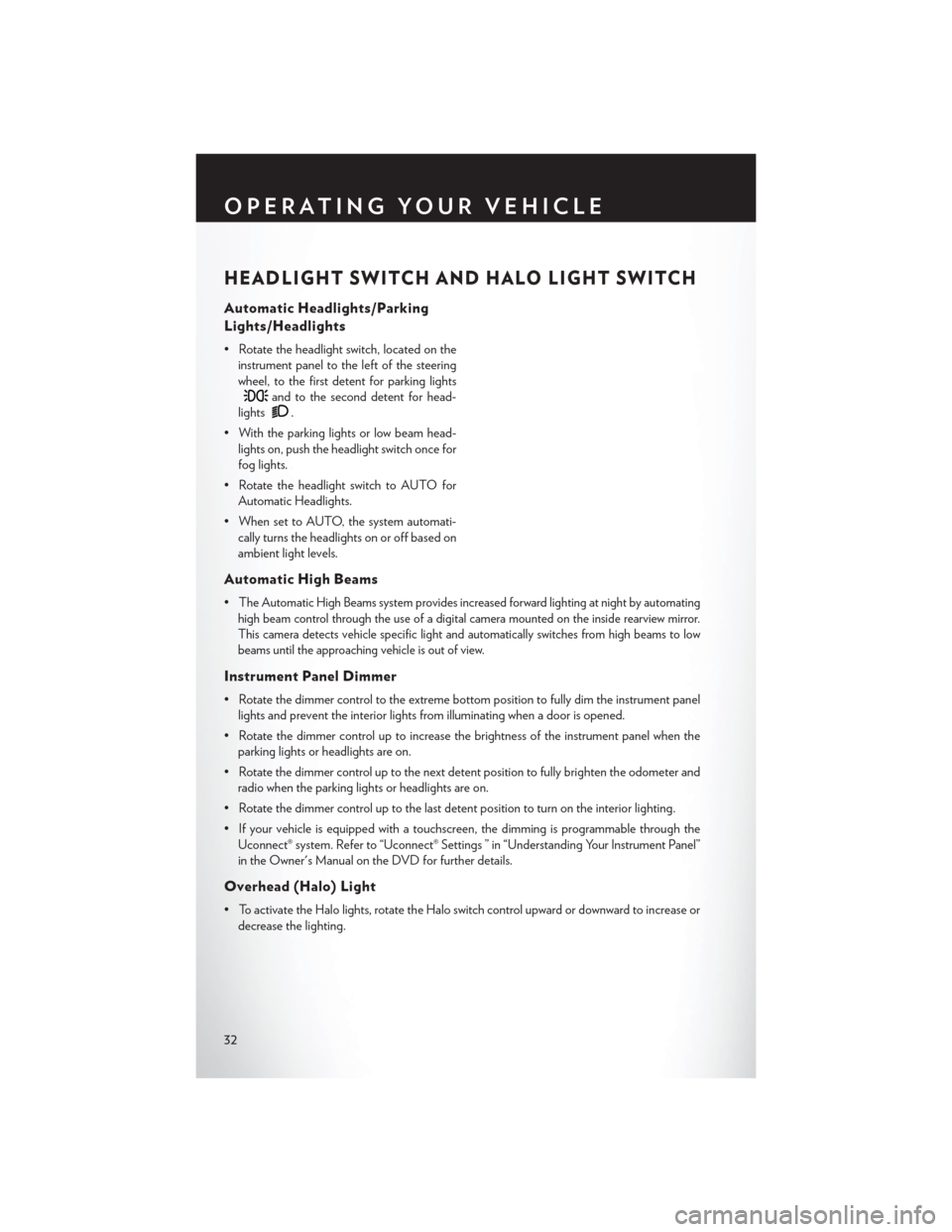
HEADLIGHT SWITCH AND HALO LIGHT SWITCH
Automatic Headlights/Parking
Lights/Headlights
• Rotate the headlight switch, located on theinstrument panel to the left of the steering
wheel, to the first detent for parking lights
and to the second detent for head-
lights
.
• With the parking lights or low beam head- lights on, push the headlight switch once for
fog lights.
• Rotate the headlight switch to AUTO for Automatic Headlights.
• When set to AUTO, the system automati- cally turns the headlights on or off based on
ambient light levels.
Automatic High Beams
•The Automatic High Beams system provides increased forward lighting at night by automating
high beam control through the use of a digital camera mounted on the inside rearview mirror.
This camera detects vehicle specific light and automatically switches from high beams to low
beams until the approaching vehicle is out of view.
Instrument Panel Dimmer
• Rotate the dimmer control to the extreme bottom position to fully dim the instrument panel lights and prevent the interior lights from illuminating when a door is opened.
• Rotate the dimmer control up to increase the brightness of the instrument panel when the parking lights or headlights are on.
• Rotate the dimmer control up to the next detent position to fully brighten the odometer and radio when the parking lights or headlights are on.
• Rotate the dimmer control up to the last detent position to turn on the interior lighting.
• If your vehicle is equipped with a touchscreen, the dimming is programmable through the Uconnect® system. Refer to “Uconnect® Settings ” in “Understanding Your Instrument Panel”
in the Owner's Manual on the DVD for further details.
Overhead (Halo) Light
• To activate the Halo lights, rotate the Halo switch control upward or downward to increase ordecrease the lighting.
OPERATING YOUR VEHICLE
32
Page 46 of 148
YOUR VEHICLE'S SOUND SYSTEM
1. Uconnect® Voice Command Button pg. 78
2. Uconnect® Phone Button pg. 76
3. Steering Wheel Audio Controls (Left) pg. 74
4. Steering Wheel Audio Controls (Right) pg. 74
ELECTRONICS
44
Page 48 of 148
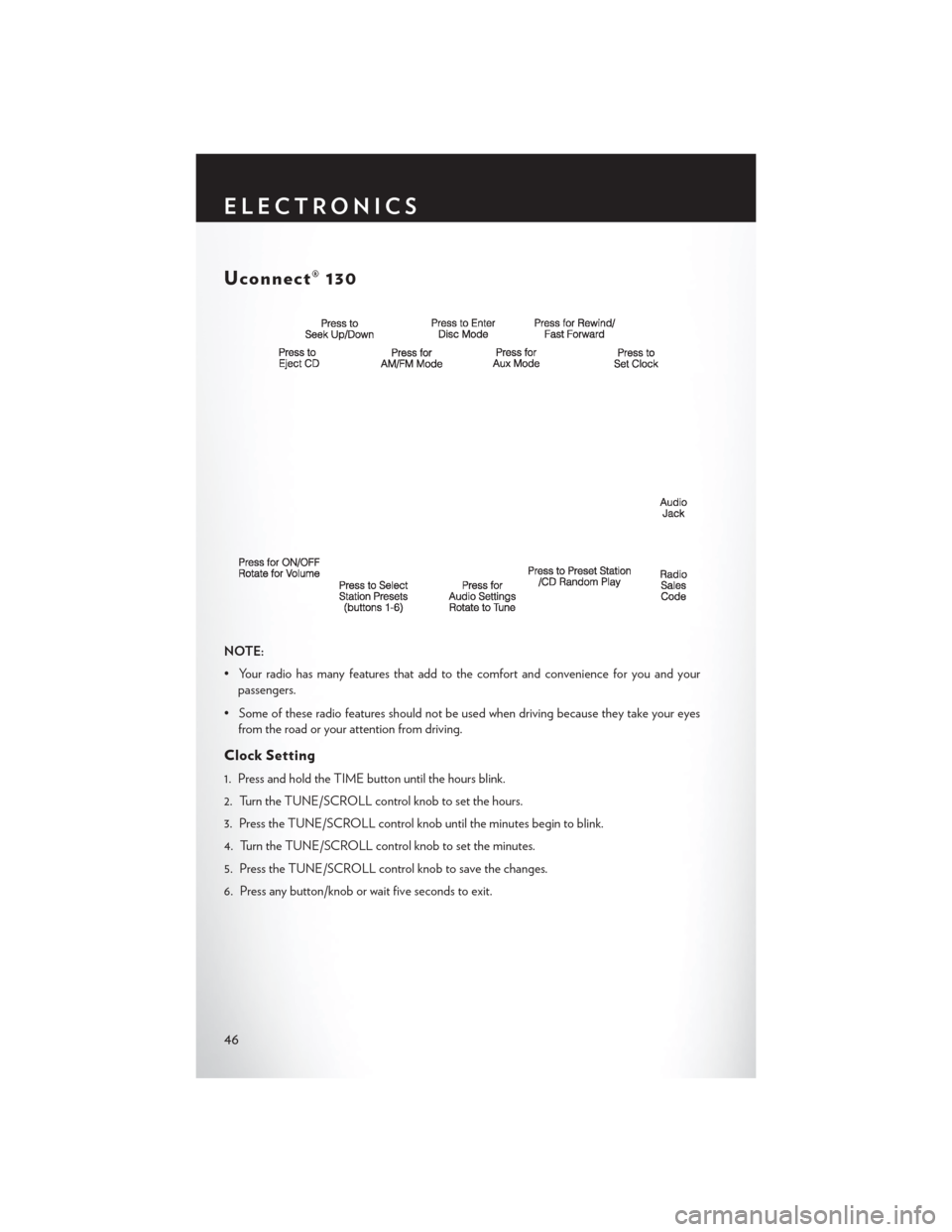
Uconnect® 130
NOTE:
• Your radio has many features that add to the comfort and convenience for you and yourpassengers.
• Some of these radio features should not be used when driving because they take your eyes from the road or your attention from driving.
Clock Setting
1. Press and hold the TIME button until the hours blink.
2. Turn the TUNE/SCROLL control knob to set the hours.
3. Press the TUNE/SCROLL control knob until the minutes begin to blink.
4. Turn the TUNE/SCROLL control knob to set the minutes.
5. Press the TUNE/SCROLL control knob to save the changes.
6. Press any button/knob or wait five seconds to exit.
ELECTRONICS
46
Page 50 of 148
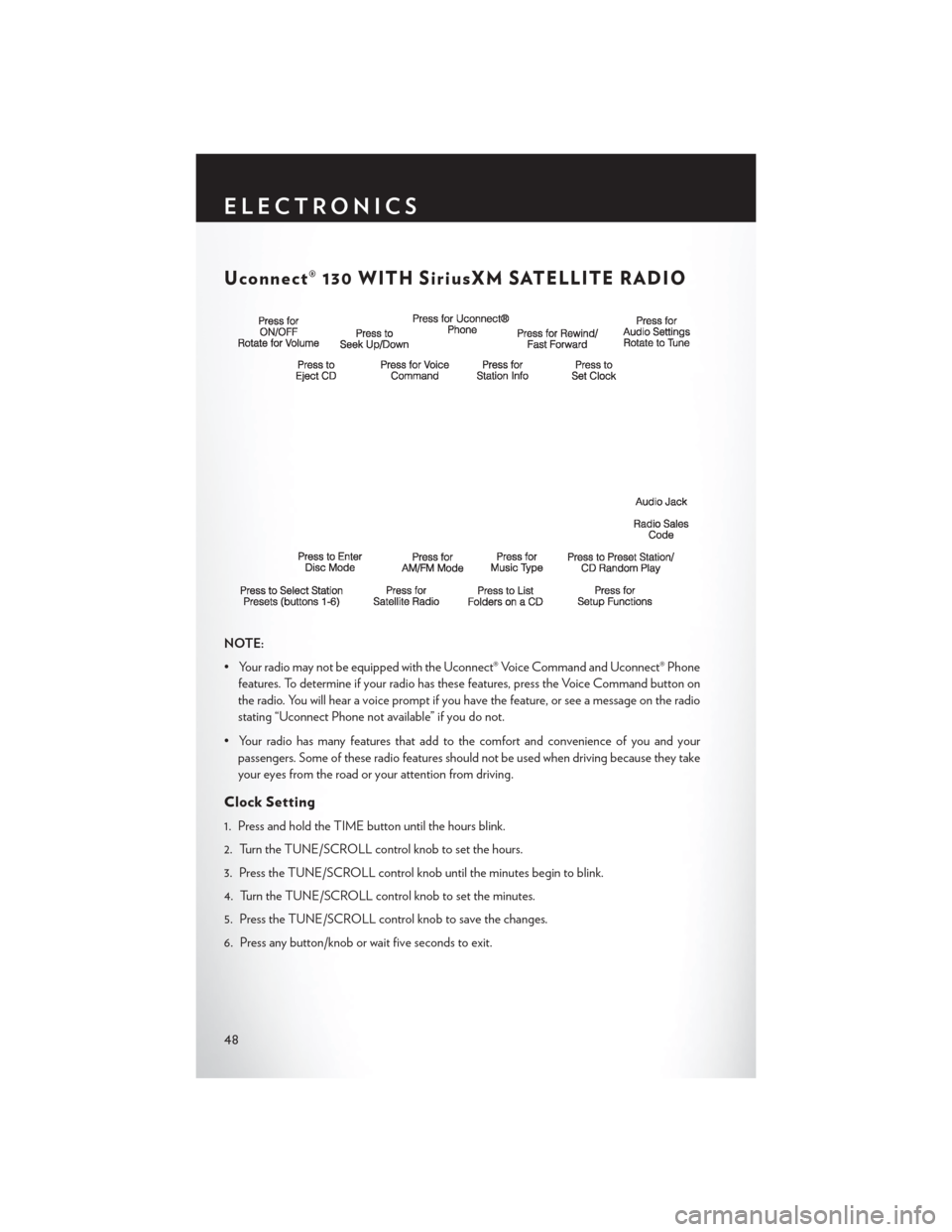
Uconnect® 130 WITH SiriusXM SATELLITE RADIO
NOTE:
• Your radio may not be equipped with the Uconnect® Voice Command and Uconnect® Phonefeatures. To determine if your radio has these features, press the Voice Command button on
the radio. You will hear a voice prompt if you have the feature, or see a message on the radio
stating “Uconnect Phone not available” if you do not.
• Your radio has many features that add to the comfort and convenience of you and your passengers. Some of these radio features should not be used when driving because they take
your eyes from the road or your attention from driving.
Clock Setting
1. Press and hold the TIME button until the hours blink.
2. Turn the TUNE/SCROLL control knob to set the hours.
3. Press the TUNE/SCROLL control knob until the minutes begin to blink.
4. Turn the TUNE/SCROLL control knob to set the minutes.
5. Press the TUNE/SCROLL control knob to save the changes.
6. Press any button/knob or wait five seconds to exit.
ELECTRONICS
48
Page 53 of 148
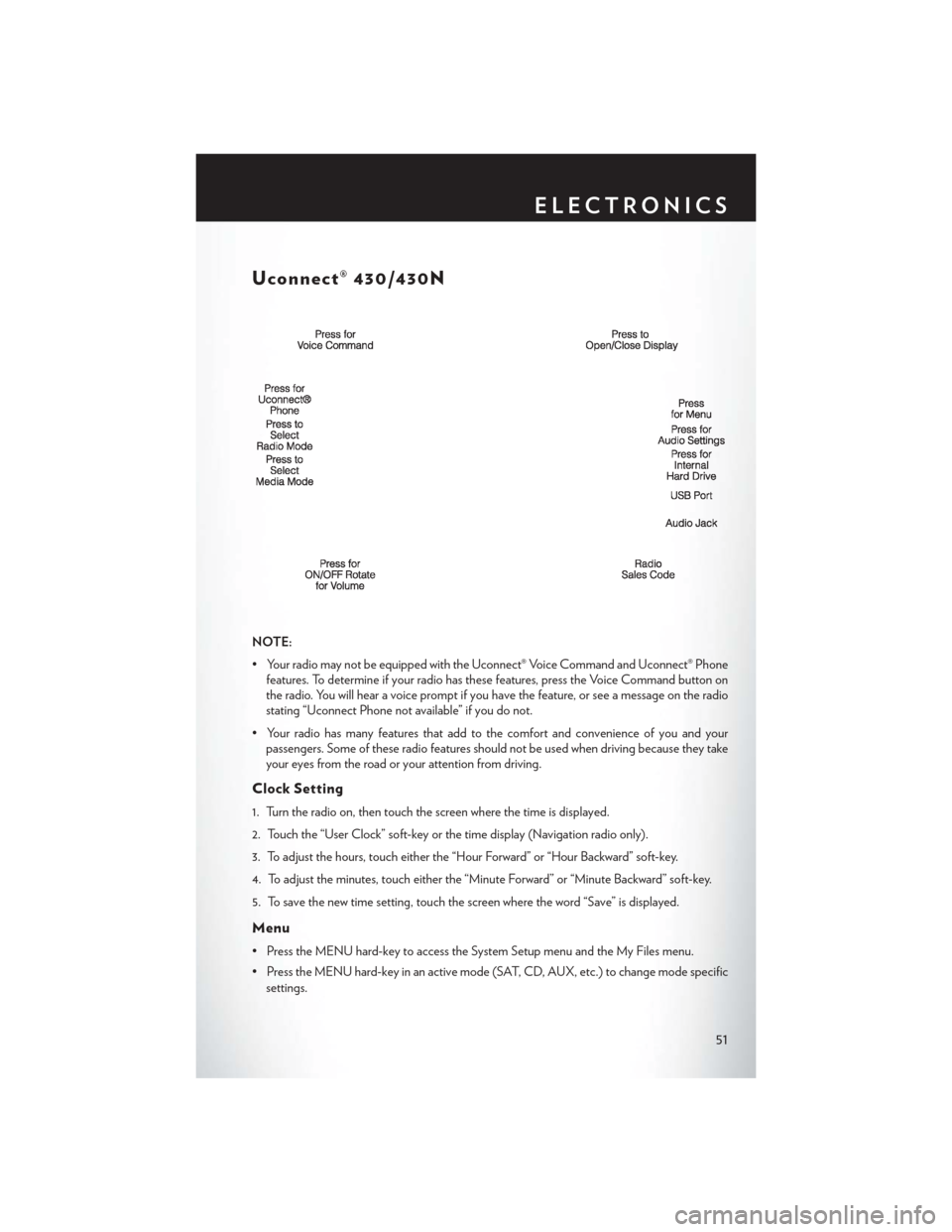
Uconnect® 430/430N
NOTE:
• Your radio may not be equipped with the Uconnect® Voice Command and Uconnect® Phonefeatures. To determine if your radio has these features, press the Voice Command button on
the radio. You will hear a voice prompt if you have the feature, or see a message on the radio
stating “Uconnect Phone not available” if you do not.
• Your radio has many features that add to the comfort and convenience of you and your passengers. Some of these radio features should not be used when driving because they take
your eyes from the road or your attention from driving.
Clock Setting
1. Turn the radio on, then touch the screen where the time is displayed.
2. Touch the “User Clock” soft-key or the time display (Navigation radio only).
3. To adjust the hours, touch either the “Hour Forward” or “Hour Backward” soft-key.
4. To adjust the minutes, touch either the “Minute Forward” or “Minute Backward” soft-key.
5. To save the new time setting, touch the screen where the word “Save” is displayed.
Menu
• Press the MENU hard-key to access the System Setup menu and the My Files menu.
• Press the MENU hard-key in an active mode (SAT, CD, AUX, etc.) to change mode specific
settings.
ELECTRONICS
51
Page 57 of 148
Audio Jack Operation
• The AUX/Audio Jack provides a means to connect a portable audio device, such as an MP3player or an iPod®, to the vehicle’s sound system. This requires the use of a 3.5 mm stereo audio
patch cable.
• Press the MEDIA hard-key then the “AUX” soft-key to change the mode to auxiliary device if the Audio Jack is connected, allowing the music from your portable device to play through
the vehicle's speakers.
• The functions of the portable device are controlled using the device itself, not the buttons on the radio. However, the volume may be controlled using the radio or portable device.
Hard Disk Drive (HDD) Operation
• The Hard Disk Drive (HDD) mode gives you access to the audio files on the internal hard diskdrive. It functions similar to a CD player, with the exception that the internal HDD can hold
more tracks.
• It is also possible to import display pictures to the internal hard disk drive. The pictures can be displayed on the right half of the radio screen.
• Before using the HDD mode, you will need to copy songs and pictures to the internal hard drive. Songs and pictures can be added to the hard drive by using a CD or USB device
(e.g. thumb drive or memory stick).
NOTE:
• HDD supports only .jpg/JPEG formats for photos.
• WMA/MP3 Files and Selective Songs from a CD can also be added to the HDD. See the Uconnect® 430/430N Supplement Manual for more information.
Copying Music From CD
• Press the “LOAD” hard-key.
• Insert a disc, then press the “MY FILES” hard-key and then select “MY MUSIC soft-key.”
• Touch the “Add Music Files to HDD” soft-key, then touch the “Disc” soft-key in the next screen to start the process.
NOTE:
• You might need to select the folder or title depending on the CD, then press “DONE”
to start the copy process.
• The copy progress is shown in the lower left corner of the screen.
ELECTRONICS
55