display Citroen C3 2015 2.G User Guide
[x] Cancel search | Manufacturer: CITROEN, Model Year: 2015, Model line: C3, Model: Citroen C3 2015 2.GPages: 401, PDF Size: 13.04 MB
Page 34 of 401
32
Touch screen tablet
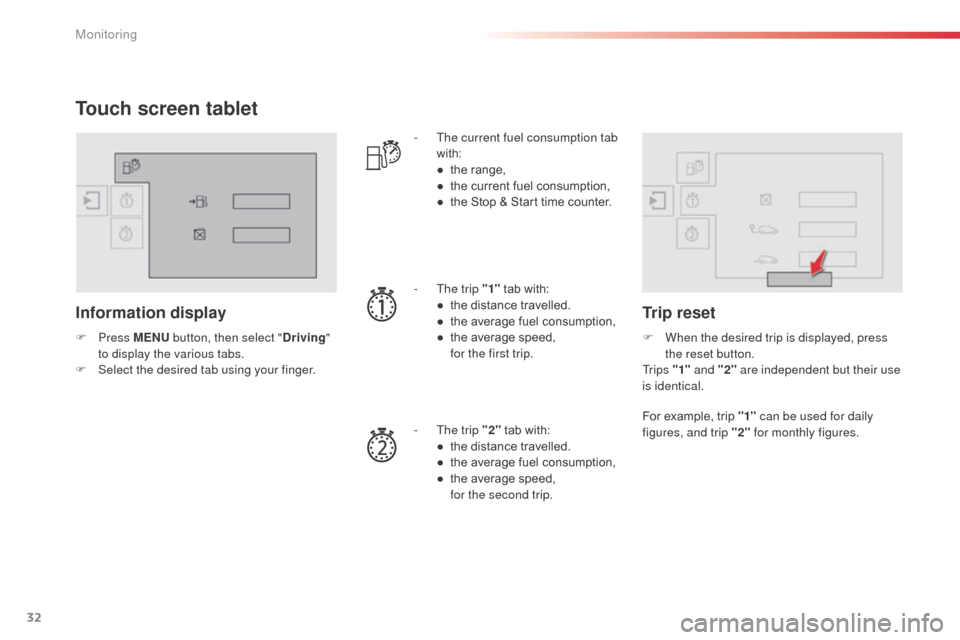
Information display
F Press M ENU button, then select " Driving"
to display the various tabs.
F
S
elect the desired tab using your finger. -
T
he current fuel consumption tab
with:
●
t
he range,
●
t
he current fuel consumption,
●
t
he Stop & Start time counter.
-
T
he trip "1"
tab with:
●
t
he distance travelled.
●
t
he average fuel consumption,
● t he average speed, f
or the first trip.
-
T
he trip "2" tab with:
●
t
he distance travelled.
●
t
he average fuel consumption,
●
t
he average speed,
f
or the second trip.
Trip reset
F When the desired trip is displayed, press the reset button.
Tr i p s "1" and "2" are independent but their use
is identical.
For example, trip "1" can be used for daily
figures, and trip "2" for monthly figures.
Monitoring
Page 35 of 401
33
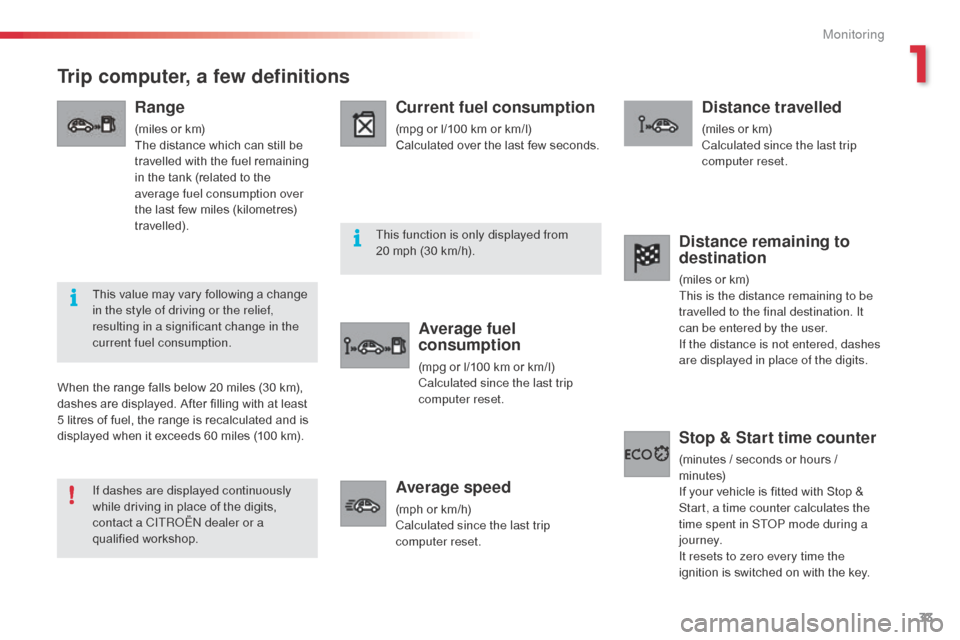
Trip computer, a few definitions
Range
(miles or km)
The distance which can still be
travelled with the fuel remaining
in the tank (related to the
average fuel consumption over
the last few miles (kilometres)
travelled).
Current fuel consumption
(mpg or l/100 km or km/l)
Calculated over the last few seconds.
Average fuel
consumption
(mpg or l/100 km or km/l)
Calculated since the last trip
computer reset.
Average speed
(mph or km/h)
Calculated since the last trip
computer reset.
Distance travelled
(miles or km)
Calculated since the last trip
computer reset.
When the range falls below 20 miles (30 km),
dashes are displayed. After filling with at least
5 litres of fuel, the range is recalculated and is
displayed when it exceeds 60 miles (100 km).
Distance remaining to
destination
(miles or km)
This is the distance remaining to be
travelled to the final destination. It
can be entered by the user.
If the distance is not entered, dashes
are displayed in place of the digits.
Stop & Start time counter
(minutes / seconds or hours /
minutes)
If your vehicle is fitted with Stop &
Start, a time counter calculates the
time spent in ST
oP m
ode during a
j o u r n ey.
It resets to zero every time the
ignition is switched on with the key.
If dashes are displayed continuously
while driving in place of the digits,
contact a CITR
oËn
dealer or a
qualified workshop. This value may vary following a change
in the style of driving or the relief,
resulting in a significant change in the
current fuel consumption. This function is only displayed from
20 mph (30 km/h).
1
Monitoring
Page 36 of 401
34
Monochrome screen a
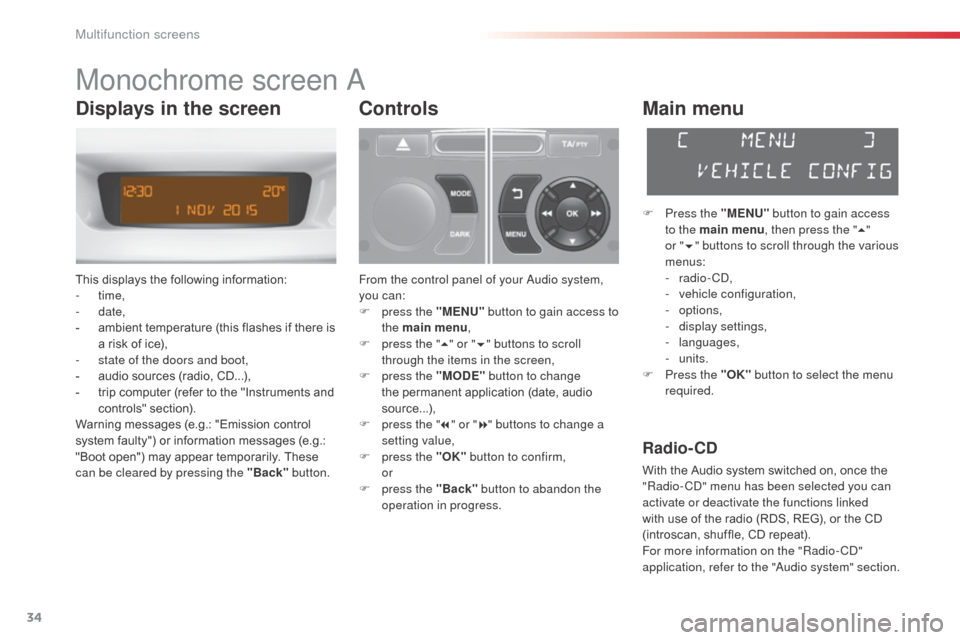
This displays the following information:
- time,
-
date,
-
a
mbient temperature (this flashes if there is
a risk of ice),
-
s
tate of the doors and boot,
-
a
udio sources (radio, CD...),
-
t
rip computer (refer to the "Instruments and
controls" section).
Warning messages (e.g.: "Emission control
system faulty") or information messages (e.g.:
"Boot open") may appear temporarily. These
can be cleared by pressing the "Back" button.
Controls
From the control panel of your audio system,
you can:
F
p
ress the "MENU" button to gain access to
the main menu ,
F
p
ress the " 5" or " 6" buttons to scroll
through the items in the screen,
F
p
ress the "MODE" button to change
the permanent application (date, audio
source...),
F
p
ress the " 7" or " 8" buttons to change a
setting value,
F
p
ress the "OK" button to confirm,
or
F
p
ress the "Back" button to abandon the
operation in progress.
Main menu
F Press the "MENU" button to gain access
to the main menu , then press the "5"
or
"6 " buttons to scroll through the various
menus:
-
radio - C
d
,
-
v
ehicle configuration,
-
options,
-
d
isplay settings,
-
languages,
-
units.
F
P
ress the "OK" button to select the menu
required.
Radio- CD
With the Audio system switched on, once the
"Radio- Cd" m enu has been selected you can
activate or deactivate the functions linked
with use of the radio (RDS, REG), or the CD
(introscan, shuffle, CD repeat).
For more information on the "Radio-C
d"
application, refer to the "
au
dio system" section.
Displays in the screen
Multifunction screens
Page 37 of 401
35
Vehicle configuration
once the " Vehicle Configuration" menu has
been selected, you can activate or deactivate
the following equipment:
-
w
iper linked with reverse gear (refer to the
"Visibility" section),
-
g
uide-me-home lighting (refer to the
"Visibility" section),
-
d
aytime running lamps (refer to the
"Visibility" section),
-
parking sensors (refer to the "Driving" section).Using this menu, you can also reinitialise the
tyre under-inflation detection system (refer to
the "Safety" section).
Options
once the "op tions" menu has been selected,
you can start diagnostics of the status of the
equipment (active, not active, faulty).
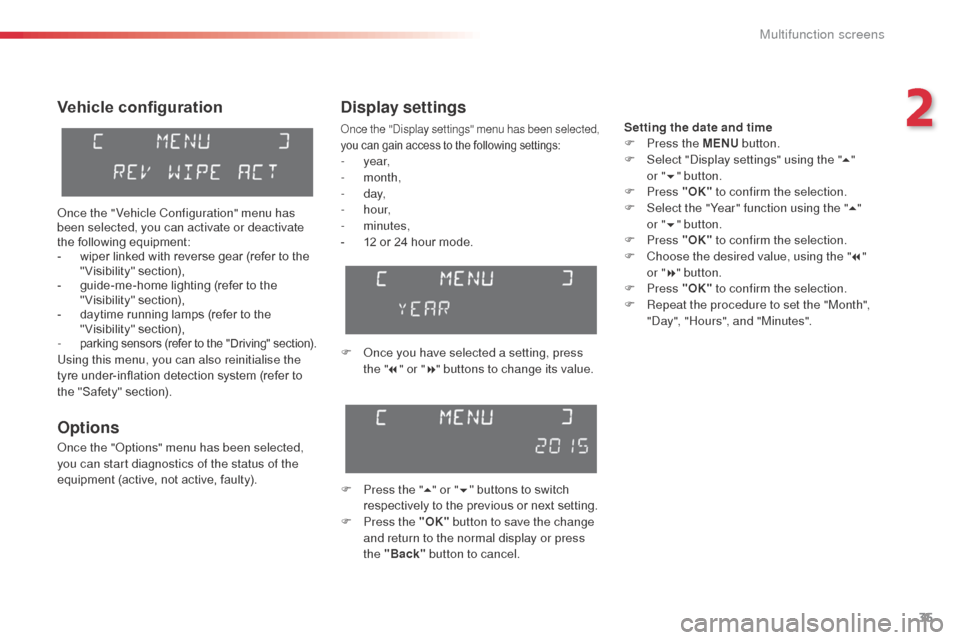
Display settings
once the "di splay settings" menu has been selected,
you can gain access to the following settings:
- year,
- month,
-
d ay,
-
h o u r,
-
minutes,
-
1
2 or 24 hour mode.
F
o
n
ce you have selected a setting, press
the " 7" or " 8" buttons to change its value.
F
P
ress the " 5" or " 6" buttons to switch
respectively to the previous or next setting.
F
P
ress the "OK" button to save the change
and return to the normal display or press
the "Back" button to cancel.
Setting the date and time
F
P ress the MENU button.
F
S
elect "
di
splay settings" using the " 5"
or
"6 " button.
F
Press "OK" to confirm the selection.
F
S
elect the "Year" function using the " 5"
or " 6" button.
F
Press "OK" to confirm the selection.
F
C
hoose the desired value, using the " 7"
or
"8 " button.
F
Press "OK" to confirm the selection.
F
R
epeat the procedure to set the "Month",
"
da
y", "Hours", and "Minutes".
2
Multifunction screens
Page 38 of 401
36
Languages
once the "Languages" menu has been
selected, you can change the language used
by the display, by choosing a new language
from the list offered.
Units
once the "Units" menu has been selected,
you can change the units of the following
parameters:
-
t
emperature (°C or °F),
-
f
uel consumption (l/100 km, mpg or km/l). For safety reasons, configuration by the
driver of the multifunction screen must
only be done when stationary.
on
ce the fuel consumption units have
been set to mpg, the information in the
instrument panel screen on speed and
distance will also be in mph and miles.
Multifunction screens
Page 39 of 401
37
Monochrome screen C
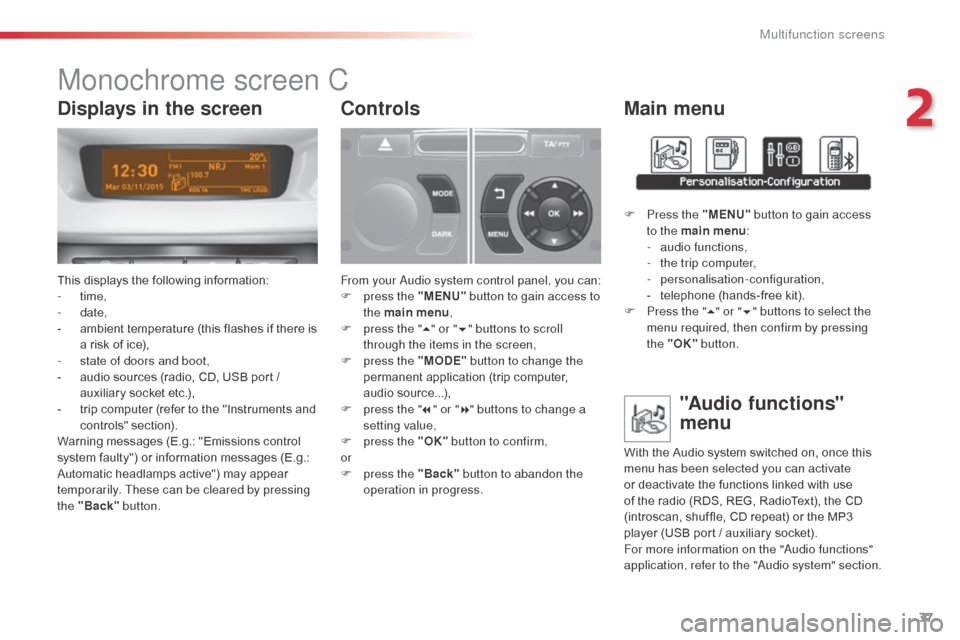
This displays the following information:
- time,
-
date,
-
a
mbient temperature (this flashes if there is
a risk of ice),
-
s
tate of doors and boot,
-
a
udio sources (radio, CD, USB port /
auxiliary socket etc.),
-
t
rip computer (refer to the "Instruments and
controls" section).
Warning messages (E.g.: "Emissions control
system faulty") or information messages (E.g.:
Automatic headlamps active") may appear
temporarily. These can be cleared by pressing
the "Back" button.
Controls
From your au dio system control panel, you can:
F p ress the "MENU" button to gain access to
the main menu ,
F
p
ress the " 5" or " 6" buttons to scroll
through the items in the screen,
F
p
ress the "MODE" button to change the
permanent application (trip computer,
audio source...),
F
p
ress the " 7" or " 8" buttons to change a
setting value,
F
p
ress the "OK" button to confirm,
or
F
p
ress the "Back" button to abandon the
operation in progress.
Main menu
F Press the "MENU" button to gain access
to the main menu :
-
a
udio functions,
-
t
he trip computer,
-
personalisation-configuration,
-
t
elephone (hands-free kit).
F
P
ress the " 5" or " 6" buttons to select the
menu required, then confirm by pressing
the "OK" button.
"Audio functions"
menu
With the Audio system switched on, once this
menu has been selected you can activate
or deactivate the functions linked with use
of the radio (RDS, REG, RadioText), the CD
(introscan, shuffle, CD repeat) or the MP3
player (USB port / auxiliary socket).
For more information on the "
au
dio functions"
application, refer to the "
au
dio system" section.
Displays in the screen
2
Multifunction screens
Page 40 of 401
38
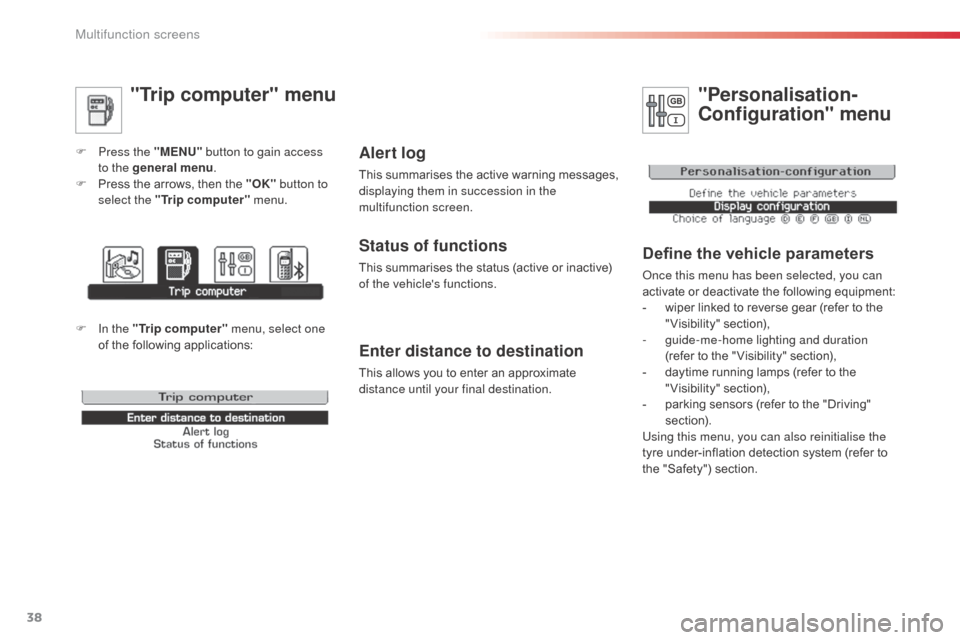
"Trip computer" menu
F Press the "MENU" button to gain access
to the general menu .
F
P
ress the arrows, then the "OK" button to
select the " Trip computer " menu.
Enter distance to destination
This allows you to enter an approximate
distance until your final destination.
Alert log
This summarises the active warning messages,
displaying them in succession in the
multifunction screen.
Status of functions
This summarises the status (active or inactive)
of the vehicle's functions.
"Personalisation-
Configuration" menu
Define the vehicle parameters
once this menu has been selected, you can
activate or deactivate the following equipment:
-
w
iper linked to reverse gear (refer to the
"Visibility" section),
-
g
uide-me-home lighting and duration
(refer to the " Visibility" section),
-
d
aytime running lamps (refer to the
"Visibility" section),
-
p
arking sensors (refer to the "Driving"
section).
Using this menu, you can also reinitialise the
tyre under-inflation detection system (refer to
the "Safety") section.
F In the " Trip computer " menu, select one
of the following applications:
Multifunction screens
Page 41 of 401
39
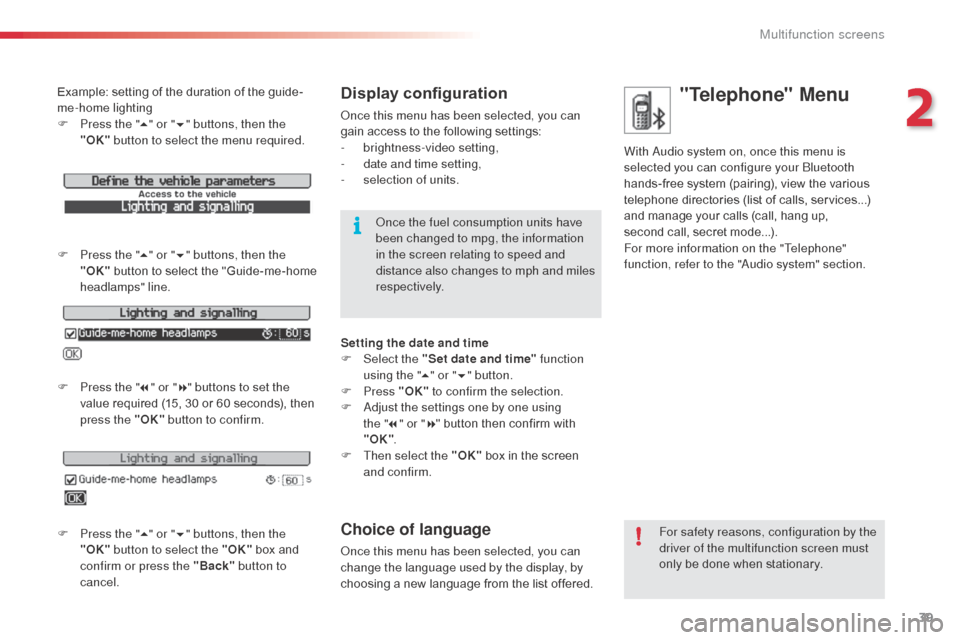
Example: setting of the duration of the guide-
me-home lighting
F
P
ress the " 5" or " 6" buttons, then the
"OK" button to select the menu required.
F
P
ress the " 5" or " 6" buttons, then the
"OK" button to select the "Guide-me-home
headlamps" line.
F
P
ress the " 7" or " 8" buttons to set the
value required (15, 30 or 60 seconds), then
press the "OK" button to confirm.
F
P
ress the " 5" or " 6" buttons, then the
"OK" button to select the "OK" box and
confirm or press the "Back" button to
cancel.Display configuration
once this menu has been selected, you can
gain access to the following settings:
-
b
rightness-video setting,
-
d
ate and time setting,
-
s
election of units.
on
ce the fuel consumption units have
been changed to mpg, the information
in the screen relating to speed and
distance also changes to mph and miles
respectively.
Setting the date and time
F
Sel
ect the "Set date and time" function
using the " 5" or " 6" button.
F
Press "OK" to confirm the selection.
F
a
d
just the settings one by one using
the
"7 " or " 8" button then confirm with
"OK" .
F
T
hen select the "OK" box in the screen
and confirm.
Choice of language
once this menu has been selected, you can
change the language used by the display, by
choosing a new language from the list offered. For safety reasons, configuration by the
driver of the multifunction screen must
only be done when stationary.
"Telephone" Menu
With audio system on, once this menu is
selected you can configure your
bl uetooth
hands-free system (pairing), view the various
telephone directories (list of calls, services...)
and manage your calls (call, hang up,
second
call, secret mode...).
For more information on the "Telephone"
function, refer to the "
au
dio system" section.
2
Multifunction screens
Page 42 of 401
40
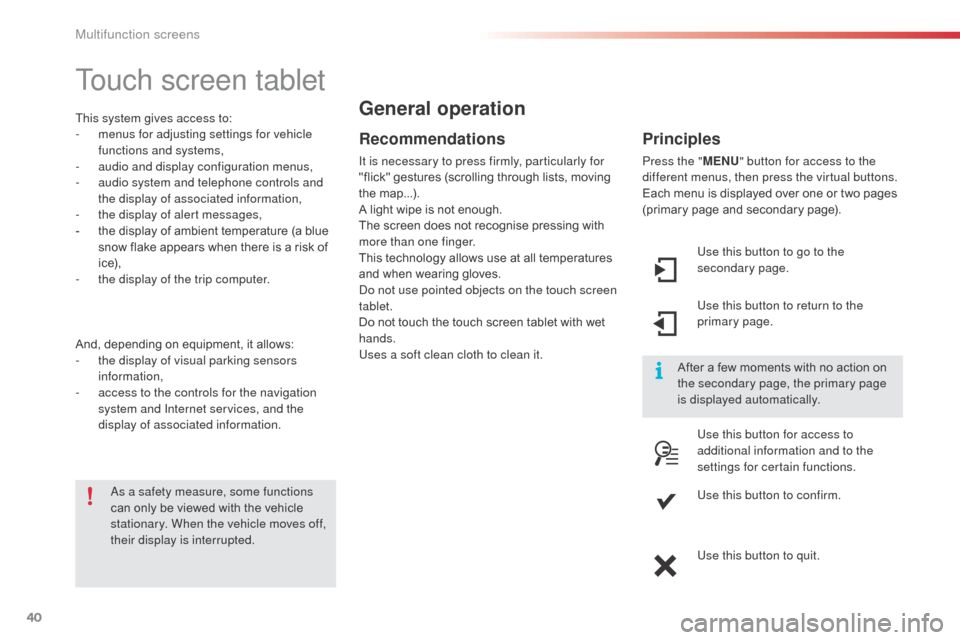
Touch screen tablet
This system gives access to:
- m enus for adjusting settings for vehicle
functions and systems,
-
a
udio and display configuration menus,
-
a
udio system and telephone controls and
the display of associated information,
-
t
he display of alert messages,
-
t
he display of ambient temperature (a blue
snow flake appears when there is a risk of
i c e),
-
t
he display of the trip computer.
And, depending on equipment, it allows:
-
t
he display of visual parking sensors
information,
-
a
ccess to the controls for the navigation
system and Internet services, and the
display of associated information.
Recommendations
It is necessary to press firmly, particularly for
"flick" gestures (scrolling through lists, moving
the map...).
A light wipe is not enough.
The screen does not recognise pressing with
more than one finger.
This technology allows use at all temperatures
and when wearing gloves.
do n
ot use pointed objects on the touch screen
tablet.
Do not touch the touch screen tablet with wet
hands.
Uses a soft clean cloth to clean it.
General operation
as a safety measure, some functions
can only be viewed with the vehicle
stationary. When the vehicle moves off,
their display is interrupted. After a few moments with no action on
the secondary page, the primary page
is displayed automatically.
Principles
Press the "
MENU" button for access to the
different menus, then press the virtual buttons.
Each menu is displayed over one or two pages
(primary page and secondary page).
Use this button to go to the
secondary page.
Use this button to return to the
primary page.
Use this button for access to
additional information and to the
settings for certain functions.
Use this button to confirm.
Use this button to quit.
Multifunction screens
Page 43 of 401
41
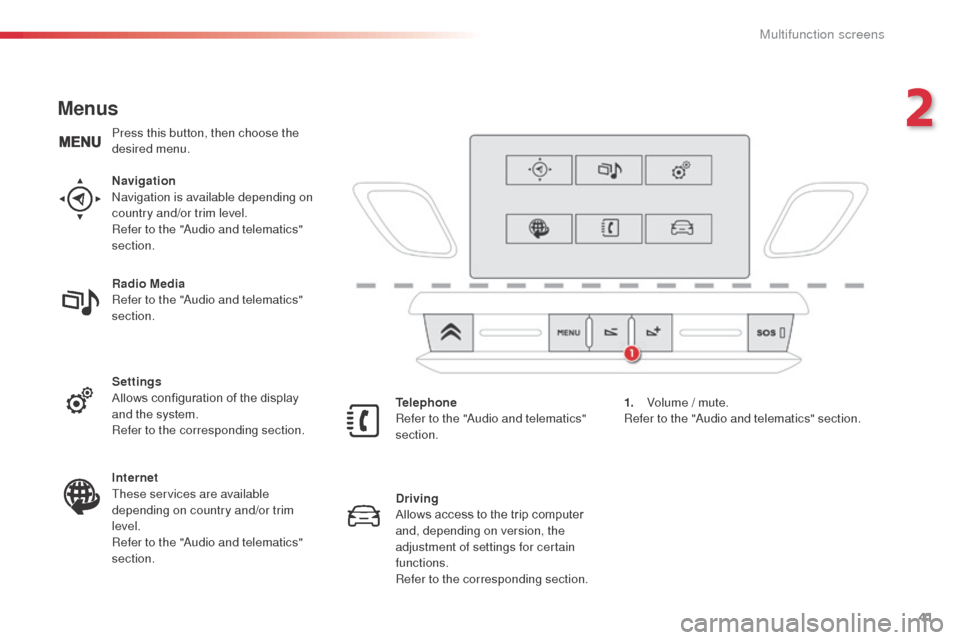
Menus
Navigationnavigation is available depending on
country and/or trim level.
Refer to the "
au
dio and telematics"
section.
Telephone
Refer to the "
au
dio and telematics"
section. 1.
V
olume / mute.
Refer to the "
aud
io and telematics" section.
Radio Media
Refer to the "
au
dio and telematics"
section.
Settings
Allows configuration of the display
and the system.
Refer to the corresponding section.
Internet
These services are available
depending on country and/or trim
level.
Refer to the "
au
dio and telematics"
section. Driving
Allows access to the trip computer
and, depending on version, the
adjustment of settings for certain
functions.
Refer to the corresponding section.
Press this button, then choose the
desired menu.
2
Multifunction screens