Telephone Citroen GRAND C4 PICASSO 2017 2.G Repair Manual
[x] Cancel search | Manufacturer: CITROEN, Model Year: 2017, Model line: GRAND C4 PICASSO, Model: Citroen GRAND C4 PICASSO 2017 2.GPages: 527, PDF Size: 12.91 MB
Page 517 of 527
164
Audio and Telematics
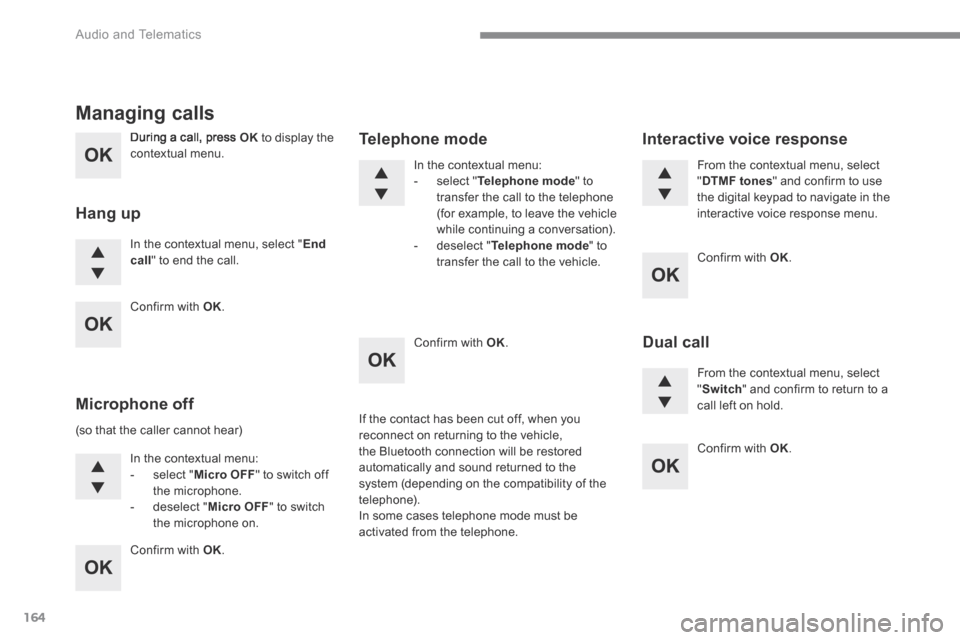
During a call, press OK to display the contextual menu.
In the contextual menu, select " End call " to end the call.
Managing calls
Hang up
(so that the caller cannot hear)
In the contextual menu: - select " Micro OFF " to switch off the microphone. - deselect " Micro OFF " to switch the microphone on.
In the contextual menu: - select " Telephone mode " to transfer the call to the telephone (for example, to leave the vehicle while continuing a conversation). - deselect " Telephone mode " to transfer the call to the vehicle.
Microphone off
Telephone mode
If the contact has been cut off, when you reconnect on returning to the vehicle, the Bluetooth connection will be restored automatically and sound returned to the system (depending on the compatibility of the telephone). In some cases telephone mode must be activated from the telephone.
From the contextual menu, select " DTMF tones " and confirm to use the digital keypad to navigate in the interactive voice response menu.
From the contextual menu, select " Switch " and confirm to return to a call left on hold.
Interactive voice response
Dual call
Confirm with OK .
Confirm with OK .
Confirm with OK .
Confirm with OK .
Confirm with OK .
Page 518 of 527
165
.
Audio and Telematics
Transversal-Citroen_en_Chap03_RD6_ed01-2016
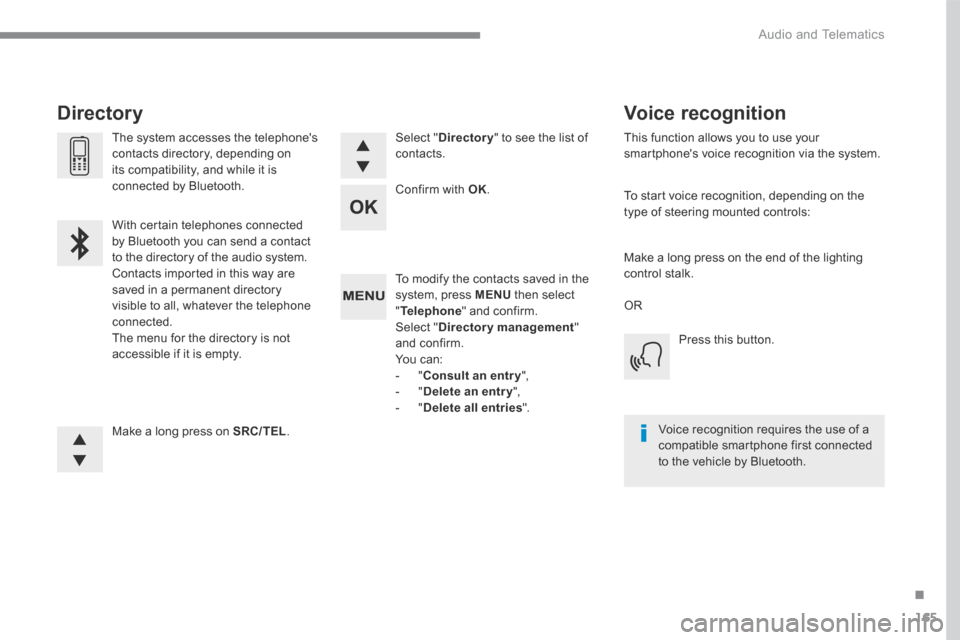
To modify the contacts saved in the system, press MENU then select " Telephone " and confirm. Select " Directory management " and confirm. You can: - " Consult an entr y ", - " Delete an entry ", - " Delete all entries ".
Make a long press on SRC/TEL .
The system accesses the telephone's contacts directory, depending on its compatibility, and while it is connected by Bluetooth.
With certain telephones connected by Bluetooth you can send a contact to the directory of the audio system. Contacts imported in this way are saved in a permanent directory visible to all, whatever the telephone connected. The menu for the directory is not accessible if it is empty.
Select " Directory " to see the list of contacts.
Directory
Confirm with OK .
OR
Voice recognition
This function allows you to use your smartphone's voice recognition via the system.
To start voice recognition, depending on the type of steering mounted controls:
Make a long press on the end of the lighting control stalk.
Press this button.
Voice recognition requires the use of a compatible smartphone first connected to the vehicle by Bluetooth.
Page 522 of 527
169
.
Audio and Telematics
Transversal-Citroen_en_Chap03_RD6_ed01-2016
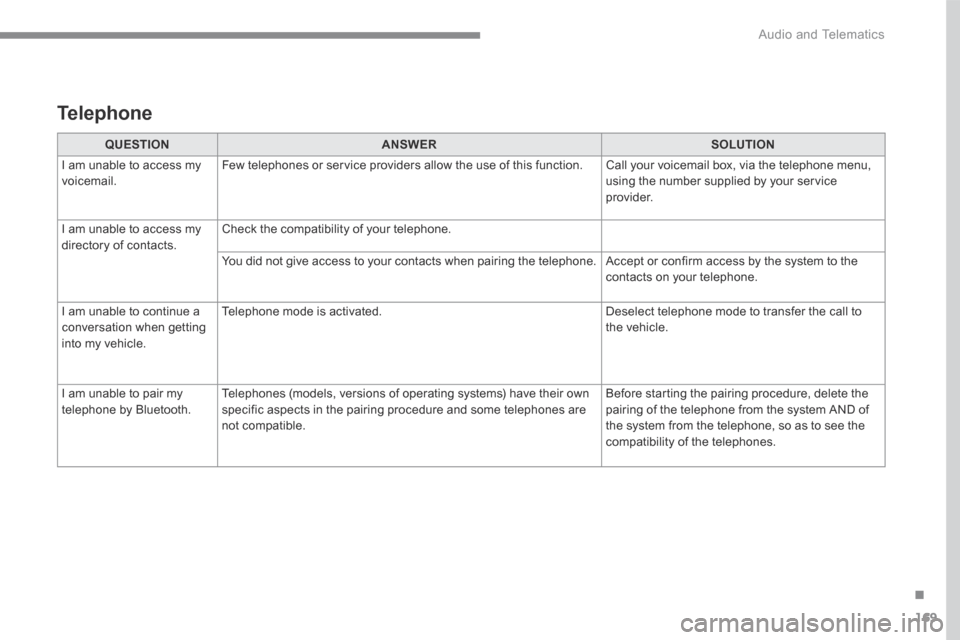
QUESTIONANSWERSOLUTION
I am unable to access my voicemail. Few telephones or service providers allow the use of this function. Call your voicemail box, via the telephone menu, using the number supplied by your service provider.
I am unable to access my directory of contacts. Check the compatibility of your telephone.
You did not give access to your contacts when pairing the telephone. Accept or confirm access by the system to the contacts on your telephone.
I am unable to continue a conversation when getting into my vehicle.
Telephone mode is activated. Deselect telephone mode to transfer the call to the vehicle.
I am unable to pair my telephone by Bluetooth. Telephones (models, versions of operating systems) have their own specific aspects in the pairing procedure and some telephones are not compatible.
Before starting the pairing procedure, delete the pairing of the telephone from the system AND of the system from the telephone, so as to see the compatibility of the telephones.
Telephone