battery DODGE AVENGER 2008 User Guide
[x] Cancel search | Manufacturer: DODGE, Model Year: 2008, Model line: AVENGER, Model: DODGE AVENGER 2008Pages: 467, PDF Size: 7.16 MB
Page 131 of 467
WARNING!If the hood is not fully latched it could fly up when
the vehicle is moving and block your forward vision.
You could have a collision. Be sure all hood latches
are fully latched before driving.
LIGHTS
MAP/READING/INTERIOR LIGHTS
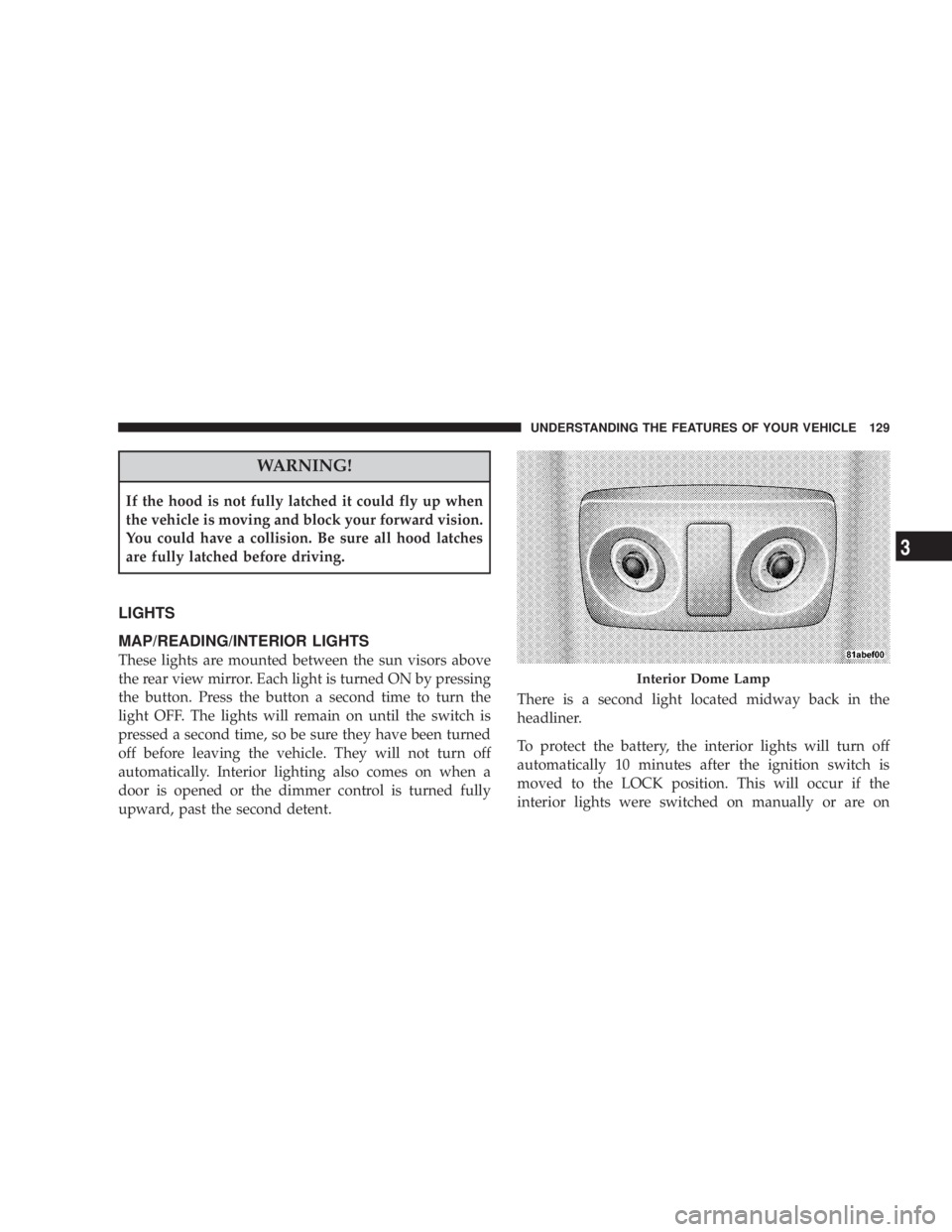
These lights are mounted between the sun visors above
the rear view mirror. Each light is turned ON by pressing
the button. Press the button a second time to turn the
light OFF. The lights will remain on until the switch is
pressed a second time, so be sure they have been turned
off before leaving the vehicle. They will not turn off
automatically. Interior lighting also comes on when a
door is opened or the dimmer control is turned fully
upward, past the second detent. There is a second light located midway back in the
headliner.
To protect the battery, the interior lights will turn off
automatically 10 minutes after the ignition switch is
moved to the LOCK position. This will occur if the
interior lights were switched on manually or are on Interior Dome LampUNDERSTANDING THE FEATURES OF YOUR VEHICLE 129
3
Page 145 of 467
On steep hills, a greater speed loss or gain may occur so
it may be preferable to drive without speed control.
GARAGE DOOR OPENER Ð IF EQUIPPED
HomeLink t replaces up to three remote controls (hand-
held transmitters) that operate devices such as garage
door openers, motorized gates, lighting, or home security
systems. The HomeLink t unit operates off your vehicle's
battery.
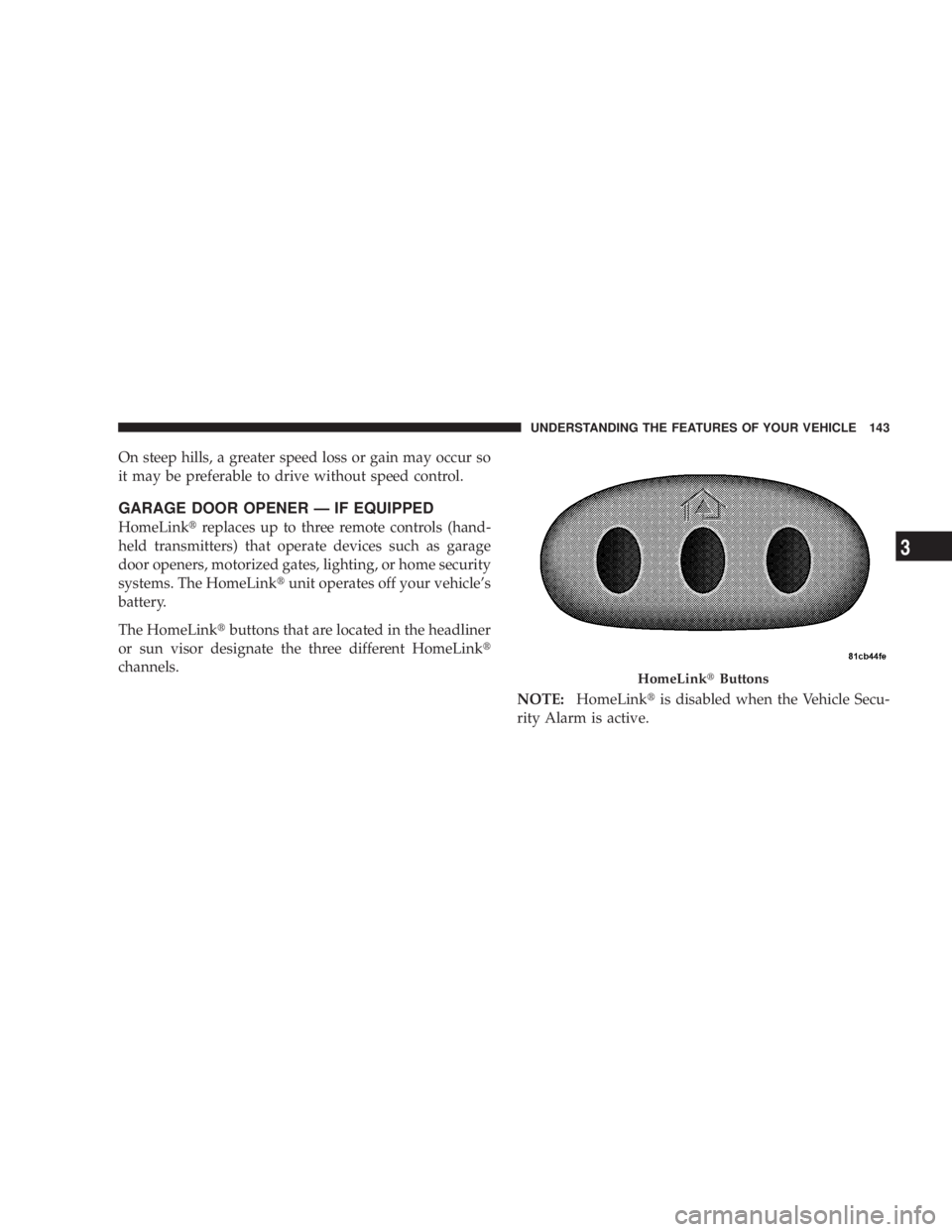
The HomeLink t buttons that are located in the headliner
or sun visor designate the three different HomeLink t
channels.
NOTE: HomeLink t is disabled when the Vehicle Secu-
rity Alarm is active. HomeLink t ButtonsUNDERSTANDING THE FEATURES OF YOUR VEHICLE 143
3
Page 146 of 467
WARNING!Your motorized door or gate will open and close
while you are training the Universal Transceiver. Do
not train the transceiver if people or pets are in the
path of the door or gate. Only use this transceiver
with a garage door opener that has a ªstop and
reverseº feature as required by Federal safety stan-
dards. This includes most garage door opener models
manufactured after 1982. Do not use a garage door
opener without these safety features. Call toll-free
1±800±355±3515 or, on the Internet at
www.HomeLink.com for safety information or
assistance. WARNING!Vehicle exhaust contains carbon monoxide, a danger-
ous gas. Do not run your vehicle in the garage while
training the transceiver. Exhaust gas can cause seri-
ous injury or death.
PROGRAMMING HOMELINK T
Before You Begin
If you have not trained any of the HomeLink t buttons,
erase all channels before you begin training.
To do this, press and hold the two outside buttons for 20
seconds until the red indicator flashes.
It is recommended that a new battery be placed in the
hand-held transmitter of the device being programmed
to HomeLink t for more efficient training and accurate
transmission of the radio-frequency signal.144 UNDERSTANDING THE FEATURES OF YOUR VEHICLE
Page 147 of 467
Your vehicle should be parked outside of the garage
when programming.
Begin Programming
1. Turn the ignition switch to the ON/RUN position.
2. Hold the battery side of the hand-held transmitter
away from the HomeLink t button you wish to program.
Place the hand-held transmitter 1 to 3 in (3 to 8 cm) away
from the HomeLink t button you wish to program while
keeping the indicator light in view.
3. Simultaneously press and hold both the chosen
HomeLink t button and the hand-held transmitter button
until the HomeLink t indicator changes from a slow to a
rapidly blinking light, then release both the HomeLink t
and hand-held transmitter buttons. Watch for the HomeLink t indicator to change flash rates.
When it changes, it is programmed. It may take up to 30
seconds, or longer in rare cases. The garage door may
open and close while you train.
NOTE: Some gate operators and garage door openers
may require you to replace Step 3 with procedures noted
in the ªGate Operator/Canadian Programmingº section.
NOTE: After training a HomeLink t channel, if the
garage door does not operate with HomeLink t and the
garage door opener was manufactured after 1995, the
garage door opener may have a rolling code. If so,
proceed to Step 5 ªProgramming A Rolling Code Sys-
tem.º
4. Press and hold the just-trained HomeLink t button
and observe the indicator light. UNDERSTANDING THE FEATURES OF YOUR VEHICLE 145
3
Page 151 of 467
TROUBLESHOOTING TIPS
If you are having trouble programming HomeLink t , here
are some of the most common solutions:
² Replace the battery in the original transmitter.
² Press the ªLearnº button on the Garage Door Opener
to complete the training for a Rolling Code.
² Did you unplug the device for training, and remember
to plug it back in?
If you have any problems, or require assistance, please
call toll-free 1±800±355±3515 or, on the Internet at
www.HomeLink.com for information or assistance. GENERAL INFORMATION
This device complies with FCC rules Part 15 and Industry
Canada RSS-210. Operation is subject to the following
two conditions:
1. This device may not cause harmful interference.
2. This device must accept any interference that may be
received including interference that may cause undesired
operation.
NOTE: The transmitter has been tested and it complies
with FCC and IC rules. Changes or modifications not
expressly approved by the party responsible for compli-
ance could void the user 's authority to operate the
device.
The term IC before the certification/registration number
only signifies that Industry Canada technical specifica-
tions were met. UNDERSTANDING THE FEATURES OF YOUR VEHICLE 149
3
Page 156 of 467
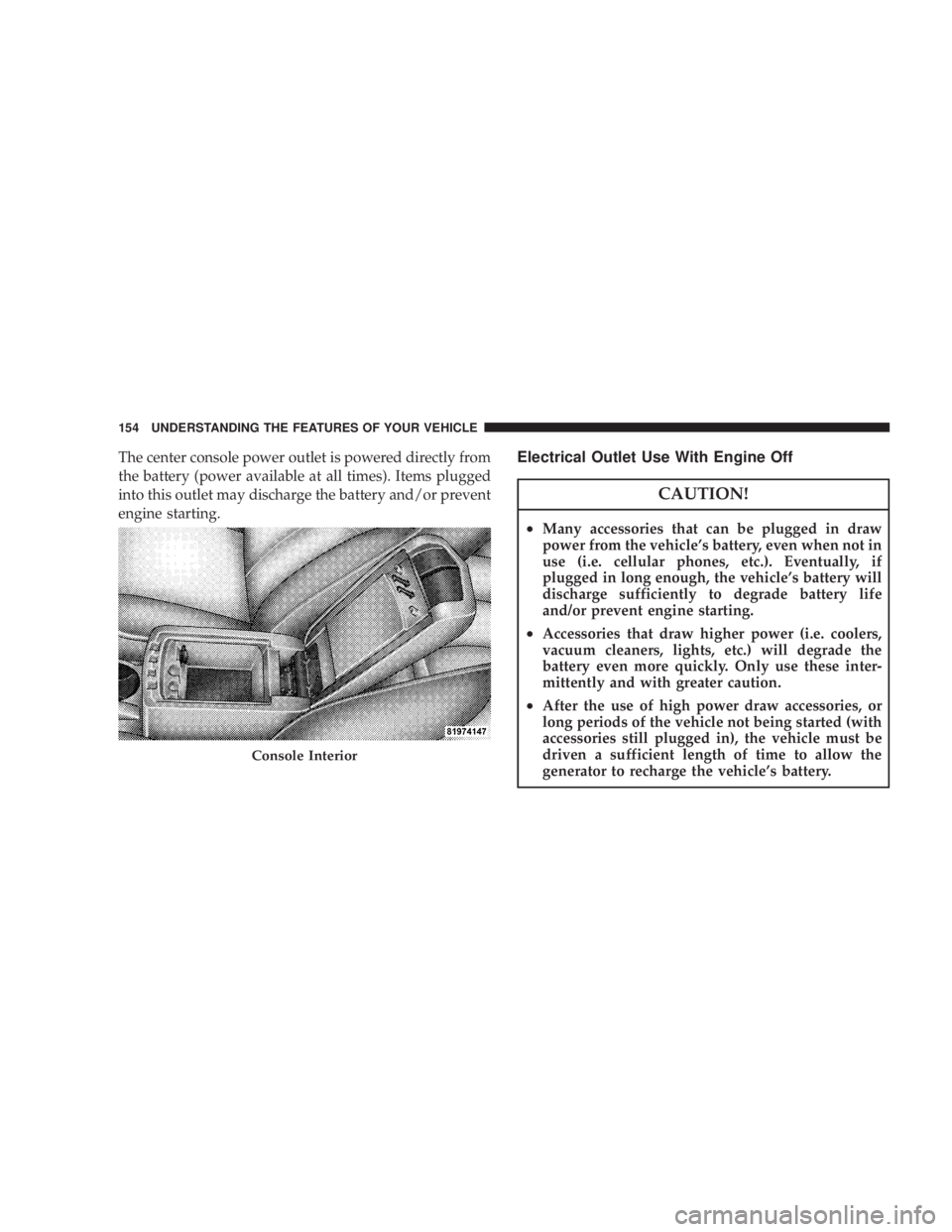
The center console power outlet is powered directly from
the battery (power available at all times). Items plugged
into this outlet may discharge the battery and/or prevent
engine starting. Electrical Outlet Use With Engine Off
CAUTION!² Many accessories that can be plugged in draw
power from the vehicle's battery, even when not in
use (i.e. cellular phones, etc.). Eventually, if
plugged in long enough, the vehicle's battery will
discharge sufficiently to degrade battery life
and/or prevent engine starting.
² Accessories that draw higher power (i.e. coolers,
vacuum cleaners, lights, etc.) will degrade the
battery even more quickly. Only use these inter-
mittently and with greater caution.
² After the use of high power draw accessories, or
long periods of the vehicle not being started (with
accessories still plugged in), the vehicle must be
driven a sufficient length of time to allow the
generator to recharge the vehicle's battery.Console Interior154 UNDERSTANDING THE FEATURES OF YOUR VEHICLE
Page 185 of 467
Press and release the RESET button to accept a
selection. The RESET button also resets various
Trip Functions.
EVIC DISPLAYS
When the appropriate conditions exist, the Electronic
Vehicle Information Center (EVIC) displays the following
messages.
² Turn Signal On (with a continuous warning chime)
² Left Front Turn Signal Light Out (with a single chime)
² Left Rear Turn Signal Light Out (with a single chime)
² Right Front Turn Signal Light Out (with a single
chime)
² Right Rear Turn Signal Light Out (with a single chime) ² RKE (Remote Keyless Entry) Battery Low (with a
single chime)
² Personal Settings Not Available ± Vehicle Not In
PARK.
² Left/Right Door Ajar (one or more, with a single
chime if speed is above 1 mp h/1kmh)
² Door(s) Ajar (with a single chime if vehicle is in
motion)
² Trunk Ajar (with a single chime)
² Headlights On
² Key In Ignition
² Speed Too High (with a single chime)
² Oil Change Required (with a single chime)RESET
Button UNDERSTANDING YOUR INSTRUMENT PANEL 183
4
Page 229 of 467
2. Touch the screen where the time is displayed. The
clock setting menu will appear on the screen.
3. When this feature is on, a check mark will appear in
the box next to the words ªShow Time if Radio is Off.º
Touch the screen where the words ªShow Time if Radio is
Offº are displayed to change the current setting.
UNIVERSAL CONSUMER INTERFACE (UCI) Ð IF
EQUIPPED
NOTE: This section is for sales code RES/REL and
REQ/RET radios only with UConnect t . For sales code
REN/REZ touch screen radio and REU/REX/RE1 radio,
refer to the separate User's Manual.
This feature allows you to plug an iPod t mobile digital
device into the vehicle's sound system through a connec-
tor (UCI connector) using an optional connection cable
(available through MOPAR t ). See your authorized dealer
for details. Using this feature,
² the iPod t audio can be played on the vehicle's sound
system, providing metadata (Track Title, Artist, Al-
bum, etc.) information display on radio.
² the iPod t can be controlled using the radio buttons to
Play, Browse and List the iPod t contents.
² the iPod t battery charges when plugged into the UCI
connector.
Connecting The iPod T Device
Use the optional connection cable to connect an iPod t to
the vehicle's UCI connector (which is located in the glove
box or center console on some vehicles. This location may
vary with vehicle). Once the iPod t is connected and
synchronized to the vehicle system (this may take a few
seconds to connect), the vehicle brand logo appears on
the iPod t display, and it starts charging and is ready for
use by pressing radio switches as described below. UNDERSTANDING YOUR INSTRUMENT PANEL 227
4
Page 242 of 467
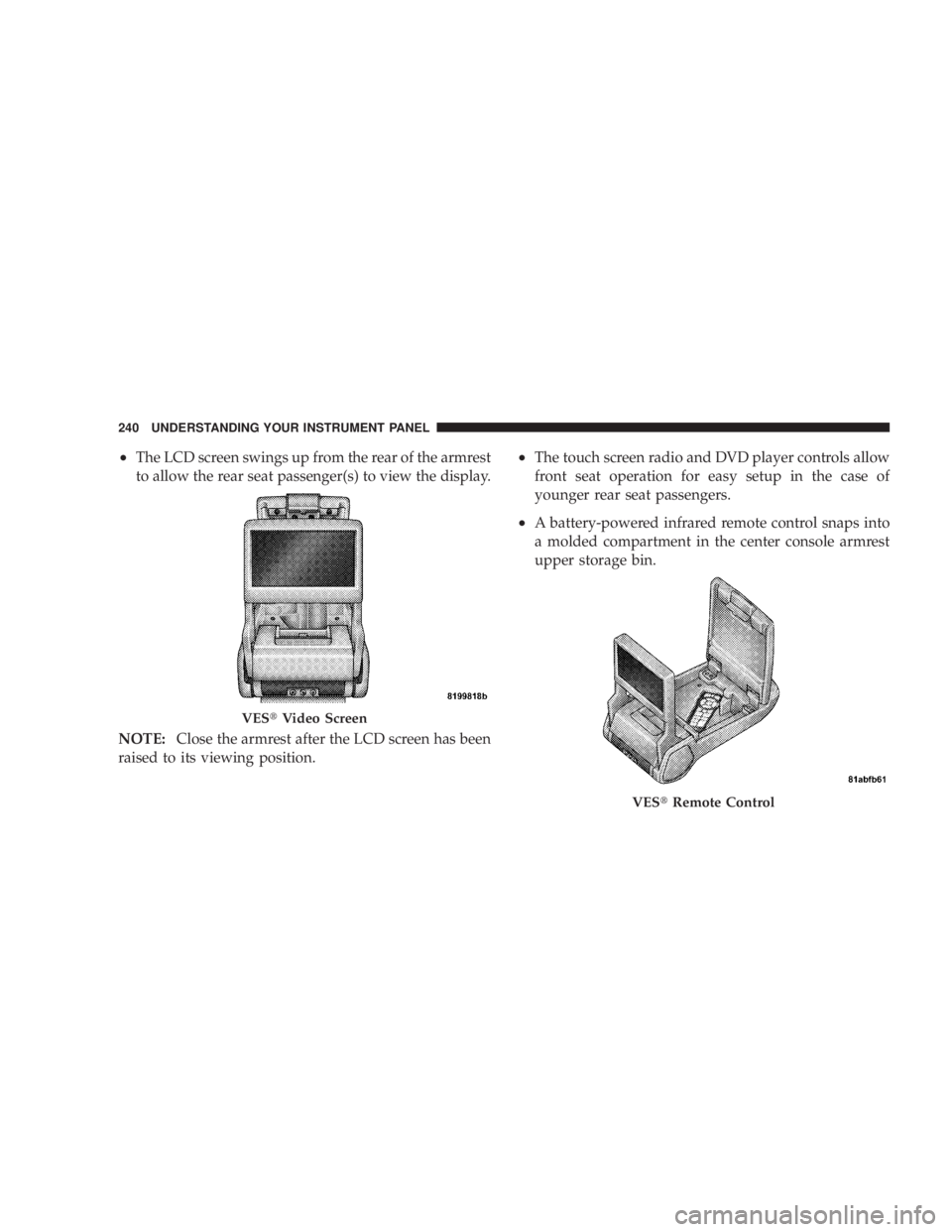
² The LCD screen swings up from the rear of the armrest
to allow the rear seat passenger(s) to view the display.
NOTE: Close the armrest after the LCD screen has been
raised to its viewing position. ² The touch screen radio and DVD player controls allow
front seat operation for easy setup in the case of
younger rear seat passengers.
² A battery-powered infrared remote control snaps into
a molded compartment in the center console armrest
upper storage bin.
VES t Video Screen
VES t Remote Control240 UNDERSTANDING YOUR INSTRUMENT PANEL
Page 264 of 467
Normal Starting
Normal Starting of either a cold or a warm engine does
not require pumping or depressing the accelerator pedal.
Simply turn the ignition switch to the START position
and release when the engine starts. If the engine fails to
start within 15 seconds, turn the ignition switch to the
LOCK position, wait 10 to 15 seconds, then repeat the
normal starting procedure. WARNING!Do not attempt to push or tow your vehicle to get it
started. Vehicles equipped with an automatic trans-
axle cannot be started this way. Unburned fuel could
enter the catalytic converter and once the engine has
started, ignite and damage the converter and vehicle.
If the vehicle has a discharged battery, booster cables
may be used to obtain a start from another vehicle.
This type of start can be dangerous if done improp-
erly, so follow the procedure carefully. See section 6
of this manual for jump starting instructions.
Tip Start Ð Automatic Transaxle Only
Do not press the accelerator. Turn the ignition key briefly
to START position, and release it. The starter motor will
continue to run, but will automatically disengage itself
when the engine is running.262 STARTING AND OPERATING