remote start DODGE CHALLENGER 2018 Owner's Manual
[x] Cancel search | Manufacturer: DODGE, Model Year: 2018, Model line: CHALLENGER, Model: DODGE CHALLENGER 2018Pages: 516, PDF Size: 5.17 MB
Page 443 of 516
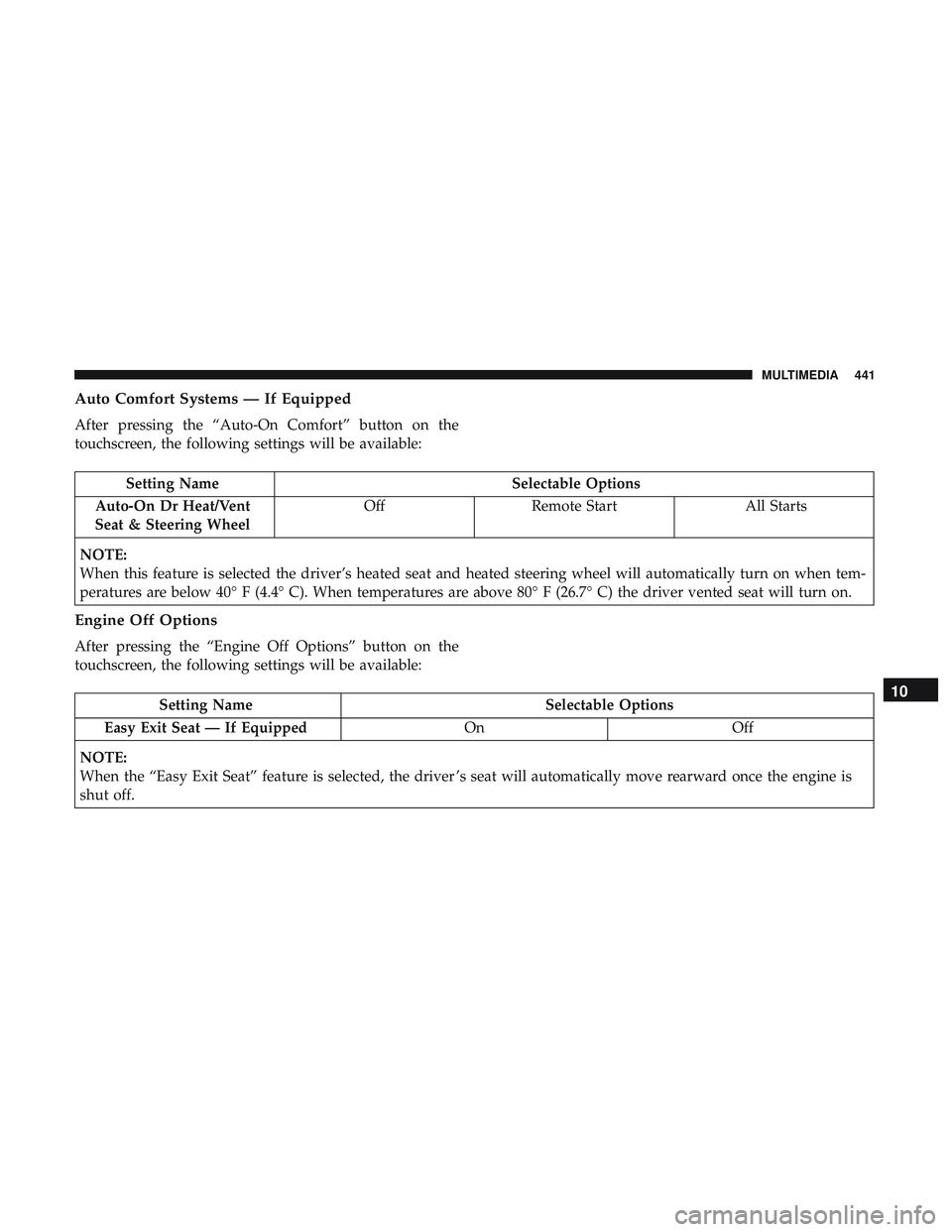
Auto Comfort Systems — If Equipped
After pressing the “Auto-On Comfort” button on the
touchscreen, the following settings will be available:
Setting NameSelectable Options
Auto-On Dr Heat/Vent
Seat & Steering Wheel Off
Remote Start All Starts
NOTE:
When this feature is selected the driver’s heated seat and heated steering wheel will automatically turn on when tem-
peratures are below 40° F (4.4° C). When temperatures are above 80° F (26.7° C) the driver vented seat will turn on.
Engine Off Options
After pressing the “Engine Off Options” button on the
touchscreen, the following settings will be available:
Setting Name Selectable Options
Easy Exit Seat — If Equipped OnOff
NOTE:
When the “Easy Exit Seat” feature is selected, the driver ’s seat will automatically move rearward once the engine is
shut off.10
MULTIMEDIA 441
Page 482 of 516
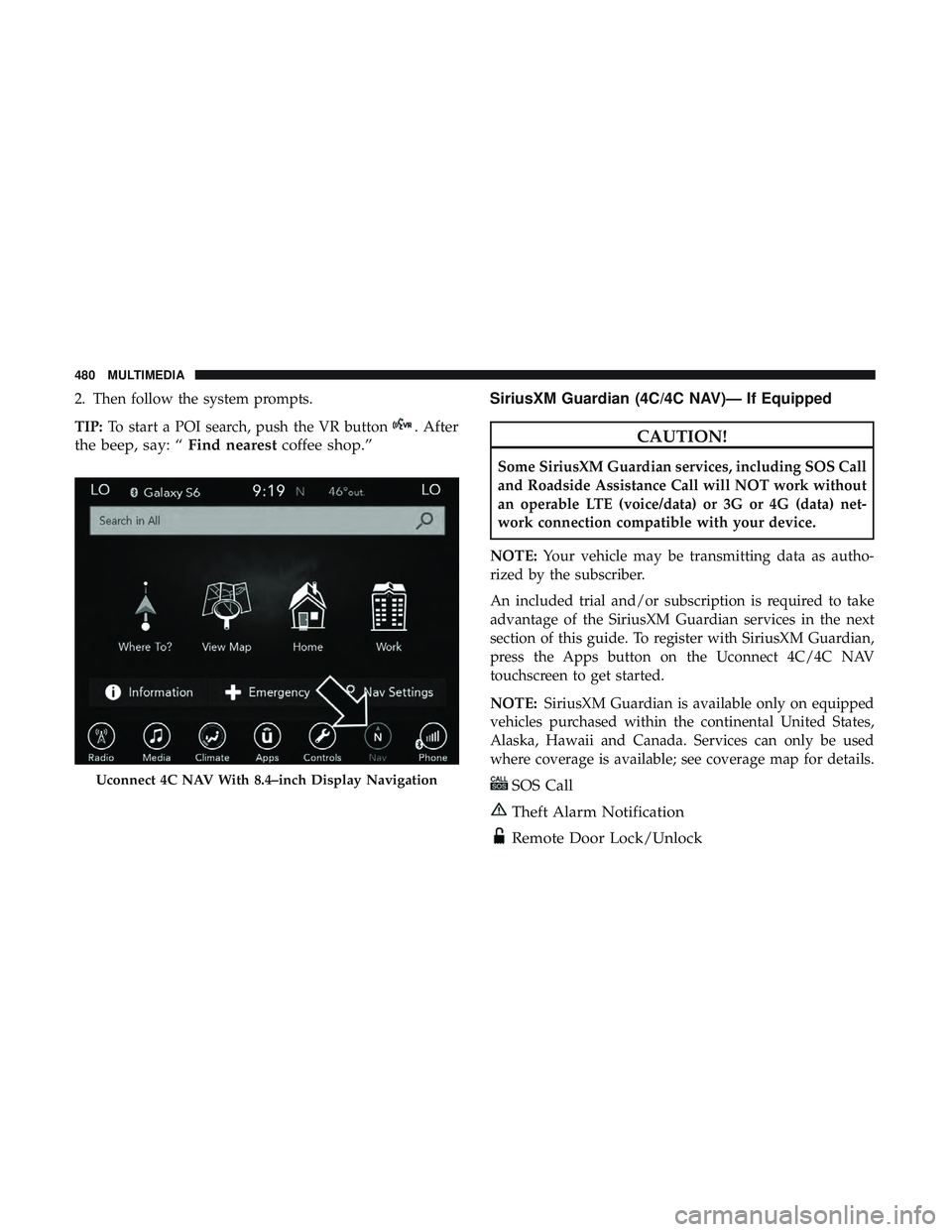
2. Then follow the system prompts.
TIP:To start a POI search, push the VR button
. After
the beep, say: “ Find nearestcoffee shop.” SiriusXM Guardian (4C/4C NAV)— If EquippedCAUTION!
Some SiriusXM Guardian services, including SOS Call
and Roadside Assistance Call will NOT work without
an operable LTE (voice/data) or 3G or 4G (data) net-
work connection compatible with your device.
NOTE: Your vehicle may be transmitting data as autho-
rized by the subscriber.
An included trial and/or subscription is required to take
advantage of the SiriusXM Guardian services in the next
section of this guide. To register with SiriusXM Guardian,
press the Apps button on the Uconnect 4C/4C NAV
touchscreen to get started.
NOTE: SiriusXM Guardian is available only on equipped
vehicles purchased within the continental United States,
Alaska, Hawaii and Canada. Services can only be used
where coverage is available; see coverage map for details.
SOS Call
Theft Alarm Notification
Remote Door Lock/Unlock
Uconnect 4C NAV With 8.4–inch Display Navigation
480 MULTIMEDIA
Page 483 of 516
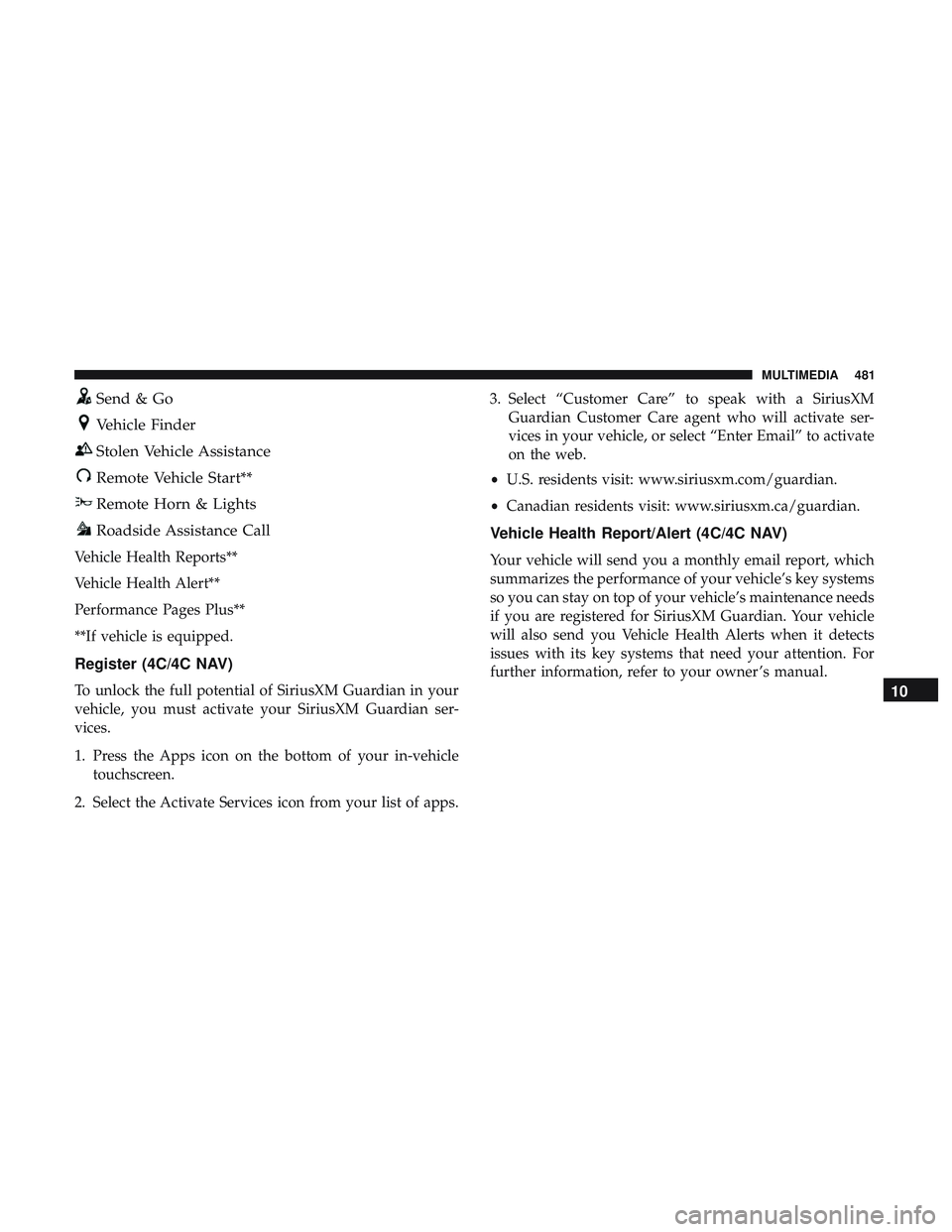
Send & Go
Vehicle Finder
Stolen Vehicle Assistance
Remote Vehicle Start**
Remote Horn & Lights
Roadside Assistance Call
Vehicle Health Reports**
Vehicle Health Alert**
Performance Pages Plus**
**If vehicle is equipped.
Register (4C/4C NAV)
To unlock the full potential of SiriusXM Guardian in your
vehicle, you must activate your SiriusXM Guardian ser-
vices.
1. Press the Apps icon on the bottom of your in-vehicletouchscreen.
2. Select the Activate Services icon from your list of apps. 3. Select “Customer Care” to speak with a SiriusXM
Guardian Customer Care agent who will activate ser-
vices in your vehicle, or select “Enter Email” to activate
on the web.
• U.S. residents visit: www.siriusxm.com/guardian.
• Canadian residents visit: www.siriusxm.ca/guardian.
Vehicle Health Report/Alert (4C/4C NAV)
Your vehicle will send you a monthly email report, which
summarizes the performance of your vehicle’s key systems
so you can stay on top of your vehicle’s maintenance needs
if you are registered for SiriusXM Guardian. Your vehicle
will also send you Vehicle Health Alerts when it detects
issues with its key systems that need your attention. For
further information, refer to your owner ’s manual.
10
MULTIMEDIA 481
Page 484 of 516
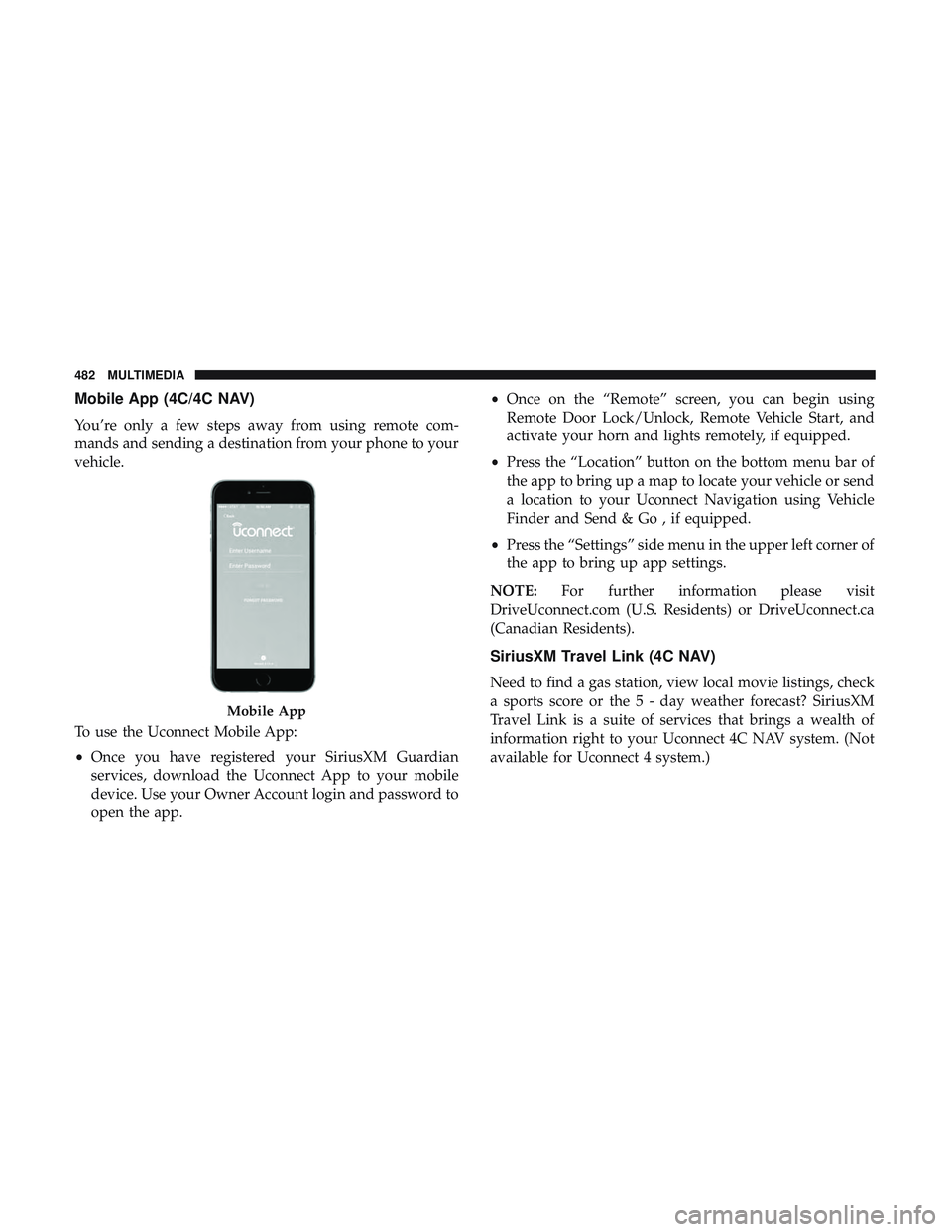
Mobile App (4C/4C NAV)
You’re only a few steps away from using remote com-
mands and sending a destination from your phone to your
vehicle.
To use the Uconnect Mobile App:
•Once you have registered your SiriusXM Guardian
services, download the Uconnect App to your mobile
device. Use your Owner Account login and password to
open the app. •
Once on the “Remote” screen, you can begin using
Remote Door Lock/Unlock, Remote Vehicle Start, and
activate your horn and lights remotely, if equipped.
• Press the “Location” button on the bottom menu bar of
the app to bring up a map to locate your vehicle or send
a location to your Uconnect Navigation using Vehicle
Finder and Send & Go , if equipped.
• Press the “Settings” side menu in the upper left corner of
the app to bring up app settings.
NOTE: For further information please visit
DriveUconnect.com (U.S. Residents) or DriveUconnect.ca
(Canadian Residents).
SiriusXM Travel Link (4C NAV)
Need to find a gas station, view local movie listings, check
a sports score or the 5 - day weather forecast? SiriusXM
Travel Link is a suite of services that brings a wealth of
information right to your Uconnect 4C NAV system. (Not
available for Uconnect 4 system.)
Mobile App
482 MULTIMEDIA
Page 503 of 516
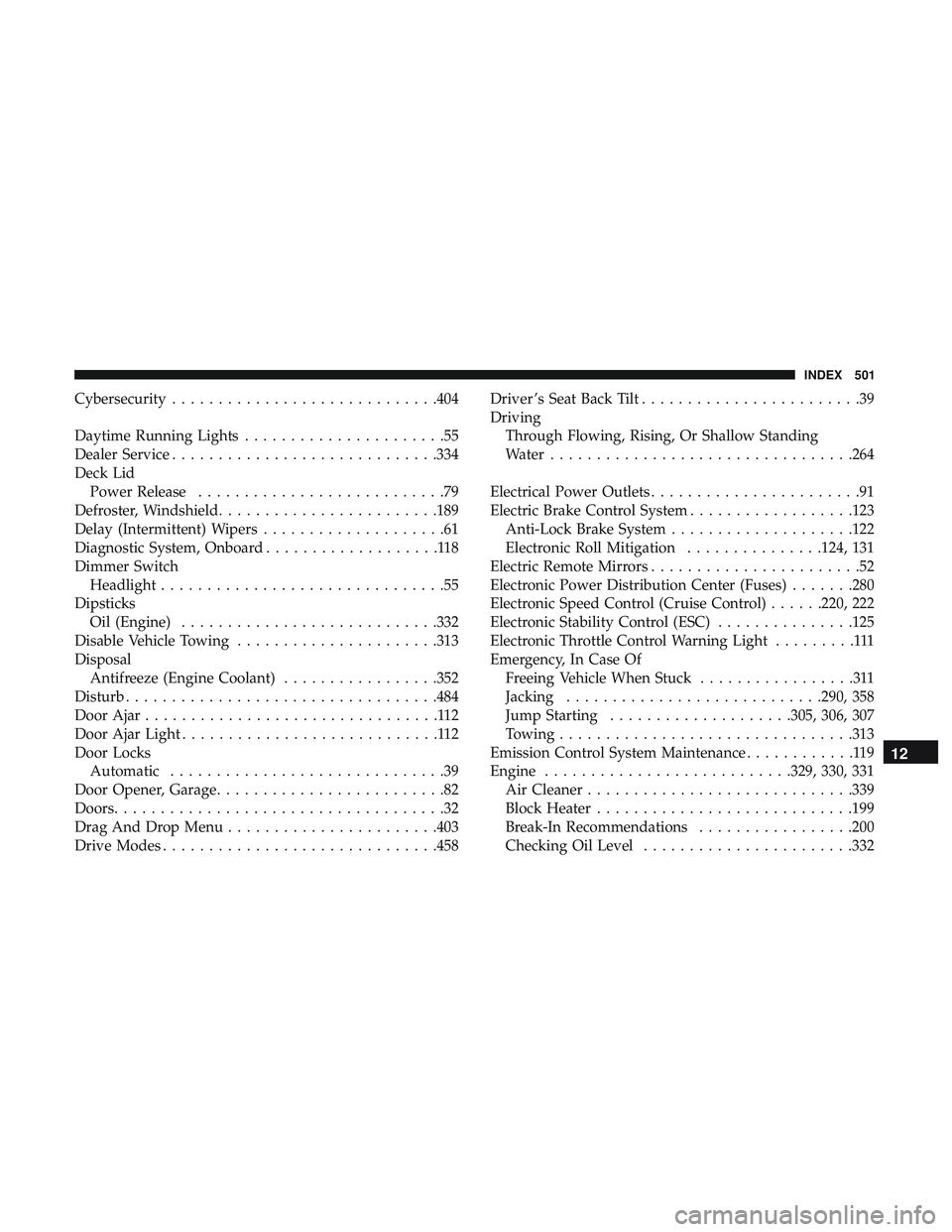
Cybersecurity............................ .404
Daytime Running Lights ......................55
Dealer Service ............................ .334
Deck Lid Power Release ...........................79
Defroster, Windshield ....................... .189
Delay (Intermittent) Wipers ....................61
Diagnostic System, Onboard ...................118
Dimmer Switch Headlight ...............................55
Dipsticks Oil (Engine) ........................... .332
Disable Vehicle Towing ..................... .313
Disposal Antifreeze (Engine Coolant) .................352
Disturb ................................. .484
Door Ajar ................................112
Door Ajar Light ............................112
Door Locks Automatic ..............................39
Door Opener, Garage .........................82
Doors ....................................32
Drag And Drop Menu ...................... .403
Drive Modes ............................. .458Driver ’s Seat Back Tilt
........................39
Driving Through Flowing, Rising, Or Shallow Standing
Water ................................ .264
Electrical Power Outlets .......................91
Electric Brake Control System ..................123
Anti-Lock Brake System ....................122
Electronic Roll Mitigation ...............124, 131
Electric Remote Mirrors .......................52
Electronic Power Distribution Center (Fuses) .......280
Electronic Speed Control (Cruise Control) ......220, 222
Electronic Stability Control (ESC) ...............125
Electronic Throttle Control Warning Light .........111
Emergency, In Case Of Freeing Vehicle When Stuck .................311
Jacking ........................... .290, 358
Jump Starting ....................305, 306, 307
Towing ............................... .313
Emission Control System Maintenance ............119
Engine .......................... .329, 330, 331
Air Cleaner ............................ .339
Block
Heater ........................... .199
Break-In Recommendations .................200
Checking Oil Level ...................... .332
12
INDEX 501
Page 506 of 516
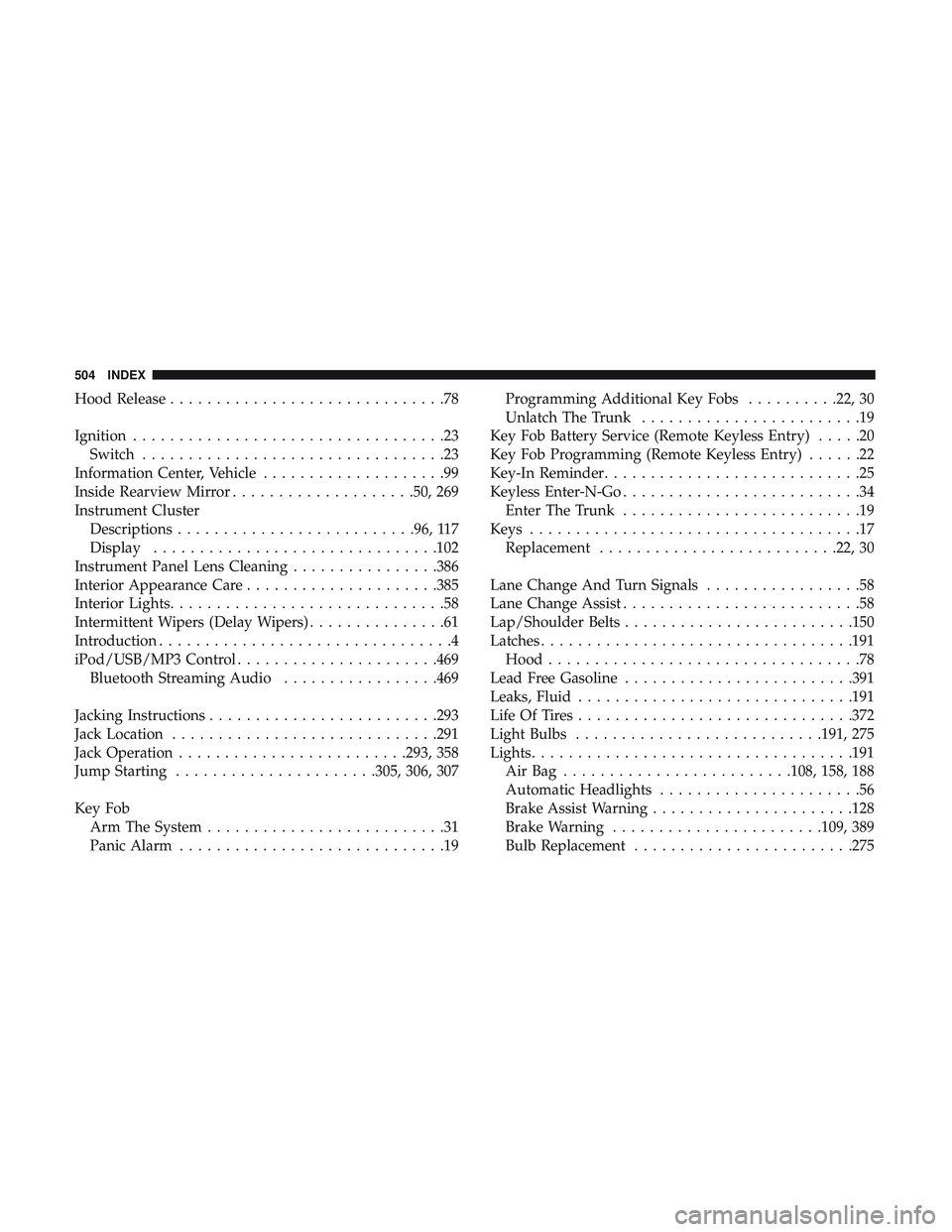
Hood Release..............................78
Ignition ..................................23
Switch .................................23
Information Center, Vehicle ....................99
Inside Rearview Mirror ....................50, 269
Instrument Cluster Descriptions ......................... .96, 117
Display .............................. .102
Instrument Panel Lens Cleaning ................386
Interior Appearance Care .....................385
Interior Lights ..............................58
Intermittent Wipers (Delay Wipers) ...............61
Introduction ................................4
iPod/USB/MP3 Control ..................... .469
Bluetooth Streaming Audio .................469
Jacking Instructions ........................ .293
Jack Location ............................ .291
Jack Operation ........................ .293, 358
Jump Starting ..................... .305, 306, 307
Key Fob Arm The System ..........................31
Panic Alarm .............................19 Programming Additional Key Fobs
..........22, 30
Unlatch The Trunk ........................19
Key Fob Battery Service (Remote Keyless Entry) .....20
Key Fob Programming (Remote Keyless Entry) ......22
Key-In Reminder ............................25
Keyless Enter-N-Go ..........................34
Enter The Trunk ..........................19
Keys ....................................17
Replacement ......................... .22, 30
Lane Change And Turn Signals .................58
Lane Change Assist ..........................58
Lap/Shoulder Belts ........................ .150
Latches ................................. .191
Hood ..................................78
Lead Free Gasoline ........................ .391
Leaks, Fluid ............................. .191
Life Of Tires ............................. .372
Light Bulbs .......................... .191, 275
Lights .................................. .191
AirBag ........................ .108, 158, 188
Automatic
Headlights ......................56
Brake Assist Warning ..................... .128
Brake Warning ...................... .109, 389
Bulb Replacement ....................... .275
504 INDEX
Page 510 of 516
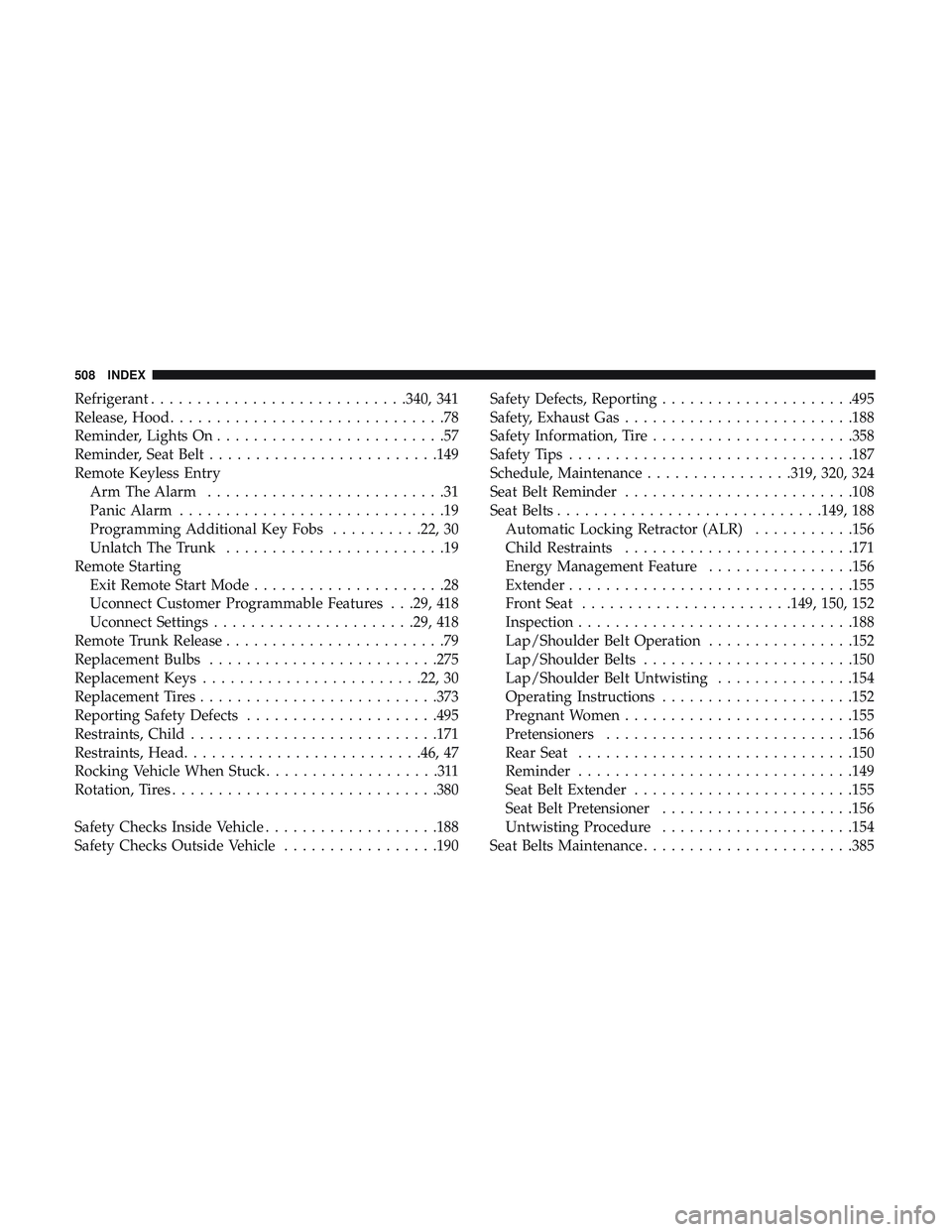
Refrigerant........................... .340, 341
Release, Hood ..............................78
Reminder, Lights On .........................57
Reminder, Seat Belt ........................ .149
Remote Keyless Entry Arm The Alarm ..........................31
Panic Alarm .............................19
Programming Additional Key Fobs ..........22, 30
Unlatch The Trunk ........................19
Remote Starting Exit Remote Start Mode .....................28
Uconnect Customer Programmable Features . . .29, 418
Uconnect Settings ..................... .29, 418
Remote Trunk Release ........................79
Replacement Bulbs ........................ .275
Replacement Keys ....................... .22, 30
Replacement Tires ......................... .373
Reporting Safety Defects .....................495
Restraints, Child .......................... .171
Restraints, Head ......................... .46, 47
Rocking Vehicle When Stuck ...................311
Rotation, Tires ............................ .380
Safety Checks Inside Vehicle ...................188
Safety Checks Outside Vehicle .................190Safety Defects, Reporting
.....................495
Safety, Exhaust Gas ........................ .188
Safety Information, Tire ..................... .358
Safety Tips .............................. .187
Schedule, Maintenance ................319, 320, 324
Seat Belt Reminder ........................ .108
Seat Belts ............................ .149, 188
Automatic Locking Retractor (ALR) ...........156
Child Restraints ........................ .171
Energy Management Feature ................156
Extender .............................. .155
Front Seat ...................... .149, 150, 152
Inspection ............................. .188
Lap/Shoulder Belt Operation ................152
Lap/Shoulder Belts ...................... .150
Lap/Shoulder
Belt Untwisting ...............154
Operating Instructions .....................152
Pregnant Women ........................ .155
Pretensioners .......................... .156
Rear Seat ............................. .150
Reminder ............................. .149
Seat Belt Extender ....................... .155
Seat Belt Pretensioner .....................156
Untwisting Procedure .....................154
Seat Belts Maintenance ...................... .385
508 INDEX