center console DODGE CHARGER 2011 7.G Owners Manual
[x] Cancel search | Manufacturer: DODGE, Model Year: 2011, Model line: CHARGER, Model: DODGE CHARGER 2011 7.GPages: 104, PDF Size: 4.53 MB
Page 21 of 104
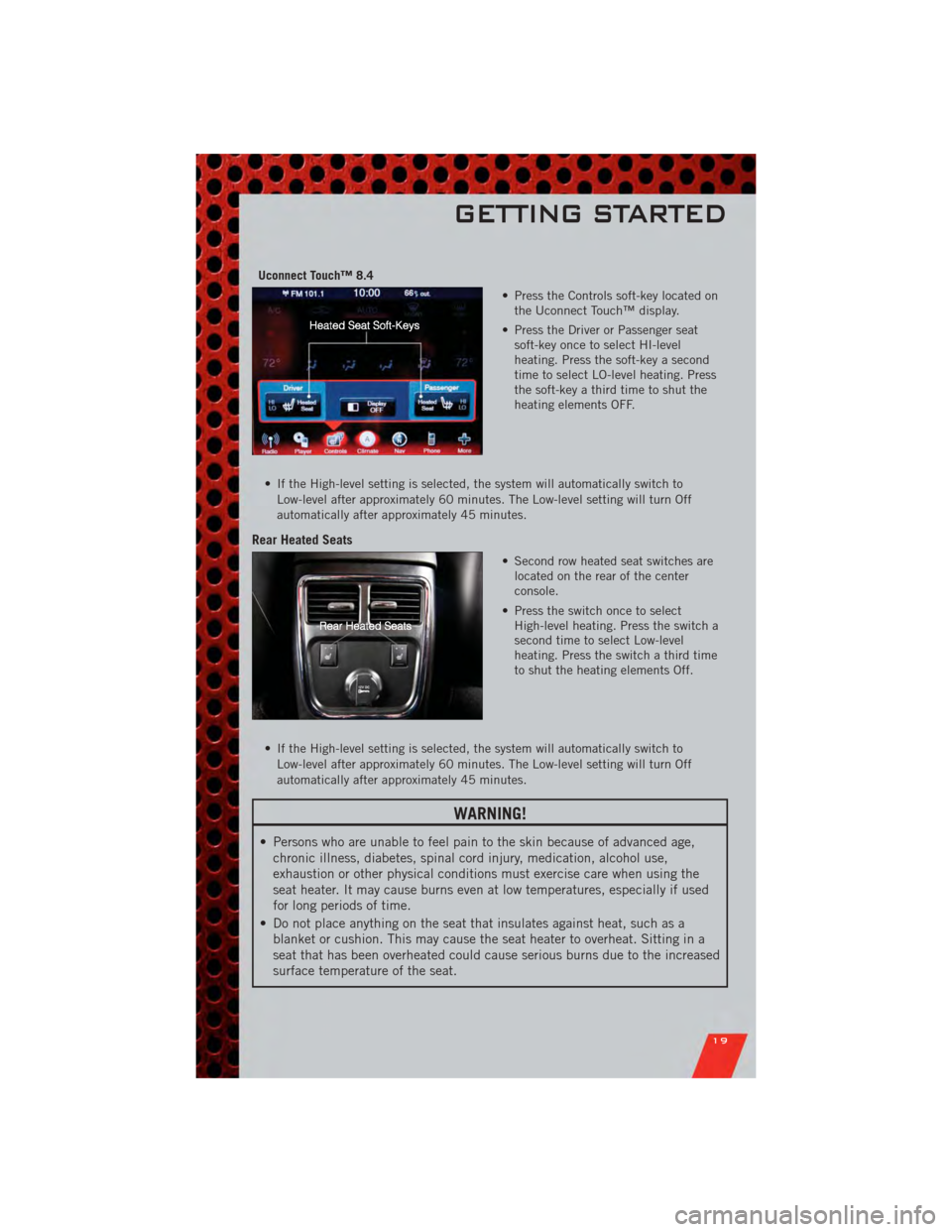
Uconnect Touch™ 8.4• Press the Controls soft-key located onthe Uconnect Touch™ display.
• Press the Driver or Passenger seat soft-key once to select HI-level
heating. Press the soft-key a second
time to select LO-level heating. Press
the soft-key a third time to shut the
heating elements OFF.
• If the High-level setting is selected, the system will automatically switch to Low-level after approximately 60 minutes. The Low-level setting will turn Off
automatically after approximately 45 minutes.
Rear Heated Seats
• Second row heated seat switches arelocated on the rear of the center
console.
• Press the switch once to select High-level heating. Press the switch a
second time to select Low-level
heating. Press the switch a third time
to shut the heating elements Off.
• If the High-level setting is selected, the system will automatically switch to Low-level after approximately 60 minutes. The Low-level setting will turn Off
automatically after approximately 45 minutes.
WARNING!
• Persons who are unable to feel pain to the skin because of advanced age,chronic illness, diabetes, spinal cord injury, medication, alcohol use,
exhaustion or other physical conditions must exercise care when using the
seat heater. It may cause burns even at low temperatures, especially if used
for long periods of time.
• Do not place anything on the seat that insulates against heat, such as a blanket or cushion. This may cause the seat heater to overheat. Sitting in a
seat that has been overheated could cause serious burns due to the increased
surface temperature of the seat.
GETTING STARTED
19
Page 62 of 104
POWER OUTLET
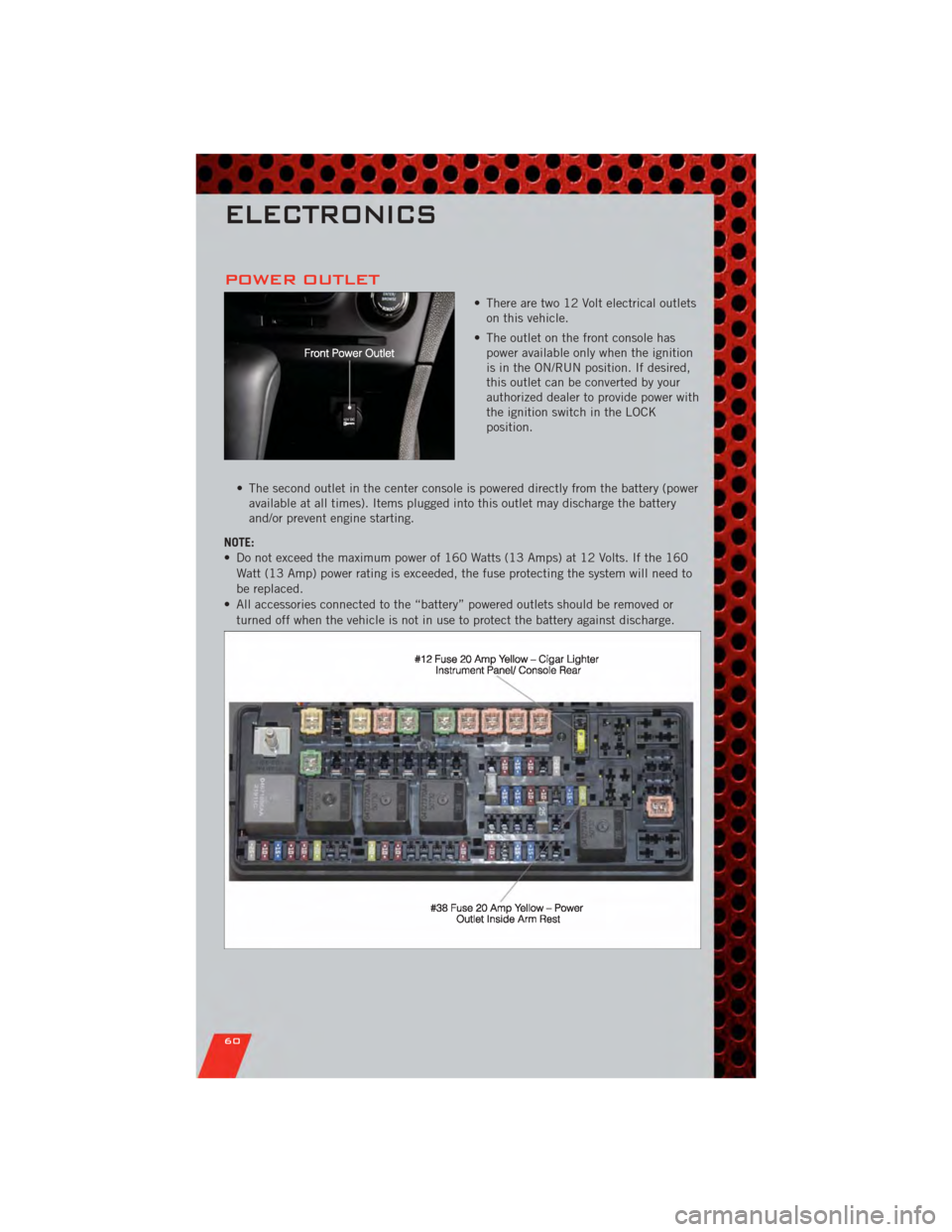
• There are two 12 Volt electrical outletson this vehicle.
• The outlet on the front console has power available only when the ignition
is in the ON/RUN position. If desired,
this outlet can be converted by your
authorized dealer to provide power with
the ignition switch in the LOCK
position.
• The second outlet in the center console is powered directly from the battery (power available at all times). Items plugged into this outlet may discharge the battery
and/or prevent engine starting.
NOTE:
• Do not exceed the maximum power of 160 Watts (13 Amps) at 12 Volts. If the 160 Watt (13 Amp) power rating is exceeded, the fuse protecting the system will need to
be replaced.
• All accessories connected to the “battery” powered outlets should be removed or turned off when the vehicle is not in use to protect the battery against discharge.
ELECTRONICS
60
Page 74 of 104
WARNING!(Continued)
• Failure to follow this procedure could result in personal injury or propertydamage due to battery explosion.
• Do not connect the cable to the negative post (-)of the discharged battery.
The resulting electrical spark could cause the battery to explode and could
result in personal injury.
SHIFT LEVER OVERRIDE
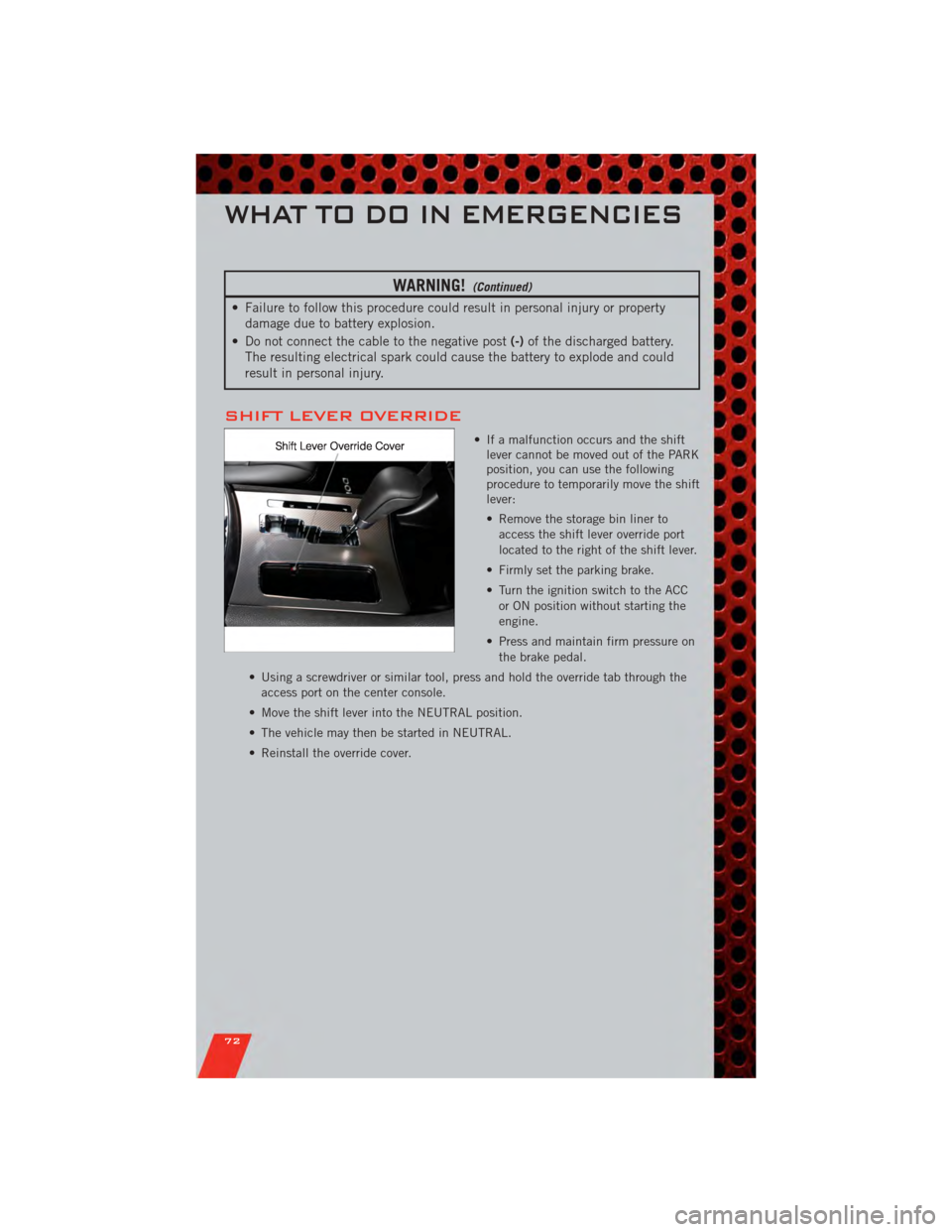
• If a malfunction occurs and the shift lever cannot be moved out of the PARK
position, you can use the following
procedure to temporarily move the shift
lever:
• Remove the storage bin liner to
access the shift lever override port
located to the right of the shift lever.
• Firmly set the parking brake.
• Turn the ignition switch to the ACC or ON position without starting the
engine.
• Press and maintain firm pressure on the brake pedal.
• Using a screwdriver or similar tool, press and hold the override tab through the access port on the center console.
• Move the shift lever into the NEUTRAL position.
• The vehicle may then be started in NEUTRAL.
• Reinstall the override cover.
WHAT TO DO IN EMERGENCIES
72