steering wheel adjustment DODGE CHARGER 2021 Owners Manual
[x] Cancel search | Manufacturer: DODGE, Model Year: 2021, Model line: CHARGER, Model: DODGE CHARGER 2021Pages: 320, PDF Size: 20.61 MB
Page 4 of 320
2
INTRODUCTION
SYMBOLS KEY ...........................................................9
VEHICLE MODIFICATIONS/ALTERATIONS .............9
SYMBOL GLOSSARY.................................................9
GETTING TO KNOW YOUR VEHICLE
KEYS ....................................................................... 13 Key Fob .............................................................13
SENTRY KEY ........................................................... 15
IGNITION SWITCH .................................................. 16
Keyless Enter ‘n Go™ Ignition .........................16
REMOTE START — IF EQUIPPED .......................... 17
How To Use Remote Start ................................17
To Exit Remote Start Mode .............................18
Remote Start Front Defrost
Activation — If Equipped ..................................19
Remote Start Comfort Systems —
If Equipped........................................................19
Remote Start Windshield Wiper De–Icer
Activation — If Equipped ..................................19
Remote Start Cancel Message —
If Equipped........................................................19
VEHICLE SECURITY SYSTEM — IF EQUIPPED .... 20
To Arm The System ..........................................20
To Disarm The System .....................................20
Rearming Of The System .................................20
Security System Manual Override ...................20
Tamper Alert .....................................................20 DOORS ....................................................................21
Manual Door Locks ..........................................21
Power Door Locks ...........................................21
Keyless Enter ‘n Go™ — Passive Entry ...........22
Automatic Unlock Doors On Exit......................24
Automatic Door Locks —
If Equipped........................................................24
Child-Protection Door Lock System —
Rear Doors .......................................................24
STEERING WHEEL ..................................................25
Manual Tilt/Telescoping Steering
Column — If Equipped .....................................25
Power Tilt/Telescoping Steering
Column — If Equipped .....................................25
Heated Steering Wheel —
If Equipped........................................................25
UCONNECT VOICE RECOGNITION ........................26
Introducing Voice Recognition.........................26
Basic Voice Commands ...................................27
Get Started .......................................................27
Additional Information .....................................27
DRIVER MEMORY SETTINGS — IF EQUIPPED ....27
Programming The Memory Feature ................28
Linking And Unlinking The Key Fob To
Memory .............................................................28
Memory Position Recall ...................................29
SEATS ......................................................................29
Manual Adjustment
(Front Seats) — If Equipped .............................29 Manual Adjustment (Rear Seats).................... 30
Power Adjustment (Front Seats) —
If Equipped .......................................................31
Heated Seats — If Equipped ............................ 32
Front Ventilated Seats —
If Equipped .......................................................34
Head Restraints .............................................. 34
MIRRORS ............................................................... 36
Inside Rearview Mirror..................................... 36
Illuminated Vanity Mirrors ............................... 36
Outside Mirrors.................................................37
Driver's Outside Automatic Dimming
Mirror — If Equipped......................................... 37
Power Mirrors ................................................... 37
Heated Mirrors — If Equipped ......................... 38
Tilt Side Mirrors In Reverse —
If Equipped .......................................................38
UNIVERSAL GARAGE DOOR OPENER
(HOMELINK®) ....................................................... 38
Before You Begin Programming
HomeLink® ...................................................... 38
Erasing All The HomeLink® Channels ............ 39
Identifying Whether You Have A Rolling
Code Or Non-Rolling Code Device ................... 39
Programming HomeLink® To A Garage
Door Opener ..................................................... 39
Programming HomeLink® To A
Miscellaneous Device ...................................... 40
Reprogramming A Single HomeLink®
Button ............................................................... 40
Canadian/Gate Operator Programming ......... 40
21_LD_OM_EN_USC_t.book Page 2
Page 69 of 320
GETTING TO KNOW YOUR INSTRUMENT PANEL67
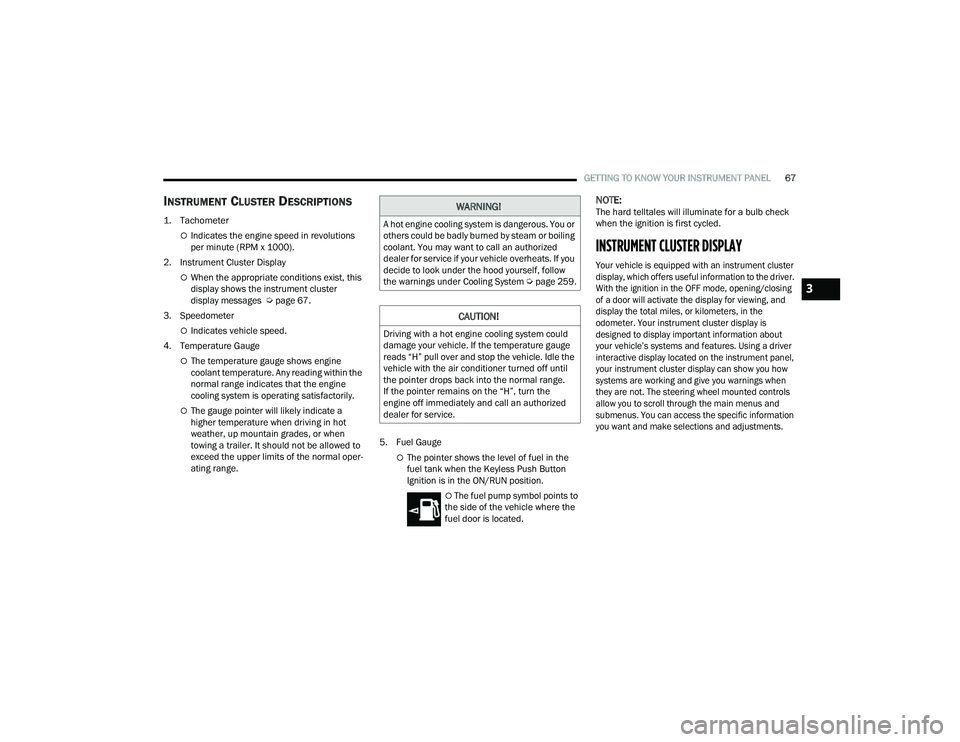
INSTRUMENT CLUSTER DESCRIPTIONS
1. Tachometer
Indicates the engine speed in revolutions
per minute (RPM x 1000).
2. Instrument Cluster Display
When the appropriate conditions exist, this
display shows the instrument cluster
display messages Ú page 67.
3. Speedometer
Indicates vehicle speed.
4. Temperature Gauge
The temperature gauge shows engine
coolant temperature. Any reading within the
normal range indicates that the engine
cooling system is operating satisfactorily.
The gauge pointer will likely indicate a
higher temperature when driving in hot
weather, up mountain grades, or when
towing a trailer. It should not be allowed to
exceed the upper limits of the normal oper -
ating range. 5. Fuel Gauge
The pointer shows the level of fuel in the
fuel tank when the Keyless Push Button
Ignition is in the ON/RUN position.
The fuel pump symbol points to
the side of the vehicle where the
fuel door is located.
NOTE:The hard telltales will illuminate for a bulb check
when the ignition is first cycled.
INSTRUMENT CLUSTER DISPLAY
Your vehicle is equipped with an instrument cluster
display, which offers useful information to the driver.
With the ignition in the OFF mode, opening/closing
of a door will activate the display for viewing, and
display the total miles, or kilometers, in the
odometer. Your instrument cluster display is
designed to display important information about
your vehicle’s systems and features. Using a driver
interactive display located on the instrument panel,
your instrument cluster display can show you how
systems are working and give you warnings when
they are not. The steering wheel mounted controls
allow you to scroll through the main menus and
submenus. You can access the specific information
you want and make selections and adjustments.
WARNING!
A hot engine cooling system is dangerous. You or
others could be badly burned by steam or boiling
coolant. You may want to call an authorized
dealer for service if your vehicle overheats. If you
decide to look under the hood yourself, follow
the warnings under Cooling System Úpage 259.
CAUTION!
Driving with a hot engine cooling system could
damage your vehicle. If the temperature gauge
reads “H” pull over and stop the vehicle. Idle the
vehicle with the air conditioner turned off until
the pointer drops back into the normal range.
If the pointer remains on the “H”, turn the
engine off immediately and call an authorized
dealer for service.
3
21_LD_OM_EN_USC_t.book Page 67