headlights DODGE CHARGER SRT 2014 7.G Owner's Manual
[x] Cancel search | Manufacturer: DODGE, Model Year: 2014, Model line: CHARGER SRT, Model: DODGE CHARGER SRT 2014 7.GPages: 614, PDF Size: 4.37 MB
Page 360 of 614
“–” setting soft-keys or by selecting any point on the scale
between the “+” and “–” soft-keys. Then touch the back
arrow soft-key.
•Display Brightness With Headlights OFF
When in this display, you may select the brightness with
the headlights off. Adjust the brightness with the “+” and
“–” setting soft-keys or by selecting any point on the scale
between the “+” and “–” soft-keys. Then touch the back
arrow soft-key.
• Set Language
When in this display, you may select one of three
languages for all display nomenclature, including the trip
functions and the navigation system (if equipped). Touch
the “Set Language” soft-key and then touch the desired
language soft-key until a check-mark appears next to the
language, showing that setting has been selected. Touch
the back arrow soft-key to return to the previous menu. •
Units
When in this display, you may select to have the EVIC,
odometer, and navigation system (if equipped) changed
between US and Metric units of measure. Touch “US” or
“Metric” until a check-mark appears next to the setting,
showing that setting has been selected. Touch the back
arrow soft-key to return to the previous menu.
• Voice Response Length
When in this display, you may change the Voice Re-
sponse Length settings. To change the Voice Response
Length, touch the “Brief” or “Detailed” soft-key until a
check-mark appears next to the setting, showing that
setting has been selected. Touch the back arrow soft-key
to return to the previous menu.
• Touchscreen Beep
When in this display, you may turn on or shut off the
sound heard when a touchscreen button (soft-key) is
358 UNDERSTANDING YOUR INSTRUMENT PANEL
Page 365 of 614
disappear. The ParkView® camera is located on the rear
of the vehicle above the rear License plate. To make your
selection, touch the ParkView® Backup Camera soft-key,
until a check-mark appears next to setting, showing that
setting has been selected. Touch the back arrow soft-key
to return to the previous menu.
•Rain Sensing Auto Wipers — If Equipped
When this feature is selected, the system will automati-
cally activate the windshield wipers if it senses moisture
on the windshield. To make your selection, touch the
Rain Sensing soft-key, until a check-mark appears next to
setting, showing that setting has been selected. Touch the
back arrow soft-key to return to the previous menu.
• Hill Start Assist — If Equipped
When this feature is selected, the Hill Start Assist (HSA)
system is active. Refer to “Electronic Brake Control
System” in “Starting And Operating” for system function
and operating information. To make your selection, touch the Hill Start Assist soft-key, until a check-mark appears
next to setting, showing that setting has been selected.
Touch the back arrow soft-key to return to the previous
menu.
Lights
After pressing the Lights soft-key the following settings
will be available.
•
Headlights Off Delay
When this feature is selected, it allows the adjustment of
the amount of time the headlights remain on after the
engine is shut off. To change the Headlights Off Delay
setting, press the “Headlights Off Delay” button on the
touchscreen, and choose either 0 sec, 30 sec, 60 sec or 90
seconds. A check-mark appears next to setting indicating
that the setting has been selected. Press the back arrow
button on the touchscreen to return to the previous
menu, or push the back button on the faceplate.4
UNDERSTANDING YOUR INSTRUMENT PANEL 363
Page 366 of 614
•Headlight Illumination On Approach
When this feature is selected, the headlights will activate
and remain on for 0, 30, 60, or 90 seconds when the doors
are unlocked with the Remote Keyless Entry (RKE)
transmitter. To change the Illuminated Approach status,
touch the “+” or “–” soft-key to select your desired time
interval. Touch the back arrow soft-key to return to the
previous menu.
• Headlights With Wipers — If Equipped
When this feature is selected, and the headlight switch is
in the AUTO position, the headlights will turn on ap-
proximately 10 seconds after the wipers are turned on.
The headlights will also turn off when the wipers are
turned off if they were turned on by this feature. To make
your selection, touch the “Headlights With Wipers” soft-
key, until a check-mark appears next to setting, showing
that setting has been selected. Touch the back arrow
soft-key to return to the previous menu. •
Auto Dim High Beams — If Equipped
When this feature is selected, the high beam headlights
will deactivate automatically under certain conditions. To
make your selection, touch the “Auto High Beams”
soft-key, until a check-mark appears next to setting,
showing that setting has been selected. Touch the back
arrow soft-key to return to the previous menu. Refer to
“Lights/SmartBeam™ — If Equipped” in “Understand-
ing The Features Of Your Vehicle” for further informa-
tion.
• Daytime Running Lights — If Available
When this feature is selected, the headlights will turn on
whenever the engine is running. To make your selection,
touch the “Daytime Running Lights” soft-key, until a
check-mark appears next to setting, showing that setting
has been selected. Touch the back arrow soft-key to
return to the previous menu.
364 UNDERSTANDING YOUR INSTRUMENT PANEL
Page 367 of 614
•Steering Directed Lights — If Equipped
When this feature is selected, the headlights turn relative
to a change in direction of the steering wheel. To make
your selection, touch the “Steering Directed Lights”
soft-key, until a check-mark appears next to setting,
showing that setting has been selected. Touch the back
arrow soft-key to return to the previous menu.
• Flash Lamps With Lock
When this feature is selected, the exterior lights will flash
when the doors are locked with the Remote Keyless
Entry (RKE) transmitter. This feature may be selected
with or without the sound horn on lock feature selected.
To make your selection, touch the “Flash Lamps with
Lock” soft-key, until a check-mark appears next to set-
ting, showing that setting has been selected. Touch the
back arrow soft-key to return to the previous menu.Doors & Locks
After pressing the Doors & Locks soft-key the following
settings will be available.
• Auto Lock
When this feature is selected, all doors will lock auto-
matically when the vehicle reaches a speed of 15 mph
(24 km/h). To make your selection, touch the Auto
Unlock On Exit soft-key, until a check-mark appears next
to setting, showing that setting has been selected. Touch
the back arrow soft-key to return to the previous menu.
• Auto Unlock On Exit
When this feature is selected, all doors will unlock when
the vehicle is stopped and the transmission is in the
PARK or NEUTRAL position and the driver’s door is
opened. To make your selection, touch the Auto Unlock
On Exit soft-key, until a check-mark appears next to
4
UNDERSTANDING YOUR INSTRUMENT PANEL 365
Page 371 of 614
equipped), and power outlets will remain active for up to
10 minutes after the ignition is cycled to OFF. Opening
either front door will cancel this feature. To change the
Engine Off Power Delay status touch the 0 seconds, 45
seconds, 5 minutes or 10 minutes soft-key. Then touch the
arrow back soft-key.
•Headlight Off Delay
When this feature is selected, the driver can choose to
have the headlights remain on for 0, 30, 60, or 90 seconds
when exiting the vehicle. To change the Headlight Off
Delay status touch the + or - soft-key to select your
desired time interval. Touch the back arrow soft-key to
return to the previous menu.
Compass Settings
After pressing the Compass Settings soft-key the follow-
ing settings will be available. •
Variance
Compass Variance is the difference between Magnetic
North and Geographic North. To compensate for the
differences the variance should be set for the zone where
the vehicle is driven, per the zone map. Once properly
set, the compass will automatically compensate for the
differences, and provide the most accurate compass
heading.
NOTE: Keep magnetic materials away from the top of the
instrument panel, such as iPod’s, Mobile Phones, Laptop
Computers and Radar Detectors. This is where the com-
pass module is located, and it can cause interference with
the compass sensor, and it may give false readings.
4
UNDERSTANDING YOUR INSTRUMENT PANEL 369
Page 540 of 614
can act as an abrasive and damage the leather upholstery
and should be removed promptly with a damp cloth.
Stubborn soils can be removed easily with a soft cloth
and MOPAR® Total Clean. Care should be taken to avoid
soaking your leather upholstery with any liquid. Please
do not use polishes, oils, cleaning fluids, solvents, deter-
gents, or ammonia-based cleaners to clean your leather
upholstery. Application of a leather conditioner is not
required to maintain the original condition.
WARNING!
Do not use volatile solvents for cleaning purposes.
Many are potentially flammable, and if used in
closed areas they may cause respiratory harm.
CAUTION!
Do not use Alcohol and Alcohol-based and/or Keton
based cleaning products to clean leather seats, as
damage to the seat may result.
Cleaning Headlights
Your vehicle is equipped with plastic headlights and fog
lights that are lighter and less susceptible to stone break-
age than glass headlights.
Plastic is not as scratch resistant as glass and therefore
different lens cleaning procedures must be followed.
To minimize the possibility of scratching the lenses and
reducing light output, avoid wiping with a dry cloth. To
remove road dirt, wash with a mild soap solution fol-
lowed by rinsing.
Do not use abrasive cleaning components, solvents, steel
wool or other aggressive material to clean the lenses.
538 MAINTAINING YOUR VEHICLE
Page 593 of 614
Automatic Headlights..................... .220
Automatic Oil Change Indicator ...............334
Automatic Temperature Control (ATC) ..........388
Automatic Transmission .................404, 533
Adding Fluid ...................... .533, 559
Fluid and Filter Changes ..................533
Fluid Change ......................... .533
Fluid Level Check ...................531, 532
Fluid Type ........................... .559
Special Additives ...................... .532
Auto Unlock, Doors ........................33
Auto Up Power Windows ....................42
Axle Fluid ............................. .559
Axle Lubrication (Axle Fluid) .................559
Battery ................................ .514
Keyless Transmitter Replacement (RKE) ........25
Location ............................. .514
Remote Battery Replacement ................25Transmitter Battery Replacement
.............25
Belts, Seat ........................... .50, 100
Bluetooth® Connecting To A Particular Mobile Phone Or Audio
Device After Pairing .....................159
Connect Or Disconnect Link Between the Uconnect®
Phone And Mobile Phone ..............144, 175
Pair (Link) Uconnect® Phone To A Mobile
Phone .............................. .130
Body Mechanism Lubrication .................519
B-Pillar Location ......................... .443
Brake Assist System ...................... .428
Brake Control System, Electronic ..............426
Brake Fluid ............................ .559
Brake, Parking .......................... .422
Brake System ........................... .529
Anti-Lock (ABS) ....................... .425
Fluid Check ....................... .530, 559
Master Cylinder ....................... .530
10
INDEX 591
Page 599 of 614
Octane Rating..................... .468, 558
Requirements ......................... .468
Saver Mode .......................... .335
Specifications ......................... .558
Tank Capacity ......................... .557
Fuel Optimizer .......................... .335
Fuel Saver ............................. .335
Fuses ................................. .540
Garage Door Opener (HomeLink®) .........285, 292
Gasoline, Clean Air ....................... .469
Gasoline (Fuel) .......................... .468
Conserving ........................... .335
Gasoline, Reformulated .....................469
Gauges Coolant Temperature .....................324
Fuel ................................ .319
Speedometer ......................... .319
Tachometer ........................... .315Gear Ranges
............................ .405
Gear Select Lever Override ..................501
General Information .............149, 187, 266, 468
Glass Cleaning .......................... .539
Gross Axle Weight Rating ...................478
Gross Vehicle Weight Rating ..................478
GVWR ................................ .478
Hazard Driving Through Flowing, Rising, or Shallow Stand-
ing Water ............................ .418
Hazard Warning Flasher ....................482
Headlights ............................. .554
Automatic ........................... .220
Cleaning ............................ .538
Delay ............................... .222
High Beam/Low Beam Select Switch .........225
Lights On Reminder .....................223
On With Wipers .....................220, 232
10
INDEX 597
Page 601 of 614
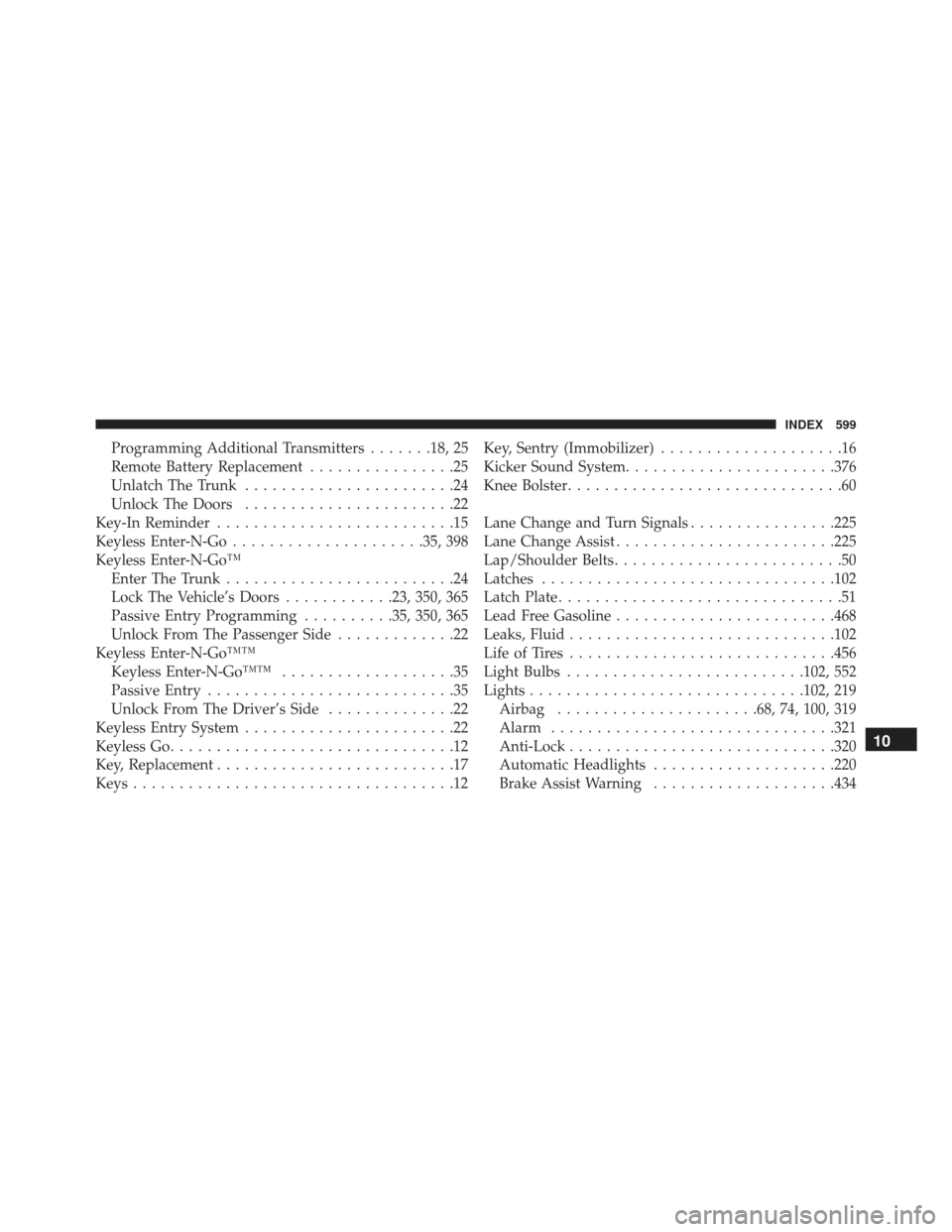
Programming Additional Transmitters.......18, 25
Remote Battery Replacement ................25
Unlatch The Trunk .......................24
Unlock The Doors .......................22
Key-In Reminder ..........................15
Keyless Enter-N-Go .....................35, 398
Keyless Enter-N-Go™ Enter The Trunk .........................24
Lock The Vehicle’s Doors ............23, 350, 365
Passive Entry Programming ..........35, 350, 365
Unlock From The Passenger Side .............22
Keyless Enter-N-Go™™ Keyless Enter-N-Go™™ ...................35
Passive Entry ...........................35
Unlock From The Driver’s Side ..............22
Keyless Entry System .......................22
Keyless Go ...............................12
Key, Replacement ..........................17
Keys ...................................12 Key, Sentry (Immobilizer)
....................16
Kicker Sound System ...................... .376
Knee Bolster ..............................60
Lane Change and Turn Signals ................225
Lane Change Assist ....................... .225
Lap/Shoulder Belts .........................50
Latches ............................... .102
Latch Plate ...............................51
Lead Free Gasoline ....................... .468
Leaks, Fluid ............................ .102
Life of Tires ............................ .456
Light Bulbs ......................... .102, 552
Lights ............................. .102, 219
Airbag ..................... .68, 74, 100, 319
Alarm .............................. .321
Anti-Lock ............................ .320
Automatic Headlights ....................220
Brake Assist Warning ....................434
10
INDEX 599
Page 602 of 614
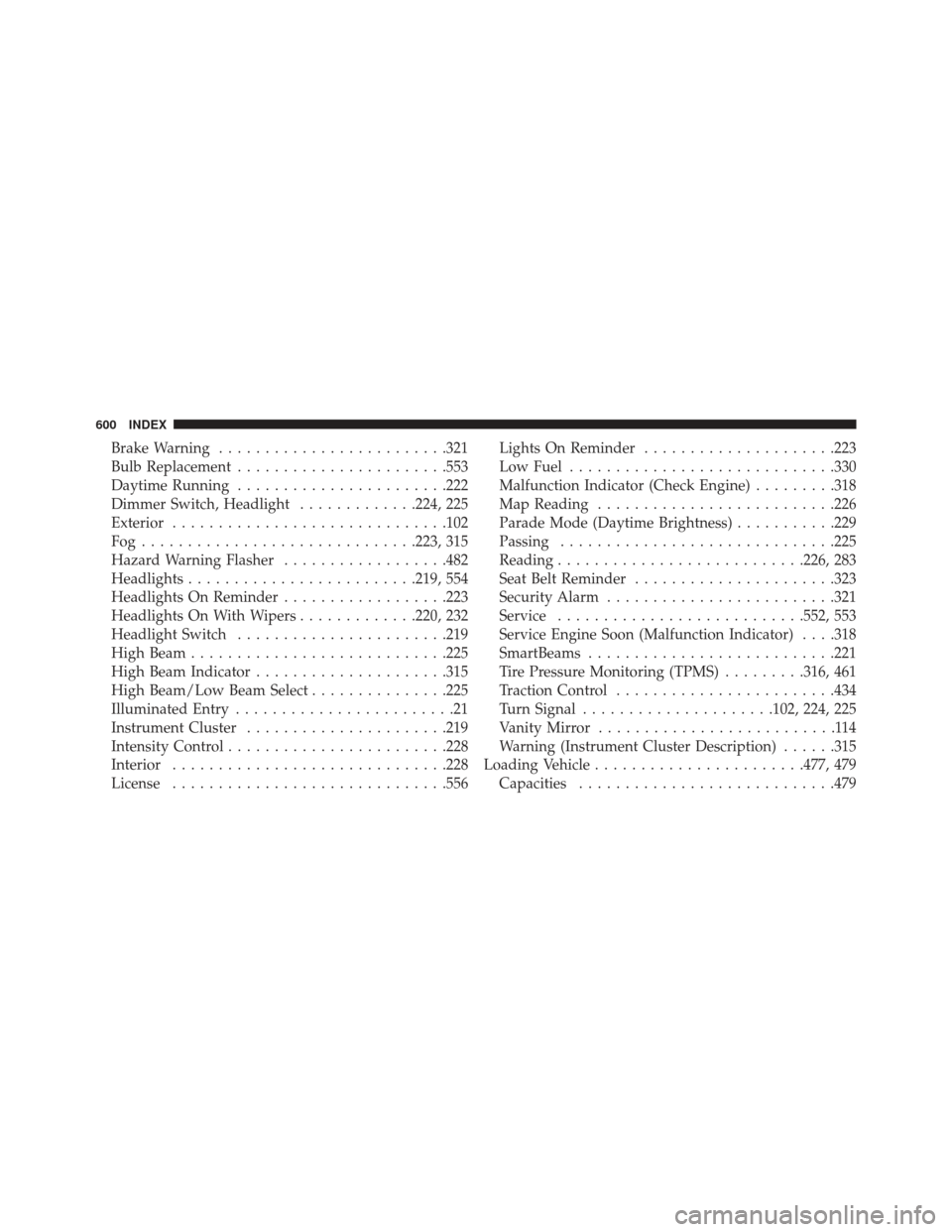
Brake Warning........................ .321
Bulb Replacement ...................... .553
Daytime Running ...................... .222
Dimmer Switch, Headlight .............224, 225
Exterior ............................. .102
Fog............................. .223, 315
Hazard Warning Flasher ..................482
Headlights ........................ .219, 554
Headlights On Reminder ..................223
Headlights On With Wipers .............220, 232
Headlight Switch ...................... .219
High Beam ........................... .225
High Beam Indicator .....................315
High Beam/Low Beam Select ...............225
Illuminated Entry ........................21
Instrument Cluster ..................... .219
Intensity Control ....................... .228
Interior ............................. .228
License ............................. .556Lights On Reminder
.....................223
Low Fuel ............................ .330
Malfunction Indicator (Check Engine) .........318
Map Reading ......................... .226
Parade Mode (Daytime Brightness) ...........229
Passing ............................. .225
Reading .......................... .226, 283
Seat Belt Reminder ..................... .323
Security Alarm ........................ .321
Service .......................... .552, 553
Service Engine Soon (Malfunction Indicator) . . . .318
SmartBeams .......................... .221
Tire Pressure Monitoring (TPMS) .........316, 461
Traction Control ....................... .434
Turn Signal .....................102, 224, 225
Vanity Mirror ..........................114
Warning (Instrument Cluster Description) ......315
Loading
Vehicle ...................... .477, 479
Capacities ........................... .479
600 INDEX