tow DODGE DURANGO 2011 3.G Owner's Manual
[x] Cancel search | Manufacturer: DODGE, Model Year: 2011, Model line: DURANGO, Model: DODGE DURANGO 2011 3.GPages: 576, PDF Size: 3.57 MB
Page 232 of 576
CAUTION!
Failure to follow these cautions can cause damage to
the heating elements:
•Use care when washing the inside of the rear
window. Do not use abrasive window cleaners on
the interior surface of the window. Use a soft cloth
and a mild washing solution, wiping parallel to
the heating elements. Labels can be peeled off
after soaking with warm water.
•Do not use scrapers, sharp instruments, or abra-
sive window cleaners on the interior surface of the
window.
•Keep all objects a safe distance from the window.
ROOF LUGGAGE RACK — IF EQUIPPED
The crossbars and side rails are designed to carry weight
on vehicles equipped with a luggage rack.The load must
not exceed 150 lbs (68 kg), and should be uniformly distributed over the luggage rack crossbars.
The crossbars on your vehicle are delivered stowed
within the roof rack side rails. Crossbars should always
be used whenever cargo is placed on the roof rack. Check
the straps frequently to be sure that the load remains
securely attached.
1 — Side Rail
2 — Crossbar
230 UNDERSTANDING THE FEATURES OF YOUR VEHICLE
Page 234 of 576
Remove the crossbar from the stowed position by sliding
the crossbar towards the center of the roof. Repeat with
crossbar on the opposite side.CAUTION!
Be careful when handling the crossbars to prevent
damage to the vehicle.
Starting with one crossbar, bend down the pivot supports
at each end.
Removing Crossbars
Bending Pivot
232 UNDERSTANDING THE FEATURES OF YOUR VEHICLE
Page 235 of 576
Position the crossbars across the roof making sure the
letters on the crossbars align with the matching letters on
the side rail.Slide the cross bar into to the deploy position by moving
it towards the matching letter in the side rail. Be sure the
crossbar is fully deployed with the crossbar pushed as far
into the slot as possible. Once the crossbar is in place,
tighten both thumb screws completely.
Positioning Crossbars
Installing Crossbars
3
UNDERSTANDING THE FEATURES OF YOUR VEHICLE 233
Page 236 of 576
Deploy and tighten the second crossbar to complete the
deployment of the crossbars.Stowing the Crossbars
Starting with one crossbar, completely loosen the thumb
screws at both ends. Slide the crossbar away from the
matching letter to remove it from the deployed position.
Repeat with the other crossbar.
CAUTION!
Be careful when handling the crossbars to prevent
damage to the vehicle.
Deployed Crossbars
234 UNDERSTANDING THE FEATURES OF YOUR VEHICLE
Page 237 of 576
Starting with the one crossbar, bend up the pivot sup-
ports at each end.Then, position the crossbar along the correct side rail.
Make sure the letters on the crossbar align with the
matching letters on the side rail.
Crossbar Pivot
Stowing Crossbars
3
UNDERSTANDING THE FEATURES OF YOUR VEHICLE 235
Page 238 of 576
Slide the crossbar outward, away from the center of the
roof. The crossbar will nest fully within the side rail.
Once the driver ’s side crossbar is in place, tighten the
thumb screws completely.Repeat the procedure to stow the second crossbar on the
opposite side.
Crossbar to Side Rail
Tightening Crossbar
236 UNDERSTANDING THE FEATURES OF YOUR VEHICLE
Page 239 of 576
NOTE:
•To help control wind noise, stow the crossbars in the
side rails when they are not in use.
•If any metallic object is placed over the satellite radio
antenna (if equipped), you may experience interrup-
tion of satellite radio reception.
CAUTION!
•To prevent damage to the roof of your vehicle, DO
NOT carry any loads on the roof rack without the
crossbars deployed. The load should be secured
and placed on top of the crossbars, not directly on
the roof. If it is necessary to place the load on the
roof, place a blanket or other protective layer
between the load and the roof surface.
•To avoid damage to the roof rack and vehicle, do
not exceed the maximum roof rack load capacity of
150 lbs (68 kg). Always distribute heavy loads as
evenly as possible and secure the load appropri-
ately.(Continued)
Stowed Crossbars
3
UNDERSTANDING THE FEATURES OF YOUR VEHICLE 237
Page 248 of 576
does not come on when turning the key from OFF to
ON/RUN, have the condition checked promptly.
Certain conditions, such as a loose or missing gas cap,
poor fuel quality, etc., may illuminate the light after
engine start. The vehicle should be serviced if the light
stays on through several of your typical driving cycles. In
most situations, the vehicle will drive normally and will
not require towing.
CAUTION!
Prolonged driving with the MIL on could cause
damage to the engine control system. It also could
affect fuel economy and drivability. If the MIL is
flashing, severe catalytic converter damage and
power loss will soon occur. Immediate service is
required.
WARNING!
A malfunctioning catalytic converter, as referenced
above, can reach higher temperatures than in normal
operating conditions. This can cause a fire if you
drive slowly or park over flammable substances such
as dry plants, wood, cardboard, etc. This could result
in death or serious injury to the driver, occupants or
others.
4. Electronic Stability Control (ESC) Activation/
Malfunction Indicator Light — If Equipped The “ESC Activation/Malfunction Indicator
Light” in the instrument cluster will come on
when the ignition switch is turned to the
ON/RUN position. It should go out with the
engine running. If the “ESC Activation/Malfunction In-
dicator Light” comes on continuously with the engine
running, a malfunction has been detected in the ESC
246 UNDERSTANDING YOUR INSTRUMENT PANEL
Page 250 of 576
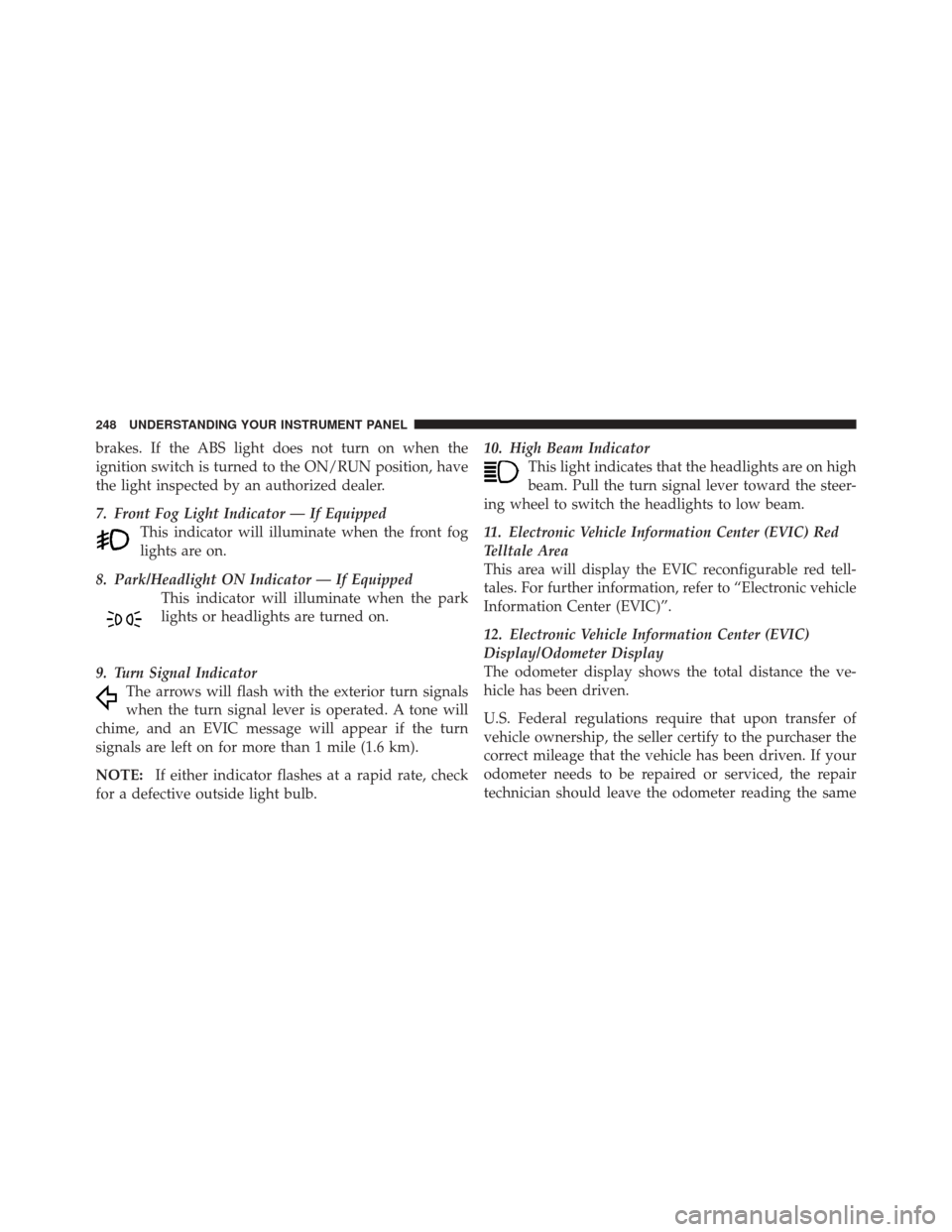
brakes. If the ABS light does not turn on when the
ignition switch is turned to the ON/RUN position, have
the light inspected by an authorized dealer.
7. Front Fog Light Indicator — If EquippedThis indicator will illuminate when the front fog
lights are on.
8. Park/Headlight ON Indicator — If Equipped This indicator will illuminate when the park
lights or headlights are turned on.
9. Turn Signal Indicator The arrows will flash with the exterior turn signals
when the turn signal lever is operated. A tone will
chime, and an EVIC message will appear if the turn
signals are left on for more than 1 mile (1.6 km).
NOTE: If either indicator flashes at a rapid rate, check
for a defective outside light bulb. 10. High Beam Indicator
This light indicates that the headlights are on high
beam. Pull the turn signal lever toward the steer-
ing wheel to switch the headlights to low beam.
11. Electronic Vehicle Information Center (EVIC) Red
Telltale Area
This area will display the EVIC reconfigurable red tell-
tales. For further information, refer to “Electronic vehicle
Information Center (EVIC)”.
12. Electronic Vehicle Information Center (EVIC)
Display/Odometer Display
The odometer display shows the total distance the ve-
hicle has been driven.
U.S. Federal regulations require that upon transfer of
vehicle ownership, the seller certify to the purchaser the
correct mileage that the vehicle has been driven. If your
odometer needs to be repaired or serviced, the repair
technician should leave the odometer reading the same
248 UNDERSTANDING YOUR INSTRUMENT PANEL
Page 254 of 576
Vehicles equipped with the Anti-Lock Brake System
(ABS), are also equipped with Electronic Brake Force
Distribution (EBD). In the event of an EBD failure, the
Brake Warning Light will turn on along with the ABS
Light. Immediate repair to the ABS system is required.
Operation of the Brake Warning Light can be checked by
turning the ignition switch from the OFF position to the
ON/RUN position. The light should illuminate for ap-
proximately two seconds. The light should then turn off
unless the parking brake is applied or a brake fault is
detected. If the light does not illuminate, have the light
inspected by an authorized dealer.
The light also will turn on when the parking brake is
applied with the ignition switch in the ON/RUN posi-
tion.
NOTE:This light shows only that the parking brake is
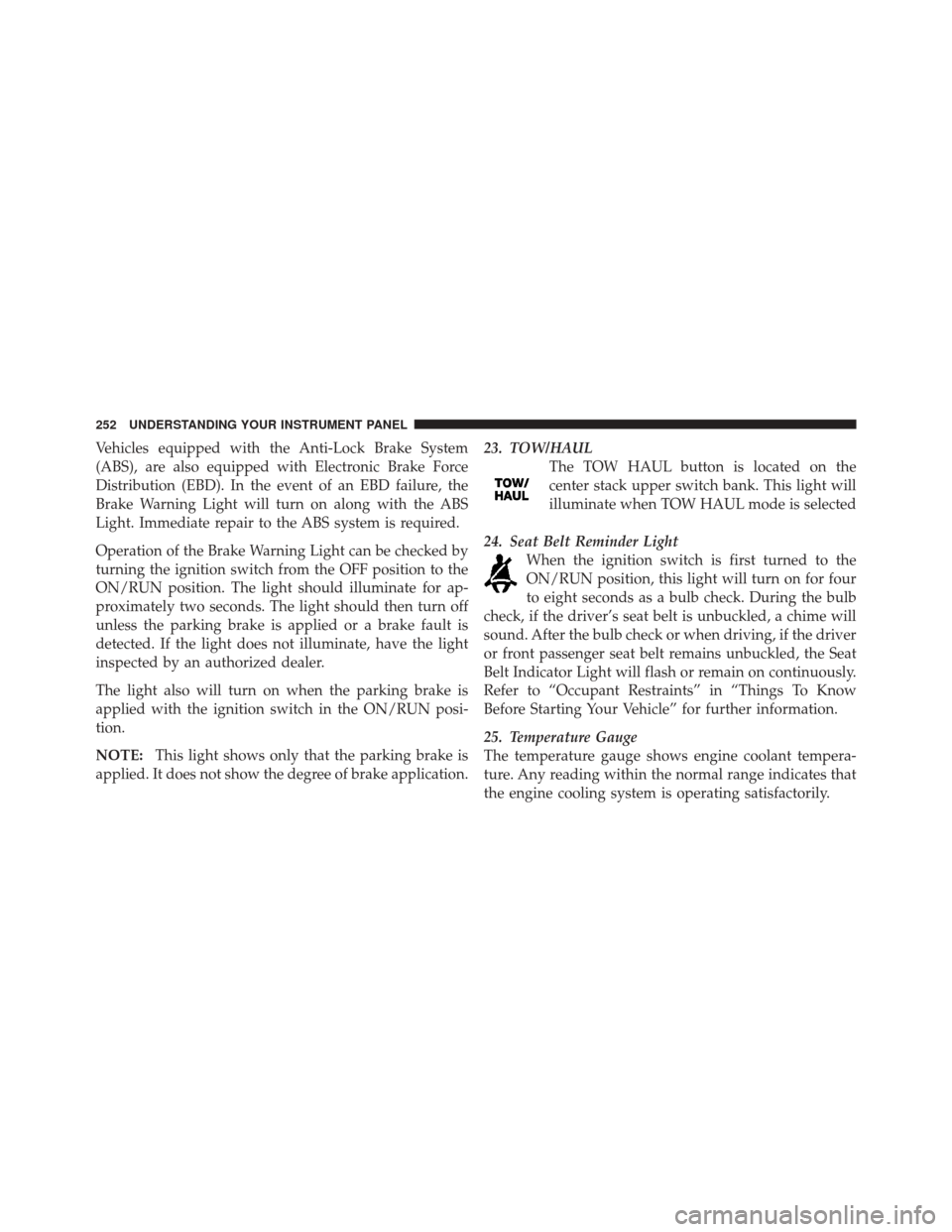
applied. It does not show the degree of brake application. 23. TOW/HAUL
The TOW HAUL button is located on the
center stack upper switch bank. This light will
illuminate when TOW HAUL mode is selected
24. Seat Belt Reminder Light When the ignition switch is first turned to the
ON/RUN position, this light will turn on for four
to eight seconds as a bulb check. During the bulb
check, if the driver’s seat belt is unbuckled, a chime will
sound. After the bulb check or when driving, if the driver
or front passenger seat belt remains unbuckled, the Seat
Belt Indicator Light will flash or remain on continuously.
Refer to “Occupant Restraints” in “Things To Know
Before Starting Your Vehicle” for further information.
25. Temperature Gauge
The temperature gauge shows engine coolant tempera-
ture. Any reading within the normal range indicates that
the engine cooling system is operating satisfactorily.
252 UNDERSTANDING YOUR INSTRUMENT PANEL