change time DODGE DURANGO 2015 3.G User Guide
[x] Cancel search | Manufacturer: DODGE, Model Year: 2015, Model line: DURANGO, Model: DODGE DURANGO 2015 3.GPages: 689, PDF Size: 20.05 MB
Page 259 of 689
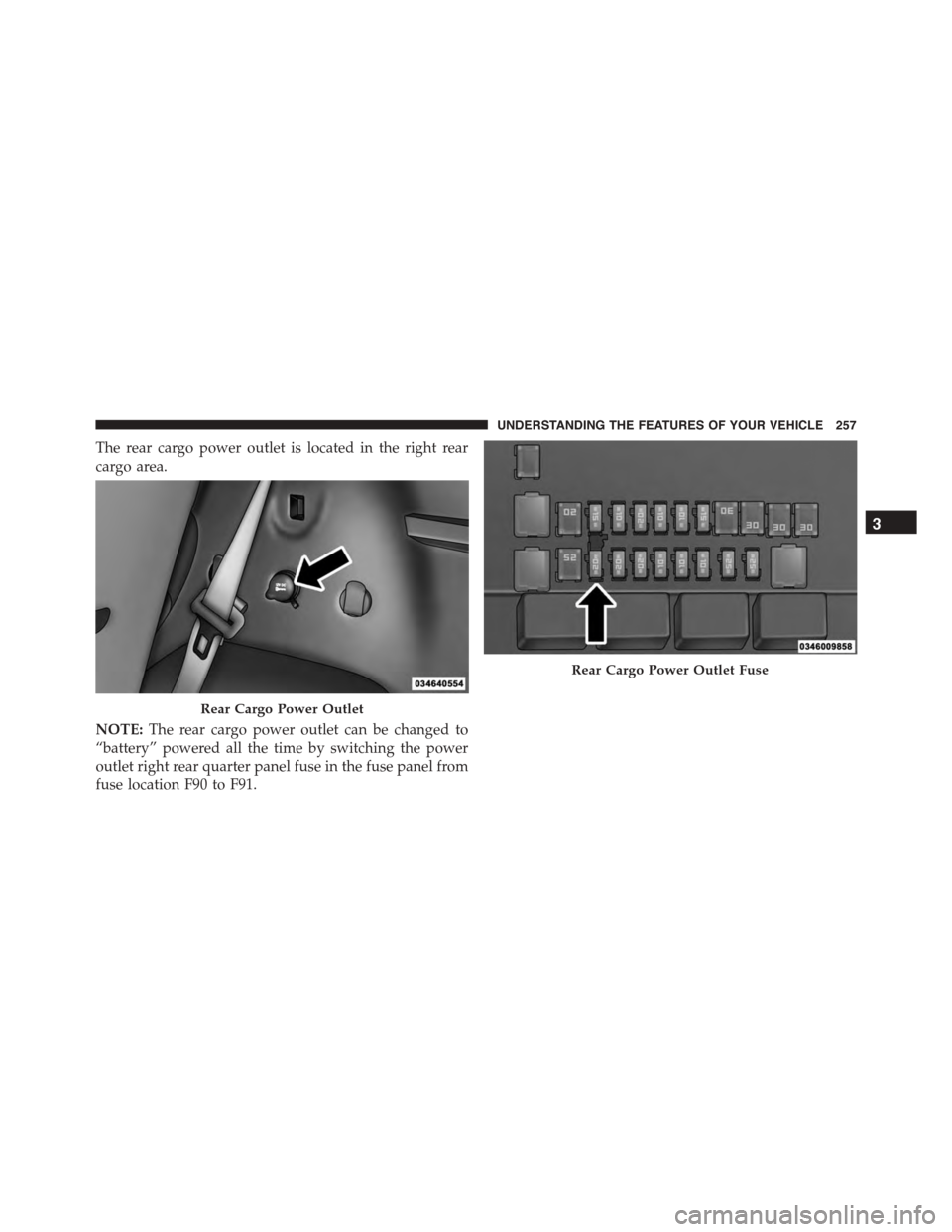
The rear cargo power outlet is located in the right rear
cargo area.
NOTE:The rear cargo power outlet can be changed to
“battery” powered all the time by switching the power
outlet right rear quarter panel fuse in the fuse panel from
fuse location F90 to F91.
Rear Cargo Power Outlet
Rear Cargo Power Outlet Fuse
3
UNDERSTANDING THE FEATURES OF YOUR VEHICLE 257
Page 307 of 689
Engine Oil Life Reset
Oil Change Required
Your vehicle is equipped with an engine oil change
indicator system. The “Oil Change Required” message
will display in the DID for five seconds after a single
chime has sounded, to indicate the next scheduled oil
change interval. The engine oil change indicator system
is duty cycle based, which means the engine oil change
interval may fluctuate, dependent upon your personal
driving style.
Unless reset, this message will continue to display each
time you cycle the ignition to the ON/RUN position. To
turn off the message temporarily, push and release the
OK button. To reset the oil change indicator system (after
performing the scheduled maintenance), refer to the
following procedure.
Oil Change Reset Procedure
1. Without pushing the brake pedal, push and release the
ENGINE START/STOP button and place the ignition
to the ON/RUN position (do not start the engine).
2. Fully push the accelerator pedal, slowly, three times
within 10 seconds.
3. Without pushing the brake pedal, push and release the
ENGINE START/STOP button once to return the
ignition to the OFF/LOCK position.
NOTE:If the indicator message illuminates when you
start the vehicle, the oil change indicator system did not
reset. If necessary, repeat this procedure.
4
UNDERSTANDING YOUR INSTRUMENT PANEL 305
Page 317 of 689
The Trip A and Trip B information will display the
following:
•Distance mi
•Average Fuel Economy
•Elapsed Time
Hold the OK button to reset all the information.
Audio
Push and release the UP or DOWN arrow
button until the Audio Menu icon/title is high-
lighted in the DID.
Stored Messages
Push and release the UP or DOWN arrow
button until the Messages Menu icon/title is
highlighted in the DID. This feature shows the
number of stored warning messages. Pushing
the RIGHT arrow button will allow you to see what the
stored messages are.
Screen Setup
Push and release the UP or DOWN arrow
button until the Screen Setup Menu icon/title
is highlighted in the DID. Push and release the
OK button to enter the submenus and follow
the prompts on the screen as needed. The Screen Setup
feature allows you to change what information is dis-
played in the instrument cluster as well as the location
that information is displayed.
4
UNDERSTANDING YOUR INSTRUMENT PANEL 315
Page 320 of 689
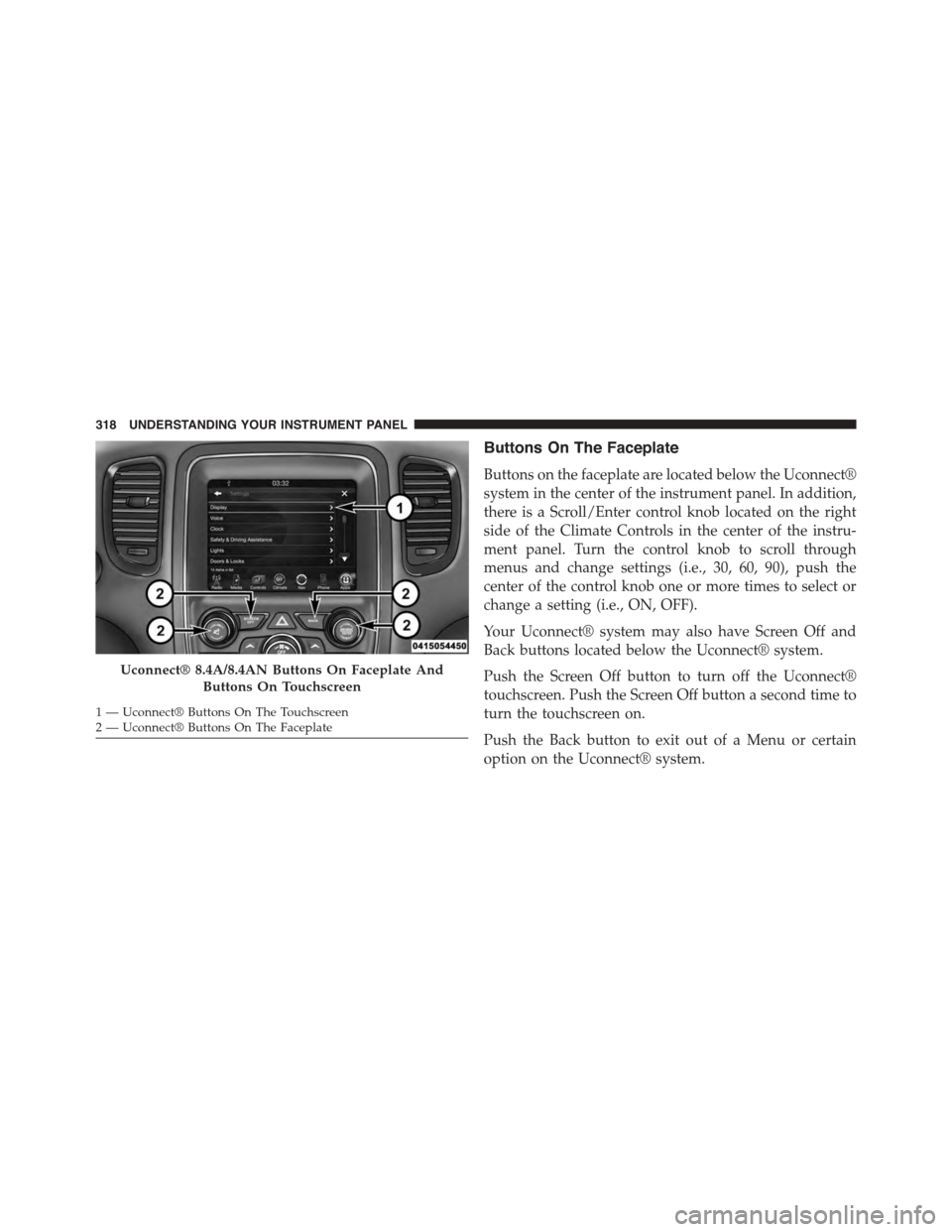
Buttons On The Faceplate
Buttons on the faceplate are located below the Uconnect®
system in the center of the instrument panel. In addition,
there is a Scroll/Enter control knob located on the right
side of the Climate Controls in the center of the instru-
ment panel. Turn the control knob to scroll through
menus and change settings (i.e., 30, 60, 90), push the
center of the control knob one or more times to select or
change a setting (i.e., ON, OFF).
Your Uconnect® system may also have Screen Off and
Back buttons located below the Uconnect® system.
Push the Screen Off button to turn off the Uconnect®
touchscreen. Push the Screen Off button a second time to
turn the touchscreen on.
Push the Back button to exit out of a Menu or certain
option on the Uconnect® system.
Uconnect® 8.4A/8.4AN Buttons On Faceplate And
Buttons On Touchscreen
1—Uconnect®ButtonsOnTheTouchscreen2—Uconnect®ButtonsOnTheFaceplate
318 UNDERSTANDING YOUR INSTRUMENT PANEL
Page 321 of 689
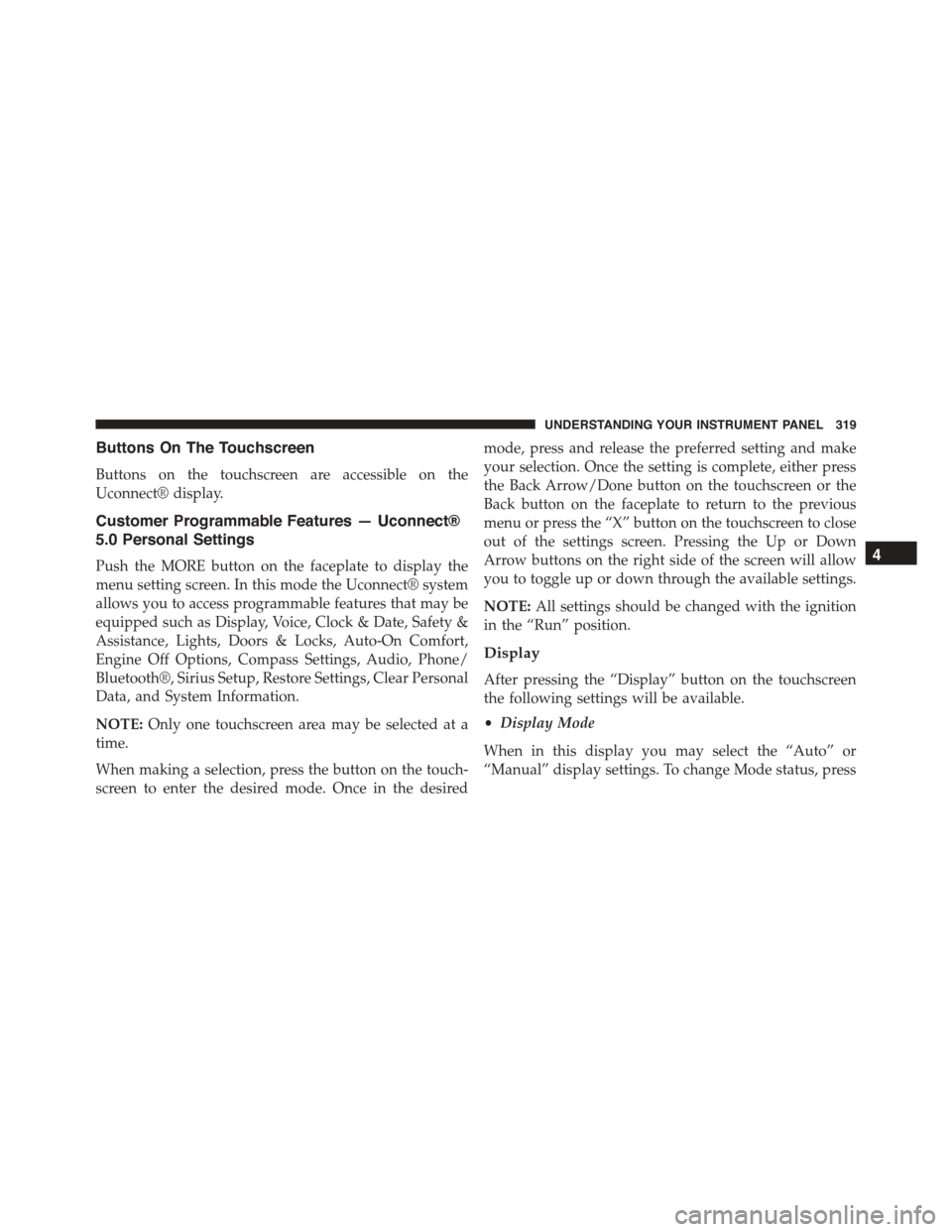
Buttons On The Touchscreen
Buttons on the touchscreen are accessible on the
Uconnect® display.
Customer Programmable Features — Uconnect®
5.0 Personal Settings
Push the MORE button on the faceplate to display the
menu setting screen. In this mode the Uconnect® system
allows you to access programmable features that may be
equipped such as Display, Voice, Clock & Date, Safety &
Assistance, Lights, Doors & Locks, Auto-On Comfort,
Engine Off Options, Compass Settings, Audio, Phone/
Bluetooth®, Sirius Setup, Restore Settings, Clear Personal
Data, and System Information.
NOTE:Only one touchscreen area may be selected at a
time.
When making a selection, press the button on the touch-
screen to enter the desired mode. Once in the desired
mode, press and release the preferred setting and make
your selection. Once the setting is complete, either press
the Back Arrow/Done button on the touchscreen or the
Back button on the faceplate to return to the previous
menu or press the “X” button on the touchscreen to close
out of the settings screen. Pressing the Up or Down
Arrow buttons on the right side of the screen will allow
you to toggle up or down through the available settings.
NOTE:All settings should be changed with the ignition
in the “Run” position.
Display
After pressing the “Display” button on the touchscreen
the following settings will be available.
•Display Mode
When in this display you may select the “Auto” or
“Manual” display settings. To change Mode status, press
4
UNDERSTANDING YOUR INSTRUMENT PANEL 319
Page 324 of 689
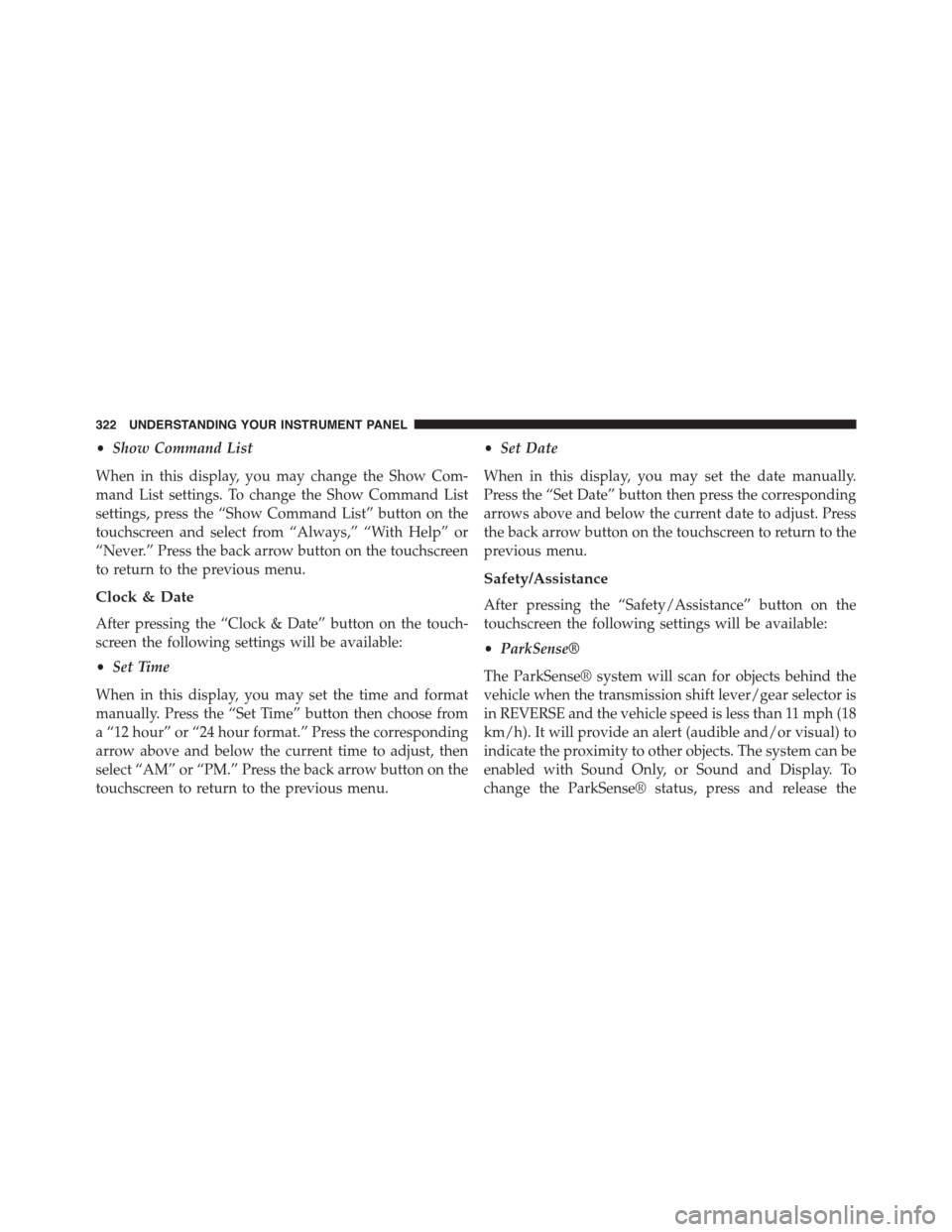
•Show Command List
When in this display, you may change the Show Com-
mand List settings. To change the Show Command List
settings, press the “Show Command List” button on the
touchscreen and select from “Always,” “With Help” or
“Never.” Press the back arrow button on the touchscreen
to return to the previous menu.
Clock & Date
After pressing the “Clock & Date” button on the touch-
screen the following settings will be available:
•Set Time
When in this display, you may set the time and format
manually. Press the “Set Time” button then choose from
a “12 hour” or “24 hour format.” Press the corresponding
arrow above and below the current time to adjust, then
select “AM” or “PM.” Press the back arrow button on the
touchscreen to return to the previous menu.
•Set Date
When in this display, you may set the date manually.
Press the “Set Date” button then press the corresponding
arrows above and below the current date to adjust. Press
the back arrow button on the touchscreen to return to the
previous menu.
Safety/Assistance
After pressing the “Safety/Assistance” button on the
touchscreen the following settings will be available:
•ParkSense®
The ParkSense® system will scan for objects behind the
vehicle when the transmission shift lever/gear selector is
in REVERSE and the vehicle speed is less than 11 mph (18
km/h). It will provide an alert (audible and/or visual) to
indicate the proximity to other objects. The system can be
enabled with Sound Only, or Sound and Display. To
change the ParkSense® status, press and release the
322 UNDERSTANDING YOUR INSTRUMENT PANEL
Page 326 of 689
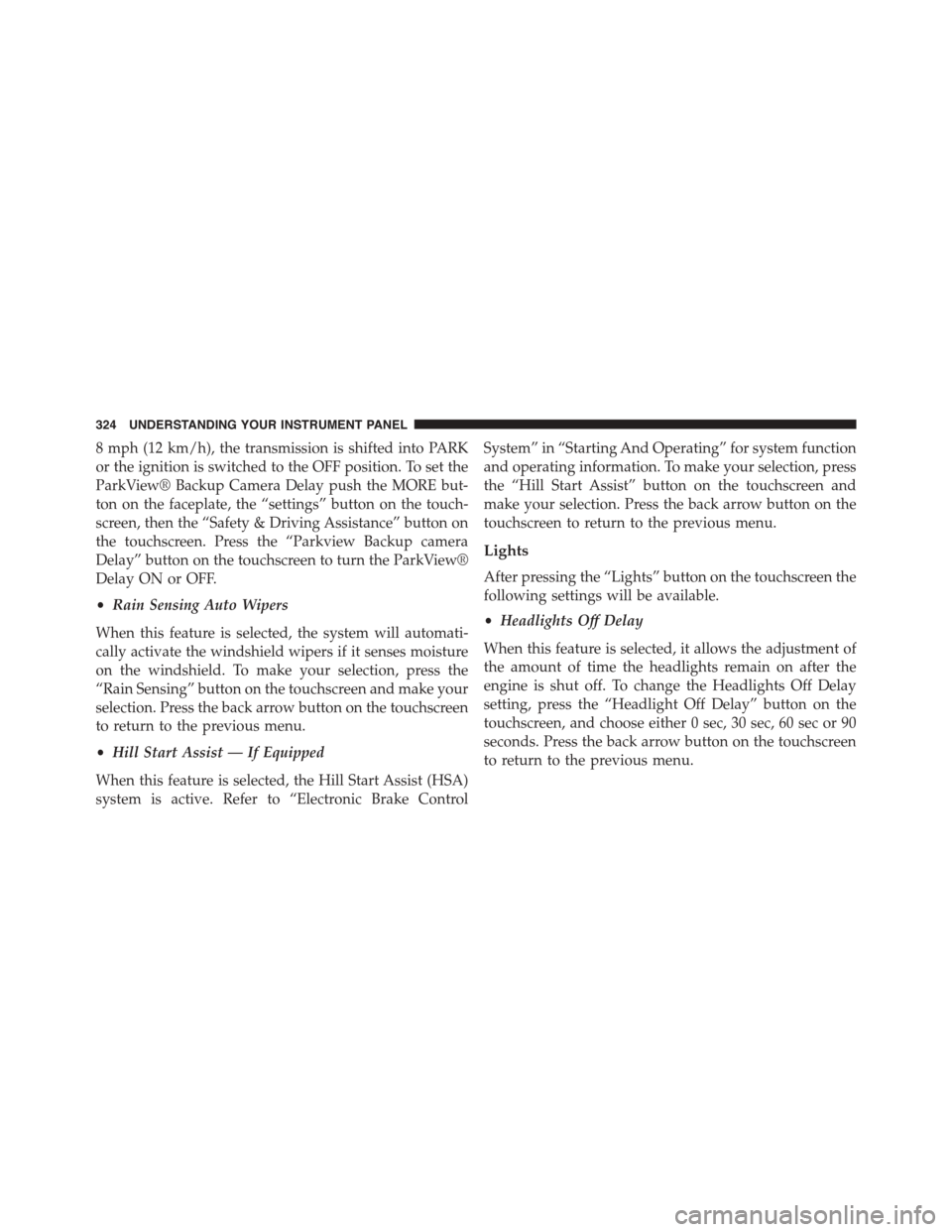
8 mph (12 km/h), the transmission is shifted into PARK
or the ignition is switched to the OFF position. To set the
ParkView® Backup Camera Delay push the MORE but-
ton on the faceplate, the “settings” button on the touch-
screen, then the “Safety & Driving Assistance” button on
the touchscreen. Press the “Parkview Backup camera
Delay” button on the touchscreen to turn the ParkView®
Delay ON or OFF.
•Rain Sensing Auto Wipers
When this feature is selected, the system will automati-
cally activate the windshield wipers if it senses moisture
on the windshield. To make your selection, press the
“Rain Sensing” button on the touchscreen and make your
selection. Press the back arrow button on the touchscreen
to return to the previous menu.
•Hill Start Assist — If Equipped
When this feature is selected, the Hill Start Assist (HSA)
system is active. Refer to “Electronic Brake Control
System” in “Starting And Operating” for system function
and operating information. To make your selection, press
the “Hill Start Assist” button on the touchscreen and
make your selection. Press the back arrow button on the
touchscreen to return to the previous menu.
Lights
After pressing the “Lights” button on the touchscreen the
following settings will be available.
•Headlights Off Delay
When this feature is selected, it allows the adjustment of
the amount of time the headlights remain on after the
engine is shut off. To change the Headlights Off Delay
setting, press the “Headlight Off Delay” button on the
touchscreen, and choose either 0 sec, 30 sec, 60 sec or 90
seconds. Press the back arrow button on the touchscreen
to return to the previous menu.
324 UNDERSTANDING YOUR INSTRUMENT PANEL
Page 327 of 689
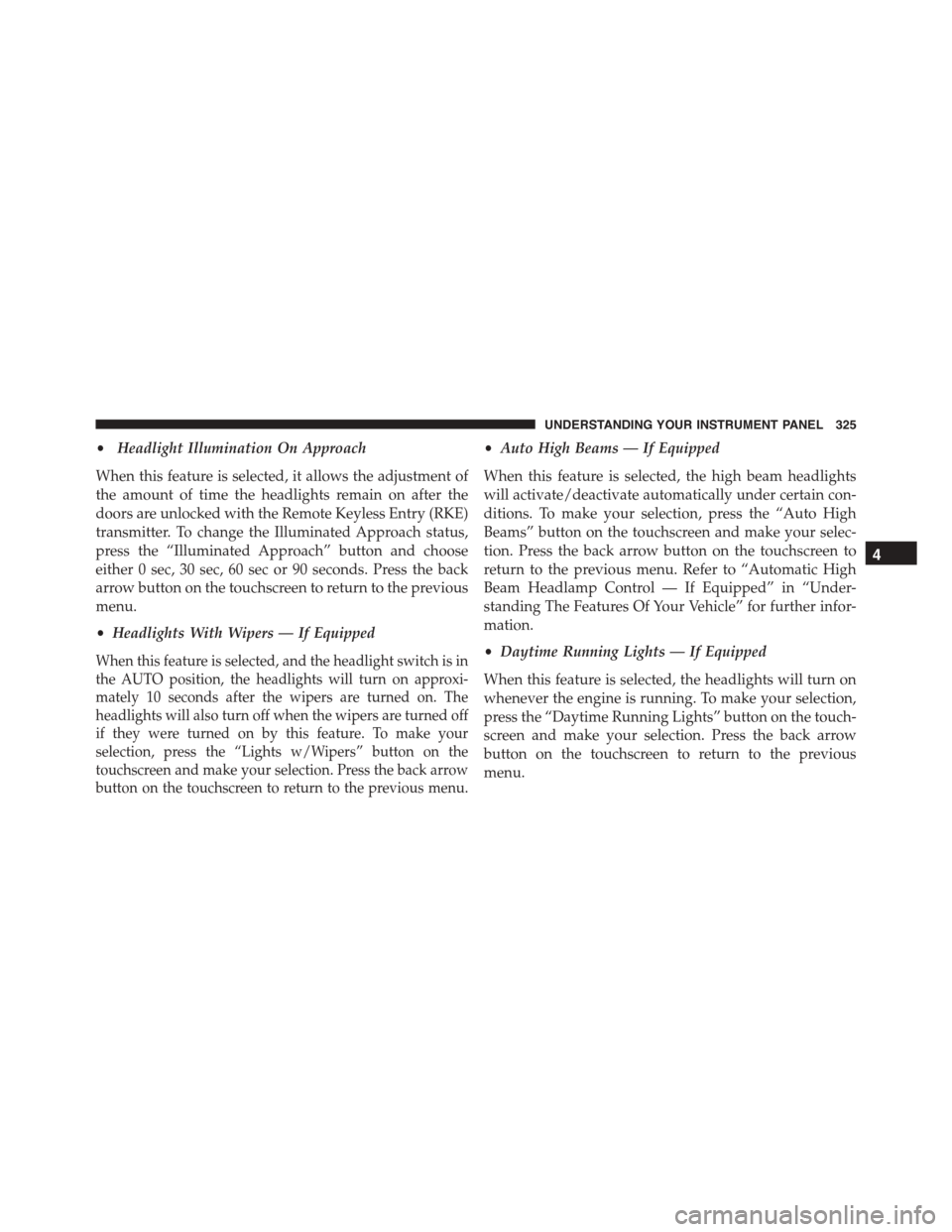
•Headlight Illumination On Approach
When this feature is selected, it allows the adjustment of
the amount of time the headlights remain on after the
doors are unlocked with the Remote Keyless Entry (RKE)
transmitter. To change the Illuminated Approach status,
press the “Illuminated Approach” button and choose
either 0 sec, 30 sec, 60 sec or 90 seconds. Press the back
arrow button on the touchscreen to return to the previous
menu.
•Headlights With Wipers — If Equipped
When this feature is selected, and the headlight switch is in
the AUTO position, the headlights will turn on approxi-
mately 10 seconds after the wipers are turned on. The
headlights will also turn off when the wipers are turned off
if they were turned on by this feature. To make your
selection, press the “Lights w/Wipers” button on the
touchscreen and make your selection. Press the back arrow
button on the touchscreen to return to the previous menu.
•Auto High Beams — If Equipped
When this feature is selected, the high beam headlights
will activate/deactivate automatically under certain con-
ditions. To make your selection, press the “Auto High
Beams” button on the touchscreen and make your selec-
tion. Press the back arrow button on the touchscreen to
return to the previous menu. Refer to “Automatic High
Beam Headlamp Control — If Equipped” in “Under-
standing The Features Of Your Vehicle” for further infor-
mation.
•Daytime Running Lights — If Equipped
When this feature is selected, the headlights will turn on
whenever the engine is running. To make your selection,
press the “Daytime Running Lights” button on the touch-
screen and make your selection. Press the back arrow
button on the touchscreen to return to the previous
menu.
4
UNDERSTANDING YOUR INSTRUMENT PANEL 325
Page 337 of 689
Phone/Bluetooth®, SiriusXM Setup, Restore Settings,
Clear Personal Data, and System Information.
NOTE:Only one category may be selected at a time.
To adjust the setting of a programmable feature, press the
desired setting option. Once in the desired setting option,
press and release the preferred setting until a check-mark
appears next to the setting, showing that the setting has
been selected.
Once the setting is complete, press the Back Arrow
button on the touchscreen to return to the previous menu
or press the X button on the touchscreen to close out of
the settings screen. Pressing the Up or Down Arrow
button on the right side of the screen will allow you to
toggle up or down through the list of available settings.
Display
After pressing the “Display” button on the touchscreen
the following settings will be available.
•Display Mode
When in this display you may select one of the auto
display settings. To change Mode status, select from
“Day,” “Night” or “Auto” until a check-mark appears
next to the setting, showing that setting has been se-
lected. Then press the arrow back button on the touch-
screen.
NOTE:When Day or Night is selected for the Display
Mode, the usage of the Parade Mode feature will cause
the radio to activate the Display Brightness Day control
even though the headlights are on.
4
UNDERSTANDING YOUR INSTRUMENT PANEL 335
Page 339 of 689
•Units
When in this display, you may select to have the DID,
odometer, and navigation system (if equipped) changed
between US and Metric units of measure. Press “US” or
“Metric” until a check-mark appears next to the setting,
showing that setting has been selected. Press the back
arrow button on the touchscreen to return to the previous
menu.
•Touchscreen Beep
When in this display, you may turn on or shut off the
sound heard when button on the touchscreen is pressed.
Press the “Touchscreen Beep” button on the touchscreen
until a check-mark appears next to the setting, showing
that setting has been selected. Press the back arrow
button on the touchscreen to return to the previous
menu.
•Controls Screen Time-Out
When in this display, you may turn on or shut off the
ability for the controls screen to time out. Press the
“Controls Screen Time-Out” button on the touchscreen
until a check-mark appears next to the setting, showing
that setting has been selected. Press the back arrow
button on the touchscreen to return to the previous
menu.
•Navigation Turn-By-Turn Displayed In Cluster — If
Equipped
When this feature is selected, To make your selection,
press the “Navigation Turn-By-Turn Displayed In Clus-
ter” button on the touchscreen, until a check-mark ap-
pears next to the setting, showing that setting has been
selected. Press the back arrow button on the touchscreen
to return to the previous menu.
4
UNDERSTANDING YOUR INSTRUMENT PANEL 337