alarm DODGE DURANGO 2016 3.G User Guide
[x] Cancel search | Manufacturer: DODGE, Model Year: 2016, Model line: DURANGO, Model: DODGE DURANGO 2016 3.GPages: 739, PDF Size: 5.52 MB
Page 144 of 739
RCP monitors the rear detection zones on both sides of
the vehicle, for objects that are moving toward the side of
the vehicle with a minimum speed of approximately
3 mph (5 km/h), to objects moving a maximum of
approximately 20 mph (32 km/h), such as in parking lot
situations.NOTE:
In a parking lot situation, oncoming vehicles can
be obscured by vehicles parked on either side. If the
sensors are blocked by other structures or vehicles, the
system will not be able to alert the driver.
When RCP is on and the vehicle is in REVERSE, the
driver is alerted using both the visual and audible
alarms, including reducing the radio volume.
WARNING!
RCP is not a Back Up Aid system. It is intended to be
used to help a driver detect an oncoming vehicle in a
parking lot situation. Drivers must be careful when
backing up, even when using RCP. Always check
carefully behind your vehicle, look behind you, and
be sure to check for pedestrians, animals, other
vehicles, obstructions, and blind spots before back-
ing up. Failure to do so can result in serious injury or
death.
RCP Detection Zones
142 UNDERSTANDING THE FEATURES OF YOUR VEHICLE
Page 223 of 739
Normal (Fixed Speed) Electronic Speed Control
Mode
In addition to Adaptive Cruise Control mode, a Normal
(Fixed Speed) Electronic Speed Control mode is available
for cruising at fixed speeds. The Normal (Fixed Speed)
Electronic Speed Control mode is designed to maintain a
set cruising speed without requiring the driver to operate
the accelerator. Electronic Speed Control can only be
operated if the vehicle speed is above 20 mph (32 km/h).
To change between the different control modes, push the
ADAPTIVE CRUISE CONTROL (ACC) ON/OFF button
which turns the ACC and the NORMAL (Fixed Speed)
ELECTRONIC SPEED CONTROL OFF. Pushing of the
NORMAL (Fixed Speed) ELECTRONIC SPEED CON-
TROL ON/OFF button will result in turning ON (chang-
ing to) the Normal (Fixed Speed) Electronic Speed Con-
trol mode.
WARNING!
In the normal Cruise Control mode, the system will
not react to vehicles ahead. In addition, the proximity
warning does not activate and no alarm will sound
even if you are too close to the vehicle ahead since
neither the presence of the vehicle ahead nor the
vehicle-to vehicle distance is detected. Be sure to
maintain a safe distance between your vehicle and
the vehicle ahead. Always be aware which mode is
selected.
To Set A Desired Speed
Turn the Normal (Fixed Speed) Electronic
Speed Control ON. When the vehicle has
reached the desired speed, push the SET (+) or
SET (-) button and release. Release the accel-
erator and the vehicle will operate at the selected speed.
3
UNDERSTANDING THE FEATURES OF YOUR VEHICLE 221
Page 247 of 739
NOTE:HomeLink is disabled when the Vehicle Security
Alarm is active.
Before You Begin Programming HomeLink
Be sure that your vehicle is parked outside of the garage
before you begin programming. For more efficient programming and accurate transmis-
sion of the radio-frequency signal it is recommended that
a new battery be placed in the hand-held transmitter of
the device that is being programmed to the HomeLink
system.
To erase the channels place the ignition in the ON/RUN
position and push and hold the two outside HomeLink
buttons (I and III) for up 20 seconds or until the red
indicator flashes.
NOTE:
•
Erasing all channels should only be performed when
programming HomeLink for the first time. Do not
erase channels when programming additional buttons.
• If you have any problems, or require assistance, please
call toll-free 1-800-355-3515 or, on the Internet at
HomeLink.com for information or assistance.
HomeLink Buttons/Sunvisor
3
UNDERSTANDING THE FEATURES OF YOUR VEHICLE 245
Page 253 of 739
Reprogramming A Single HomeLink Button
(Canadian/Gate Operator)
To reprogram a channel that has been previously trained,
follow these steps:
1. Cycle the ignition to the ON/RUN position.
2. Push and hold the desired HomeLink button until theindicator light begins to flash after 20 seconds. Do not
release the button.
3. Without releasing the button proceed with
“Canadian/Gate Operator Programming” step 2 and
follow all remaining steps.
Using HomeLink
To operate, press and release the programmed HomeLink
button. Activation will now occur for the trained device
(i.e., garage door opener, gate operator, security system,
entry door lock, home/office lighting, etc.). The handheld
transmitter of the device may also be used at any time.
Security
It is advised to erase all channels before you sell or turn
in your vehicle.
To do this, push and hold the two outside buttons for 20
seconds until the red indicator flashes. Note that all channels
will be erased. Individual channels cannot be erased.
The HomeLink Universal Transceiver is disabled when
the Vehicle Security Alarm is active.
Troubleshooting Tips
If you are having trouble programming HomeLink, here
are some of the most common solutions:
• Replace the battery in the original transmitter.
• Press the LEARN button on the Garage Door Opener
to complete the training for a Rolling Code.
• Did you unplug the device for training, and remember
to plug it back in?
3
UNDERSTANDING THE FEATURES OF YOUR VEHICLE 251
Page 303 of 739
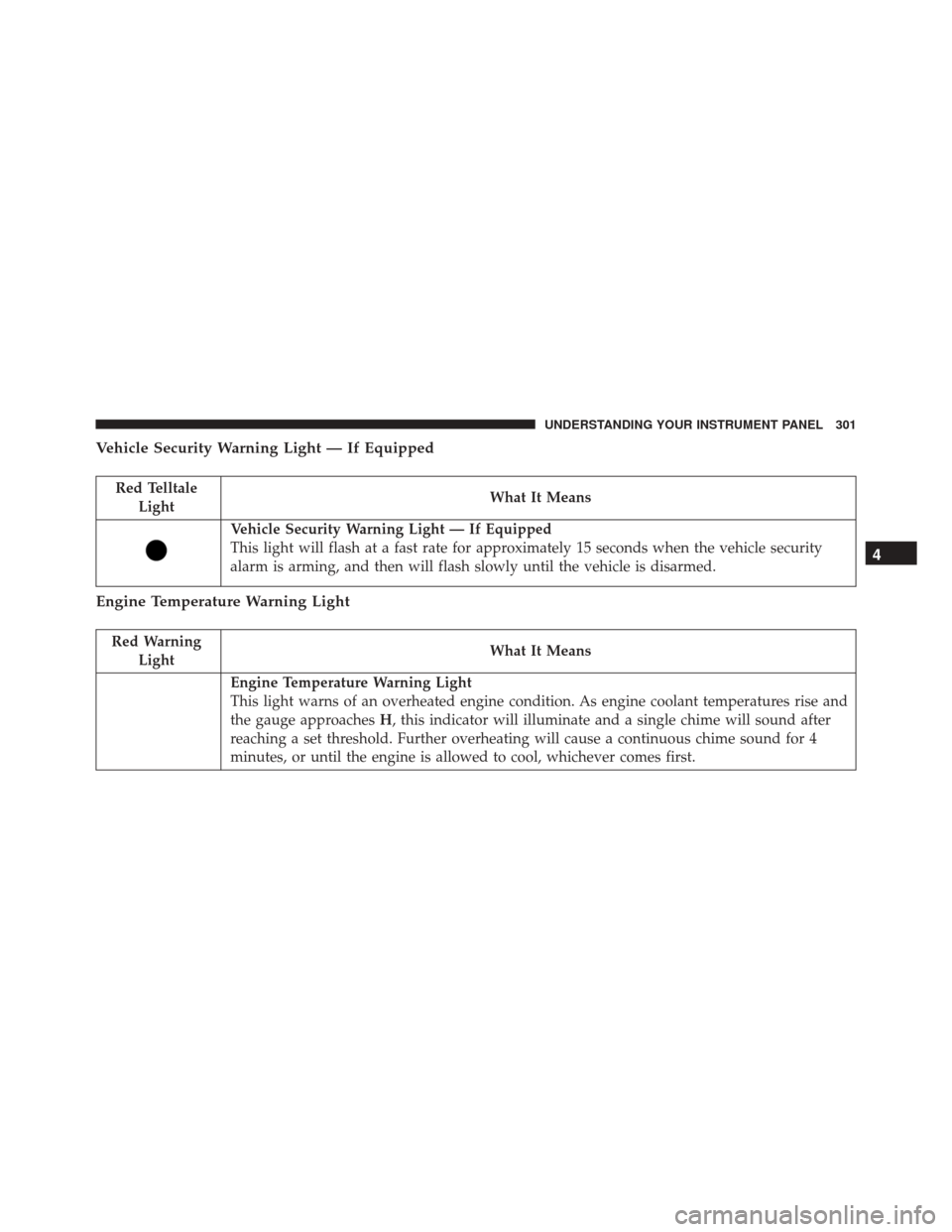
Vehicle Security Warning Light — If Equipped
Red TelltaleLight What It Means
Vehicle Security Warning Light — If Equipped
This light will flash at a fast rate for approximately 15 seconds when the vehicle security
alarm is arming, and then will flash slowly until the vehicle is disarmed.
Engine Temperature Warning Light
Red Warning
Light What It Means
Engine Temperature Warning Light
This light warns of an overheated engine condition. As engine coolant temperatures rise and
the gauge approaches
H, this indicator will illuminate and a single chime will sound after
reaching a set threshold. Further overheating will cause a continuous chime sound for 4
minutes, or until the engine is allowed to cool, whichever comes first.
4
UNDERSTANDING YOUR INSTRUMENT PANEL 301
Page 458 of 739
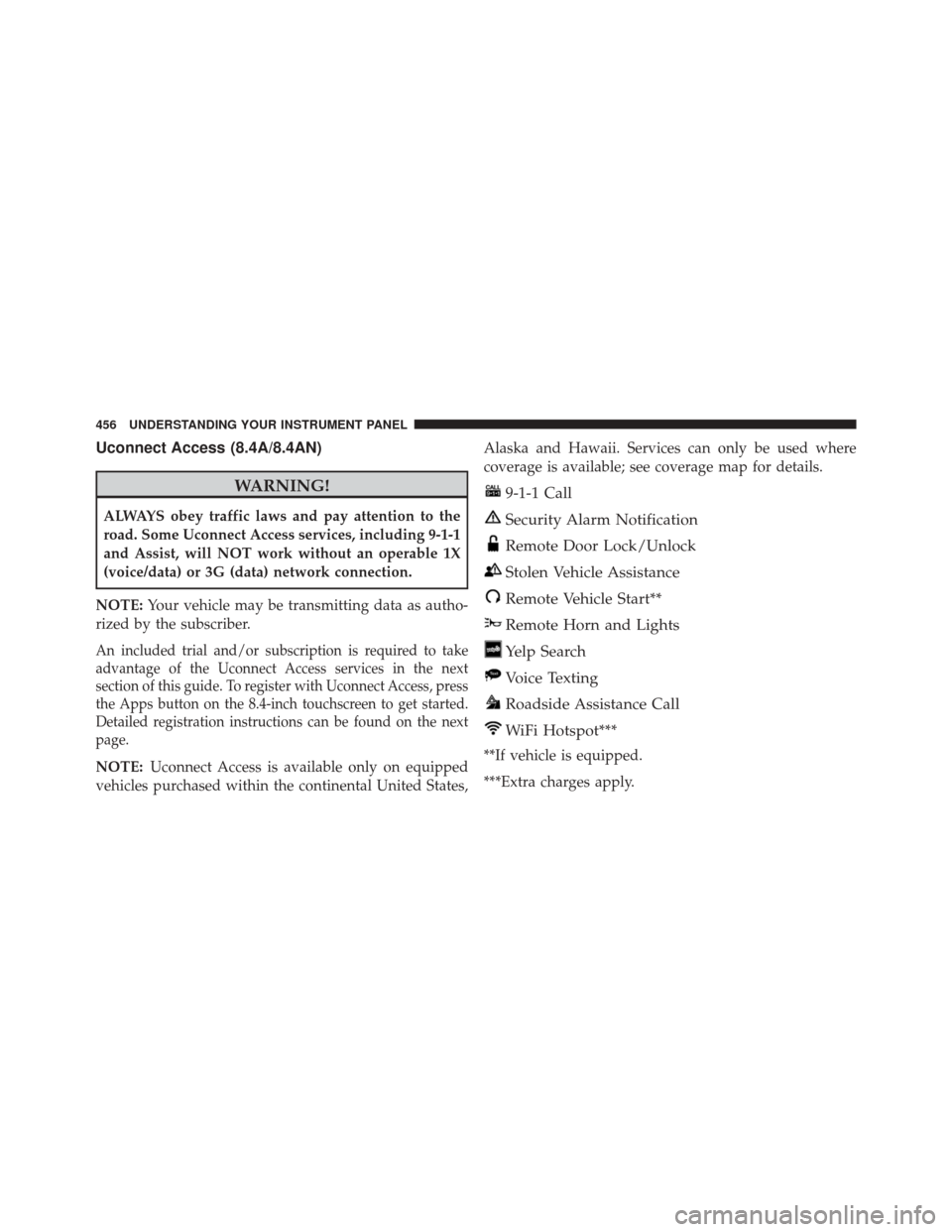
Uconnect Access (8.4A/8.4AN)
WARNING!
ALWAYS obey traffic laws and pay attention to the
road. Some Uconnect Access services, including 9-1-1
and Assist, will NOT work without an operable 1X
(voice/data) or 3G (data) network connection.
NOTE: Your vehicle may be transmitting data as autho-
rized by the subscriber.
An included trial and/or subscription is required to take
advantage of the Uconnect Access services in the next
section of this guide. To register with Uconnect Access, press
the Apps button on the 8.4-inch touchscreen to get started.
Detailed registration instructions can be found on the next
page.
NOTE: Uconnect Access is available only on equipped
vehicles purchased within the continental United States, Alaska and Hawaii. Services can only be used where
coverage is available; see coverage map for details.
9-1-1 Call
Security Alarm Notification
Remote Door Lock/Unlock
Stolen Vehicle Assistance
Remote Vehicle Start**
Remote Horn and Lights
Yelp Search
Voice Texting
Roadside Assistance Call
WiFi Hotspot***
**If vehicle is equipped.
***Extra charges apply.
456 UNDERSTANDING YOUR INSTRUMENT PANEL
Page 718 of 739
About Your Brakes....................... .508
Adaptive Cruise Control (ACC) (Cruise Control) . . .197
Adding Engine Coolant (Antifreeze) ............660
Adding Fuel ............................ .565
Additives, Fuel .......................... .562
Adjust Forward ......................... .146, 147
Rearward ........................ .146, 147
AirBag.............................. .69, 70
Advance Front Air Bag .................70, 71
Air Bag Operation .......................72
Air Bag Warning Light ....................81
Driver Knee Air Bag ......................74
Enhanced Accident Response ................80
Event Data Recorder (EDR) .................84
FrontAirBag ........................69, 70
If A Deployment Occurs ...................79
Knee Impact Bolsters .....................73
Maintaining Your Air Bag System ............83Redundant Air Bag Warning Light
............83
Side Air Bags ...........................74
Transporting Pets .......................110
Air Bag Deployment ........................69
Air Bag Light ..................... .81, 112, 298
Air Bag Maintenance .......................83
Air Cleaner, Engine (Engine Air Cleaner Filter) . . . .645
Air Conditioner Maintenance .................647
Air Conditioning Filter ..................442, 649
Air Conditioning, Operating Tips ...........441, 443
Air Conditioning, Rear Zone .................436
Air Conditioning Refrigerant ..............647, 648
Air Conditioning System .................434, 647
Air Pressure, Tires ........................ .538
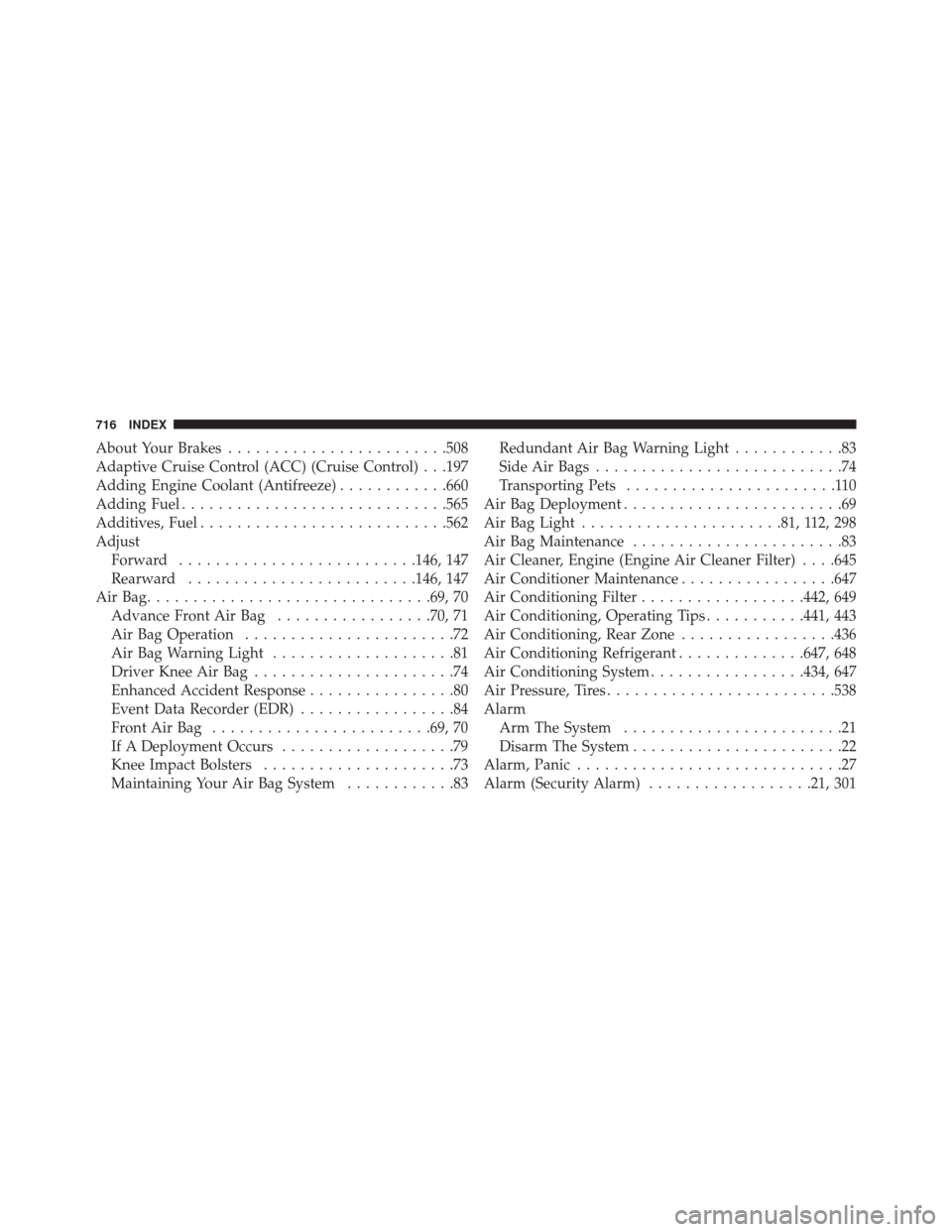
Alarm Arm The System ........................21
Disarm The System .......................22
Alarm, Panic .............................27
Alarm (Security Alarm) ..................21, 301
716 INDEX
Page 719 of 739
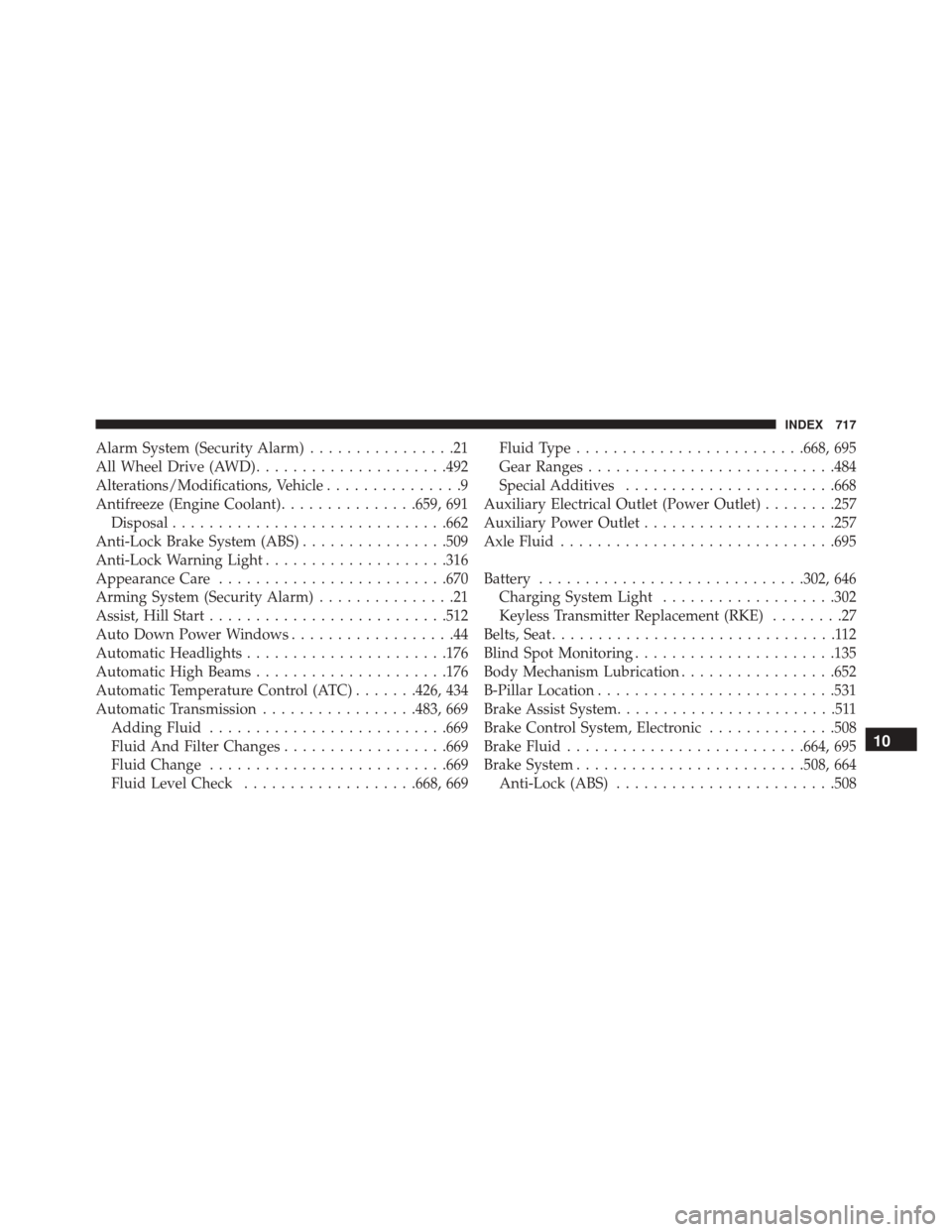
Alarm System (Security Alarm)................21
All Wheel Drive (AWD) .....................492
Alterations/Modifications, Vehicle ...............9
Antifreeze (Engine Coolant) ...............659, 691
Disposal ............................. .662
Anti-Lock Brake System (ABS) ................509
Anti-Lock Warning Light ....................316
Appearance Care ........................ .670
Arming System (Security Alarm) ...............21
Assist, Hill Start ......................... .512
Auto Down Power Windows ..................44
Automatic Headlights ..................... .176
Automatic High Beams .....................176
Automatic Temperature Control (ATC) .......426, 434
Automatic Transmission .................483, 669
Adding Fluid ......................... .669
Fluid And Filter Changes ..................669
Fluid Change ......................... .669
Fluid Level Check ...................668, 669 Fluid Type
........................ .668, 695
Gear Ranges .......................... .484
Special Additives ...................... .668
Auxiliary Electrical Outlet (Power Outlet) ........257
Auxiliary Power Outlet .....................257
Axle Fluid ............................. .695
Battery ............................ .302, 646
Charging System Light ...................302
Keyless Transmitter Replacement (RKE) ........27
Belts, Seat ...............................112
Blind Spot Monitoring ..................... .135
Body Mechanism Lubrication .................652
B-Pillar Location ......................... .531
Brake Assist System ........................511
Brake Control System, Electronic ..............508
Brake Fluid ......................... .664, 695
Brake System ........................ .508, 664
Anti-Lock (ABS) ....................... .508
10
INDEX 717
Page 726 of 739
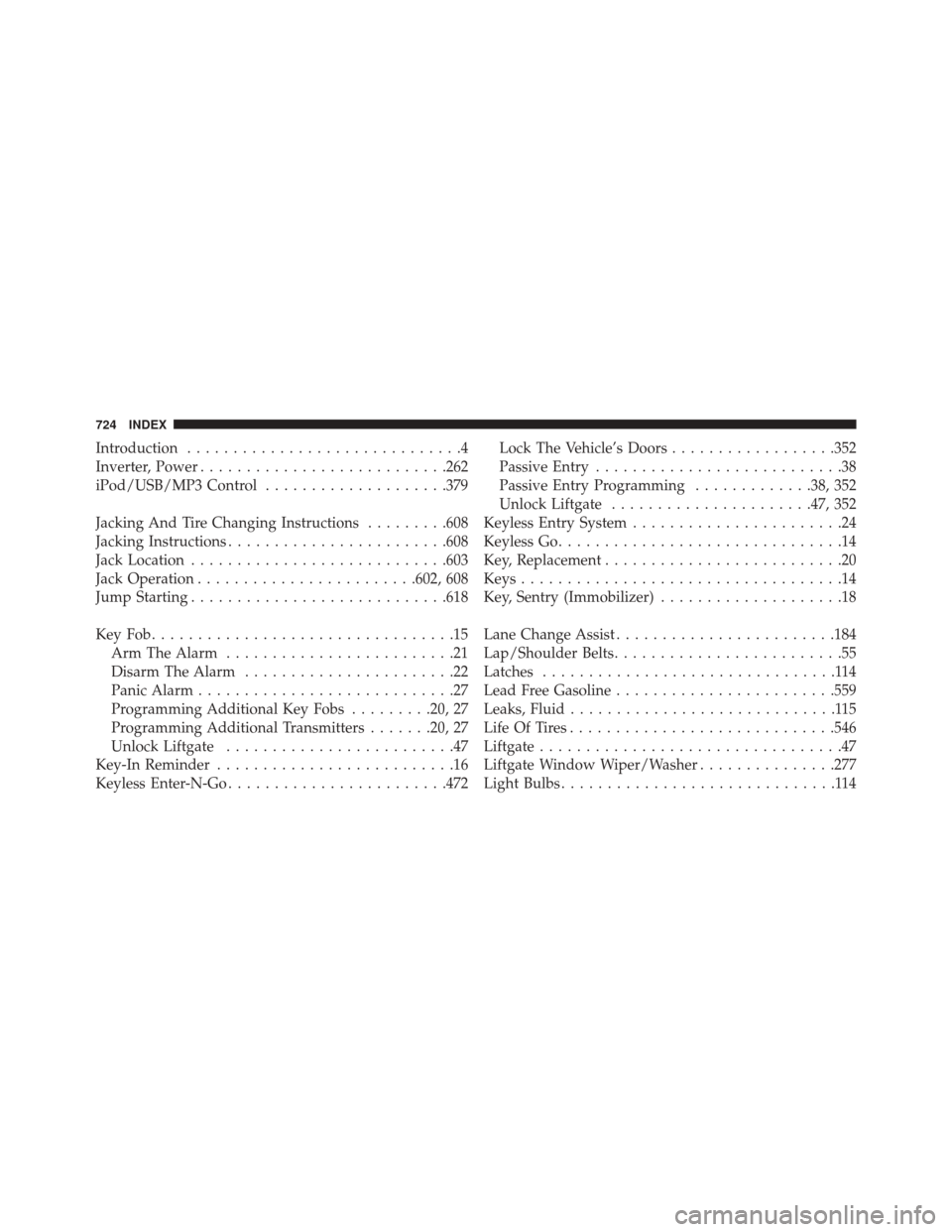
Introduction..............................4
Inverter, Power .......................... .262
iPod/USB/MP3 Control ....................379
Jacking And Tire Changing Instructions .........608
Jacking Instructions ....................... .608
Jack Location ........................... .603
Jack Operation ....................... .602, 608
Jump Starting ........................... .618
KeyFob.................................15 Arm The Alarm .........................21
Disarm The Alarm .......................22
Panic Alarm ............................27
Programming Additional Key Fobs .........20, 27
Programming Additional Transmitters .......20, 27
Unlock Liftgate .........................47
Key-In Reminder ..........................16
Keyless Enter-N-Go ....................... .472Lock The Vehicle’s Doors
..................352
Passive Entry ...........................38
Passive Entry Programming .............38, 352
Unlock Liftgate ..................... .47, 352
Keyless Entry System .......................24
Keyless Go ...............................14
Key, Replacement ..........................20
Keys ...................................14
Key, Sentry (Immobilizer) ....................18
Lane Change Assist ....................... .184
Lap/Shoulder Belts .........................55
Latches ................................114
Lead Free Gasoline ....................... .559
Leaks, Fluid .............................115
Life Of Tires ............................ .546
Liftgate .................................47
Liftgate Window Wiper/Washer ...............277
Light Bulbs ..............................114
724 INDEX
Page 727 of 739
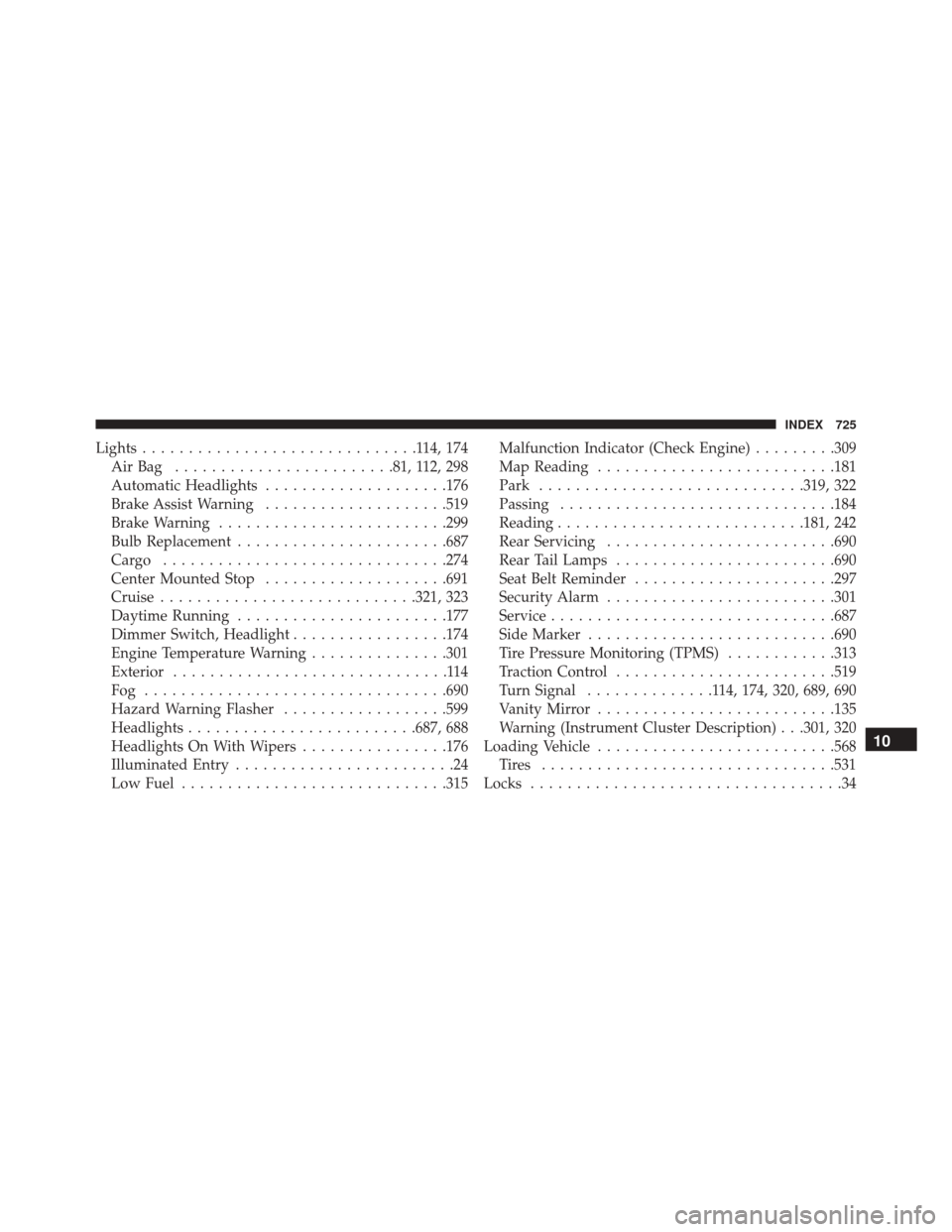
Lights..............................114,174
AirBag ........................81, 112, 298
Automatic Headlights ....................176
Brake Assist Warning ....................519
Brake Warning ........................ .299
Bulb Replacement ...................... .687
Cargo .............................. .274
Center Mounted Stop ....................691
Cruise ........................... .321, 323
Daytime Running ...................... .177
Dimmer Switch, Headlight .................174
Engine Temperature Warning ...............301
Exterior ..............................114
Fog ................................ .690
Hazard Warning Flasher ..................599
Headlights ........................ .687, 688
Headlights On With Wipers ................176
Illuminated Entry ........................24
Low Fuel ............................ .315Malfunction Indicator (Check Engine)
.........309
Map Reading ......................... .181
Park ............................ .319, 322
Passing ............................. .184
Reading .......................... .181, 242
Rear Servicing ........................ .690
Rear Tail Lamps ....................... .690
Seat Belt Reminder ..................... .297
Security Alarm ........................ .301
Service .............................. .687
Side Marker .......................... .690
Tire Pressure Monitoring (TPMS) ............313
Traction Control ....................... .519
Turn Signal ..............114, 174, 320, 689, 690
Vanity Mirror ......................... .135
Warning (Instrument Cluster Description) . . .301, 320
Loading Vehicle ......................... .568
Tires ............................... .531
Locks ..................................
34
10
INDEX 725