display DODGE DURANGO SRT 2019 Owners Manual
[x] Cancel search | Manufacturer: DODGE, Model Year: 2019, Model line: DURANGO SRT, Model: DODGE DURANGO SRT 2019Pages: 572, PDF Size: 6.59 MB
Page 331 of 572
NOTE:
•When enabled the system operates above 37 mph
(60 km/h) and below 112 mph (180 km/h).
• Use of the turn signal suppresses the warnings.
• The system will not apply torque to the steering wheel
whenever a safety system engages (anti-lock brakes,
traction control system, electronic stability control, for-
ward collision warning, etc.).
PARKVIEW REAR BACK UP CAMERA
Your vehicle is equipped with the ParkView Rear Back Up
Camera that allows you to see an on-screen image of the
rear surroundings of your vehicle whenever the gear
selector is put into REVERSE. The image will be displayed
on the Navigation/Multimedia radio display screen along
with a caution note to “check entire surroundings” across
the top of the screen. After five seconds this note will
disappear. The ParkView camera is located on the rear of
the vehicle above the rear license plate.
When the vehicle is shifted out of REVERSE (with camera
delay turned off), the rear camera mode is exited and the
navigation or audio screen appears again. Manual Activation Of The Rear View Camera
1. Press the “Controls” button located on the bottom of the
Uconnect display.
2. Press the “Backup Camera” button to turn the Rear View Camera system on.
NOTE: The ParkView Rear Back Up Camera has program-
mable modes of operation that may be selected through the
Uconnect System.
Refer to “Uconnect Settings” in “Multimedia” for further
information.
When the vehicle is shifted out of REVERSE (with camera
delay turned off), the rear camera mode is exited and the
previous screen appears again. When the vehicle is shifted
out of REVERSE (with camera delay turned on), the camera
image will continue to be displayed for up to ten seconds
after shifting out of REVERSE unless the vehicle speed
exceeds 8 mph (13 km/h), the vehicle is shifted into PARK,
the vehicle’s ignition is cycled to the OFF position, or the
user presses image defeat [X] to exit out of the camera
video display.
When enabled, active guide lines are overlaid on the image
to illustrate the width of the vehicle and its projected
6
STARTING AND OPERATING 329
Page 346 of 572
The user interface consists of the following:
Manual Brake Control Lever
Slide the manual brake control lever to the left to activate
power to the trailer’s electric brakes independent of the
tow vehicle’s brakes. If the manual brake control lever is
activated while the brake is also applied, the greater of the
two inputs determines the power sent to the trailer brakes.
The trailer and the vehicle’s brake lamps will come on
when either vehicle braking or manual trailer brakes are
applied.
Trailer Brake Status Indicator Light
This light indicates the trailer electrical connection status.
If no electrical connection is detected after the ignition is
turned on, pushing the GAIN adjustment button or sliding
the manual brake control lever will display the GAIN
setting for 10 seconds and the “Trailer Brake Status Indi-
cator Light” will not be displayed.
If a fault is detected in the trailer wiring or the Integrated
Trailer Brake Module (ITBM), the “Trailer Brake Status
Indicator Light” will flash.GAIN Adjustment Buttons (+/-)
Pushing these buttons will adjust the brake control power
output to the trailer brakes in 0.5 increments. The GAIN
setting can be increased to a maximum of 10 or decreased
to a minimum of 0 (no trailer braking).
GAIN
The GAIN setting is used to set the trailer brake control for
the specific towing condition and should be changed as
towing conditions change. Changes to towing conditions
include trailer load, vehicle load, road conditions and
weather.
Adjusting GAIN
NOTE:
This should only be performed in a traffic free
environment at speeds of approximately 20–25 mph
(30–40 km/h).
1. Make sure the trailer brakes are in good working condition, functioning normally and properly adjusted.
See your trailer dealer if necessary.
2. Hook up the trailer and make the electrical connections according to the trailer manufacturer’s instructions.
344 STARTING AND OPERATING
Page 347 of 572
3. When a trailer with electric/EOH brakes is plugged in,the trailer connected message should appear in the
instrument cluster display (if the connection is not
recognized by the ITBM, braking functions will not be
available), the GAIN setting will illuminate and the
correct type of trailer must be selected from the instru-
ment cluster display options.
4. Push the UP or DOWN button on the steering wheel until “TRAILER TOW” appears on the screen.
5. Push the RIGHT arrow on the steering wheel to enter “TRAILER TOW”.
6. Push the UP or DOWN buttons until the Trailer Brake Type appears on the screen.
7. Push the RIGHT arrow and then push the UP or DOWN buttons until the proper Trailer Brake Type appears on
the screen.
8. In a traffic-free environment, tow the trailer on a dry, level surface at a speed of 20–25 mph (30–40 km/h) and
squeeze the manual brake control lever completely.
9. If the trailer wheels lockup (indicated by squealing tires), reduce the GAIN setting; if the trailer wheels turn
freely, increase the GAIN setting. Repeat steps 8 and 9 until the GAIN setting is at a point just
below trailer wheel lockup. If towing a heavier trailer,
trailer wheel lockup may not be attainable even with the
maximum GAIN setting of 10.
Display Messages
The trailer brake control interacts with the instrument
cluster display. Display messages, along with a single
chime, will be displayed when a malfunction is determined
in the trailer connection, trailer brake control, or on the
trailer. Refer to “Instrument Cluster Display” in “Getting
To Know Your Instrument Panel” for further information.
WARNING!
Connecting a trailer that is not compatible with the
ITBM system may result in reduced or complete loss of
trailer braking. There may be a increase in stopping
distance or trailer instability which could result in
personal injury.
6
STARTING AND OPERATING 345
Page 359 of 572
WARNING!(Continued)
Emergency Services Agent. All occupants should exit
the vehicle immediately and move to a safe location.
•
Never place anything on or near the vehicle’s operable
network and GPS antennas. You could prevent oper-
able network and GPS signal reception, which can
prevent your vehicle from placing an emergency call.
An operable network and GPS signal reception is
required for the SOS Call system to function properly.
• The SOS Call system is embedded into the vehicle’s
electrical system. Do not add aftermarket electrical
equipment to the vehicle’s electrical system. This
may prevent your vehicle from sending a signal to
initiate an emergency call. To avoid interference that
can cause the SOS Call system to fail, never add
aftermarket equipment (e.g., two-way mobile radio,
CB radio, data recorder, etc.) to your vehicle’s electri-
cal system or modify the antennas on your vehicle. IF
YOUR VEHICLE LOSES BATTERY POWER FOR
ANY REASON (INCLUDING DURING OR AFTER
AN ACCIDENT), THE UCONNECT FEATURES,
APPS AND SERVICES, AMONG OTHERS, WILL
NOT OPERATE.
(Continued)
WARNING! (Continued)
•Modifications to any part of the SOS Call system
could cause the air bag system to fail when you need
it. You could be injured if the air bag system is not
there to help protect you.
SOS Call System Limitations
Vehicles sold in Mexico DO NOThave SOS Call system
capabilities.
SOS or other emergency line operators in Mexico may not
answer or respond to SOS system calls.
If the SOS Call system detects a malfunction, any of the
following may occur at the time the malfunction is de-
tected, and at the beginning of each ignition cycle:
• The Rearview Mirror light located between the ASSIST
and SOS buttons will continuously be illuminated red.
• The Device Screen will display the following message
“Vehicle device requires service. Please contact your
dealer.”
• An In-Vehicle Audio message will state “Vehicle device
requires service. Please contact your dealer.”
7
IN CASE OF EMERGENCY 357
Page 395 of 572
SCHEDULED SERVICING
The Scheduled Maintenance services listed in this manual
must be done at the times or mileages specified to protect
your vehicle warranty and ensure the best vehicle perfor-
mance and reliability. More frequent maintenance may be
needed for vehicles in severe operating conditions, such as
dusty areas and very short trip driving. Inspection and
service should also be done anytime a malfunction is
suspected.
The oil change indicator system will remind you that it is
time to take your vehicle in for scheduled maintenance.
The instrument cluster display will display an “Oil Change
Required” message and a single chime will sound, indicat-
ing that an oil change is necessary.
Based on engine operation conditions, the oil change
indicator message will illuminate. This means that service
is required for your vehicle. Have your vehicle serviced as
soon as possible, within the next 500 miles (800 km).NOTE:
•
The oil change indicator message will not monitor the
time since the last oil change. Change your vehicle’s oil
if it has been six months since your last oil change, even
if the oil change indicator message is NOT illuminated.
• Change your engine oil more often if you drive your
vehicle off-road for an extended period of time.
• Under no circumstances should oil change intervals
exceed 6,000 miles (10,000 km) or six months, whichever
comes first.
Your authorized dealer will reset the oil change indicator
message after completing the scheduled oil change. If a
scheduled oil change is performed by someone other than
your authorized dealer, the message can be reset by
referring to the steps described under “Instrument Cluster
Display” in “Getting To Know Your Instrument Panel” for
further information.
8
SERVICING AND MAINTENANCE 393
Page 401 of 572
Checking Oil Level
To assure proper lubrication of your vehicle’s engine, the
engine oil must be maintained at the correct level. Check
the oil level at regular intervals, such as every fuel stop.
The best time to check the engine oil level is about five
minutes after a fully warmed up engine is shut off.
Checking the oil while the vehicle is on level ground will
improve the accuracy of the oil level readings. Always
maintain the oil level within the SAFE zone on the dipstick.
Adding one quart of oil when the reading is at the bottom
of the SAFE zone will result in a reading at the top of the
safe zone on these engines.
CAUTION!
Overfilling or underfilling will cause oil aeration or
loss of oil pressure. This could damage your engine.
Adding Washer Fluid
The instrument cluster display will indicate when the
washer fluid level is low. When the sensor detects a low
fluid level, the windshield will light on the vehicle graphic
outline and the “WASHER FLUID LOW” message will be
displayed.The fluid reservoir for the windshield washers and the rear
window washer is shared. The fluid reservoir is located in
the engine compartment, be sure to check the fluid level at
regular intervals. Fill the reservoir with windshield washer
solvent only (not radiator antifreeze). When refilling the
washer fluid reservoir, take some washer fluid and apply it
to a cloth or towel and wipe clean the wiper blades, this
will help blade performance. To prevent freeze-up of your
windshield washer system in cold weather, select a solu-
tion or mixture that meets or exceeds the temperature
range of your climate. This rating information can be found
on most washer fluid containers.
WARNING!
Commercially available windshield washer solvents
are flammable. They could ignite and burn you. Care
must be exercised when filling or working around the
washer solution.
Maintenance-Free Battery
Your vehicle is equipped with a maintenance-free battery.
You will never have to add water, nor is periodic mainte-
nance required.
8
SERVICING AND MAINTENANCE 399
Page 446 of 572
Dark Vapor Chrome, Black Satin Chrome, or Low Gloss
Clear Coat Wheels
CAUTION!
If your vehicle is equipped with these specialty
wheels, DO NOT USE wheel cleaners, abrasives, or
polishing compounds. They will permanently damage
this finish and such damage is not covered by the New
Vehicle Limited Warranty. HAND WASH ONLY US-
ING MILD SOAP AND WATER WITH A SOFT
CLOTH. Used on a regular basis; this is all that is
required to maintain this finish.
Tire Chains (Traction Devices)
Due to limited clearance, tire chains or traction devices are
not recommended.
CAUTION!
Damage to the vehicle may result if tire chains are
used.
Tire Rotation Recommendations
The tires on the front and rear of your vehicle operate at
different loads and perform different steering, handling,
and braking functions. For these reasons, they wear at
unequal rates.
These effects can be reduced by timely rotation of tires. The
benefits of rotation are especially worthwhile with aggres-
sive tread designs such as those on On/Off-Road type tires.
Rotation will increase tread life, help to maintain mud,
snow, and wet traction levels, and contribute to a smooth,
quiet ride.
Refer to the “Maintenance Plan” for the proper mainte-
nance intervals. More frequent rotation is permissible if
desired. The reasons for any rapid or unusual wear should
be corrected prior to rotation being performed.
NOTE:The premium Tire Pressure Monitor System will
automatically locate the pressure values displayed in the
correct vehicle position following a tire rotation.
The suggested rotation method is the “rearward-cross”
shown in the following diagram.
444 SERVICING AND MAINTENANCE
Page 448 of 572
WARNING!(Continued)
include acceleration, cornering, hydroplaning, or
peak traction characteristics.
Temperature Grades
The Temperature grades are A (the highest), B, and C,
representing the tire’s resistance to the generation of
heat and its ability to dissipate heat, when tested under
controlled conditions on a specified indoor laboratory
test wheel.
Sustained high temperature can cause the material of
the tire to degenerate and reduce tire life, and excessive
temperature can lead to sudden tire failure. The grade C
corresponds to a level of performance, which all pas-
senger vehicle tires must meet under the Federal Motor
Vehicle Safety Standard No. 109. Grades B and A
represent higher levels of performance on the laboratory
test wheel, than the minimum required by law.
WARNING!
The temperature grade for this tire is established for
a tire that is properly inflated and not overloaded.
(Continued)
WARNING! (Continued)
Excessive speed, under-inflation, or excessive load-
ing, either separately or in combination, can cause
heat buildup and possible tire failure.
STORING THE VEHICLE
If the vehicle should remain stationary for more than a
month, observe the following precautions:
• Park your vehicle in a covered, dry and possibly airy
location the windows open slightly.
• Check that the Electric Park Brake is not engaged.
• Disconnect the negative (-) terminal from the battery
post and be sure that the battery is fully charged. During
storage check battery charge quarterly.
• If you do not disconnect the battery from the electrical
system, be sure to check the battery charge every 30
days. Also, it is recommended that you use storage
mode. For more information refer to “Instrument Clus-
ter Display Menu Items” in “Getting To Know Your
Instrument Panel”.
• Clean and protect the painted parts by applying protec-
tive waxes.
446 SERVICING AND MAINTENANCE
Page 449 of 572
•Clean and protect polished metal parts by applying
protective waxes.
• Apply talcum powder to the front and rear wiper blades
and leave raised from the glass.
• Cover the vehicle with an appropriate cover taking care
not to damage the painted surface by dragging across
dirty surfaces. Do not use plastic sheeting which will not
allow the evaporation of moisture present on the surface
of the vehicle.
• Inflate the tires at a pressure of +7.25 psi (+0.5 bar)
higher than recommended on the tire placard and check
it periodically.
• Do not drain the engine cooling system.
• Whenever you leave the vehicle is stationary for two
weeks or more, run idle the engine for approximately
five minutes, with the air conditioning system on and
high fan speed. This will ensure a proper lubrication of
the system, thus minimizing the possibility of damage to
the compressor when the vehicle is put back into opera-
tion.CAUTION!
Before removal of the positive and negative terminals
to the battery, wait at least a minute with ignition
switch in the OFF position and close the driver ’s door.
When reconnecting the positive and negative terminals
to the battery be sure the ignition switch is in the OFF
position and the driver ’s door is closed.
Battery Storage Mode
With the ignition in the ON position, engine not running,
navigate to the battery gauge page on the instrument
cluster display, then press and hold the OK button. The
vehicle will be put into battery storage mode, which will
greatly increase the amount of time the vehicle can sit and
restart without needing to disconnect the battery. Going
into battery storage mode will increase the amount of time
between starts to about 60 days.
NOTE: The key fob buttons will not work while the
vehicle is in battery storage mode, pulling the door handle
will wake the vehicle and allow it to recognize the key fob
to unlock the door.
8
SERVICING AND MAINTENANCE 447
Page 471 of 572
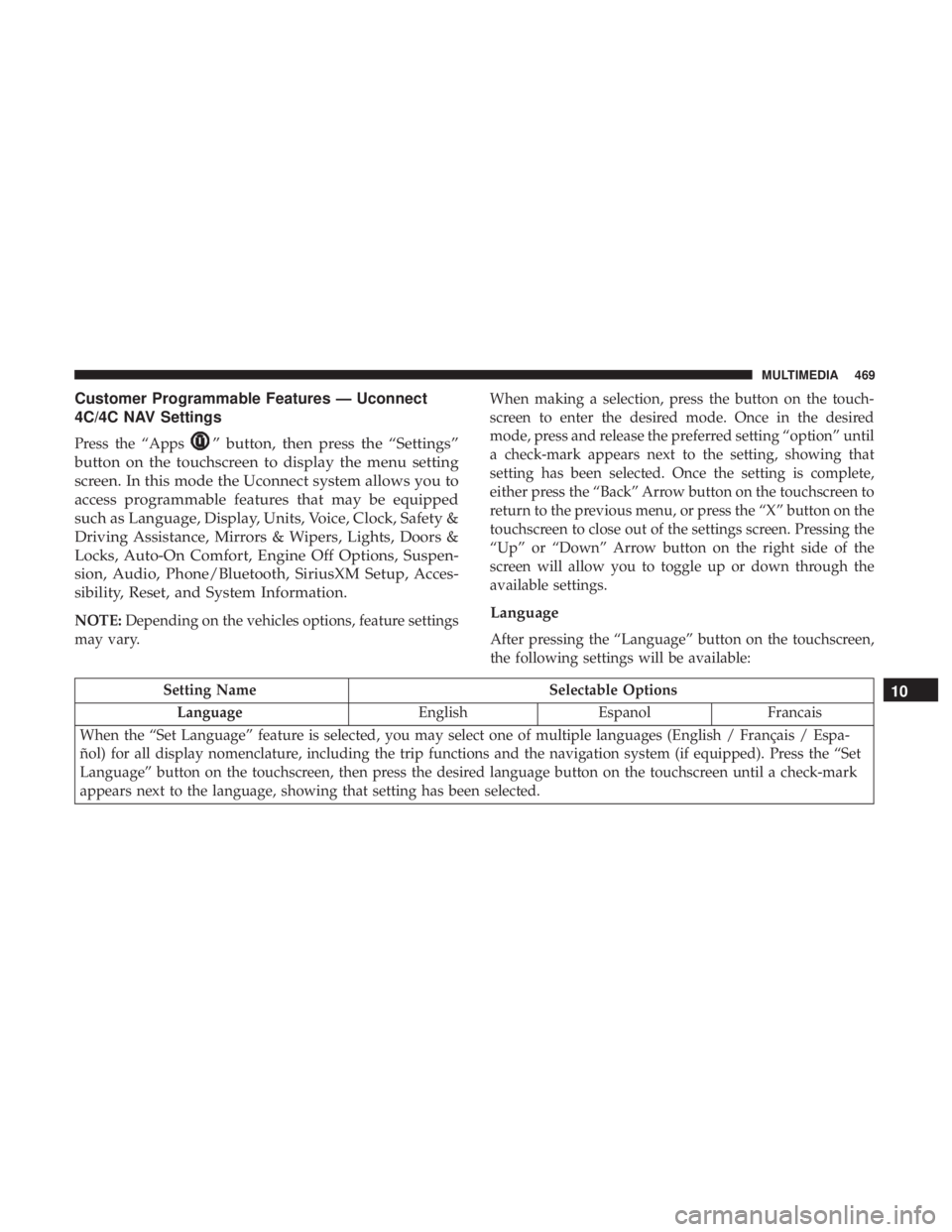
Customer Programmable Features — Uconnect
4C/4C NAV Settings
Press the “Apps” button, then press the “Settings”
button on the touchscreen to display the menu setting
screen. In this mode the Uconnect system allows you to
access programmable features that may be equipped
such as Language, Display, Units, Voice, Clock, Safety &
Driving Assistance, Mirrors & Wipers, Lights, Doors &
Locks, Auto-On Comfort, Engine Off Options, Suspen-
sion, Audio, Phone/Bluetooth, SiriusXM Setup, Acces-
sibility, Reset, and System Information.
NOTE: Depending on the vehicles options, feature settings
may vary. When making a selection, press the button on the touch-
screen to enter the desired mode. Once in the desired
mode, press and release the preferred setting “option” until
a check-mark appears next to the setting, showing that
setting has been selected. Once the setting is complete,
either press the “Back” Arrow button on the touchscreen to
return to the previous menu, or press the “X” button on the
touchscreen to close out of the settings screen. Pressing the
“Up” or “Down” Arrow button on the right side of the
screen will allow you to toggle up or down through the
available settings.Language
After pressing the “Language” button on the touchscreen,
the following settings will be available:
Setting Name
Selectable Options
Language EnglishEspanolFrancais
When the “Set Language” feature is selected, you may select one of multiple languages (English / Français / Espa-
ñol) for all display nomenclature, including the trip functions and the navigation system (if equipped). Press the “Set
Language” button on the touchscreen, then press the desired language button on the touchscreen until a check-mark
appears next to the language, showing that setting has been selected.10
MULTIMEDIA 469