display DODGE JOURNEY 2016 1.G Service Manual
[x] Cancel search | Manufacturer: DODGE, Model Year: 2016, Model line: JOURNEY, Model: DODGE JOURNEY 2016 1.GPages: 664
Page 337 of 664

Trip B
•Shows the total distance traveled for Trip B since the
last reset.
• Shows the elapsed time traveled for Trip B since the
last reset.
Elapsed Time
Shows the total elapsed time of travel since the last reset.
Elapsed time will increment when the ignition is in the
ON/RUN position.
To Reset The Display
Reset will only occur while a resettable function is being
displayed. Push and release the RIGHTbutton once to
clear the resettable function.
Tire Pressure
Push and release the UPorDOWN button until “Tire
PSI:” displays highlighted in the EVIC. Push and release the
RIGHT button to view a graphic of the vehicle with
a tire pressure value at each corner of the graphic.
Vehicle Info (Customer Information Features)
Push and release the UPorDOWN button until “Vehicle
Info” displays in the EVIC and push the RIGHTbutton.
Push the UPand DOWN button to scroll through the
available information displays.
• Coolant Temp
Displays the actual coolant temperature.
• Oil Temperature
Displays the actual oil temperature.
• Oil Pressure
Displays the actual oil pressure.
• Trans Temperature
Displays the actual transmission temperature.
4
UNDERSTANDING YOUR INSTRUMENT PANEL 335
Page 338 of 664
•Engine Hours
Displays the number of hours of engine operation.
Messages
Push and release the UPorDOWN button until “Mes-
sages: XX” displays highlighted in the EVIC. If there is
more than one message, pushing the RIGHTbutton will
display a stored warning message. Push and release the
UP and DOWN buttons if there is more than one
message to step through the remaining stored messages.
If there are no message, pushing the RIGHTbutton will
do nothing.
Turn Menu OFF
Select from Main Menu using the DOWNbutton. Push-
ing the RIGHT button blanks the menu display. Pushing
any one of the four steering wheel buttons brings the
menu back.
UCONNECT SETTINGS
The Uconnect system uses a combination of buttons on
the touchscreen and buttons on the faceplate located on
the center of the instrument panel that allows you to
access and change the customer programmable features.
Buttons On The Faceplate
Buttons on the faceplate are located on the left and right
side of the Uconnect 4.3 screen. In addition, there is a
Scroll/Enter control knob located on the right side of the
Climate Controls in the center of the instrument panel.
Turn the control knob to scroll through menus and
change settings (i.e., 30, 60, 90), push the center of the
control knob one or more times to select or change a
setting (i.e., ON, OFF).
336 UNDERSTANDING YOUR INSTRUMENT PANEL
Page 339 of 664
Buttons On The Touchscreen
Buttons on the touchscreen are accessible on the
Uconnect Touchscreen.
CAUTION!
Do not attach any object to touchscreen, doing so can
result in damage to the touchscreen.
Customer Programmable Features — Uconnect
4.3 Settings
In this mode the Uconnect system allows you to access
programmable features that may be equipped such as
Display, Clock, Safety & Driving Assistance, Lights,
Doors & Locks, Heated Seats, Engine Off Operation,
Compass Settings, Audio and Phone/Bluetooth Setup
through buttons on the faceplate and touchscreen.
NOTE:Only one touchscreen area may be selected at a
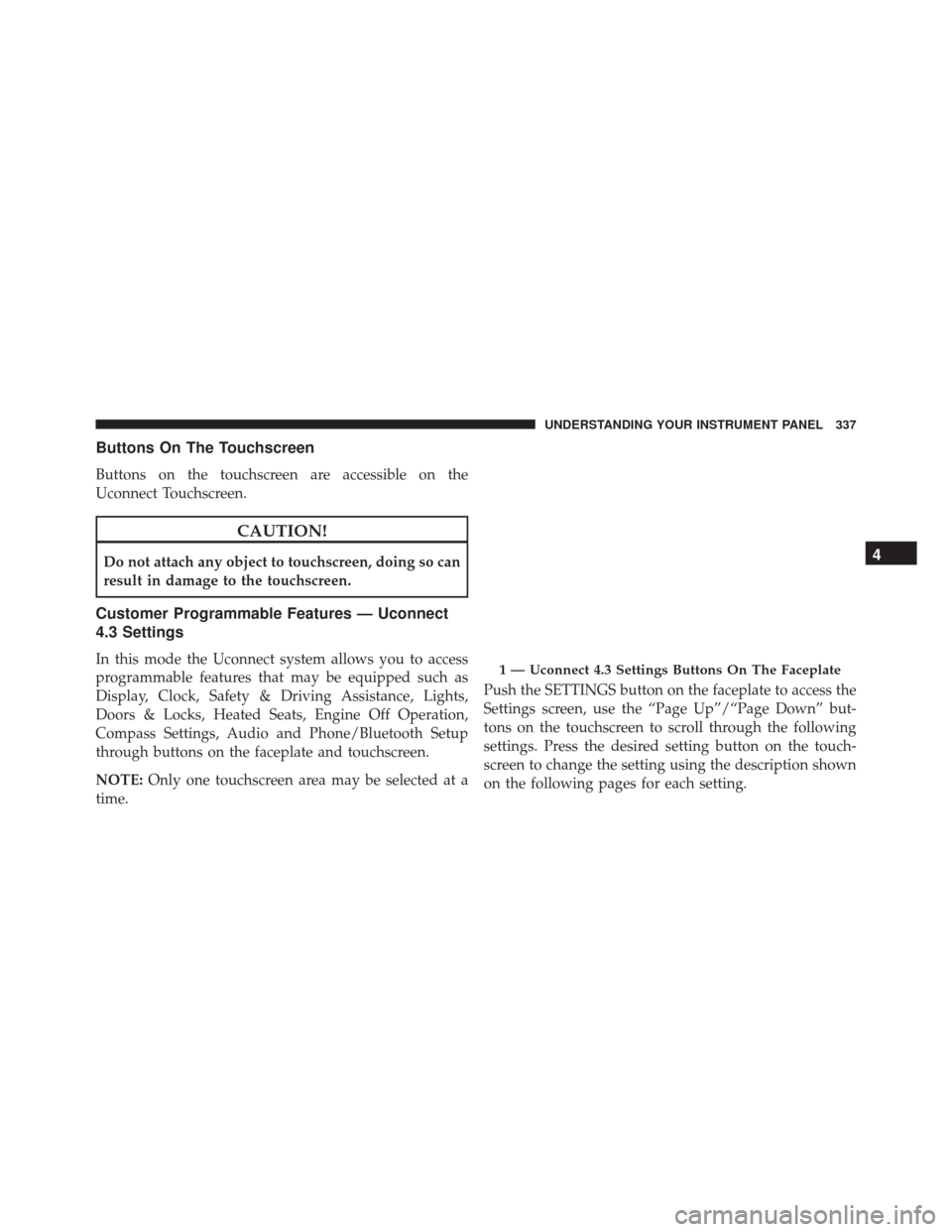
time. Push the SETTINGS button on the faceplate to access the
Settings screen, use the “Page Up”/“Page Down” but-
tons on the touchscreen to scroll through the following
settings. Press the desired setting button on the touch-
screen to change the setting using the description shown
on the following pages for each setting.1 — Uconnect 4.3 Settings Buttons On The Faceplate
4
UNDERSTANDING YOUR INSTRUMENT PANEL 337
Page 340 of 664
Display
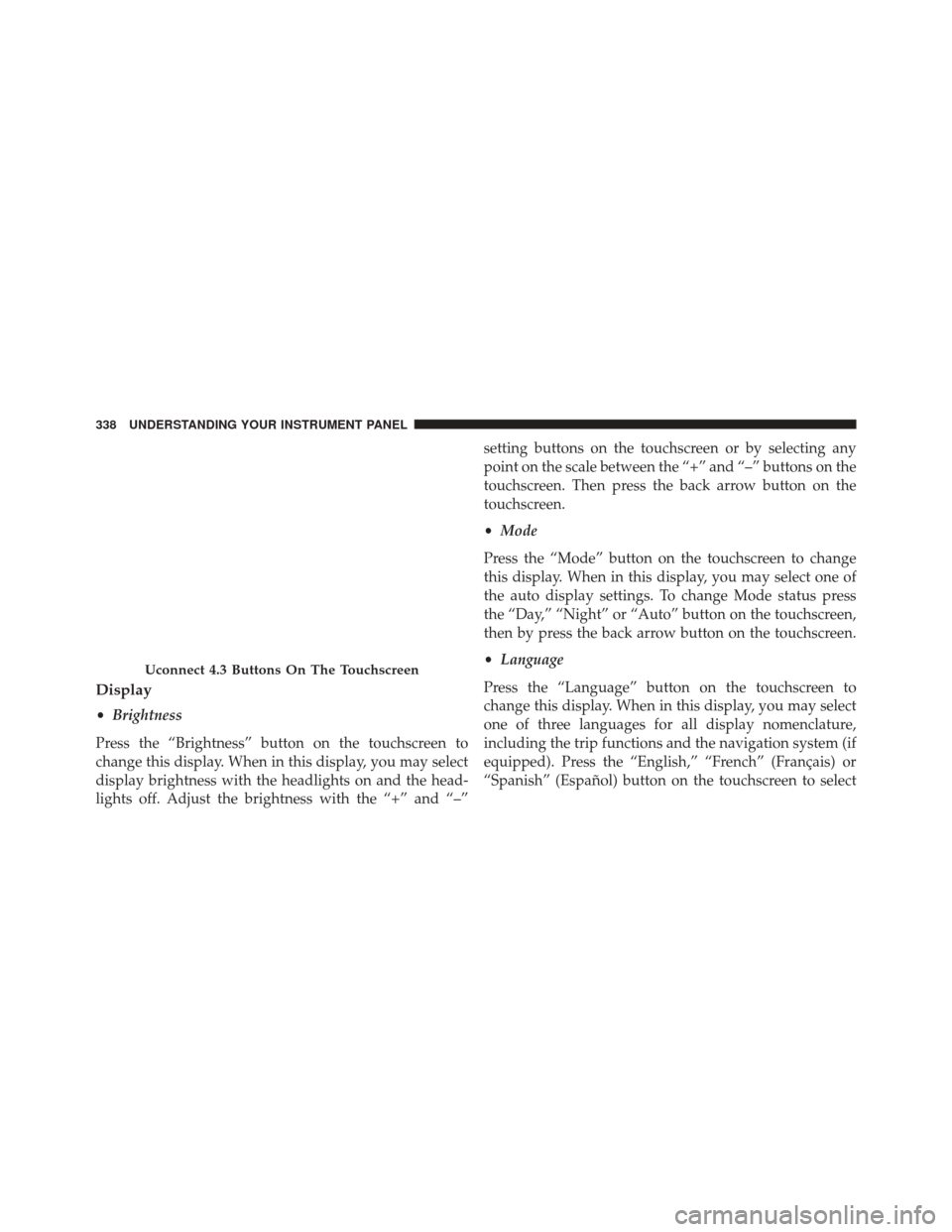
•Brightness
Press the “Brightness” button on the touchscreen to
change this display. When in this display, you may select
display brightness with the headlights on and the head-
lights off. Adjust the brightness with the “+” and “–” setting buttons on the touchscreen or by selecting any
point on the scale between the “+” and “–” buttons on the
touchscreen. Then press the back arrow button on the
touchscreen.
•
Mode
Press the “Mode” button on the touchscreen to change
this display. When in this display, you may select one of
the auto display settings. To change Mode status press
the “Day,” “Night” or “Auto” button on the touchscreen,
then by press the back arrow button on the touchscreen.
• Language
Press the “Language” button on the touchscreen to
change this display. When in this display, you may select
one of three languages for all display nomenclature,
including the trip functions and the navigation system (if
equipped). Press the “English,” “French” (Français) or
“Spanish” (Español) button on the touchscreen to select
Uconnect 4.3 Buttons On The Touchscreen
338 UNDERSTANDING YOUR INSTRUMENT PANEL
Page 341 of 664
the language preferred. Then press the back arrow button
on the touchscreen. As you continue, the information will
display in the selected language.
•Units
Press the “Units” button on the touchscreen to change
this display. When in this display, you may switch the
EVIC, odometer, and navigation system (if equipped)
between US and Metric units of measure. Press “US” or
“Metric” then press the back arrow button on the touch-
screen. As you continue, the information will display in
the selected units of measure.
• Voice Response
Press the “Voice Response” button on the touchscreen to
change the Voice Response Length settings. To change the
Voice Response Length, press and release the “Brief” or
“Long” button on the touchscreen. Then press the back
arrow button on the touchscreen. •
Touchscreen Beep
Press the “Touchscreen Beep” button on the touchscreen
to turn on or shut off the sound heard when a button on
the touchscreen is pressed. To change the Touchscreen
Beep setting press and release the “ON” or “OFF” button
on the touchscreen, then press the back arrow button on
the touchscreen.
Clock
• Set Time
Press the “Set Time” button on the touchscreen to change
this display. When in this display, you may select the time
display settings. To make your selection, press the “Set
Time” button on the touchscreen, adjust the hours and
minutes using the up and down buttons on the touch-
screen, select AM or PM, select 12 hr or 24 hr. Then press
the back arrow button on the touchscreen when all
selections are complete.
4
UNDERSTANDING YOUR INSTRUMENT PANEL 339
Page 342 of 664
•Show Time Status
Press the “Show Time Status” button on the touchscreen
to change this display. When in this display, you may
turn on or shut off the digital clock in the status bar. To
change the Show Time Status setting, press and release
the “ON” or “OFF” button on the touchscreen. Then
press the back arrow button on the touchscreen.
• Sync Time — If Equipped
Press the “Sync Time” button on the touchscreen to
change this display. When in this display, you may have
the radio set the time automatically. To change the Sync
Time setting, press and release the “ON” or “OFF” button
on the touchscreen. Then press the back arrow button on
the touchscreen.Safety & Driving Assistance
• Park Assist — If Equipped
Press the “Park Assist” button on the touchscreen to
change this display. The Rear Park Assist system will
scan for objects behind the vehicle when the transmission
shift lever is in REVERSE and the vehicle speed is less
than 11 mph (18 km/h). The system can be enabled with
Sound Only, Sound and Display, or turned OFF. To
change the Park Assist status, press and release the
“OFF,” “Sound Only” or “Sounds and Display” button
on the touchscreen. Then press the back arrow button on
the touchscreen. Refer to “ParkSense Rear Park Assist” in
“Understanding The Features Of Your Vehicle” for sys-
tem function and operating information.
• Hill Start Assist — If Equipped
Press the “Hill Start Assist” button on the touchscreen to
change this display. When this feature is selected, the Hill
Start Assist (HSA) system is active. Refer to “Electronic
340 UNDERSTANDING YOUR INSTRUMENT PANEL
Page 343 of 664
Brake Control System” in “Starting And Operating” for
system function and operating information. To make
your selection, press the “Hill Start Assist” button on the
touchscreen and select “ON” or “OFF.” Then press the
back arrow button on the touchscreen.
Lights
•Illuminated Approach
Press the “Illuminated Approach” button on the touch-
screen to change this display. When this feature is se-
lected, the headlights will activate and remain on for 0,
30, 60, or 90 seconds when the doors are unlocked with
the Remote Keyless Entry (RKE) transmitter. To change
the Illuminated Approach status, press the “0,” “30,”
“60” or “90” button on the touchscreen. Then press the
back arrow button on the touchscreen. •
Headlights With Wipers
Press the “Headlights With Wipers” button on the touch-
screen to change this display. When this feature is se-
lected, and the headlight switch is in the AUTO position,
the headlights will turn on approximately 10 seconds
after the wipers are turned on. The headlights will also
turn off when the wipers are turned off if they were
turned on by this feature. To make your selection, press
the “Headlights With Wipers” button on the touchscreen
and select “ON” or “OFF.” Then press the back arrow
button on the touchscreen.
• Auto High Beams
Press the “Auto High Beams” button on the touchscreen
to change this display. When this feature is selected, the
high beam headlights will deactivate automatically un-
der certain conditions. To make your selection, press the
“Auto High Beams” button on the touchscreen and select
“ON” or “OFF.” Then press the back arrow button on the
4
UNDERSTANDING YOUR INSTRUMENT PANEL 341
Page 344 of 664
touchscreen. Refer to “Automatic Headlights — If
Equipped” in “Understanding The Features Of Your
Vehicle” for further information.
•Daytime Running Lights — If Available
Press the “Daytime Running Lights” button on the touch-
screen to change this display. When this feature is se-
lected, the headlights will turn on whenever the engine is
running. To make your selection, press the “Daytime
Running Lights” button on the touchscreen and select
“ON” or “OFF.” Then press the back arrow button on the
touchscreen.
• Steering Directed Lights — If Equipped
Press the “Steering Directed Lights” button on the touch-
screen to change this display. When this feature is se-
lected, the headlights turn relative to a change in direc-
tion of the steering wheel. To make your selection, press the “Steering Directed Lights” button on the touchscreen
and select “ON” or ‘OFF.” Then press the back arrow
button on the touchscreen.
•
Flash Lamps With Lock
Press the “Flash Lamps With Lock” button on the touch-
screen to change this display. When this feature is se-
lected, the exterior lights will flash when the doors are
locked with the Remote Keyless Entry (RKE) transmitter.
This feature may be selected with or without the sound
horn on lock feature selected. To make your selection,
press the “Flash Lamps With Lock” button on the touch-
screen and select “ON” or “OFF.” Then press the back
arrow button on the touchscreen.
342 UNDERSTANDING YOUR INSTRUMENT PANEL
Page 345 of 664
Doors & Locks
•Auto Unlock On Exit
Press the “Auto Unlock On Exit” button on the touch-
screen to change this display. When this feature is se-
lected, all doors will unlock when the vehicle is stopped
and the transmission is in the PARK or NEUTRAL
position and the driver’s door is opened. To make your
selection, press the “Auto Unlock On Exit” button on the
touchscreen and select “ON” or “OFF.” Then press the
back arrow button on the touchscreen.
• Auto Lock
When this feature is selected, all doors will lock auto-
matically when the vehicle reaches a speed of 15 mph
(24 km/h). To make your selection, press the “Auto
Lock” button on the touchscreen, until a check-mark
appears next to setting, indicating that the setting has
been selected. Press the back arrow button on the touch-
screen to return to the previous menu. •
Flash Lamps With Lock
Press the “Flash Lamps With Lock” button on the touch-
screen to change this display. When this feature is se-
lected, the exterior lamps will flash when the doors are
locked or unlocked with the Remote Keyless Entry (RKE)
transmitter. To make your selection, press the “Flash
Lights With Lock” button on the touchscreen and select
“ON” or “OFF.” Then press the back arrow button on the
touchscreen.
• Sound Horn With Remote Start
Press the “Sound Horn With Remote Start” button on the
touchscreen to change this display. When this feature is
selected, the horn will sound when the remote start is
activated. To make your selection, press the “Sound Horn
With Remote Start” button on the touchscreen and select
“ON” or “OFF.” Then press the back arrow button on the
touchscreen.
4
UNDERSTANDING YOUR INSTRUMENT PANEL 343
Page 346 of 664
•Sounds Horn With Lock
Press the “Sounds Horn With Lock” button on the
touchscreen to change this display. When this feature is
selected, the horn will chirp when the doors are locked or
unlocked with the Remote Keyless Entry (RKE) transmit-
ter. To make your selection, press the “Sounds Horn With
Lock” button on the touchscreen and select “ON” or
“OFF.” Then press the back arrow button on the touch-
screen.
• Remote Door Unlock Order
Press the “Remote Door Unlock Order” button on the
touchscreen to change this display. When Unlock Driver
Door Only On 1st Press is selected, only the driver’s door
will unlock on the first press of the Remote Keyless Entry
(RKE) transmitter UNLOCK button. When Unlock
Driver Door Only On 1st Press is selected, you must press
the RKE transmitter UNLOCK button twice to unlock the passenger’s doors. When Unlock All Doors On 1st Press
is selected, all of the doors will unlock on the first press
of the RKE transmitter UNLOCK button.
NOTE:
If the vehicle is equipped with Keyless Enter-
N-Go (Passive Entry) and the EVIC is programmed to
Unlock All Doors On 1st Press, all doors will unlock no
matter which Passive Entry equipped door handle is
grasped. If Unlock Driver Door Only On 1st Press is
programmed, only the driver ’s door will unlock when
the driver ’s door is grasped. With Passive Entry, if
Unlock Driver Door Only On 1st Press is programmed,
pressing the handle more than once will only result in the
driver ’s door opening. If Unlock Driver Door Only On
1st Press is selected, once the driver door is opened, the
interior door lock/unlock switch can be used to unlock
all the doors (or use the RKE transmitter).
344 UNDERSTANDING YOUR INSTRUMENT PANEL