buttons DODGE SPRINTER 2008 2.G Owner's Guide
[x] Cancel search | Manufacturer: DODGE, Model Year: 2008, Model line: SPRINTER, Model: DODGE SPRINTER 2008 2.GPages: 666, PDF Size: 14.11 MB
Page 168 of 666
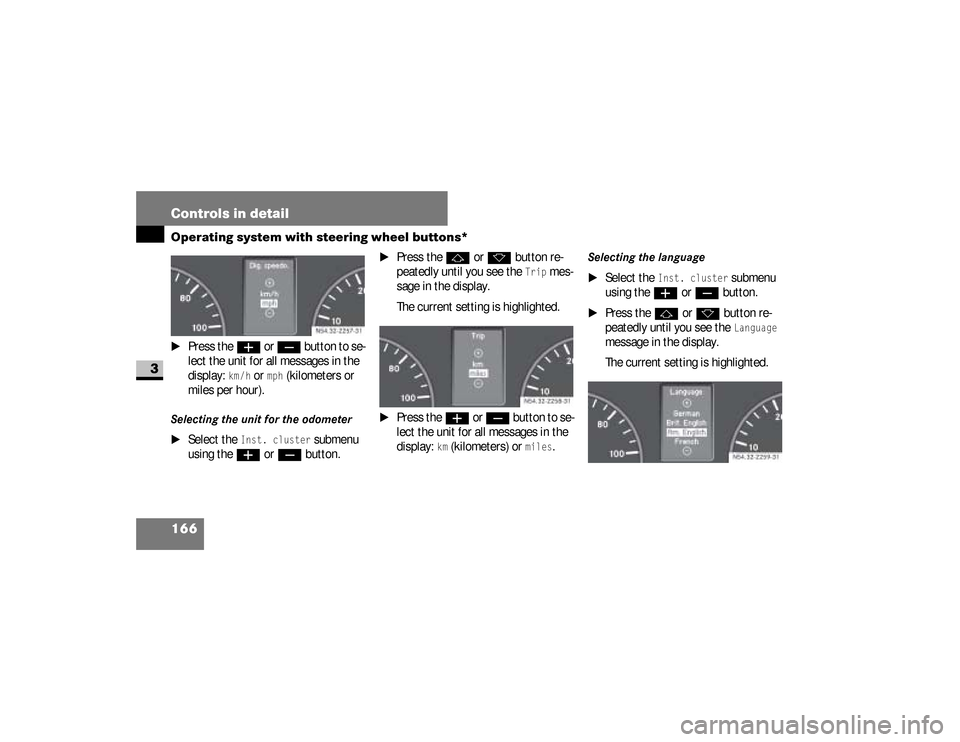
166 Controls in detailOperating system with steering wheel buttons*
3
\1
Press the
æ
or
ç
button to se-
lect the unit for all messages in the
display:
km /h
or
mph
(kilometers or
miles per hour).
Selecting the unit for the odometer
\1
Select the
Inst. cluster
submenu
using the
æ
or
ç
button.
\1
Press the
j
or
k
button re-
peatedly until you see the
Trip
mes-
sage in the display.
The current setting is highlighted.
\1
Press the
æ
or
ç
button to se-
lect the unit for all messages in the
display:
km (kilometers) or
miles
.
Selecting the language
\1
Select the
Inst. cluster
submenu
using the
æ
or
ç
button.
\1
Press the
j
or
k
button re-
peatedly until you see the
Language
message in the display.
The current setting is highlighted. N54.32-2257-31
N54.32-2258-31
N54.32-2259-31
nf_BA.book Page 166 Friday, January 25, 2008 3:53 PM
Page 169 of 666
167 Controls in detail
Operating system with steering wheel buttons*
3
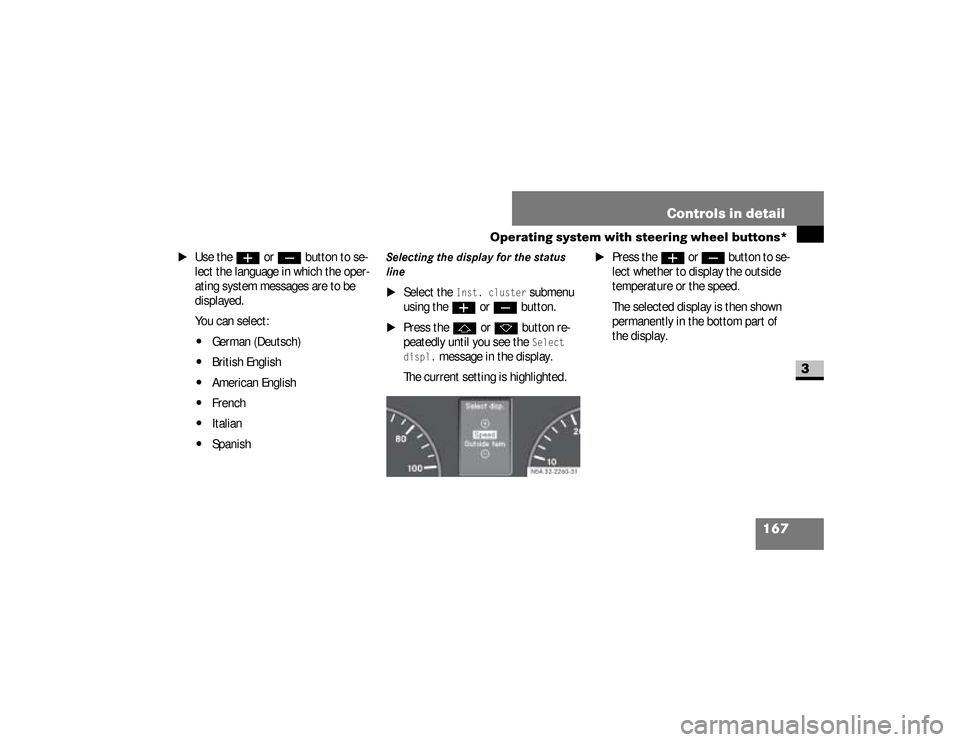
\1
Use the
æ
or
ç
button to se-
lect the language in which the oper-
ating system messages are to be
displayed.
You can select:
\4
German (Deutsch)
\4
British English
\4
American English
\4
French
\4
Italian
\4
Spanish
Selecting the display for the status
line
\1
Select the
Inst. cluster
submenu
using the
æ
or
ç
button.
\1
Press the
j
or
k
button re-
peatedly until you see the
Select
displ.
message in the display.
The current setting is highlighted.
\1
Press the
æ
or
ç
but ton to se -
lect whether to display the outside
temperature or the speed.
The selected display is then shown
permanently in the bottom part of
the display.
N54.32-2260-31
nf_BA.book Page 167 Friday, January 25, 2008 3:53 PM
Page 170 of 666
168 Controls in detailOperating system with steering wheel buttons*
3
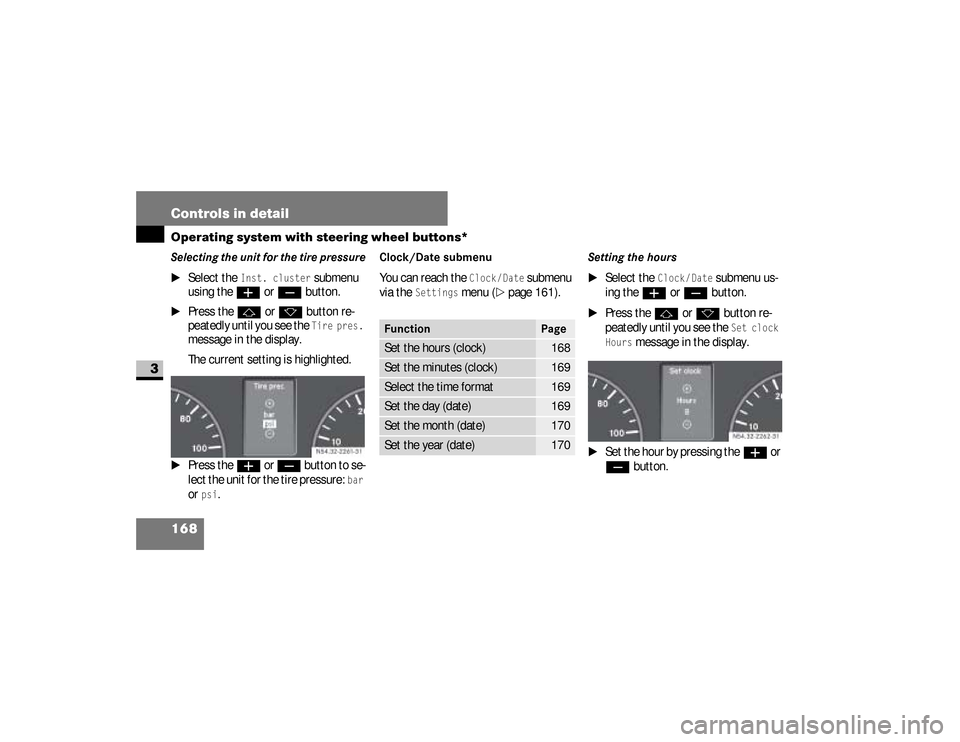
Selecting the unit for the tire pressure
\1
Select the
Inst. cluster
submenu
using the
æ
or
ç
button.
\1
Press the
j
or
k
button re-
peatedly until you see the Tire pres.
message in the display.
The current setting is highlighted.
\1
Press the
æ
or
ç
button to se-
lect the unit for the tire pressure:
bar
or
psi
.
Clock/Date submenu You can reach the
Clock/Date
submenu
via the
Settings
menu (
\2
page 161).
Setting the hours
\1
Select the
Clock/ Date
submenu us-
ing the
æ
or
ç
button.
\1
Press the
j
or
k
button re-
peatedly until you see the Set clock
Hours
message in the display.
\1
Set the hour by pressing the
æ
or
ç
button. N54.32-2261-31
Function
Page
Set the hours (clock)
168
Set the minutes (clock)
169
Select the time format
169
Set the day (date)
169
Set the month (date)
170
Set the year (date)
170
N54.32-2262-31
nf_BA.book Page 168 Friday, January 25, 2008 3:53 PM
Page 171 of 666
169 Controls in detail
Operating system with steering wheel buttons*
3
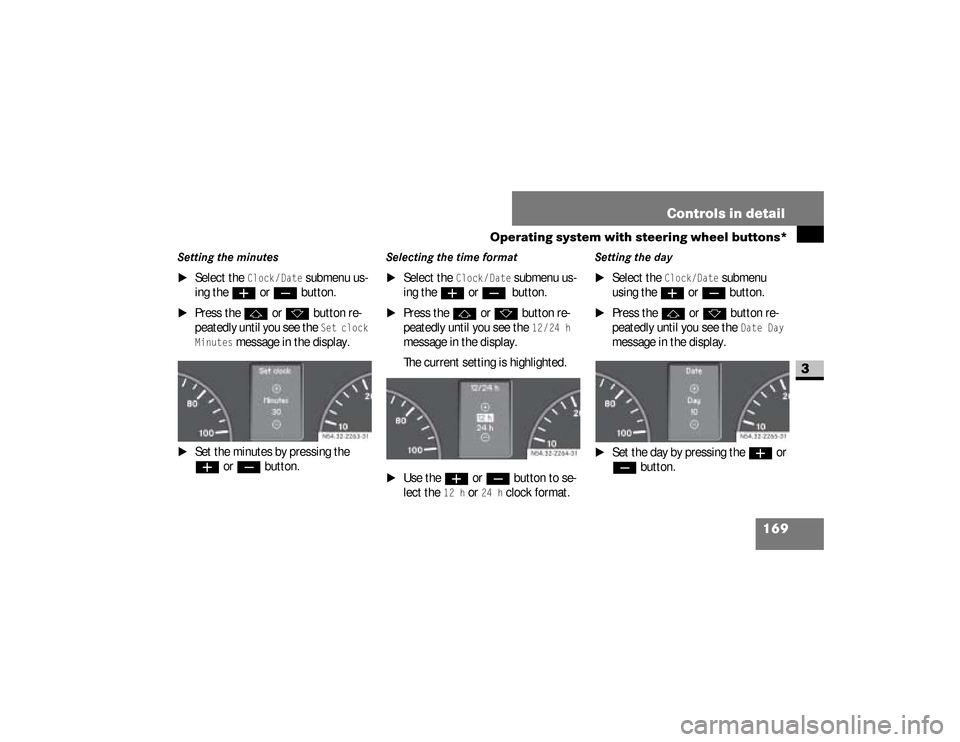
Setting the minutes
\1
Select the
Clock /Date
submenu us-
ing the
æ
or
ç
button.
\1
Press the
j
or
k
button re-
peatedly until you see the Set clock
Minutes
message in the display.
\1
Set the minutes by pressing the æ
or
ç
button.
Selecting the time format
\1
Select the
Clock /Date
submenu us-
ing the
æ
or
ç
button.
\1
Press the
j
or
k
button re-
peatedly until you see the
12/24 h
message in the display.
The current setting is highlighted.
\1
Use the
æ
or
ç
button to se-
lect the
12 h
or
24 h
clock format.
Setting the day
\1
Select the
Clock/Date
submenu
using the
æ
or
ç
button.
\1
Press the
j
or
k
button re-
peatedly until you see the
Date Day
message in the display.
\1
Set the day by pressing the
æ
or
ç
button. N54.32-2263-31
N54.32-2264-31
nf_BA.book Page 169 Friday, January 25, 2008 3:53 PM
Page 172 of 666
170 Controls in detailOperating system with steering wheel buttons*
3
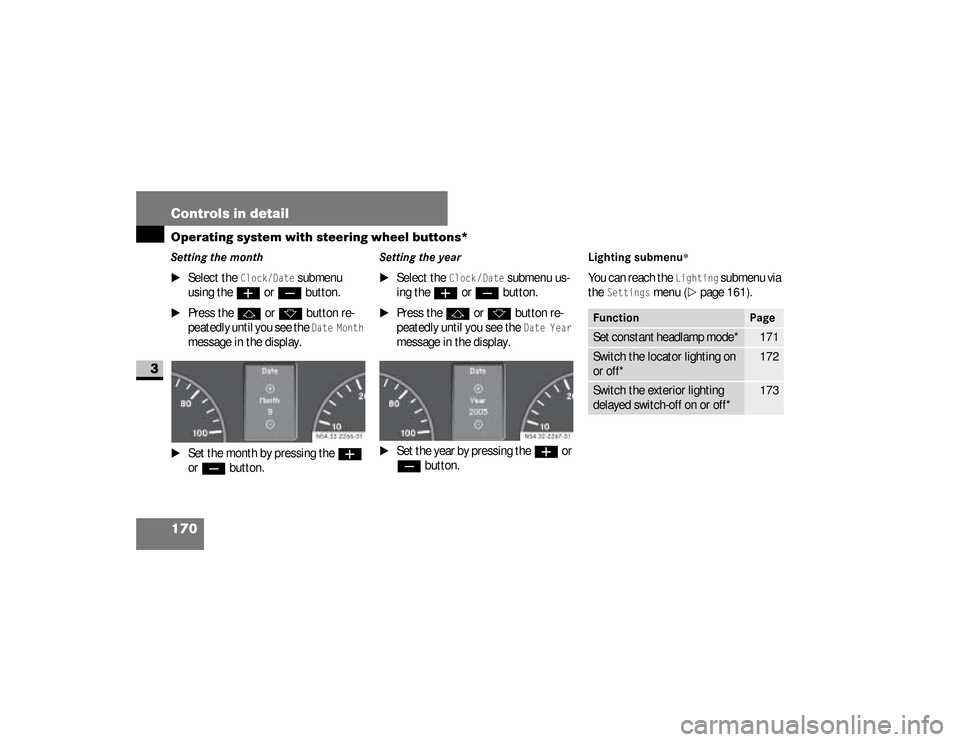
Setting the month
\1
Select the
Clock/Date
submenu
using the
æ
or
ç
button.
\1
Press the
j
or
k
button re-
peatedly until you see the Date Month
message in the display.
\1
Set the month by pressing the
æ
or
ç
button.
Setting the year
\1
Select the
Clock /Date
submenu us-
ing the
æ
or
ç
button.
\1
Press the
j
or
k
button re-
peatedly until you see the Date Year
message in the display.
\1
Set the year by pressing the
æ
or
ç
button.
Lighting submenu
*
You can reach the
Lighting
submenu via
the
Settings
menu (
\2
page 161).
N54.32-2267-31
Function
Page
Set constant headlamp mode*
171
Switch the locator lighting on
or off*
172
Switch the exterior lighting
delayed switch-off on or off*
173
nf_BA.book Page 170 Friday, January 25, 2008 3:53 PM
Page 173 of 666
171 Controls in detail
Operating system with steering wheel buttons*
3
Setting constant headlamp mode*If you have set constant headlamp mode
and the light switch is at
M
, the fol-
lowing light up automatically when the
engine is running:
\4
The parking lamps and low-beam
headlamps
\4
The tail lamps
\4
The license plate lamp
For safety reasons, it is only possible to
change this setting when the vehicle is
stationary. The factory setting is
Con-
stant
in countries in which constant
headlamp mode is mandatory.
\1
Press the
æ
or
ç
to select the
Lighting
submenu.
\1
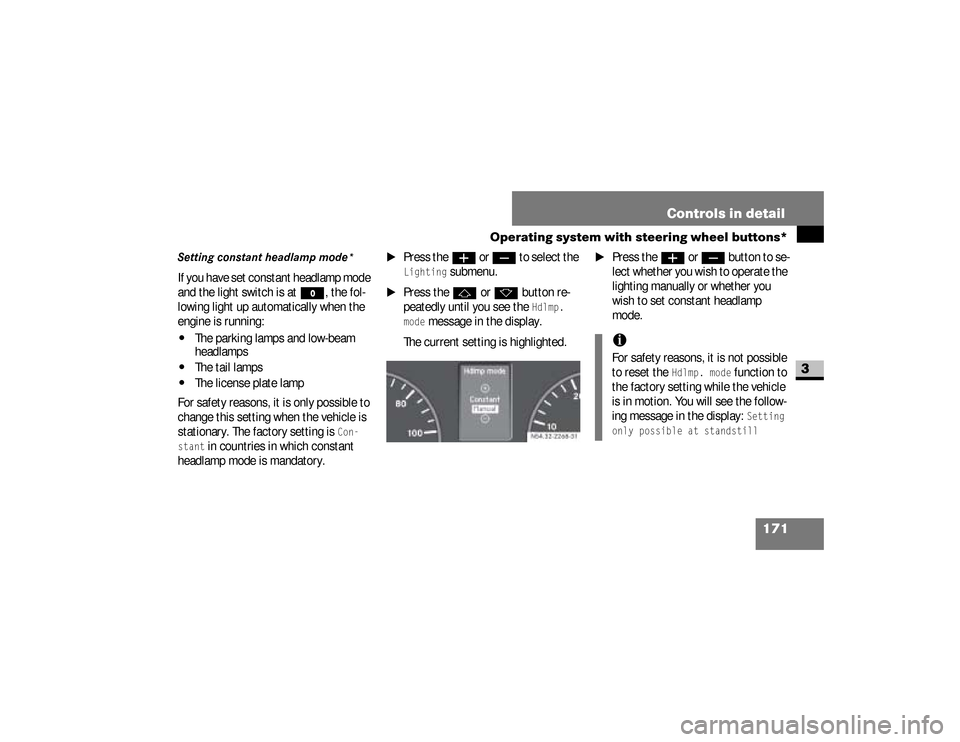
Press the
j
or
k
button re-
peatedly until you see the
Hdlmp.
mode
message in the display.
The current setting is highlighted.
\1
Press the
æ
or
ç
but ton to se -
lect whether you wish to operate the
lighting manually or whether you
wish to set constant headlamp
mode.
N54.32-2268-31
iFor safety reasons, it is not possible
to reset the
Hdlmp. mode
function to
the factory setting while the vehicle
is in motion. You will see the follow-
ing message in the display:
Setting
only possible at standstill
nf_BA.book Page 171 Friday, January 25, 2008 3:53 PM
Page 174 of 666
172 Controls in detailOperating system with steering wheel buttons*
3
Switching the locator lighting on or
off*If you switch the locator lighting to
On,
the following lamps light up in the dark
after you have unlocked the vehicle us-
ing the key:
\4
The parking lamps
\4
The tail lamps
\4
The license plate lamp
\4
The front foglampsThe locator lighting automatically
switches off after 40 seconds or when
you:
\4
open the driver’s door
\4
insert the key into the ignition lock
\4
lock the vehicle with the key
\1
Press the
æ
or
ç
to select the
Lighting
submenu.
\1
Press the
j
or
k
button re-
peatedly until you see the
Loc.
lighting
message in the display.
The current setting is highlighted. USA only:
If you turn the light switch to
C
or
B
, the corresponding light
switches on. Constant headlamp
mode remains activated if the light
switch is turned to
U
.
Canada only:
If you turn the light switch to
B
,
the low-beam headlamps are
switched on. Constant headlamp
mode remains activated if the light
switch is turned to
C
or
U
.
nf_BA.book Page 172 Friday, January 25, 2008 3:53 PM
Page 175 of 666
173 Controls in detail
Operating system with steering wheel buttons*
3
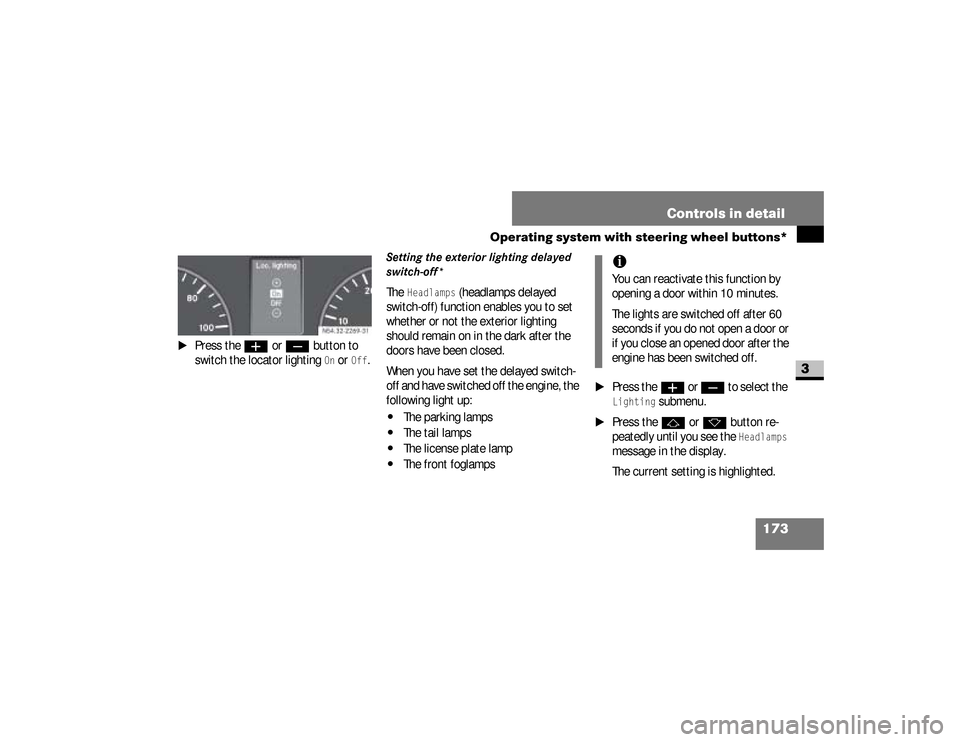
\1
Press the
æ
or
ç
button to
switch the locator lighting On or
Off
.
Setting the exterior lighting delayed
switch-off*The
Headlamps
(headlamps delayed
switch-off) function enables you to set
whether or not the exterior lighting
should remain on in the dark after the
doors have been closed.
When you have set the delayed switch-
off and have switched off the engine, the
following light up:
\4
The parking lamps
\4
The tail lamps
\4
The license plate lamp
\4
The front foglamps
\1
Press the
æ
or
ç
to select the
Lighting
submenu.
\1
Press the
j
or
k
button re-
peatedly until you see the Headlamps
message in the display.
The current setting is highlighted. N54.32-2269-31
iYou can reactivate this function by
opening a door within 10 minutes.
The lights are switched off after 60
seconds if you do not open a door or
if you close an opened door after the
engine has been switched off.
nf_BA.book Page 173 Friday, January 25, 2008 3:53 PM
Page 176 of 666
174 Controls in detailOperating system with steering wheel buttons*
3
\1
Press the
æ
or
ç
button to se-
lect whether and for how long the
lights should remain on.
Vehicle submenuYou can reach the
Vehicle
submenu via
the
Settings
menu (
\2
page 161).
Setting station selectionThe
Search
function enables you to de-
termine whether the radio (
\2
page 158)
should search for a new station or a pre-
viously stored station each time the ra-
dio is switched on.
\1
Press the
è
or
ÿ
button re-
peatedly until you see the
Vehicle
message in the display.
\1
Press the
j
or
k
button re-
peatedly until you see the
Search
message in the display.
The current setting is highlighted.
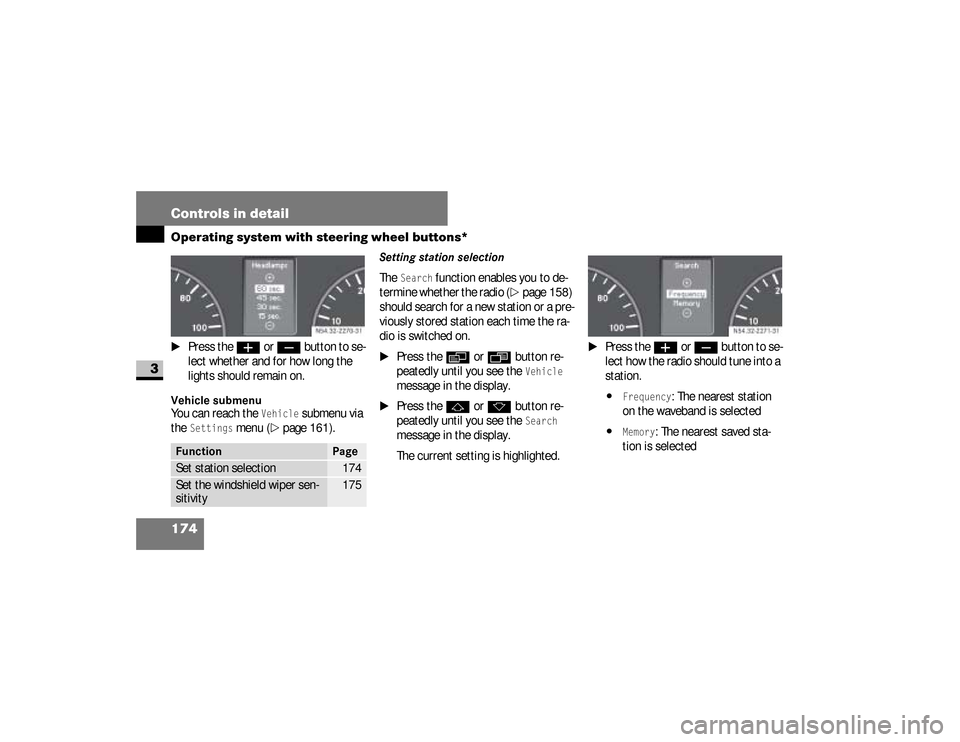
\1
Press the
æ
or
ç
button to se-
lect how the radio should tune into a
station.
\4
Frequency
: The nearest station
on the waveband is selected
\4
Memory
: The nearest saved sta-
tion is selected
Function
Page
Set station selection
174
Set the windshield wiper sen-
sitivity
175
N54.32-2270-31
N54.32-2271-31
nf_BA.book Page 174 Friday, January 25, 2008 3:53 PM
Page 177 of 666
175 Controls in detail
Operating system with steering wheel buttons*
3
Setting the windshield wiper
sensitivityYou can use the
Wipe sensor
function to
set the sensitivity of the rain sensor.
\1
Press the
è
or
ÿ
button re-
peatedly until you see the
Vehicle
message in the display.
\1
Press the
j
or
k
button re-
peatedly until you see the
Wipe sen-
sor
message in the display.
The current setting is highlighted.
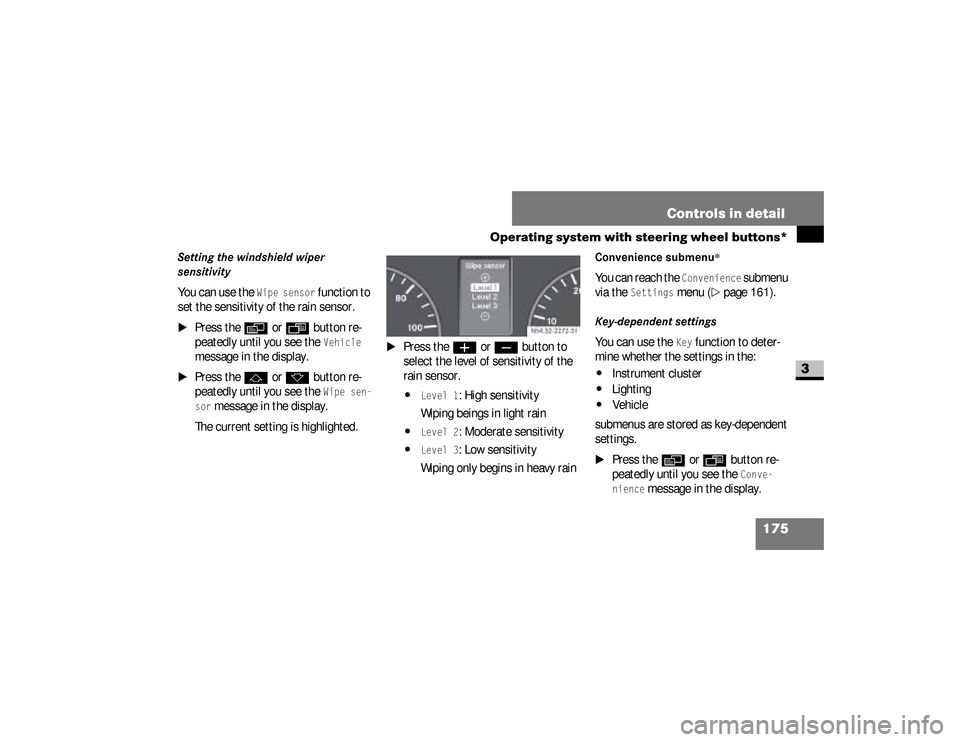
\1
Press the
æ
or
ç
button to
select the level of sensitivity of the
rain sensor.
\4
Level 1
: High sensitivity
Wiping beings in light rain
\4
Level 2
: Moderate sensitivity
\4
Level 3
: Low sensitivity
Wiping only begins in heavy rain
Convenience submenu
*
You can reach the
Convenience
submenu
via the
Settings
menu (
\2
page 161).
Key-dependent settingsYou can use the
Key
function to deter-
mine whether the settings in the:
\4
Instrument cluster
\4
Lighting
\4
Vehicle
submenus are stored as key-dependent
settings.
\1
Press the
è
or
ÿ
button re-
peatedly until you see the
Conve-
nience
message in the display. N54.32-2272-31
nf_BA.book Page 175 Friday, January 25, 2008 3:53 PM