instrument panel DODGE VIPER 2008 ZB II / 2.G User Guide
[x] Cancel search | Manufacturer: DODGE, Model Year: 2008, Model line: VIPER, Model: DODGE VIPER 2008 ZB II / 2.GPages: 303, PDF Size: 2.65 MB
Page 86 of 303
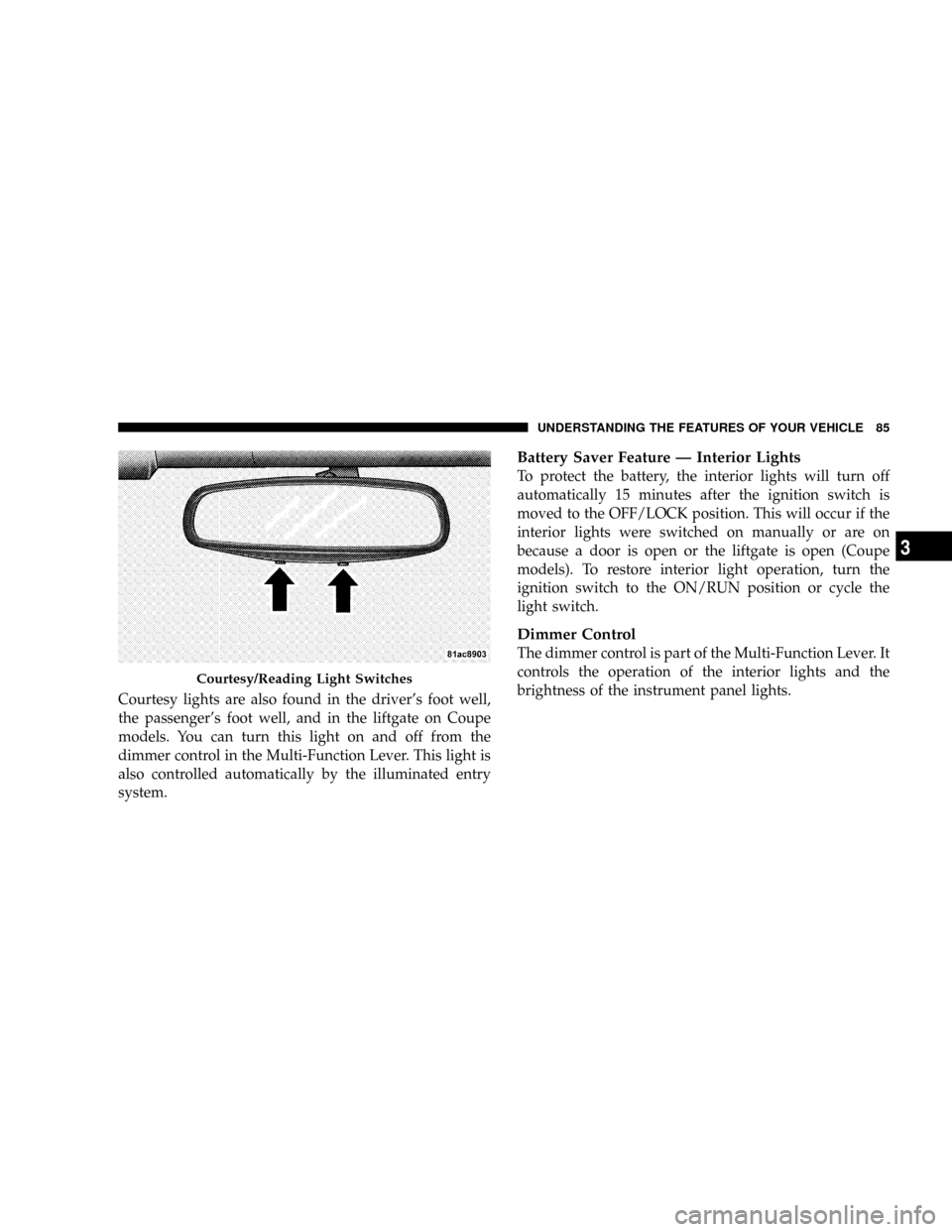
Courtesy lights are also found in the driver's foot well,
the passenger's foot well, and in the liftgate on Coupe
models. You can turn this light on and off from the
dimmer control in the Multi-Function Lever. This light is
also controlled automatically by the illuminated entry
system.
Battery Saver Feature Ð Interior Lights
To protect the battery, the interior lights will turn off
automatically 15 minutes after the ignition switch is
moved to the OFF/LOCK position. This will occur if the
interior lights were switched on manually or are on
because a door is open or the liftgate is open (Coupe
models). To restore interior light operation, turn the
ignition switch to the ON/RUN position or cycle the
light switch.
Dimmer Control
The dimmer control is part of the Multi-Function Lever. It
controls the operation of the interior lights and the
brightness of the instrument panel lights.
Courtesy/Reading Light Switches
UNDERSTANDING THE FEATURES OF YOUR VEHICLE 85
3
Page 87 of 303
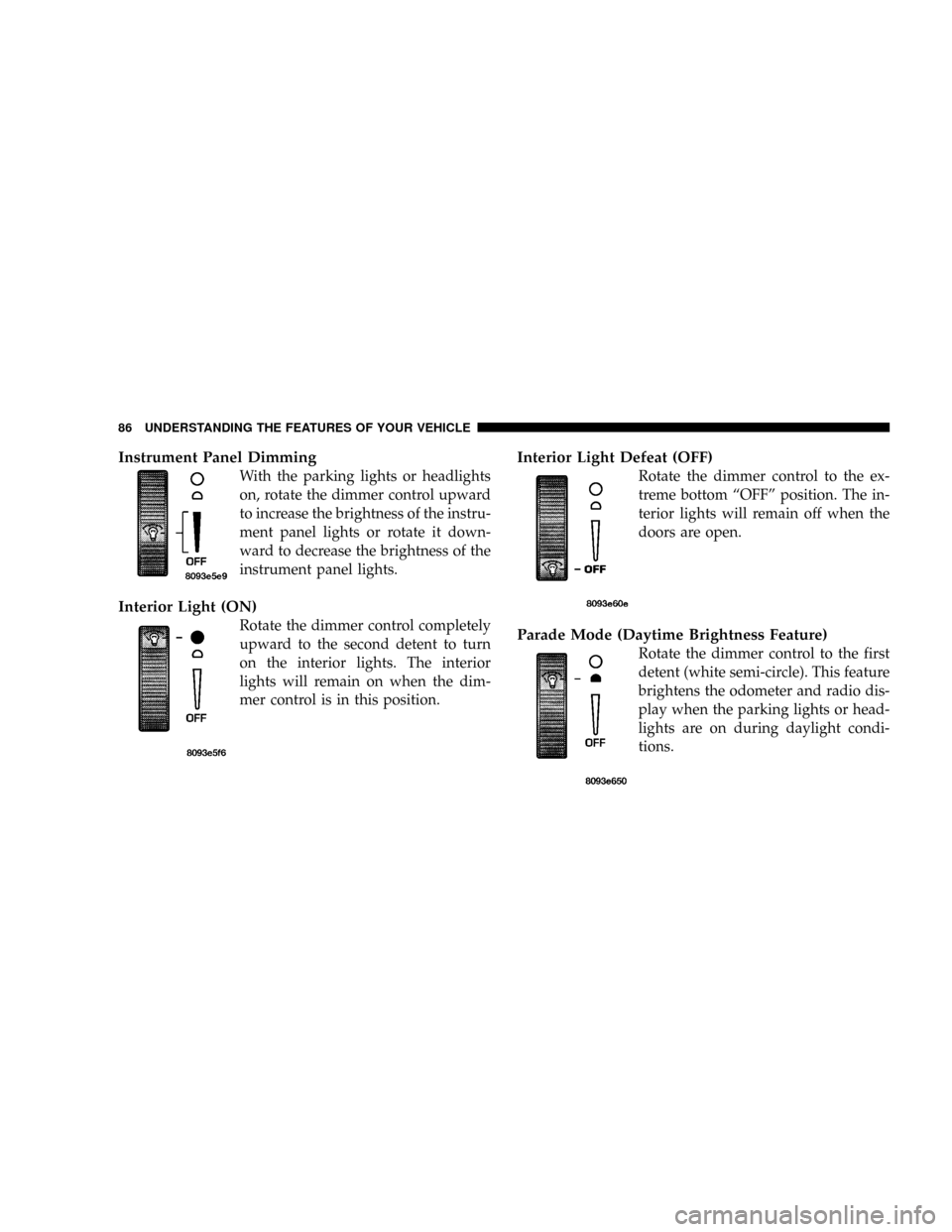
Instrument Panel Dimming
With the parking lights or headlights
on, rotate the dimmer control upward
to increase the brightness of the instru-
ment panel lights or rotate it down-
ward to decrease the brightness of the
instrument panel lights.
Interior Light (ON)
Rotate the dimmer control completely
upward to the second detent to turn
on the interior lights. The interior
lights will remain on when the dim-
mer control is in this position.
Interior Light Defeat (OFF)
Rotate the dimmer control to the ex-
treme bottom ªOFFº position. The in-
terior lights will remain off when the
doors are open.
Parade Mode (Daytime Brightness Feature)
Rotate the dimmer control to the first
detent (white semi-circle). This feature
brightens the odometer and radio dis-
play when the parking lights or head-
lights are on during daylight condi-
tions.
86 UNDERSTANDING THE FEATURES OF YOUR VEHICLE
Page 94 of 303
UNDERSTANDING YOUR INSTRUMENT PANEL
CONTENTS
mInstrument Panel Features..................95
mInstrument Cluster Description..............96
NSpeedometer..........................96
NMessage Center.......................97
NGauges & Indicator Lights...............103
mSetting The Digital Clock.................106
NClock Setting Procedure.................106
mRadio General Information................106
NRadio Broadcast Signals.................106NTwo Types Of Signals..................107
NElectrical Disturbances..................107
NAM Reception.......................107
NFM Reception........................107
mSales Code RAH Ð AM & FM Stereo Radio
With CD Player And CD/DVD Changer
Controls.............................108
NRadio Operation......................108
NCD Player Operation...................112
NCD/DVD Changer Operation.............1144
Page 95 of 303
NNotes On Playing MP3 Files.............114
NOperation Instructions - (CD Mode For
MP3 Audio Play).....................116
mSatellite Radio Ð If Equipped..............117
NSystem Activation.....................118
NElectronic Serial Number/Sirius Identification
Number (ENS/SID)....................118
NSelecting Satellite Mode In RBB, RAH, REV
And RBK Radios......................119
NSelecting Satellite Mode In RBP, RBU, RAZ,
RB1 And RBQ Radios..................119
NSelecting a Channel....................120
NStoring And Selecting Pre-Set Channels......120
NUsing The PTY (Program Type) Button
(If Equipped)........................120NPTY Button9Scan9.....................120
NPTY Button9Seek9.....................121
NSatellite Antenna......................121
NReception Quality.....................121
mRadio Antenna........................122
mCD/DVD Disc Maintenance...............122
mRadio Operation And Cellular Phones........122
mClimate Controls.......................122
NAir Conditioning And Heating System......123
NOperating Tips.......................126
mRear Window Features...................128
NElectric Rear Window Defroster...........128
94 UNDERSTANDING YOUR INSTRUMENT PANEL
Page 96 of 303
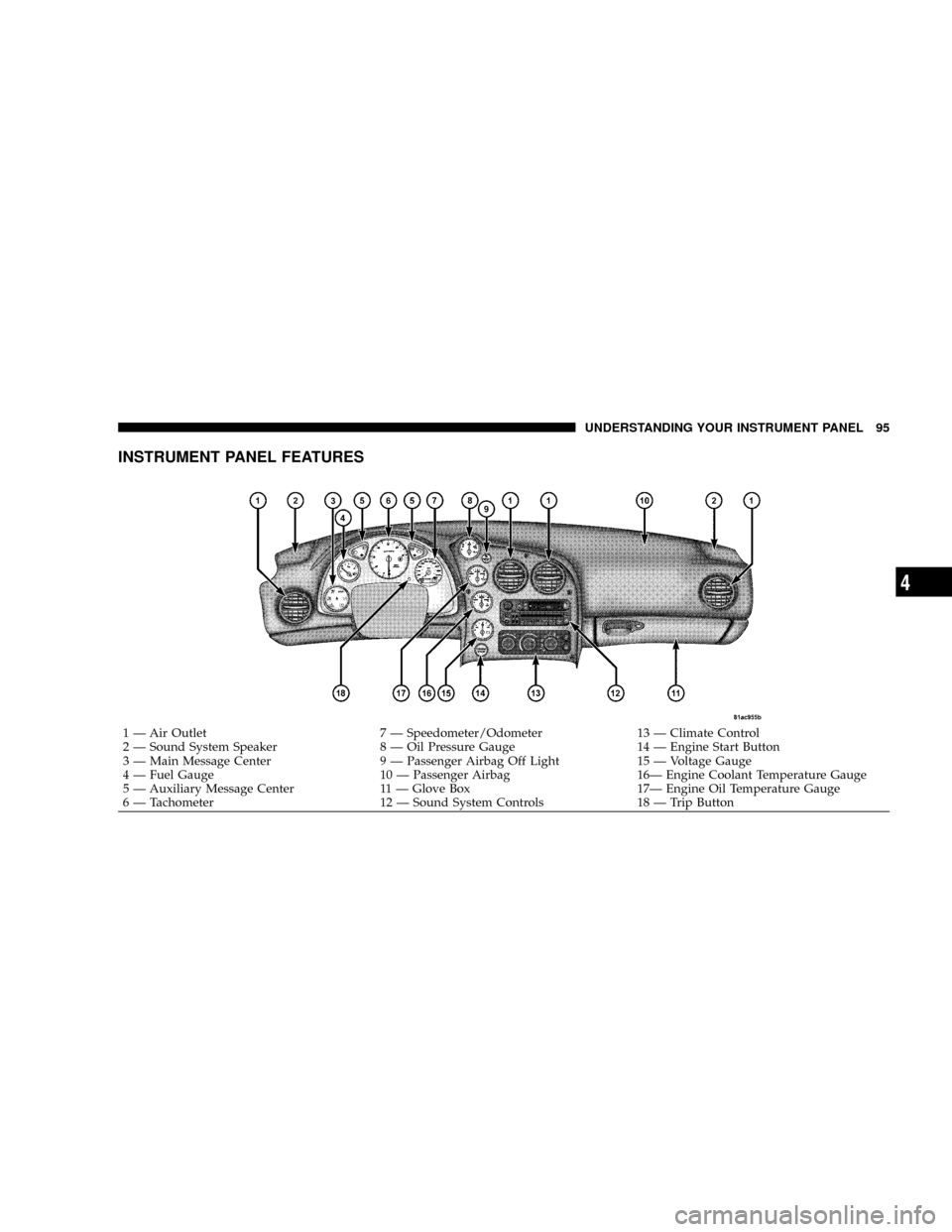
INSTRUMENT PANEL FEATURES
1 Ð Air Outlet 7 Ð Speedometer/Odometer 13 Ð Climate Control
2 Ð Sound System Speaker 8 Ð Oil Pressure Gauge 14 Ð Engine Start Button
3 Ð Main Message Center 9 Ð Passenger Airbag Off Light 15 Ð Voltage Gauge
4 Ð Fuel Gauge 10 Ð Passenger Airbag 16Ð Engine Coolant Temperature Gauge
5 Ð Auxiliary Message Center 11 Ð Glove Box 17Ð Engine Oil Temperature Gauge
6 Ð Tachometer 12 Ð Sound System Controls 18 Ð Trip ButtonUNDERSTANDING YOUR INSTRUMENT PANEL 95
4
Page 97 of 303
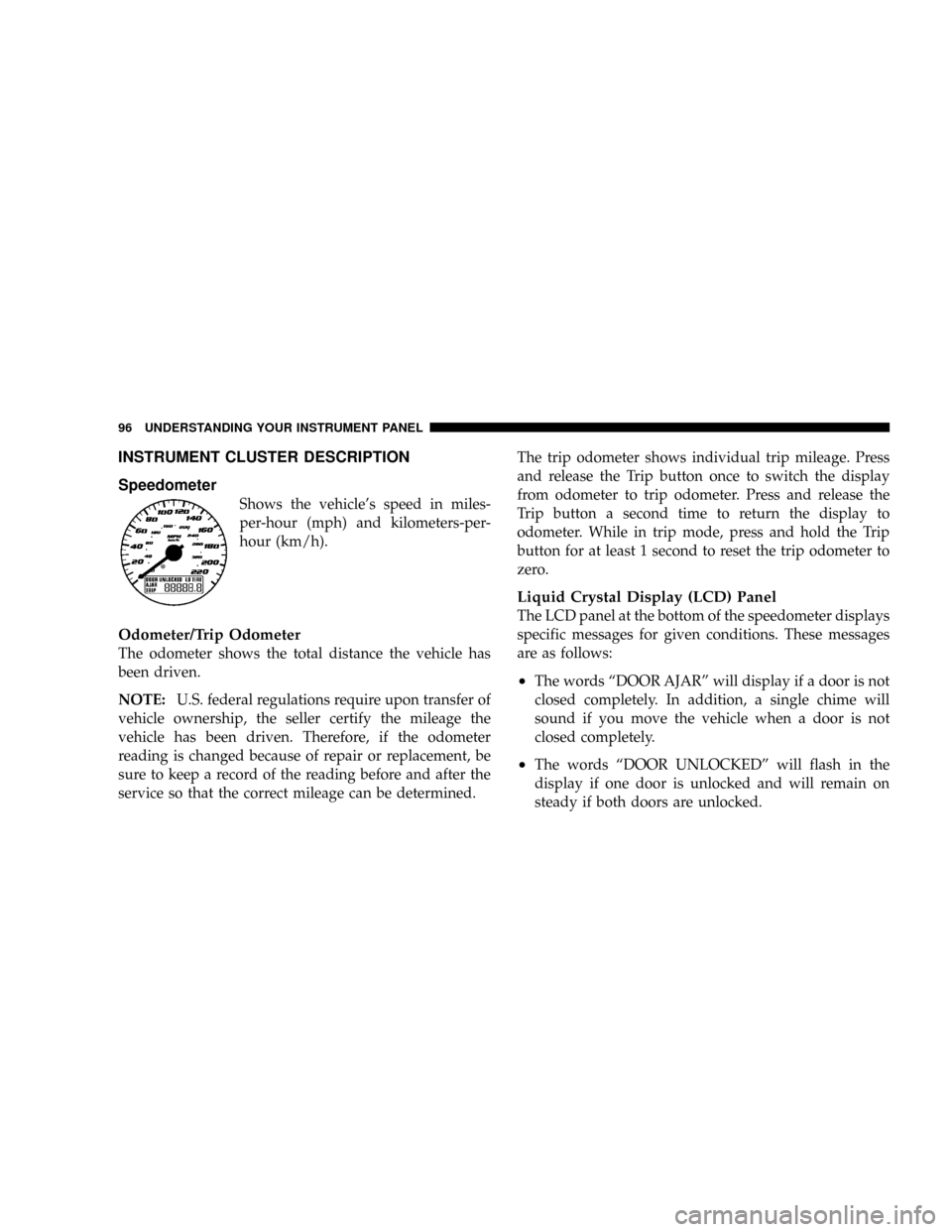
INSTRUMENT CLUSTER DESCRIPTION
Speedometer
Shows the vehicle's speed in miles-
per-hour (mph) and kilometers-per-
hour (km/h).
Odometer/Trip Odometer
The odometer shows the total distance the vehicle has
been driven.
NOTE:U.S. federal regulations require upon transfer of
vehicle ownership, the seller certify the mileage the
vehicle has been driven. Therefore, if the odometer
reading is changed because of repair or replacement, be
sure to keep a record of the reading before and after the
service so that the correct mileage can be determined.The trip odometer shows individual trip mileage. Press
and release the Trip button once to switch the display
from odometer to trip odometer. Press and release the
Trip button a second time to return the display to
odometer. While in trip mode, press and hold the Trip
button for at least 1 second to reset the trip odometer to
zero.
Liquid Crystal Display (LCD) Panel
The LCD panel at the bottom of the speedometer displays
specific messages for given conditions. These messages
are as follows:
²The words ªDOOR AJARº will display if a door is not
closed completely. In addition, a single chime will
sound if you move the vehicle when a door is not
closed completely.
²The words ªDOOR UNLOCKEDº will flash in the
display if one door is unlocked and will remain on
steady if both doors are unlocked.
96 UNDERSTANDING YOUR INSTRUMENT PANEL
Page 98 of 303
²The word ªDECKº will flash in the display if the
trunk/liftgate is open.
²The words ªLOW TIREº will flash slowly in the display
and a chime will sound if the tire pressure is low.
²The words ªFLAT TIREº will flash rapidly in the
display and a chime will sound if critically low tire
pressure is detected.
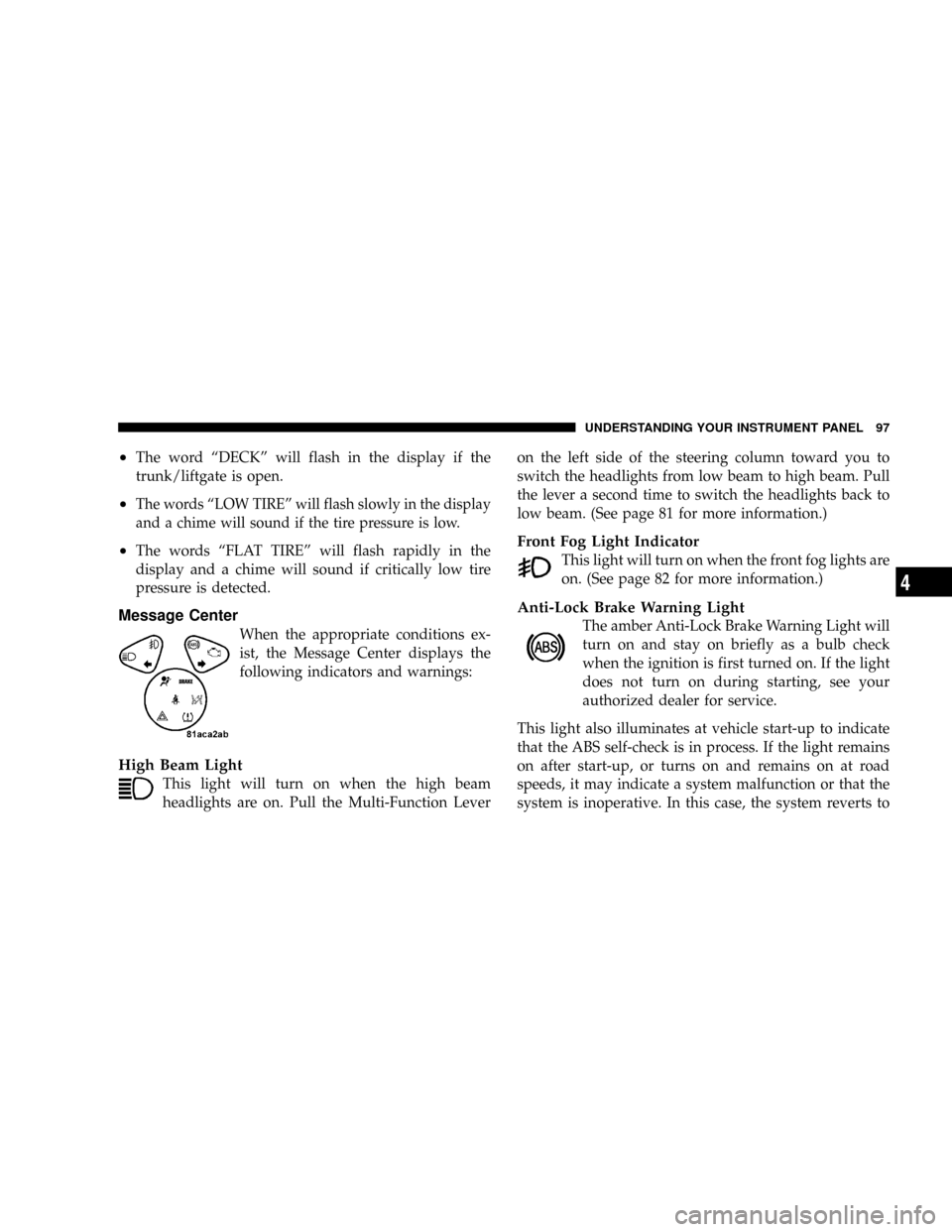
Message Center
When the appropriate conditions ex-
ist, the Message Center displays the
following indicators and warnings:
High Beam Light
This light will turn on when the high beam
headlights are on. Pull the Multi-Function Leveron the left side of the steering column toward you to
switch the headlights from low beam to high beam. Pull
the lever a second time to switch the headlights back to
low beam. (See page 81 for more information.)
Front Fog Light Indicator
This light will turn on when the front fog lights are
on. (See page 82 for more information.)
Anti-Lock Brake Warning Light
The amber Anti-Lock Brake Warning Light will
turn on and stay on briefly as a bulb check
when the ignition is first turned on. If the light
does not turn on during starting, see your
authorized dealer for service.
This light also illuminates at vehicle start-up to indicate
that the ABS self-check is in process. If the light remains
on after start-up, or turns on and remains on at road
speeds, it may indicate a system malfunction or that the
system is inoperative. In this case, the system reverts to
UNDERSTANDING YOUR INSTRUMENT PANEL 97
4
Page 99 of 303
standard non-anti-lock brakes. If this occurs, safely bring
the vehicle to a complete stop as soon as possible and
cycle the ignition key to attempt to reset the ABS. If the
light remains on, see your authorized dealer immediately
to have the system serviced. Furthermore, if the red
BRAKE warning light and the amber ABS warning light
are on, and the parking brake is fully released, see your
authorized dealer immediately. (See page 147 for more
information.)
WARNING!
If the ABS and/or Brake Warning lights illuminate,
please seek service immediately! Your vehicle will
have diminished braking capability and control if ABS
and/or service brake systems are not working properly.
Have your brake system serviced immediately.
Malfunction Indicator Light
This light is part of an onboard diagnostic
system called OBD. The OBD system monitors
engine control systems. The light will turn on
when the key is in the ON/RUN position
before engine start. If the light does not come on when
turning the key from OFF/LOCK to ON/RUN, have the
condition checked promptly.
Certain conditions such as a loose or missing gas cap,
poor fuel quality, etc. may illuminate the light after
engine start. The vehicle should be serviced if the light
remains on through several of your typical driving
cycles. In most situations, the vehicle will drive normally
and will not require towing.
The Malfunction Indicator Light flashes to alert you to
serious conditions that could lead to immediate loss of
power or severe catalytic converter damage. The vehicle
should be serviced as soon as possible if this occurs. (See
page 195 for more information.)
98 UNDERSTANDING YOUR INSTRUMENT PANEL
Page 100 of 303
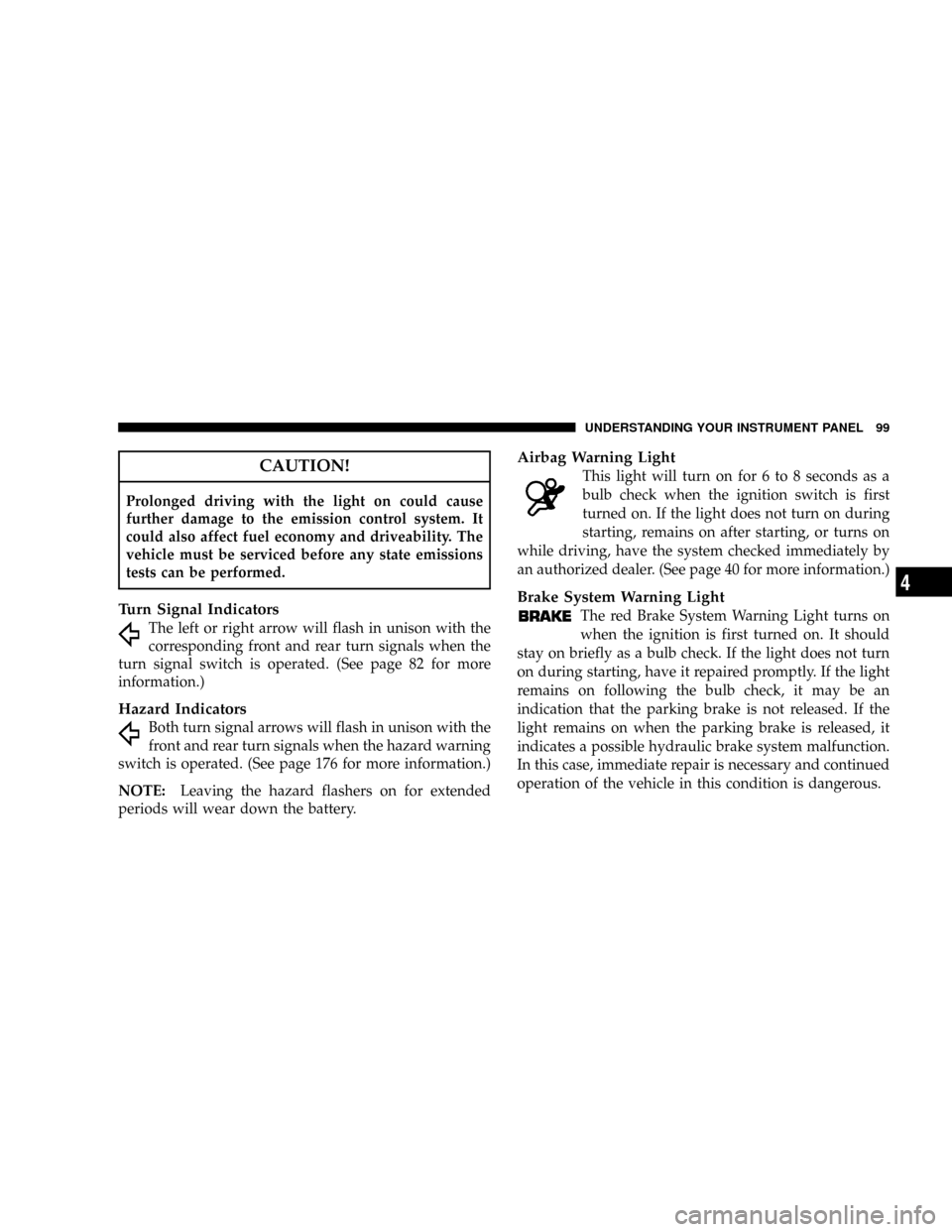
CAUTION!
Prolonged driving with the light on could cause
further damage to the emission control system. It
could also affect fuel economy and driveability. The
vehicle must be serviced before any state emissions
tests can be performed.
Turn Signal Indicators
The left or right arrow will flash in unison with the
corresponding front and rear turn signals when the
turn signal switch is operated. (See page 82 for more
information.)
Hazard Indicators
Both turn signal arrows will flash in unison with the
front and rear turn signals when the hazard warning
switch is operated. (See page 176 for more information.)
NOTE:Leaving the hazard flashers on for extended
periods will wear down the battery.
Airbag Warning Light
This light will turn on for 6 to 8 seconds as a
bulb check when the ignition switch is first
turned on. If the light does not turn on during
starting, remains on after starting, or turns on
while driving, have the system checked immediately by
an authorized dealer. (See page 40 for more information.)
Brake System Warning Light
The red Brake System Warning Light turns on
when the ignition is first turned on. It should
stay on briefly as a bulb check. If the light does not turn
on during starting, have it repaired promptly. If the light
remains on following the bulb check, it may be an
indication that the parking brake is not released. If the
light remains on when the parking brake is released, it
indicates a possible hydraulic brake system malfunction.
In this case, immediate repair is necessary and continued
operation of the vehicle in this condition is dangerous.
UNDERSTANDING YOUR INSTRUMENT PANEL 99
4
Page 101 of 303
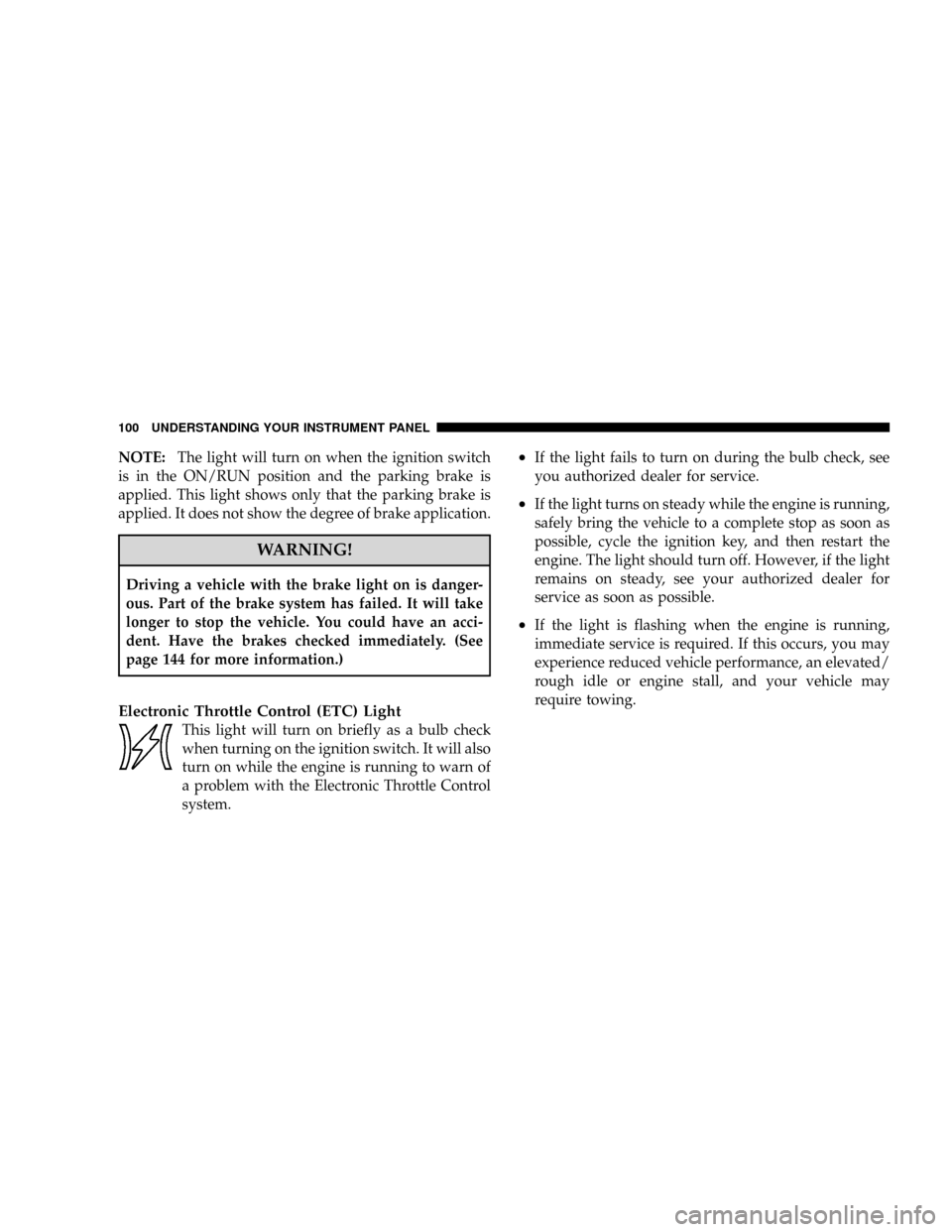
NOTE:The light will turn on when the ignition switch
is in the ON/RUN position and the parking brake is
applied. This light shows only that the parking brake is
applied. It does not show the degree of brake application.
WARNING!
Driving a vehicle with the brake light on is danger-
ous. Part of the brake system has failed. It will take
longer to stop the vehicle. You could have an acci-
dent. Have the brakes checked immediately. (See
page 144 for more information.)
Electronic Throttle Control (ETC) Light
This light will turn on briefly as a bulb check
when turning on the ignition switch. It will also
turn on while the engine is running to warn of
a problem with the Electronic Throttle Control
system.
²If the light fails to turn on during the bulb check, see
you authorized dealer for service.
²If the light turns on steady while the engine is running,
safely bring the vehicle to a complete stop as soon as
possible, cycle the ignition key, and then restart the
engine. The light should turn off. However, if the light
remains on steady, see your authorized dealer for
service as soon as possible.
²If the light is flashing when the engine is running,
immediate service is required. If this occurs, you may
experience reduced vehicle performance, an elevated/
rough idle or engine stall, and your vehicle may
require towing.
100 UNDERSTANDING YOUR INSTRUMENT PANEL