lock DODGE VIPER 2008 ZB II / 2.G Owner's Manual
[x] Cancel search | Manufacturer: DODGE, Model Year: 2008, Model line: VIPER, Model: DODGE VIPER 2008 ZB II / 2.GPages: 303, PDF Size: 2.65 MB
Page 56 of 303
7. Return the seatback to an upright position.
8. Install the child restraint according to the manufactur-
er's directions.
9. Remove slack from the tether strap according to the
child restraint manufacturer's directions.
WARNING!
An incorrectly anchored tether strap could lead to
increased head motion and possible injury to the
child. Use only the anchor position directly behind
the child seat to secure a child restraint top tether
strap.Installing Child Restraints Using the Vehicle Seat belt
The passenger seat belt is equipped with an automatic
locking retractor for child restraint system installation. It
is designed to keep the lap portion of the restraint held
tightly to the passenger seat. Seat belts equipped with
automatic locking retractors have a distinctive label on
the webbing. (Refer to ªAutomatic Locking Modeº in this
section for additional information).
To restrain the child seat:
1. Pull enough webbing from the retractor to allow the
belt to pass through the child restraint and insert the latch
plate into the buckle until you hear a ªclick.º
2. Grasp the shoulder portion of the belt and pull all of
the webbing out of the retractor.
3. Allow some of the webbing to retract back into the
retractor. As the belt retracts, you will hear a clicking
sound indicating that the belt is now in automatic locking
mode.
THINGS TO KNOW BEFORE STARTING YOUR VEHICLE 55
2
Page 57 of 303
4. Tighten the lap portion of the belt and allow the excess
webbing to retract back to the retractor. If it still does not
make the child restraint secure, then secure the child
restraint with the Child Restraint Tether Anchor.
NOTE:Once the belt is in automatic locking mode, you
will not be able to pull any more of the webbing out of
the retractor. In this mode, you will only be able to retract
excess webbing into the retractor to secure the child
restraint.
Transporting Pets
Deploying airbags could harm your pet. An unrestrained
pet will be thrown about and possibly injured, or injure a
passenger during panic braking or in a collision.
Pets should be restrained in pet harnesses or pet carriers
that are secured by seat belts.
BREAK-IN RECOMMENDATIONS
A long break-in period is not required for the drivetrain
(engine, transmission, and rear axle) in your new vehicle.
Following these few simple guidelines is all that is
necessary for a good break-in:
For the first 500 miles (800 km):
²Keep your vehicle speed below the legal, posted speed
limit and your engine speed below 4,000 rpm.
²Avoid driving at a constant speed, either fast or slow,
for long periods.
²Do not make any full throttle starts and avoid full
throttle acceleration.
²Use the proper gear for your speed range.
²Wait until the engine has reached normal operating
temperature before driving at the recommended maxi-
mum break-in speed.
56 THINGS TO KNOW BEFORE STARTING YOUR VEHICLE
Page 60 of 303
Periodic Safety Checks You Should Make Outside
The Vehicle
Tires
Examine tires for excessive tread wear or uneven wear
patterns. Check for stones, nails, glass, or other objects
lodged in the tread. Inspect the tread and side wall for
cuts and cracks. Check the wheel nuts for tightness.
Check the tires for proper pressure.
Lights
Have someone observe the operation of exterior lights
while you work the controls. Check turn signal and high
beam indicator lights on the instrument panel.
Door Latches
Check for positive closing, latching, and locking.
Fluid Leaks
Check the area under the vehicle after overnight parking
for fuel, water, oil, or other fluid leaks. Also, if gasoline
fumes are present, the cause should be corrected imme-
diately.
THINGS TO KNOW BEFORE STARTING YOUR VEHICLE 59
2
Page 71 of 303
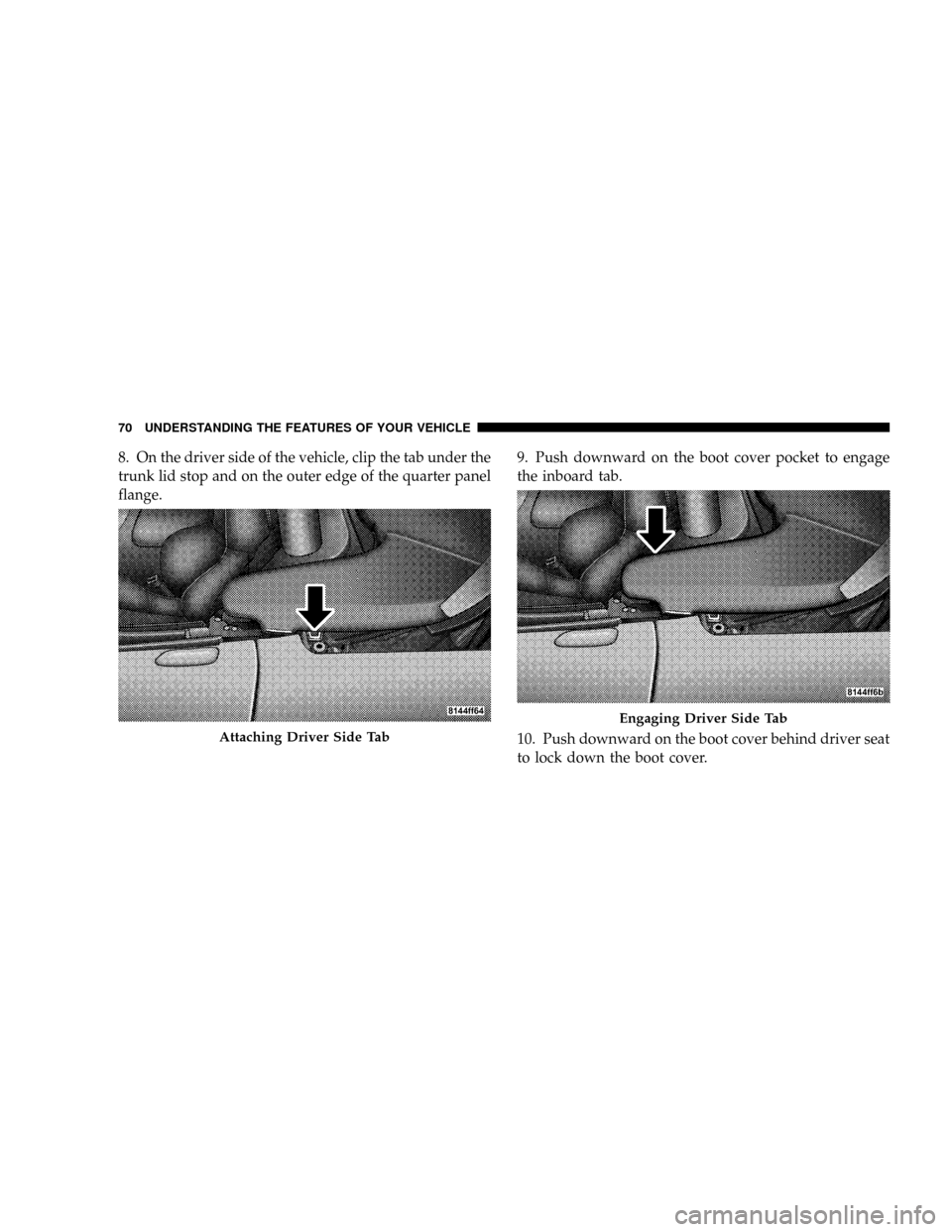
8. On the driver side of the vehicle, clip the tab under the
trunk lid stop and on the outer edge of the quarter panel
flange.9. Push downward on the boot cover pocket to engage
the inboard tab.
10. Push downward on the boot cover behind driver seat
to lock down the boot cover.
Attaching Driver Side Tab
Engaging Driver Side Tab
70 UNDERSTANDING THE FEATURES OF YOUR VEHICLE
Page 81 of 303

NOTE:Assist props will raise the hood to a normal
usage position. If greater access is required, the hood may
be pushed up at the front, raising the hood beyond the
initial opening height.
CAUTION!
Do not leave the hood open in areas where strong
gusts of wind are likely. Such a place might be by the
side of the road where large trucks pass by. Strong
gusts of wind may damage your hood. Always close
the hood in such situations.To prevent possible damage, do not slam the hood to
close it. Simply lower the hood until it is open approxi-
mately 6 inches (15 cm) and then drop it. This should
secure both latches. Never drive your vehicle unless the
hood is fully closed with both latches engaged.
WARNING!
If the hood is not fully latched, it could open when
the vehicle is moving and block your forward vision.
Be sure the hood latches are fully latched before
driving.
80 UNDERSTANDING THE FEATURES OF YOUR VEHICLE
Page 85 of 303
Flash to Pass
You can signal another vehicle with your headlights by
lightly pulling the Multi-Function Lever toward you.
This will cause the headlights to turn on at high beam
and remain on until the lever is released.
Interior Lights
The interior lights will turn on whenever a door is
opened or the liftgate is opened (Coupe models) and the
dimmer switch is not in the defeat position.
The interior lights will turn on, remain on for about 30
seconds, and then fade to off if any of the following
occur:
²A door is opened using the outside door handle and
then closed.
²A door is unlocked using the remote keyless entry
transmitter.
²A door is unlocked using the outside driver's door key
cylinder.
The interior lights will turn on and remain on for about 4
seconds and then fade to off if a door is opened using the
inside door handle.
Courtesy/Reading Lights
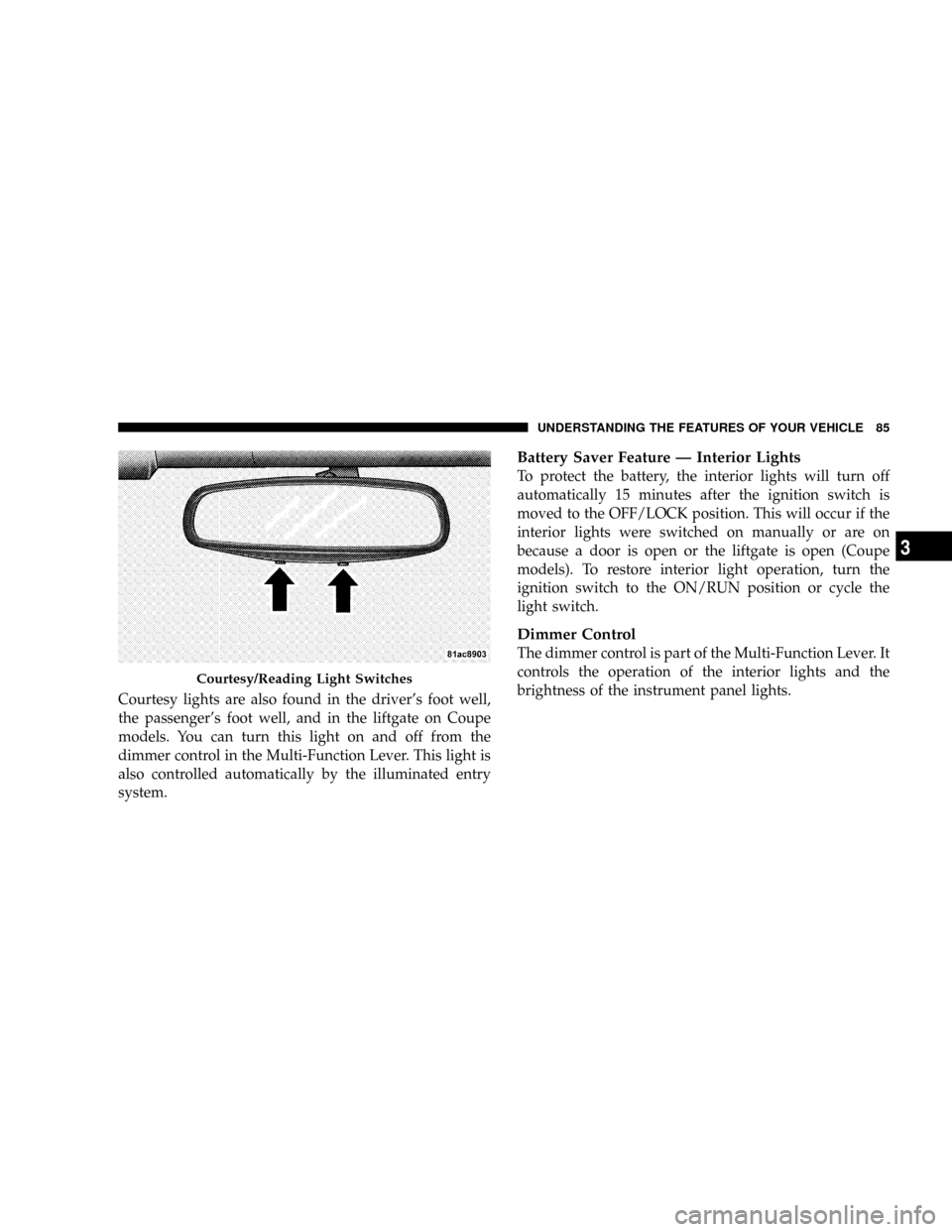
Two courtesy/reading lights are located in the bottom of
the rearview mirror. You can turn these lights on and off
from the switches in the bottom of the mirror or from the
dimmer control in the Multi-Function Lever. These lights
are also controlled automatically by the illuminated entry
system.
84 UNDERSTANDING THE FEATURES OF YOUR VEHICLE
Page 86 of 303
Courtesy lights are also found in the driver's foot well,
the passenger's foot well, and in the liftgate on Coupe
models. You can turn this light on and off from the
dimmer control in the Multi-Function Lever. This light is
also controlled automatically by the illuminated entry
system.
Battery Saver Feature Ð Interior Lights
To protect the battery, the interior lights will turn off
automatically 15 minutes after the ignition switch is
moved to the OFF/LOCK position. This will occur if the
interior lights were switched on manually or are on
because a door is open or the liftgate is open (Coupe
models). To restore interior light operation, turn the
ignition switch to the ON/RUN position or cycle the
light switch.
Dimmer Control
The dimmer control is part of the Multi-Function Lever. It
controls the operation of the interior lights and the
brightness of the instrument panel lights.
Courtesy/Reading Light Switches
UNDERSTANDING THE FEATURES OF YOUR VEHICLE 85
3
Page 90 of 303
Adding Washer Fluid
The windshield washer fluid reservoir is located in the
front of the engine compartment on the passenger side of
the vehicle. Be sure to check the fluid level in the
reservoir at regular intervals. Fill the reservoir with
windshield washer solvent (not radiator antifreeze) and
operate the system for a few seconds to flush out the
residual water.
WARNING!
Commercially available windshield washer solvents
are flammable. They could ignite and burn you. Care
must be exercised when filling or working around
the washer solution.
TILT STEERING COLUMN
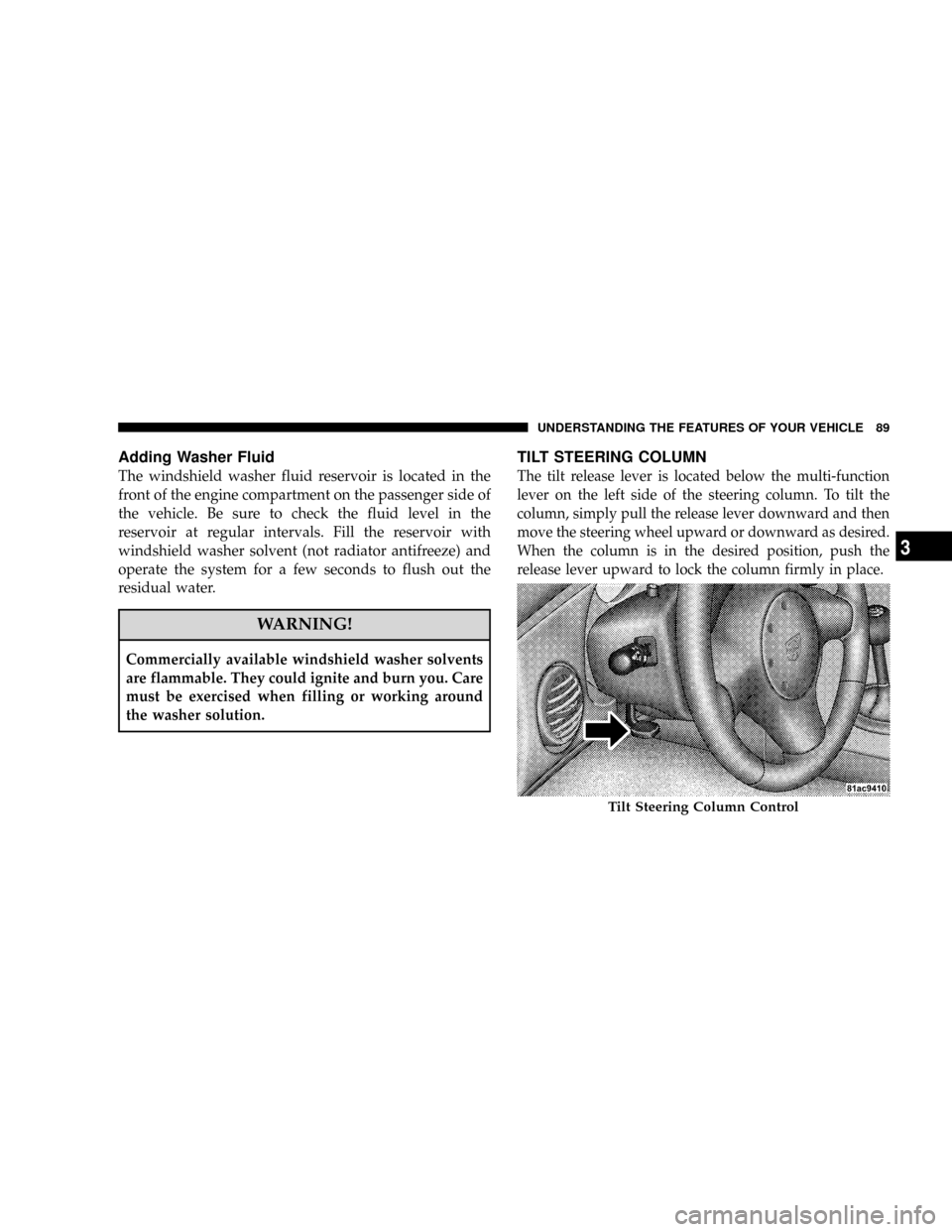
The tilt release lever is located below the multi-function
lever on the left side of the steering column. To tilt the
column, simply pull the release lever downward and then
move the steering wheel upward or downward as desired.
When the column is in the desired position, push the
release lever upward to lock the column firmly in place.
Tilt Steering Column Control
UNDERSTANDING THE FEATURES OF YOUR VEHICLE 89
3
Page 91 of 303
WARNING!
Tilting the steering column while the vehicle is
moving is dangerous. Without a stable steering col-
umn, you could lose control of the vehicle and have
an accident. Adjust the column only while the ve-
hicle is stopped. Be sure it is locked before driving.
ADJUSTABLE PEDALS
This feature allows the driver to move the brake and
accelerator pedals about 3 inches (72 mm) forward or
rearward to allow for greater driving comfort. The Ad-
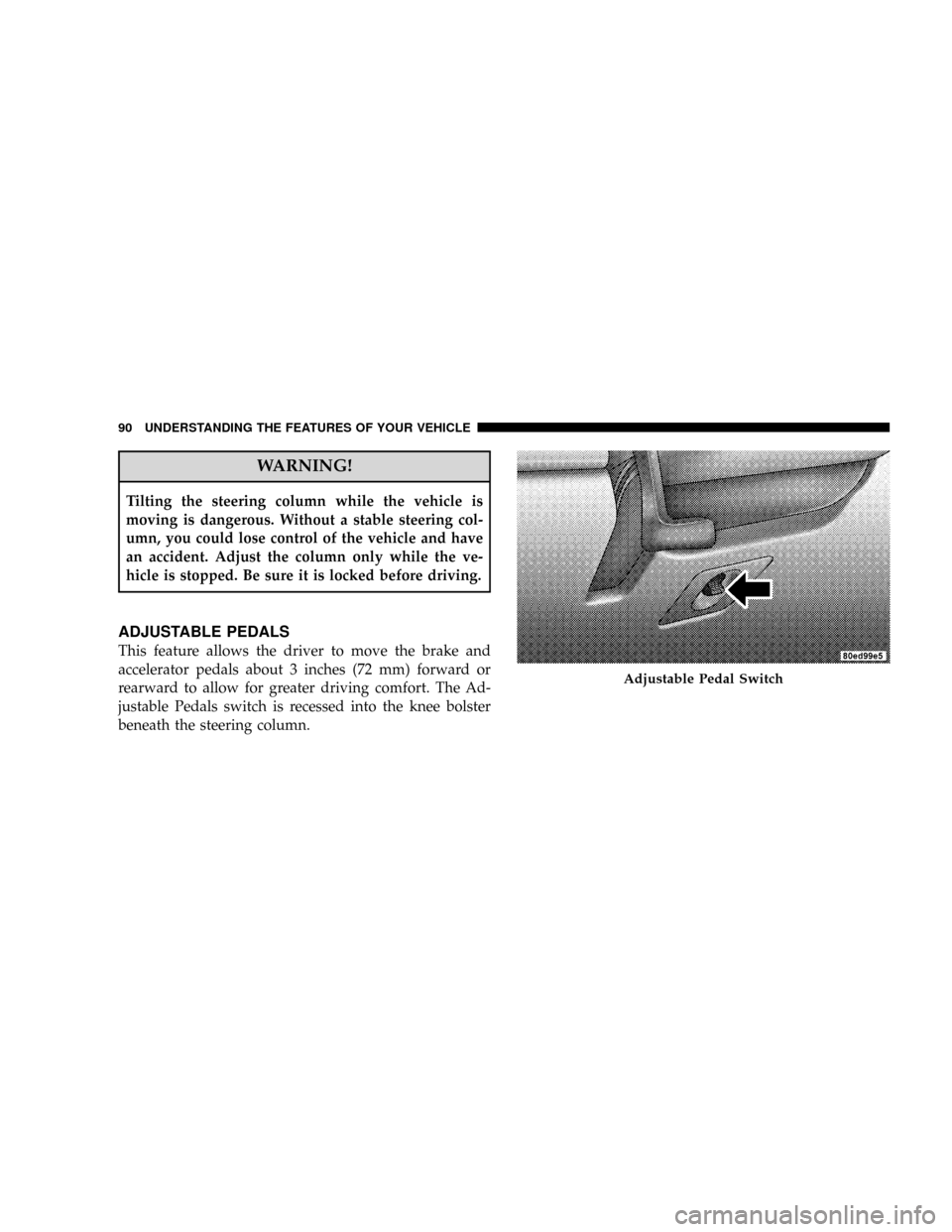
justable Pedals switch is recessed into the knee bolster
beneath the steering column.
Adjustable Pedal Switch
90 UNDERSTANDING THE FEATURES OF YOUR VEHICLE
Page 94 of 303
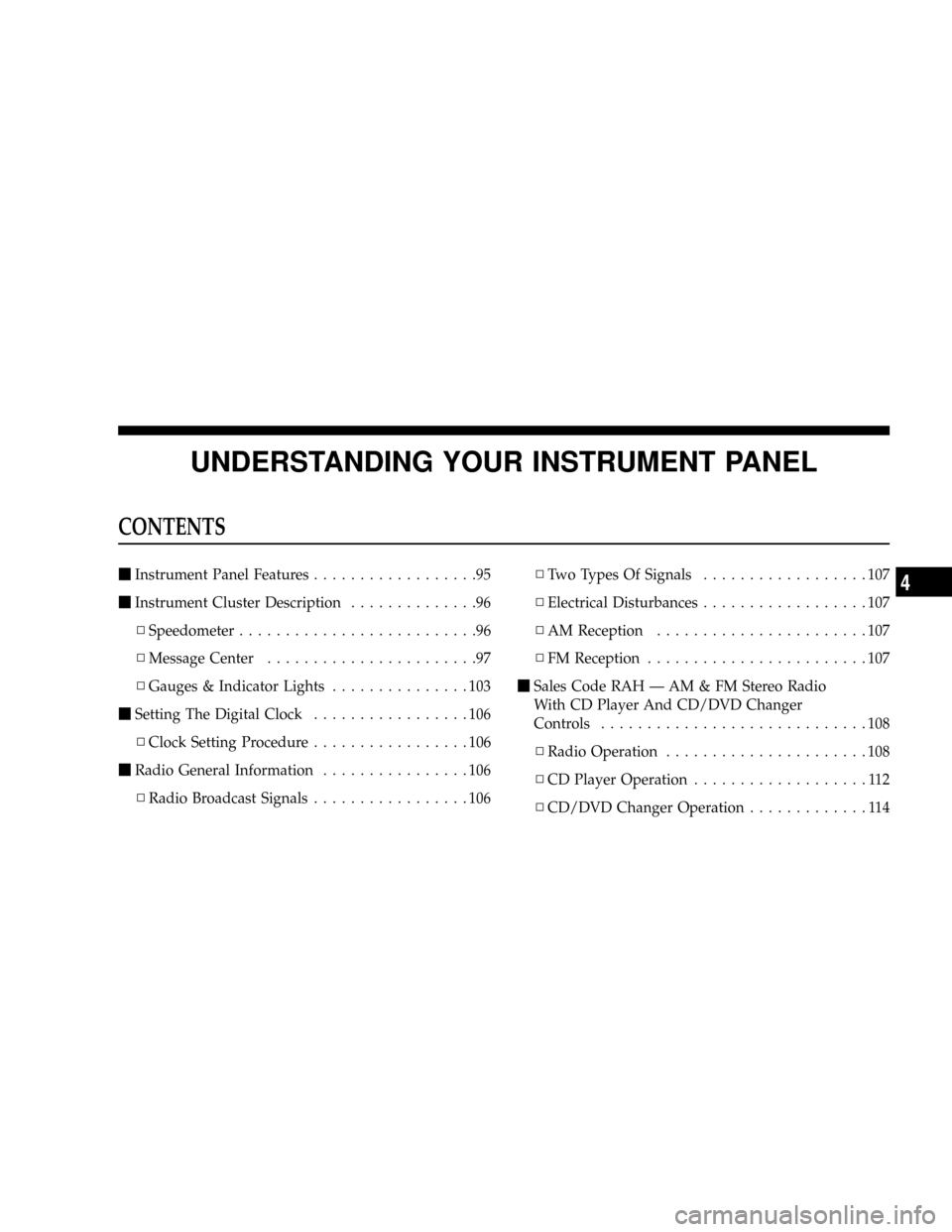
UNDERSTANDING YOUR INSTRUMENT PANEL
CONTENTS
mInstrument Panel Features..................95
mInstrument Cluster Description..............96
NSpeedometer..........................96
NMessage Center.......................97
NGauges & Indicator Lights...............103
mSetting The Digital Clock.................106
NClock Setting Procedure.................106
mRadio General Information................106
NRadio Broadcast Signals.................106NTwo Types Of Signals..................107
NElectrical Disturbances..................107
NAM Reception.......................107
NFM Reception........................107
mSales Code RAH Ð AM & FM Stereo Radio
With CD Player And CD/DVD Changer
Controls.............................108
NRadio Operation......................108
NCD Player Operation...................112
NCD/DVD Changer Operation.............1144