light DODGE VIPER 2008 ZB II / 2.G Service Manual
[x] Cancel search | Manufacturer: DODGE, Model Year: 2008, Model line: VIPER, Model: DODGE VIPER 2008 ZB II / 2.GPages: 303, PDF Size: 2.65 MB
Page 101 of 303
NOTE:The light will turn on when the ignition switch
is in the ON/RUN position and the parking brake is
applied. This light shows only that the parking brake is
applied. It does not show the degree of brake application.
WARNING!
Driving a vehicle with the brake light on is danger-
ous. Part of the brake system has failed. It will take
longer to stop the vehicle. You could have an acci-
dent. Have the brakes checked immediately. (See
page 144 for more information.)
Electronic Throttle Control (ETC) Light
This light will turn on briefly as a bulb check
when turning on the ignition switch. It will also
turn on while the engine is running to warn of
a problem with the Electronic Throttle Control
system.
²If the light fails to turn on during the bulb check, see
you authorized dealer for service.
²If the light turns on steady while the engine is running,
safely bring the vehicle to a complete stop as soon as
possible, cycle the ignition key, and then restart the
engine. The light should turn off. However, if the light
remains on steady, see your authorized dealer for
service as soon as possible.
²If the light is flashing when the engine is running,
immediate service is required. If this occurs, you may
experience reduced vehicle performance, an elevated/
rough idle or engine stall, and your vehicle may
require towing.
100 UNDERSTANDING YOUR INSTRUMENT PANEL
Page 104 of 303
WARNING!
Do not exceed 55 mph (88 km/h) if the LOW Tire
indicator is activated. Vehicle handling and braking
may be reduced. You could have an accident and be
severely or fatally injured.
Seat Belt Reminder Light
If the driver does not buckle their seat belt and
vehicle speed exceeds 5 mph (8 km/h), or if the
passenger does not buckle their seat belt within 10
seconds of vehicle speed exceeding 5 mph (8 km/h), the
Enhanced Warning System (Belt Alert) will alert the
occupant(s) to buckle their seat belt(s). Once triggered,
the Enhanced Warning System (Belt Alert) will flash the
Seat Belt Reminder light and chime for up to 96 seconds
to alert the occupant(s) to buckle their seat belt(s). If the
driver unbuckles their seat belt while vehicle speed isgreater than 5 mph (8 km/h), or if the passenger unbuck-
les their seat belt for more than 10 seconds while vehicle
speed is greater than 5 mph (8 km/h), the Enhanced
Warning System (Belt Alert) will reactivate. (See page 36
for more information.)
Gauges & Indicator Lights
Tachometer
This gauge shows engine speed in revolutions-
per-minute (RPM) times 1,000. Avoid excessive
engine speeds in any part of the red warning
zone, particularly when driving downhill or in
lower gears.
Skip Shift Indicator Light
This indicator is located in the Tachometer. When
the indicator light turns amber, it means that you
are being prevented from shifting the transmission from
First to Second or to Third gear. When the indictor light
turns red, it means that the tachometer gauge pointer is at
UNDERSTANDING YOUR INSTRUMENT PANEL 103
4
Page 105 of 303
6000 RPM. This serves as a visual aid to shift before
reaching the red line. This warning will turn off when the
tachometer pointer falls below 5900 RPM. (See page 136
for more information.)
Coolant Temperature Gauge
This gauge shows the engine coolant tempera-
ture. The gauge pointer will likely show higher
temperatures when driving in hot weather, up
mountain grades, or in heavy stop and go
traffic. If the red warning Light turns on while driving,
safely bring the vehicle to a stop, and turn off the engine.
DO NOT operate the vehicle until the cause is corrected.
Engine Temperature Warning Light
The red Engine Temperature Warning Light is
located in the Coolant Temperature Gauge. It will
turn on to warn of an overheated engine condi-
tion. If this light turns on while driving, safely bring thevehicle to a stop and turn off the engine. DO NOT
operate the vehicle until the cause is corrected. (See page
176 for more information.)
Oil Temperature Gauge
This gauge shows the oil temperature. The
gauge pointer will likely show higher tempera-
tures when driving in hot weather, up moun-
tain grades, or in heavy stop and go traffic. If
the red warning light remains on after the bulb check or
turns on while driving, safely bring the vehicle to a
complete stop and turn off the engine. DO NOT operate
the vehicle until the cause is corrected.
Oil Pressure Gauge
This gauge shows engine oil pressure when the
engine is running. The pressure will vary with
engine speed, oil viscosity, and engine tem-
perature. Oil pressures will be higher as the
engine is warming up. The normal operating pressure is
104 UNDERSTANDING YOUR INSTRUMENT PANEL
Page 106 of 303
between 20 and 80 psi (pounds per square inch). If the
pointer remains in the red range, safely bring the vehicle
to a complete stop and turn off the engine. DO NOT
operate the vehicle until the cause is corrected.
This gauge does not indicate the amount of oil in the
engine. The engine oil level must be checked under the
hood. Check the level often during severe usage.
Oil Pressure Warning Light
The red Oil Pressure Warning Light is located in
the Oil Pressure Gauge. It will turn on to indicate
low engine oil pressure. The light should turn on briefly
as a bulb check when the engine is first started. If the
light remains on or turns on while driving, safely bring
the vehicle to a complete stop and turn off the engine. DO
NOT operate the vehicle until the cause is corrected.NOTE:This light does not indicate how much oil is in
the engine. The engine oil level must be checked using
the procedure shown in section 7. (See page 198 for more
information.)
Fuel Gauge
This gauge shows the amount of fuel in the gas
tank. The reaction time of the gauge has been
slowed to avoid needle fluctuation during pe-
riods of high G force cornering.
Voltage Gauge
This gauge shows the electrical system voltage.
The normal operating voltage is from 12 to 14
volts with the engine running. If the pointer
remains at either the high or low ends of the
scale, the electrical system should be serviced.
UNDERSTANDING YOUR INSTRUMENT PANEL 105
4
Page 107 of 303
Charge System Light
The red Charge System Light is located in the
Voltage Gauge. It will turn on when there is a
charging system malfunction or a possible accessory
drive belt failure.
CAUTION!
The accessory belt also drives the water pump. Op-
erating the vehicle with a failed belt can cause engine
overheating and possible severe engine damage.
SETTING THE DIGITAL CLOCK
The digital display panel on the radio displays the time in
hours and minutes. The display panel is operative when
the ignition switch is in the ON/RUN or ACC position.
Press and release the Time button on the radio to display
the time. Press and release the button a second time to
turn off the time display.
Clock Setting Procedure
1. Turn the ignition switch to the ªON/RUNº or ªACCº
position.
2. Using the point of a ballpoint pen or similar object,
press either the ªHº (Hour) or ªMº (Minute) button on
the radio. The display will show the time.
3. Press the ªHº button to set hours or the ªMº button to
set minutes. The time setting will increase each time you
press a button.
RADIO GENERAL INFORMATION
Radio Broadcast Signals
The radio will provide excellent reception under most
operating conditions. Like any system, however, car
radios have performance limitations, due to mobile op-
eration and natural phenomena, which might lead you to
believe your sound system is malfunctioning. To help
106 UNDERSTANDING YOUR INSTRUMENT PANEL
Page 108 of 303
you understand and save you concern about these ªap-
parentº malfunctions, you must understand a point or
two about the transmission and reception of radio sig-
nals.
Two Types of Signals
There are two basic types of radio signals: AM or
Amplitude Modulation, in which the transmitted sound
causes the amplitude, or height, of the radio waves to
vary; and FM or Frequency Modulation, in which the
frequency of the wave is varied to carry the sound.
Electrical Disturbances
Radio waves may pick up electrical disturbances during
transmission. They mainly affect the wave amplitude,
and thus remain a part of the AM reception. They
interfere very little with the frequency variations that
carry the FM signal.
AM Reception
AM sound is based on wave amplitude, so AM reception
can be disrupted by such things as lightning, power lines
and neon signs.
FM Reception
Because FM transmission is based on frequency varia-
tions, interference that consists of amplitude variations
can be filtered out, leaving the reception relatively clear,
which is the major feature of FM radio.
NOTE:The radio, steering wheel radio controls (if
equipped), and 6±Disc CD/DVD changer (if equipped)
will remain active for up to 10 minutes after the ignition
switch has been turned OFF. Opening a vehicle front
door will cancel this feature.
UNDERSTANDING YOUR INSTRUMENT PANEL 107
4
Page 123 of 303
RADIO ANTENNA
The radio antenna is located in the windshield.
CD/DVD DISC MAINTENANCE
To keep the CD/DVD discs in good condition, take the
following precautions:
1. Handle the disc by its edge; avoid touching the
surface.
2. If the disc is stained, clean the surface with a soft cloth,
wiping from center to edge.
3. Do not apply paper, paper CD labels, or tape to the
disc; avoid scratching the disc.
4. Do not use solvents such as benzine, thinner, cleaners,
or antistatic sprays.
5. Store the disc in its case after playing.
6. Do not expose the disc to direct sunlight.7. Do not store the disc where temperatures may become
too high.
RADIO OPERATION AND CELLULAR PHONES
Under certain conditions, the cellular phone being On in
your vehicle can cause erratic or noisy performance from
your radio. This condition may be lessened or eliminated
by relocating the cellular phone antenna. This condition
is not harmful to the radio. If your radio performance
does not satisfactorily ªclearº by the repositioning of the
antenna, it is recommended that the radio volume be
turned down or off during cellular phone operation.
CLIMATE CONTROLS
The Air Conditioning and Heating System is designed to
make you comfortable in all types of weather.
122 UNDERSTANDING YOUR INSTRUMENT PANEL
Page 126 of 303
²Defrost/Floor
Air is directed through the windshield defrost
and the floor outlets. This setting works best in
cold or snowy conditions that require extra heat
at the windshield. This setting is good for maintaining
comfort while reducing moisture on the windshield.
²Defrost
Air is directed through the windshield defrost
outlet. Use this mode with maximum fan and
temperature settings for best windshield defrosting.
NOTE:The air conditioning compressor operates in this
mode. This dehumidifies the air to help dry the wind-
shield. To improve fuel economy, leave in the Defrost
mode only when necessary.
Air Conditioning Control
With the fan control in the ON position, push the
A/C button to turn on the air conditioning com-
pressor. An indicator light above the button shows
that the Air Conditioning compressor is on. Conditioned
air is now directed through the outlets selected. Pushing
the button a second time turns the compressor OFF.
Slight changes in engine speed or power may be noticed
when the compressor is on. This is a normal occurrence
since the compressor will cycle on and off to maintain
comfort and increase fuel economy.
NOTE:If your air conditioning performance seems
lower than expected, check the front of the A/C con-
denser for an accumulation of dirt or insects.
UNDERSTANDING YOUR INSTRUMENT PANEL 125
4
Page 129 of 303
REAR WINDOW FEATURES
Electric Rear Window Defroster
The electric Rear Window Defroster Control is
located on the climate control. Press this button to
turn on the rear window defroster. A light above the
button will illuminate when the rear window defroster is
ON. The defroster automatically turns off after approxi-
mately 15 minutes of operation for the first push of the
button, and will turn off after approximately 8 minutes
for the second push of the button.
CAUTION!
To avoid damaging the electrical conductors of the
rear window defroster, do not use scrapers, sharp
instruments, or abrasive window cleaners on the
interior surface of the window.
Labels can be peeled off after soaking with warm
water.
128 UNDERSTANDING YOUR INSTRUMENT PANEL
Page 130 of 303
STARTING AND OPERATING
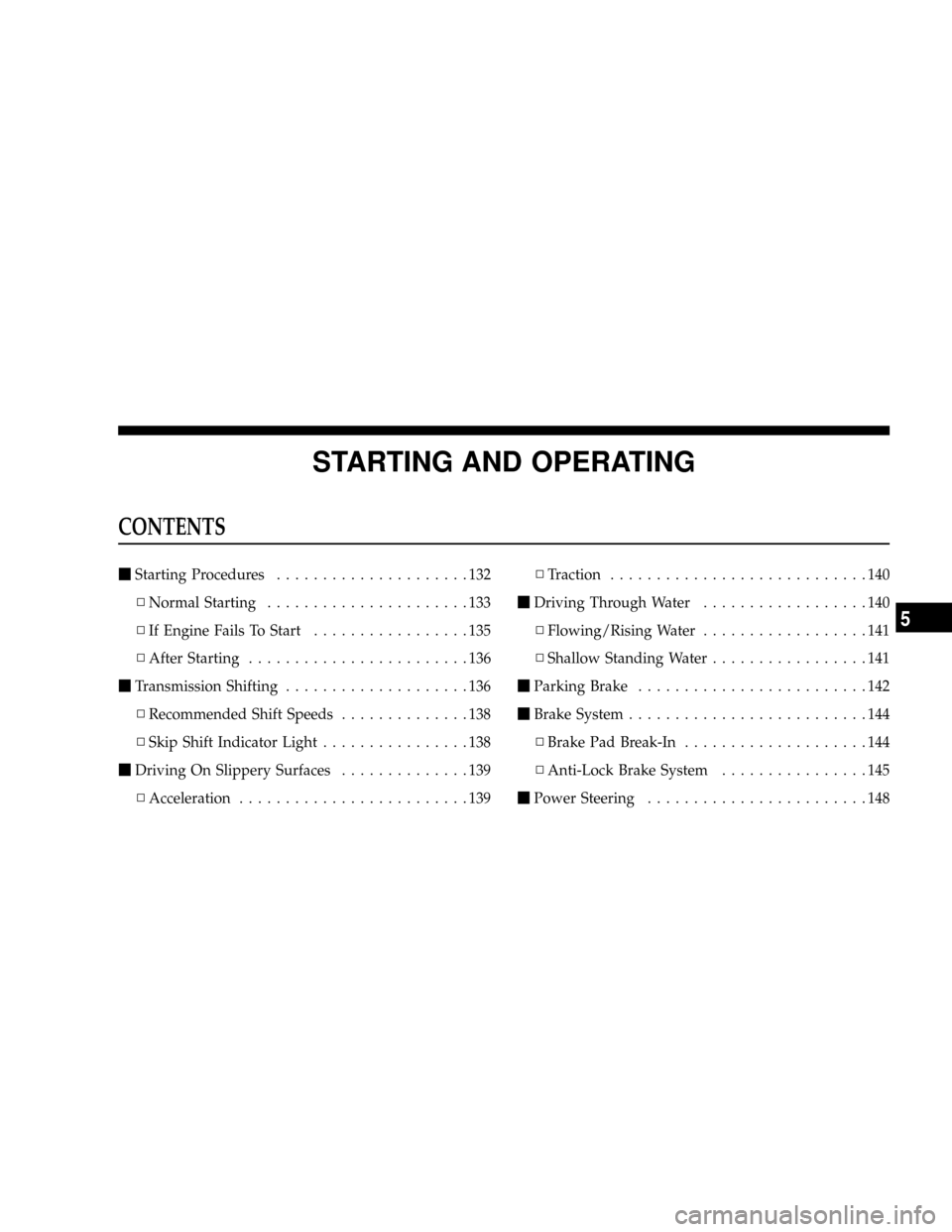
CONTENTS
mStarting Procedures.....................132
NNormal Starting......................133
NIf Engine Fails To Start.................135
NAfter Starting........................136
mTransmission Shifting....................136
NRecommended Shift Speeds..............138
NSkip Shift Indicator Light................138
mDriving On Slippery Surfaces..............139
NAcceleration.........................139NTraction............................140
mDriving Through Water..................140
NFlowing/Rising Water..................141
NShallow Standing Water.................141
mParking Brake.........................142
mBrake System..........................144
NBrake Pad Break-In....................144
NAnti-Lock Brake System................145
mPower Steering........................148
5