service DODGE VIPER 2013 VX / 3.G User Guide
[x] Cancel search | Manufacturer: DODGE, Model Year: 2013, Model line: VIPER, Model: DODGE VIPER 2013 VX / 3.GPages: 372, PDF Size: 2.41 MB
Page 82 of 372
•The Uconnect™ Phone will ask you to verify that you
wish to delete all the entries from the phonebook.
• After confirmation, the phonebook entries will be
deleted.
• Note that only the phonebook in the current language
is deleted.
• Automatic downloaded phonebook entries cannot be
deleted or edited.
List All Names In The Uconnect™ Phonebook
• Press thebutton to begin.
• After the “Ready” prompt and the following beep, say
“Phonebook List Names”.
• The Uconnect™ Phone will play the names of all the
phonebook entries, including the downloaded phone-
book entries, if available. •
To call one of the names in the list, press the
but-
ton during the playing of the desired name, and say
“Call”.
NOTE: The user can also exercise “Edit” or “Delete”
operations at this point.
• The Uconnect™ Phone will then prompt you as to the
number designation you wish to call.
• The selected number will be dialed.
Phone Call Features
The following features can be accessed through the
Uconnect™ Phone if the feature(s) are available on your
mobile service plan. For example, if your mobile service
plan provides three-way calling, this feature can be
accessed through the Uconnect™ Phone. Check with
your mobile service provider for the features that you
have.
80 UNDERSTANDING THE FEATURES OF YOUR VEHICLE
Page 86 of 372
After selecting one of the languages, all prompts and
voice commands will be in that language.
NOTE:After every Uconnect™ Phone language change
operation, only the language-specific 32-name phone-
book is usable. The paired phone name is not language-
specific and is usable across all languages.
Emergency Assistance
If you are in an emergency and the mobile phone is
reachable:
• Pick up the phone and manually dial the emergency
number for your area.
If the phone is not reachable and the Uconnect™ Phone is
operational, you may reach the emergency number as
follows:
• Press the
button to begin. •
After the “Ready” prompt and the following beep, say
“Emergency” and the Uconnect™ Phone will instruct
the paired mobile phone to call the emergency number.
This feature is supported in the U.S., Canada, and
Mexico.
NOTE:
• The emergency number dialed is based on the country
where the vehicle is purchased (911 for the U.S. and
Canada and 060 for Mexico). The number dialed may
not be applicable with the available mobile service and
area.
• If supported, this number may be programmable on
some systems. To do this, press the
button and say
“Setup”, followed by “Emergency”.
• The Uconnect™ Phone does slightly lower your
chances of successfully making a phone call as to that
for the mobile phone directly.
84 UNDERSTANDING THE FEATURES OF YOUR VEHICLE
Page 88 of 372
Voice Mail Calling
To learn how to access your voice mail, refer to “Working
with Automated Systems”.
Working With Automated Systems
This method is used in instances where one generally has
to press numbers on the mobile phone keypad while
navigating through an automated telephone system.
You can use your Uconnect™ Phone to access a voice
mail system or an automated service, such as a paging
service or automated customer service line. Some ser-
vices require immediate response selection. In some
instances, that may be too quick for use of the
Uconnect™ Phone.
When calling a number with your Uconnect™ Phone that
normally requires you to enter in a touch-tone sequence
on your mobile phone keypad, you can press the
button and say the sequence you wish to enter,followed by the word “Send”. For example, if required to
enter your PIN followed with a pound, (3746#),you
can press the
button and say, “3746#Send”.
Saying a number, or sequence of numbers, followed by
“Send”, is also to be used for navigating through an
automated customer service center menu structure, and
to leave a number on a pager.
You can also send stored Uconnect™ phonebook entries
as tones for fast and easy access to voice mail and pager
entries. To use this feature, dial the number you wish to
call and then press the
button and say, “Send.” The
system will prompt you to enter the name or number and
say the name of the phonebook entry you wish to send.
The Uconnect™ Phone will then send the corresponding
phone number associated with the phonebook entry, as
tones over the phone.
86 UNDERSTANDING THE FEATURES OF YOUR VEHICLE
Page 160 of 372
alternate tires or wheels on the vehicle that prevent the
TPMS from functioning properly. Always check the
TPMS malfunction telltale after replacing one or more
tires or wheels on your vehicle, to ensure that the
replacement or alternate tires and wheels allow the TPMS
to continue to function properly.
CAUTION!
The TPMS has been optimized for the original
equipment tires and wheels. TPMS pressures and
warning have been established for the tire size
equipped on your vehicle. Undesirable system opera-
tion or sensor damage may result when using re-
placement equipment that is not of the same size,
type, and/or style. Aftermarket wheels can cause
sensor damage. Do not use tire sealant from a can or
balance beads if your vehicle is equipped with a
TPMS, as damage to the sensors may result.13. Malfunction Indicator Light (MIL)
The Malfunction Indicator Light (MIL) is part of
an onboard diagnostic system, called OBD, that
monitors engine control systems. The light will
illuminate when the ignition is in the ON/RUN position,
before engine start. If the bulb does not come on when
cycling the ignition from OFF to ON/RUN, have the
condition checked promptly.
Certain conditions, such as poor fuel quality, etc., may
illuminate the MIL after engine start. The vehicle should
be serviced if the light stays on through several of your
typical driving cycles. In most situations, the vehicle will
drive normally and will not require towing.
158 UNDERSTANDING YOUR INSTRUMENT PANEL
Page 161 of 372
CAUTION!
Prolonged driving with the MIL on could cause
damage to the engine control system. It also could
affect fuel economy and drivability. If the MIL is
flashing, severe catalytic converter damage and
power loss will soon occur. Immediate service is
required.
WARNING!
A malfunctioning catalytic converter, as referenced
above, can reach higher temperatures than in normal
operating conditions. This can cause a fire if you
drive slowly or park over flammable substances such
as dry plants, wood, cardboard, etc. This could result
in death or serious injury to the driver, occupants or
others.14. Electronic Speed Control Indicator Lights
•
Electronic Speed Control ON Indicator
This light will turn on when the electronic
speed control is ON. For further information,
refer to “Electronic Speed Control” in “Under-
standing The Features Of Your Vehicle.”
• Electronic Speed Control SET Indicator
This light will turn on when the electronic
speed control is SET. For further information,
refer to “Electronic Speed Control” in “Under-
standing The Features Of Your Vehicle.”
15. Cruise Speed Set Value
Speed value shown when set.
4
UNDERSTANDING YOUR INSTRUMENT PANEL 159
Page 162 of 372
16. EVIC Amber Telltale Lights
When the appropriate conditions exist, the following
EVIC Amber Telltale Lights will display:
•Windshield Washer Fluid Low Indicator — If
Equipped This light will turn on to indicate the wind-
shield washer fluid is low
• Low Fuel Light
When the fuel level reaches approximately 3.0 gal
(11.0 L) this light will turn on, and remain on until
fuel is added.
17. EVIC Red Telltale Lights
When the appropriate conditions exist, the following
EVIC Red Telltale Lights will display: •
Engine Temperature
This telltale warns of an overheated engine con-
dition. As temperatures rise and the gauge ap-
proaches H, or 260°F, this telltale will illuminate
and a single chime will sound after reaching a set
threshold. Further overheating will cause the tempera-
ture gauge to pass H, or 260°F, a continuous chime will
occur until the engine is allowed to cool.
If the telltale turns on while driving, safely pull over and
stop the vehicle. If the A/C system is on, turn it off. Also,
shift the transmission into NEUTRAL and idle the ve-
hicle. If the temperature reading does not return to
normal, turn the engine off immediately and call for
service. Refer to “If Your Engine Overheats” in “What To
Do In Emergencies” for more information.
160 UNDERSTANDING YOUR INSTRUMENT PANEL
Page 163 of 372
•Charging System
This telltale shows the status of the electrical
charging system. If the telltale stays on or comes
on while driving, turn off some of the vehicle’s non-
essential electrical devices or increase engine speed (if at
idle). If the charging system telltale remains on, it means
that the vehicle is experiencing a problem with the
charging system. Obtain SERVICE IMMEDIATELY. See
an authorized dealer.
If jump starting is required, refer to “Jump Starting
Procedures” in “What To Do In Emergencies”.
• Oil Pressure Warning
This telltale indicates low engine oil pressure. If
the light turns on while driving, stop the vehicle
and shut off the engine as soon as possible. A chime will
sound for four minutes when this light turns on.
Do not operate the vehicle until the cause is corrected.
This light does not show how much oil is in the engine.
The engine oil level must be checked under the hood. •
Electronic Throttle Control (ETC)
This telltale informs you of a problem with the
Electronic Throttle Control (ETC) system. If the
telltale comes on while driving, have the sys-
tem checked by an authorized dealer.
If a problem is detected, the telltale will come on while
the engine is running. Cycle the ignition when the vehicle
has completely stopped and the shift lever is placed in
the NEUTRAL position and the parking brake applied.
The telltale should turn off.
If the telltale remains lit with the engine running, your
vehicle will usually be drivable. However, see an autho-
rized dealer for service as soon as possible. If the telltale
is flashing when the engine is running, immediate service
is required. You may experience reduced performance, an
elevated/rough idle or engine stall and your vehicle may
require towing.
4
UNDERSTANDING YOUR INSTRUMENT PANEL 161
Page 165 of 372
Each time the ignition is cycled to ON/RUN, the ESC
system will be ON, even if it was turned off previously.
The ESC system will make buzzing or clicking sounds
when it is active. This is normal; the sounds will stop
when ESC becomes inactive following the maneuver that
caused the ESC activation.
20. Anti-Lock Brake (ABS) LightThis light monitors the Anti-Lock Brake System
(ABS). The light will turn on when the ignition
is cycled to the ON/RUN position and may
stay on for as long as four seconds. If the ABS light remains on or turns on while driving, it
indicates that the Anti-Lock portion of the brake system
is not functioning and that service is required. However,
the conventional brake system will continue to operate
normally if the BRAKE warning light is not on.
If the ABS light is on, the brake system should be serviced
as soon as possible to restore the benefits of Anti-Lock
brakes. If the ABS light does not turn on when the
ignition is cycled to the ON/RUN position, have the light
inspected by an authorized dealer.
21. Park/Headlight ON Indicator — If Equipped
This indicator will illuminate when the park
lights or headlights are turned on.
4
UNDERSTANDING YOUR INSTRUMENT PANEL 163
Page 170 of 372
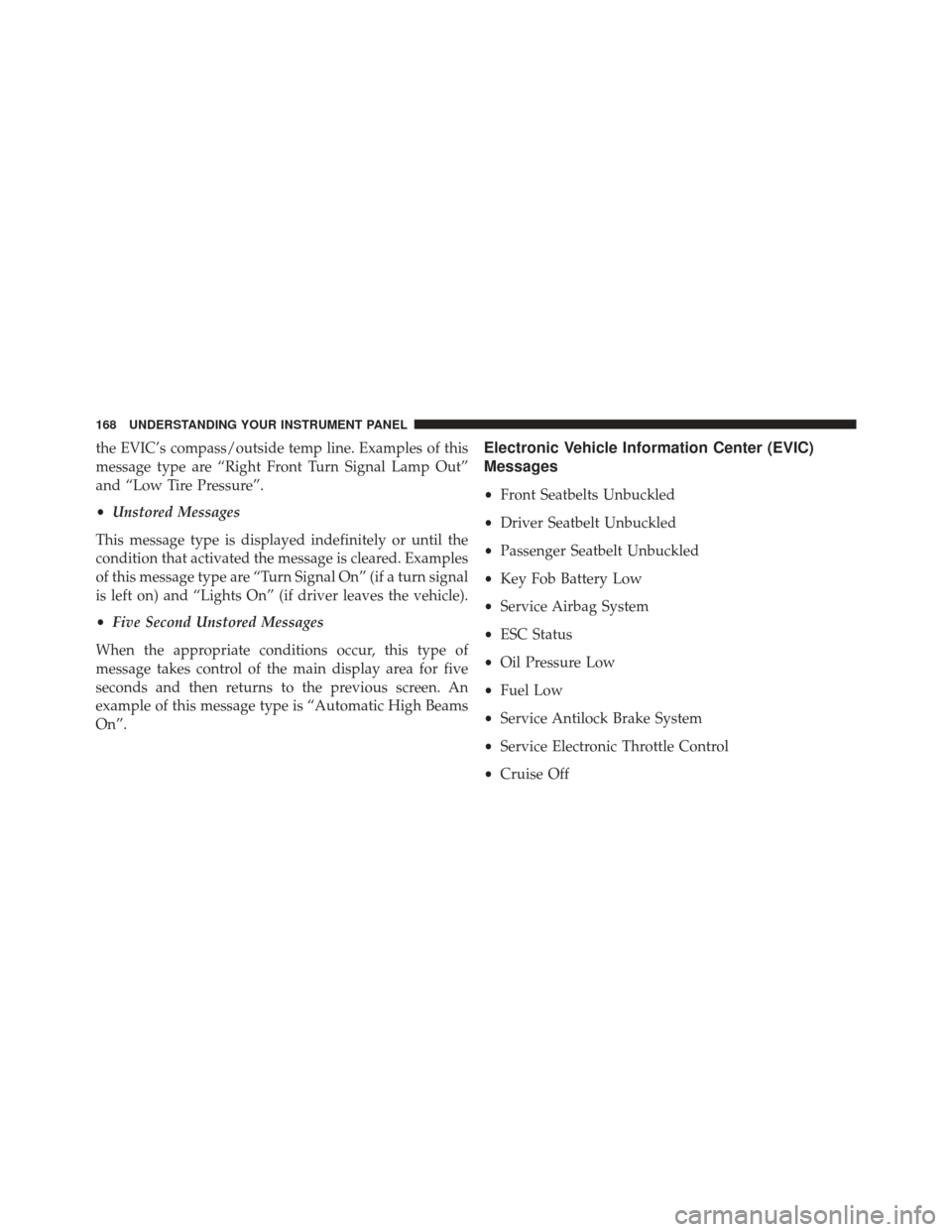
the EVIC’s compass/outside temp line. Examples of this
message type are “Right Front Turn Signal Lamp Out”
and “Low Tire Pressure”.
•Unstored Messages
This message type is displayed indefinitely or until the
condition that activated the message is cleared. Examples
of this message type are “Turn Signal On” (if a turn signal
is left on) and “Lights On” (if driver leaves the vehicle).
• Five Second Unstored Messages
When the appropriate conditions occur, this type of
message takes control of the main display area for five
seconds and then returns to the previous screen. An
example of this message type is “Automatic High Beams
On”.Electronic Vehicle Information Center (EVIC)
Messages
• Front Seatbelts Unbuckled
• Driver Seatbelt Unbuckled
• Passenger Seatbelt Unbuckled
• Key Fob Battery Low
• Service Airbag System
• ESC Status
• Oil Pressure Low
• Fuel Low
• Service Antilock Brake System
• Service Electronic Throttle Control
• Cruise Off
168 UNDERSTANDING YOUR INSTRUMENT PANEL
Page 171 of 372
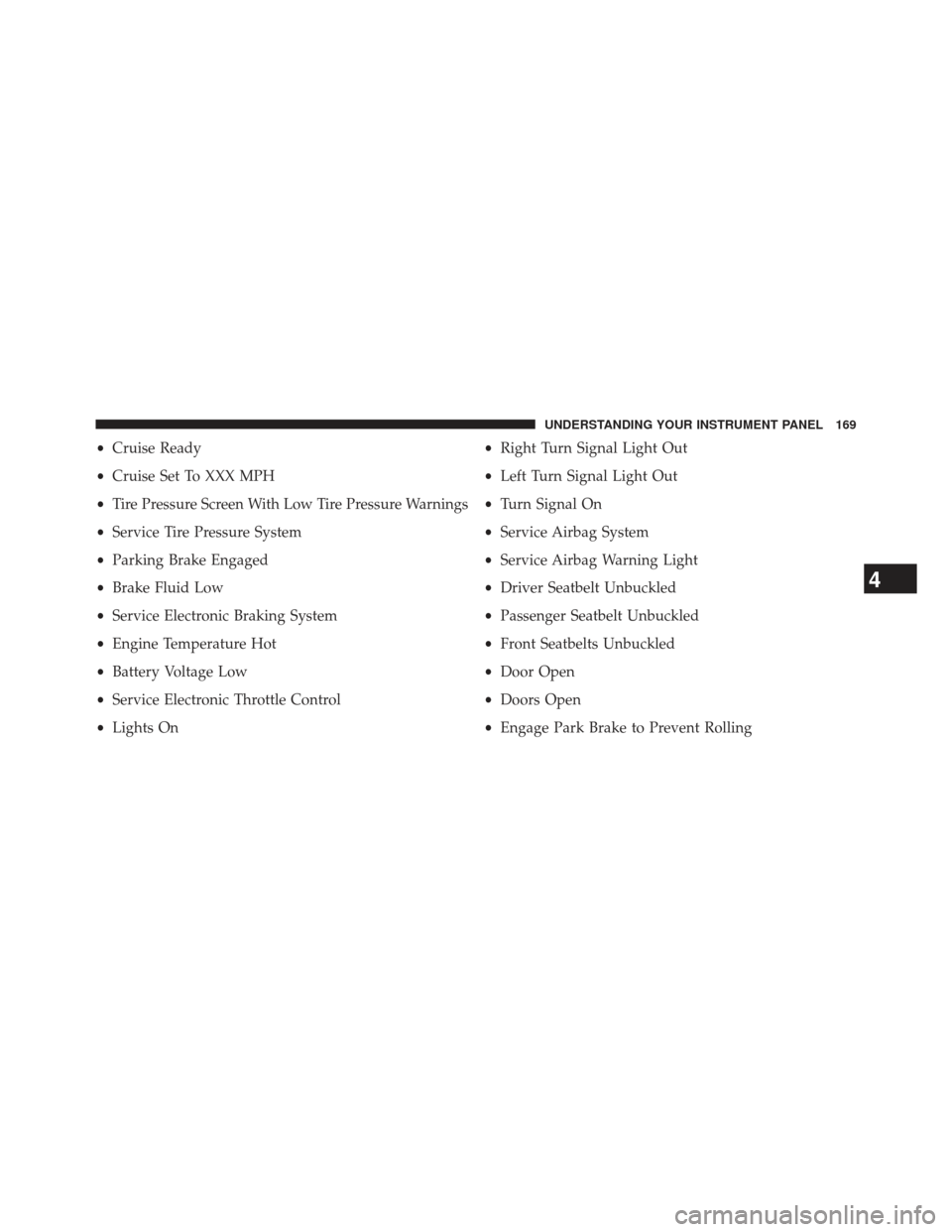
•Cruise Ready
• Cruise Set To XXX MPH
• Tire Pressure Screen With Low Tire Pressure Warnings
• Service Tire Pressure System
• Parking Brake Engaged
• Brake Fluid Low
• Service Electronic Braking System
• Engine Temperature Hot
• Battery Voltage Low
• Service Electronic Throttle Control
• Lights On •
Right Turn Signal Light Out
• Left Turn Signal Light Out
• Turn Signal On
• Service Airbag System
• Service Airbag Warning Light
• Driver Seatbelt Unbuckled
• Passenger Seatbelt Unbuckled
• Front Seatbelts Unbuckled
• Door Open
• Doors Open
• Engage Park Brake to Prevent Rolling
4
UNDERSTANDING YOUR INSTRUMENT PANEL 169