display DODGE VIPER 2015 VX / 3.G User Guide
[x] Cancel search | Manufacturer: DODGE, Model Year: 2015, Model line: VIPER, Model: DODGE VIPER 2015 VX / 3.GPages: 400, PDF Size: 9.59 MB
Page 148 of 400
•Main Screen — The inner ring of the display will
illuminate in gray under normal conditions, yellow
for non critical warning, red for critical warnings and
white for on demand information.
•Selectable Information (Compass, Temp, Range, to
Empty, Trip A, TripB–ifequipped, Average MPG)
•Menu Titles / Odometer
•U.S. Federal regulations require that upon transfer of
vehicle ownership, the seller certify to the purchaser
the correct mileage that the vehicle has been driven.
If your odometer needs to be repaired or serviced,
the repair technician should leave the odometer
reading the same as it was before the repair or
service. If s/he cannot do so, then the odometer must
be set at zero, and a sticker must be placed in the
door jamb stating what the mileage was before the
repair or service. It is a good idea for you to make a
record of the odometer reading before the repair/
service, so that you can be sure that it is properly
reset, or that the door jamb sticker is accurate if the
odometer must be reset at zero
•Menu Set (Selectable Icons)
•Reconfigurable Telltales
•Audio / Phone Information
•Sub-menu Current Position — Whenever there are
sub-menus available, the position within the sub-
menus is here
Refer to Driver Information Display (DID) in this section
for further information.
7. Brake Warning Light
This light monitors various brake functions,
including brake fluid level and parking brake
application. If the brake light turns on, it may
146 UNDERSTANDING YOUR INSTRUMENT PANEL
Page 154 of 400
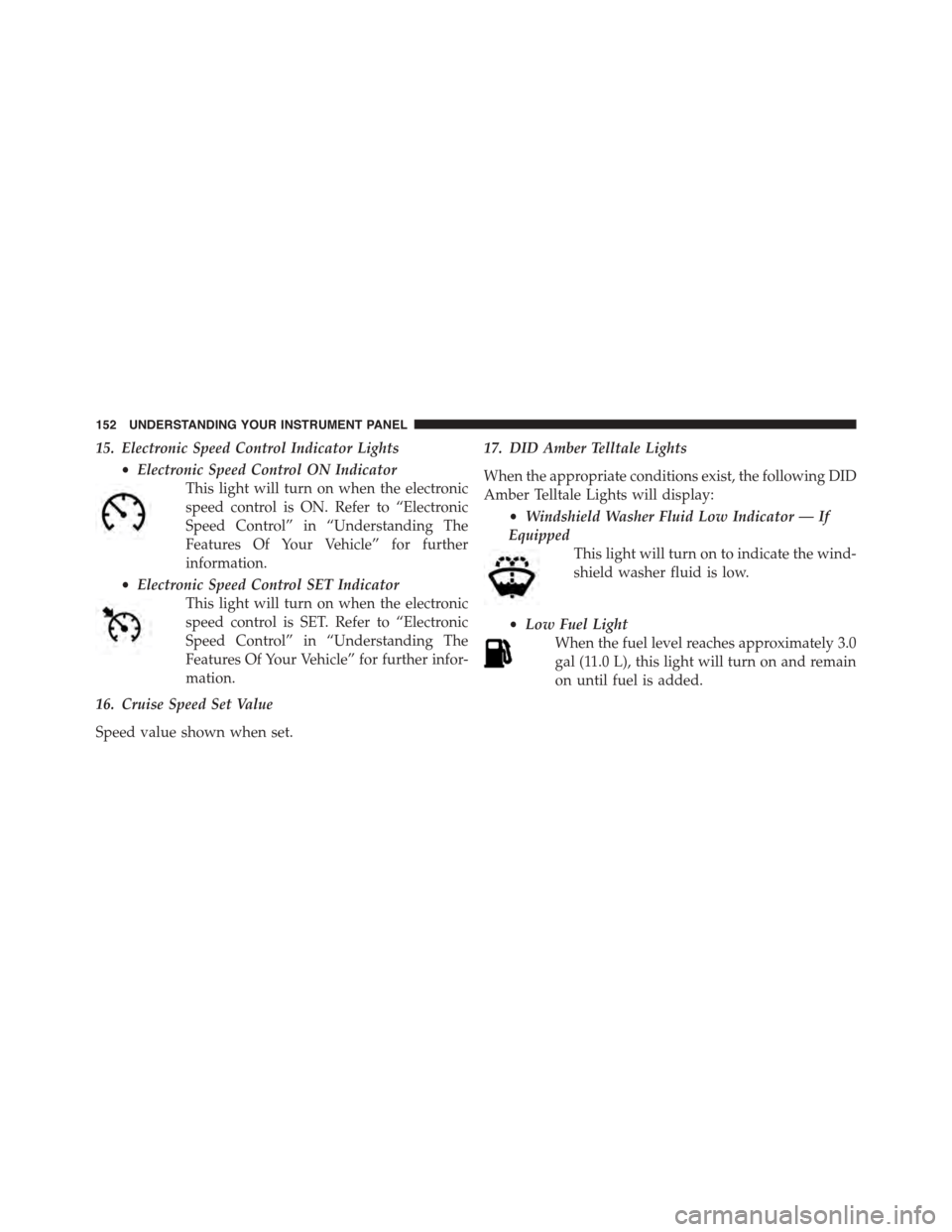
15. Electronic Speed Control Indicator Lights
•Electronic Speed Control ON Indicator
This light will turn on when the electronic
speed control is ON. Refer to “Electronic
Speed Control” in “Understanding The
Features Of Your Vehicle” for further
information.
•Electronic Speed Control SET Indicator
This light will turn on when the electronic
speed control is SET. Refer to “Electronic
Speed Control” in “Understanding The
Features Of Your Vehicle” for further infor-
mation.
16. Cruise Speed Set Value
Speed value shown when set.
17. DID Amber Telltale Lights
When the appropriate conditions exist, the following DID
Amber Telltale Lights will display:
•Windshield Washer Fluid Low Indicator — If
Equipped
This light will turn on to indicate the wind-
shield washer fluid is low.
•Low Fuel Light
When the fuel level reaches approximately 3.0
gal (11.0 L), this light will turn on and remain
on until fuel is added.
152 UNDERSTANDING YOUR INSTRUMENT PANEL
Page 155 of 400
18. DID Red Telltale Lights
When the appropriate conditions exist, the following DID
Red Telltale Lights will display:
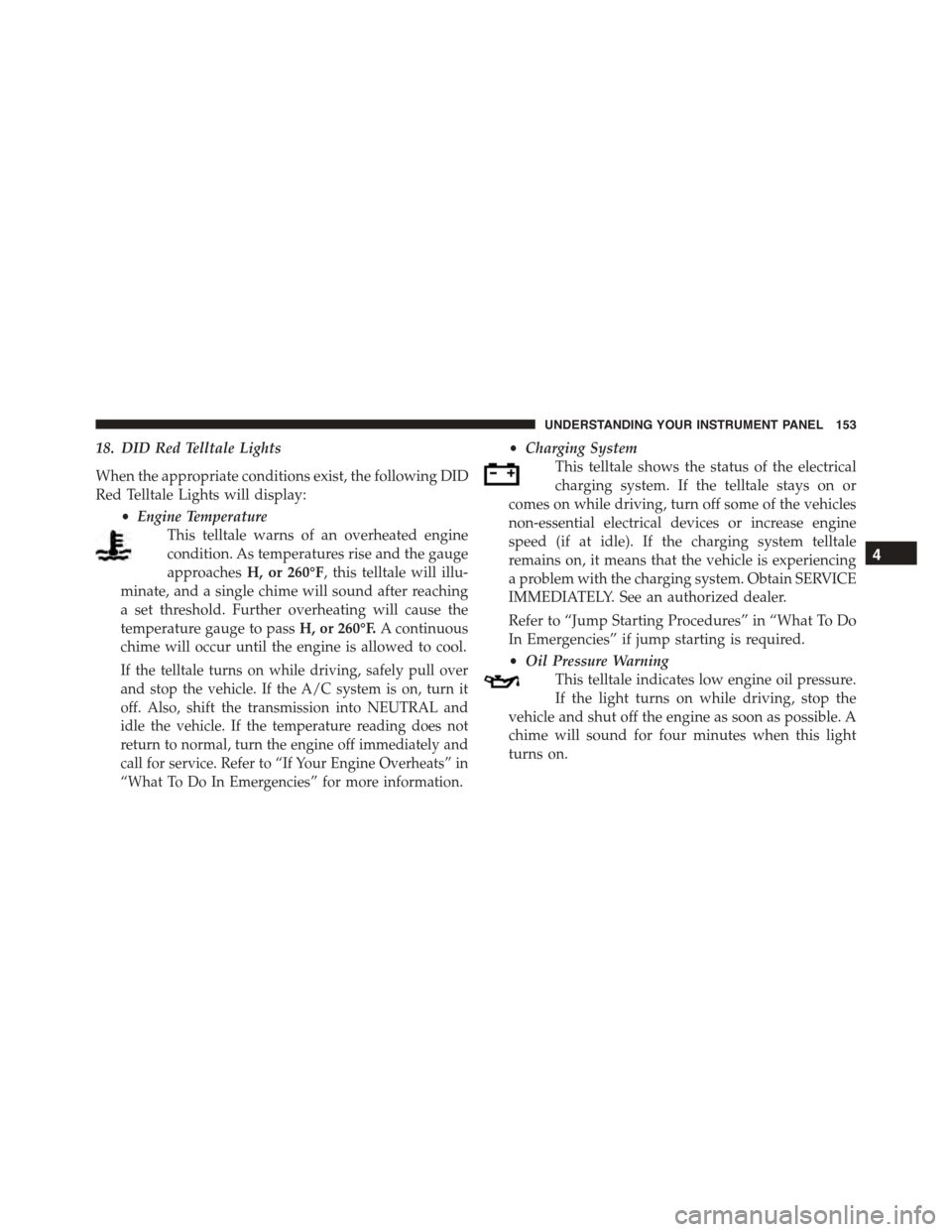
•Engine Temperature
This telltale warns of an overheated engine
condition. As temperatures rise and the gauge
approachesH, or 260°F, this telltale will illu-
minate, and a single chime will sound after reaching
a set threshold. Further overheating will cause the
temperature gauge to passH, or 260°F.A continuous
chime will occur until the engine is allowed to cool.
If the telltale turns on while driving, safely pull over
and stop the vehicle. If the A/C system is on, turn it
off. Also, shift the transmission into NEUTRAL and
idle the vehicle. If the temperature reading does not
return to normal, turn the engine off immediately and
call for service. Refer to “If Your Engine Overheats” in
“What To Do In Emergencies” for more information.
•Charging System
This telltale shows the status of the electrical
charging system. If the telltale stays on or
comes on while driving, turn off some of the vehicles
non-essential electrical devices or increase engine
speed (if at idle). If the charging system telltale
remains on, it means that the vehicle is experiencing
a problem with the charging system. Obtain SERVICE
IMMEDIATELY. See an authorized dealer.
Refer to “Jump Starting Procedures” in “What To Do
In Emergencies” if jump starting is required.
•Oil Pressure Warning
This telltale indicates low engine oil pressure.
If the light turns on while driving, stop the
vehicle and shut off the engine as soon as possible. A
chime will sound for four minutes when this light
turns on.
4
UNDERSTANDING YOUR INSTRUMENT PANEL 153
Page 158 of 400
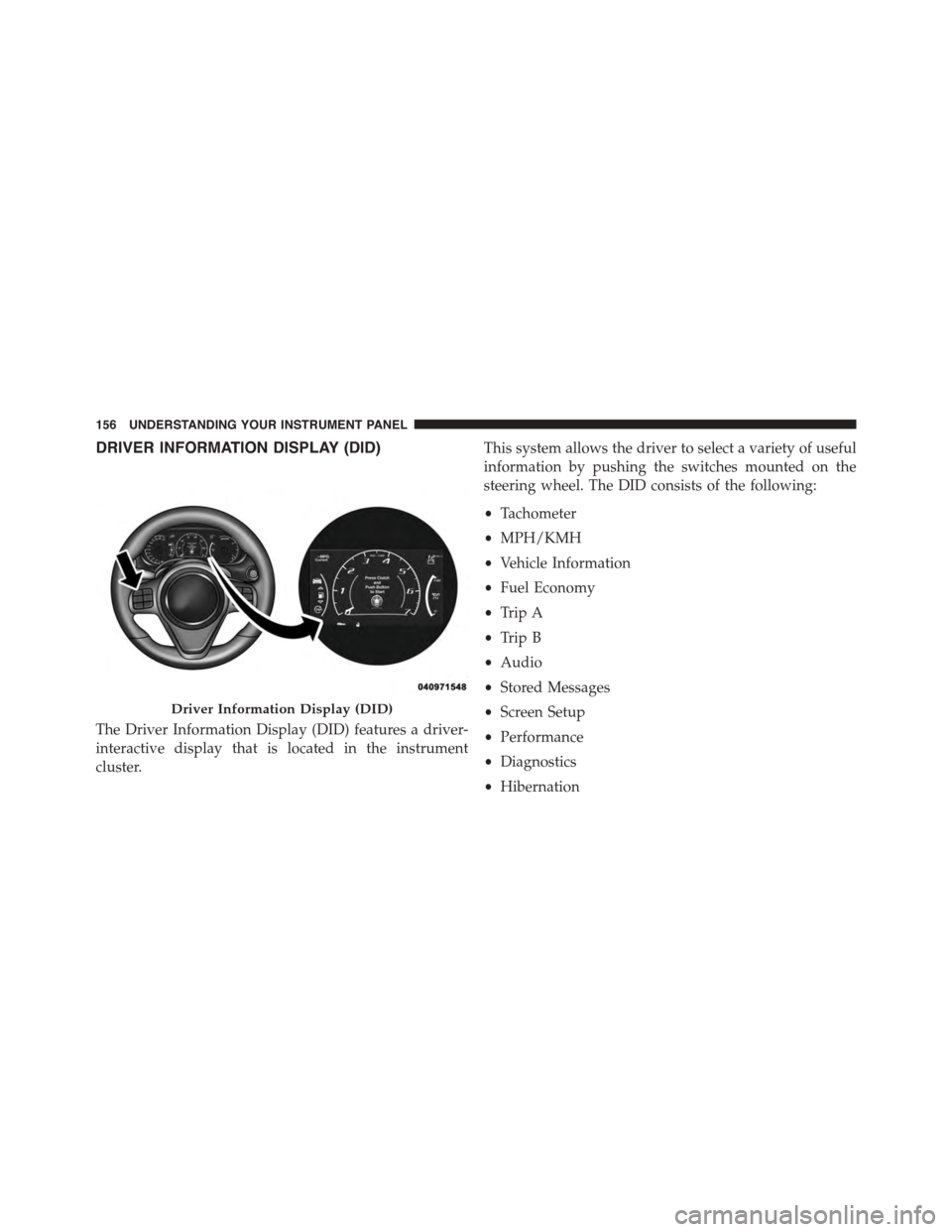
DRIVER INFORMATION DISPLAY (DID)
The Driver Information Display (DID) features a driver-
interactive display that is located in the instrument
cluster.
This system allows the driver to select a variety of useful
information by pushing the switches mounted on the
steering wheel. The DID consists of the following:
•Tachometer
•MPH/KMH
•Vehicle Information
•Fuel Economy
•Trip A
•Trip B
•Audio
•Stored Messages
•Screen Setup
•Performance
•Diagnostics
•Hibernation
Driver Information Display (DID)
156 UNDERSTANDING YOUR INSTRUMENT PANEL
Page 159 of 400
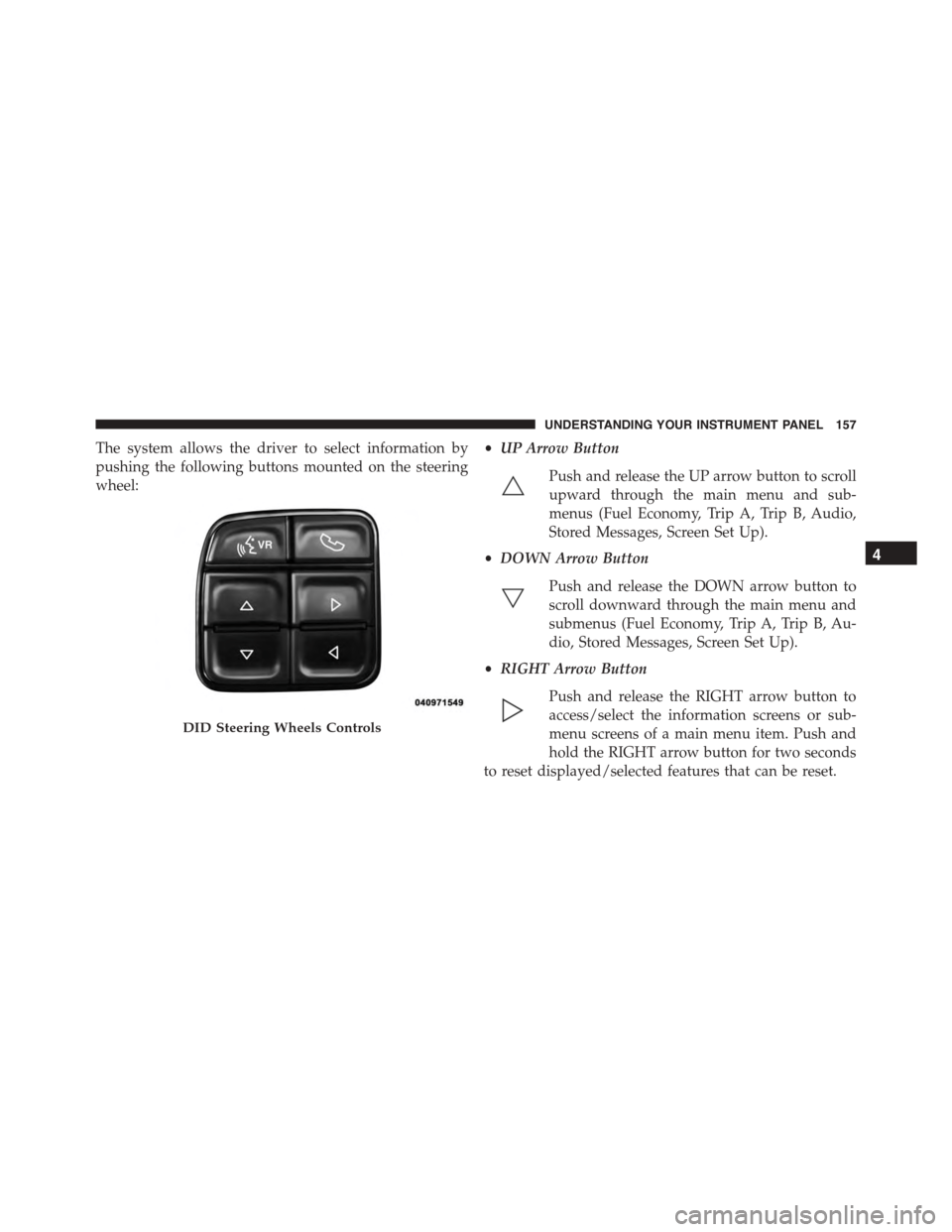
The system allows the driver to select information by
pushing the following buttons mounted on the steering
wheel:
•UP Arrow Button
Push and release the UP arrow button to scroll
upward through the main menu and sub-
menus (Fuel Economy, Trip A, Trip B, Audio,
Stored Messages, Screen Set Up).
•DOWN Arrow Button
Push and release the DOWN arrow button to
scroll downward through the main menu and
submenus (Fuel Economy, Trip A, Trip B, Au-
dio, Stored Messages, Screen Set Up).
•RIGHT Arrow Button
Push and release the RIGHT arrow button to
access/select the information screens or sub-
menu screens of a main menu item. Push and
hold the RIGHT arrow button for two seconds
to reset displayed/selected features that can be reset.
DID Steering Wheels Controls
4
UNDERSTANDING YOUR INSTRUMENT PANEL 157
Page 160 of 400
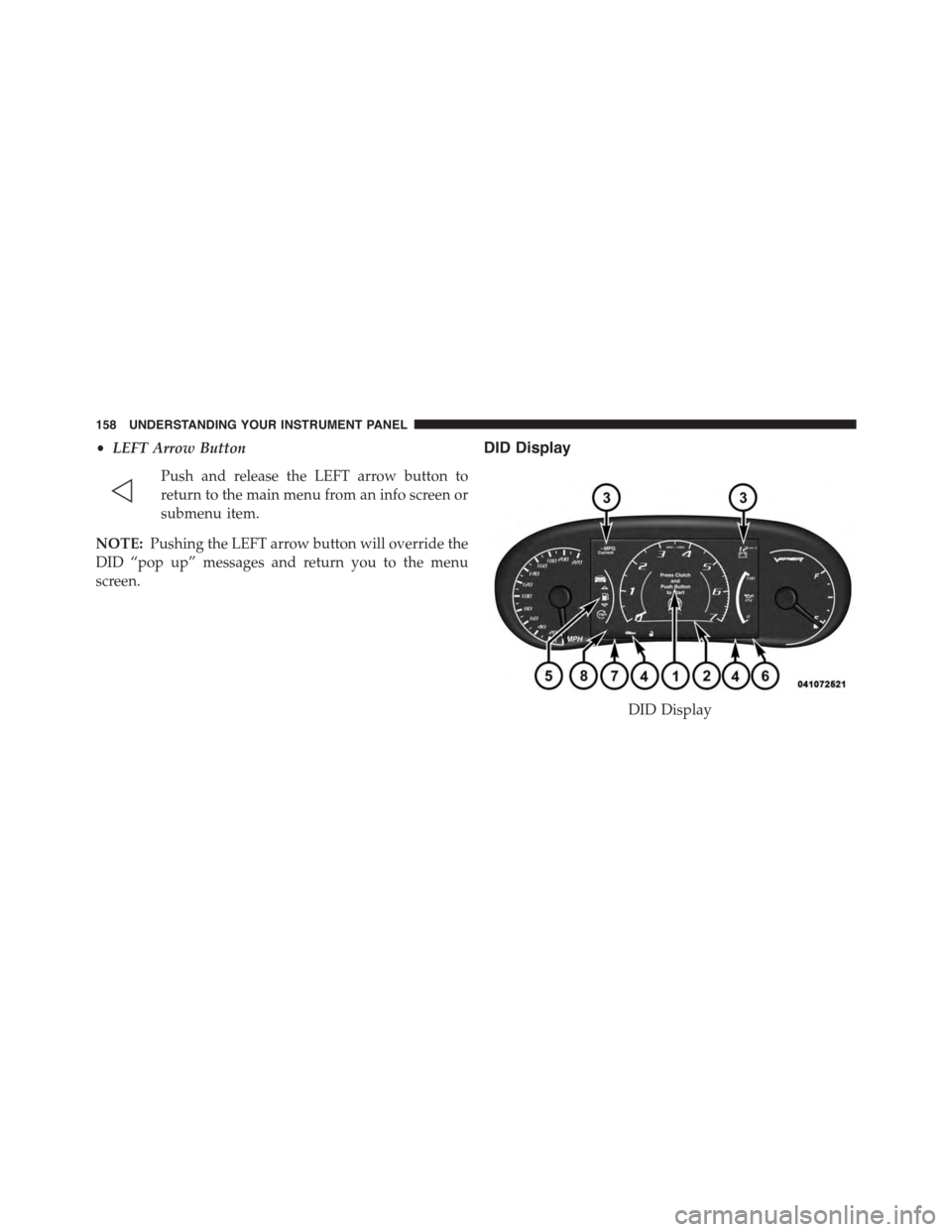
•LEFT Arrow Button
Push and release the LEFT arrow button to
return to the main menu from an info screen or
submenu item.
NOTE:Pushing the LEFT arrow button will override the
DID “pop up” messages and return you to the menu
screen.
DID Display
DID Display
158 UNDERSTANDING YOUR INSTRUMENT PANEL
Page 161 of 400
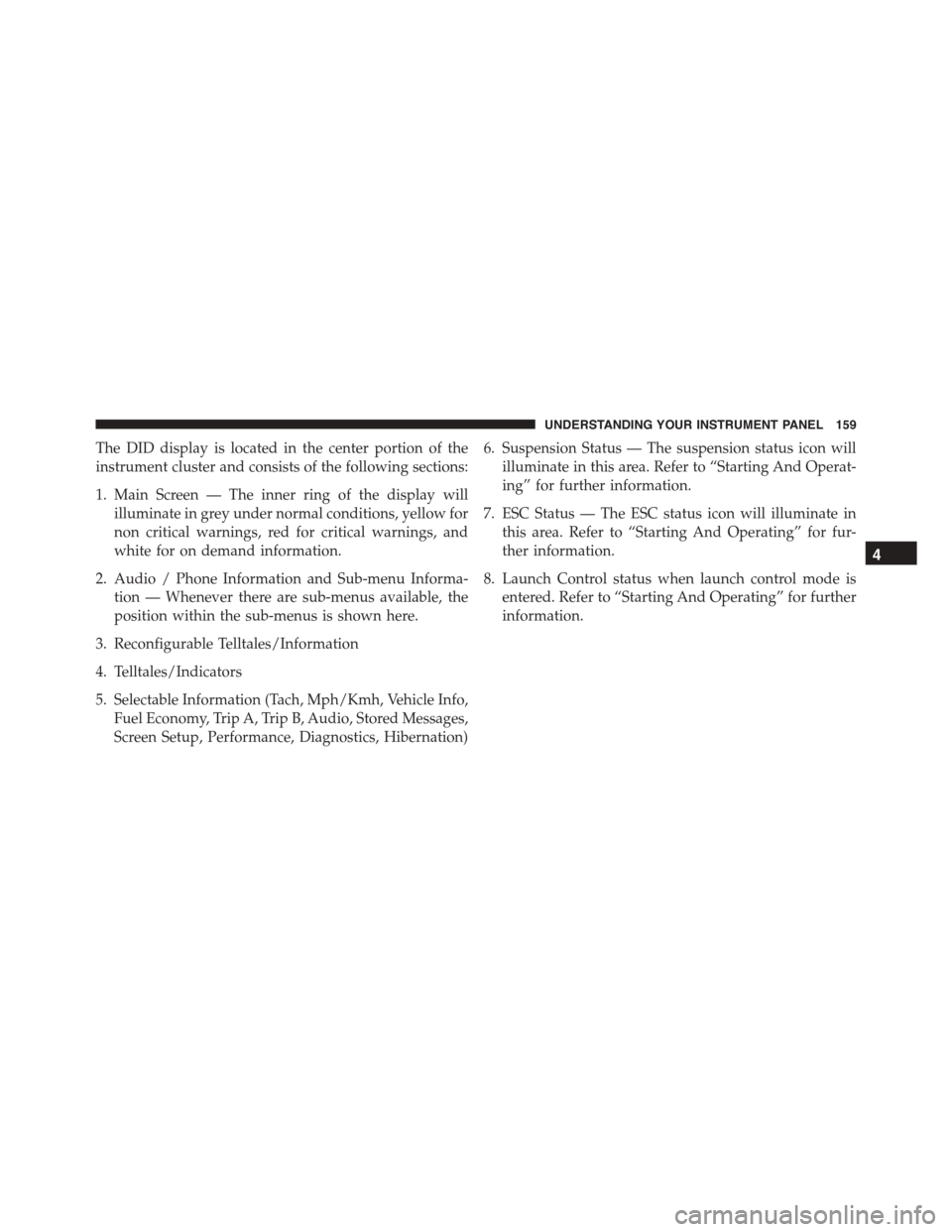
The DID display is located in the center portion of the
instrument cluster and consists of the following sections:
1. Main Screen — The inner ring of the display will
illuminate in grey under normal conditions, yellow for
non critical warnings, red for critical warnings, and
white for on demand information.
2. Audio / Phone Information and Sub-menu Informa-
tion — Whenever there are sub-menus available, the
position within the sub-menus is shown here.
3. Reconfigurable Telltales/Information
4. Telltales/Indicators
5. Selectable Information (Tach, Mph/Kmh, Vehicle Info,
Fuel Economy, Trip A, Trip B, Audio, Stored Messages,
Screen Setup, Performance, Diagnostics, Hibernation)
6. Suspension Status — The suspension status icon will
illuminate in this area. Refer to “Starting And Operat-
ing” for further information.
7. ESC Status — The ESC status icon will illuminate in
this area. Refer to “Starting And Operating” for fur-
ther information.
8. Launch Control status when launch control mode is
entered. Refer to “Starting And Operating” for further
information.
4
UNDERSTANDING YOUR INSTRUMENT PANEL 159
Page 162 of 400
The main display area will normally display the main
menu or the screens of a selected feature of the main
menu. The main display area also displays “pop up”
messages that consist of approximately 60 possible warn-
ing or information messages. These pop up messages fall
into several categories:
•Five Second Stored Messages
When the appropriate conditions occur, this type of
message takes control of the main display area for five
seconds and then returns to the previous screen. Most of
the messages of this type are then stored (as long as the
condition that activated it remains active) and can be
reviewed from the “Messages” main menu item. As long
as there is a stored message, an “i” will be displayed in
the DID’s compass/outside temp line. Examples of this
message type are “Right Front Turn Signal Lamp Out”
and “Low Tire Pressure.”
NOTE:Pushing the LEFT arrow button will override the
DID “pop up” messages and return you to the menu
screen.
•Unstored Messages
This message type is displayed indefinitely or until the
condition that activated the message is cleared. Examples
of this message type are “Turn Signal On” (if a turn signal
is left on) and “Lights On” (if driver leaves the vehicle).
•Five Second Unstored Messages
When the appropriate conditions occur, this type of
message takes control of the main display area for five
seconds and then returns to the previous screen. An
example of this message type is “Automatic High Beams
On.”
160 UNDERSTANDING YOUR INSTRUMENT PANEL
Page 163 of 400
Driver Information Display (DID) Messages
•Front Seat Belts Unbuckled
•Driver Seat Belt Unbuckled
•Passenger Seat Belt Unbuckled
•Key Fob Battery Low
•Service Air Bag System
•ESC Status (ESC OFF, ESC ON, ESC SPORT, ESC
TRACK, RAIN MODE) — Refer to “Starting And
Operating” for further information.
•Oil Pressure Low
•Fuel Low
•Service Antilock Brake System
•Service Electronic Throttle Control
•Cruise Off
•Cruise Ready
•Cruise Set To XXX MPH
•Tire Pressure Screen With Low Tire Pressure Warnings
•Service Tire Pressure System
•Parking Brake Engaged
•Brake Fluid Low
•Service Electronic Braking System
•Engine Temperature Hot
•Battery Voltage Low
•Service Electronic Throttle Control
•Lights On
•Right Turn Signal Light Out
•Left Turn Signal Light Out
4
UNDERSTANDING YOUR INSTRUMENT PANEL 161
Page 167 of 400
DID Green Telltales
•Electronic Speed Control SET
This telltale will illuminate green when the
electronic speed control is SET. Refer to “Elec-
tronic Speed Control” in “Understanding The
Features Of Your Vehicle” for further
information.
Driver Information Display (DID) Selectable Menu
Items
Push and release the UP or DOWN arrow buttons until
the desired Selectable Menu icon is highlighted in the
DID.
Tachometer
Push and release the UP or DOWN arrow
button until the Tachometer icon is highlighted
in the DID. Push and release the RIGHT arrow
button to change the display between full
tachometer or digital speedometer.
MPH To km/h
Push and release the UP or DOWN arrow
button until the MPH to km/h icon is high-
lighted in the DID. Push and release the OK
button to change the display between MPH
or km/h.
4
UNDERSTANDING YOUR INSTRUMENT PANEL 165