change time DODGE VIPER 2017 VX / 3.G Owners Manual
[x] Cancel search | Manufacturer: DODGE, Model Year: 2017, Model line: VIPER, Model: DODGE VIPER 2017 VX / 3.GPages: 329, PDF Size: 2.83 MB
Page 19 of 329
system will turn on. Refer to “Uconnect Settings” in
“Understanding Your Instrument Panel” for further infor-
mation.
NOTE:The Door Unlock Indicator will illuminate in the
instrument cluster when one or both doors are unlocked.
Remote Key Unlock, Driver Door/Both Doors First
This feature lets you program the system to unlock either
the driver’s door or all doors on the first push of the unlock
button on the key fob. To change the current setting, refer
to “Uconnect Settings” in “Understanding Your Instrument
Panel” for further information.
Flash Lights With Lock
This feature lets you program the lights to flash when the
doors are locked with the key fob. Refer to “Uconnect
Settings” in “Understanding Your Instrument Panel” for
further information.
Unlock On 1st Press
This feature lets you program the system to unlock either
the driver’s door or all doors on the first push of the unlock
button on the key fob. To change the current setting, refer
to “Uconnect Settings” in “Understanding Your Instrument
Panel” for further information.
Autolock
This vehicle is equipped with Autolock. If the vehicle is
unlocked while the key fob is outside the vehicle and the
door is not opened for 30 seconds, the car will relock.
To Lock The Doors
Push and release the lock button on the key fob to lock the
doors. The horn will chirp once, and the park lights and
turn signal lights will flash to acknowledge the signal.
Sound Horn With Remote Key Lock
This feature will cause the horn to chirp when the doors are
locked with the key fob. This feature can be turned on or
turned off. To change the current setting, refer to
“Uconnect Settings” in “Understanding Your Instrument
Panel” for further information.
To Unlatch The Liftgate
Push the liftgate button on the key fob two times within
five seconds to unlatch the liftgate. Push and hold the
liftgate release button while pulling up on the trunk/hatch
to open.
2
THINGS TO KNOW BEFORE STARTING YOUR VEHICLE 17
Page 51 of 329
The passenger seat assembly contains critical OCS compo-
nents that may affect Passenger Advanced Front Air Bag
inflation. In order for the OCS to properly classify the
seated weight of a front seat passenger, the OCS compo-
nents must function as designed. Do not make any modi-
fications to the front passenger seat components, assembly,
or to the seat cover. If the seat, trim cover, or cushion needs
service for any reason, take the vehicle to your authorized
dealer. Only FCA US LLC approved seat accessories may
be used.
The following requirements must be strictly followed:
•Do not modify the front passenger seat assembly or
components in any way.
• Do not use prior or future model year seat covers or
cushions not designated by FCA US LLC for the specific
model being repaired. Always use the correct seat cover
and cushion specified for the vehicle.
• Do not replace the seat cover or cushion with an
aftermarket seat cover or cushion.
• Do not add a secondary seat cover or mat. •
At no time should any Supplemental Restraint System
(SRS) component or SRS related component or fastener
be modified or replaced with any part except those
which are approved by FCA US LLC.
WARNING!
• Unapproved modifications or service procedures to
the passenger seat assembly, its related components,
seat cover, or cushion may inadvertently change the
air bag deployment in case of a frontal collision. This
could result in death or serious injury to the front
passenger if the vehicle is involved in a collision. A
modified vehicle may not comply with required
Federal Motor Vehicle Safety Standards (FMVSS)
and/or Canadian Motor Vehicle Safety Standards
(CMVSS).
• If it is necessary to modify the air bag system for
persons with disabilities, contact your authorized
dealer.
2
THINGS TO KNOW BEFORE STARTING YOUR VEHICLE 49
Page 67 of 329
It is recommended for the operator to observe the follow-
ing driving behaviors during the new vehicle break-in
period:
0 to 100 miles (0 to 161 km):
•Do not allow the engine to operate at idle for an
extended period of time.
• Depress the accelerator pedal slowly and not more than
halfway to avoid rapid acceleration.
• Avoid aggressive braking.
• Drive with the engine speed less than 3,500 RPM.
• Maintain vehicle speed below 55 mph (88 km/h) and
observe local speed limits.
100 to 300 miles (161 to 483 km):
• Depress the accelerator pedal slowly and not more than
halfway to avoid rapid acceleration in lower gears (1st to
3rd gears).
• Avoid aggressive braking.
• Drive with the engine speed less than 5,000 RPM.
• Maintain vehicle speed below 70 mph (112 km/h) and
observe local speed limits. 300 to 500 miles (483 to 805 km):
•
Exercise the full engine rpm range, shifting manually at
higher rpms when possible.
• Do not perform sustained operation with the accelerator
pedal at wide open throttle.
• Maintain vehicle speed below 85 mph (136 km/h) and
observe local speed limits.
For the first 1500 miles (2414 km):
• Do not participate in track events, sport driving schools,
or similar activities during the first 1500 miles (2414 km).
NOTE: Check engine oil with every refueling and add if
necessary. Oil and fuel consumption may be higher
through the first oil change interval. Running the engine
with an oil level below the add mark can cause severe
engine damage.
2
THINGS TO KNOW BEFORE STARTING YOUR VEHICLE 65
Page 69 of 329
Whenever a change is noticed in the sound of the exhaust
system, when exhaust fumes can be detected inside the
vehicle, or when the underside or rear of the vehicle is
damaged, have a competent mechanic inspect the complete
exhaust system and adjacent body areas for broken, dam-
aged, deteriorated, or mispositioned parts. Open seams or
loose connections could permit exhaust fumes to seep into
the passenger compartment. In addition, inspect the ex-
haust system each time the vehicle is raised for lubrication
or oil change. Replace as required.
Safety Checks You Should Make Inside The Vehicle
Seat Belts
Inspect the belt system periodically, checking for cuts,
frays, and loose parts. Damaged parts must be replaced
immediately. Do not disassemble or modify the system.
Front seat belt assemblies must be replaced after a collision.
Seat belt assemblies must be replaced after a collision if
they have been damaged (i.e., bent retractor, torn webbing,
etc.). If there is any question regarding belt or retractor
condition, replace the belt.
Air Bag Warning Light
The light should come on and remain on for four to eight
seconds for a bulb check when the ignition is first cycled to
ON. If the light is not lit during starting, see your autho-
rized dealer. If the light stays on, flickers, or comes on
while driving, have the system checked by an authorized
dealer.
Defroster
Check operation by selecting the defrost mode and place
the blower control on high speed. You should be able to
feel the air directed against the windshield. See your
authorized dealer for service if your defroster is inoper-
able.
Floor Mat Safety Information
Always use floor mats designed to fit the footwell of your
vehicle. Use only floor mats that leave the pedal area
unobstructed and that are firmly secured so that they
cannot slip out of position and interfere with the pedals or
impair safe operation of your vehicle in other ways.
2
THINGS TO KNOW BEFORE STARTING YOUR VEHICLE 67
Page 101 of 329
6. Return to the vehicle and push the programmedHomeLink button twice (holding the button until the
light stops blinking). If the garage door opener/device
activates, programming is complete.
NOTE: If the garage door opener/device does not activate,
push the button a third time (for two seconds) to complete
the training.
To program the remaining two HomeLink buttons, repeat
each step for each remaining button. DO NOT erase the
channels.
Reprogramming A Single HomeLink Button (Rolling
Code)
To reprogram a channel that has been previously trained,
follow these steps:
1. Cycle the ignition to the ON/RUN position.
NOTE: For vehicles equipped with Keyless Enter-N-Go,
place the ignition in the RUN position with the engine ON.
Make sure while programming HomeLink with the engine
ON that your vehicle is outside of your garage, or that the
garage door remains open at all times. 2. Push and hold the desired HomeLink button until the
indicator light begins to flash after 20 seconds. Do not
release the button.
3. Without releasing the button, proceed with “Program-
ming A Rolling Code” step two and follow all remaining
steps.
Programming A Non-Rolling Code
For programming Garage Door Openers manufactured
before 1995.
1. Cycle the ignition to the ON/RUN position.
2.
Place the hand-held transmitter 1 to 3 inches (3 to 8 cm)
away from the HomeLink button you would like to pro-
gram while keeping the HomeLink indicator light in view.
3. Push and hold the HomeLink button you want to
program while you push and hold the hand-held trans-
mitter button.
4. Continue to hold both buttons and observe the indicator light. HomeLink indicator will flash slowly and then
rapidly after HomeLink has received the frequency
signal from the hand-held transmitter. Release both
buttons after the indicator light changes from slow to
rapid.
3
UNDERSTANDING THE FEATURES OF YOUR VEHICLE 99
Page 103 of 329
4. Watch for the HomeLink indicator to change flash rates.When it changes, it is programmed. It may take up to 30
seconds or longer in rare cases. The garage door may
open and close while you are programming.
5. Push and hold the programmed HomeLink button and observe the indicator light.
NOTE: •If the indicator light stays on constantly, programming
is complete and the garage door/device should acti-
vate when the HomeLink button is pushed.
• To program the two remaining HomeLink buttons,
repeat each step for each remaining button. DO NOT
erase the channels.
If you unplugged the garage door opener/device for
programming, plug it back in at this time.
Reprogramming A Single HomeLink Button
(Canadian/Gate Operator)
To reprogram a channel that has been previously trained,
follow these steps:
1. Cycle the ignition to the ON/RUN position. NOTE:
For vehicles equipped with Keyless Enter-N-Go,
place the ignition in the RUN position with the engine ON.
Make sure while programming HomeLink with the engine
ON that your vehicle is outside of your garage, or that the
garage door remains open at all times.
2. Push and hold the desired HomeLink button until the indicator light begins to flash after 20 seconds. Do not
release the button.
3. Without releasing the button, proceed with
“Canadian/Gate Operator Programming” step 2 and
follow all remaining steps.
Using HomeLink
To operate, push and release the programmed HomeLink
button. Activation will now occur for the programmed
device (i.e. garage door opener, gate operator, security
system, entry door lock, home/office lighting, etc.) The
hand-held transmitter of the device may also be used at
any time.
3
UNDERSTANDING THE FEATURES OF YOUR VEHICLE 101
Page 144 of 329
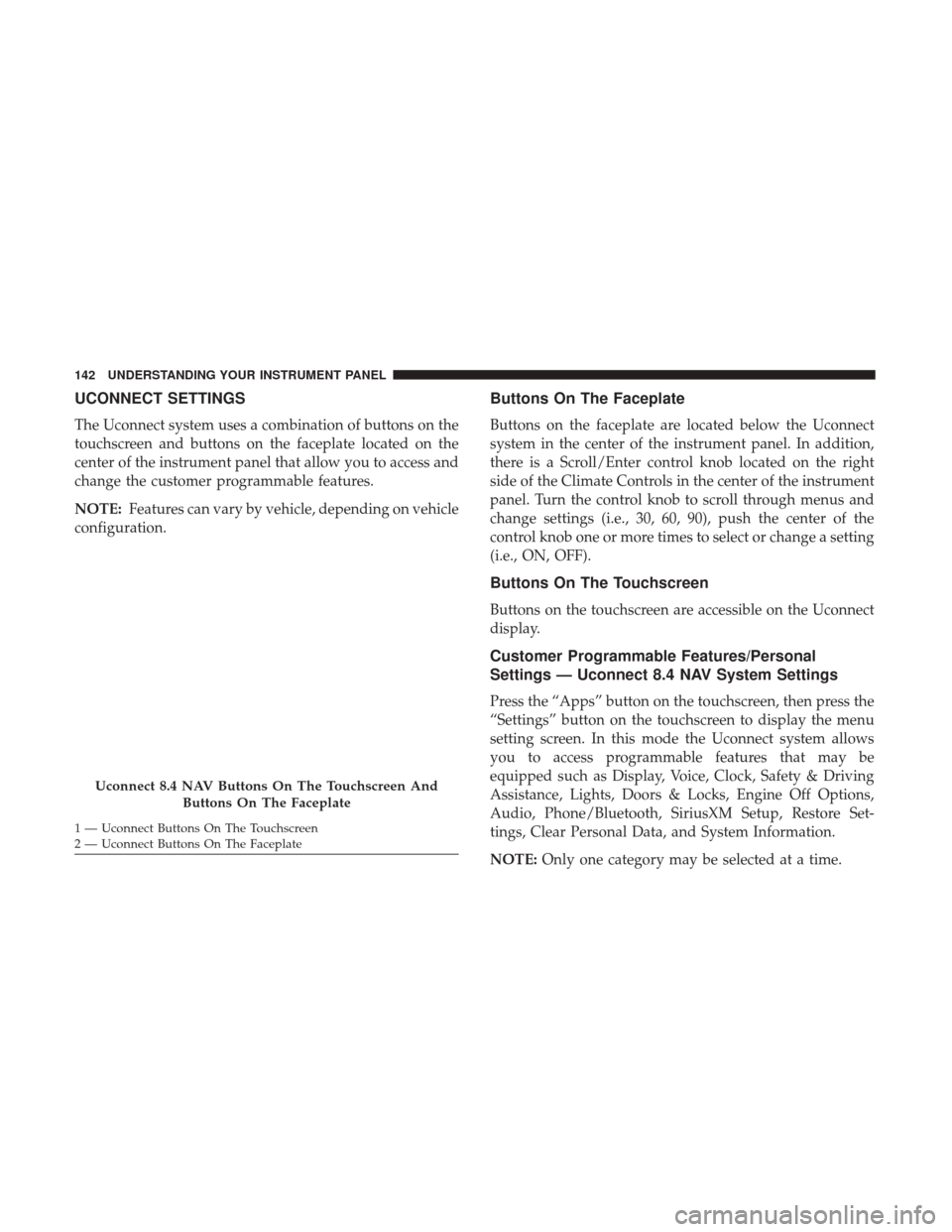
UCONNECT SETTINGS
The Uconnect system uses a combination of buttons on the
touchscreen and buttons on the faceplate located on the
center of the instrument panel that allow you to access and
change the customer programmable features.
NOTE:Features can vary by vehicle, depending on vehicle
configuration.
Buttons On The Faceplate
Buttons on the faceplate are located below the Uconnect
system in the center of the instrument panel. In addition,
there is a Scroll/Enter control knob located on the right
side of the Climate Controls in the center of the instrument
panel. Turn the control knob to scroll through menus and
change settings (i.e., 30, 60, 90), push the center of the
control knob one or more times to select or change a setting
(i.e., ON, OFF).
Buttons On The Touchscreen
Buttons on the touchscreen are accessible on the Uconnect
display.
Customer Programmable Features/Personal
Settings — Uconnect 8.4 NAV System Settings
Press the “Apps” button on the touchscreen, then press the
“Settings” button on the touchscreen to display the menu
setting screen. In this mode the Uconnect system allows
you to access programmable features that may be
equipped such as Display, Voice, Clock, Safety & Driving
Assistance, Lights, Doors & Locks, Engine Off Options,
Audio, Phone/Bluetooth, SiriusXM Setup, Restore Set-
tings, Clear Personal Data, and System Information.
NOTE: Only one category may be selected at a time.
Uconnect 8.4 NAV Buttons On The Touchscreen And
Buttons On The Faceplate
1 — Uconnect Buttons On The Touchscreen
2 — Uconnect Buttons On The Faceplate 142 UNDERSTANDING YOUR INSTRUMENT PANEL
Page 173 of 329
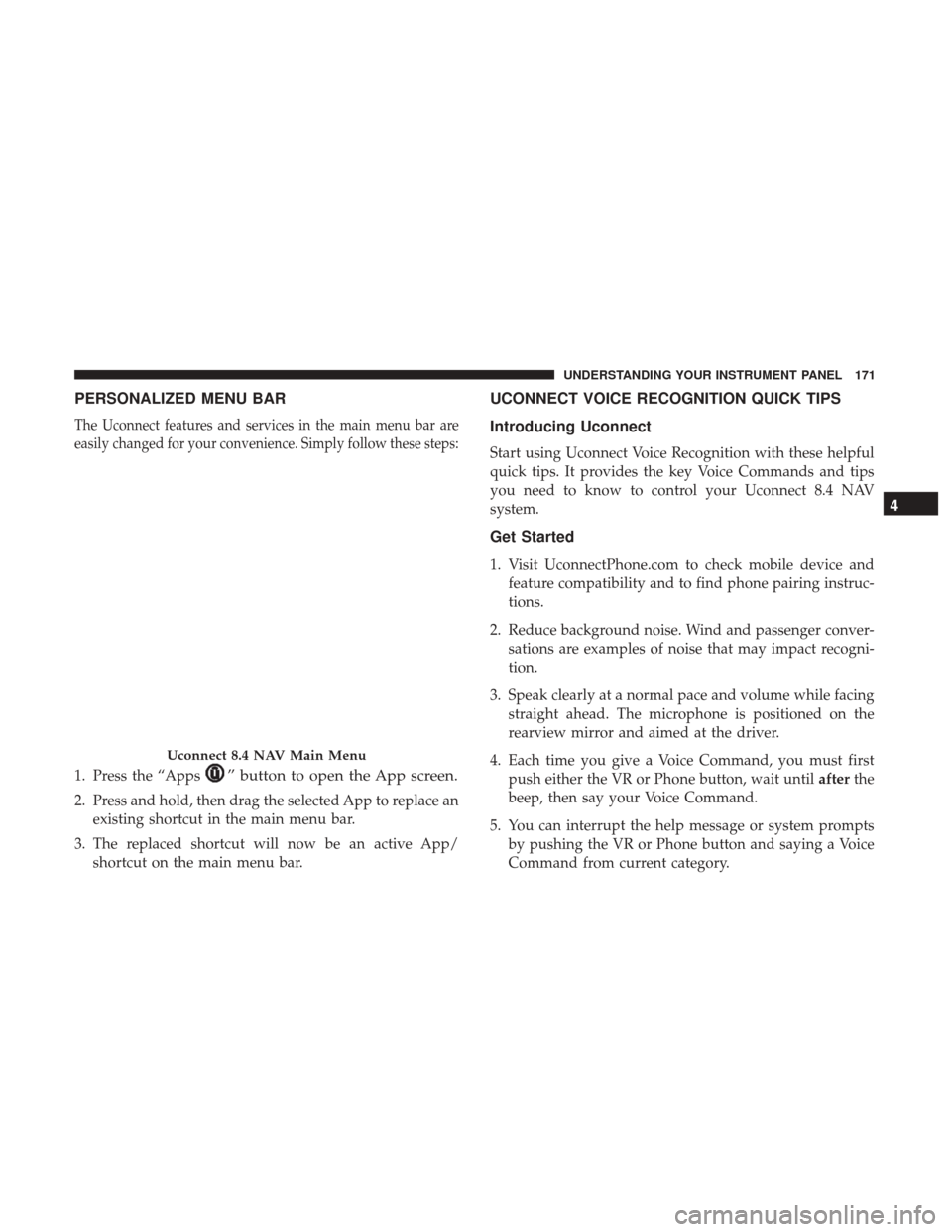
PERSONALIZED MENU BAR
The Uconnect features and services in the main menu bar are
easily changed for your convenience. Simply follow these steps:
1. Press the “Apps” button to open the App screen.
2. Press and hold, then drag the selected App to replace anexisting shortcut in the main menu bar.
3. The replaced shortcut will now be an active App/ shortcut on the main menu bar.
UCONNECT VOICE RECOGNITION QUICK TIPS
Introducing Uconnect
Start using Uconnect Voice Recognition with these helpful
quick tips. It provides the key Voice Commands and tips
you need to know to control your Uconnect 8.4 NAV
system.
Get Started
1. Visit UconnectPhone.com to check mobile device andfeature compatibility and to find phone pairing instruc-
tions.
2. Reduce background noise. Wind and passenger conver- sations are examples of noise that may impact recogni-
tion.
3. Speak clearly at a normal pace and volume while facing straight ahead. The microphone is positioned on the
rearview mirror and aimed at the driver.
4. Each time you give a Voice Command, you must first push either the VR or Phone button, wait until afterthe
beep, then say your Voice Command.
5. You can interrupt the help message or system prompts by pushing the VR or Phone button and saying a Voice
Command from current category.
Uconnect 8.4 NAV Main Menu
4
UNDERSTANDING YOUR INSTRUMENT PANEL 171
Page 276 of 329
Exhaust System
The best protection against carbon monoxide entry into the
vehicle body is a properly maintained engine exhaust
system.
If you notice a change in the sound of the exhaust system;
or if the exhaust fumes can be detected inside the vehicle;
or when the underside or rear of the vehicle is damaged;
have an authorized technician inspect the complete ex-
haust system and adjacent body areas for broken, dam-
aged, deteriorated, or mispositioned parts. Open seams or
loose connections could permit exhaust fumes to seep into
the passenger compartment. In addition, have the exhaust
system inspected each time the vehicle is raised for lubri-
cation or oil change. Replace as required.
WARNING!
•Exhaust gases can injure or kill. They contain carbon
monoxide (CO), which is colorless and odorless.
Breathing it can make you unconscious and can even-
tually poison you. To avoid breathing CO, refer to
“Safety Tips/Exhaust Gas” in “Things To Know Before
Starting Your Vehicle” for further information.
(Continued)
WARNING! (Continued)
•A hot exhaust system can start a fire if you park over
materials that can burn. Such materials might be
grass or leaves coming into contact with your exhaust
system. Do not park or operate your vehicle in areas
where your exhaust system can contact anything that
can burn.
CAUTION!
• The catalytic converter requires the use of unleaded
fuel only. Leaded gasoline will destroy the effective-
ness of the catalyst as an emissions control device
and may seriously reduce engine performance and
cause serious damage to the engine.
• Damage to the catalytic converter can result if your
vehicle is not kept in proper operating condition. In
the event of engine malfunction, particularly involv-
ing engine misfire or other apparent loss of perfor-
mance, have your vehicle serviced promptly. Contin-
ued operation of your vehicle with a severe
malfunction could cause the converter to overheat,
resulting in possible damage to the converter and
vehicle.
274 MAINTAINING YOUR VEHICLE
Page 283 of 329
WARNING!(Continued)
•Do not allow petroleum based fluid to contaminate
the brake fluid. Brake seal components could be
damaged, causing partial or complete brake failure.
This could result in an accident.
Change Brake Fluid
Brake fluid will tend to absorb moisture from the atmo-
sphere over time. If the fluid becomes contaminated with
water, brake performance will deteriorate. Therefore, the
brake fluid must be changed at the intervals specified in
the “Maintenance Schedule.” Refer to “Maintenance
Schedule” for further information. See your authorized
dealer for service.
Manual Transmission
Transmission Fluid Level Check
Check the fluid in the transmission when performing other
underbody services.
Check the fluid level by removing the fill plug located on
the left side of the transmission. The fluid level should be
approximately 1/4 in (6.4 mm) below the bottom of the fill
hole. Add fluid, if necessary, to maintain the proper level. Refer to “Fluids, Lubricants, And Genuine Parts” in “Main-
taining Your Vehicle” for further information.
NOTE: DO NOT
overfill transmission, damage can occur.
CAUTION!
Using a transmission fluid other than the manufactur-
er’s recommended fluid may cause deterioration in
transmission shift quality and/or damage to the trans-
mission. Refer to “Fluids, Lubricants, And Genuine
Parts” in this section for fluid specifications.
Change Transmission Fluid
Refer to “Maintenance Schedule” for the proper mainte-
nance intervals. If contaminated with water, change the
fluid immediately. See your authorized dealer for service.
Hydraulic Clutch
Master Cylinder — Clutch Fluid Level Check
The clutch hydraulic system is fed by a segregated volume
of fluid within the brake system master cylinder reservoir.
In the event of leakage or wear, use only the manufactur-
er’s recommended brake fluid. Refer to “Fluids, Lubri-
cants, And Genuine Parts” in “Maintaining Your Vehicle”
for further information.
7
MAINTAINING YOUR VEHICLE 281