PRESSURE FIAT 500 2017 2.G Service Manual
[x] Cancel search | Manufacturer: FIAT, Model Year: 2017, Model line: 500, Model: FIAT 500 2017 2.GPages: 350, PDF Size: 3.01 MB
Page 236 of 350
•The TPMS is not a substitute for proper tire mainte-
nance, and it is the driver ’s responsibility to maintain
correct tire pressure using an accurate tire gauge,
even if under-inflation has not reached the level to
trigger illumination of the Tire Pressure Monitoring
Telltale Light.
• Seasonal temperature changes will affect tire pres-
sure, and the TPMS will monitor the actual tire
pressure in the tire.
TPM System With Comfort Cluster
This is the TPMS warning indicator located in
the instrument cluster.
The TPMS uses wireless technology with wheel rim
mounted electronic sensors to monitor tire pressure
levels. Sensors, mounted to each wheel as part of the
valve stem, transmit tire pressure readings to the Re-
ceiver Module.
NOTE: It is particularly important for you to check the
tire pressure in all of the tires on your vehicle regularly
and to maintain the proper pressure. The TPMS consists of the following components:
•
Receiver Module
• Four Tire Pressure Monitoring Sensors
• Tire Pressure Monitoring Telltale Light
• Text Message Display
Tire Pressure Monitoring Low Pressure Warnings
The Tire Pressure Monitoring Telltale Light will illumi-
nate in the instrument cluster, an audible chime will be
activated, and the “Low inflation pressure left or right
front/rear tire” text message will display when one or
more of the four active road tire pressures are low.
Should this occur, you should stop as soon as possible,
check the inflation pressure of each tire on your vehicle,
and inflate each tire to the vehicle’s recommended cold
placard pressure value. The system will automatically
update and the Tire Pressure Monitoring Light will
extinguish once the updated tire pressures have been
received. The vehicle may need to be driven for up to 20
minutes above 15 mph (24 km/h) to receive this infor-
mation.
234 STARTING AND OPERATING
Page 237 of 350
TPMS Warnings
The Tire Pressure Monitoring Telltale Light will flash on
and off for 75 seconds and remain on solid when a
system fault is detected, an audible chime will be
activated and the “Service Tire Pressure Monitoring
System” text message will display. If the ignition key is
cycled, this sequence will repeat providing the system
fault still exists. The Tire Pressure Monitoring Telltale
Light will turn off when the fault condition no longer
exists. A system fault can occur with any of the follow-
ing scenarios:
•Jamming due to electronic devices or driving next to
facilities emitting the same radio frequencies as the
TPM sensors.
• Installing some form of aftermarket window tinting
that affects radio wave signals.
• Snow or ice around the wheels or wheel housings.
• Using tire chains on the vehicle.
• Using wheels/tires not equipped with TPM sensors.
NOTE: Your vehicle may be equipped with a compact
spare wheel and tire assembly. •
The compact spare tire does not have a tire pressure
monitoring sensor. Therefore, the TPMS will not
monitor the tire pressure in the compact spare tire.
• If you install the compact spare tire in place of a road
tire that has a pressure below the low-pressure
warning limit, upon the next ignition key cycle, a
chime will sound, the Tire Pressure Monitoring Tell-
tale Light and the Low inflation pressure left or right
front / rear tire message will still turn ON due to the
low tire.
• However, after driving the vehicle for up to 20
minutes above 15 mph (24 km/h), the Tire Pressure
Monitoring Telltale Light will flash on and off for
75 seconds and then remain on solid and the “Service
Tire Pressure Monitoring System” message will be
displayed.
• This occurs for each subsequent ignition key cycle, a
chime will sound and the Tire Pressure Monitoring
Telltale Light will flash on and off for 75 seconds and
then remain on solid and the “Service Tire Pressure
Monitoring System” message will be displayed.
• Once you repair or replace the original road tire and
reinstall it on the vehicle in place of the compact
5
STARTING AND OPERATING 235
Page 238 of 350
spare tire, the TPMS will update automatically and
the Tire Pressure Monitoring Telltale Light will turn
OFF, as long as no tire pressure is below the low-
pressure warning limit in any of the four active road
tires. The vehicle may need to be driven for up to 20
minutes above 15 mph (24 km/h) in order for the
TPMS to receive this information.
TPM System With (TFT) Tire Pressure Display
Screen
The Tire Pressure Monitor System (TPMS) uses wireless
technology with wheel rim mounted electronic sensors
to monitor tire pressure levels. Sensors, mounted to
each wheel as part of the valve stem, transmit tire
pressure readings to the receiver module.
The TPMS consists of the following components:
•Receiver module
• Four Tire Pressure Monitoring Sensors
• Various Tire Pressure Monitoring System messages,
which display in the instrument cluster
• Tire Pressure Monitoring Telltale Light
Tire Pressure Monitoring Low Pressure Warnings
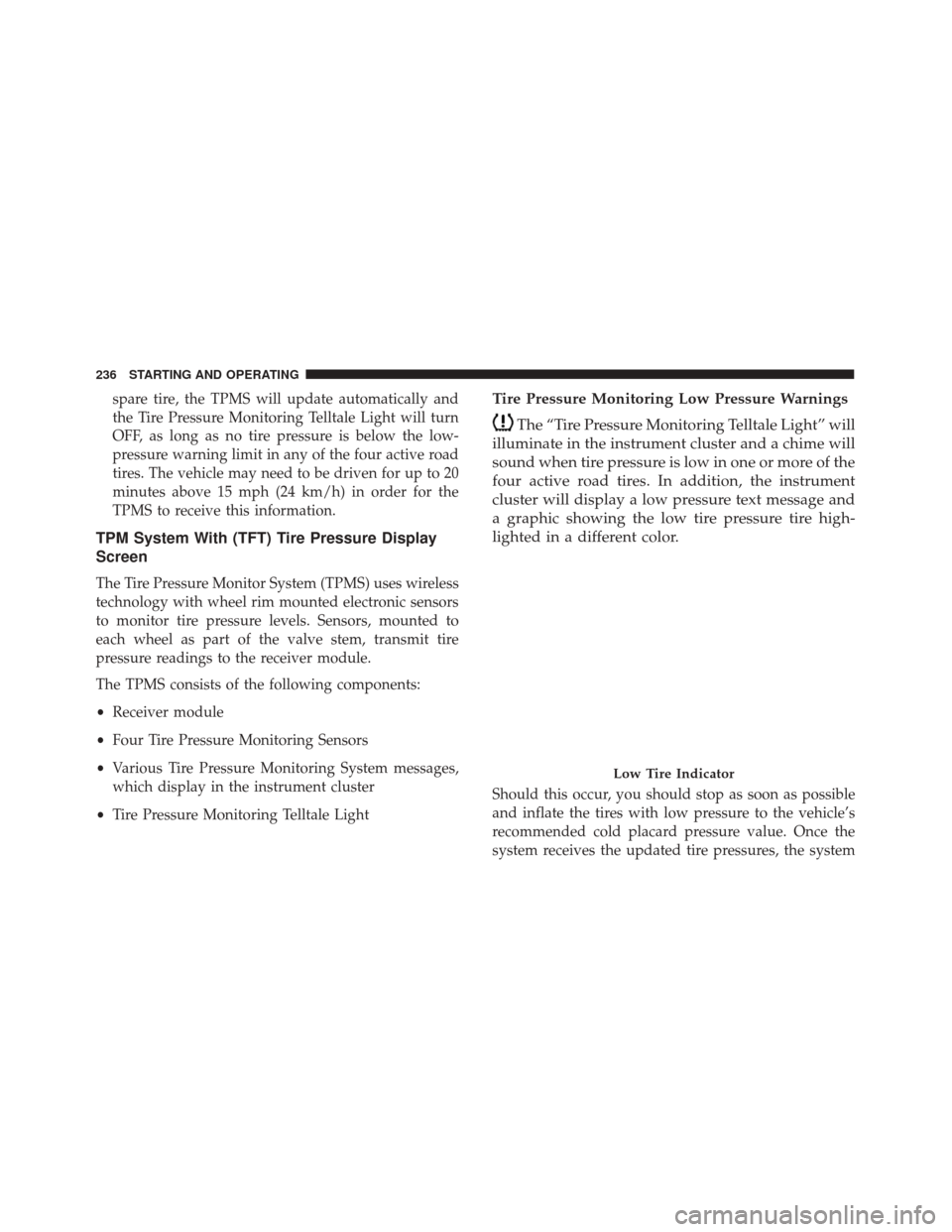
The “Tire Pressure Monitoring Telltale Light” will
illuminate in the instrument cluster and a chime will
sound when tire pressure is low in one or more of the
four active road tires. In addition, the instrument
cluster will display a low pressure text message and
a graphic showing the low tire pressure tire high-
lighted in a different color.
Should this occur, you should stop as soon as possible
and inflate the tires with low pressure to the vehicle’s
recommended cold placard pressure value. Once the
system receives the updated tire pressures, the system
Low Tire Indicator
236 STARTING AND OPERATING
Page 239 of 350
will automatically update and the “Tire Pressure Moni-
toring Telltale Light” will turn off. The vehicle may
need to be driven for up to 20 minutes above 15 mph
(24 km/h) in order for the TPMS to receive this infor-
mation.
TPMS Warning
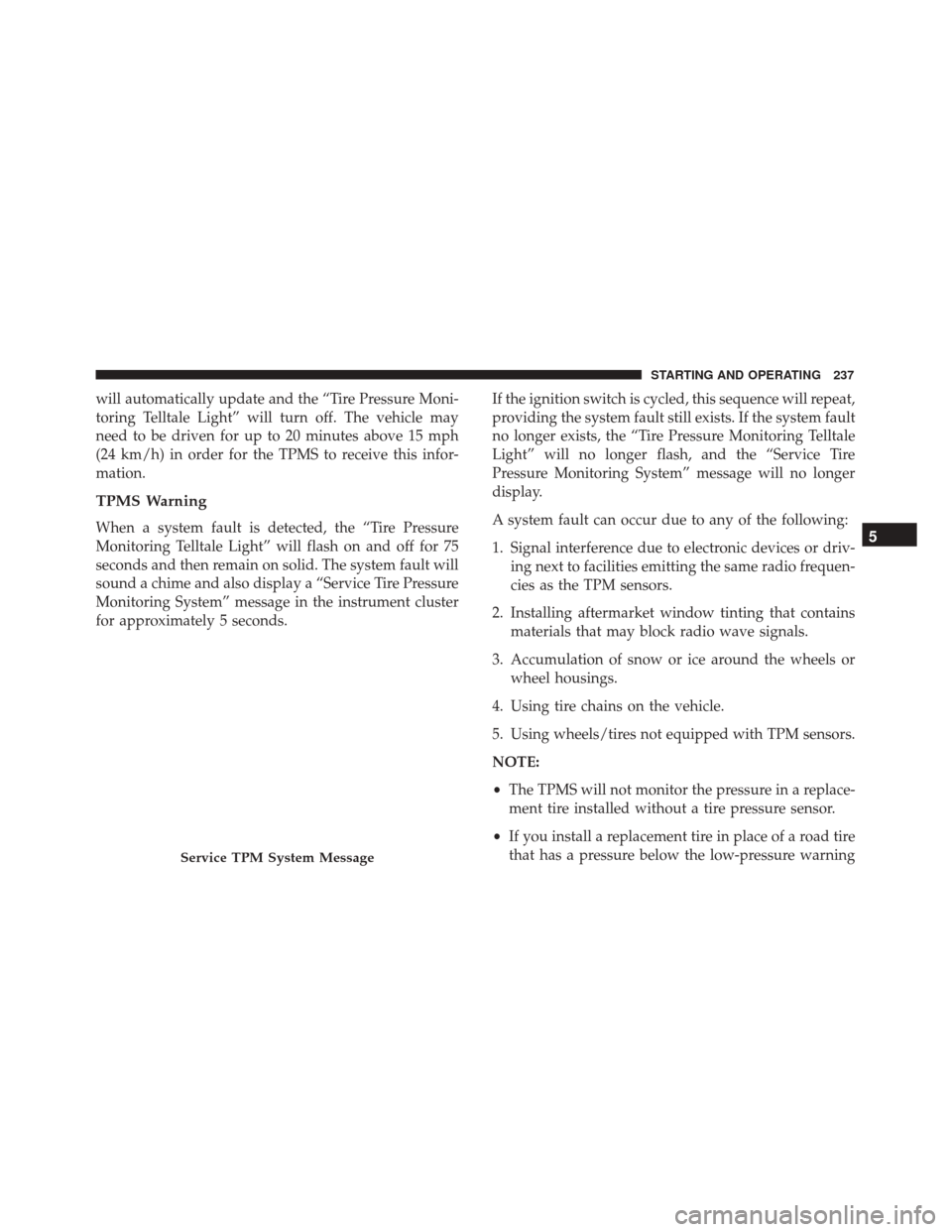
When a system fault is detected, the “Tire Pressure
Monitoring Telltale Light” will flash on and off for 75
seconds and then remain on solid. The system fault will
sound a chime and also display a “Service Tire Pressure
Monitoring System” message in the instrument cluster
for approximately 5 seconds.If the ignition switch is cycled, this sequence will repeat,
providing the system fault still exists. If the system fault
no longer exists, the “Tire Pressure Monitoring Telltale
Light” will no longer flash, and the “Service Tire
Pressure Monitoring System” message will no longer
display.
A system fault can occur due to any of the following:
1. Signal interference due to electronic devices or driv-
ing next to facilities emitting the same radio frequen-
cies as the TPM sensors.
2. Installing aftermarket window tinting that contains materials that may block radio wave signals.
3. Accumulation of snow or ice around the wheels or wheel housings.
4. Using tire chains on the vehicle.
5. Using wheels/tires not equipped with TPM sensors.
NOTE:
• The TPMS will not monitor the pressure in a replace-
ment tire installed without a tire pressure sensor.
• If you install a replacement tire in place of a road tire
that has a pressure below the low-pressure warning
Service TPM System Message
5
STARTING AND OPERATING 237
Page 240 of 350
limit, upon the next ignition switch cycle, the “Tire
Pressure Monitoring Telltale Light” will remain on
and a chime will sound. In addition, the graphic in
the instrument cluster will still display a low pres-
sure message and a tire highlighted in a different
color.
• After driving the vehicle for up to 20 minutes above
15 mph (24 km/h), the “Tire Pressure Monitoring
Telltale Light” will flash on and off for 75 seconds
and then remain on solid. In addition, the instrument
cluster will display a “Service TPM System” mes-
sage.
• For each subsequent ignition switch cycle, a chime
will sound, the “Tire Pressure Monitoring Telltale
Light” will flash on and off for 75 seconds and then
remain on solid, and the instrument cluster will
display a “Service Tire Pressure Monitoring System”
message. Once you repair or replace the original road tire and
reinstall it, the TPMS will update automatically. In
addition, the “Tire Pressure Monitoring Telltale Light”
will turn off as long as no tire pressure is below the
low-pressure warning limit in any of the four active
road tires. The vehicle may need to be driven for up to
20 minutes above 15 mph (24 km/h) in order for the
TPMS to receive this information.
General Information
This device complies with Part 15 of the FCC rules and
RSS-210 of Industry Canada. Operation is subject to the
following two conditions:
(1) This device may not cause harmful interference.
(2) This device must accept any interference received,
including interference that may cause undesired opera-
tion.
NOTE:
Changes or modifications not expressly ap-
proved by the party responsible for compliance could
void the user ’s authority to operate the equipment.
238 STARTING AND OPERATING
Page 249 of 350
HAZARD WARNING FLASHERS
The Hazard Warning flasher switch is located on the
instrument panel below the radio.Push the switch to turn on the Hazard Warning
flashers. When the switch is activated, all direc-
tional turn signals will flash on and off to warn oncom-
ing traffic of an emergency. Push the switch a second
time to turn off the Hazard Warning flashers.
Do not use this emergency warning system when the
vehicle is in motion. Use it when your vehicle is
disabled and it is creating a safety hazard for other
motorists.
If it is necessary to leave the vehicle to go for service, the
Hazard Warning flashers will continue to operate with
the ignition key removed and the vehicle locked.
NOTE: With extended use, the Hazard Warning flash-
ers may wear down your battery.
IF YOUR ENGINE OVERHEATS
In any of the following situations, you can reduce the
potential for overheating by taking the appropriate action.
• On the highways — slow down. •
In city traffic — while stopped, place the transmis-
sion in NEUTRAL, but do not increase engine idle
speed.
NOTE: There are steps that you can take to slow down
an impending overheat condition:
• If your air conditioner (A/C) is on, turn it off. The
A/C system adds heat to the engine cooling system
and turning the A/C off can help remove this heat.
• You can also turn the temperature control to maxi-
mum heat, the mode control to floor and the blower
control to high. This allows the heater core to act as a
supplement to the radiator and aids in removing heat
from the engine cooling system.
WARNING!
You or others can be badly burned by hot engine
coolant (antifreeze) or steam from your radiator. If
you see or hear steam coming from under the hood,
do not open the hood until the radiator has had time
to cool. Never try to open a cooling system pressure
cap when the radiator or coolant bottle is hot.
6
WHAT TO DO IN EMERGENCIES 247
Page 251 of 350
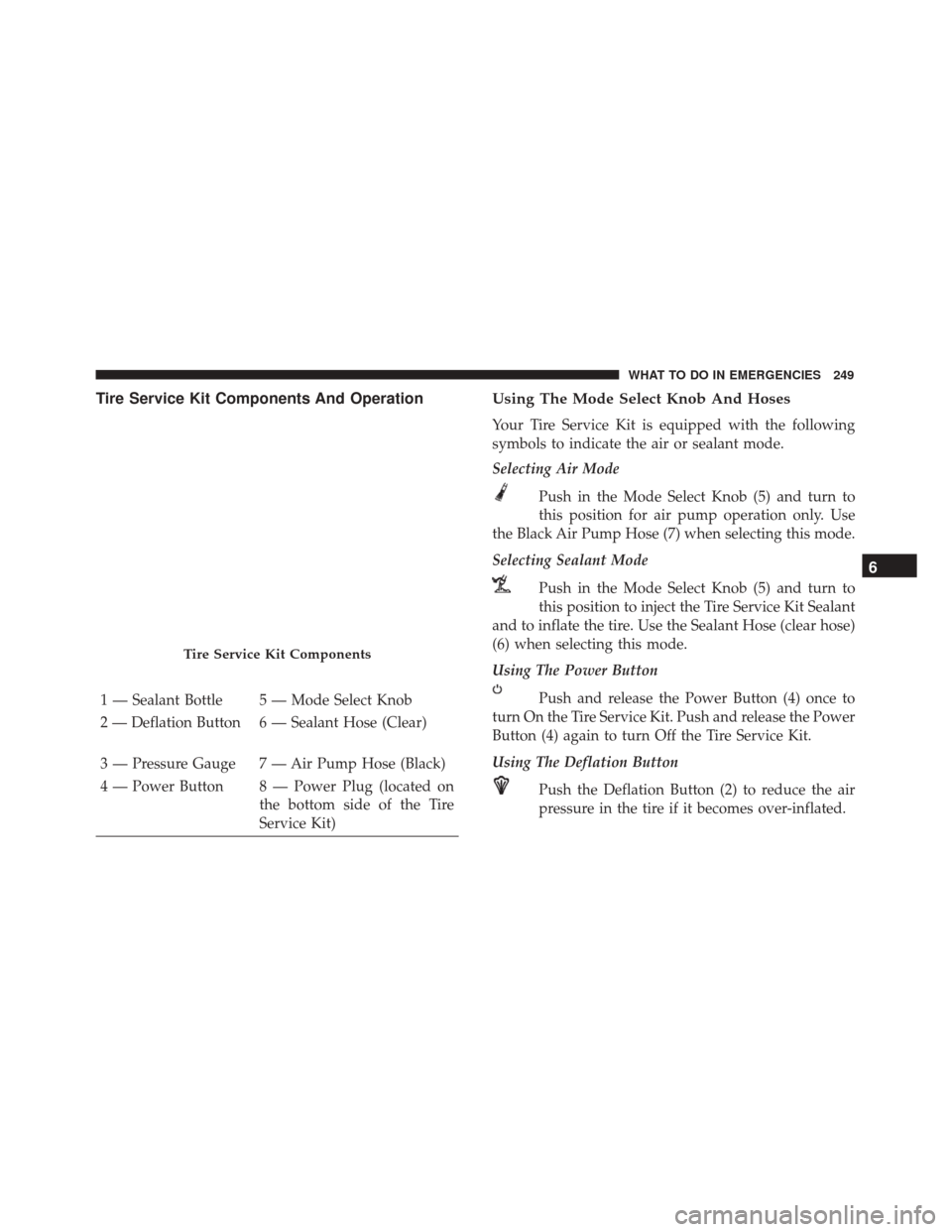
Tire Service Kit Components And OperationUsing The Mode Select Knob And Hoses
Your Tire Service Kit is equipped with the following
symbols to indicate the air or sealant mode.
Selecting Air Mode
Push in the Mode Select Knob (5) and turn to
this position for air pump operation only. Use
the Black Air Pump Hose (7) when selecting this mode.
Selecting Sealant Mode
Push in the Mode Select Knob (5) and turn to
this position to inject the Tire Service Kit Sealant
and to inflate the tire. Use the Sealant Hose (clear hose)
(6) when selecting this mode.
Using The Power Button
Push and release the Power Button (4) once to
turn On the Tire Service Kit. Push and release the Power
Button (4) again to turn Off the Tire Service Kit.
Using The Deflation Button
Push the Deflation Button (2) to reduce the air
pressure in the tire if it becomes over-inflated.
Tire Service Kit Components
1 — Sealant Bottle 5 — Mode Select Knob
2 — Deflation Button 6 — Sealant Hose (Clear)
3 — Pressure Gauge 7 — Air Pump Hose (Black)
4 — Power Button 8 — Power Plug (located on the bottom side of the Tire
Service Kit)
6
WHAT TO DO IN EMERGENCIES 249
Page 253 of 350
WARNING!
•Do not attempt to seal a tire on the side of the
vehicle closest to traffic. Pull far enough off the
road to avoid the danger of being hit when using
the Tire Service Kit.
• Do not use Tire Service Kit or drive the vehicle
under the following circumstances:
– If the puncture in the tire tread is approxi- mately 1/4 inch (6 mm) or larger.
– If the tire has any sidewall damage.
– If the tire has any damage from driving with extremely low tire pressure.
– If the tire has any damage from driving on a flat tire.
– If the wheel has any damage.
– If you are unsure of the condition of the tire or the wheel.
• Keep Tire Service Kit away from open flames or
heat source.
• A loose Tire Service Kit thrown forward in a
collision or hard stop could endanger the occu-
pants of the vehicle. Always stow the Tire Service
Kit in the place provided. Failure to follow these
(Continued)
WARNING! (Continued)
warnings can result in injuries that are serious or
fatal to you, your passengers, and others around
you.
• Take care not to allow the contents of Tire Service
Kit to come in contact with hair, eyes, or clothing.
Tire Service Kit sealant is harmful if inhaled,
swallowed, or absorbed through the skin. It
causes skin, eye, and respiratory irritation. Flush
immediately with plenty of water if there is any
contact with eyes or skin. Change clothing as soon
as possible, if there is any contact with clothing.
• Tire Service Kit Sealant solution contains latex. In
case of an allergic reaction or rash, consult a
physician immediately. Keep Tire Service Kit out
of reach of children. If swallowed, rinse mouth
immediately with plenty of water and drink
plenty of water. Do not induce vomiting! Consult
a physician immediately.
6
WHAT TO DO IN EMERGENCIES 251
Page 255 of 350
NOTE:Sealant may leak out through the puncture in
the tire.
If the sealant (white fluid) does not flow within0–10
seconds through the Sealant Hose (6):
1. Push the Power Button (4) to turn Off the Tire Service Kit. Disconnect the Sealant Hose (6) from the valve
stem. Make sure the valve stem is free of debris.
Reconnect the Sealant Hose (6) to the valve stem.
Check that the Mode Select Knob (5) is in the Sealant
Mode position and not Air Mode. Push the Power
Button (4) to turn On the Tire Service Kit.
2. Connect the Power Plug (8) to a different 12 Volt power outlet in your vehicle or another vehicle, if
available. Make sure the engine is running before
turning ON the Tire Service Kit.
3. The Sealant Bottle (1) may be empty due to previous use. Call for assistance.
NOTE: If the Mode Select Knob (5) is on Air Mode and
the pump is operating, air will dispense from the Air
Pump Hose (7) only, not the Sealant Hose (6). If the sealant (white fluid) does flow through the
Sealant Hose (6):
1.
Continue to operate the pump until sealant is no longer
flowing through hose (typically takes 30 - 70 seconds).
As the sealant flows through the Sealant Hose (6), the
Pressure Gauge (3) can read as high as 70 psi (4.8 Bar).
The Pressure Gauge (3) will decrease quickly from
approximately 70 psi (4.8 Bar) to the actual tire pressure
when the Sealant Bottle (1) is empty.
2. The pump will start to inject air into the tire imme-
diately after the Sealant Bottle (1) is empty. Continue
to operate the pump and inflate the tire to the
pressure indicated on the tire pressure label on the
driver-side latch pillar (recommended pressure).
Check the tire pressure by looking at the Pressure
Gauge (3).
If the tire does not inflate to at least 26 psi (1.8 Bar)
pressure within 15 minutes:
• The tire is too badly damaged. Do not attempt to
drive the vehicle further. Call for assistance.
NOTE: If the tire becomes over-inflated, push the De-
flation Button to reduce the tire pressure to the recom-
mended inflation pressure before continuing.
6
WHAT TO DO IN EMERGENCIES 253
Page 256 of 350
If the tire inflates to the recommended pressure or is
at least 26 psi (1.8 Bar) pressure within 15 minutes:
1. Push the Power Button (4) to turn off the Tire ServiceKit.
2. Remove the Speed Limit sticker from the top of the Sealant Bottle (1) and place the sticker on the instru-
ment panel.
3. Immediately disconnect the Sealant Hose (6) from the valve stem, reinstall the cap on the fitting at the
end of the hose, and place the Tire Service Kit in the
vehicle storage location. Quickly proceed to (D)
“Drive Vehicle.”
CAUTION!
•The metal end fitting from Power Plug (8) may get
hot after use, so it should be handled carefully.
• Failure to reinstall the cap on the fitting at the end
of the Sealant Hose (6) can result in sealant
contacting your skin, clothing, and the vehicle’s
interior. It can also result in sealant contacting
internal Tire Service Kit components which may
cause permanent damage to the kit.
(D) Drive Vehicle:
Immediately after injecting sealant and inflating the
tire, drive the vehicle 5 miles (8 km) or 10 minutes to
ensure distribution of the Tire Service Kit Sealant within
the tire. Do not exceed 55 mph (90 km/h).
WARNING!
Tire Service Kit is not a permanent flat tire repair.
Have the tire inspected and repaired or replaced
after using Tire Service Kit. Do not exceed 55 mph
(90 km/h) until the tire is repaired or replaced.
Failure to follow this warning can result in injuries
that are serious or fatal to you, your passengers, and
others around you.
(E) After Driving:
Pull over to a safe location. Refer to “Whenever You
Stop to Use Tire Service Kit” before continuing.
1. Push in the Mode Select Knob (5) and turn to the Air Mode position.
2. Uncoil the power plug and insert the plug into the vehicle’s 12 Volt power outlet.
254 WHAT TO DO IN EMERGENCIES