light FORD BRONCO 2023 Owners Manual
[x] Cancel search | Manufacturer: FORD, Model Year: 2023, Model line: BRONCO, Model: FORD BRONCO 2023Pages: 642, PDF Size: 14.71 MB
Page 533 of 642
You can also drive your vehicle in such away that dilutes and increases the level ofoil by frequent short trips that do not allowthe engine to get to operating temperature,extended idling and low speed driving forlong periods of time.
It is important to rely upon your dealershipto properly diagnose and repair yourvehicle.
We strongly recommend only using ourgenuine or our authorized re-manufacturedreplacement parts engineered for yourvehicle.
Additives and Chemicals
We do not recommend using chemicals oradditives not approved by us as part ofyour vehicle’s normal maintenance. Pleaseconsult your warranty information.
Oils, Fluids and Flushing
In many cases, fluid discoloration is anormal operating characteristic and, byitself, does not necessarily indicate aconcern or that the fluid needs to bechanged. Have discolored fluids that alsoshow signs of overheating or foreignmaterial contamination checkedimmediately.
Make sure to change the vehicle’s oils andfluids at the specified intervals or inconjunction with a repair. Flushing is aviable way to change fluid for many vehiclesub-systems during scheduledmaintenance. It is critical that systems areflushed only with new fluid that is the sameas that required to fill and operate thesystem or using our approved flushingchemical.
Owner Checks and Services
Make sure you perform the following basicmaintenance checks and inspections.
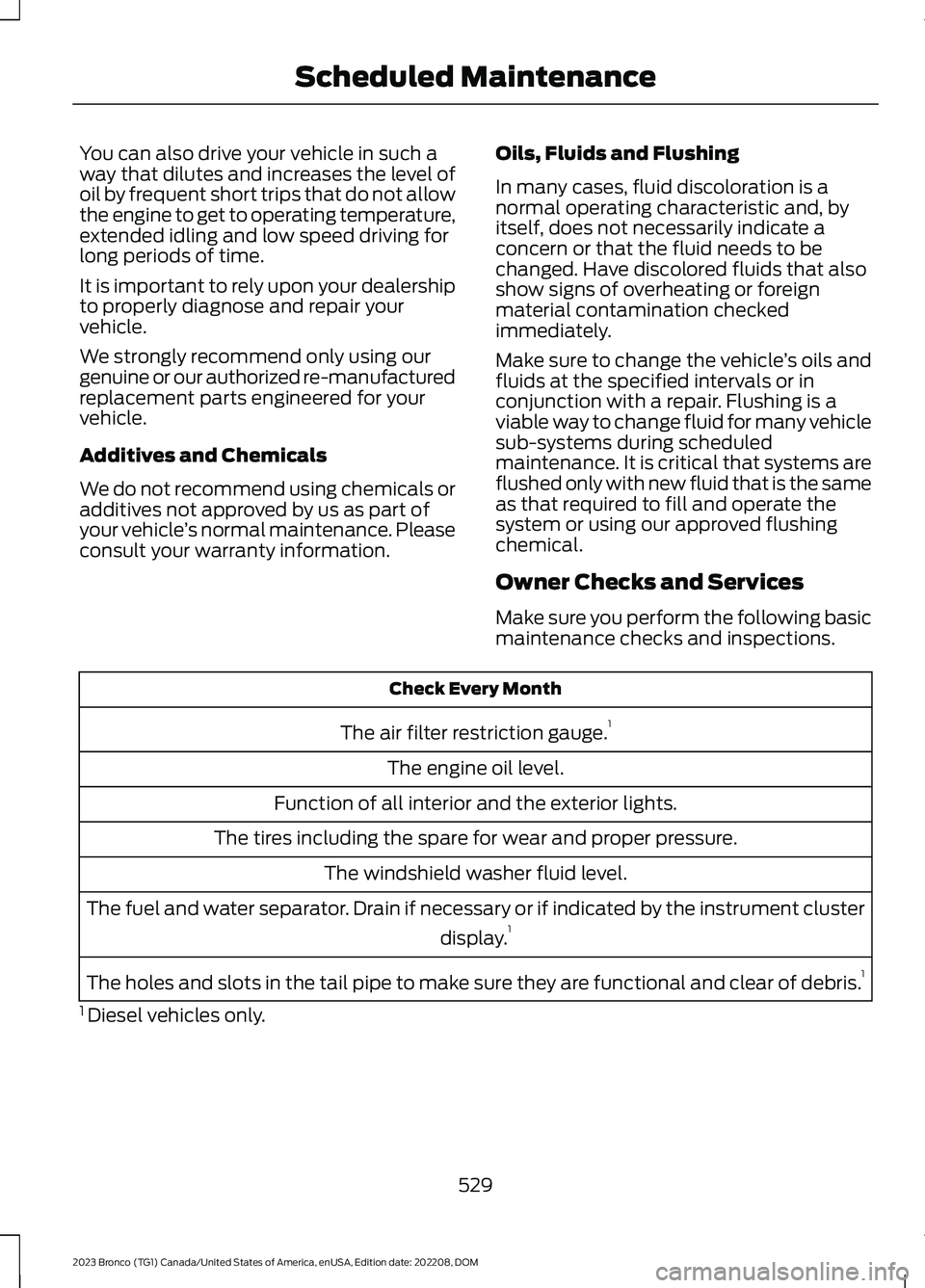
Check Every Month
The air filter restriction gauge.1
The engine oil level.
Function of all interior and the exterior lights.
The tires including the spare for wear and proper pressure.
The windshield washer fluid level.
The fuel and water separator. Drain if necessary or if indicated by the instrument cluster
display.1
The holes and slots in the tail pipe to make sure they are functional and clear of debris.1
1 Diesel vehicles only.
529
2023 Bronco (TG1) Canada/United States of America, enUSA, Edition date: 202208, DOMScheduled Maintenance
Page 611 of 642
including any copyrighted material ormusic file information. You agree thatGracenote may enforce its respectiverights, collectively or separately, under thisagreement against you, directly in eachcompany's own name.
Gracenote uses a unique identifier to trackqueries for statistical purposes. Thepurpose of a randomly assigned numericidentifier is to allow Gracenote to countqueries without knowing anything aboutwho you are. For more information, see theweb page at www.gracenote.com for theGracenote Privacy Policy.
THE GRACENOTE SOFTWARE, EACH ITEMOF GRACENOTE DATA AND THEGRACENOTE CONTENT ARE LICENSEDTO YOU "AS IS". NEITHER GRACENOTEMAKES ANY REPRESENTATIONS ORWARRANTIES, EXPRESS OR IMPLIED,REGARDING THE ACCURACY OF ANYGRACENOTE DATA FROM THEGRACENOTE SERVERS OR GRACENOTECONTENT. GRACENOTE COLLECTIVELYAND SEPARATELY RESERVE THE RIGHTTO DELETE DATA AND/OR CONTENTFROM THE COMPANIES' RESPECTIVESERVERS OR, IN THE CASE OFGRACENOTE, CHANGE DATACATEGORIES FOR ANY CAUSE THATGRACENOTE DEEMS SUFFICIENT. NOWARRANTY IS MADE THAT EITHERGRACENOTE CONTENT OR THEGRACENOTE SOFTWARE ORGRACENOTE SERVERS ARE ERROR-FREEOR THAT THE FUNCTIONING OF THEGRACENOTE SOFTWARE ORGRACENOTE SERVERS WILL BEUNINTERRUPTED. GRACENOTE IS NOTOBLIGATED TO PROVIDE YOU WITH ANYENHANCED OR ADDITIONAL DATA TYPESTHAT GRACENOTE MAY CHOOSE TOPROVIDE IN THE FUTURE AND IS FREETO DISCONTINUE ITS ONLINE SERVICESAT ANY TIME. GRACENOTE DISCLAIM ALLWARRANTIES EXPRESS OR IMPLIED,INCLUDING, BUT NOT LIMITED TO,
IMPLIED WARRANTIES OFMERCHANTABILITY, FITNESS FOR APARTICULAR PURPOSE, TITLE, ANDNON-INFRINGEMENT. NEITHERGRACENOTE WARRANTS THE RESULTSTHAT WILL BE OBTAINED BY YOUR USEOF THE GRACENOTE SOFTWARE OR ANYGRACENOTE SERVER. IN NO CASE WILLGRACENOTE BE LIABLE FOR ANYCONSEQUENTIAL OR INCIDENTALDAMAGES OR FOR ANY LOST PROFITSOR LOST REVENUES FOR ANY REASONWHATSOEVER. © Gracenote 2007.
Taiwan Territory
According to the "Technical Specificationsfor Low Power Radio FrequencyEquipment" formulated by the NationalCommunications and CommunicationCommittee of the Executive Yuan: 3.8.2.For the low-power radio frequencyequipment that has obtained theverification certificate, the company, firmor user shall not change the frequency,increase the power or change thecharacteristics and functions of the originaldesign without authorization.
The use of low-power radio frequencyequipment must not affect flight safetyand interfere with legal communications:when the system detects interference,immediately stop using it until there is nointerference.
The aforementioned legal communicationrefers to the wireless communicationoperated in accordance with the provisionsof the Telecommunications ManagementLaw. Low-power radio frequencyequipment needs to endure theinterference of legal communication orindustrial, scientific and medical radiowave radiation electrical equipment.
607
2023 Bronco (TG1) Canada/United States of America, enUSA, Edition date: 202208, DOMCustomer Information
Page 612 of 642
SUNA TRAFFIC CHANNEL – TERMSAND CONDITIONS
By activating, using and/or accessing theSUNA Traffic Channel, SUNA Predictive orother content or material provided byIntelematics (together,SUNA Productsand/or Services), you must acceptcertain terms and conditions. The followingis a brief summary of the terms andconditions that apply to you. To view thefull terms and conditions relevant to youruse of the SUNA Products and/or Services,please consult:
Website
www.sunatraffic.com.au/termsandcon-ditions/
1. Acceptance
By using SUNA Products and/or Services,you will be deemed to have accepted andagreed to be bound by the terms andconditions fully detailed at:
Website
www.sunatraffic.com.au/termsandcon-ditions/
2. Intellectual Property
SUNA Products and/or Services are foryour personal use. You may not record, orretransmit the content, nor use the contentin association with any other trafficinformation or route guidance service ordevice not approved by Intelematics. Youobtain no right of ownership in anyIntellectual Property Rights (includingcopyright) in the data that is used toprovide SUNA Products and/or Services.
3. Appropriate Use
SUNA Products and/or Services areintended as an aid to personal motoringand travel planning, and do not providecomprehensive or accurate information onall occasions. On occasions, you mayexperience additional delay as a result ofusing SUNA Products and/or Services. Youacknowledge that it is not intended, orsuitable, for use in applications where timeof arrival or driving directions may impactthe safety of the public or yourself.
4. Use of SUNA Products and Serviceswhile driving
You, and other authorized drivers of thevehicle in which SUNA Products and/orServices are available or installed andactive, remain at all times responsible forobserving all relevant laws and codes ofsafe driving. In particular, you agree to onlyactively operate SUNA Products and/orServices when the Vehicle is at a completestop and it is safe to do so.
5. Service Continuity and Reception ofthe SUNA Traffic Channel
We will use reasonable endeavors toprovide the SUNA Traffic Channel 24 hoursa day, 365 days a year. The SUNA TrafficChannel may occasionally be unavailablefor technical reasons or for plannedmaintenance. We will try to performmaintenance at times when congestion islight. We reserve the right to withdrawSUNA Products and/or Services at anytime.
Also, we cannot assure the uninterruptedreception of the SUNA Traffic ChannelRDS-TMC signal at any particular location.
6. Limitation of Liability
Neither Intelematics (nor its suppliers orthe manufacturer of your device (the“Suppliers”)) shall be liable to you or toany third party for any damages eitherdirect, indirect, incidental, consequentialor otherwise arising out of the use of orinability to use SUNA Products and/or
608
2023 Bronco (TG1) Canada/United States of America, enUSA, Edition date: 202208, DOMCustomer Information
Page 613 of 642
Services even if Intelematics or a Supplierhas been advised of the possibility of suchdamages. You also acknowledge thatneither Intelematics nor any Supplierguarantees nor make any warranties thatrelate to the availability, accuracy orcompleteness of SUNA Products and/orServices, and to the extent which it islawful to do so, both Intelematics and eachSupplier excludes any warranties whichmight otherwise be implied by any Stateor Federal legislation in relation to SUNAProducts and/or Services.
7. Please Note
Great care has been taken in preparing thismanual. Constant product developmentmay mean that some information is notentirely up-to-date. The information in thisdocument is subject to change withoutnotice.
EMISSION LAW
WARNING: Do not remove or alterthe original equipment floor covering orinsulation between it and the metal floorof the vehicle. The floor covering andinsulation protect occupants of thevehicle from the engine and exhaustsystem heat and noise. On vehicles withno original equipment floor coveringinsulation, do not carry passengers in amanner that permits prolonged skincontact with the metal floor. Failure tofollow these instructions may result infire or personal injury.
U.S. federal laws and certain state lawsprohibit removing or rendering inoperativeemission control system components.Similar federal or provincial laws mayapply in Canada. We do not approve of anyvehicle modification without firstdetermining applicable laws.
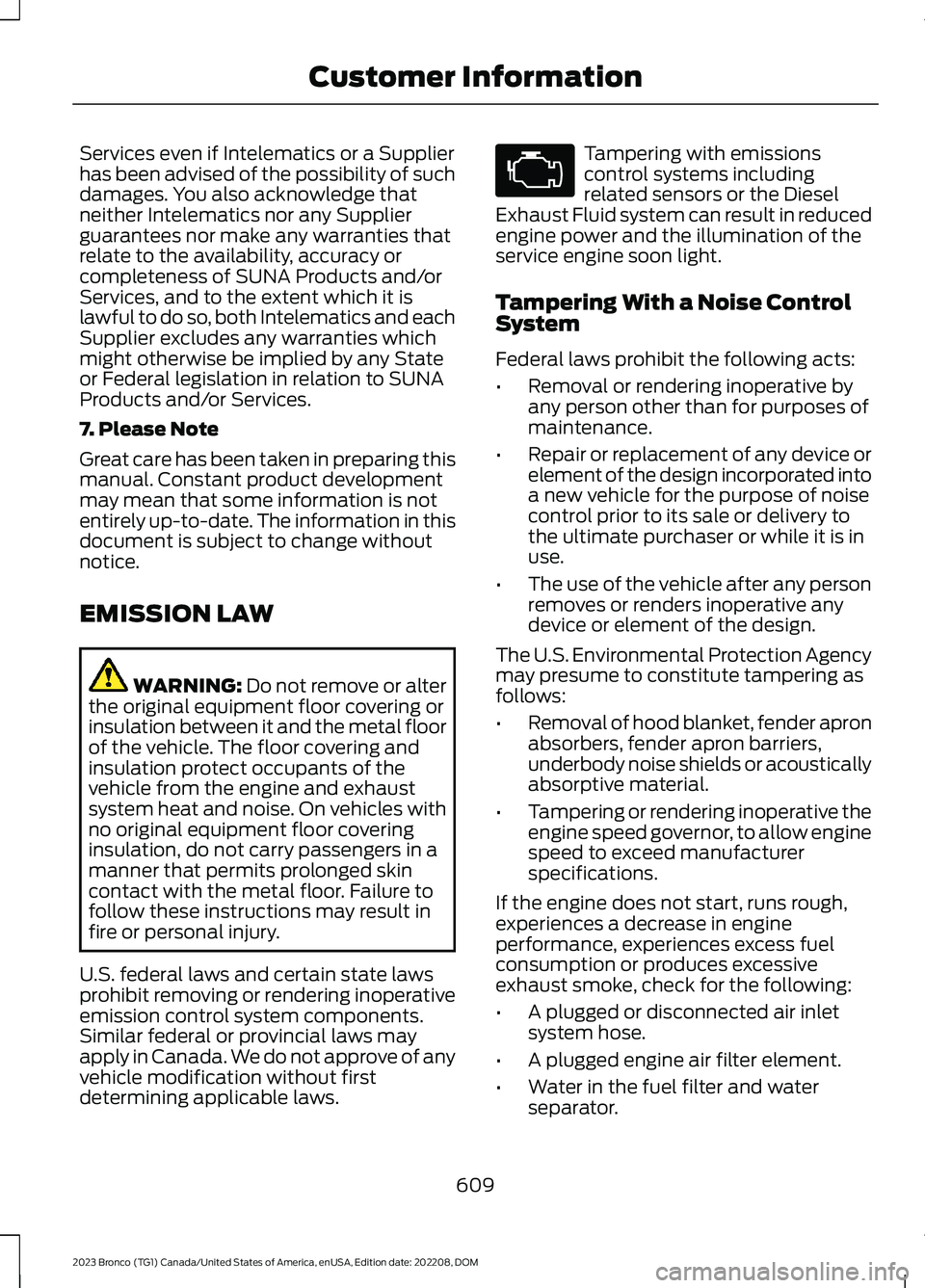
Tampering with emissionscontrol systems includingrelated sensors or the DieselExhaust Fluid system can result in reducedengine power and the illumination of theservice engine soon light.
Tampering With a Noise ControlSystem
Federal laws prohibit the following acts:
•Removal or rendering inoperative byany person other than for purposes ofmaintenance.
•Repair or replacement of any device orelement of the design incorporated intoa new vehicle for the purpose of noisecontrol prior to its sale or delivery tothe ultimate purchaser or while it is inuse.
•The use of the vehicle after any personremoves or renders inoperative anydevice or element of the design.
The U.S. Environmental Protection Agencymay presume to constitute tampering asfollows:
•Removal of hood blanket, fender apronabsorbers, fender apron barriers,underbody noise shields or acousticallyabsorptive material.
•Tampering or rendering inoperative theengine speed governor, to allow enginespeed to exceed manufacturerspecifications.
If the engine does not start, runs rough,experiences a decrease in engineperformance, experiences excess fuelconsumption or produces excessiveexhaust smoke, check for the following:
•A plugged or disconnected air inletsystem hose.
•A plugged engine air filter element.
•Water in the fuel filter and waterseparator.
609
2023 Bronco (TG1) Canada/United States of America, enUSA, Edition date: 202208, DOMCustomer InformationE67028
Page 615 of 642
the State's stringent anti-smog standards.Ford Motor Company must warrant theemission control system on your vehiclefor the periods of time listed belowprovided there has been no abuse, neglector improper maintenance of your vehicle.
Your emission control system may includeparts such as the carburetor orfuel-injection system, the ignition system,catalytic converter and engine computer.Also included may be hoses, belts,connectors and other emission-relatedassemblies. Where a warrantable conditionexists, Ford Motor Company will repair yourvehicle at no cost to you includingdiagnosis, parts and labor.
MANUFACTURER'S WARRANTYCOVERAGE:
(For 1990 and subsequent modelpassenger cars, light-duty trucks, andmedium-duty vehicles.)
- For 3 years or 50,000 miles (whicheveroccurs first);
1) If your vehicle fails a Smog Checkinspection, all necessary repairs andadjustments will be made by Ford MotorCompany to ensure that your emissioncontrol system PERFORMANCEWARRANTY.
2) If any emission-related part on yourvehicle is defective, the part will berepaired or replaced by Ford MotorCompany. This is your short-term emissioncontrol system DEFECTS WARRANTY.
- For 7 years or 70,000 miles (whicheveroccurs first);
1) If an emission-related part listed in thiswarranty booklet specially noted withcoverage for 7 years or 70,000 miles isdefective, the part will be repaired orreplaced by Ford Motor Company. This isyour long-term emission control systemDEFECTS WARRANTY.
OWNER'S WARRANTYRESPONSIBILITIES:
- As the vehicle owner, you are responsiblefor the performance of the requiredmaintenance listed in your owner'smanual. Ford Motor Companyrecommends that you retain all receiptscovering maintenance on your vehicle, butFord Motor Company cannot denywarranty solely for the lack of receipts orfor your failure to ensure the performanceof all scheduled maintenance.
- You are responsible for presenting yourvehicle to a Ford or Lincoln dealer as soonas a problem exists. The warranty repairsshould be completed in a reasonableamount of time, not to exceed 30 days.
- As the vehicle owner, you should also beaware that Ford Motor Company may denyyou warranty coverage if your vehicle or apart has failed due to abuse, neglect,improper maintenance or unapprovedmodifications.
If you have any questions regarding yourwarranty rights and responsibilities, youshould contact Ford Customer Service at1-800-392-3673 or the California AirResource Board at 9528 Telstar Avenue,El Monte, CA 91731.
611
2023 Bronco (TG1) Canada/United States of America, enUSA, Edition date: 202208, DOMCustomer Information
Page 619 of 642
1
12V Battery......................................................36112V Battery Precautions...................................361Battery Management SystemLimitations......................................................362Changing the 12V Battery...............................362Charging the 12V Battery................................364How Does the Battery ManagementSystem Work..................................................362Recycling and Disposing of the 12VBattery..............................................................364Resetting the Battery Sensor........................363What Is the Battery ManagementSystem..............................................................36212V Battery – Troubleshooting...............36412V Battery – Information Messages.........36412V Battery – Warning Lamps......................364
3
360 Degree Camera....................................247360 Degree Camera Settings.......................249360 Degree Camera Guide Lines..........248360 Degree Camera Precautions..........247360 Degree Camera Settings.................249Switching the 360 Degree Camera On andOff......................................................................249Switching the 360 Degree CameraView...................................................................249
4
4WDSee: Four-Wheel Drive.....................................195
9
911 Assist............................................................77
A
A/CSee: Climate Control - Vehicles With:Automatic Temperature Control...............131See: Climate Control - Vehicles With: ManualTemperature Control....................................136About This Publication.................................18
About Us.............................................................15ABSSee: Brakes..........................................................209Accessing Apps..............................................511Accessing Navigation..................................514Accessing the Passive Key BackupPosition.........................................................169Accessories....................................................520Adaptive Cruise Control............................252Adaptive Cruise Control –Troubleshooting............................................258Adaptive Cruise Control Indicators........257Adaptive Cruise ControlLimitations...................................................253Adaptive Cruise ControlPrecautions.................................................252Adaptive Cruise Control –Troubleshooting........................................258Adaptive Cruise Control – InformationMessages.........................................................258Adjusting the Exterior Mirrors....................116Adjusting the Headlamps........................365Adjusting the Instrument Panel LightingBrightness......................................................112Adjusting the Map........................................514Changing the Format of the Map.................514Zooming the Map In and Out.........................514Adjusting the Seatbelts DuringPregnancy......................................................63Adjusting the Sound Settings................489Adjusting the Steering Wheel...................99Adjusting the Volume................................489Aid Mode.........................................................274How Does Aid Mode Work..............................274What Is Aid Mode...............................................274Airbag Precautions........................................70Airbags...............................................................68Front Passenger Sensing System...................72Air ConditioningSee: Climate Control - Vehicles With:Automatic Temperature Control...............131See: Climate Control - Vehicles With: ManualTemperature Control....................................136Air Conditioning System Capacity andSpecification - 2.3L EcoBoost™/2.7LEcoBoost™.................................................476Air Conditioning System Capacity andSpecification - 3.0L EcoBoost™.........475
615
2023 Bronco (TG1) Canada/United States of America, enUSA, Edition date: 202208, DOMIndex
Page 620 of 642
Air FilterSee: Changing the Engine Air Filter - 2.3LEcoBoost™/2.7L EcoBoost™..................359See: Changing the Engine Air Filter - 3.0LEcoBoost™....................................................360Alert and Aid Mode......................................274How Does Alert and Aid Mode Work..........275What Is Alert and Aid Mode...........................274Alert Mode......................................................273Adjusting the Steering Wheel VibrationIntensity............................................................274How Does Alert Mode Work...........................274What Is Alert Mode............................................273Alexa Built-In................................................503Alexa Built-In Requirements...................503Alexa Built-In Settings...............................503AM/FM Radio...............................................490AM/FM Radio Limitations..............................490Selecting a Radio Station..............................490Ambient Lighting...........................................112Adjusting Ambient Lighting.............................112Switching Ambient Lighting On andOff.........................................................................112Anti-Lock Braking System.......................209Anti-Lock Braking SystemLimitations......................................................209Appendices.....................................................612Applying the Electric Parking Brake.......213Applying the Electric Parking Brake in anEmergency....................................................213App Precautions............................................511App Requirements........................................511Apps....................................................................511Audio System...............................................488AM/FM Radio.....................................................490Audio System – Troubleshooting...............494Digital Radio.........................................................491Satellite Radio....................................................492Audio System Precautions......................488Audio System – Troubleshooting.........494Audio System – InformationMessages.........................................................494Auto-Dimming Interior Mirror....................115Auto-Dimming Interior MirrorLimitations.........................................................115What Is the Auto-Dimming InteriorMirror...................................................................115
Autolamps......................................................105Autolamp Settings.............................................105What Are Autolamps........................................105Autolock............................................................89Autolock Requirements.....................................89What Is Autolock..................................................89Automatically Releasing the ElectricParking Brake...............................................213Automatic Crash Shutoff..........................332Automatic Crash ShutoffPrecautions.....................................................332Re-Enabling Your Vehicle...............................332What Is Automatic Crash Shutoff...............332Automatic Emergency Braking..............290Switching Automatic Emergency BrakingOn and Off......................................................290What Is Automatic EmergencyBraking.............................................................290Automatic Engine Stop..............................168How Does Automatic Engine StopWork...................................................................168Overriding Automatic Engine Stop..............169Switching Automatic Engine Stop On andOff.......................................................................169What Is Automatic Engine Stop...................168Automatic High Beam Control...............108Automatic High Beam ControlIndicators...........................................................110Automatic High Beam ControlLimitations.......................................................109Automatic High Beam ControlPrecautions.....................................................109Automatic High Beam ControlRequirements.................................................109How Does Automatic High Beam ControlWork...................................................................108Overriding Automatic High BeamControl................................................................110Switching Automatic High Beam ControlOn and Off........................................................110Automatic High Beam Control –Troubleshooting..........................................110Automatic High Beam Control –Information Messages..................................110Automatic Locking Mode............................63Disengaging Automatic Locking Mode........63Engaging Automatic Locking Mode..............63What Is Automatic Locking Mode.................63
616
2023 Bronco (TG1) Canada/United States of America, enUSA, Edition date: 202208, DOMIndex
Page 625 of 642
What Is Evasive Steering Assist...................290Event Data........................................................24Export Unique Options..............................610Exterior Bulbs................................................367Changing a Rear Lamp Bulb.........................369Exterior Bulb Specification Chart................367Removing a Rear Lamp Assembly..............368Exterior Lamps..............................................105Exterior Lamps On Audible Warning...........107Switching Off Road Driving Lamps On andOff........................................................................107Switching the Daytime Running Lamps Onand Off..............................................................106Switching the Spot Lamps On andOff........................................................................107Using the Front Fog Lamps............................106Using the Turn Signal Lamps.........................105Exterior Lighting Control............................104Exterior Lighting............................................104Autolamps............................................................105Automatic High Beam Control......................108Automatic High Beam Control –Troubleshooting..............................................110Exterior Lamps....................................................105Exterior Zone Lighting.......................................107Headlamps...........................................................104Headlamps – Troubleshooting.....................104Exterior Mirrors...............................................116Exterior Zone Lighting.................................107Exterior Zone Lighting Settings....................108Using the Exterior Zone Lighting...................107What Is Exterior Zone Lighting.......................107
F
Fastening and Unfastening theSeatbelts........................................................62Feature Bar....................................................499Federal Highway AdministrationRegulation...................................................583Fender Anchor Points................................303Fender Anchor Point LoadCapacities.......................................................303Locating the Fender Anchor Points............303Flat TireSee: Changing a Flat Tire - Excluding:Raptor...............................................................449See: Changing a Flat Tire - Raptor..............453
Floor Mats.......................................................327Folding the Exterior Mirrors........................116Ford Assistant...............................................501Ford Assistant – Frequently AskedQuestions.........................................................501Ford Assistant Settings....................................501Using Ford Assistant.........................................501Ford Performance...........................................15Ford Power-UpSee: Software Update Settings.....................517See: Vehicle Software Updates.....................517Ford Protect...................................................526Four-Wheel Drive.........................................195Four-Wheel Drive Modes................................199Four-Wheel Drive –Troubleshooting...........................................200Four-Wheel Drive Indicators...................200Four-Wheel Drive Limitations.................196Four-Wheel Drive Modes..........................199Four-Wheel Drive Auto....................................199Four-Wheel Drive High.....................................199Four-Wheel Drive Low....................................200Two-Wheel Drive High.....................................199Four-Wheel Drive Precautions................195Four-Wheel Drive –Troubleshooting.......................................200Four-Wheel Drive – InformationMessages..........................................................201Four-Wheel Drive – Warning Lamps.........200Front Axle Fluid Capacity andSpecification - Excluding:Raptor..........................................................480Front Axle Fluid Capacity andSpecification - Raptor............................480Front Exterior - 2-Door.................................42Front Exterior - 4-Door, Vehicles With:Hard Top, Excluding: Raptor...................39Front Exterior - 4-Door, Vehicles With:Soft Top..........................................................40Front Exterior - Raptor..................................41Front Parking Aid..........................................241Front Parking Aid Audible Warnings...........242Front Parking Aid Limitations........................242Locating the Front Parking AidSensors.............................................................242What is the Front Parking Aid........................241
621
2023 Bronco (TG1) Canada/United States of America, enUSA, Edition date: 202208, DOMIndex
Page 628 of 642
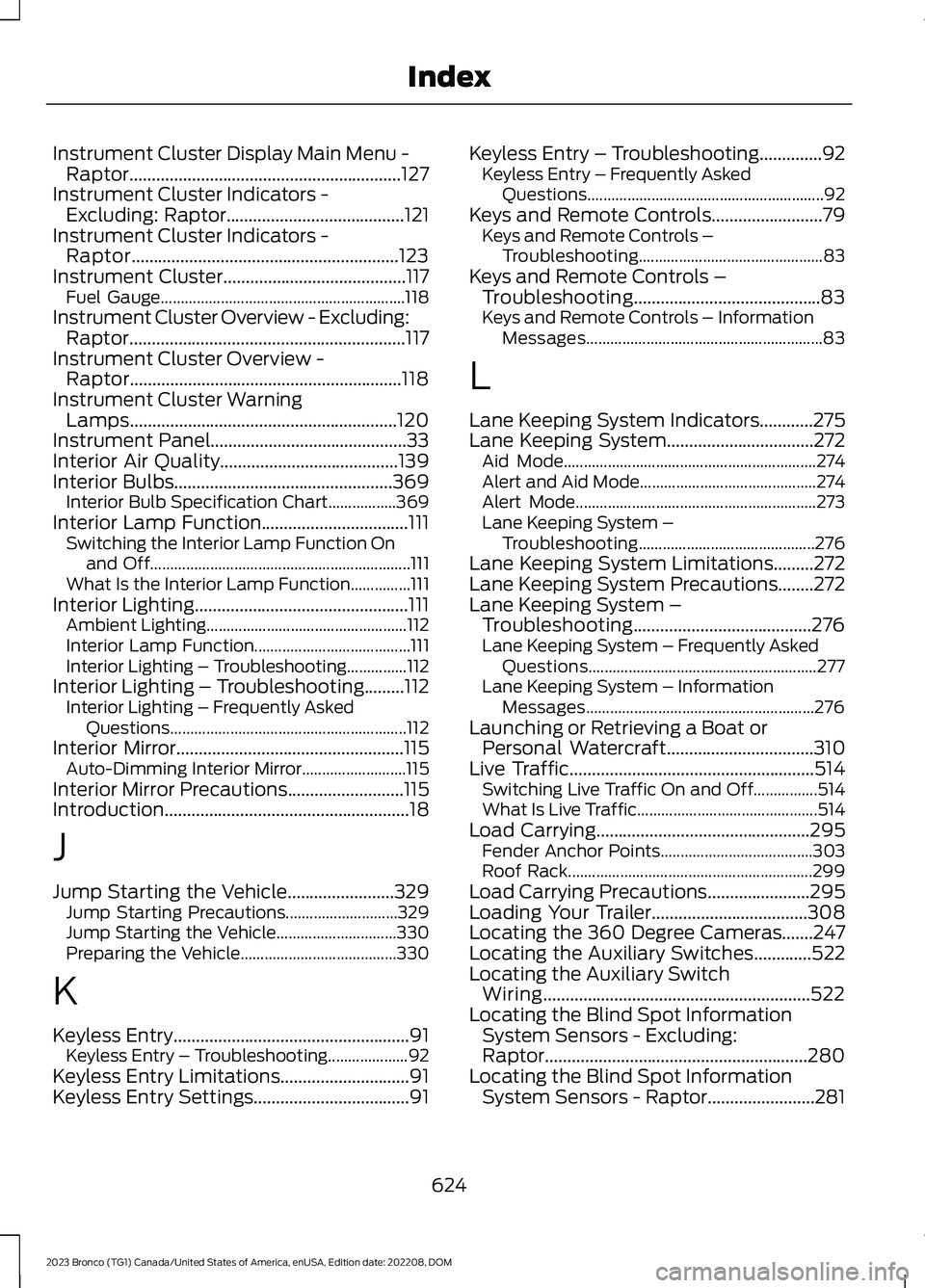
Instrument Cluster Display Main Menu -Raptor.............................................................127Instrument Cluster Indicators -Excluding: Raptor........................................121Instrument Cluster Indicators -Raptor............................................................123Instrument Cluster.........................................117Fuel Gauge.............................................................118Instrument Cluster Overview - Excluding:Raptor..............................................................117Instrument Cluster Overview -Raptor.............................................................118Instrument Cluster WarningLamps............................................................120Instrument Panel............................................33Interior Air Quality........................................139Interior Bulbs.................................................369Interior Bulb Specification Chart.................369Interior Lamp Function.................................111Switching the Interior Lamp Function Onand Off.................................................................111What Is the Interior Lamp Function...............111Interior Lighting................................................111Ambient Lighting..................................................112Interior Lamp Function.......................................111Interior Lighting – Troubleshooting...............112Interior Lighting – Troubleshooting.........112Interior Lighting – Frequently AskedQuestions...........................................................112Interior Mirror...................................................115Auto-Dimming Interior Mirror..........................115Interior Mirror Precautions..........................115Introduction.......................................................18
J
Jump Starting the Vehicle........................329Jump Starting Precautions............................329Jump Starting the Vehicle..............................330Preparing the Vehicle.......................................330
K
Keyless Entry.....................................................91Keyless Entry – Troubleshooting....................92Keyless Entry Limitations.............................91Keyless Entry Settings...................................91
Keyless Entry – Troubleshooting..............92Keyless Entry – Frequently AskedQuestions...........................................................92Keys and Remote Controls.........................79Keys and Remote Controls –Troubleshooting..............................................83Keys and Remote Controls –Troubleshooting..........................................83Keys and Remote Controls – InformationMessages...........................................................83
L
Lane Keeping System Indicators............275Lane Keeping System.................................272Aid Mode...............................................................274Alert and Aid Mode............................................274Alert Mode............................................................273Lane Keeping System –Troubleshooting............................................276Lane Keeping System Limitations.........272Lane Keeping System Precautions........272Lane Keeping System –Troubleshooting........................................276Lane Keeping System – Frequently AskedQuestions.........................................................277Lane Keeping System – InformationMessages.........................................................276Launching or Retrieving a Boat orPersonal Watercraft.................................310Live Traffic.......................................................514Switching Live Traffic On and Off................514What Is Live Traffic.............................................514Load Carrying................................................295Fender Anchor Points......................................303Roof Rack.............................................................299Load Carrying Precautions.......................295Loading Your Trailer...................................308Locating the 360 Degree Cameras.......247Locating the Auxiliary Switches.............522Locating the Auxiliary SwitchWiring............................................................522Locating the Blind Spot InformationSystem Sensors - Excluding:Raptor...........................................................280Locating the Blind Spot InformationSystem Sensors - Raptor........................281
624
2023 Bronco (TG1) Canada/United States of America, enUSA, Edition date: 202208, DOMIndex