brake sensor FORD BRONCO 2023 User Guide
[x] Cancel search | Manufacturer: FORD, Model Year: 2023, Model line: BRONCO, Model: FORD BRONCO 2023Pages: 642, PDF Size: 14.71 MB
Page 367 of 642
For longer, trouble-free operation, keep thetop of the battery clean and dry and thebattery cables tightly fastened to thebattery terminals. If any corrosion ispresent on the battery or terminals, removethe cables from the terminals and cleanwith a wire brush. You can neutralize theacid with a solution of baking soda andwater.
We recommend that you disconnect thenegative battery cable terminal from thebattery if you plan to store your vehicle foran extended period.
Note:If you only disconnect the negativebattery cable terminal, make sure it isisolated or placed away from the batteryterminal to avoid unintended connection orarcing.
If you disconnect or replace the batteryand your vehicle has an automatictransmission, it must relearn its adaptivestrategy. Because of this, the transmissionmay shift firmly when first driven. This isnormal operation while the transmissionfully updates its operation to optimumshift feel.
Removing the Battery
1.Apply the parking brake and switch theignition off.
2.Switch all electrical equipment off, forexample lights and radio.
3.Wait a minimum of two minutes beforedisconnecting the battery.
Note:The engine management system hasa power hold function and remains poweredfor a period of time after you switch theignition off. This is to allow diagnostic andadaptive tables to be stored. Disconnectingthe battery without waiting can causedamage not covered by the vehicleWarranty.
4.Disconnect and isolate the negativebattery cable terminal.
5.Disconnect and isolate the positivebattery cable terminal.
6.Remove the battery securing clamp.
7.Remove the battery.
If you disconnect or replace the vehiclebattery, you must reset the followingfeatures:
•Window bounce-back. See WindowBounce-Back (page 114).
•Clock Settings.
•Pre-set radio stations.
Replacing the Battery
Note:Before reconnecting the battery,make sure the ignition remains switched off.
You must replace the battery with one ofexactly the same specification.
To install, reverse the removal procedure.
Note:Make sure that you correctly installthe battery terminal covers, battery coverand battery cable terminals.
RESETTING THE BATTERYSENSOR
When you install a new battery, reset thebattery sensor by doing the following:
1.Switch the ignition on, and leave theengine off.
Note:Complete Steps 2 and 3 within 10seconds.
2.Flash the high beam headlamps fivetimes, ending with the high beams off.
3.Press and release the brake pedal threetimes.
The battery warning lamp flashes threetimes to confirm that the reset issuccessful.
363
2023 Bronco (TG1) Canada/United States of America, enUSA, Edition date: 202208, DOMMaintenance
Page 453 of 642
CHANGING A FLAT TIRE -
EXCLUDING: RAPTOR
Note:You should only use tire sealants inroadside emergencies as they may causedamage to the tire pressure monitoringsystem sensor.
Note:The tire pressure monitoring systemindicator light illuminates when the sparetire is in use. To restore the full function ofthe monitoring system, all road wheelsequipped with tire pressure monitoringsensors must be mounted on the vehicle.
If you get a flat tire when driving, do notapply the brake heavily. Instead, graduallydecrease your speed, hold the steeringwheel firmly, and slowly move to a safeplace on the side of the road.
Have your flat serviced by an authorizeddealer in order to prevent damage to thetire pressure monitoring system sensors.Replace the spare tire with a road tire assoon as possible. During repairing orreplacing of the flat tire, have theauthorized dealer inspect the tire pressuremonitoring system sensor for damage.
Tire Change Procedure
WARNING: Failure to follow theseguidelines could result in an increasedrisk of loss of vehicle control, injury ordeath.
WARNING: Do not get under avehicle that is supported by a jack.
WARNING: The jack supplied withthis vehicle is only intended for changinga flat tire in an emergency. Do notattempt to do any other work on yourvehicle when it is supported by the jack,as your vehicle could slip off the jack.Failure to follow this instruction couldresult in personal injury or death.
WARNING: To help prevent yourvehicle from moving when changing awheel, shift the transmission into park(P), set the parking brake and use anappropriate block or wheel chock tosecure the wheel diagonally opposite tothe wheel being changed. For example,when changing the front left wheel,place an appropriate block or wheelchock on the right rear wheel.
WARNING: Only use the jackprovided as original equipment with yourvehicle.
WARNING: Only use the specifiedjacking points. If you use any otherlocations you could damage vehiclecomponents, such as brake lines.
WARNING: Never place anythingbetween the vehicle jack and yourvehicle.
WARNING: Never place anythingbetween the vehicle jack and the ground.
WARNING: Do not attempt tochange a tire on the side of the vehicleclose to moving traffic. Pull far enoughoff the road to not obstruct the flow oftraffic and avoid the danger of being hitwhen operating the jack or changing thewheel.
WARNING: Always fully apply theparking brake. Failure to follow thisinstruction could result in personal injuryor death.
WARNING: The jack should beused on level firm ground whereverpossible.
449
2023 Bronco (TG1) Canada/United States of America, enUSA, Edition date: 202208, DOMChanging a Road Wheel
Page 457 of 642
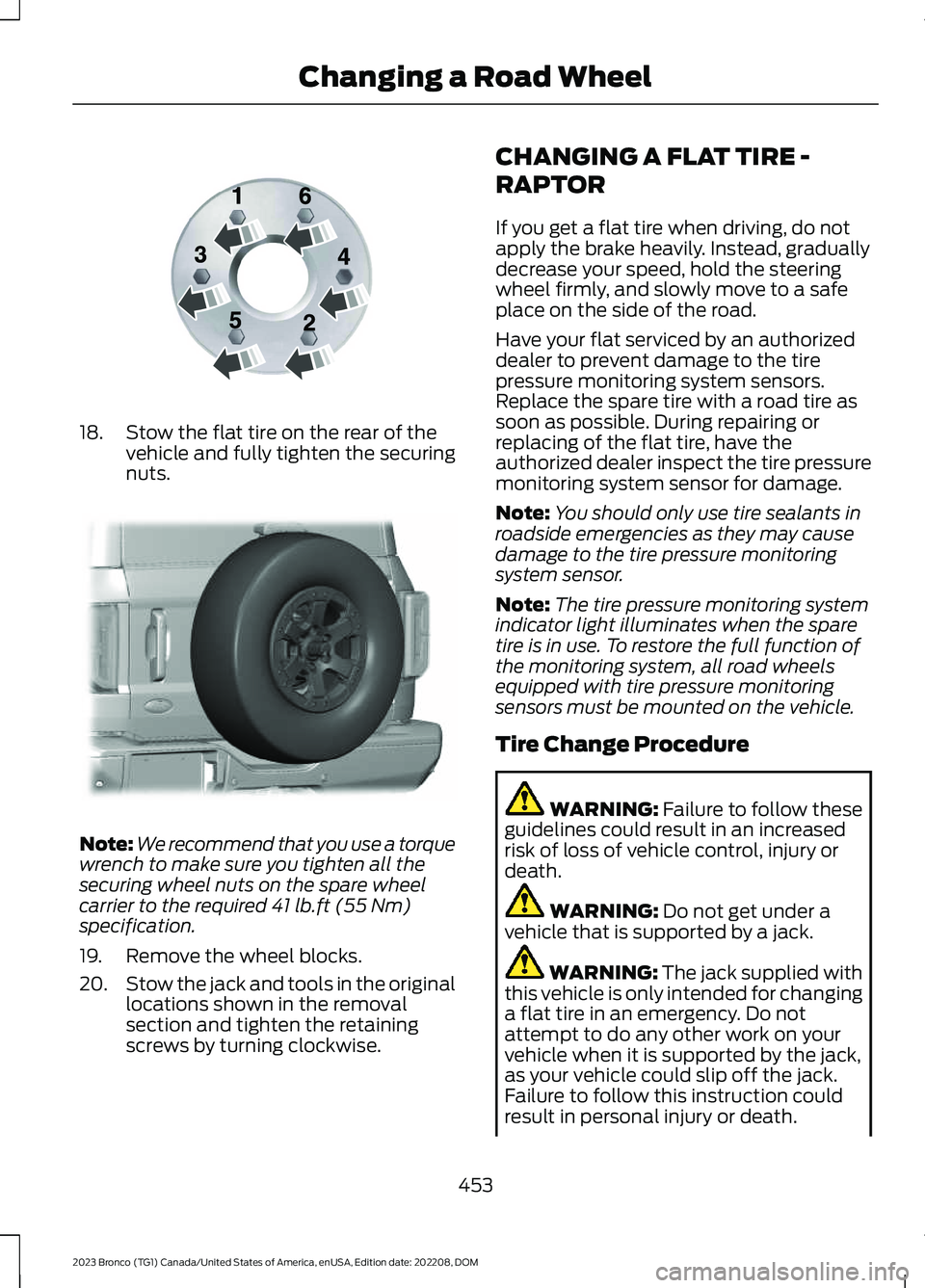
18.Stow the flat tire on the rear of thevehicle and fully tighten the securingnuts.
Note:We recommend that you use a torquewrench to make sure you tighten all thesecuring wheel nuts on the spare wheelcarrier to the required 41 lb.ft (55 Nm)specification.
19.Remove the wheel blocks.
20.Stow the jack and tools in the originallocations shown in the removalsection and tighten the retainingscrews by turning clockwise.
CHANGING A FLAT TIRE -
RAPTOR
If you get a flat tire when driving, do notapply the brake heavily. Instead, graduallydecrease your speed, hold the steeringwheel firmly, and slowly move to a safeplace on the side of the road.
Have your flat serviced by an authorizeddealer to prevent damage to the tirepressure monitoring system sensors.Replace the spare tire with a road tire assoon as possible. During repairing orreplacing of the flat tire, have theauthorized dealer inspect the tire pressuremonitoring system sensor for damage.
Note:You should only use tire sealants inroadside emergencies as they may causedamage to the tire pressure monitoringsystem sensor.
Note:The tire pressure monitoring systemindicator light illuminates when the sparetire is in use. To restore the full function ofthe monitoring system, all road wheelsequipped with tire pressure monitoringsensors must be mounted on the vehicle.
Tire Change Procedure
WARNING: Failure to follow theseguidelines could result in an increasedrisk of loss of vehicle control, injury ordeath.
WARNING: Do not get under avehicle that is supported by a jack.
WARNING: The jack supplied withthis vehicle is only intended for changinga flat tire in an emergency. Do notattempt to do any other work on yourvehicle when it is supported by the jack,as your vehicle could slip off the jack.Failure to follow this instruction couldresult in personal injury or death.
453
2023 Bronco (TG1) Canada/United States of America, enUSA, Edition date: 202208, DOMChanging a Road WheelE166719 E324079
Page 462 of 642
22.Stow the jack and tools in the originallocations shown in the removalsection and tighten the retainingscrews by turning clockwise.
WHEEL NUTS - EXCLUDING: RAPTOR
Wheel Nut Torque Specifications
WARNING: When you install a wheel, always remove any corrosion, dirt or foreignmaterials present on the mounting surfaces of the wheel or the surface of the wheelhub, brake drum or brake disc that contacts the wheel. Make sure to secure any fastenersthat attach the rotor to the hub so they do not interfere with the mounting surfaces ofthe wheel. Installing wheels without correct metal-to-metal contact at the wheelmounting surfaces can cause the wheel nuts to loosen and the wheel to come off whileyour vehicle is in motion, resulting in loss of vehicle control, personal injury or death.
WARNING: If the tire pressure monitor sensor becomes damaged it may notfunction.
lb.ft (Nm)*Bolt size
100 lb.ft (135 Nm)M12 X 1.5
*Torque specifications are for nut and bolt threads free of dirt and rust. Use only ourrecommended replacement fasteners.
Retighten the lug nuts to the specified torque within 100 mi (160 km) after any wheeldisturbance (such as tire rotation, changing a flat tire, wheel removal).
458
2023 Bronco (TG1) Canada/United States of America, enUSA, Edition date: 202208, DOMChanging a Road Wheel
Page 619 of 642
1
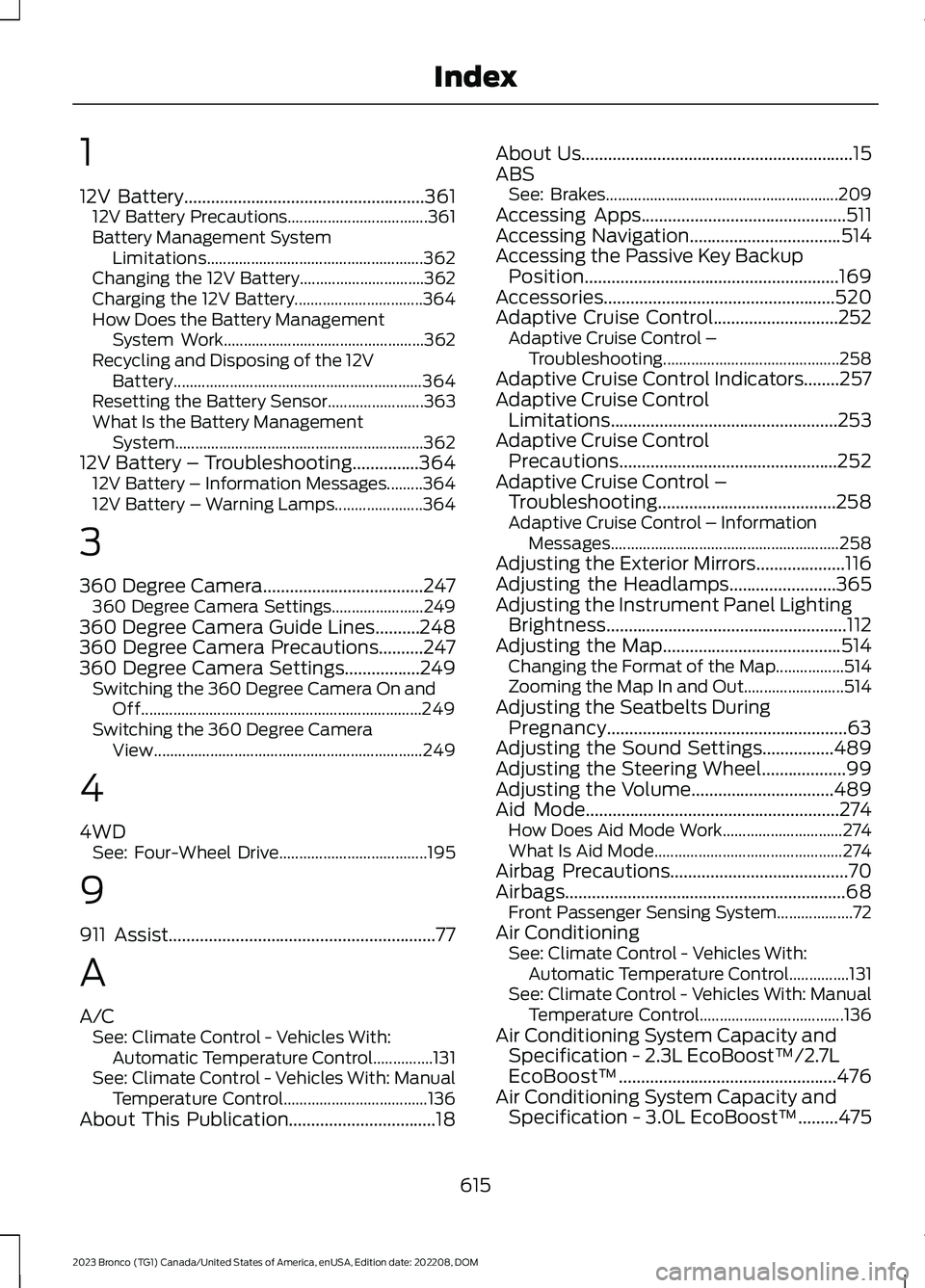
12V Battery......................................................36112V Battery Precautions...................................361Battery Management SystemLimitations......................................................362Changing the 12V Battery...............................362Charging the 12V Battery................................364How Does the Battery ManagementSystem Work..................................................362Recycling and Disposing of the 12VBattery..............................................................364Resetting the Battery Sensor........................363What Is the Battery ManagementSystem..............................................................36212V Battery – Troubleshooting...............36412V Battery – Information Messages.........36412V Battery – Warning Lamps......................364
3
360 Degree Camera....................................247360 Degree Camera Settings.......................249360 Degree Camera Guide Lines..........248360 Degree Camera Precautions..........247360 Degree Camera Settings.................249Switching the 360 Degree Camera On andOff......................................................................249Switching the 360 Degree CameraView...................................................................249
4
4WDSee: Four-Wheel Drive.....................................195
9
911 Assist............................................................77
A
A/CSee: Climate Control - Vehicles With:Automatic Temperature Control...............131See: Climate Control - Vehicles With: ManualTemperature Control....................................136About This Publication.................................18
About Us.............................................................15ABSSee: Brakes..........................................................209Accessing Apps..............................................511Accessing Navigation..................................514Accessing the Passive Key BackupPosition.........................................................169Accessories....................................................520Adaptive Cruise Control............................252Adaptive Cruise Control –Troubleshooting............................................258Adaptive Cruise Control Indicators........257Adaptive Cruise ControlLimitations...................................................253Adaptive Cruise ControlPrecautions.................................................252Adaptive Cruise Control –Troubleshooting........................................258Adaptive Cruise Control – InformationMessages.........................................................258Adjusting the Exterior Mirrors....................116Adjusting the Headlamps........................365Adjusting the Instrument Panel LightingBrightness......................................................112Adjusting the Map........................................514Changing the Format of the Map.................514Zooming the Map In and Out.........................514Adjusting the Seatbelts DuringPregnancy......................................................63Adjusting the Sound Settings................489Adjusting the Steering Wheel...................99Adjusting the Volume................................489Aid Mode.........................................................274How Does Aid Mode Work..............................274What Is Aid Mode...............................................274Airbag Precautions........................................70Airbags...............................................................68Front Passenger Sensing System...................72Air ConditioningSee: Climate Control - Vehicles With:Automatic Temperature Control...............131See: Climate Control - Vehicles With: ManualTemperature Control....................................136Air Conditioning System Capacity andSpecification - 2.3L EcoBoost™/2.7LEcoBoost™.................................................476Air Conditioning System Capacity andSpecification - 3.0L EcoBoost™.........475
615
2023 Bronco (TG1) Canada/United States of America, enUSA, Edition date: 202208, DOMIndex
Page 622 of 642
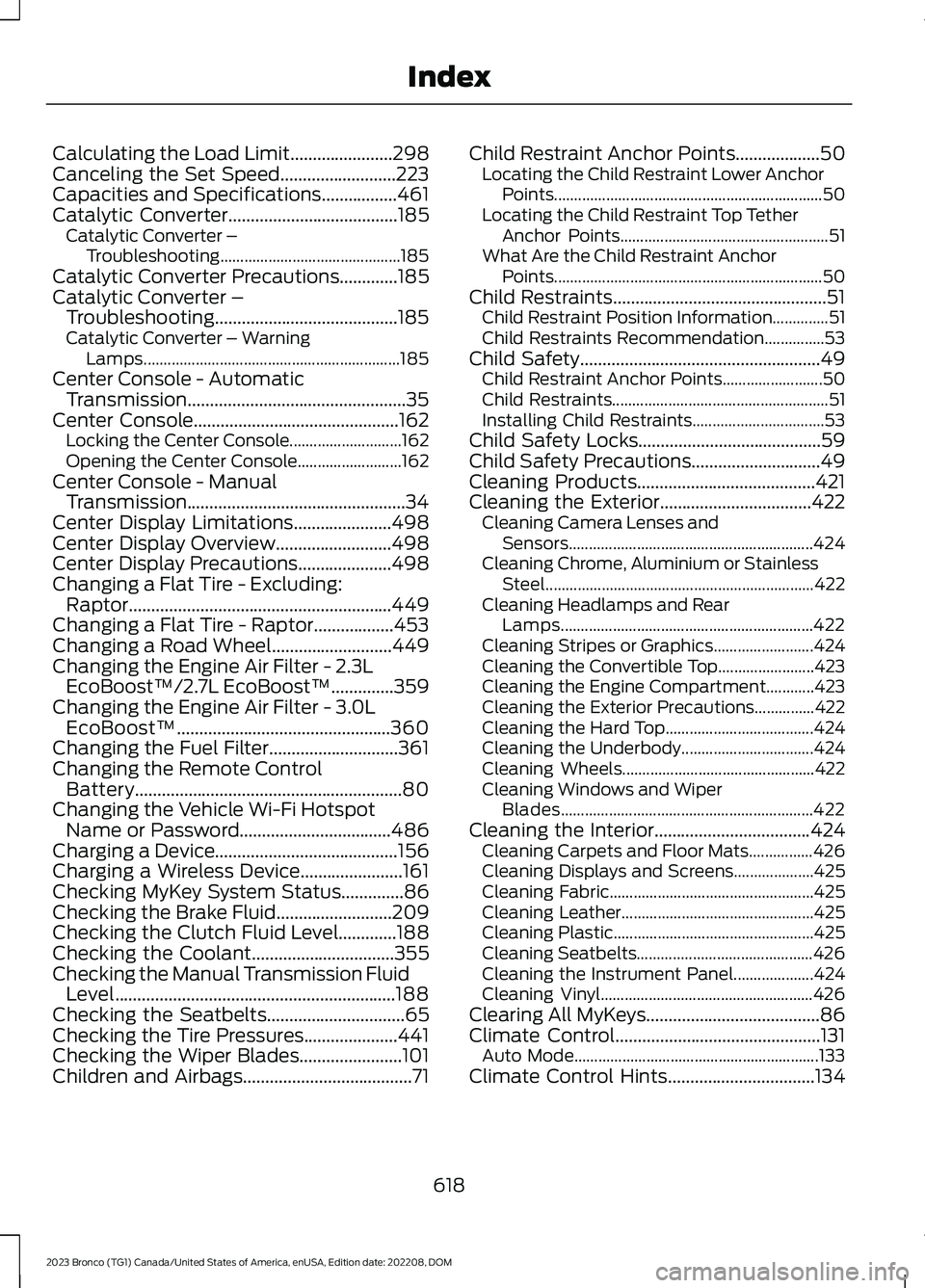
Calculating the Load Limit.......................298Canceling the Set Speed..........................223Capacities and Specifications.................461Catalytic Converter......................................185Catalytic Converter –Troubleshooting.............................................185Catalytic Converter Precautions.............185Catalytic Converter –Troubleshooting.........................................185Catalytic Converter – WarningLamps................................................................185Center Console - AutomaticTransmission.................................................35Center Console..............................................162Locking the Center Console............................162Opening the Center Console..........................162Center Console - ManualTransmission.................................................34Center Display Limitations......................498Center Display Overview..........................498Center Display Precautions.....................498Changing a Flat Tire - Excluding:Raptor...........................................................449Changing a Flat Tire - Raptor..................453Changing a Road Wheel...........................449Changing the Engine Air Filter - 2.3LEcoBoost™/2.7L EcoBoost™..............359Changing the Engine Air Filter - 3.0LEcoBoost™................................................360Changing the Fuel Filter.............................361Changing the Remote ControlBattery............................................................80Changing the Vehicle Wi-Fi HotspotName or Password..................................486Charging a Device.........................................156Charging a Wireless Device.......................161Checking MyKey System Status..............86Checking the Brake Fluid..........................209Checking the Clutch Fluid Level.............188Checking the Coolant................................355Checking the Manual Transmission FluidLevel...............................................................188Checking the Seatbelts...............................65Checking the Tire Pressures.....................441Checking the Wiper Blades.......................101Children and Airbags......................................71
Child Restraint Anchor Points...................50Locating the Child Restraint Lower AnchorPoints...................................................................50Locating the Child Restraint Top TetherAnchor Points....................................................51What Are the Child Restraint AnchorPoints...................................................................50Child Restraints................................................51Child Restraint Position Information..............51Child Restraints Recommendation...............53Child Safety......................................................49Child Restraint Anchor Points.........................50Child Restraints......................................................51Installing Child Restraints.................................53Child Safety Locks.........................................59Child Safety Precautions.............................49Cleaning Products........................................421Cleaning the Exterior..................................422Cleaning Camera Lenses andSensors.............................................................424Cleaning Chrome, Aluminium or StainlessSteel...................................................................422Cleaning Headlamps and RearLamps...............................................................422Cleaning Stripes or Graphics.........................424Cleaning the Convertible Top........................423Cleaning the Engine Compartment............423Cleaning the Exterior Precautions...............422Cleaning the Hard Top.....................................424Cleaning the Underbody.................................424Cleaning Wheels................................................422Cleaning Windows and WiperBlades...............................................................422Cleaning the Interior...................................424Cleaning Carpets and Floor Mats................426Cleaning Displays and Screens....................425Cleaning Fabric...................................................425Cleaning Leather................................................425Cleaning Plastic..................................................425Cleaning Seatbelts............................................426Cleaning the Instrument Panel....................424Cleaning Vinyl.....................................................426Clearing All MyKeys.......................................86Climate Control..............................................131Auto Mode.............................................................133Climate Control Hints.................................134
618
2023 Bronco (TG1) Canada/United States of America, enUSA, Edition date: 202208, DOMIndex
Page 629 of 642
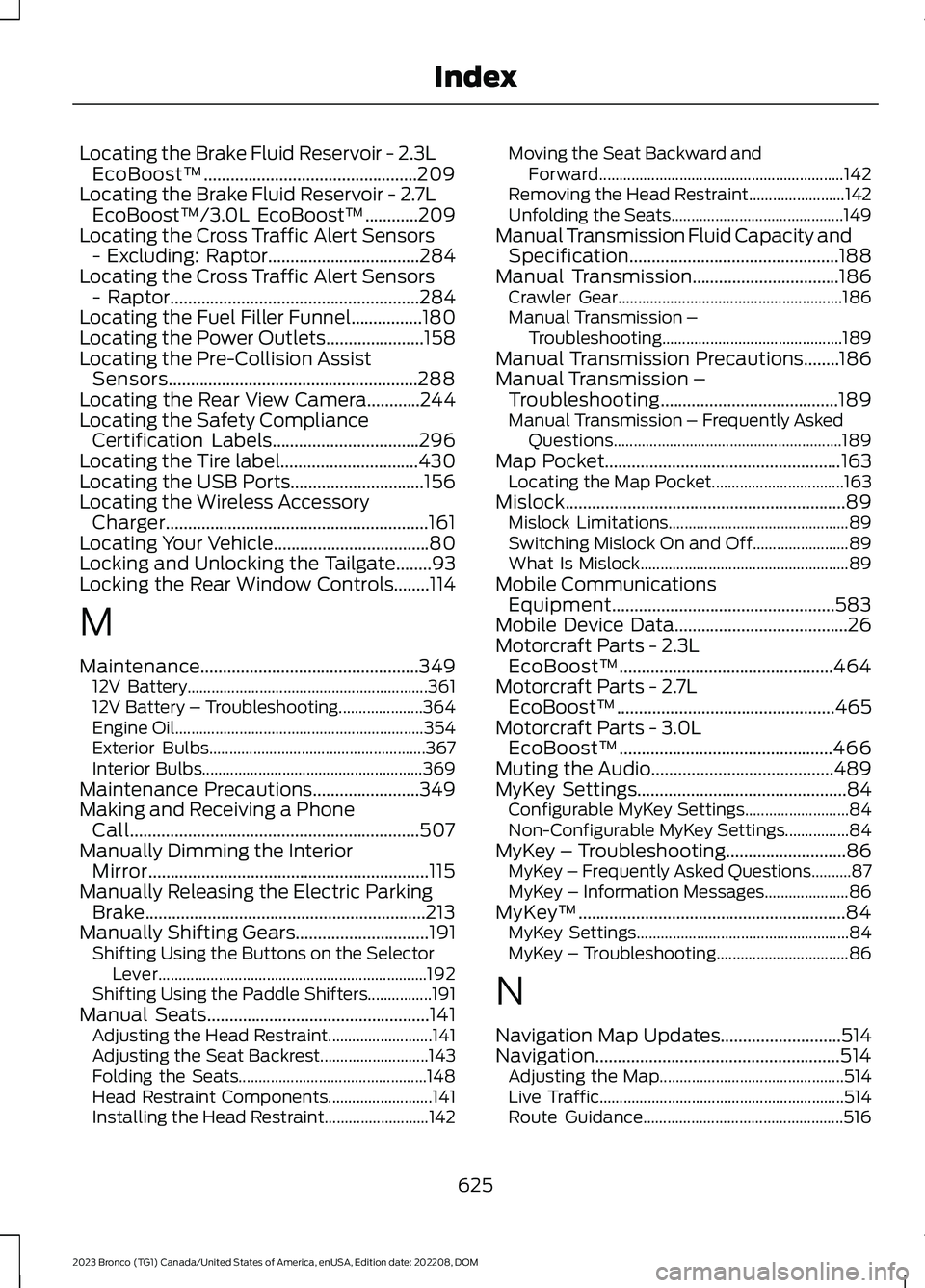
Locating the Brake Fluid Reservoir - 2.3LEcoBoost™................................................209Locating the Brake Fluid Reservoir - 2.7LEcoBoost™/3.0L EcoBoost™............209Locating the Cross Traffic Alert Sensors- Excluding: Raptor..................................284Locating the Cross Traffic Alert Sensors- Raptor........................................................284Locating the Fuel Filler Funnel................180Locating the Power Outlets......................158Locating the Pre-Collision AssistSensors........................................................288Locating the Rear View Camera............244Locating the Safety ComplianceCertification Labels.................................296Locating the Tire label...............................430Locating the USB Ports..............................156Locating the Wireless AccessoryCharger...........................................................161Locating Your Vehicle...................................80Locking and Unlocking the Tailgate........93Locking the Rear Window Controls........114
M
Maintenance.................................................34912V Battery............................................................36112V Battery – Troubleshooting.....................364Engine Oil..............................................................354Exterior Bulbs......................................................367Interior Bulbs.......................................................369Maintenance Precautions........................349Making and Receiving a PhoneCall.................................................................507Manually Dimming the InteriorMirror...............................................................115Manually Releasing the Electric ParkingBrake...............................................................213Manually Shifting Gears..............................191Shifting Using the Buttons on the SelectorLever...................................................................192Shifting Using the Paddle Shifters................191Manual Seats..................................................141Adjusting the Head Restraint..........................141Adjusting the Seat Backrest...........................143Folding the Seats...............................................148Head Restraint Components..........................141Installing the Head Restraint..........................142
Moving the Seat Backward andForward.............................................................142Removing the Head Restraint........................142Unfolding the Seats...........................................149Manual Transmission Fluid Capacity andSpecification...............................................188Manual Transmission.................................186Crawler Gear........................................................186Manual Transmission –Troubleshooting.............................................189Manual Transmission Precautions........186Manual Transmission –Troubleshooting........................................189Manual Transmission – Frequently AskedQuestions.........................................................189Map Pocket.....................................................163Locating the Map Pocket.................................163Mislock...............................................................89Mislock Limitations.............................................89Switching Mislock On and Off........................89What Is Mislock....................................................89Mobile CommunicationsEquipment..................................................583Mobile Device Data.......................................26Motorcraft Parts - 2.3LEcoBoost™................................................464Motorcraft Parts - 2.7LEcoBoost™.................................................465Motorcraft Parts - 3.0LEcoBoost™................................................466Muting the Audio.........................................489MyKey Settings...............................................84Configurable MyKey Settings..........................84Non-Configurable MyKey Settings................84MyKey – Troubleshooting...........................86MyKey – Frequently Asked Questions..........87MyKey – Information Messages.....................86MyKey™............................................................84MyKey Settings.....................................................84MyKey – Troubleshooting.................................86
N
Navigation Map Updates...........................514Navigation.......................................................514Adjusting the Map..............................................514Live Traffic.............................................................514Route Guidance..................................................516
625
2023 Bronco (TG1) Canada/United States of America, enUSA, Edition date: 202208, DOMIndex