maintenance FORD BRONCO 2023 Workshop Manual
[x] Cancel search | Manufacturer: FORD, Model Year: 2023, Model line: BRONCO, Model: FORD BRONCO 2023Pages: 642, PDF Size: 14.71 MB
Page 612 of 642
SUNA TRAFFIC CHANNEL – TERMSAND CONDITIONS
By activating, using and/or accessing theSUNA Traffic Channel, SUNA Predictive orother content or material provided byIntelematics (together,SUNA Productsand/or Services), you must acceptcertain terms and conditions. The followingis a brief summary of the terms andconditions that apply to you. To view thefull terms and conditions relevant to youruse of the SUNA Products and/or Services,please consult:
Website
www.sunatraffic.com.au/termsandcon-ditions/
1. Acceptance
By using SUNA Products and/or Services,you will be deemed to have accepted andagreed to be bound by the terms andconditions fully detailed at:
Website
www.sunatraffic.com.au/termsandcon-ditions/
2. Intellectual Property
SUNA Products and/or Services are foryour personal use. You may not record, orretransmit the content, nor use the contentin association with any other trafficinformation or route guidance service ordevice not approved by Intelematics. Youobtain no right of ownership in anyIntellectual Property Rights (includingcopyright) in the data that is used toprovide SUNA Products and/or Services.
3. Appropriate Use
SUNA Products and/or Services areintended as an aid to personal motoringand travel planning, and do not providecomprehensive or accurate information onall occasions. On occasions, you mayexperience additional delay as a result ofusing SUNA Products and/or Services. Youacknowledge that it is not intended, orsuitable, for use in applications where timeof arrival or driving directions may impactthe safety of the public or yourself.
4. Use of SUNA Products and Serviceswhile driving
You, and other authorized drivers of thevehicle in which SUNA Products and/orServices are available or installed andactive, remain at all times responsible forobserving all relevant laws and codes ofsafe driving. In particular, you agree to onlyactively operate SUNA Products and/orServices when the Vehicle is at a completestop and it is safe to do so.
5. Service Continuity and Reception ofthe SUNA Traffic Channel
We will use reasonable endeavors toprovide the SUNA Traffic Channel 24 hoursa day, 365 days a year. The SUNA TrafficChannel may occasionally be unavailablefor technical reasons or for plannedmaintenance. We will try to performmaintenance at times when congestion islight. We reserve the right to withdrawSUNA Products and/or Services at anytime.
Also, we cannot assure the uninterruptedreception of the SUNA Traffic ChannelRDS-TMC signal at any particular location.
6. Limitation of Liability
Neither Intelematics (nor its suppliers orthe manufacturer of your device (the“Suppliers”)) shall be liable to you or toany third party for any damages eitherdirect, indirect, incidental, consequentialor otherwise arising out of the use of orinability to use SUNA Products and/or
608
2023 Bronco (TG1) Canada/United States of America, enUSA, Edition date: 202208, DOMCustomer Information
Page 613 of 642
Services even if Intelematics or a Supplierhas been advised of the possibility of suchdamages. You also acknowledge thatneither Intelematics nor any Supplierguarantees nor make any warranties thatrelate to the availability, accuracy orcompleteness of SUNA Products and/orServices, and to the extent which it islawful to do so, both Intelematics and eachSupplier excludes any warranties whichmight otherwise be implied by any Stateor Federal legislation in relation to SUNAProducts and/or Services.
7. Please Note
Great care has been taken in preparing thismanual. Constant product developmentmay mean that some information is notentirely up-to-date. The information in thisdocument is subject to change withoutnotice.
EMISSION LAW
WARNING: Do not remove or alterthe original equipment floor covering orinsulation between it and the metal floorof the vehicle. The floor covering andinsulation protect occupants of thevehicle from the engine and exhaustsystem heat and noise. On vehicles withno original equipment floor coveringinsulation, do not carry passengers in amanner that permits prolonged skincontact with the metal floor. Failure tofollow these instructions may result infire or personal injury.
U.S. federal laws and certain state lawsprohibit removing or rendering inoperativeemission control system components.Similar federal or provincial laws mayapply in Canada. We do not approve of anyvehicle modification without firstdetermining applicable laws.
Tampering with emissionscontrol systems includingrelated sensors or the DieselExhaust Fluid system can result in reducedengine power and the illumination of theservice engine soon light.
Tampering With a Noise ControlSystem
Federal laws prohibit the following acts:
•Removal or rendering inoperative byany person other than for purposes ofmaintenance.
•Repair or replacement of any device orelement of the design incorporated intoa new vehicle for the purpose of noisecontrol prior to its sale or delivery tothe ultimate purchaser or while it is inuse.
•The use of the vehicle after any personremoves or renders inoperative anydevice or element of the design.
The U.S. Environmental Protection Agencymay presume to constitute tampering asfollows:
•Removal of hood blanket, fender apronabsorbers, fender apron barriers,underbody noise shields or acousticallyabsorptive material.
•Tampering or rendering inoperative theengine speed governor, to allow enginespeed to exceed manufacturerspecifications.
If the engine does not start, runs rough,experiences a decrease in engineperformance, experiences excess fuelconsumption or produces excessiveexhaust smoke, check for the following:
•A plugged or disconnected air inletsystem hose.
•A plugged engine air filter element.
•Water in the fuel filter and waterseparator.
609
2023 Bronco (TG1) Canada/United States of America, enUSA, Edition date: 202208, DOMCustomer InformationE67028
Page 614 of 642
•A clogged fuel filter.
•Contaminated fuel.
•Air in the fuel system, due to looseconnections.
•An open or pinched sensor hose.
•Incorrect engine oil level.
•Incorrect fuel for climatic conditions.
•Incorrect engine oil viscosity forclimactic conditions.
Note:Some vehicles have a lifetime fuelfilter that is integrated with the fuel tank.Regular maintenance or replacement is notneeded.
Note:If these checks do not help youcorrect the concern, have your vehiclechecked as soon as possible.
Noise Emissions Warranty,Prohibited Tampering Acts andMaintenance
On January 1, 1978, Federal regulationbecame effective governing the noiseemission on trucks over 10,000 lb(4,536 kg) Gross Vehicle Weight Rating(GVWR). The preceding statementsconcerning prohibited tampering acts andmaintenance, and the noise warrantyfound in the Warranty Guide, areapplicable to complete chassis cabs over10,000 lb (4,536 kg) GVWR.
EXPORT UNIQUE OPTIONS
For your particular global region, yourvehicle may be equipped with features andoptions that are different from the featuresand options that are described in thisOwner’s Manual. A market uniquesupplement may be supplied thatcomplements this book. By referring to themarket unique supplement, if provided,you can properly identify those features,recommendations and specifications thatare unique to your vehicle. This Owner’s
Manual is written primarily for the U.S. andCanadian markets. Features or equipmentlisted as standard may be different on unitsbuilt for export.Refer to this Owner’sManual for all other requiredinformation and warnings.
WARRANTY INFORMATION
The following warranties may apply to yourvehicle:
•New vehicle limited warranties.
•Emissions warranties, if applicable.(Note: Fully-electric vehicles are noteligible for emissions warranties.)
•Other warranties, if applicable.
Detailed warranty information specific toyour vehicle can be found in the WarrantyGuide at www.owner.ford.com.
The following California WarrantyStatement, required by Californiaregulations, applies to vehicles certified toCalifornia emissions standards andregistered in a state that requires Californiaemissions warranty. If applicable,additional California Emissions Warrantiescan be found in the Warranty Guide atwww.owner.ford.com.
CALIFORNIA EMISSION CONTROLWARRANTY STATEMENT
YOUR WARRANTY RIGHTS ANDOBLIGATIONS
The California Air Resources Board andFord Motor Company are pleased toexplain the emission control systemwarranty on your (year) vehicle. InCalifornia, new motor vehicles must bedesignated, built and equipped to meet
610
2023 Bronco (TG1) Canada/United States of America, enUSA, Edition date: 202208, DOMCustomer Information
Page 615 of 642
the State's stringent anti-smog standards.Ford Motor Company must warrant theemission control system on your vehiclefor the periods of time listed belowprovided there has been no abuse, neglector improper maintenance of your vehicle.
Your emission control system may includeparts such as the carburetor orfuel-injection system, the ignition system,catalytic converter and engine computer.Also included may be hoses, belts,connectors and other emission-relatedassemblies. Where a warrantable conditionexists, Ford Motor Company will repair yourvehicle at no cost to you includingdiagnosis, parts and labor.
MANUFACTURER'S WARRANTYCOVERAGE:
(For 1990 and subsequent modelpassenger cars, light-duty trucks, andmedium-duty vehicles.)
- For 3 years or 50,000 miles (whicheveroccurs first);
1) If your vehicle fails a Smog Checkinspection, all necessary repairs andadjustments will be made by Ford MotorCompany to ensure that your emissioncontrol system PERFORMANCEWARRANTY.
2) If any emission-related part on yourvehicle is defective, the part will berepaired or replaced by Ford MotorCompany. This is your short-term emissioncontrol system DEFECTS WARRANTY.
- For 7 years or 70,000 miles (whicheveroccurs first);
1) If an emission-related part listed in thiswarranty booklet specially noted withcoverage for 7 years or 70,000 miles isdefective, the part will be repaired orreplaced by Ford Motor Company. This isyour long-term emission control systemDEFECTS WARRANTY.
OWNER'S WARRANTYRESPONSIBILITIES:
- As the vehicle owner, you are responsiblefor the performance of the requiredmaintenance listed in your owner'smanual. Ford Motor Companyrecommends that you retain all receiptscovering maintenance on your vehicle, butFord Motor Company cannot denywarranty solely for the lack of receipts orfor your failure to ensure the performanceof all scheduled maintenance.
- You are responsible for presenting yourvehicle to a Ford or Lincoln dealer as soonas a problem exists. The warranty repairsshould be completed in a reasonableamount of time, not to exceed 30 days.
- As the vehicle owner, you should also beaware that Ford Motor Company may denyyou warranty coverage if your vehicle or apart has failed due to abuse, neglect,improper maintenance or unapprovedmodifications.
If you have any questions regarding yourwarranty rights and responsibilities, youshould contact Ford Customer Service at1-800-392-3673 or the California AirResource Board at 9528 Telstar Avenue,El Monte, CA 91731.
611
2023 Bronco (TG1) Canada/United States of America, enUSA, Edition date: 202208, DOMCustomer Information
Page 626 of 642
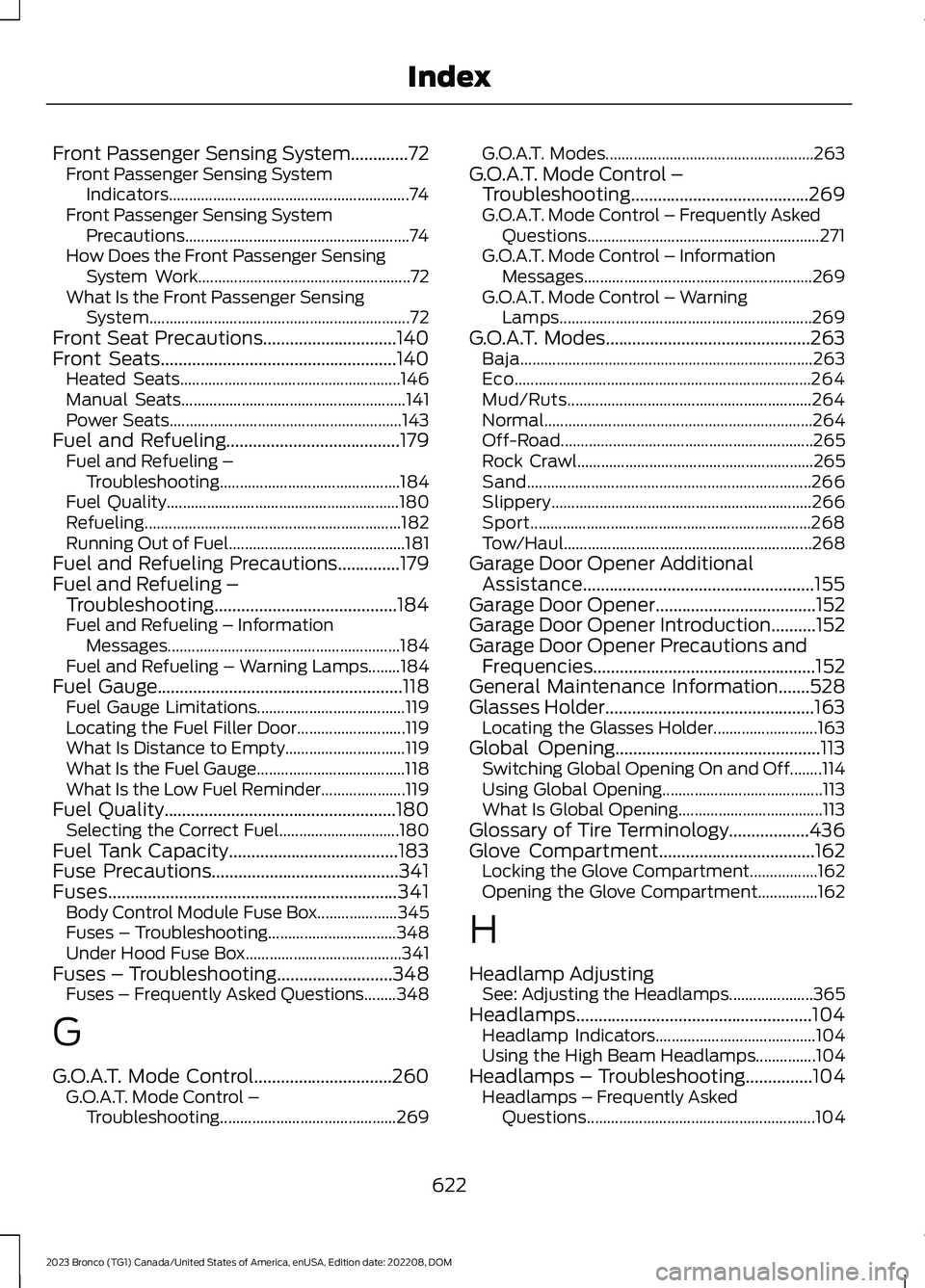
Front Passenger Sensing System.............72Front Passenger Sensing SystemIndicators............................................................74Front Passenger Sensing SystemPrecautions........................................................74How Does the Front Passenger SensingSystem Work.....................................................72What Is the Front Passenger SensingSystem.................................................................72Front Seat Precautions..............................140Front Seats.....................................................140Heated Seats.......................................................146Manual Seats........................................................141Power Seats..........................................................143Fuel and Refueling.......................................179Fuel and Refueling –Troubleshooting.............................................184Fuel Quality..........................................................180Refueling................................................................182Running Out of Fuel............................................181Fuel and Refueling Precautions..............179Fuel and Refueling –Troubleshooting.........................................184Fuel and Refueling – InformationMessages..........................................................184Fuel and Refueling – Warning Lamps........184Fuel Gauge.......................................................118Fuel Gauge Limitations.....................................119Locating the Fuel Filler Door...........................119What Is Distance to Empty..............................119What Is the Fuel Gauge.....................................118What Is the Low Fuel Reminder.....................119Fuel Quality....................................................180Selecting the Correct Fuel..............................180Fuel Tank Capacity......................................183Fuse Precautions..........................................341Fuses.................................................................341Body Control Module Fuse Box....................345Fuses – Troubleshooting................................348Under Hood Fuse Box.......................................341Fuses – Troubleshooting..........................348Fuses – Frequently Asked Questions........348
G
G.O.A.T. Mode Control...............................260G.O.A.T. Mode Control –Troubleshooting............................................269
G.O.A.T. Modes....................................................263G.O.A.T. Mode Control –Troubleshooting........................................269G.O.A.T. Mode Control – Frequently AskedQuestions..........................................................271G.O.A.T. Mode Control – InformationMessages.........................................................269G.O.A.T. Mode Control – WarningLamps...............................................................269G.O.A.T. Modes..............................................263Baja.........................................................................263Eco..........................................................................264Mud/Ruts.............................................................264Normal...................................................................264Off-Road...............................................................265Rock Crawl...........................................................265Sand.......................................................................266Slippery.................................................................266Sport......................................................................268Tow/Haul..............................................................268Garage Door Opener AdditionalAssistance....................................................155Garage Door Opener....................................152Garage Door Opener Introduction..........152Garage Door Opener Precautions andFrequencies..................................................152General Maintenance Information.......528Glasses Holder...............................................163Locating the Glasses Holder..........................163Global Opening..............................................113Switching Global Opening On and Off........114Using Global Opening........................................113What Is Global Opening....................................113Glossary of Tire Terminology..................436Glove Compartment...................................162Locking the Glove Compartment.................162Opening the Glove Compartment...............162
H
Headlamp AdjustingSee: Adjusting the Headlamps.....................365Headlamps.....................................................104Headlamp Indicators........................................104Using the High Beam Headlamps...............104Headlamps – Troubleshooting...............104Headlamps – Frequently AskedQuestions.........................................................104
622
2023 Bronco (TG1) Canada/United States of America, enUSA, Edition date: 202208, DOMIndex
Page 629 of 642
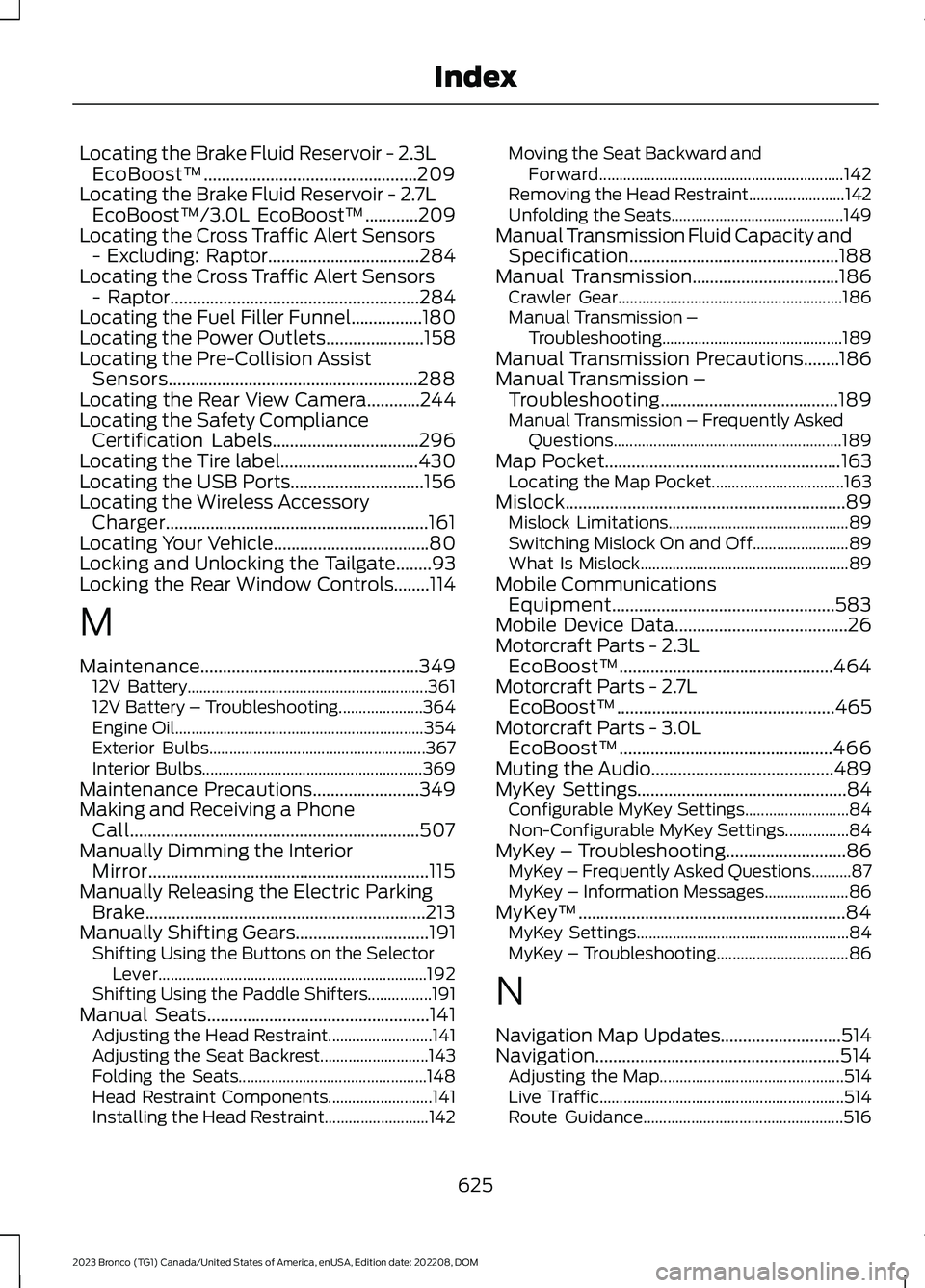
Locating the Brake Fluid Reservoir - 2.3LEcoBoost™................................................209Locating the Brake Fluid Reservoir - 2.7LEcoBoost™/3.0L EcoBoost™............209Locating the Cross Traffic Alert Sensors- Excluding: Raptor..................................284Locating the Cross Traffic Alert Sensors- Raptor........................................................284Locating the Fuel Filler Funnel................180Locating the Power Outlets......................158Locating the Pre-Collision AssistSensors........................................................288Locating the Rear View Camera............244Locating the Safety ComplianceCertification Labels.................................296Locating the Tire label...............................430Locating the USB Ports..............................156Locating the Wireless AccessoryCharger...........................................................161Locating Your Vehicle...................................80Locking and Unlocking the Tailgate........93Locking the Rear Window Controls........114
M
Maintenance.................................................34912V Battery............................................................36112V Battery – Troubleshooting.....................364Engine Oil..............................................................354Exterior Bulbs......................................................367Interior Bulbs.......................................................369Maintenance Precautions........................349Making and Receiving a PhoneCall.................................................................507Manually Dimming the InteriorMirror...............................................................115Manually Releasing the Electric ParkingBrake...............................................................213Manually Shifting Gears..............................191Shifting Using the Buttons on the SelectorLever...................................................................192Shifting Using the Paddle Shifters................191Manual Seats..................................................141Adjusting the Head Restraint..........................141Adjusting the Seat Backrest...........................143Folding the Seats...............................................148Head Restraint Components..........................141Installing the Head Restraint..........................142
Moving the Seat Backward andForward.............................................................142Removing the Head Restraint........................142Unfolding the Seats...........................................149Manual Transmission Fluid Capacity andSpecification...............................................188Manual Transmission.................................186Crawler Gear........................................................186Manual Transmission –Troubleshooting.............................................189Manual Transmission Precautions........186Manual Transmission –Troubleshooting........................................189Manual Transmission – Frequently AskedQuestions.........................................................189Map Pocket.....................................................163Locating the Map Pocket.................................163Mislock...............................................................89Mislock Limitations.............................................89Switching Mislock On and Off........................89What Is Mislock....................................................89Mobile CommunicationsEquipment..................................................583Mobile Device Data.......................................26Motorcraft Parts - 2.3LEcoBoost™................................................464Motorcraft Parts - 2.7LEcoBoost™.................................................465Motorcraft Parts - 3.0LEcoBoost™................................................466Muting the Audio.........................................489MyKey Settings...............................................84Configurable MyKey Settings..........................84Non-Configurable MyKey Settings................84MyKey – Troubleshooting...........................86MyKey – Frequently Asked Questions..........87MyKey – Information Messages.....................86MyKey™............................................................84MyKey Settings.....................................................84MyKey – Troubleshooting.................................86
N
Navigation Map Updates...........................514Navigation.......................................................514Adjusting the Map..............................................514Live Traffic.............................................................514Route Guidance..................................................516
625
2023 Bronco (TG1) Canada/United States of America, enUSA, Edition date: 202208, DOMIndex
Page 630 of 642
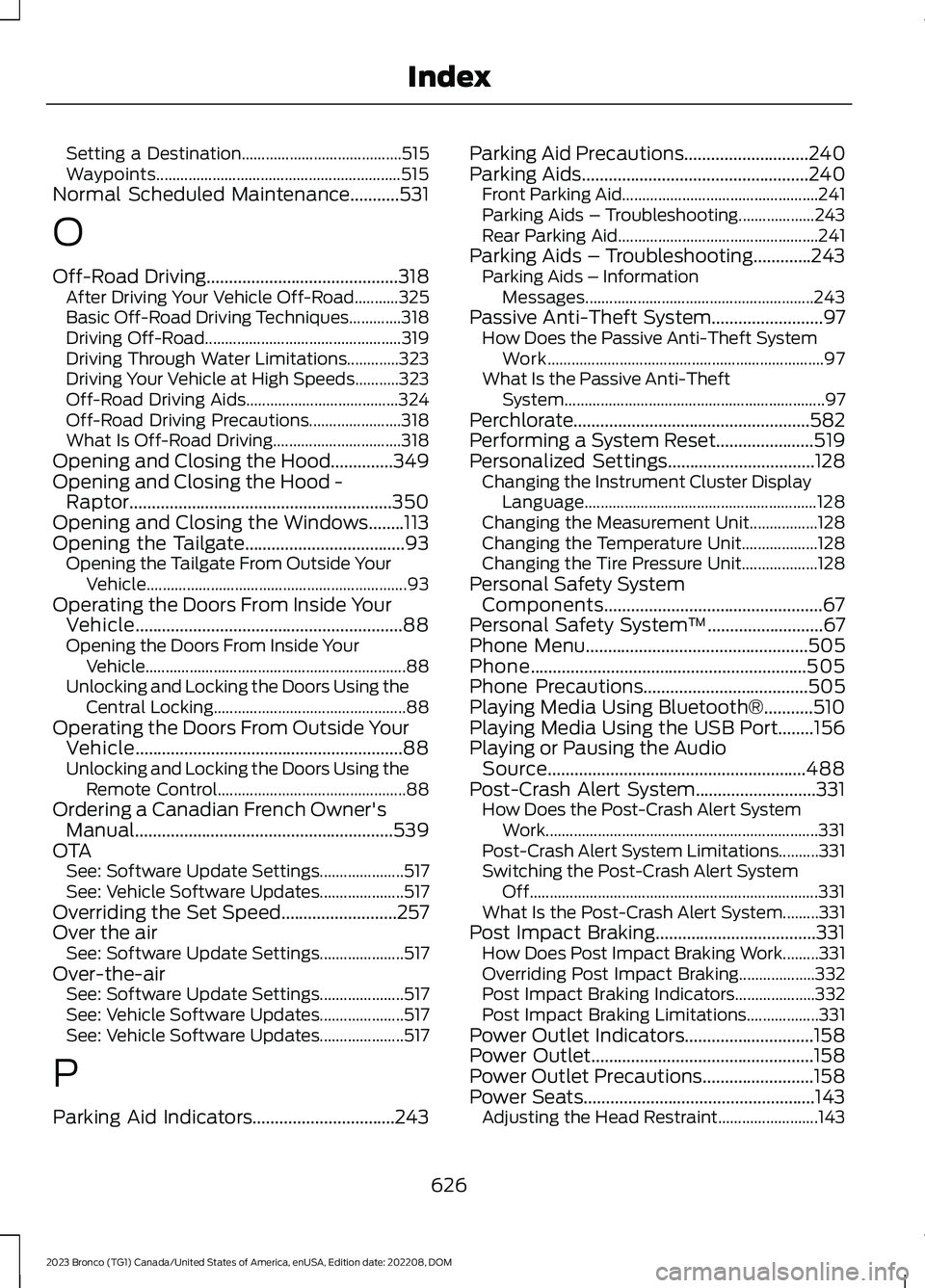
Setting a Destination........................................515Waypoints.............................................................515Normal Scheduled Maintenance...........531
O
Off-Road Driving...........................................318After Driving Your Vehicle Off-Road...........325Basic Off-Road Driving Techniques.............318Driving Off-Road.................................................319Driving Through Water Limitations.............323Driving Your Vehicle at High Speeds...........323Off-Road Driving Aids......................................324Off-Road Driving Precautions.......................318What Is Off-Road Driving................................318Opening and Closing the Hood..............349Opening and Closing the Hood -Raptor...........................................................350Opening and Closing the Windows........113Opening the Tailgate....................................93Opening the Tailgate From Outside YourVehicle.................................................................93Operating the Doors From Inside YourVehicle............................................................88Opening the Doors From Inside YourVehicle.................................................................88Unlocking and Locking the Doors Using theCentral Locking................................................88Operating the Doors From Outside YourVehicle............................................................88Unlocking and Locking the Doors Using theRemote Control...............................................88Ordering a Canadian French Owner'sManual..........................................................539OTASee: Software Update Settings.....................517See: Vehicle Software Updates.....................517Overriding the Set Speed..........................257Over the airSee: Software Update Settings.....................517Over-the-airSee: Software Update Settings.....................517See: Vehicle Software Updates.....................517See: Vehicle Software Updates.....................517
P
Parking Aid Indicators................................243
Parking Aid Precautions............................240Parking Aids...................................................240Front Parking Aid.................................................241Parking Aids – Troubleshooting...................243Rear Parking Aid..................................................241Parking Aids – Troubleshooting.............243Parking Aids – InformationMessages.........................................................243Passive Anti-Theft System.........................97How Does the Passive Anti-Theft SystemWork.....................................................................97What Is the Passive Anti-TheftSystem.................................................................97Perchlorate.....................................................582Performing a System Reset......................519Personalized Settings.................................128Changing the Instrument Cluster DisplayLanguage..........................................................128Changing the Measurement Unit.................128Changing the Temperature Unit...................128Changing the Tire Pressure Unit...................128Personal Safety SystemComponents.................................................67Personal Safety System™..........................67Phone Menu..................................................505Phone..............................................................505Phone Precautions.....................................505Playing Media Using Bluetooth®...........510Playing Media Using the USB Port........156Playing or Pausing the AudioSource..........................................................488Post-Crash Alert System...........................331How Does the Post-Crash Alert SystemWork....................................................................331Post-Crash Alert System Limitations..........331Switching the Post-Crash Alert SystemOff........................................................................331What Is the Post-Crash Alert System.........331Post Impact Braking....................................331How Does Post Impact Braking Work.........331Overriding Post Impact Braking...................332Post Impact Braking Indicators....................332Post Impact Braking Limitations..................331Power Outlet Indicators.............................158Power Outlet..................................................158Power Outlet Precautions.........................158Power Seats....................................................143Adjusting the Head Restraint.........................143
626
2023 Bronco (TG1) Canada/United States of America, enUSA, Edition date: 202208, DOMIndex
Page 633 of 642
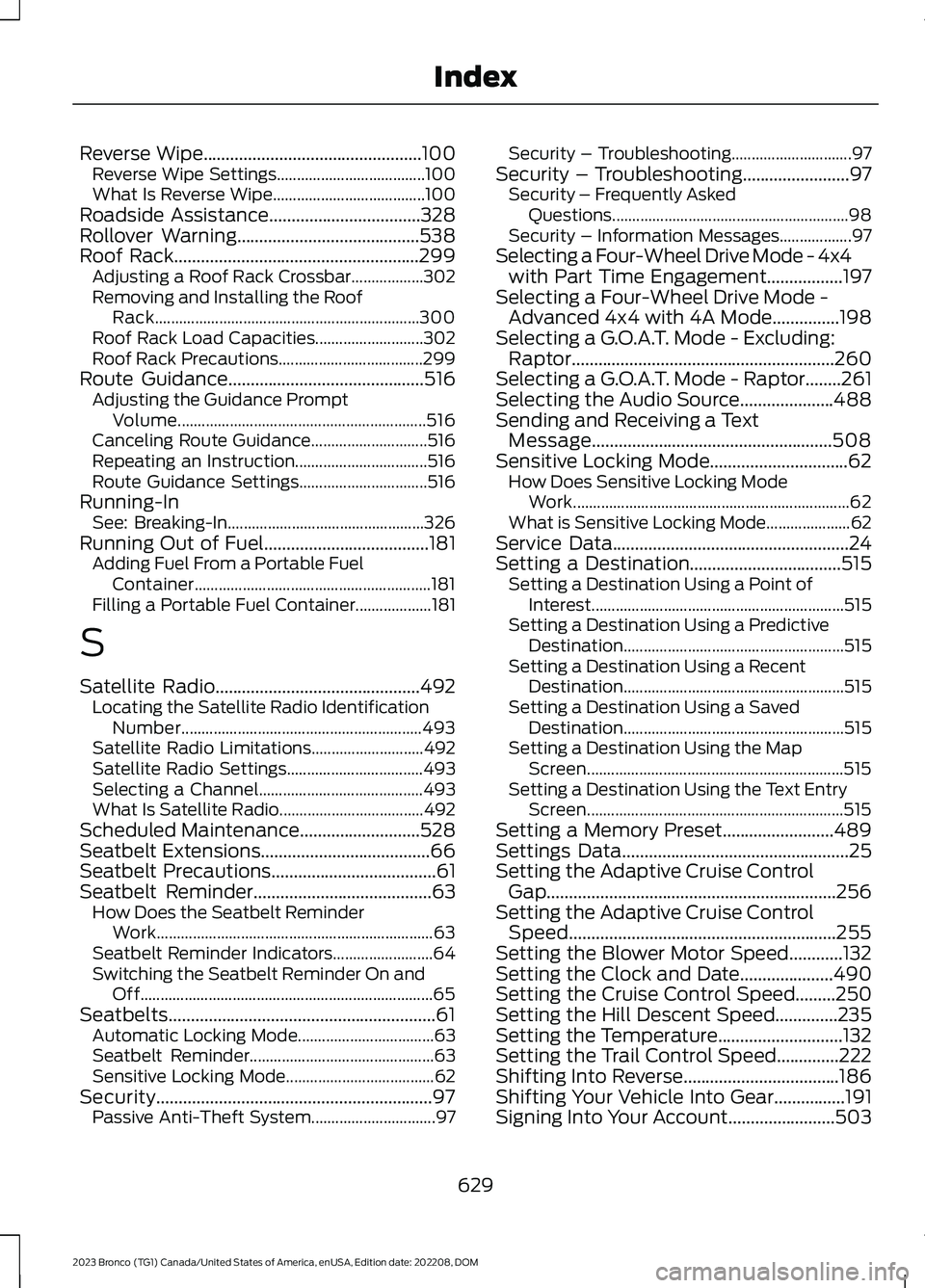
Reverse Wipe.................................................100Reverse Wipe Settings.....................................100What Is Reverse Wipe......................................100Roadside Assistance..................................328Rollover Warning.........................................538Roof Rack.......................................................299Adjusting a Roof Rack Crossbar..................302Removing and Installing the RoofRack..................................................................300Roof Rack Load Capacities...........................302Roof Rack Precautions....................................299Route Guidance............................................516Adjusting the Guidance PromptVolume..............................................................516Canceling Route Guidance.............................516Repeating an Instruction.................................516Route Guidance Settings................................516Running-InSee: Breaking-In.................................................326Running Out of Fuel.....................................181Adding Fuel From a Portable FuelContainer...........................................................181Filling a Portable Fuel Container...................181
S
Satellite Radio..............................................492Locating the Satellite Radio IdentificationNumber............................................................493Satellite Radio Limitations............................492Satellite Radio Settings..................................493Selecting a Channel.........................................493What Is Satellite Radio....................................492Scheduled Maintenance...........................528Seatbelt Extensions......................................66Seatbelt Precautions.....................................61Seatbelt Reminder........................................63How Does the Seatbelt ReminderWork.....................................................................63Seatbelt Reminder Indicators.........................64Switching the Seatbelt Reminder On andOff.........................................................................65Seatbelts............................................................61Automatic Locking Mode..................................63Seatbelt Reminder..............................................63Sensitive Locking Mode.....................................62Security..............................................................97Passive Anti-Theft System...............................97
Security – Troubleshooting..............................97Security – Troubleshooting........................97Security – Frequently AskedQuestions...........................................................98Security – Information Messages..................97Selecting a Four-Wheel Drive Mode - 4x4with Part Time Engagement.................197Selecting a Four-Wheel Drive Mode -Advanced 4x4 with 4A Mode...............198Selecting a G.O.A.T. Mode - Excluding:Raptor...........................................................260Selecting a G.O.A.T. Mode - Raptor........261Selecting the Audio Source.....................488Sending and Receiving a TextMessage......................................................508Sensitive Locking Mode...............................62How Does Sensitive Locking ModeWork.....................................................................62What is Sensitive Locking Mode.....................62Service Data.....................................................24Setting a Destination..................................515Setting a Destination Using a Point ofInterest...............................................................515Setting a Destination Using a PredictiveDestination.......................................................515Setting a Destination Using a RecentDestination.......................................................515Setting a Destination Using a SavedDestination.......................................................515Setting a Destination Using the MapScreen................................................................515Setting a Destination Using the Text EntryScreen................................................................515Setting a Memory Preset.........................489Settings Data...................................................25Setting the Adaptive Cruise ControlGap.................................................................256Setting the Adaptive Cruise ControlSpeed............................................................255Setting the Blower Motor Speed............132Setting the Clock and Date.....................490Setting the Cruise Control Speed.........250Setting the Hill Descent Speed..............235Setting the Temperature............................132Setting the Trail Control Speed..............222Shifting Into Reverse...................................186Shifting Your Vehicle Into Gear................191Signing Into Your Account........................503
629
2023 Bronco (TG1) Canada/United States of America, enUSA, Edition date: 202208, DOMIndex
Page 634 of 642
Sitting in the Correct Position.................140Slide Out Tailgate..........................................95Software Update Indicators.....................518Software Update Settings.........................517Software UpdateSee: Software Update Settings.....................517See: Vehicle Software Updates.....................517Sounding the Panic Alarm.........................80Special Operating Conditions ScheduledMaintenance...............................................533Speed ControlSee: Cruise Control...........................................250Speedometer..................................................118Stability Control Indicator..........................221Stability Control............................................219Stabilizer Bar DisconnectIndicators......................................................231Stabilizer Bar DisconnectPrecautions.................................................229Stabilizer Bar Disconnect.........................229Stabilizer Bar Disconnect –Troubleshooting.............................................231Stabilizer Bar Disconnect –Troubleshooting.........................................231Stabilizer Bar Disconnect – FrequentlyAsked Questions...........................................233Stabilizer Bar Disconnect – InformationMessages..........................................................231Starting and Stopping the Engine –Precautions.................................................164Starting and Stopping the Engine.........164Automatic Engine Stop....................................168Engine Block Heater..........................................166Starting and Stopping the Engine –Troubleshooting.............................................169Starting the Engine............................................165Stopping the Engine..........................................167Starting and Stopping the Engine –Troubleshooting.........................................169Starting and Stopping the Engine –Frequently Asked Questions.......................171Starting and Stopping the Engine –Information Messages.................................170Starting and Stopping the Engine –Warning Lamps..............................................169Start in Gear Limitations............................172Start in Gear Precautions...........................172
Start in Gear....................................................172Start in Gear – Troubleshooting....................173Start in Gear – Troubleshooting..............173Start in Gear – Frequently AskedQuestions..........................................................173Start in Gear – Information Messages........173Starting the Engine......................................165Restarting the Engine After Stoppingit...........................................................................165Starting a Gasoline Engine.............................165Status Bar......................................................498Steering............................................................237Electric Power Steering....................................237Steering – Troubleshooting............................237Steering – Troubleshooting......................237Steering – Frequently AskedQuestions........................................................239Steering – Information Messages...............238Steering – Warning Indicators.......................237Steering Wheel - Raptor, Vehicles With:Adaptive Cruise Control.............................31Steering Wheel - Raptor, Vehicles With:Cruise Control...............................................32Steering Wheel...............................................99Steering Wheel - Vehicles With: AdaptiveCruise Control, Excluding: Raptor.........29Steering Wheel - Vehicles With: CruiseControl, Vehicles Without: LaneKeeping Aid, Excluding: Raptor..............28Steering Wheel - Vehicles With: CruiseControl/Lane Keeping Aid, Excluding:Raptor.............................................................30Stopping the Engine - AutomaticTransmission................................................175Stopping the Engine - ManualTransmission................................................174Stopping the Engine....................................167Stopping the Engine When Your Vehicle isMoving................................................................167Stopping the Engine When Your Vehicle isStationary.........................................................167Storage.............................................................162Center Console....................................................162Glasses Holder.....................................................163Glove Compartment.........................................162Map Pocket...........................................................163Under Floor Storage..........................................163
630
2023 Bronco (TG1) Canada/United States of America, enUSA, Edition date: 202208, DOMIndex