start stop button FORD BRONCO SPORT 2023 User Guide
[x] Cancel search | Manufacturer: FORD, Model Year: 2023, Model line: BRONCO SPORT, Model: FORD BRONCO SPORT 2023Pages: 516, PDF Size: 14.27 MB
Page 191 of 516
Returning Your Vehicle to NormalMode
1.Once it is safe to do so, reconnect thenegative (black) battery cable to thebattery.
2.Apply the parking brake. See ElectricParking Brake (page 194).
Note:If your vehicle detects wheelmovement, the electric parking brake couldapply.
Note:If the vehicle battery has run out ofcharge, use an external power source toapply the parking brake.
3.Sit in the driver seat.
4.Press and hold the brake pedal. Do notstart your vehicle.
5.Pull the orange tether towards you untilyou feel a hard stop. Release thetension and return the tether to thestowed position.
6.The cable releases and retracts backto its original rest position.
7.Stow the manual park release cabletether back inside the instrument paneldash hole and press the access coverback into position.
8.With your foot fully applied on thebrake pedal, start your vehicle. Confirmthat your vehicle is in the park (P)position and that the instrumentcluster display indicates park (P).
9.If the instrument cluster is notdisplaying the park (P) position or amessage displays on the instrumentcluster display, make sure you applythe parking brake before exiting yourvehicle. Have your vehicle checked assoon as possible.
Shifting Your Immobile VehicleOut of Park (P)
WARNING: When doing thisprocedure, you need to take thetransmission out of park (P) whichmeans your vehicle can roll freely. Toavoid unwanted vehicle movement,apply the parking brake prior to doingthis procedure. Use wheel chocks ifappropriate.
Use this procedure to shift your vehicle outof park (P) if you cannot start the engine.
Note:If the battery is out of charge, use anexternal power source.
Note:Do not tow your vehicle in this mode.See temporary neutral mode limitationswithin this chapter.
Shifting Your Vehicle Out of Park (P)
1.Apply the parking brake. See ElectricParking Brake (page 194).
Note:If the battery is out of charge, use anexternal power source to apply the parkingbrake.
2.Power your vehicle on without yourfoot on the brake pedal.
3.Press and hold the brake pedal.
4.Press and hold the accelerator pedal.
5.Shift into neutral (N).
6.Press the manual (M) or low (L)button.
7.Attempt to start your vehicle.
Note:A confirmation message appearswhen your vehicle enters the mode.
Note:Complete this procedure within 20seconds. If your vehicle shifts into park (P)attempt the procedure again.
8.Release the accelerator and brakepedals.
187
2023 Bronco Sport (CHD) Canada/United States of America, enUSA, Edition date: 202208, First-PrintingTransmission
Page 200 of 516
developed sufficient torque to prevent yourvehicle from rolling down the slope. Thisis an advantage when pulling away on aslope, for example from a car park ramp,traffic lights or when reversing uphill intoa parking space.
The system activates on any slope thatcauses your vehicle to roll.
Note:There is no warning light to indicatethe system is either on or off.
Using Hill Start Assist
1.Press the brake pedal to bring yourvehicle to a complete standstill. Keepthe brake pedal pressed and shift intofirst gear when facing uphill or reverse(R) when facing downhill.
2.If the sensors detect that your vehicleis on a slope, the system activatesautomatically.
3.When you remove your foot from thebrake pedal, your vehicle remains onthe slope without rolling away forabout two to three seconds. This holdtime automatically extends if you arein the process of driving off.
4.Drive off in the normal manner. Thesystem releases the brakesautomatically.
Note:When you remove your foot from thebrake pedal and press the pedal again whenthe system is active, you will experiencesignificantly reduced brake pedal travel. Thisis normal.
Switching the System On and Off
When you switch the ignition on, thesystem automatically turns on. You cannotturn the system on or off.
AUTO HOLD
WARNING: The system does notreplace the parking brake. When youleave your vehicle, always apply theparking brake.
WARNING: You must remain inyour vehicle when the system turns on.At all times, you are responsible forcontrolling your vehicle, supervising thesystem and intervening, if required.Failure to take care may result in the lossof control of your vehicle, seriouspersonal injury or death.
WARNING: The system will turnoff if a malfunction is apparent. Failureto take care may result in the loss ofcontrol of your vehicle, serious personalinjury or death.
The system applies the brakes to hold yourvehicle at a standstill after you stop yourvehicle and release the brake pedal. Thiscould be beneficial in certain situations, forexample when waiting on a hill or in traffic.
Switching Auto Hold On and Off
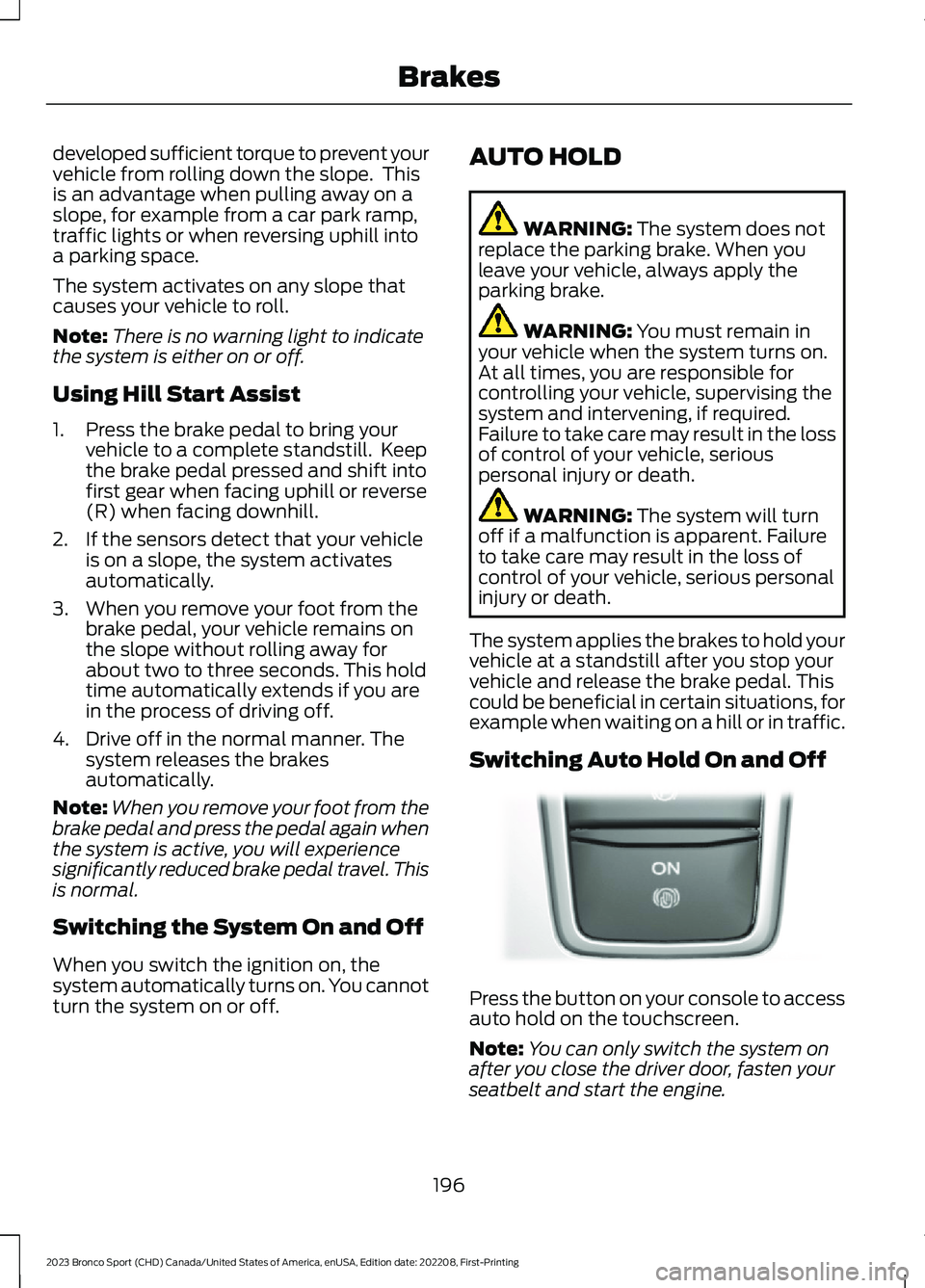
Press the button on your console to accessauto hold on the touchscreen.
Note:You can only switch the system onafter you close the driver door, fasten yourseatbelt and start the engine.
196
2023 Bronco Sport (CHD) Canada/United States of America, enUSA, Edition date: 202208, First-PrintingBrakesE319161
Page 224 of 516
Activating Lane Centering
The system only activates when all of thefollowing occur:
•You have adaptive cruise control withstop-and-go on.
•The vehicle is centered in the lane.
•Your hands are on the steering wheelat all times.
•The system detects both lanemarkings.
Note:If it does not detect valid lanemarkings, the system stays inactive untilvalid markings are available.
You can override the system at any timeby steering your vehicle.
When the system is active and thedirection indicator is switched on, thesystem immediately cancels. The systemremains in standby mode as long as thedirection indicator is engaged. The systemautomatically re-activates once the vehicleis centered in a lane and the directionindicator is switched off.
If you drive off-center within the lane, thesystem sets and maintains that preferredlane position. The system providescontinuous assistance steering torqueinput toward the preferred position.
Note:The system can only set preferredlane positions within the lane.
Note:If the system cancels, the preferredposition erases. On the next activation, thesystem provides continuous assistancesteering torque input toward the lane center.
System Alerts and AutomaticCancellation
You must keep your hands on the steeringwheel at all times.
When the system is active and detects nosteering activity for a certain period of time,the system alerts you to put your hands onthe steering wheel. If you do not react tothe warnings the system cancels and slowsyour vehicle down to idle speeds whilemaintaining steering control.
The system also alerts you if your vehiclecrosses lane markings without detectedsteering activity.
Note:The system may detect a light gripor touch on the steering wheel as hands-offdriving.
When the system cancels due to anexternal condition, for example, no lanemarkings are available and your hands arenot on the steering wheel, the systemimmediately alerts you to take control ofthe vehicle. If you ignore this alert, thesystem slows the vehicle while maintainingsteering control.
If your vehicle starts to slowdown, you must contribute tothe steering control and pressand release the button to regain fullsystem performance.
Automatic cancellation can also occur if:
•The lane becomes too wide or toonarrow.
•The system cannot detect valid lanemarkings.
•Lane markings are crossed.
Note:The system disables until the nextkey cycle if your vehicle slows down due todriver inactivity twice within a key cycle.
220
2023 Bronco Sport (CHD) Canada/United States of America, enUSA, Edition date: 202208, First-PrintingAdaptive Cruise Control (If Equipped)
Page 406 of 516

Apps
Possible Cause and ResolutionSymptom
The system cannot find anyapps.–Incompatible device.
•You need an Android device with OS 4.3 or higheror an iOS device with iOS 8.0 or higher. Pair andconnect your Android device to find compatibleapps. Connect your iOS device to a USB port orpair and connect using Bluetooth®.
I have a compatible deviceand it is correctly connectedbut the system still cannotfind any apps.
–Compatible apps are not installed on your device.
•Download and install the latest version of the app.
–Compatible apps are not running on your device.
•Start the apps to allow the system to find themand make sure you sign in to any apps if required.
–Incorrect app settings.
•Check and adjust the app settings on your deviceand allow SYNC to access the app if required.
I have a compatible device,it is correctly connected andmy apps are running but thesystem still cannot find anyapps.
–Apps failed to fully close.
•Restart the apps and try again.
•If you have an Android device with apps that havean exit or quit option, use this and then restart theapps. Alternatively, use the force stop option in thesettings menu on your device.
•If you have an iOS device with iOS 8.0 or higher,tap the home button on your device twice and thenswipe the app upward to close it.
I have an Android devicethat is correctly connected,I have restarted my appsand they are running but thesystem still cannot findthem.
–An issue on some older versions of the Android oper-ating system could result in apps not being found.
•Switch Bluetooth® off and on again to force thesystem to reconnect to your device.
402
2023 Bronco Sport (CHD) Canada/United States of America, enUSA, Edition date: 202208, First-PrintingSYNC™ 3