tow FORD E SERIES 1997 4.G Owners Manual
[x] Cancel search | Manufacturer: FORD, Model Year: 1997, Model line: E SERIES, Model: FORD E SERIES 1997 4.GPages: 192, PDF Size: 3.44 MB
Page 2 of 192
ICONS
Indicates a warning. Read the
following section onWarningsfor
a full explanation of them.
Indicates that vehicle information
related to recycling and other
environmental concerns will follow.
We must all play our part in
protecting the environment.
Correct vehicle usage and the
authorized disposal of waste
cleaning and lubrication materials
are significant steps towards this
aim.
WARNINGS
How can you reduce the risk of
personal injury and prevent
possible damage to others, your
vehicle and its equipment?
In this owner's guide, answers to
such questions are contained in
comments highlighted by the
warning triangle symbol.
SPECIAL NOTICES
Using your light truck as an
ambulance
If your light truck is equipped with
theFord ambulance preparation
package,it may be utilized as an
ambulance. Ford urges ambulance
manufacturers to follow the
recommendations of theFord
incomplete vehicle manual, Ford
truck body builder's layout book
and theQVM guidelinesas well as
pertinent supplements. Forcom_icons.01
com_warn.01
eco_special_notice
eco_using_ambulance
Introduction
2
Page 15 of 192
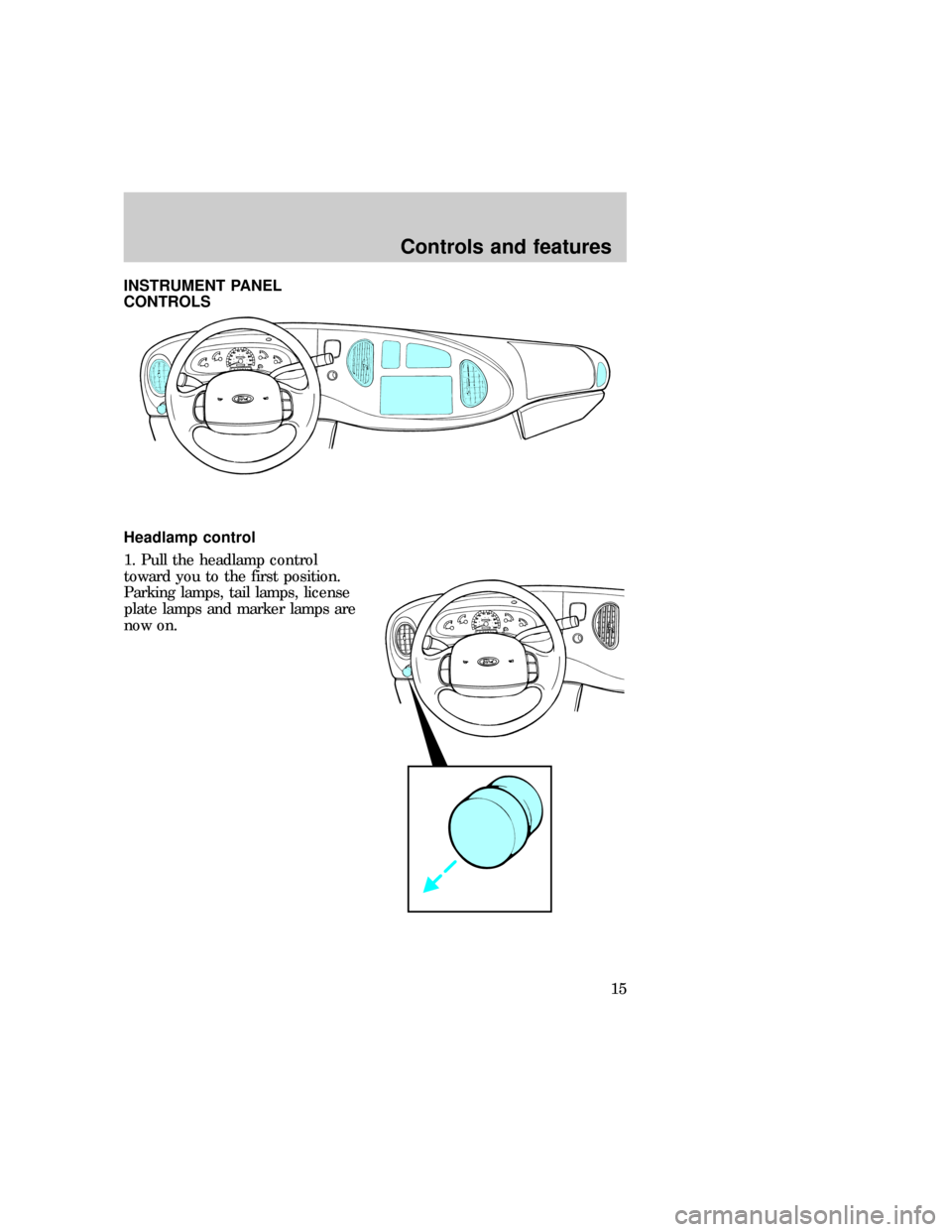
INSTRUMENT PANEL
CONTROLS
Headlamp control
1. Pull the headlamp control
toward you to the first position.
Parking lamps, tail lamps, license
plate lamps and marker lamps are
now on.eco_panel_controls
eco_headlight_switch_operation
Controls and features
15
Page 16 of 192
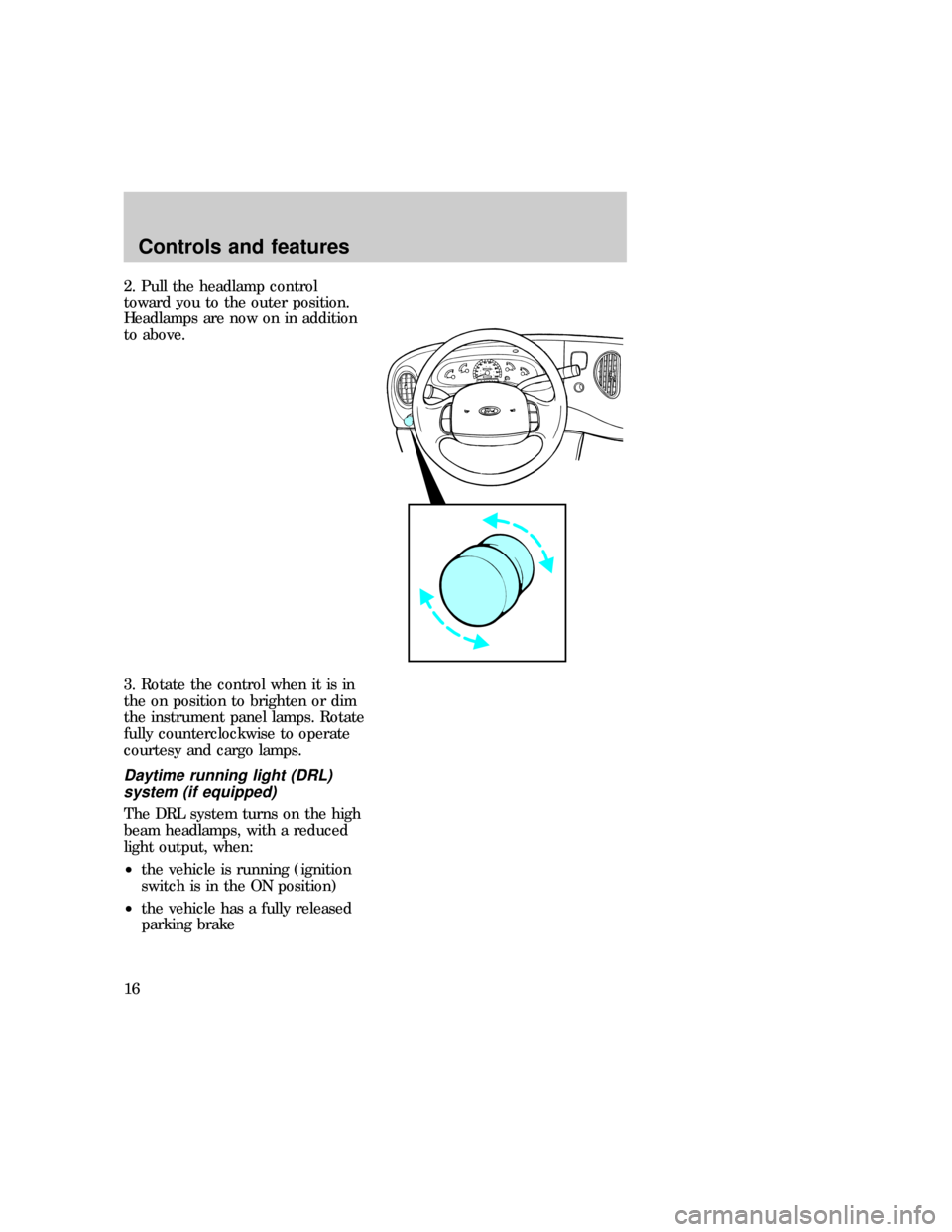
2. Pull the headlamp control
toward you to the outer position.
Headlamps are now on in addition
to above.
3. Rotate the control when it is in
the on position to brighten or dim
the instrument panel lamps. Rotate
fully counterclockwise to operate
courtesy and cargo lamps.
Daytime running light (DRL)
system (if equipped)
The DRL system turns on the high
beam headlamps, with a reduced
light output, when:
²the vehicle is running (ignition
switch is in the ON position)
²the vehicle has a fully released
parking brake
eco_headlight_daytime_running
Controls and features
16
Page 27 of 192
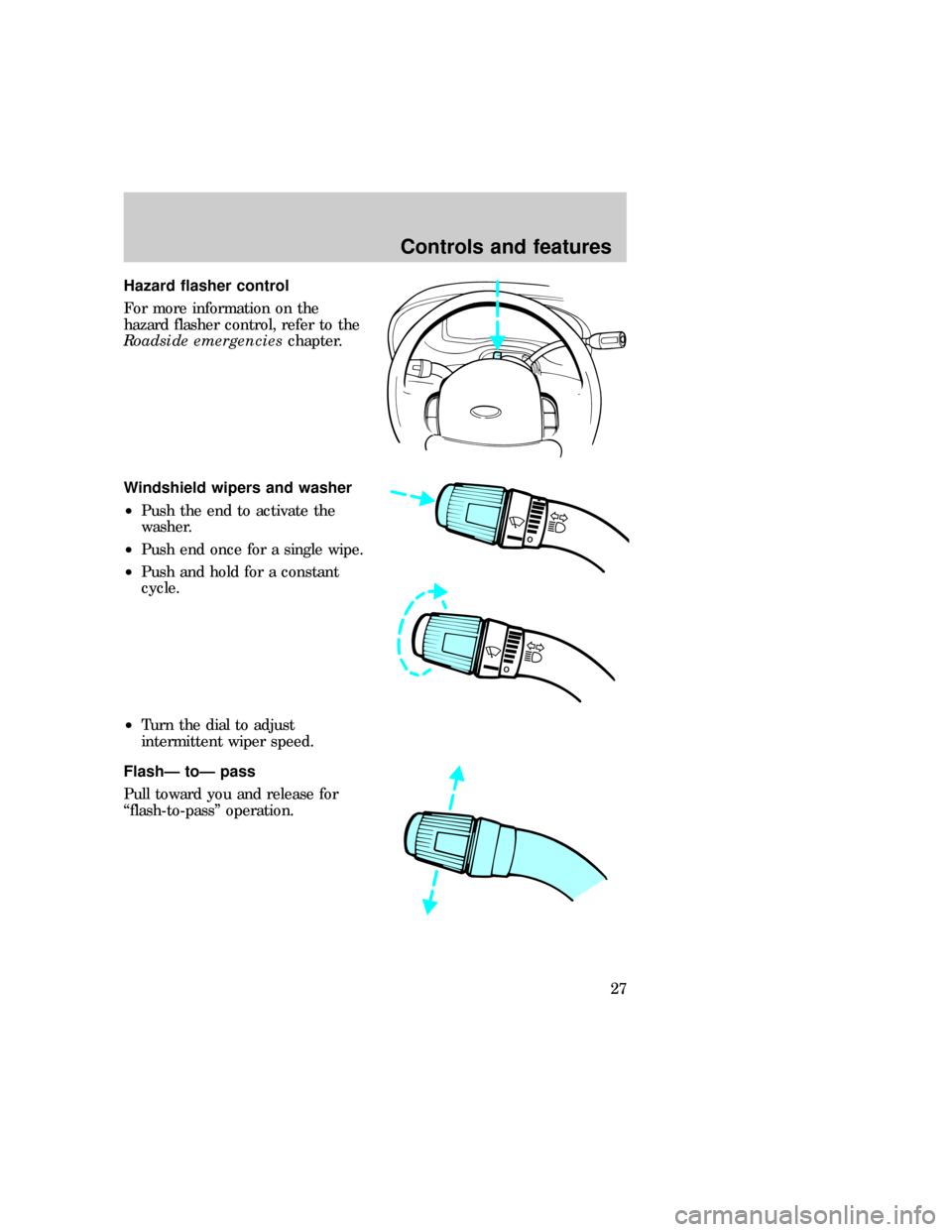
Hazard flasher control
For more information on the
hazard flasher control, refer to the
Roadside emergencieschapter.
Windshield wipers and washer
²Push the end to activate the
washer.
²Push end once for a single wipe.
²Push and hold for a constant
cycle.
²Turn the dial to adjust
intermittent wiper speed.
FlashÐ toÐ pass
Pull toward you and release for
ªflash-to-passº operation.
O
O
O
eco_washer-wiper
eco_flash-to-pass_high-beams eco_speed_control
Controls and features
27
Page 40 of 192
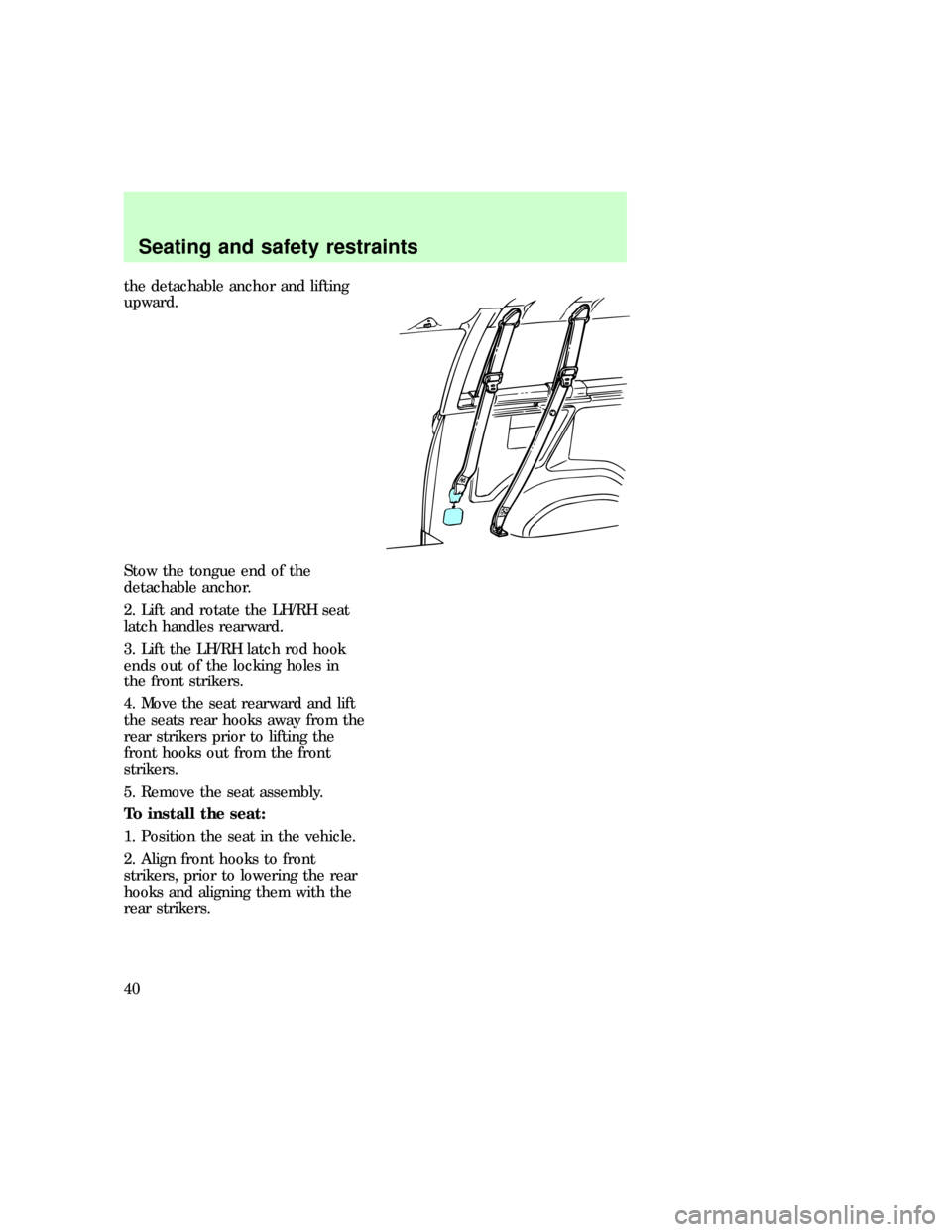
the detachable anchor and lifting
upward.
Stow the tongue end of the
detachable anchor.
2. Lift and rotate the LH/RH seat
latch handles rearward.
3. Lift the LH/RH latch rod hook
ends out of the locking holes in
the front strikers.
4. Move the seat rearward and lift
the seats rear hooks away from the
rear strikers prior to lifting the
front hooks out from the front
strikers.
5. Remove the seat assembly.
To install the seat:
1. Position the seat in the vehicle.
2. Align front hooks to front
strikers, prior to lowering the rear
hooks and aligning them with the
rear strikers.
Seating and safety restraints
40
Page 42 of 192
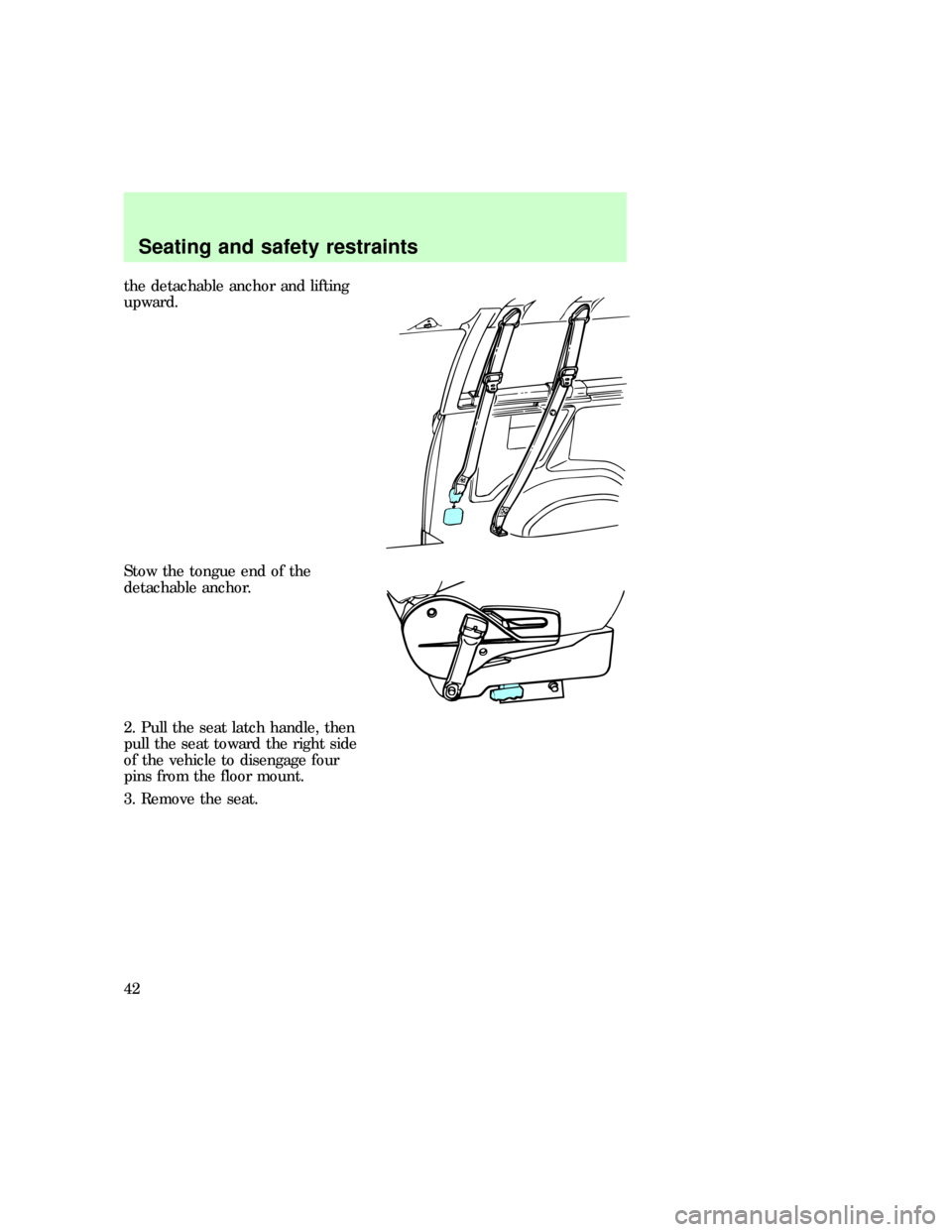
the detachable anchor and lifting
upward.
Stow the tongue end of the
detachable anchor.
2. Pull the seat latch handle, then
pull the seat toward the right side
of the vehicle to disengage four
pins from the floor mount.
3. Remove the seat.
Seating and safety restraints
42
Page 43 of 192
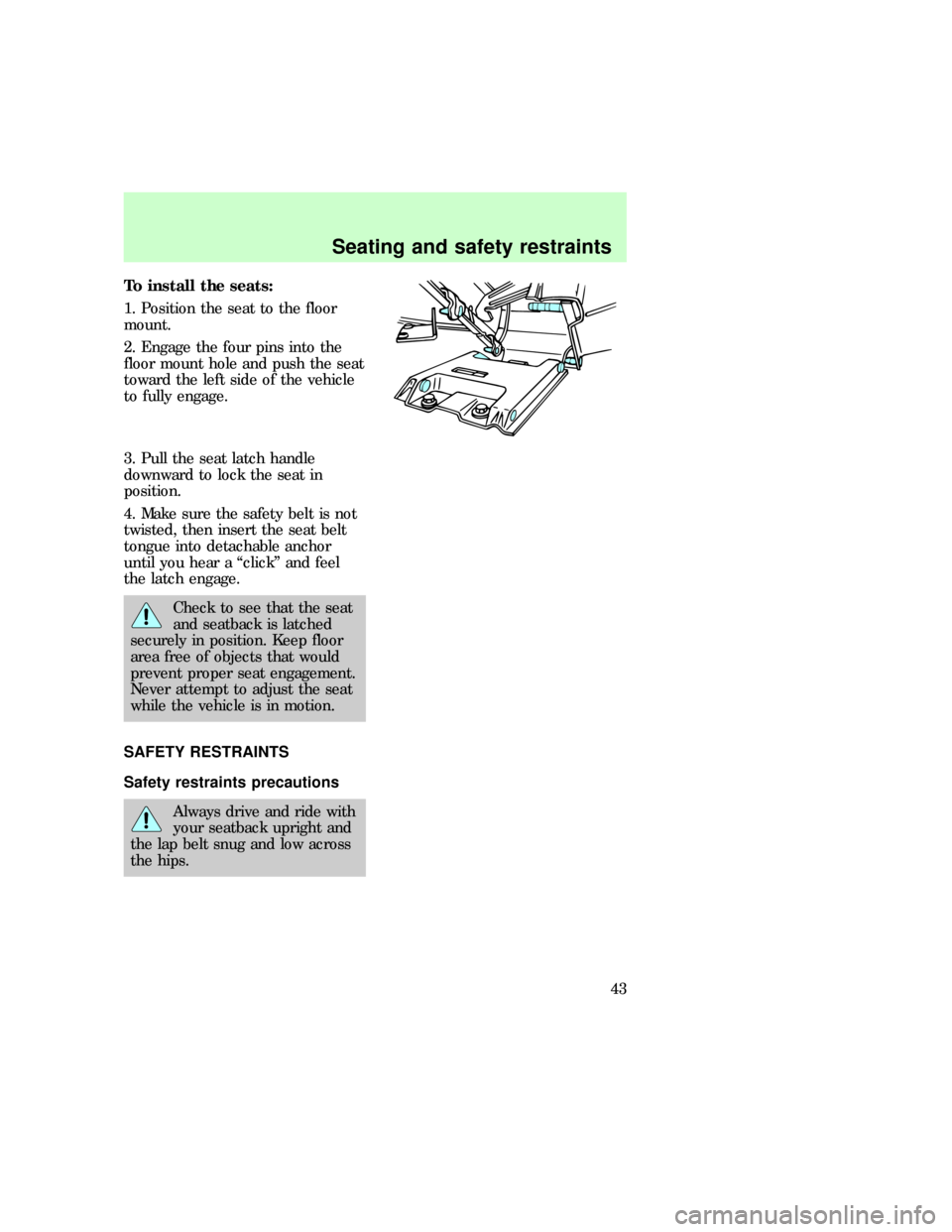
To install the seats:
1. Position the seat to the floor
mount.
2. Engage the four pins into the
floor mount hole and push the seat
toward the left side of the vehicle
to fully engage.
3. Pull the seat latch handle
downward to lock the seat in
position.
4. Make sure the safety belt is not
twisted, then insert the seat belt
tongue into detachable anchor
until you hear a ªclickº and feel
the latch engage.
Check to see that the seat
and seatback is latched
securely in position. Keep floor
area free of objects that would
prevent proper seat engagement.
Never attempt to adjust the seat
while the vehicle is in motion.
SAFETY RESTRAINTS
Safety restraints precautions
Always drive and ride with
your seatback upright and
the lap belt snug and low across
the hips.
eco_seatbelts
eco_safety-belt_precautions
Seating and safety restraints
43
Page 65 of 192
pull downward until all of the belt
is extracted and a click is heard.
6. Allow the belt to retract. The
belt will click as it retracts to
indicate it is in the automatic
locking mode.
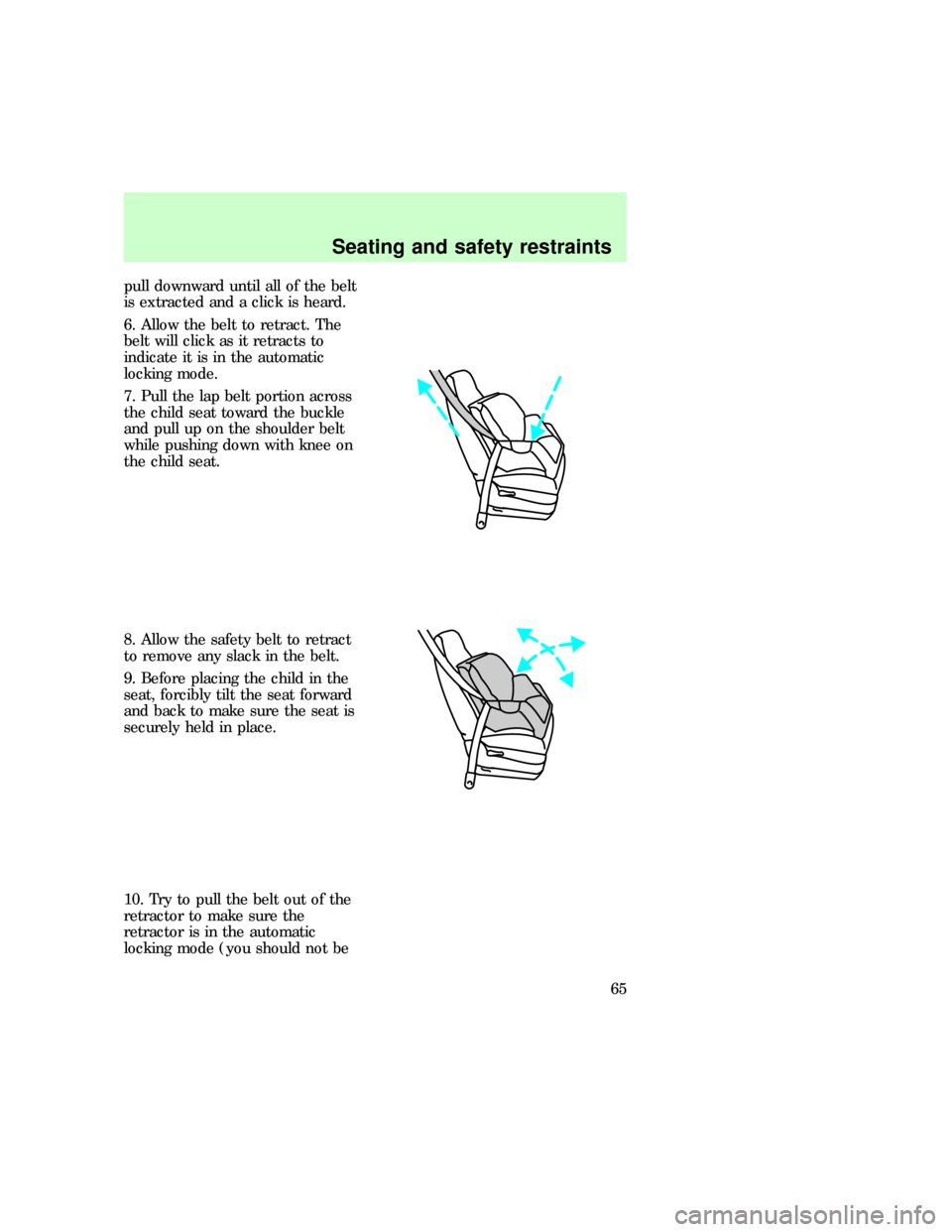
7. Pull the lap belt portion across
the child seat toward the buckle
and pull up on the shoulder belt
while pushing down with knee on
the child seat.
8. Allow the safety belt to retract
to remove any slack in the belt.
9. Before placing the child in the
seat, forcibly tilt the seat forward
and back to make sure the seat is
securely held in place.
10. Try to pull the belt out of the
retractor to make sure the
retractor is in the automatic
locking mode (you should not be
Seating and safety restraints
65
Page 83 of 192
steering wheel seem to be in a
different position while going
straight down the road, have the
suspension and steering checked
for possible damage.
AUTOMATIC TRANSMISSION
OPERATION
Hold the brake pedal down
while you move the
gearshift lever from position to
position. If you do not hold the
brake pedal down, your vehicle
may move unexpectedly and
injure someone.
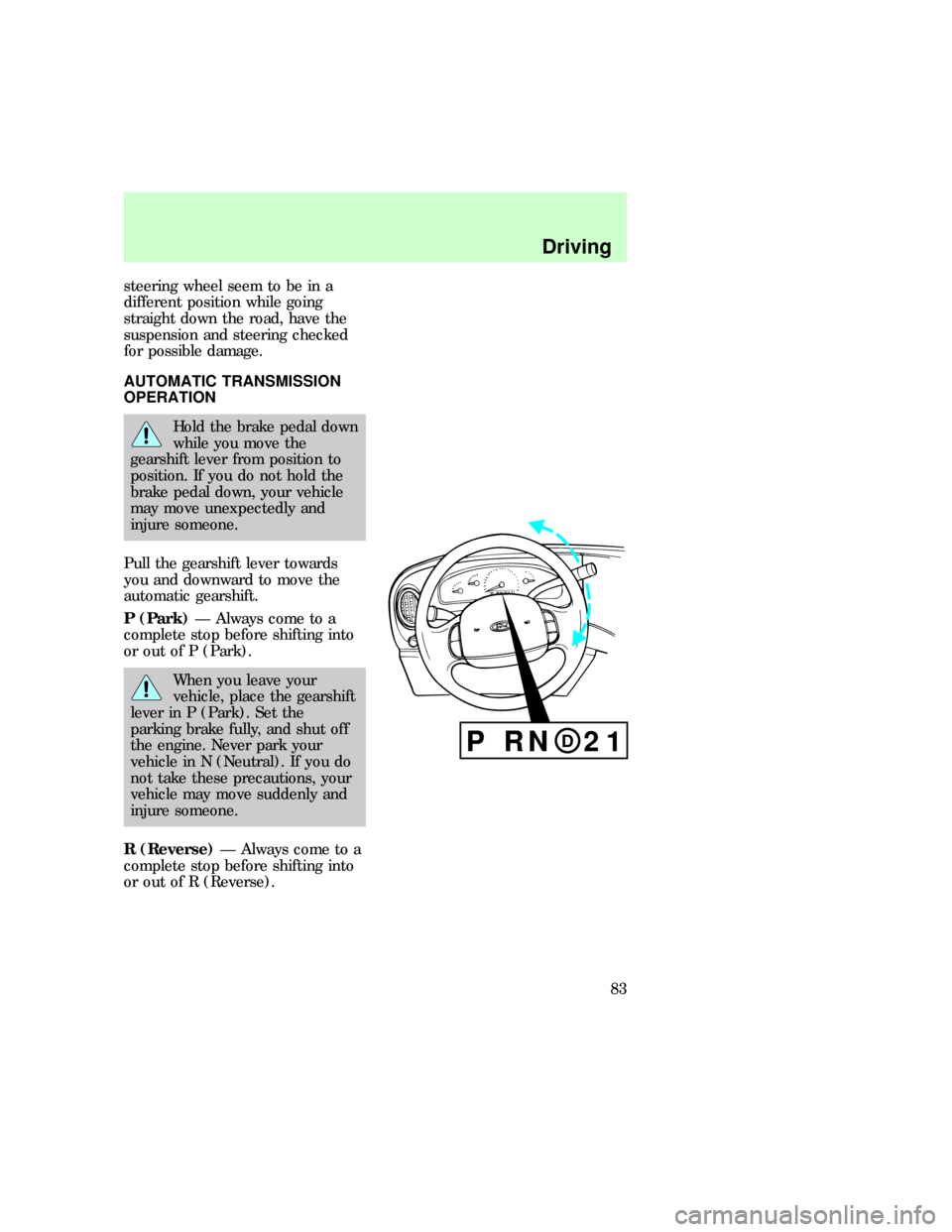
Pull the gearshift lever towards
you and downward to move the
automatic gearshift.
P (Park)Ð Always come to a
complete stop before shifting into
or out of P (Park).
When you leave your
vehicle, place the gearshift
lever in P (Park). Set the
parking brake fully, and shut off
the engine. Never park your
vehicle in N (Neutral). If you do
not take these precautions, your
vehicle may move suddenly and
injure someone.
R (Reverse)Ð Always come to a
complete stop before shifting into
or out of R (Reverse).
P RN 21D
P RN 21D
eco_automatic_trans
Driving
83
Page 84 of 192
N (Neutral)Ð Vehicle is free to
roll.
D(Overdrive)Ð The normal
driving position for the best fuel
economy. Transmission operates
automatically in gears one through
four.
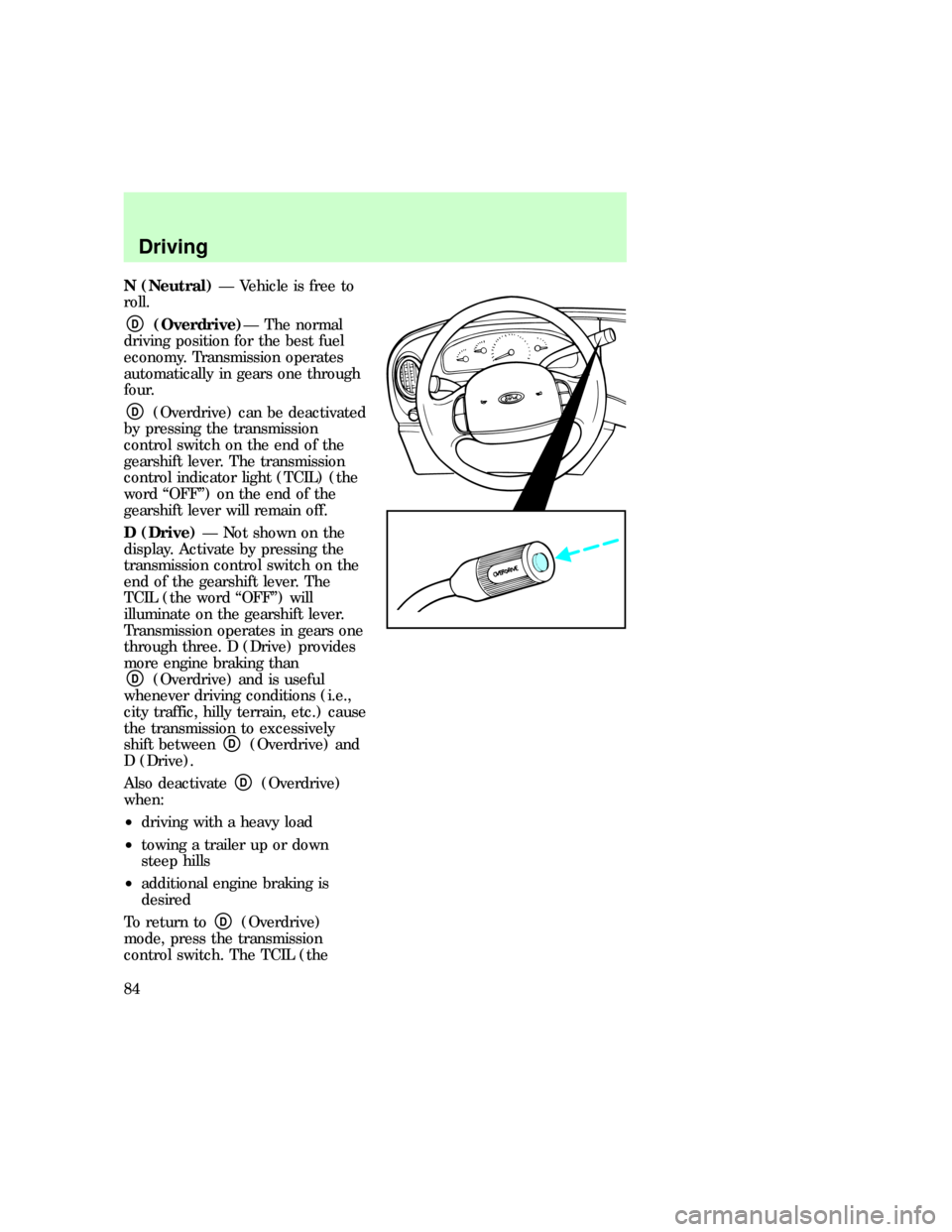
D(Overdrive) can be deactivated
by pressing the transmission
control switch on the end of the
gearshift lever. The transmission
control indicator light (TCIL) (the
word ªOFFº) on the end of the
gearshift lever will remain off.
D (Drive)Ð Not shown on the
display. Activate by pressing the
transmission control switch on the
end of the gearshift lever. The
TCIL (the word ªOFFº) will
illuminate on the gearshift lever.
Transmission operates in gears one
through three. D (Drive) provides
more engine braking than
D(Overdrive) and is useful
whenever driving conditions (i.e.,
city traffic, hilly terrain, etc.) cause
the transmission to excessively
shift between
D(Overdrive) and
D (Drive).
Also deactivate
D(Overdrive)
when:
²driving with a heavy load
²towing a trailer up or down
steep hills
²additional engine braking is
desired
To return to
D(Overdrive)
mode, press the transmission
control switch. The TCIL (the
Driving
84