fuel type FORD E SERIES 2019 Owners Manual
[x] Cancel search | Manufacturer: FORD, Model Year: 2019, Model line: E SERIES, Model: FORD E SERIES 2019Pages: 329, PDF Size: 2.92 MB
Page 11 of 329
Your vehicle has electronic control unitsthat have data recording functionality andthe ability to permanently or temporarilystore data. This data could includeinformation on the condition and status ofyour vehicle, vehicle maintenancerequirements, events and malfunctions.The types of data that can be recorded aredescribed in this section. Some of the datarecorded is stored in event logs or errorlogs.
Note:Error logs are reset following a serviceor repair.
Note:We may provide information inresponse to requests from law enforcement,other government authorities and thirdparties acting with lawful authority orthrough a legal process. Such informationcould be used by them in legal proceedings.
Data recorded includes, for example:
•Operating states of systemcomponents, for example fuel level,tire pressure and battery charge level.
•Vehicle and component status, forexample wheel speed, deceleration,lateral acceleration and seatbeltstatus.
•Events or errors in essential systems,for example headlamps and brakes.
•System responses to driving situations,for example airbag deployment andstability control.
•Environmental conditions, for exampletemperature.
Some of this data, when used incombination with other information, forexample an accident report, damage to avehicle or eyewitness statements, couldbe associated with a specific person.
Service Data
Service data recorders in your vehicle arecapable of collecting and storingdiagnostic information about your vehicle.This potentially includes information aboutthe performance or status of varioussystems and modules in the vehicle, suchas engine, throttle, steering or brakesystems. In order to properly diagnose andservice your vehicle, Ford Motor Company(Ford of Canada in Canada), and serviceand repair facilities may access or shareamong them vehicle diagnosticinformation received through a directconnection to your vehicle whendiagnosing or servicing your vehicle.Additionally, Ford Motor Company (Fordof Canada, in Canada) may, wherepermitted by law, use vehicle diagnosticinformation for vehicle improvement orwith other information we may have aboutyou, (for example, your contactinformation), to offer you products orservices that may interest you. Data maybe provided to our service providers suchas part suppliers that may help diagnosemalfunctions, and who are similarlyobligated to protect data. We retain thisdata only as long as necessary to performthese functions or to comply with law. Wemay provide information where requiredin response to official requests to lawenforcement or other governmentauthorities or third parties acting withlawful authority or court order, and suchinformation may be used in legalproceedings. For U.S. only (if equipped), ifyou choose to use connected apps andservices, you consent that certaindiagnostic information may also beaccessed electronically by Ford MotorCompany and Ford authorized servicefacilities, and that the diagnosticinformation may be used to provideservices to you, personalizing yourexperience, troubleshoot, and to improveproducts and services and offer you
8
E-Series (TE4) Canada/United States of America, enUSA, Edition date: 201804, Second-Printing
Introduction
Page 16 of 329
Fleet Telematics Modem (If Equipped)
The onboard modem provides access todata to support telematics services suchas location, speed, idle time, fuel, vehiclediagnostics and maintenance alerts. Toexplore data, telematics services, thirdparty service provider support and tomanage existing telematics accounts, referto www.commericalsolutions.ford.com orcall 833-FCS-FORD.
Note:This is not available with FordPassConnect.
FordPass Connect (If Equipped)
With a FordPass Connect-equippedvehicle, you can use FordPass to track yourvehicle’s location and remotely accessvehicle features such as start, lock andunlock and vehicle status including fuellevel and approximate mileage. Messageand data rates may apply. Services maybe limited by mobile phone networkcoverage area. For additional information,refer to www.fordpass.com.
On Board Diagnostics Data LinkConnector
WARNING: Do not connectwireless plug-in devices to the data linkconnector. Unauthorized third partiescould gain access to vehicle data andimpair the performance of safety relatedsystems. Only allow repair facilities thatfollow our service and repair instructionsto connect their equipment to the datalink connector.
Your vehicle has an OBD Data LinkConnector (DLC) that is used inconjunction with a diagnostic scan tool forvehicle diagnostics, repairs andreprogramming services. Installing anaftermarket device that uses the DLCduring normal driving for purposes such as
remote insurance company monitoring,transmission of vehicle data to otherdevices or entities, or altering theperformance of the vehicle, may causeinterference with or even damage tovehicle systems. We do not recommendor endorse the use of aftermarket plug-indevices unless approved by Ford. Thevehicle Warranty will not cover damagecaused by an aftermarket plug-in device.
Notice to Owners of Pickup Trucksand Utility Type Vehicles
WARNING: Utility vehicles have asignificantly higher rollover rate thanother types of vehicles.
Before you drive your vehicle, please readthis Owner’s Manual carefully. Your vehicleis not a passenger car. As with othervehicles of this type, failure to operate thisvehicle correctly may result in loss ofvehicle control, vehicle rollover, personalinjury or death.
Using your Vehicle as anAmbulance
If your light truck has the Ford AmbulancePreparation Package, it may be utilized asan ambulance. Ford urges ambulancemanufacturers to follow therecommendations of the Ford IncompleteVehicle Manual, Ford Truck Body Builder’sLayout Book and the Qualified VehicleModifiers (QVM) Guidelines as well aspertinent supplements. For additionalinformation, please contact the Truck BodyBuilders Advisory Service athttp://www.fleet.ford.com/truckbbas/and then by selecting Contact Us or byphone at 1–877–840–4338.
13
E-Series (TE4) Canada/United States of America, enUSA, Edition date: 201804, Second-Printing
Introduction
Page 66 of 329
LANGUAGE = ENGLISH / SPANISH /FRENCH
Allows you to choose which languageappears in the information display.
Waiting four seconds or pressing theSELECT/RESET stem cycles theinformation display through each of thelanguage choices.
Press the SELECT/RESET stem to set thelanguage choice when the language youwant appears.
HOLD RESET FOR SYSTEM CHECK
The information display begins to cyclethrough the vehicle systems and providesa status of the item if needed. Somesystems show a message only if acondition is present.
INFORMATION MESSAGES
Note:Depending on the vehicle optionsequipped with your vehicle, not all of themessages will display or be available.Certain messages may be abbreviated orshortened depending upon which clustertype you have.
Press the SELECT/RESET stem toacknowledge and remove some messagesfrom the information display. Othermessages will be removed automaticallyafter a short time.
Certain messages need to be confirmedbefore you can access the menus.
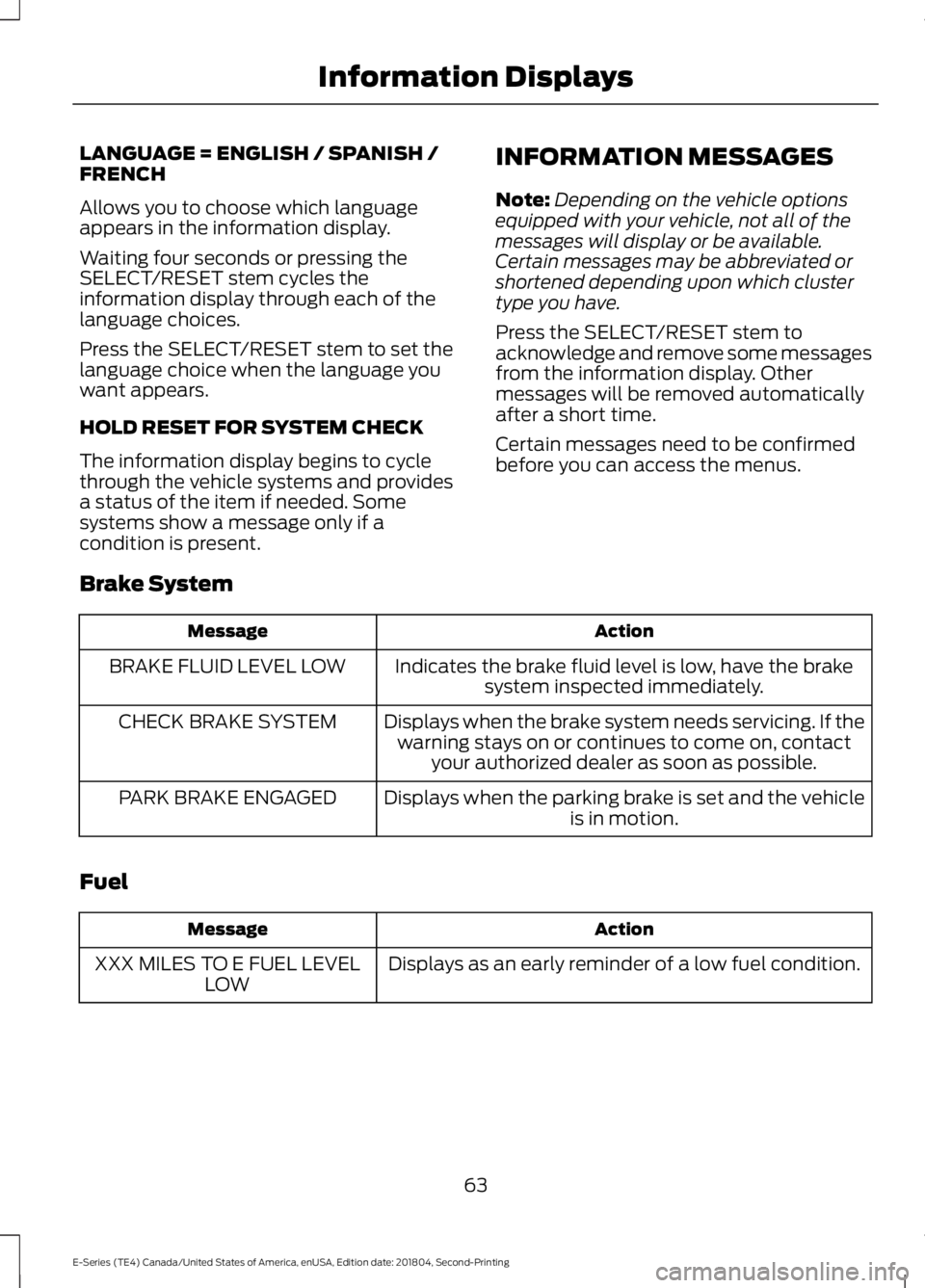
Brake System
ActionMessage
Indicates the brake fluid level is low, have the brakesystem inspected immediately.BRAKE FLUID LEVEL LOW
Displays when the brake system needs servicing. If thewarning stays on or continues to come on, contactyour authorized dealer as soon as possible.
CHECK BRAKE SYSTEM
Displays when the parking brake is set and the vehicleis in motion.PARK BRAKE ENGAGED
Fuel
ActionMessage
Displays as an early reminder of a low fuel condition.XXX MILES TO E FUEL LEVELLOW
63
E-Series (TE4) Canada/United States of America, enUSA, Edition date: 201804, Second-Printing
Information Displays
Page 117 of 329
•When stopped in congested or heavytraffic during hot weather, place thegearshift in position P to aid engine andtransmission cooling and to help A/Cperformance.
•Switch off the speed control withheavy loads or in hilly terrain. Thespeed control may turn offautomatically when you are towing onlong, steep grades.
•Shift to a lower gear when driving downa long or steep hill. Do not apply thebrakes continuously, as they mayoverheat and become less effective.
•If your transmission is equipped with aGrade Assist or Tow/Haul feature, usethis feature when towing. This providesengine braking and helps eliminateexcessive transmission shifting foroptimum fuel economy andtransmission cooling.
•If your vehicle is equipped withAdvanceTrac with RSC, this systemmay turn on during typical corneringmaneuvers with a heavily loaded trailer.This is normal. Turning the corner at aslower speed while towing may reducethis tendency.
•If you are towing a trailer frequently inhot weather, hilly conditions, at thegross combined weight rating (or anycombination of these factors), considerrefilling your rear axle with syntheticgear lubricant. See Capacities andSpecifications (page 198).
•Allow more distance for stopping witha trailer attached. Anticipate stops andbrake gradually.
•Avoid parking on a grade. However, ifyou must park on a grade:
1. Turn the steering wheel to point yourvehicle tires away from traffic flow.
2. Set your vehicle parking brake.
3. Place the automatic transmission inposition P.
4. Place wheel chocks in front and backof the trailer wheels. (Chocks notincluded with vehicle.)
Your vehicle may be equipped with atemporary or conventional spare tire. A"temporary" spare tire is different in size(diameter or width), tread-type(All-Season or All Terrain) or is from adifferent manufacturer than the road tireson your vehicle. Consult information on thetire label or Safety Compliance label forlimitations when using.
Launching or Retrieving a Boat orPersonal Watercraft (PWC)
Note:Disconnect the wiring to the trailerbefore backing the trailer into the water.
Note:Reconnect the wiring to the trailerafter removing the trailer from the water.
When backing down a ramp during boatlaunching or retrieval:
•Do not allow the static water level torise above the bottom edge of the rearbumper.
•Do not allow waves to break higherthan 6 in (15 cm) above the bottomedge of the rear bumper.
Exceeding these limits may allow water toenter vehicle components:
•Causing internal damage to thecomponents.
•Affecting driveability, emissions andreliability.
Replace the rear axle lubricant anytimethe rear axle has been submerged in water.Water may have contaminated the rearaxle lubricant, which is not normallychecked or changed unless a leak issuspected or other axle repair is required.
114
E-Series (TE4) Canada/United States of America, enUSA, Edition date: 201804, Second-Printing
Towing
Page 326 of 329
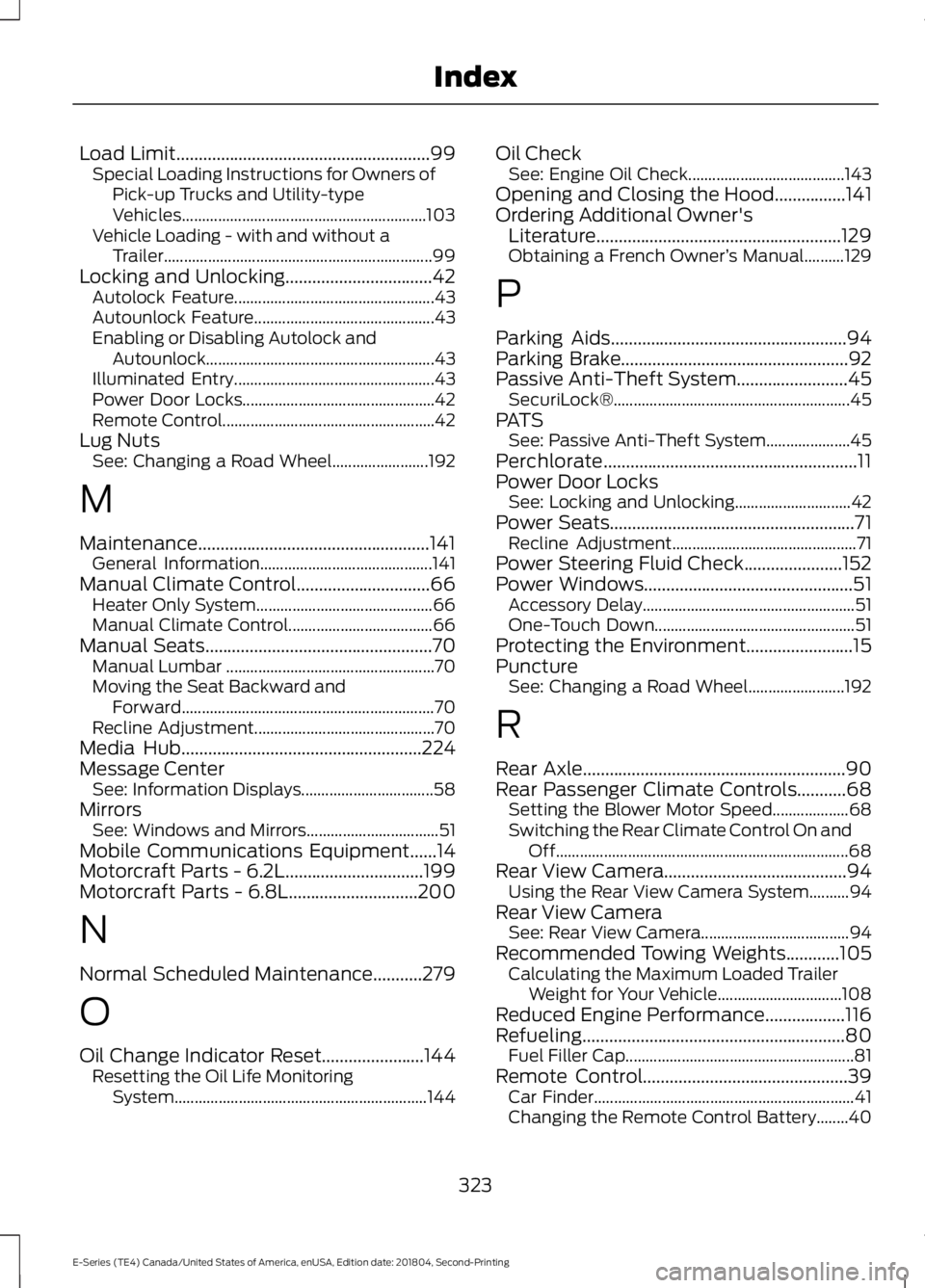
Load Limit.........................................................99Special Loading Instructions for Owners ofPick-up Trucks and Utility-typeVehicles.............................................................103Vehicle Loading - with and without aTrailer...................................................................99Locking and Unlocking.................................42Autolock Feature..................................................43Autounlock Feature.............................................43Enabling or Disabling Autolock andAutounlock.........................................................43Illuminated Entry..................................................43Power Door Locks................................................42Remote Control.....................................................42Lug NutsSee: Changing a Road Wheel........................192
M
Maintenance....................................................141General Information...........................................141Manual Climate Control..............................66Heater Only System............................................66Manual Climate Control....................................66Manual Seats...................................................70Manual Lumbar ....................................................70Moving the Seat Backward andForward...............................................................70Recline Adjustment.............................................70Media Hub......................................................224Message CenterSee: Information Displays.................................58MirrorsSee: Windows and Mirrors.................................51Mobile Communications Equipment......14Motorcraft Parts - 6.2L...............................199Motorcraft Parts - 6.8L.............................200
N
Normal Scheduled Maintenance...........279
O
Oil Change Indicator Reset.......................144Resetting the Oil Life MonitoringSystem...............................................................144
Oil CheckSee: Engine Oil Check.......................................143Opening and Closing the Hood................141Ordering Additional Owner'sLiterature.......................................................129Obtaining a French Owner’s Manual..........129
P
Parking Aids.....................................................94Parking Brake...................................................92Passive Anti-Theft System.........................45SecuriLock®...........................................................45PATSSee: Passive Anti-Theft System.....................45Perchlorate.........................................................11Power Door LocksSee: Locking and Unlocking.............................42Power Seats.......................................................71Recline Adjustment..............................................71Power Steering Fluid Check......................152Power Windows...............................................51Accessory Delay.....................................................51One-Touch Down..................................................51Protecting the Environment........................15PunctureSee: Changing a Road Wheel........................192
R
Rear Axle...........................................................90Rear Passenger Climate Controls...........68Setting the Blower Motor Speed...................68Switching the Rear Climate Control On andOff.........................................................................68Rear View Camera.........................................94Using the Rear View Camera System..........94Rear View CameraSee: Rear View Camera.....................................94Recommended Towing Weights............105Calculating the Maximum Loaded TrailerWeight for Your Vehicle...............................108Reduced Engine Performance..................116Refueling...........................................................80Fuel Filler Cap.........................................................81Remote Control..............................................39Car Finder.................................................................41Changing the Remote Control Battery........40
323
E-Series (TE4) Canada/United States of America, enUSA, Edition date: 201804, Second-Printing
Index
Page 327 of 329
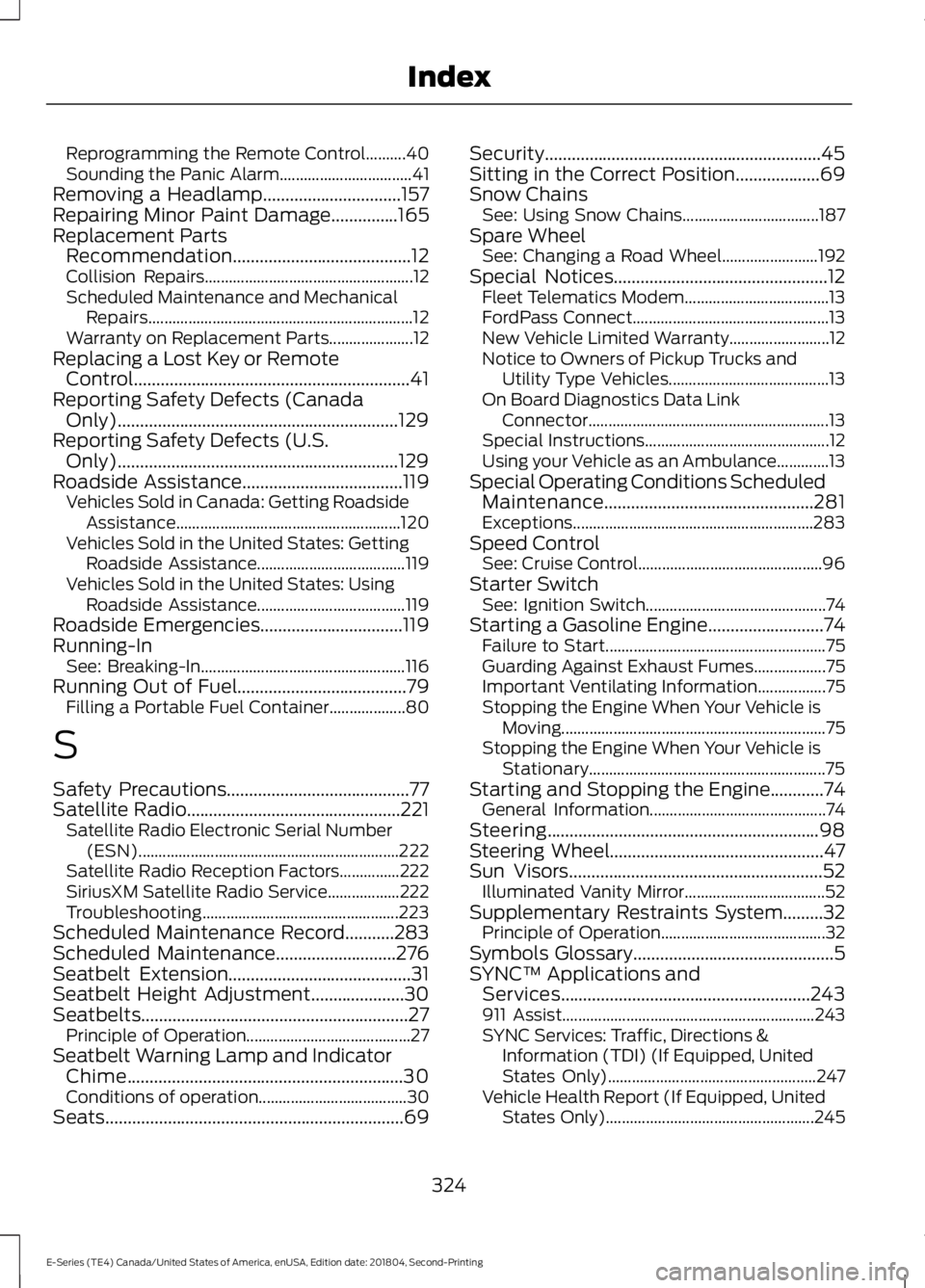
Reprogramming the Remote Control..........40Sounding the Panic Alarm.................................41Removing a Headlamp...............................157Repairing Minor Paint Damage...............165Replacement PartsRecommendation........................................12Collision Repairs....................................................12Scheduled Maintenance and MechanicalRepairs..................................................................12Warranty on Replacement Parts.....................12Replacing a Lost Key or RemoteControl..............................................................41Reporting Safety Defects (CanadaOnly)...............................................................129Reporting Safety Defects (U.S.Only)...............................................................129Roadside Assistance....................................119Vehicles Sold in Canada: Getting RoadsideAssistance........................................................120Vehicles Sold in the United States: GettingRoadside Assistance.....................................119Vehicles Sold in the United States: UsingRoadside Assistance.....................................119Roadside Emergencies................................119Running-InSee: Breaking-In...................................................116Running Out of Fuel......................................79Filling a Portable Fuel Container...................80
S
Safety Precautions.........................................77Satellite Radio................................................221Satellite Radio Electronic Serial Number(ESN).................................................................222Satellite Radio Reception Factors...............222SiriusXM Satellite Radio Service..................222Troubleshooting.................................................223Scheduled Maintenance Record...........283Scheduled Maintenance...........................276Seatbelt Extension.........................................31Seatbelt Height Adjustment.....................30Seatbelts............................................................27Principle of Operation.........................................27Seatbelt Warning Lamp and IndicatorChime..............................................................30Conditions of operation.....................................30Seats...................................................................69
Security..............................................................45Sitting in the Correct Position...................69Snow ChainsSee: Using Snow Chains..................................187Spare WheelSee: Changing a Road Wheel........................192Special Notices................................................12Fleet Telematics Modem....................................13FordPass Connect.................................................13New Vehicle Limited Warranty.........................12Notice to Owners of Pickup Trucks andUtility Type Vehicles........................................13On Board Diagnostics Data LinkConnector............................................................13Special Instructions..............................................12Using your Vehicle as an Ambulance.............13Special Operating Conditions ScheduledMaintenance...............................................281Exceptions............................................................283Speed ControlSee: Cruise Control..............................................96Starter SwitchSee: Ignition Switch.............................................74Starting a Gasoline Engine..........................74Failure to Start.......................................................75Guarding Against Exhaust Fumes..................75Important Ventilating Information.................75Stopping the Engine When Your Vehicle isMoving..................................................................75Stopping the Engine When Your Vehicle isStationary...........................................................75Starting and Stopping the Engine............74General Information............................................74Steering.............................................................98Steering Wheel................................................47Sun Visors.........................................................52Illuminated Vanity Mirror...................................52Supplementary Restraints System.........32Principle of Operation.........................................32Symbols Glossary.............................................5SYNC™ Applications andServices........................................................243911 Assist...............................................................243SYNC Services: Traffic, Directions &Information (TDI) (If Equipped, UnitedStates Only)....................................................247Vehicle Health Report (If Equipped, UnitedStates Only)....................................................245
324
E-Series (TE4) Canada/United States of America, enUSA, Edition date: 201804, Second-Printing
Index