light FORD EDGE 2014 1.G Owners Manual
[x] Cancel search | Manufacturer: FORD, Model Year: 2014, Model line: EDGE, Model: FORD EDGE 2014 1.GPages: 540, PDF Size: 7.52 MB
Page 434 of 540
Scan
Touch this button to go to the next strong AM or FM radio station.
The light on the button illuminates when the feature is on.
Options
Sound Settingsallows you to adjust settings for:
•Bass
•Midrange
•Treble
•Balance and Fade
•DSP (Digital Signal Processing)
•Occupancy Mode
•Speed Compensated Volume.
Note:Your vehicle may not have all these sound settings.
Set PTY for Seek/Scanallows you to select a category of music you
would like to search for. You can then choose to either seek or scan for
the stations playing that category.
RDS Text Displayallows you to view the information broadcast by FM
stations.
ASTallows you to have the system automatically store the six strongest
stations in your current location.
TAG Buttonis available when HD Radio is on, and allows you to tag a
song to download later. When you selectOn,TAG appears on-screen
when HD Radio is active. You can touchTA Gto save the information of
the song that is playing. When you plug in your portable music player,
the information transfers, if supported by your device. When you are
connected to iTunes, the tags appear to remind you of the songs you
would like to download. SeeHD Radio informationlater in this chapter.
Direct Tune
Touch this button to manually enter the desired station number. Touch
Enterwhen you are done.
HD Radio™ Information (If Available)
Note:HD Radio broadcasts are not available in all markets.
HD Radio technology is the digital evolution of analog AM/FM radio. Your
system has a special receiver that allows it to receive digital broadcasts
(where available) in addition to the analog broadcasts, it already
receives. Digital broadcasts provide a better sound quality than analog
broadcasts with free, crystal-clear audio and no static or distortion.
MyFord Touch® (If Equipped)433
2014 Edge(edg)
Owners Guide gf, 2nd Printing, March 2014
USA(fus)
Page 435 of 540
For more information, and a guide to available stations and programming,
please visit www.hdradio.com.
When HD Radio is on and you tune to a station broadcasting HD Radio
technology, you may notice the following indicators on your screen:
HD) logoeither blinks when acquiring a digital station, and
then stays solid when digital audio is playing, or is grey when
acquiring a digital station, and then changes to orange when
digital audio is playing. When this logo is available, you may also
see Title and Artist fields on-screen.
Multicast indicatorappears in FM mode (only) if the current station is
broadcasting multiple digital broadcasts. The highlighted numbers signify
available digital channels where new or different content is available.
HD1 signifies the main programming status and is available in analog and
digital broadcasts. Other multicast stations (HD2 through HD7) are only
available digitally.
TA Gallows you to save a song to download later when you are on an
acquired HD Radio station and the feature is on. To turn the feature on
and use it:
1. PressAMorFM>Options>TA Gbutton >On.
2. When you hear a song you like, touchTAG.
3. The system automatically saves the song’s information and transfers
it to your portable music player (if supported) when you connect it
to the system. The system automatically transfers the tag to your
player (if already connected) and a pop-up confirms the transfer.
4.
When you access iTunes with your portable music player, the tags
appear to you as a reminder. The system allows you to tag up to
approximately 100 songs. For a list of devices that support tagging, see
www.SYNCMyRide.com, www.SYNCMyRide.ca or www.syncmaroute.ca.
When HD Radio broadcasts are active, you can access the following functions:
•Scanallows you to hear a brief sampling of all available stations. This
feature still works when HD Radio reception is on, although it does not
scan for HD2-HD7 channels. You may see the HD logo appear if the station
has a digital broadcast.
•Memory presetsallow you to save an active channel as a memory preset.
Touch and hold a memory preset slot until the sound returns. There is a
brief mute while the radio saves the station. Sound returns when finished.
When switching to an HD2 or HD3 memory preset, the sound mutes before
the digital audio plays, because the system has to reacquire the digital
signal.
•Note:As with any saved radio station, you cannot access the saved
station if your vehicle is outside the station’s reception area.
434MyFord Touch® (If Equipped)
2014 Edge(edg)
Owners Guide gf, 2nd Printing, March 2014
USA(fus)
Page 436 of 540
HD Radio Reception and Station Troubleshooting
Potential Reception Issues
Reception areaIf you are listening to a multicast station and
you are on the fringe of the reception area, the
station may mute due to weak signal strength.
If you are listening to HD1, the system switches
back to the analog broadcast until the digital
broadcast is available again. However, if you are
listening to any of the possible HD2 through
HD7 multicast channels, the station mutes and
stays muted unless it is able to connect to the
digital signal again.
Station blending
When the system first receives a station
(aside from HD2-HD7 multicast stations), it first
plays the station in the analog version. Once the
receiver verifies the station is an HD Radio
station, it shifts to the digital version. Depending
on the station quality, you may hear a slight
sound change when the station changes from
analog to digital. Blending is the shift from analog
to digital sound or digital back to analog sound.
In order to provide the best possible experience, use the contact form to
report any station issues found while listening to a station broadcasting
with HD Radio technology. Independent entities own and operate each
station. These stations are responsible for making sure all audio streams
and data fields are accurate.
Potential station issues
Issue Cause Action
Echo, stutter, skip or
repeat in audio.
Increase or decrease
in audio volume.This is poor time
alignment by the radio
broadcaster.No action required.
This is a broadcast
issue.
MyFord Touch® (If Equipped)435
2014 Edge(edg)
Owners Guide gf, 2nd Printing, March 2014
USA(fus)
Page 472 of 540
You can also turn the outside air temperature display on and off. It
appears at the top center of the touchscreen, next to the time and date.
The system automatically saves any updates you make to the settings.
Display
You can adjust the touchscreen display through the touchscreen or by
pressing the voice button on your steering wheel controls and when
prompted, say, “Display settings”.
Press the Settings icon >Display,to access and make
adjustments using the touchscreen.
•Brightnessallows you to make the screen display brighter or
dimmer.
•Auto DIM, when set toOn,lets you use the Auto Dim Manual Offset
feature. When set toOff,screen brightness does not change.
•Modeallows you to set the screen to a certain brightness or have the
system automatically change based on the outside light level, or turn
the display off.
•If you selectAUTOorNIGHT,you have the options of turning
the display’s Auto Dim feature on or off and changing the Auto
Dim Manual Offset feature.
•Auto Dim Manual Offsetallows you to adjust screen dimming as
the outside lighting conditions change from day to night. This feature
also allows you to adjust screen brightness using the instrument panel
dimming control.
Edit Wallpaper
•You can have your touchscreen display the default photo or upload
your own.
Uploading Photos for Your Home Screen Wallpaper
Note:You cannot load photos directly from your camera. You must
access the photos either from your USB mass storage device or from an
SD card.
Note:Photographs with extremely large dimensions (such as 2048 x
1536) may not be compatible and appear as a blank (black) image on the
display.
Your system allows you to upload and view up to 32 photos.
To access, press the Settings icon >Display>Edit Wallpaper,and
then follow the system prompts to upload your photographs.
MyFord Touch® (If Equipped)471
2014 Edge(edg)
Owners Guide gf, 2nd Printing, March 2014
USA(fus)
Page 473 of 540
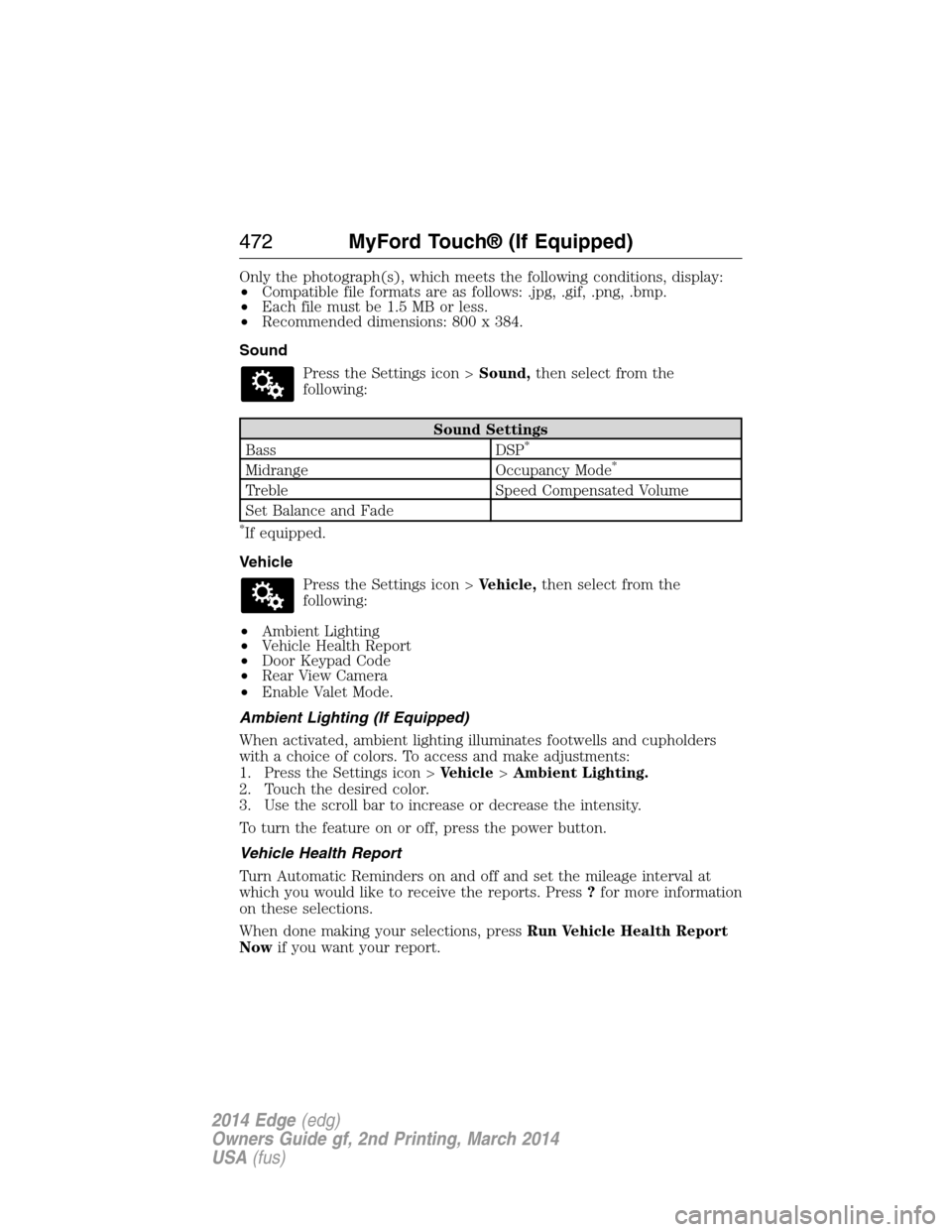
Only the photograph(s), which meets the following conditions, display:
•Compatible file formats are as follows: .jpg, .gif, .png, .bmp.
•Each file must be 1.5 MB or less.
•Recommended dimensions: 800 x 384.
Sound
Press the Settings icon >Sound,then select from the
following:
Sound Settings
Bass DSP*
Midrange Occupancy Mode*
Treble Speed Compensated Volume
Set Balance and Fade
*If equipped.
Vehicle
Press the Settings icon >Vehicle,then select from the
following:
•Ambient Lighting
•Vehicle Health Report
•Door Keypad Code
•Rear View Camera
•Enable Valet Mode.
Ambient Lighting (If Equipped)
When activated, ambient lighting illuminates footwells and cupholders
with a choice of colors. To access and make adjustments:
1. Press the Settings icon >Vehicle>Ambient Lighting.
2. Touch the desired color.
3. Use the scroll bar to increase or decrease the intensity.
To turn the feature on or off, press the power button.
Vehicle Health Report
Turn Automatic Reminders on and off and set the mileage interval at
which you would like to receive the reports. Press?for more information
on these selections.
When done making your selections, pressRun Vehicle Health Report
Nowif you want your report.
472MyFord Touch® (If Equipped)
2014 Edge(edg)
Owners Guide gf, 2nd Printing, March 2014
USA(fus)
Page 486 of 540
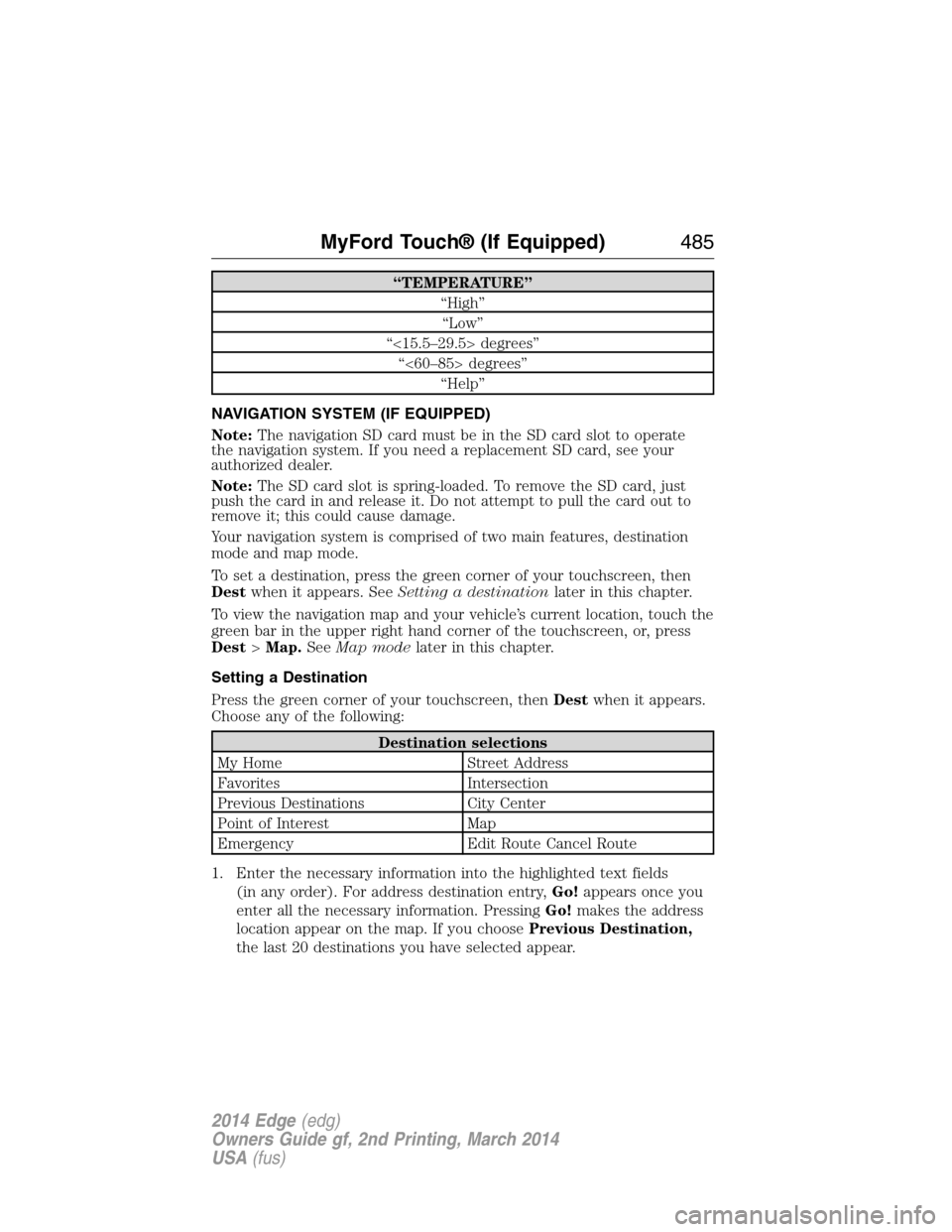
“TEMPERATURE”
“High”
“Low”
“<15.5–29.5> degrees”
“<60–85> degrees”
“Help”
NAVIGATION SYSTEM (IF EQUIPPED)
Note:The navigation SD card must be in the SD card slot to operate
the navigation system. If you need a replacement SD card, see your
authorized dealer.
Note:The SD card slot is spring-loaded. To remove the SD card, just
push the card in and release it. Do not attempt to pull the card out to
remove it; this could cause damage.
Your navigation system is comprised of two main features, destination
mode and map mode.
To set a destination, press the green corner of your touchscreen, then
Destwhen it appears. SeeSetting a destinationlater in this chapter.
To view the navigation map and your vehicle’s current location, touch the
green bar in the upper right hand corner of the touchscreen, or, press
Dest>Map.SeeMap modelater in this chapter.
Setting a Destination
Press the green corner of your touchscreen, thenDestwhen it appears.
Choose any of the following:
Destination selections
My Home Street Address
Favorites Intersection
Previous Destinations City Center
Point of Interest Map
Emergency Edit Route Cancel Route
1. Enter the necessary information into the highlighted text fields
(in any order). For address destination entry,Go!appears once you
enter all the necessary information. PressingGo!makes the address
location appear on the map. If you choosePrevious Destination,
the last 20 destinations you have selected appear.
MyFord Touch® (If Equipped)485
2014 Edge(edg)
Owners Guide gf, 2nd Printing, March 2014
USA(fus)
Page 518 of 540
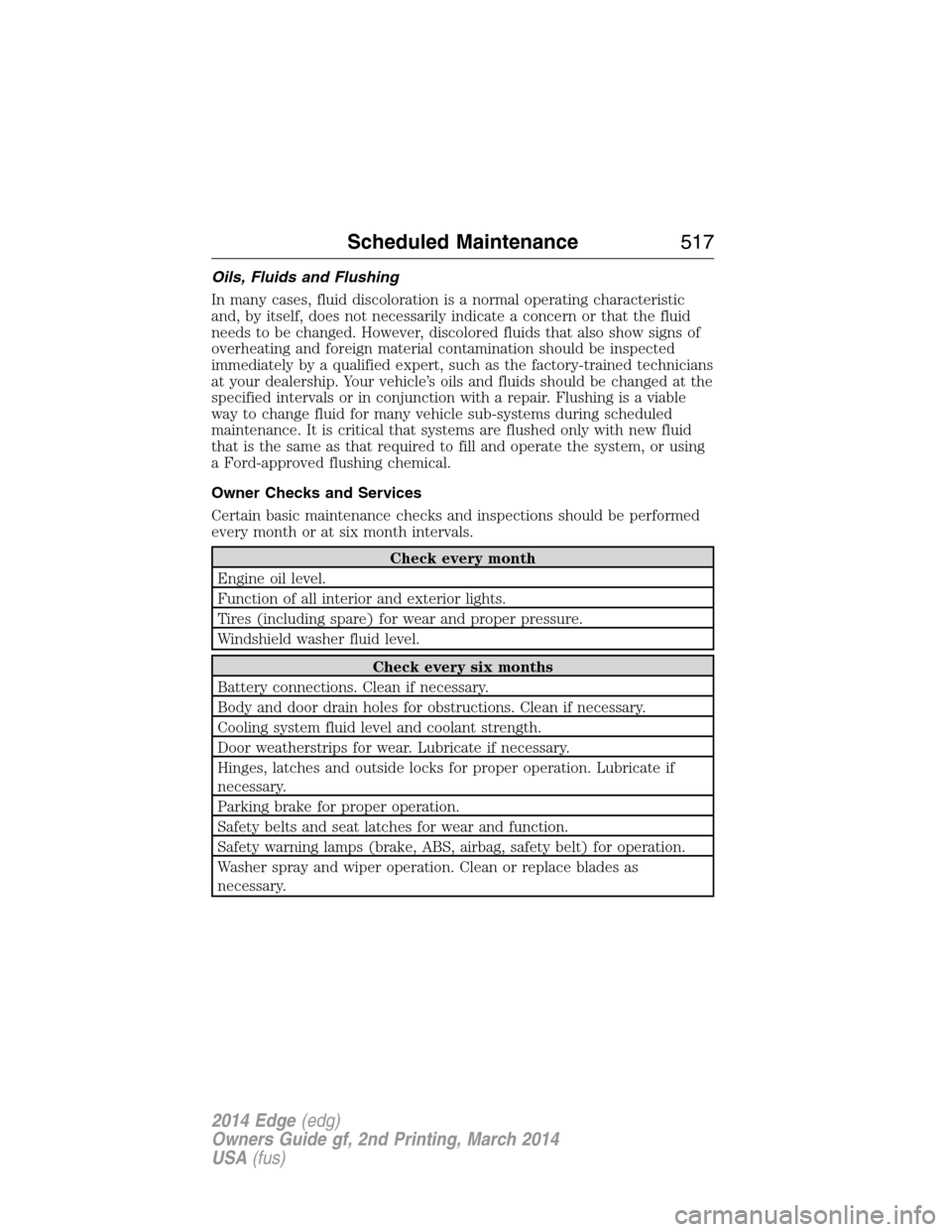
Oils, Fluids and Flushing
In many cases, fluid discoloration is a normal operating characteristic
and, by itself, does not necessarily indicate a concern or that the fluid
needs to be changed. However, discolored fluids that also show signs of
overheating and foreign material contamination should be inspected
immediately by a qualified expert, such as the factory-trained technicians
at your dealership. Your vehicle’s oils and fluids should be changed at the
specified intervals or in conjunction with a repair. Flushing is a viable
way to change fluid for many vehicle sub-systems during scheduled
maintenance. It is critical that systems are flushed only with new fluid
that is the same as that required to fill and operate the system, or using
a Ford-approved flushing chemical.
Owner Checks and Services
Certain basic maintenance checks and inspections should be performed
every month or at six month intervals.
Check every month
Engine oil level.
Function of all interior and exterior lights.
Tires (including spare) for wear and proper pressure.
Windshield washer fluid level.
Check every six months
Battery connections. Clean if necessary.
Body and door drain holes for obstructions. Clean if necessary.
Cooling system fluid level and coolant strength.
Door weatherstrips for wear. Lubricate if necessary.
Hinges, latches and outside locks for proper operation. Lubricate if
necessary.
Parking brake for proper operation.
Safety belts and seat latches for wear and function.
Safety warning lamps (brake, ABS, airbag, safety belt) for operation.
Washer spray and wiper operation. Clean or replace blades as
necessary.
Scheduled Maintenance517
2014 Edge(edg)
Owners Guide gf, 2nd Printing, March 2014
USA(fus)
Page 531 of 540
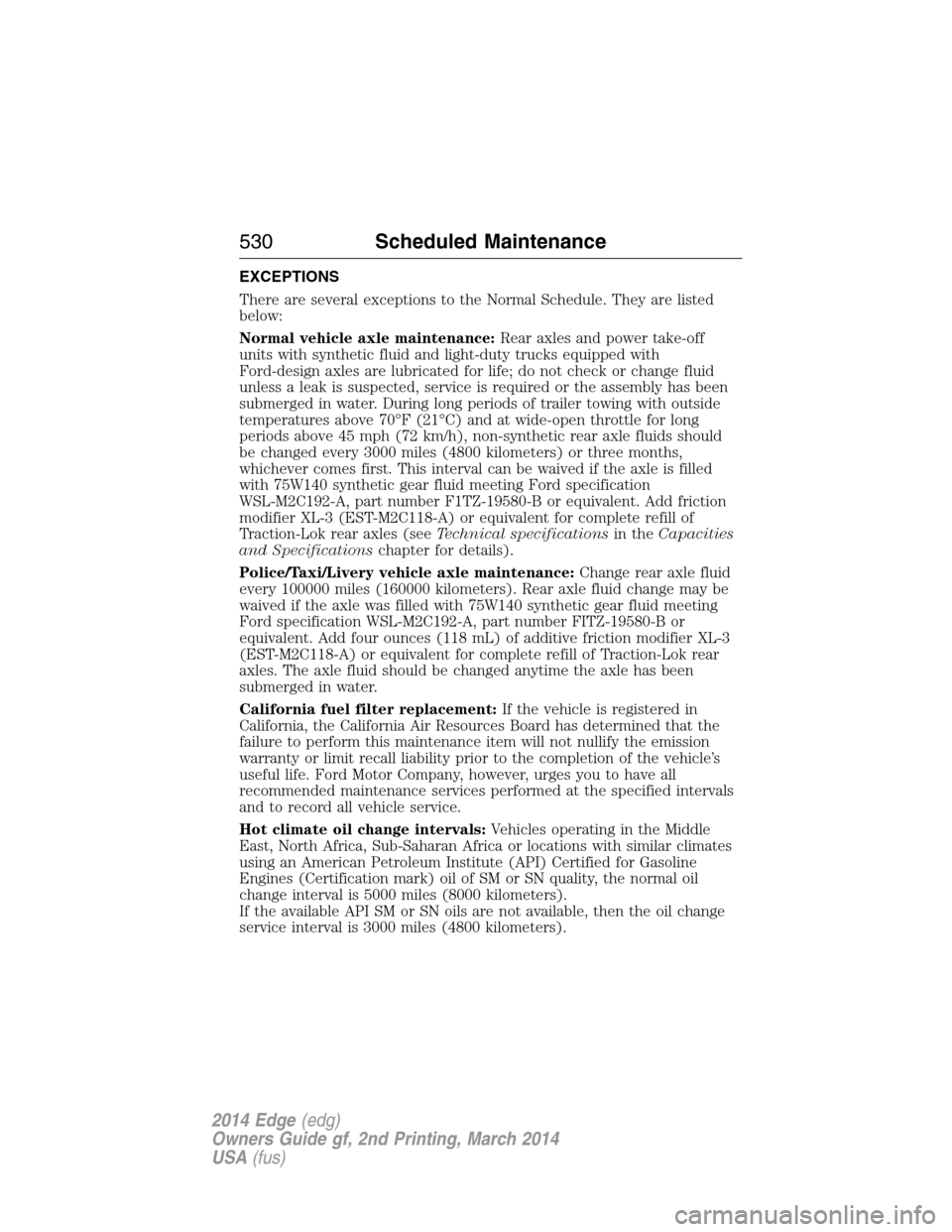
EXCEPTIONS
There are several exceptions to the Normal Schedule. They are listed
below:
Normal vehicle axle maintenance:Rear axles and power take-off
units with synthetic fluid and light-duty trucks equipped with
Ford-design axles are lubricated for life; do not check or change fluid
unless a leak is suspected, service is required or the assembly has been
submerged in water. During long periods of trailer towing with outside
temperatures above 70°F (21°C) and at wide-open throttle for long
periods above 45 mph (72 km/h), non-synthetic rear axle fluids should
be changed every 3000 miles (4800 kilometers) or three months,
whichever comes first. This interval can be waived if the axle is filled
with 75W140 synthetic gear fluid meeting Ford specification
WSL-M2C192-A, part number F1TZ-19580-B or equivalent. Add friction
modifier XL-3 (EST-M2C118-A) or equivalent for complete refill of
Traction-Lok rear axles (seeTechnical specificationsin theCapacities
and Specificationschapter for details).
Police/Taxi/Livery vehicle axle maintenance:Change rear axle fluid
every 100000 miles (160000 kilometers). Rear axle fluid change may be
waived if the axle was filled with 75W140 synthetic gear fluid meeting
Ford specification WSL-M2C192-A, part number FITZ-19580-B or
equivalent. Add four ounces (118 mL) of additive friction modifier XL-3
(EST-M2C118-A) or equivalent for complete refill of Traction-Lok rear
axles. The axle fluid should be changed anytime the axle has been
submerged in water.
California fuel filter replacement:If the vehicle is registered in
California, the California Air Resources Board has determined that the
failure to perform this maintenance item will not nullify the emission
warranty or limit recall liability prior to the completion of the vehicle’s
useful life. Ford Motor Company, however, urges you to have all
recommended maintenance services performed at the specified intervals
and to record all vehicle service.
Hot climate oil change intervals:Vehicles operating in the Middle
East, North Africa, Sub-Saharan Africa or locations with similar climates
using an American Petroleum Institute (API) Certified for Gasoline
Engines (Certification mark) oil of SM or SN quality, the normal oil
change interval is 5000 miles (8000 kilometers).
If the available API SM or SN oils are not available, then the oil change
service interval is 3000 miles (4800 kilometers).
530Scheduled Maintenance
2014 Edge(edg)
Owners Guide gf, 2nd Printing, March 2014
USA(fus)
Page 533 of 540
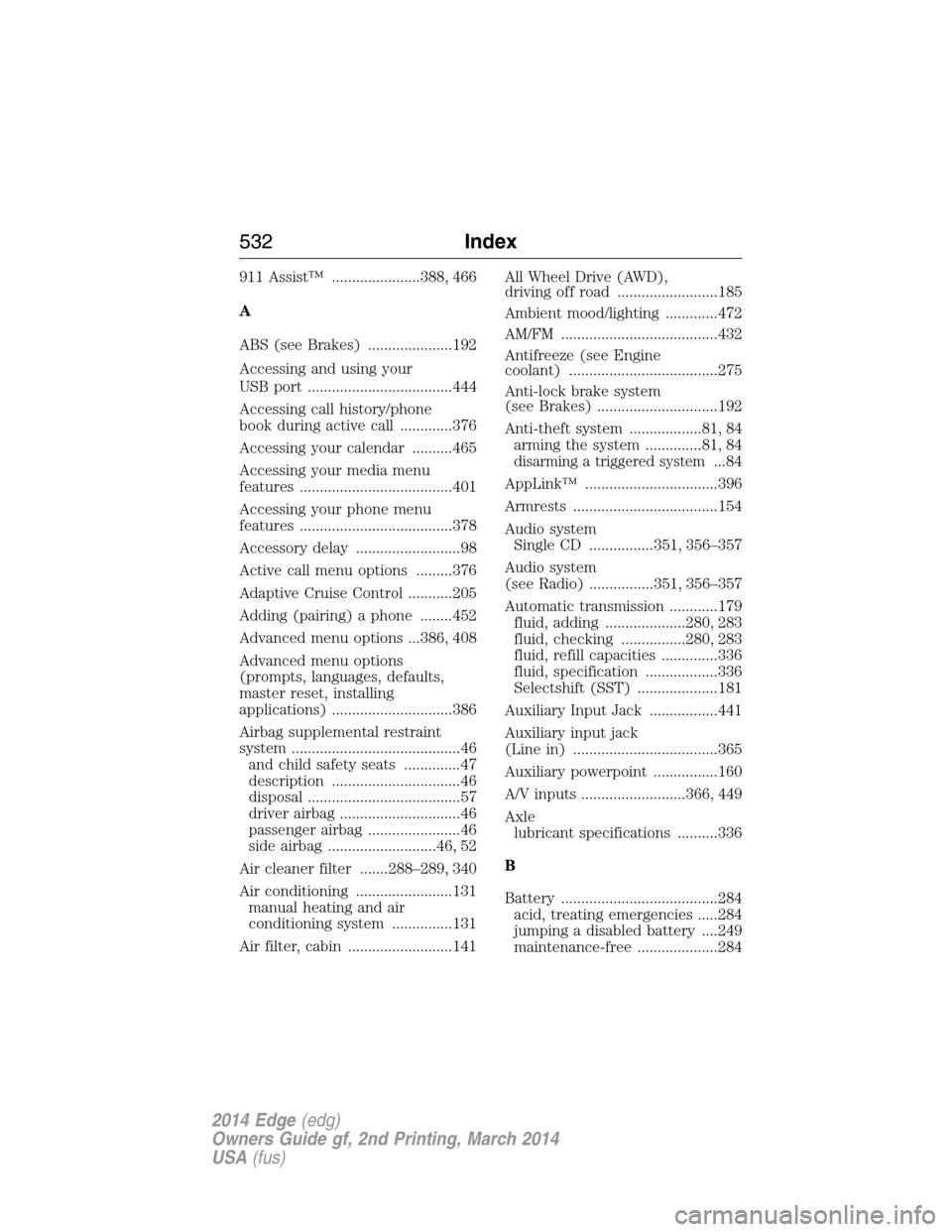
911 Assist™ ......................388, 466
A
ABS (see Brakes) .....................192
Accessing and using your
USB port ....................................444
Accessing call history/phone
book during active call .............376
Accessing your calendar ..........465
Accessing your media menu
features ......................................401
Accessing your phone menu
features ......................................378
Accessory delay ..........................98
Active call menu options .........376
Adaptive Cruise Control ...........205
Adding (pairing) a phone ........452
Advanced menu options ...386, 408
Advanced menu options
(prompts, languages, defaults,
master reset, installing
applications) ..............................386
Airbag supplemental restraint
system ..........................................46
and child safety seats ..............47
description ................................46
disposal ......................................57
driver airbag ..............................46
passenger airbag .......................46
side airbag ...........................46, 52
Air cleaner filter .......288–289, 340
Air conditioning ........................131
manual heating and air
conditioning system ...............131
Air filter, cabin ..........................141All Wheel Drive (AWD),
driving off road .........................185
Ambient mood/lighting .............472
AM/FM .......................................432
Antifreeze (see Engine
coolant) .....................................275
Anti-lock brake system
(see Brakes) ..............................192
Anti-theft system ..................81, 84
arming the system ..............81, 84
disarming a triggered system...84
AppLink™ .................................396
Armrests ....................................154
Audio system
Single CD ................351, 356–357
Audio system
(see Radio) ................351, 356–357
Automatic transmission ............179
fluid, adding ....................280, 283
fluid, checking ................280, 283
fluid, refill capacities ..............336
fluid, specification ..................336
Selectshift (SST) ....................181
Auxiliary Input Jack .................441
Auxiliary input jack
(Line in) ....................................365
Auxiliary powerpoint ................160
A/V inputs ..........................366, 449
Axle
lubricant specifications ..........336
B
Battery .......................................284
acid, treating emergencies .....284
jumping a disabled battery ....249
maintenance-free ....................284
532Index
2014 Edge(edg)
Owners Guide gf, 2nd Printing, March 2014
USA(fus)
Page 534 of 540
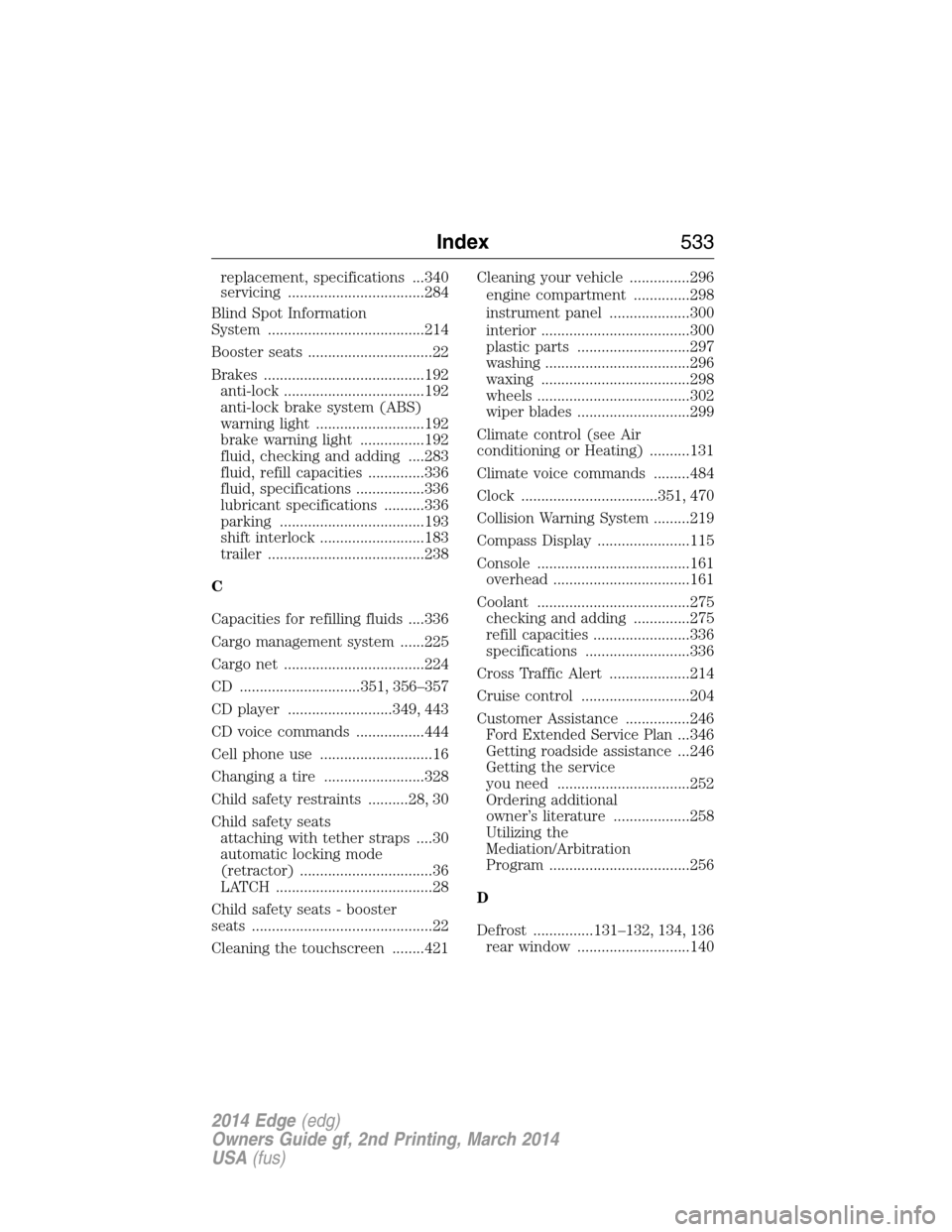
replacement, specifications ...340
servicing ..................................284
Blind Spot Information
System .......................................214
Booster seats ...............................22
Brakes ........................................192
anti-lock ...................................192
anti-lock brake system (ABS)
warning light ...........................192
brake warning light ................192
fluid, checking and adding ....283
fluid, refill capacities ..............336
fluid, specifications .................336
lubricant specifications ..........336
parking ....................................193
shift interlock ..........................183
trailer .......................................238
C
Capacities for refilling fluids ....336
Cargo management system ......225
Cargo net ...................................224
CD ..............................351, 356–357
CD player ..........................349, 443
CD voice commands .................444
Cell phone use ............................16
Changing a tire .........................328
Child safety restraints ..........28, 30
Child safety seats
attaching with tether straps ....30
automatic locking mode
(retractor) .................................36
LATCH .......................................28
Child safety seats - booster
seats .............................................22
Cleaning the touchscreen ........421Cleaning your vehicle ...............296
engine compartment ..............298
instrument panel ....................300
interior .....................................300
plastic parts ............................297
washing ....................................296
waxing .....................................298
wheels ......................................302
wiper blades ............................299
Climate control (see Air
conditioning or Heating) ..........131
Climate voice commands .........484
Clock ..................................351, 470
Collision Warning System .........219
Compass Display .......................115
Console ......................................161
overhead ..................................161
Coolant ......................................275
checking and adding ..............275
refill capacities ........................336
specifications ..........................336
Cross Traffic Alert ....................214
Cruise control ...........................204
Customer Assistance ................246
Ford Extended Service Plan...346
Getting roadside assistance ...246
Getting the service
you need .................................252
Ordering additional
owner’s literature ...................258
Utilizing the
Mediation/Arbitration
Program ...................................256
D
Defrost ...............131–132, 134, 136
rear window ............................140
Index533
2014 Edge(edg)
Owners Guide gf, 2nd Printing, March 2014
USA(fus)