ad blue FORD EDGE 2014 1.G Service Manual
[x] Cancel search | Manufacturer: FORD, Model Year: 2014, Model line: EDGE, Model: FORD EDGE 2014 1.GPages: 540, PDF Size: 7.52 MB
Page 468 of 540
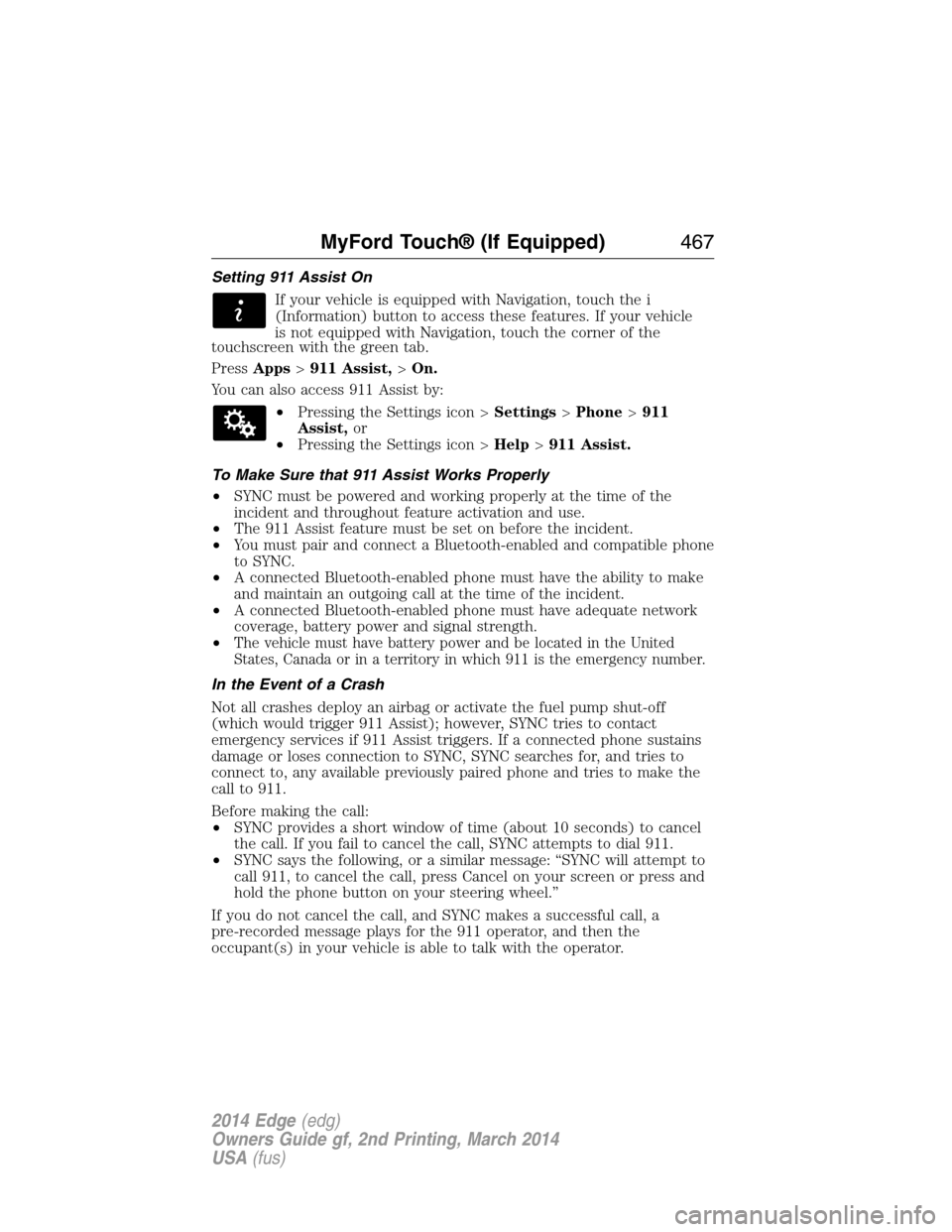
Setting 911 Assist On
If your vehicle is equipped with Navigation, touch the i
(Information) button to access these features. If your vehicle
is not equipped with Navigation, touch the corner of the
touchscreen with the green tab.
PressApps>911 Assist,>On.
You can also access 911 Assist by:
•Pressing the Settings icon >Settings>Phone>911
Assist,or
•Pressing the Settings icon >Help>911 Assist.
To Make Sure that 911 Assist Works Properly
•SYNC must be powered and working properly at the time of the
incident and throughout feature activation and use.
•The 911 Assist feature must be set on before the incident.
•You must pair and connect a Bluetooth-enabled and compatible phone
to SYNC.
•A connected Bluetooth-enabled phone must have the ability to make
and maintain an outgoing call at the time of the incident.
•A connected Bluetooth-enabled phone must have adequate network
coverage, battery power and signal strength.
•
The vehicle must have battery power and be located in the United
States, Canada or in a territory in which 911 is the emergency number.
In the Event of a Crash
Not all crashes deploy an airbag or activate the fuel pump shut-off
(which would trigger 911 Assist); however, SYNC tries to contact
emergency services if 911 Assist triggers. If a connected phone sustains
damage or loses connection to SYNC, SYNC searches for, and tries to
connect to, any available previously paired phone and tries to make the
call to 911.
Before making the call:
•SYNC provides a short window of time (about 10 seconds) to cancel
the call. If you fail to cancel the call, SYNC attempts to dial 911.
•SYNC says the following, or a similar message: “SYNC will attempt to
call 911, to cancel the call, press Cancel on your screen or press and
hold the phone button on your steering wheel.”
If you do not cancel the call, and SYNC makes a successful call, a
pre-recorded message plays for the 911 operator, and then the
occupant(s) in your vehicle is able to talk with the operator.
MyFord Touch® (If Equipped)467
2014 Edge(edg)
Owners Guide gf, 2nd Printing, March 2014
USA(fus)
Page 476 of 540
Voice control
Phone Candidate
ListsCandidate lists are possible results from your
voice commands. The system simply makes a
best guess at your request with these turned
off.
Voice Control VolumeThis allows you to adjust the system’s voice
volume level.
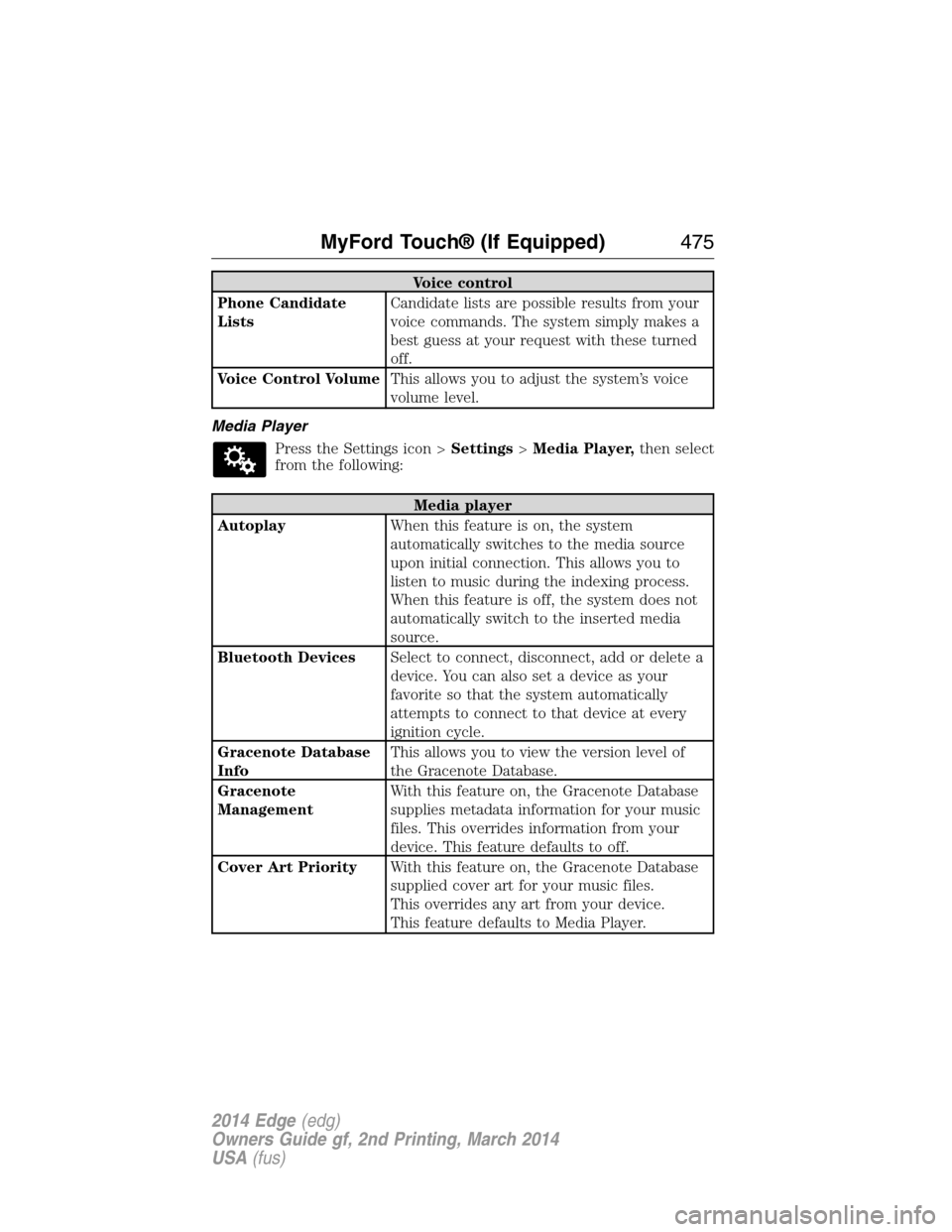
Media Player
Press the Settings icon >Settings>Media Player,then select
from the following:
Media player
AutoplayWhen this feature is on, the system
automatically switches to the media source
upon initial connection. This allows you to
listen to music during the indexing process.
When this feature is off, the system does not
automatically switch to the inserted media
source.
Bluetooth DevicesSelect to connect, disconnect, add or delete a
device. You can also set a device as your
favorite so that the system automatically
attempts to connect to that device at every
ignition cycle.
Gracenote Database
InfoThis allows you to view the version level of
the Gracenote Database.
Gracenote
ManagementWith this feature on, the Gracenote Database
supplies metadata information for your music
files. This overrides information from your
device. This feature defaults to off.
Cover Art PriorityWith this feature on, the Gracenote Database
supplied cover art for your music files.
This overrides any art from your device.
This feature defaults to Media Player.
MyFord Touch® (If Equipped)475
2014 Edge(edg)
Owners Guide gf, 2nd Printing, March 2014
USA(fus)
Page 478 of 540
Navigation
Traffic PreferencesHave the system display areas where
roadwork occurs.
Have the system display incident icons.
Have the system display areas where difficult
driving conditions may occur.
Have the system display areas where snow
and ice on the road may occur.
Have the system display any smog alerts.
Have the system display weather warnings.
Have the system display where there may be
reduced visibility.
Have the system turn on your radio for traffic
announcements.
Avoid AreasEnter specific areas that you would like to
avoid on planned navigation routes.
Phone Settings
Press the Settings icon >Settings>Phone,then select from
the following:
Phone
Bluetooth DevicesConnect, disconnect, add or delete a device,
as well as save it as a favorite.
BluetoothTurn Bluetooth on and off.
Do Not DisturbHave all calls go directly to your voice mail
and not ring inside your vehicle. With this
feature turned on, text message notifications
are also suppressed and do not ring inside
your vehicle.
911 AssistTurn on or turn off the 911 Assist feature.
See911 Assistin theSYNC applications
and servicessection.
MyFord Touch® (If Equipped)477
2014 Edge(edg)
Owners Guide gf, 2nd Printing, March 2014
USA(fus)
Page 481 of 540
Wireless & Internet
USB Mobile
BroadbandInstead of using Wi-Fi, your system can also
use a USB mobile broadband connection to
access the internet. (You must turn on your
mobile broadband device on your personal
computer before connecting it to the system.)
This screen allows you to set up what is your
typical area for your USB mobile broadband
connection. (USB mobile broadband settings
may not display if the device is already on.)
You can select the following: Country, Carrier,
Phone Number, User Name and Password.
Bluetooth SettingsShows you the currently paired devices as
well as giving you your typical Bluetooth
options to connect, disconnect, set as favorite,
delete and add device. Bluetooth is a
registered trademark of the Bluetooth SIG.
Prioritize
Connection MethodsChoose your connection methods and change
them as needed. You can select to Change
Order and have the system either always
attempt to connect using a USB mobile
broadband or using Wi-Fi.
The Wi-Fi CERTIFIED Logo is a
certification mark of the Wi-Fi Alliance.
480MyFord Touch® (If Equipped)
2014 Edge(edg)
Owners Guide gf, 2nd Printing, March 2014
USA(fus)
Page 537 of 540
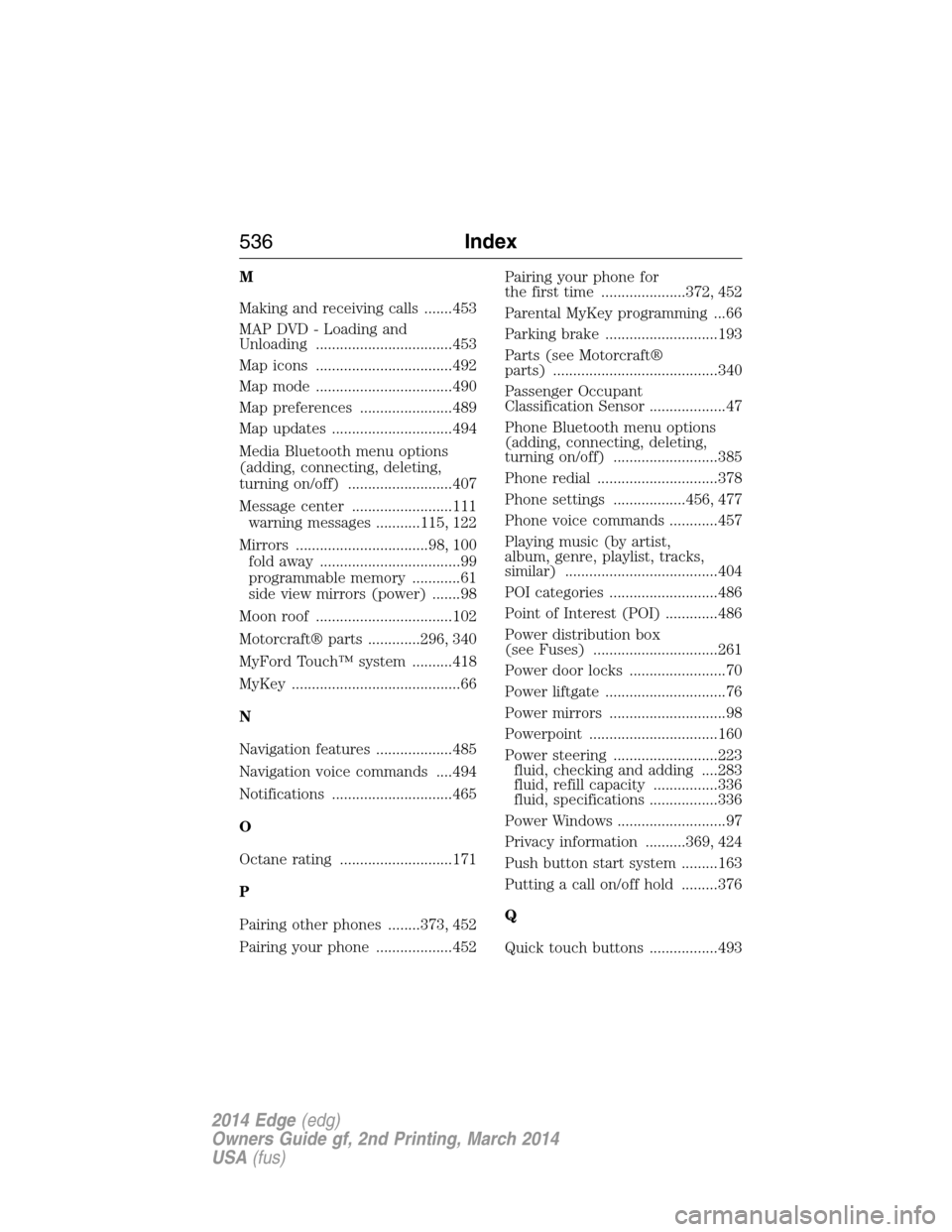
M
Making and receiving calls .......453
MAP DVD - Loading and
Unloading ..................................453
Map icons ..................................492
Map mode ..................................490
Map preferences .......................489
Map updates ..............................494
Media Bluetooth menu options
(adding, connecting, deleting,
turning on/off) ..........................407
Message center .........................111
warning messages ...........115, 122
Mirrors .................................98, 100
fold away ...................................99
programmable memory ............61
side view mirrors (power) .......98
Moon roof ..................................102
Motorcraft® parts .............296, 340
MyFord Touch™ system ..........418
MyKey ..........................................66
N
Navigation features ...................485
Navigation voice commands ....494
Notifications ..............................465
O
Octane rating ............................171
P
Pairing other phones ........373, 452
Pairing your phone ...................452Pairing your phone for
the first time .....................372, 452
Parental MyKey programming ...66
Parking brake ............................193
Parts (see Motorcraft®
parts) .........................................340
Passenger Occupant
Classification Sensor ...................47
Phone Bluetooth menu options
(adding, connecting, deleting,
turning on/off) ..........................385
Phone redial ..............................378
Phone settings ..................456, 477
Phone voice commands ............457
Playing music (by artist,
album, genre, playlist, tracks,
similar) ......................................404
POI categories ...........................486
Point of Interest (POI) .............486
Power distribution box
(see Fuses) ...............................261
Power door locks ........................70
Power liftgate ..............................76
Power mirrors .............................98
Powerpoint ................................160
Power steering ..........................223
fluid, checking and adding ....283
fluid, refill capacity ................336
fluid, specifications .................336
Power Windows ...........................97
Privacy information ..........369, 424
Push button start system .........163
Putting a call on/off hold .........376
Q
Quick touch buttons .................493
536Index
2014 Edge(edg)
Owners Guide gf, 2nd Printing, March 2014
USA(fus)