key battery FORD EDGE 2014 1.G Owners Manual
[x] Cancel search | Manufacturer: FORD, Model Year: 2014, Model line: EDGE, Model: FORD EDGE 2014 1.GPages: 540, PDF Size: 7.52 MB
Page 59 of 540
GENERAL INFORMATION ON RADIO FREQUENCIES
This device complies with part 15 of the FCC Rules and with Industry
Canada license-exempt RSS standard(s). Operation is subject to the
following two conditions: (1) This device may not cause harmful
interference, and (2) This device must accept any interference received,
including interference that may cause undesired operation.
Note:Changes or modifications not expressly approved by the party
responsible for compliance could void the user’s authority to operate the
equipment. The termICbefore the radio certification number only
signifies that Industry Canada technical specifications were met.
The typical operating range for your transmitter is approximately 33 feet
(10 meters). Vehicles with the remote start feature will have a greater
range. A decrease in operating range could be caused by:
•weather conditions
•nearby radio towers
•structures around your vehicle
•other vehicles parked next to your vehicle.
The radio frequency used by your remote control can also be used by
other short-distance radio transmissions, for example amateur radios,
medical equipment, wireless headphones, remote controls and alarm
systems. If the frequencies are jammed, you will not be able to use your
remote control. You can lock and unlock the doors with the key.
Note:Make sure your vehicle is locked before leaving it unattended.
Note:If you are in range, the remote control will operate if you press
any button unintentionally.
Intelligent Access (If Equipped)
The system uses a radio frequency signal to communicate with your
vehicle and authorize your vehicle to unlock when one of the following
conditions is met:
•You touch the inside of the front exterior door handle.
•You press the luggage compartment button.
•You press a button on the transmitter.
If excessive radio frequency interference is present in the area or if the
transmitter battery is low, it may be necessary to mechanically unlock
your door. You can use the mechanical key blade in your intelligent
access key to open the driver door in this situation. Refer toRemote
Controlin this chapter for more information on the location and use of
the mechanical key blade.
58Keys and Remote Control
2014 Edge(edg)
Owners Guide gf, 2nd Printing, March 2014
USA(fus)
Page 61 of 540
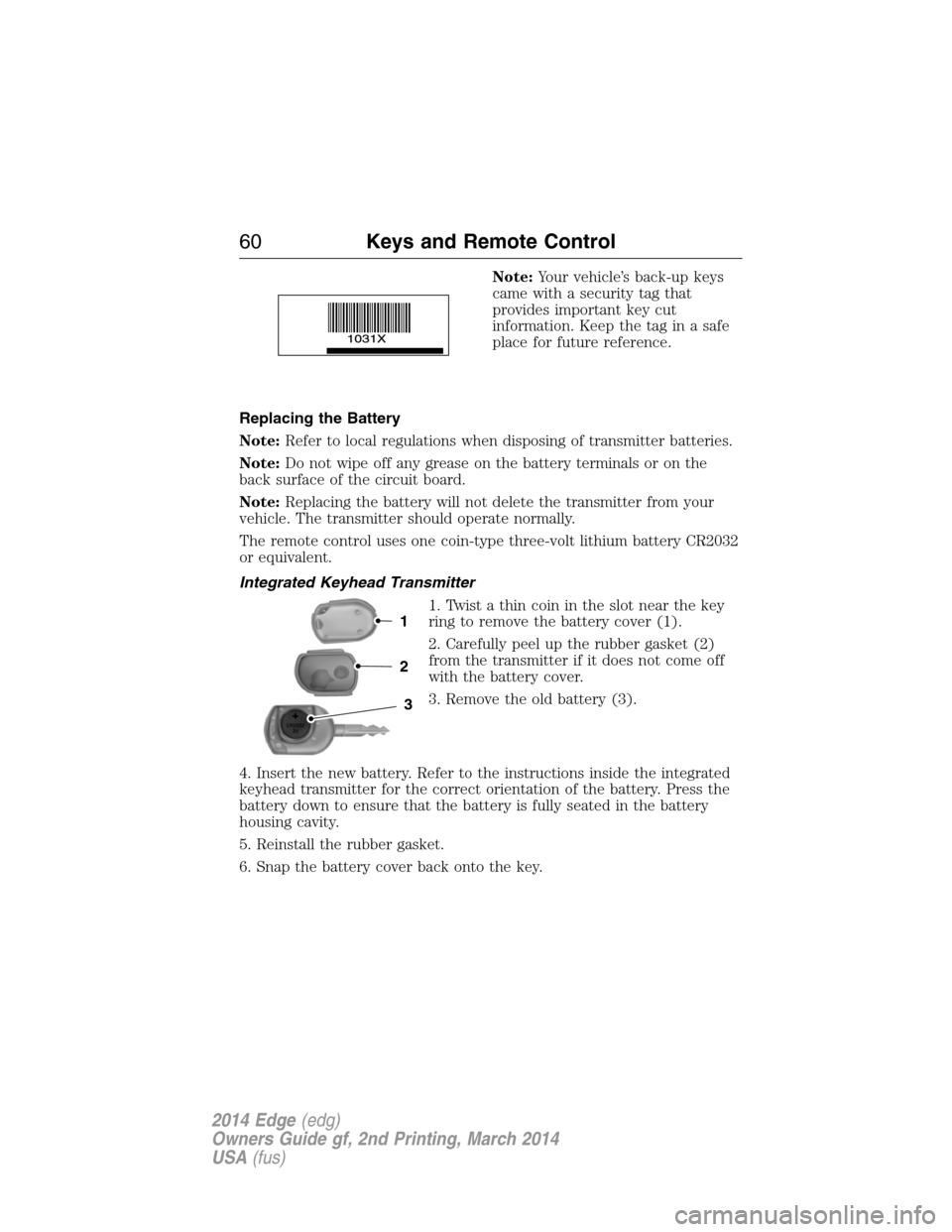
Note:Your vehicle’s back-up keys
came with a security tag that
provides important key cut
information. Keep the tag in a safe
place for future reference.
Replacing the Battery
Note:Refer to local regulations when disposing of transmitter batteries.
Note:Do not wipe off any grease on the battery terminals or on the
back surface of the circuit board.
Note:Replacing the battery will not delete the transmitter from your
vehicle. The transmitter should operate normally.
The remote control uses one coin-type three-volt lithium battery CR2032
or equivalent.
Integrated Keyhead Transmitter
1. Twist a thin coin in the slot near the key
ring to remove the battery cover (1).
2. Carefully peel up the rubber gasket (2)
from the transmitter if it does not come off
with the battery cover.
3. Remove the old battery (3).
4. Insert the new battery. Refer to the instructions inside the integrated
keyhead transmitter for the correct orientation of the battery. Press the
battery down to ensure that the battery is fully seated in the battery
housing cavity.
5. Reinstall the rubber gasket.
6. Snap the battery cover back onto the key.
3
2
1
60Keys and Remote Control
2014 Edge(edg)
Owners Guide gf, 2nd Printing, March 2014
USA(fus)
Page 62 of 540
Intelligent Access Transmitter
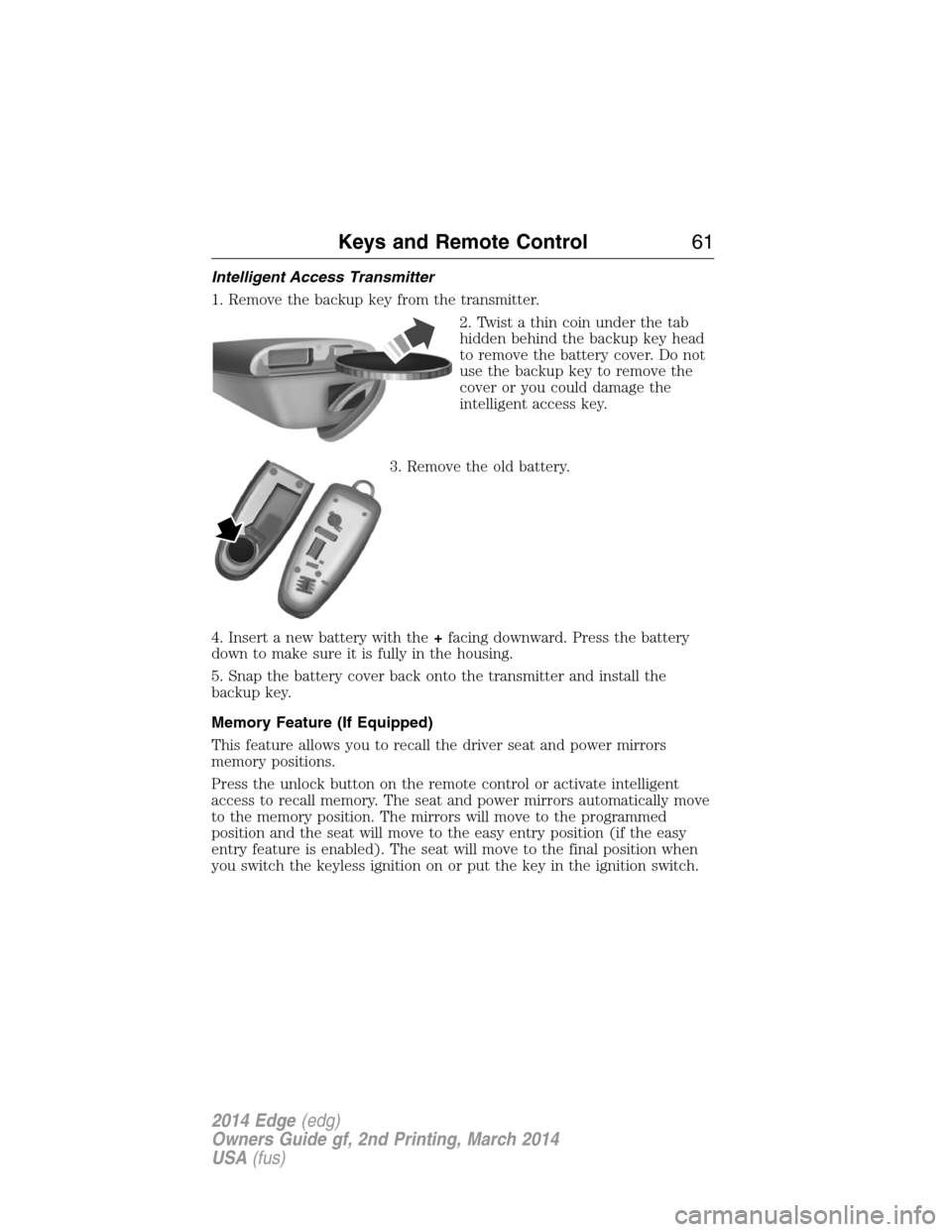
1. Remove the backup key from the transmitter.
2. Twist a thin coin under the tab
hidden behind the backup key head
to remove the battery cover. Do not
use the backup key to remove the
cover or you could damage the
intelligent access key.
3. Remove the old battery.
4. Insert a new battery with the+facing downward. Press the battery
down to make sure it is fully in the housing.
5. Snap the battery cover back onto the transmitter and install the
backup key.
Memory Feature (If Equipped)
This feature allows you to recall the driver seat and power mirrors
memory positions.
Press the unlock button on the remote control or activate intelligent
access to recall memory. The seat and power mirrors automatically move
to the memory position. The mirrors will move to the programmed
position and the seat will move to the easy entry position (if the easy
entry feature is enabled). The seat will move to the final position when
you switch the keyless ignition on or put the key in the ignition switch.
Keys and Remote Control61
2014 Edge(edg)
Owners Guide gf, 2nd Printing, March 2014
USA(fus)
Page 64 of 540
Remote Start (If Equipped)
WARNING:To avoid exhaust fumes, do not use remote start if
your vehicle is parked indoors or areas that are not well
ventilated.
Note:Do not use remote start if your vehicle is low on fuel.
The remote start button is on the transmitter.
This feature allows you to start your vehicle from outside your vehicle.
The transmitter has an extended operating range.
Vehicles with automatic climate control can be configured to operate
when the vehicle is remote started. See theClimate Controlchapter for
more information. A manual climate control system will run at the setting
it was set to when your vehicle was last turned off.
Many states and provinces have restrictions for the use of remote start.
Check your local and state or provincial laws for specific requirements
regarding remote start systems.
The remote start system will not work if:
•the ignition is on
•the alarm system is triggered
•you disable the feature
•the hood is open
•the transmission is not inP
•the vehicle battery voltage is too low
•the fuel is too low
•the service engine soon light is on.
Keys and Remote Control63
2014 Edge(edg)
Owners Guide gf, 2nd Printing, March 2014
USA(fus)
Page 75 of 540
Illuminated Entry
The interior lamps and select exterior lamps illuminate when you use the
integrated keyhead transmitter, intelligent access key or the keyless
entry keypad to unlock the vehicle.
The system will turn off the lights if:
•you switch the ignition on
•you press the lock button on the remote control
•you lock your vehicle using the keyless entry keypad
•after 25 seconds of illumination.
The lights will not turn off if:
•you turn them on with the dimmer control
•any door is open.
Illuminated Exit
The interior lamps and select exterior lamps illuminate when all doors
are closed and you switch the ignition off and remove the key from the
ignition (integrated keyhead transmitter only).
The lamps turn off if all the doors remain closed and:
•25 seconds elapse
•you insert the key in the ignition (integrated keyhead transmitter
only)
•you press theSTART/STOPbutton (intelligent access key only).
Battery Saver
If you leave the courtesy lamps, dome lamps or headlamps on, the
battery saver shuts them off 10 minutes after you switch the ignition off.
Accessory Mode Battery Saver for Intelligent Access Keys
(If Equipped)
If you leave your vehicle in the run ignition state, it will shut off once it
detects a certain amount of battery drain or after 45 minutes.
74Locks
2014 Edge(edg)
Owners Guide gf, 2nd Printing, March 2014
USA(fus)
Page 77 of 540
Power Liftgate (If Equipped)
WARNING:Make sure all persons are clear of the power liftgate
area before using the power liftgate control.
WARNING:Keep keys out of the reach of children. Do not allow
children to operate the power liftgate, or to play near to an open
or moving power liftgate.
Note:Cycling the ignition while the liftgate is power closing and is
near the latch may cause the liftgate to reverse to full open position.
Make sure you close the liftgate before operating or moving the vehicle,
especially in an enclosure, like a garage or a parking structure. You could
damage the liftgate or its components.
Note:Do not drive with the liftgate open without first disabling the
power function and securing the liftgate to the vehicle.
Note:In case of operation in extreme cold -40°F (-40°C), or on extreme
inclines, manual operation of the liftgate is suggested.
You can enable or disable the power liftgate using the information
display. The remote control and instrument panel button will still operate
the liftgate regardless of the setting.
Opening and Closing the Power Liftgate
Note:You can reverse the liftgate movement direction with a second
press of the instrument panel button or the button on the liftgate, or a
second double press of the transmitter button.
The liftgate will only operate with the vehicle inP.
Three tones will sound as the liftgate begins to power close. A single tone
indicates a problem with the close request, caused by any of the following:
•The ignition is on and the transmission is not inP
•The battery voltage is below the minimum operating voltage
•The vehicle speed is at or above 3 mph (5 km/h)
If the liftgate reverses and starts to close after an open request, a fast
continuous tone indicates excessive load on the gate or a possible strut
failure. Have the system checked by an authorized dealer if you still have
a fast tone after removing the load.
76Locks
2014 Edge(edg)
Owners Guide gf, 2nd Printing, March 2014
USA(fus)
Page 79 of 540
Resetting the Power Liftgate
The liftgate may not operate properly and you may need to reset it if any
of the following conditions occur:
•A low voltage or dead battery
•Disconnected battery
•The liftgate is manually closed and left ajar (unlatched)
To reset the power liftgate:
1. Disconnect the battery for 20 seconds then, reconnect the battery.
2. Manually close and fully latch the liftgate.
3. Power open the liftgate by using the remote control or the instrument
panel button.
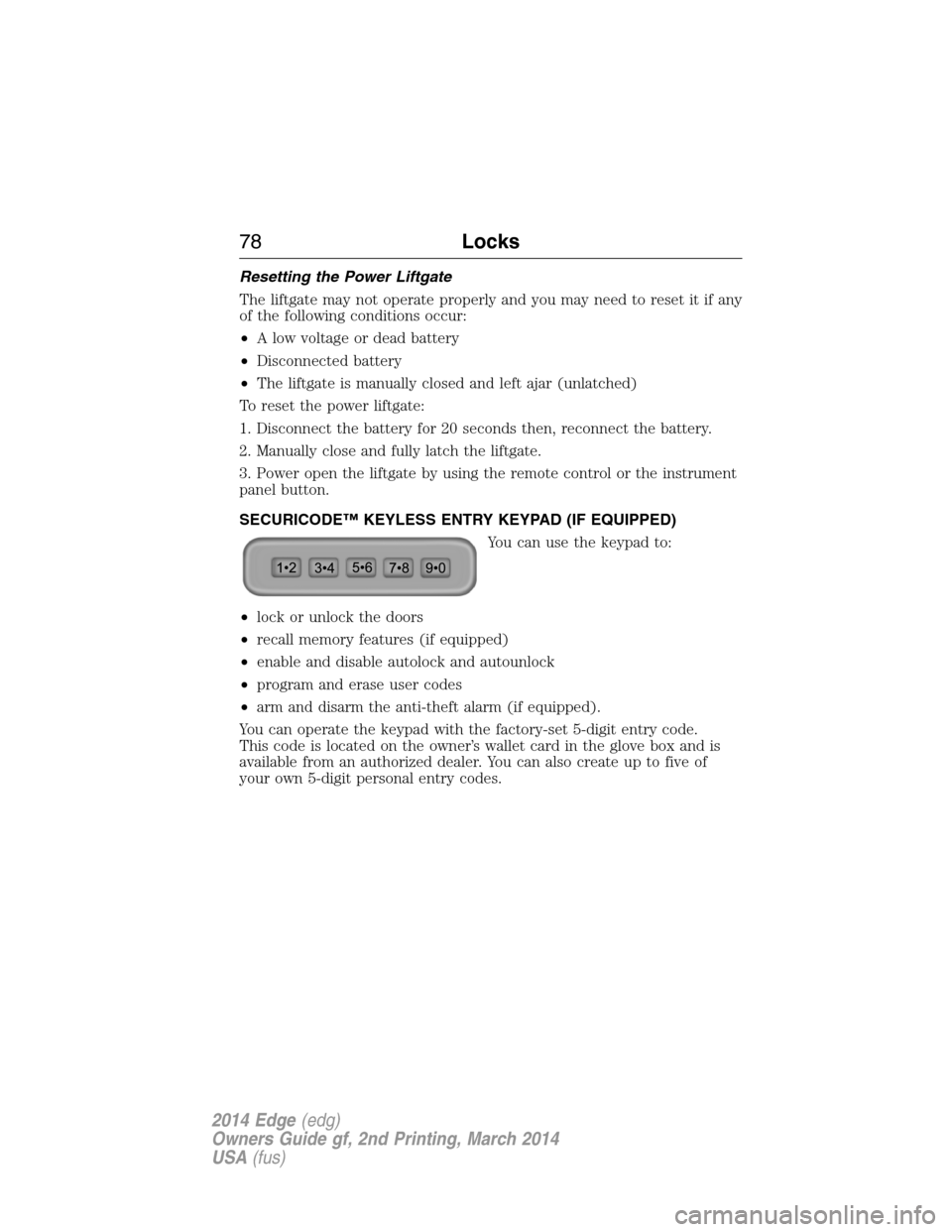
SECURICODE™ KEYLESS ENTRY KEYPAD (IF EQUIPPED)
You can use the keypad to:
•lock or unlock the doors
•recall memory features (if equipped)
•enable and disable autolock and autounlock
•program and erase user codes
•arm and disarm the anti-theft alarm (if equipped).
You can operate the keypad with the factory-set 5-digit entry code.
This code is located on the owner’s wallet card in the glove box and is
available from an authorized dealer. You can also create up to five of
your own 5-digit personal entry codes.
78Locks
2014 Edge(edg)
Owners Guide gf, 2nd Printing, March 2014
USA(fus)
Page 124 of 540
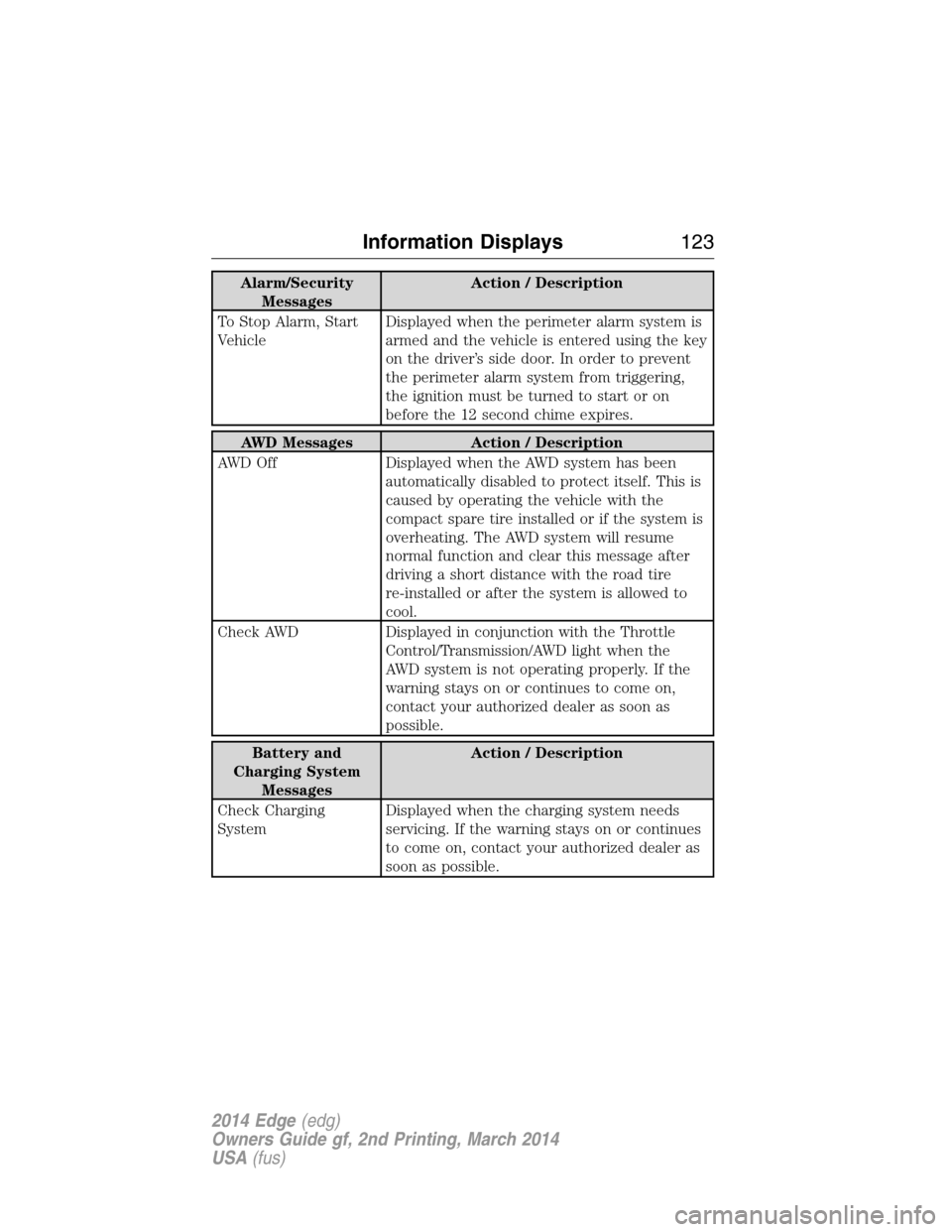
Alarm/Security
MessagesAction / Description
To Stop Alarm, Start
VehicleDisplayed when the perimeter alarm system is
armed and the vehicle is entered using the key
on the driver’s side door. In order to prevent
the perimeter alarm system from triggering,
the ignition must be turned to start or on
before the 12 second chime expires.
AWD Messages Action / Description
AWD Off Displayed when the AWD system has been
automatically disabled to protect itself. This is
caused by operating the vehicle with the
compact spare tire installed or if the system is
overheating. The AWD system will resume
normal function and clear this message after
driving a short distance with the road tire
re-installed or after the system is allowed to
cool.
Check AWD Displayed in conjunction with the Throttle
Control/Transmission/AWD light when the
AWD system is not operating properly. If the
warning stays on or continues to come on,
contact your authorized dealer as soon as
possible.
Battery and
Charging System
MessagesAction / Description
Check Charging
SystemDisplayed when the charging system needs
servicing. If the warning stays on or continues
to come on, contact your authorized dealer as
soon as possible.
Information Displays123
2014 Edge(edg)
Owners Guide gf, 2nd Printing, March 2014
USA(fus)
Page 157 of 540
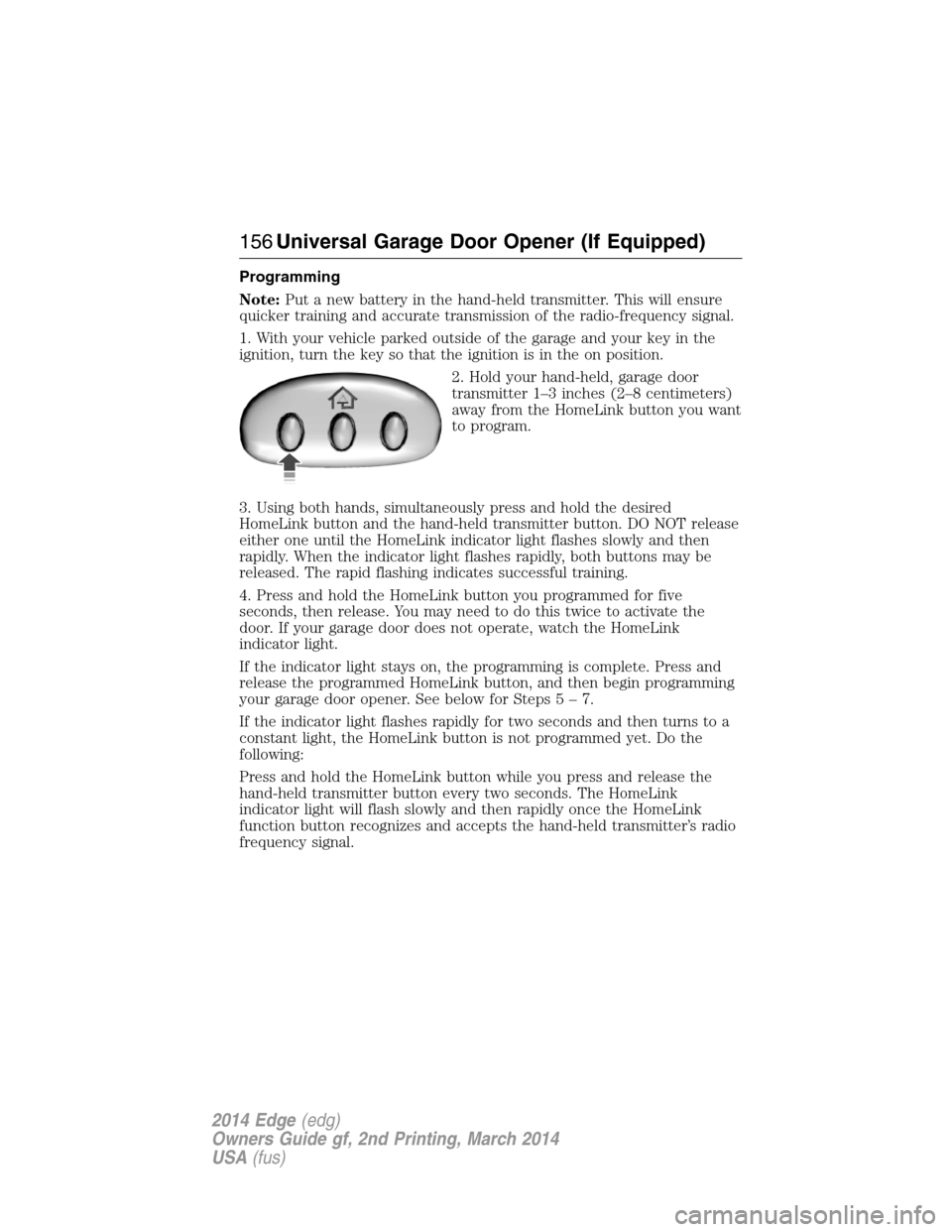
Programming
Note:Put a new battery in the hand-held transmitter. This will ensure
quicker training and accurate transmission of the radio-frequency signal.
1. With your vehicle parked outside of the garage and your key in the
ignition, turn the key so that the ignition is in the on position.
2. Hold your hand-held, garage door
transmitter 1–3 inches (2–8 centimeters)
away from the HomeLink button you want
to program.
3. Using both hands, simultaneously press and hold the desired
HomeLink button and the hand-held transmitter button. DO NOT release
either one until the HomeLink indicator light flashes slowly and then
rapidly. When the indicator light flashes rapidly, both buttons may be
released. The rapid flashing indicates successful training.
4. Press and hold the HomeLink button you programmed for five
seconds, then release. You may need to do this twice to activate the
door. If your garage door does not operate, watch the HomeLink
indicator light.
If the indicator light stays on, the programming is complete. Press and
release the programmed HomeLink button, and then begin programming
your garage door opener. See below for Steps5–7.
If the indicator light flashes rapidly for two seconds and then turns to a
constant light, the HomeLink button is not programmed yet. Do the
following:
Press and hold the HomeLink button while you press and release the
hand-held transmitter button every two seconds. The HomeLink
indicator light will flash slowly and then rapidly once the HomeLink
function button recognizes and accepts the hand-held transmitter’s radio
frequency signal.
156Universal Garage Door Opener (If Equipped)
2014 Edge(edg)
Owners Guide gf, 2nd Printing, March 2014
USA(fus)
Page 164 of 540
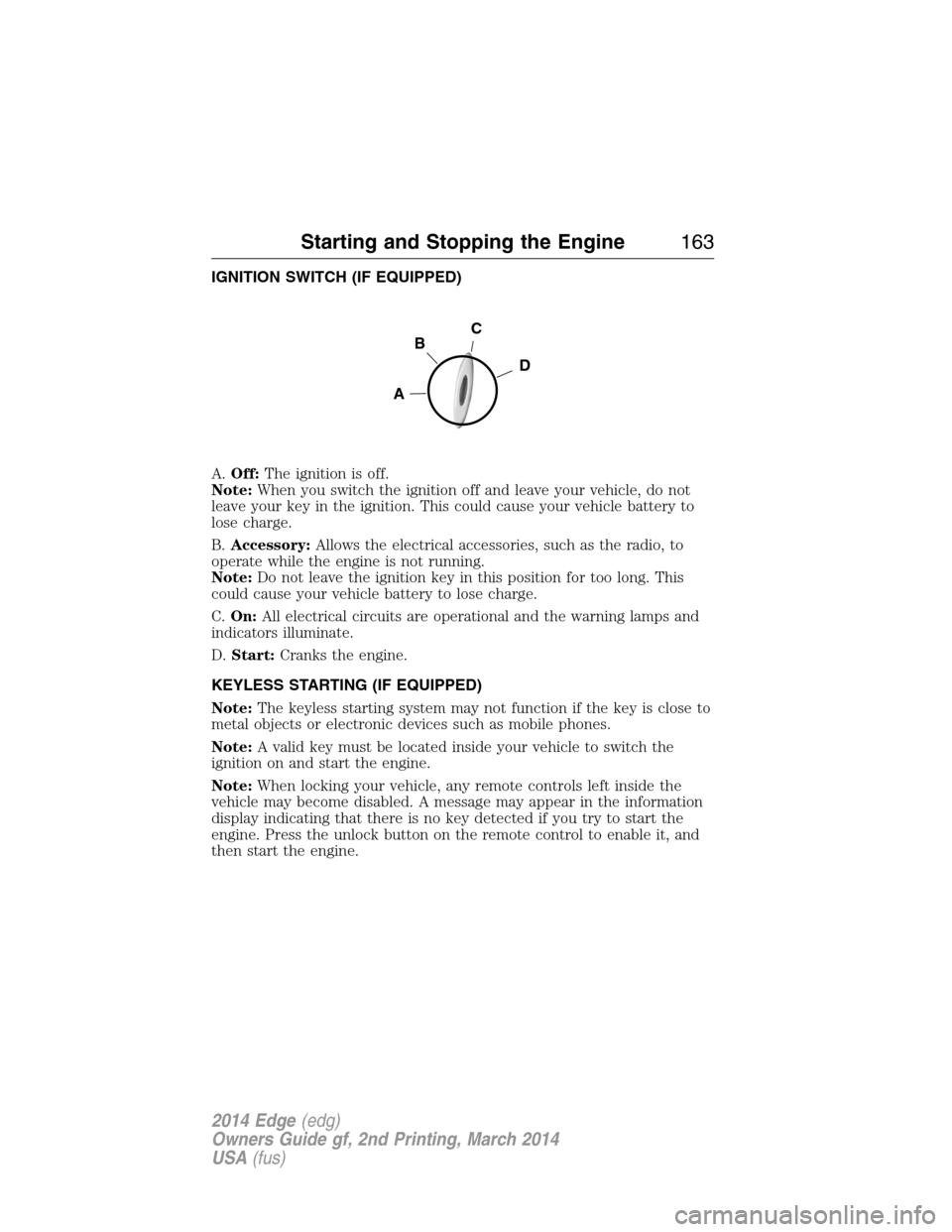
IGNITION SWITCH (IF EQUIPPED)
A.Off:The ignition is off.
Note:When you switch the ignition off and leave your vehicle, do not
leave your key in the ignition. This could cause your vehicle battery to
lose charge.
B.Accessory:Allows the electrical accessories, such as the radio, to
operate while the engine is not running.
Note:Do not leave the ignition key in this position for too long. This
could cause your vehicle battery to lose charge.
C.On:All electrical circuits are operational and the warning lamps and
indicators illuminate.
D.Start:Cranks the engine.
KEYLESS STARTING (IF EQUIPPED)
Note:The keyless starting system may not function if the key is close to
metal objects or electronic devices such as mobile phones.
Note:A valid key must be located inside your vehicle to switch the
ignition on and start the engine.
Note:When locking your vehicle, any remote controls left inside the
vehicle may become disabled. A message may appear in the information
display indicating that there is no key detected if you try to start the
engine. Press the unlock button on the remote control to enable it, and
then start the engine.
C
D
B
A
Starting and Stopping the Engine163
2014 Edge(edg)
Owners Guide gf, 2nd Printing, March 2014
USA(fus)