ignition FORD EDGE 2014 1.G Manual PDF
[x] Cancel search | Manufacturer: FORD, Model Year: 2014, Model line: EDGE, Model: FORD EDGE 2014 1.GPages: 540, PDF Size: 7.52 MB
Page 382 of 540
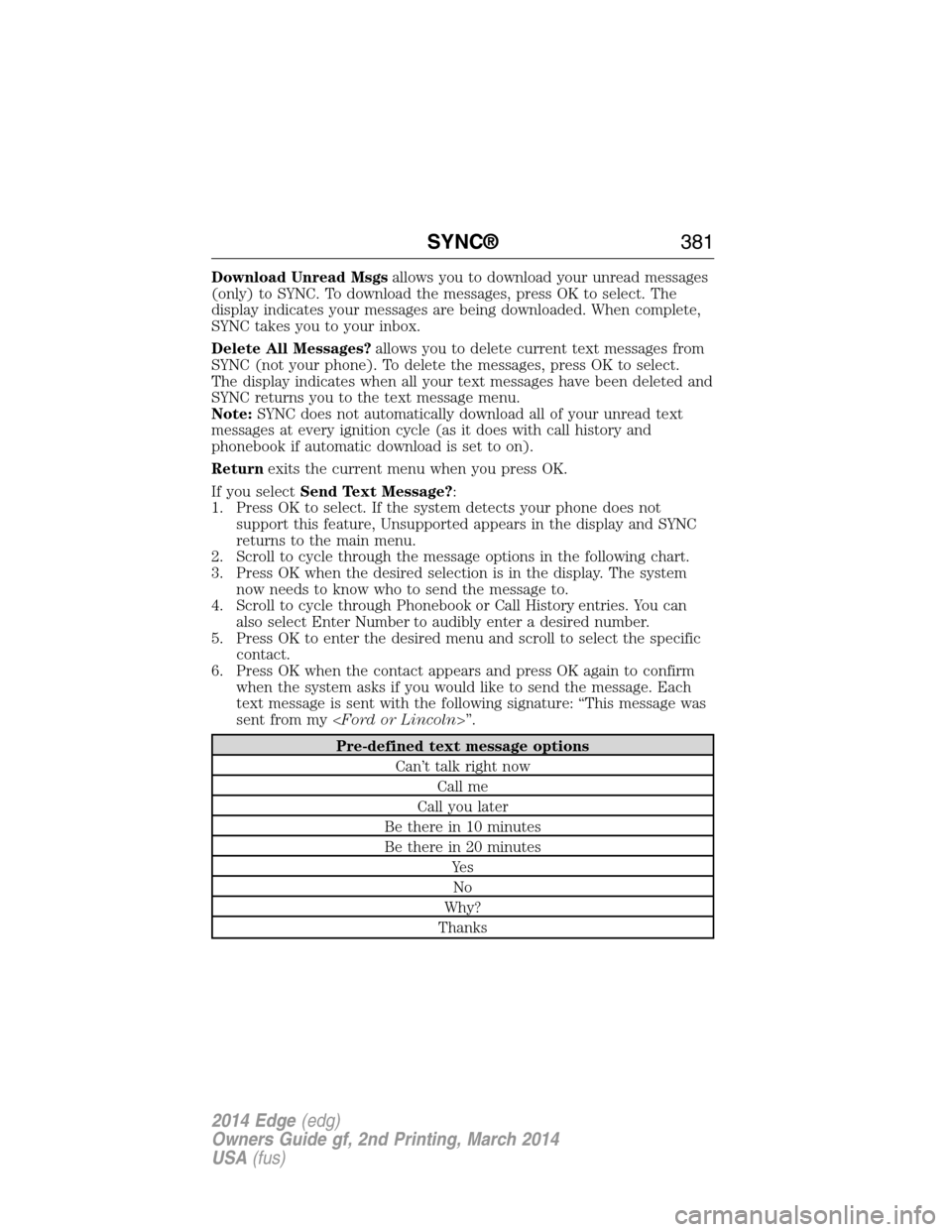
Download Unread Msgsallows you to download your unread messages
(only) to SYNC. To download the messages, press OK to select. The
display indicates your messages are being downloaded. When complete,
SYNC takes you to your inbox.
Delete All Messages?allows you to delete current text messages from
SYNC (not your phone). To delete the messages, press OK to select.
The display indicates when all your text messages have been deleted and
SYNC returns you to the text message menu.
Note:SYNC does not automatically download all of your unread text
messages at every ignition cycle (as it does with call history and
phonebook if automatic download is set to on).
Returnexits the current menu when you press OK.
If you selectSend Text Message?:
1. Press OK to select. If the system detects your phone does not
support this feature, Unsupported appears in the display and SYNC
returns to the main menu.
2. Scroll to cycle through the message options in the following chart.
3. Press OK when the desired selection is in the display. The system
now needs to know who to send the message to.
4. Scroll to cycle through Phonebook or Call History entries. You can
also select Enter Number to audibly enter a desired number.
5. Press OK to enter the desired menu and scroll to select the specific
contact.
6. Press OK when the contact appears and press OK again to confirm
when the system asks if you would like to send the message. Each
text message is sent with the following signature: “This message was
sent from my
Pre-defined text message options
Can’t talk right now
Call me
Call you later
Be there in 10 minutes
Be there in 20 minutes
Ye s
No
Why?
Thanks
SYNC®381
2014 Edge(edg)
Owners Guide gf, 2nd Printing, March 2014
USA(fus)
Page 386 of 540
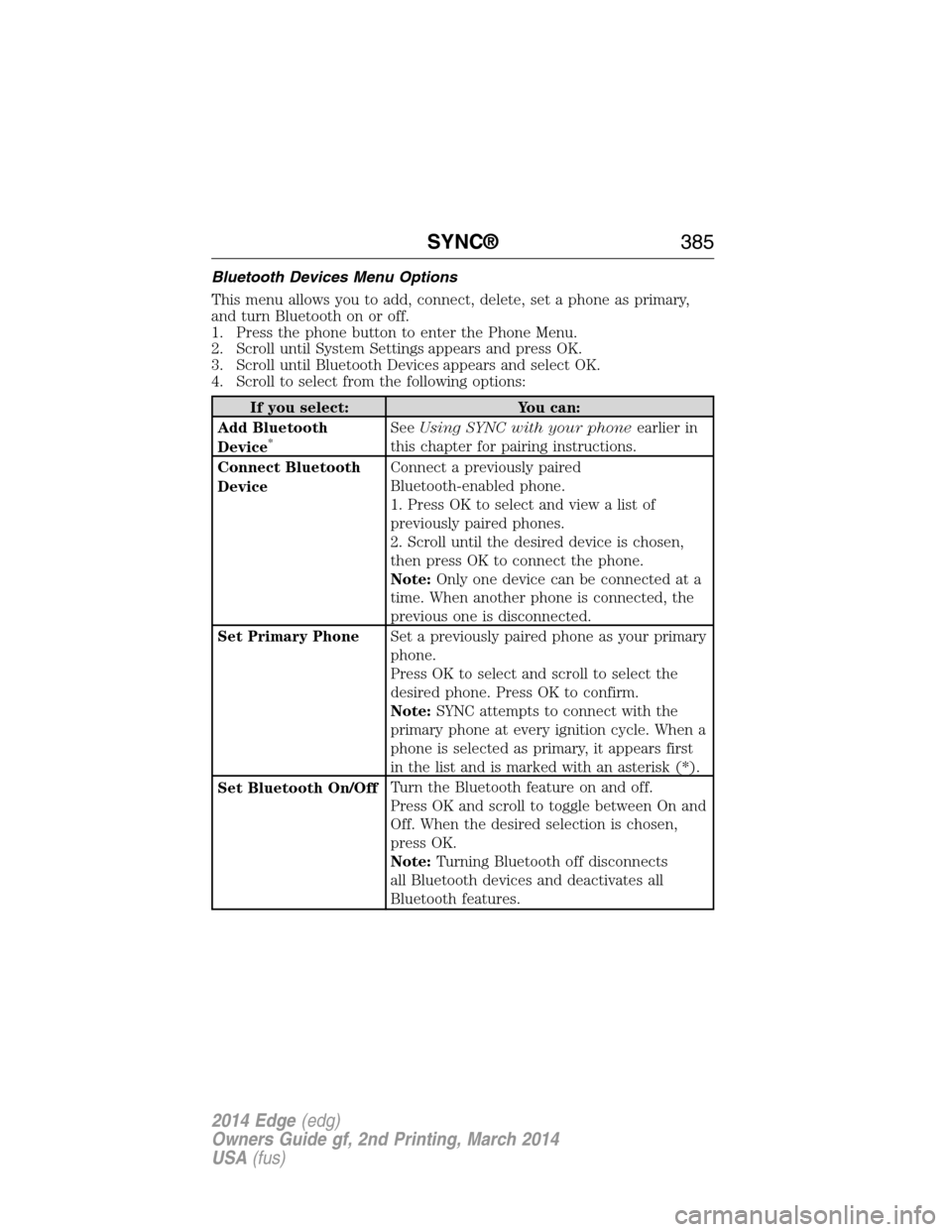
Bluetooth Devices Menu Options
This menu allows you to add, connect, delete, set a phone as primary,
and turn Bluetooth on or off.
1. Press the phone button to enter the Phone Menu.
2. Scroll until System Settings appears and press OK.
3. Scroll until Bluetooth Devices appears and select OK.
4. Scroll to select from the following options:
If you select: You can:
Add Bluetooth
Device
*SeeUsing SYNC with your phoneearlier in
this chapter for pairing instructions.
Connect Bluetooth
DeviceConnect a previously paired
Bluetooth-enabled phone.
1. Press OK to select and view a list of
previously paired phones.
2. Scroll until the desired device is chosen,
then press OK to connect the phone.
Note:Only one device can be connected at a
time. When another phone is connected, the
previous one is disconnected.
Set Primary PhoneSet a previously paired phone as your primary
phone.
Press OK to select and scroll to select the
desired phone. Press OK to confirm.
Note:SYNC attempts to connect with the
primary phone at every ignition cycle. When a
phone is selected as primary, it appears first
in the list and is marked with an asterisk (*).
Set Bluetooth On/OffTurn the Bluetooth feature on and off.
Press OK and scroll to toggle between On and
Off. When the desired selection is chosen,
press OK.
Note:Turning Bluetooth off disconnects
all Bluetooth devices and deactivates all
Bluetooth features.
SYNC®385
2014 Edge(edg)
Owners Guide gf, 2nd Printing, March 2014
USA(fus)
Page 420 of 540
Note:Some features are not available while your vehicle is moving.
Note:Your system is equipped with a feature that allows you to access
and control audio features for 30 minutes after you switch the ignition
off (and no doors open).
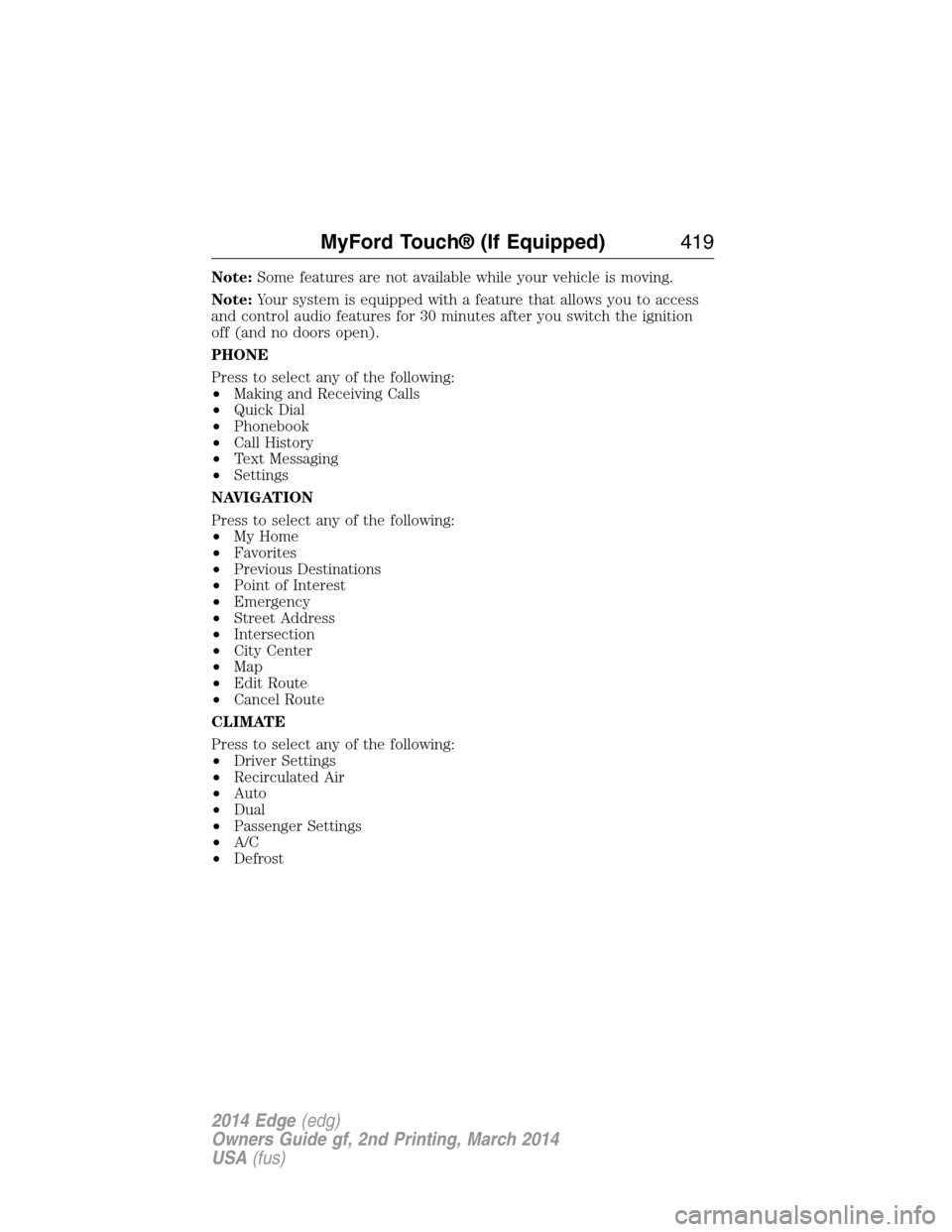
PHONE
Press to select any of the following:
•Making and Receiving Calls
•Quick Dial
•Phonebook
•Call History
•Text Messaging
•Settings
NAVIGATION
Press to select any of the following:
•My Home
•Favorites
•Previous Destinations
•Point of Interest
•Emergency
•Street Address
•Intersection
•City Center
•Map
•Edit Route
•Cancel Route
CLIMATE
Press to select any of the following:
•Driver Settings
•Recirculated Air
•Auto
•Dual
•Passenger Settings
•A/C
•Defrost
MyFord Touch® (If Equipped)419
2014 Edge(edg)
Owners Guide gf, 2nd Printing, March 2014
USA(fus)
Page 443 of 540
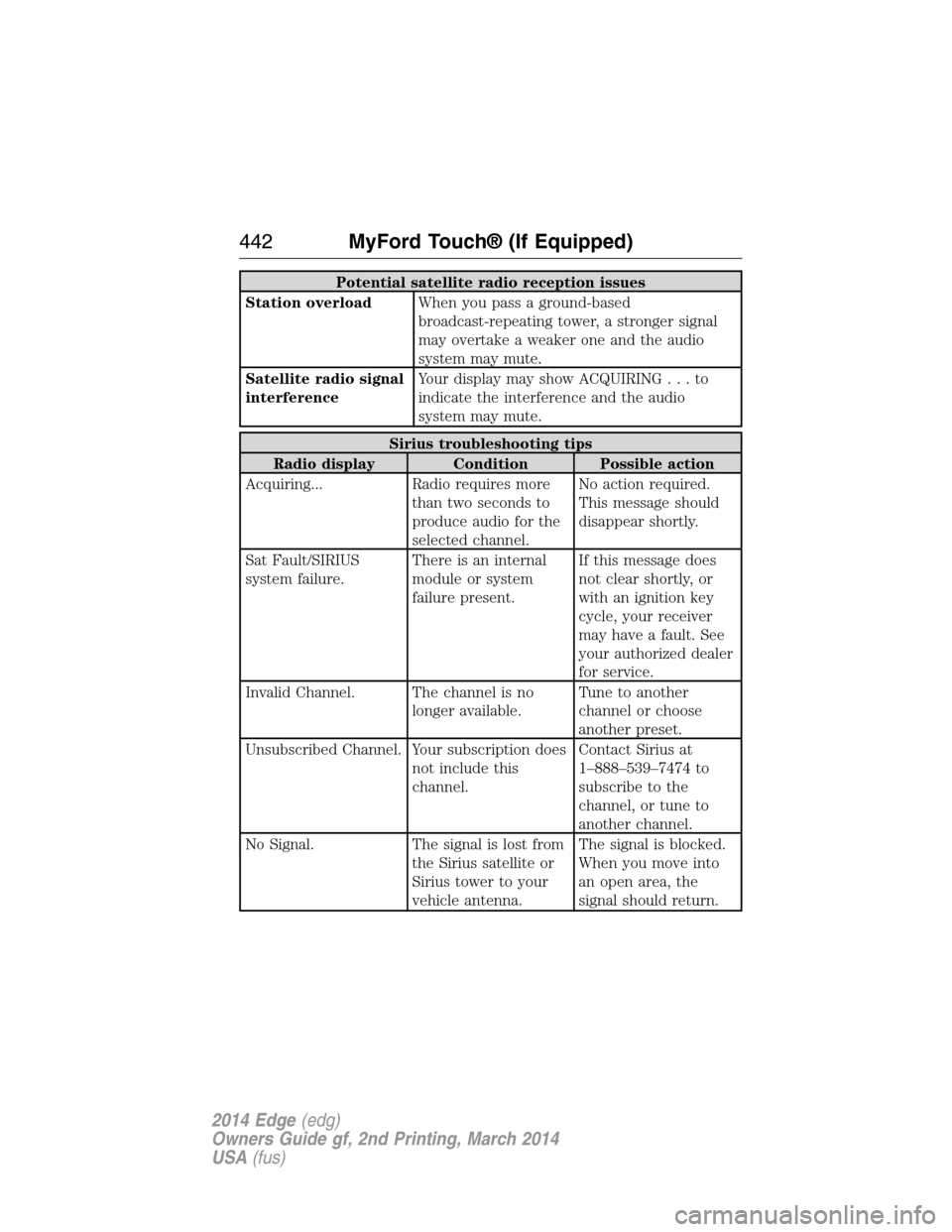
Potential satellite radio reception issues
Station overloadWhen you pass a ground-based
broadcast-repeating tower, a stronger signal
may overtake a weaker one and the audio
system may mute.
Satellite radio signal
interferenceYour display may show ACQUIRING...to
indicate the interference and the audio
system may mute.
Sirius troubleshooting tips
Radio display Condition Possible action
Acquiring... Radio requires more
than two seconds to
produce audio for the
selected channel.No action required.
This message should
disappear shortly.
Sat Fault/SIRIUS
system failure.There is an internal
module or system
failure present.If this message does
not clear shortly, or
with an ignition key
cycle, your receiver
may have a fault. See
your authorized dealer
for service.
Invalid Channel. The channel is no
longer available.Tune to another
channel or choose
another preset.
Unsubscribed Channel. Your subscription does
not include this
channel.Contact Sirius at
1–888–539–7474 to
subscribe to the
channel, or tune to
another channel.
No Signal. The signal is lost from
the Sirius satellite or
Sirius tower to your
vehicle antenna.The signal is blocked.
When you move into
an open area, the
signal should return.
442MyFord Touch® (If Equipped)
2014 Edge(edg)
Owners Guide gf, 2nd Printing, March 2014
USA(fus)
Page 453 of 540
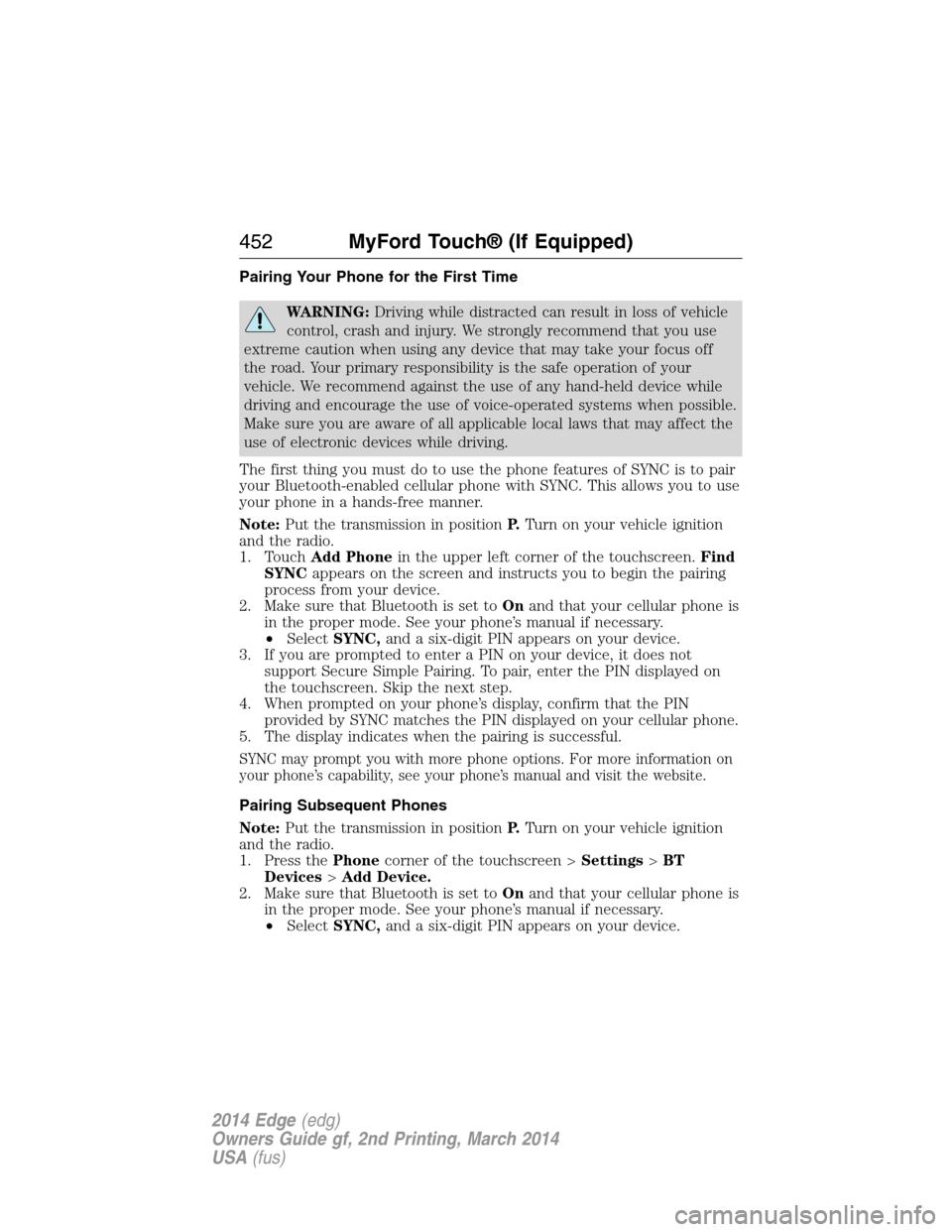
Pairing Your Phone for the First Time
WARNING:Driving while distracted can result in loss of vehicle
control, crash and injury. We strongly recommend that you use
extreme caution when using any device that may take your focus off
the road. Your primary responsibility is the safe operation of your
vehicle. We recommend against the use of any hand-held device while
driving and encourage the use of voice-operated systems when possible.
Make sure you are aware of all applicable local laws that may affect the
use of electronic devices while driving.
The first thing you must do to use the phone features of SYNC is to pair
your Bluetooth-enabled cellular phone with SYNC. This allows you to use
your phone in a hands-free manner.
Note:Put the transmission in positionP.Turn on your vehicle ignition
and the radio.
1. TouchAdd Phonein the upper left corner of the touchscreen.Find
SYNCappears on the screen and instructs you to begin the pairing
process from your device.
2. Make sure that Bluetooth is set toOnand that your cellular phone is
in the proper mode. See your phone’s manual if necessary.
•SelectSYNC,and a six-digit PIN appears on your device.
3. If you are prompted to enter a PIN on your device, it does not
support Secure Simple Pairing. To pair, enter the PIN displayed on
the touchscreen. Skip the next step.
4. When prompted on your phone’s display, confirm that the PIN
provided by SYNC matches the PIN displayed on your cellular phone.
5. The display indicates when the pairing is successful.
SYNC may prompt you with more phone options. For more information on
your phone’s capability, see your phone’s manual and visit the website.
Pairing Subsequent Phones
Note:Put the transmission in positionP.Turn on your vehicle ignition
and the radio.
1. Press thePhonecorner of the touchscreen >Settings>BT
Devices>Add Device.
2. Make sure that Bluetooth is set toOnand that your cellular phone is
in the proper mode. See your phone’s manual if necessary.
•SelectSYNC,and a six-digit PIN appears on your device.
452MyFord Touch® (If Equipped)
2014 Edge(edg)
Owners Guide gf, 2nd Printing, March 2014
USA(fus)
Page 476 of 540
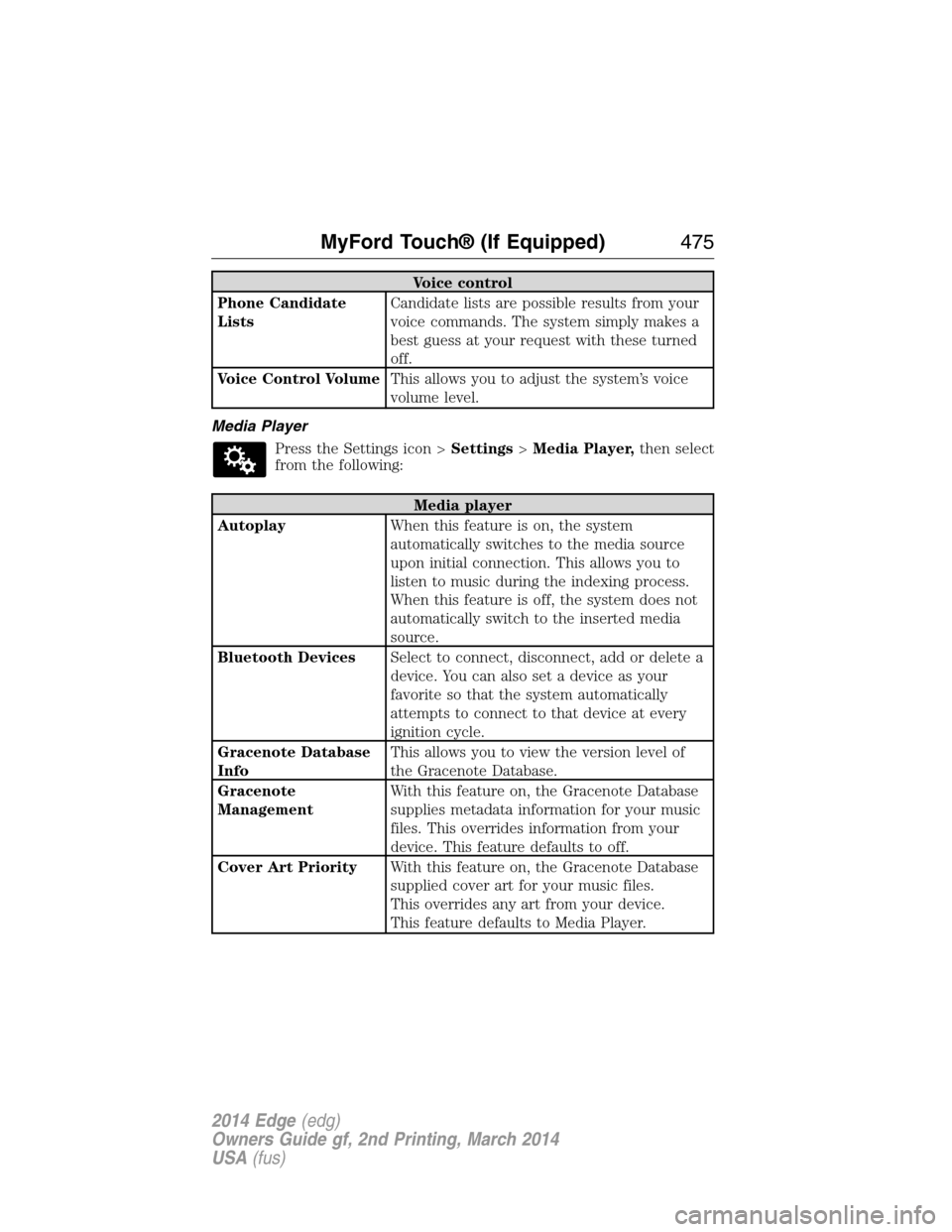
Voice control
Phone Candidate
ListsCandidate lists are possible results from your
voice commands. The system simply makes a
best guess at your request with these turned
off.
Voice Control VolumeThis allows you to adjust the system’s voice
volume level.
Media Player
Press the Settings icon >Settings>Media Player,then select
from the following:
Media player
AutoplayWhen this feature is on, the system
automatically switches to the media source
upon initial connection. This allows you to
listen to music during the indexing process.
When this feature is off, the system does not
automatically switch to the inserted media
source.
Bluetooth DevicesSelect to connect, disconnect, add or delete a
device. You can also set a device as your
favorite so that the system automatically
attempts to connect to that device at every
ignition cycle.
Gracenote Database
InfoThis allows you to view the version level of
the Gracenote Database.
Gracenote
ManagementWith this feature on, the Gracenote Database
supplies metadata information for your music
files. This overrides information from your
device. This feature defaults to off.
Cover Art PriorityWith this feature on, the Gracenote Database
supplied cover art for your music files.
This overrides any art from your device.
This feature defaults to Media Player.
MyFord Touch® (If Equipped)475
2014 Edge(edg)
Owners Guide gf, 2nd Printing, March 2014
USA(fus)
Page 536 of 540
Gauges ...............................104–105
odometer .................................115
trip odometer ..........................115
H
Hazard flashers .........................247
HD Radio™ ...............................433
Headlamps
aiming ......................................290
bulb specifications ..................295
flash to pass ..............................91
high beam .................................91
replacing bulbs .......................292
Head restraints .........................145
Heated steering wheel ..............482
Heating ..............131–132, 134, 136
Help ............................................481
Hill start assist ..........................194
Homelink wireless control
system ........................................155
Hood ..........................................271
How to use voice
commands .................................426
I
Ignition ...............................163, 335
Illuminated visor mirror ...........101
Information displays .................111
Inspection/maintenance (I/M)
testing ........................................178
Instrument panel
cleaning ...................................300
cluster ......................................105
Intelligent Access Key ................59J
Jack ............................................328
positioning ...............................328
storage .....................................328
Joining two calls
(multiparty/conference call) ....376
Jump-starting your vehicle ......249
K
Keyless entry system
autolock .....................................73
keypad .......................................79
locking and unlocking doors ....80
programming entry code .........79
Keys .......................................59, 81
positions of the ignition .........163
L
Lamps
bulb replacement
specifications chart ................295
headlamps, flash to pass ..........91
interior lamps .....................94–96
replacing bulbs .......................292
LATCH anchors ...........................28
Liftgate ....................71, 75–76, 226
Lights, warning and indicator ..105
Listening to music ....................430
Load limits .................................227
Locks
autolock .....................................73
childproof ..................................32
doors ..........................................70
Lubricant specifications ...........336
Lug nuts ....................................334
Index535
2014 Edge(edg)
Owners Guide gf, 2nd Printing, March 2014
USA(fus)