belt FORD EDGE 2015 2.G Service Manual
[x] Cancel search | Manufacturer: FORD, Model Year: 2015, Model line: EDGE, Model: FORD EDGE 2015 2.GPages: 508, PDF Size: 6.2 MB
Page 142 of 508
Easy Entry and Exit Feature
If you enable the easy entry and exit
feature, it automatically moves the driver
seat position rearward up to two inches
(five centimeters) when you switch the
ignition off.
The driver seat will return to the previous
position when you switch the ignition on.
You can enable or disable this feature in
the information display. See Information
Displays (page 100).
REAR SEATS
Adjusting the Rear Seats WARNING
To prevent possible damage to the
seat or safety belts, make sure that
the safety belts are not buckled
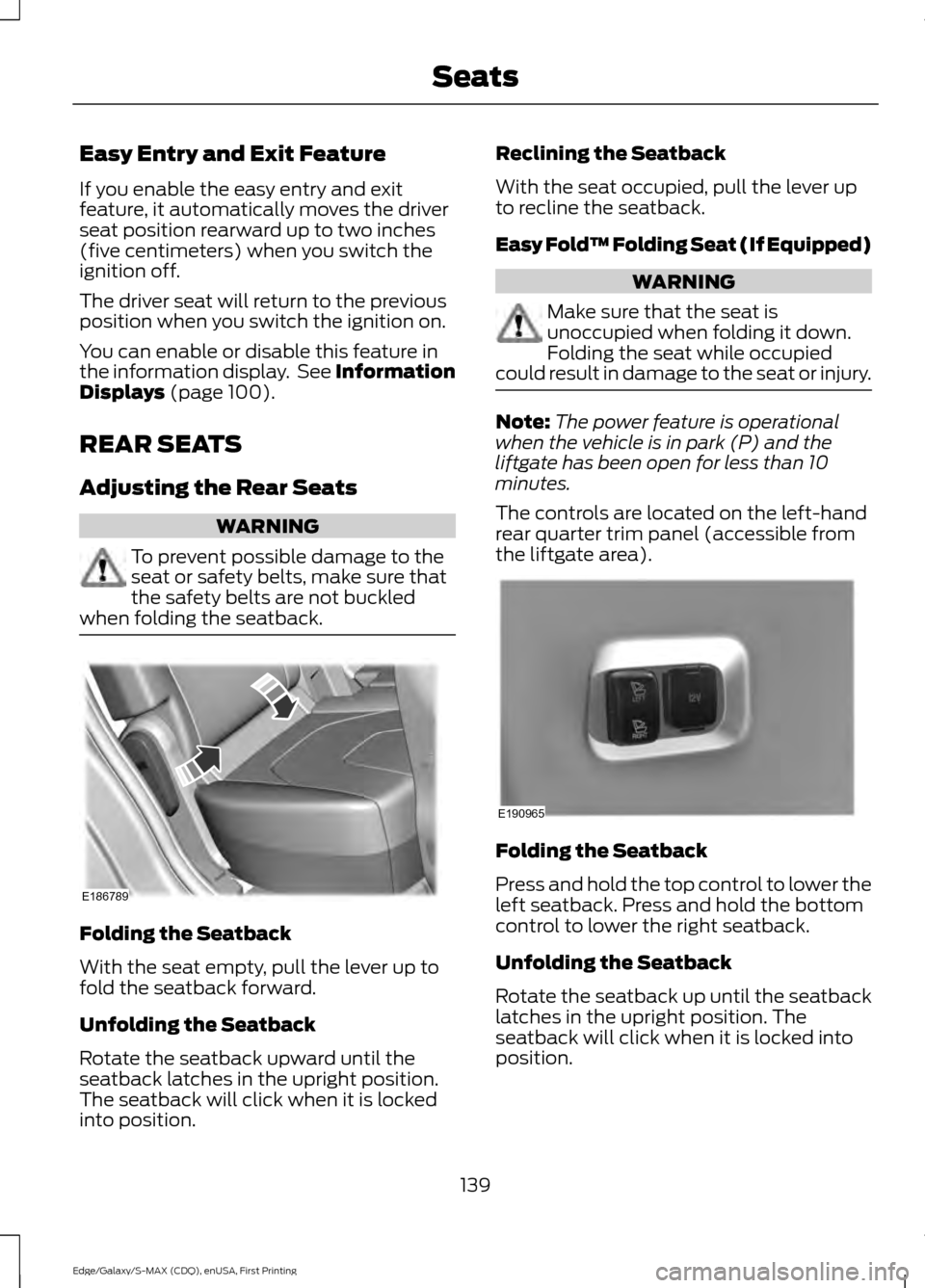
when folding the seatback. Folding the Seatback
With the seat empty, pull the lever up to
fold the seatback forward.
Unfolding the Seatback
Rotate the seatback upward until the
seatback latches in the upright position.
The seatback will click when it is locked
into position. Reclining the Seatback
With the seat occupied, pull the lever up
to recline the seatback.
Easy Fold™ Folding Seat (If Equipped)
WARNING
Make sure that the seat is
unoccupied when folding it down.
Folding the seat while occupied
could result in damage to the seat or injury. Note:
The power feature is operational
when the vehicle is in park (P) and the
liftgate has been open for less than 10
minutes.
The controls are located on the left-hand
rear quarter trim panel (accessible from
the liftgate area). Folding the Seatback
Press and hold the top control to lower the
left seatback. Press and hold the bottom
control to lower the right seatback.
Unfolding the Seatback
Rotate the seatback up until the seatback
latches in the upright position. The
seatback will click when it is locked into
position.
139
Edge/Galaxy/S-MAX (CDQ), enUSA, First Printing SeatsE186789 E190965
Page 154 of 508
Ignition Modes
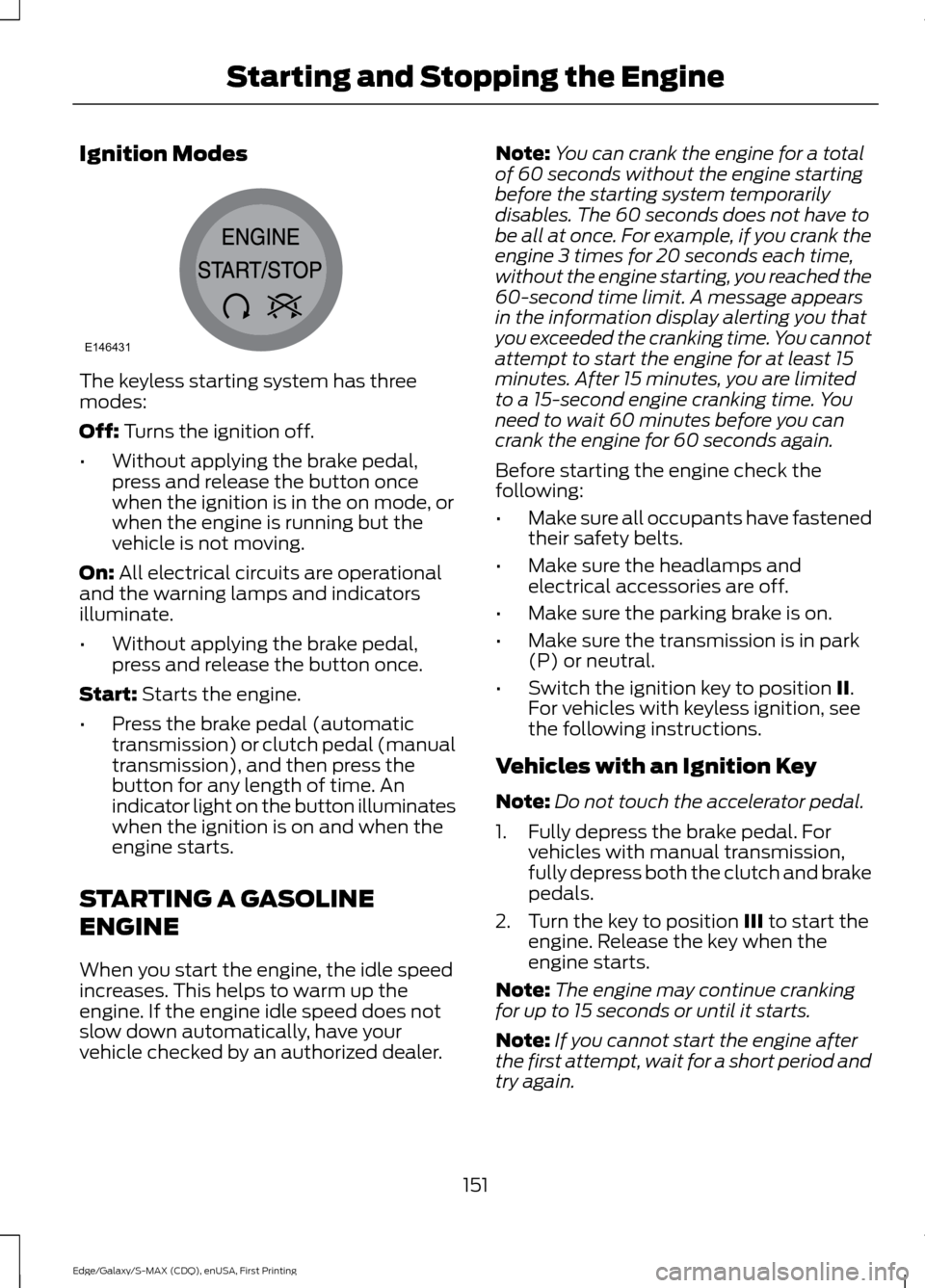
The keyless starting system has three
modes:
Off: Turns the ignition off.
• Without applying the brake pedal,
press and release the button once
when the ignition is in the on mode, or
when the engine is running but the
vehicle is not moving.
On:
All electrical circuits are operational
and the warning lamps and indicators
illuminate.
• Without applying the brake pedal,
press and release the button once.
Start:
Starts the engine.
• Press the brake pedal (automatic
transmission) or clutch pedal (manual
transmission), and then press the
button for any length of time. An
indicator light on the button illuminates
when the ignition is on and when the
engine starts.
STARTING A GASOLINE
ENGINE
When you start the engine, the idle speed
increases. This helps to warm up the
engine. If the engine idle speed does not
slow down automatically, have your
vehicle checked by an authorized dealer. Note:
You can crank the engine for a total
of 60 seconds without the engine starting
before the starting system temporarily
disables. The 60 seconds does not have to
be all at once. For example, if you crank the
engine 3 times for 20 seconds each time,
without the engine starting, you reached the
60-second time limit. A message appears
in the information display alerting you that
you exceeded the cranking time. You cannot
attempt to start the engine for at least 15
minutes. After 15 minutes, you are limited
to a 15-second engine cranking time. You
need to wait 60 minutes before you can
crank the engine for 60 seconds again.
Before starting the engine check the
following:
• Make sure all occupants have fastened
their safety belts.
• Make sure the headlamps and
electrical accessories are off.
• Make sure the parking brake is on.
• Make sure the transmission is in park
(P) or neutral.
• Switch the ignition key to position II.
For vehicles with keyless ignition, see
the following instructions.
Vehicles with an Ignition Key
Note: Do not touch the accelerator pedal.
1. Fully depress the brake pedal. For vehicles with manual transmission,
fully depress both the clutch and brake
pedals.
2. Turn the key to position
III to start the
engine. Release the key when the
engine starts.
Note: The engine may continue cranking
for up to 15 seconds or until it starts.
Note: If you cannot start the engine after
the first attempt, wait for a short period and
try again.
151
Edge/Galaxy/S-MAX (CDQ), enUSA, First Printing Starting and Stopping the EngineE146431
Page 160 of 508

•
You press the accelerator and the
brake pedal at the same time.
• The driver safety belt becomes
unfastened or the driver door is ajar.
• The transmission is moved from drive
(D).
• Your vehicle is moving.
• The interior compartment does not
meet customer comfort when air
conditioning or heat is on.
• Fogging of the windows could occur
and the air conditioning is on.
• The battery is not within optimal
operating conditions.
• The maximum engine off time is
exceeded.
• When you press the Auto StartStop
button while the engine is stopped
automatically.
• The heated windshield is turned on.
Any of the following conditions may result
in an automatic restart of the engine:
• The blower fan speed is increased or
the climate control temperature is
changed.
• An electrical accessory is turned on or
plugged in.
Disabling Auto StartStop Press the Auto StartStop button located
on the center console to switch the system
off. The button will illuminate. The system
will only be deactivated for the current
ignition cycle. Press the button again to
restore Auto StartStop function.
If your vehicle is in an Auto StartStop state
and you shift the transmission to reverse
while the brake is not depressed, a
message telling you to press the brake will
appear. You must press the brake pedal
within 10 seconds, or a shift to park and a
manual restart will be required.
Note:
If the Shift to P, Restart Engine
message appears and the amber Auto
StartStop indicator light is flashing,
automatic restart is not available. The
vehicle must be restarted manually. See
Information Displays (page 100).
157
Edge/Galaxy/S-MAX (CDQ), enUSA, First Printing Unique Driving CharacteristicsP
R
N
D
S
E146362
Page 180 of 508
WARNINGS
With the exception of emergency
conditions (for example, the brake
pedal does not work or is blocked),
do not apply the electric parking brake
while the vehicle is moving. On bends, or
poor road surfaces or weather conditions,
emergency braking can cause the vehicle
to skid out of control or off the road. If you apply the electric parking brake when
your vehicle is moving, the brake system
warning lamp will illuminate and a warning
chime will sound. See Information
Displays (page 100).
If your vehicle speed is above
4 mph
(6 km/h), the braking force is applied as
long as the switch is pulled. Releasing or
pressing the switch or pressing the
accelerator pedal will stop the braking
force.
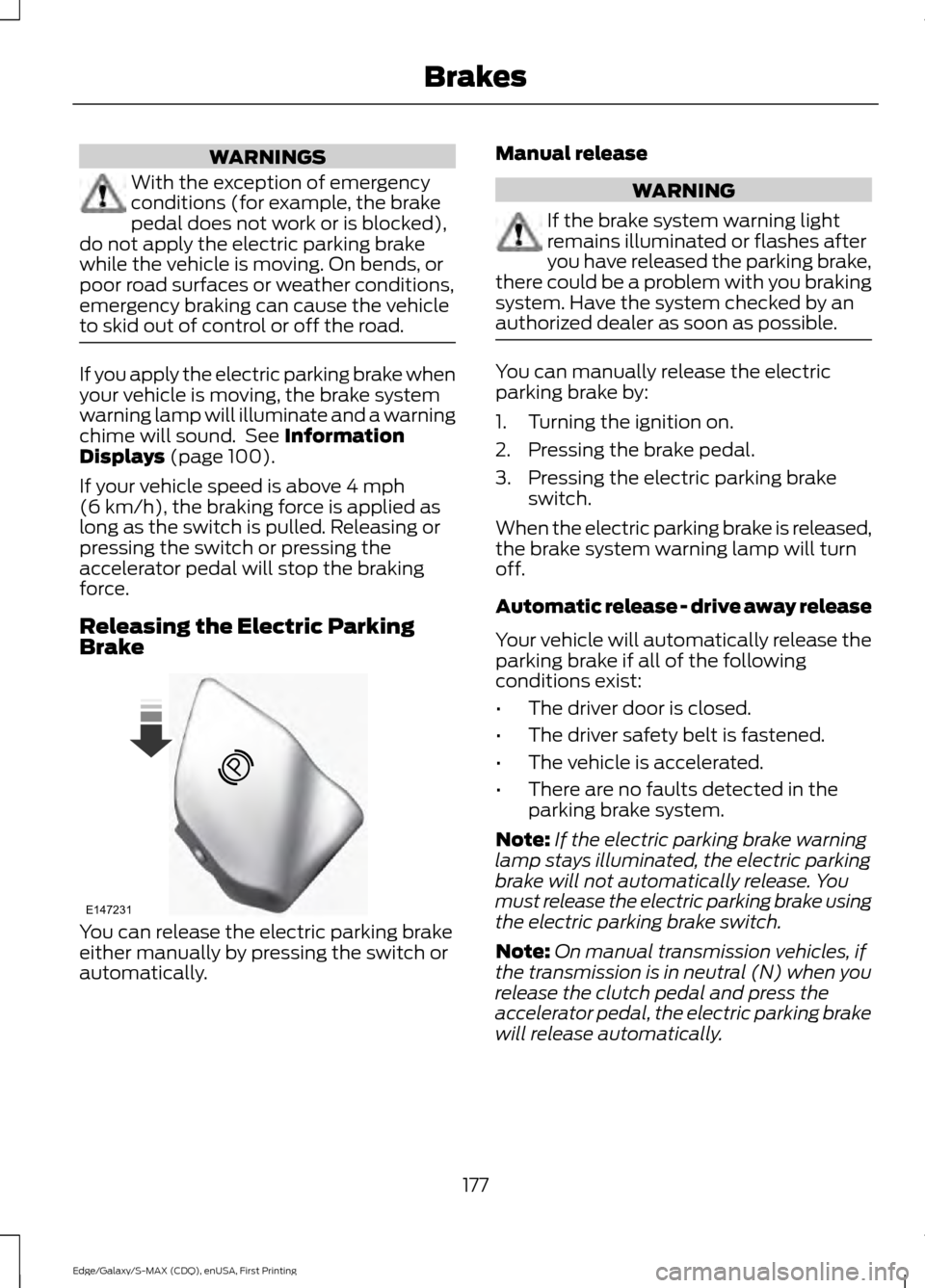
Releasing the Electric Parking
Brake You can release the electric parking brake
either manually by pressing the switch or
automatically. Manual release WARNING
If the brake system warning light
remains illuminated or flashes after
you have released the parking brake,
there could be a problem with you braking
system. Have the system checked by an
authorized dealer as soon as possible. You can manually release the electric
parking brake by:
1. Turning the ignition on.
2. Pressing the brake pedal.
3. Pressing the electric parking brake
switch.
When the electric parking brake is released,
the brake system warning lamp will turn
off.
Automatic release - drive away release
Your vehicle will automatically release the
parking brake if all of the following
conditions exist:
• The driver door is closed.
• The driver safety belt is fastened.
• The vehicle is accelerated.
• There are no faults detected in the
parking brake system.
Note: If the electric parking brake warning
lamp stays illuminated, the electric parking
brake will not automatically release. You
must release the electric parking brake using
the electric parking brake switch.
Note: On manual transmission vehicles, if
the transmission is in neutral (N) when you
release the clutch pedal and press the
accelerator pedal, the electric parking brake
will release automatically.
177
Edge/Galaxy/S-MAX (CDQ), enUSA, First Printing BrakesE147231
Page 234 of 508
TRANSPORTING THE VEHICLE
If you need to have your vehicle towed,
contact a professional towing service or,
if you are a member of a roadside
assistance program, your roadside
assistance service provider.
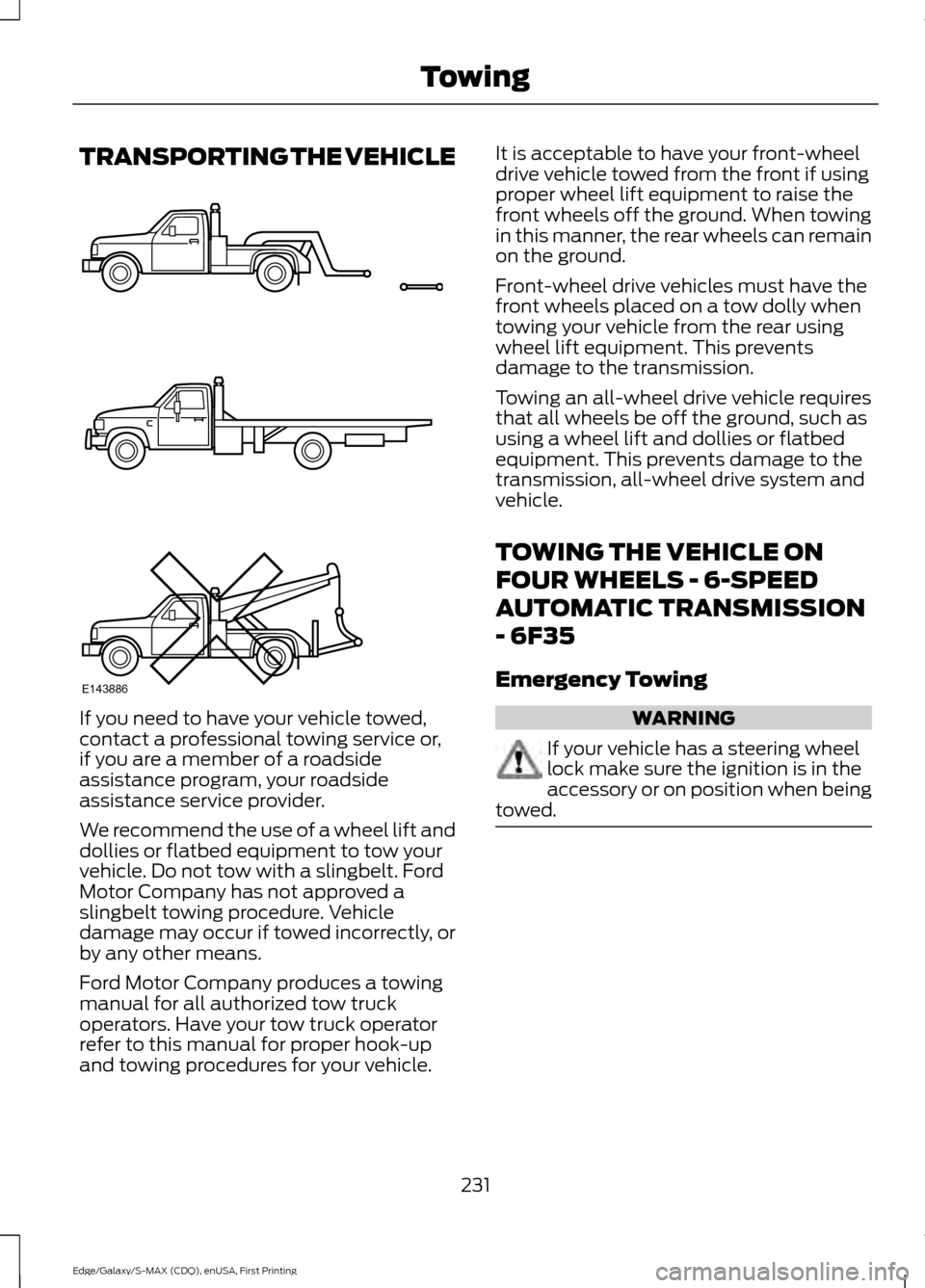
We recommend the use of a wheel lift and
dollies or flatbed equipment to tow your
vehicle. Do not tow with a slingbelt. Ford
Motor Company has not approved a
slingbelt towing procedure. Vehicle
damage may occur if towed incorrectly, or
by any other means.
Ford Motor Company produces a towing
manual for all authorized tow truck
operators. Have your tow truck operator
refer to this manual for proper hook-up
and towing procedures for your vehicle. It is acceptable to have your front-wheel
drive vehicle towed from the front if using
proper wheel lift equipment to raise the
front wheels off the ground. When towing
in this manner, the rear wheels can remain
on the ground.
Front-wheel drive vehicles must have the
front wheels placed on a tow dolly when
towing your vehicle from the rear using
wheel lift equipment. This prevents
damage to the transmission.
Towing an all-wheel drive vehicle requires
that all wheels be off the ground, such as
using a wheel lift and dollies or flatbed
equipment. This prevents damage to the
transmission, all-wheel drive system and
vehicle.
TOWING THE VEHICLE ON
FOUR WHEELS - 6-SPEED
AUTOMATIC TRANSMISSION
- 6F35
Emergency Towing
WARNING
If your vehicle has a steering wheel
lock make sure the ignition is in the
accessory or on position when being
towed. 231
Edge/Galaxy/S-MAX (CDQ), enUSA, First Printing TowingE143886
Page 244 of 508
2. Remove the jumper cable on the
negative (-) terminal of the booster
vehicle's battery.
3. Remove the jumper cable from the positive (+) terminal of the booster
vehicle's battery.
4. Remove the jumper cable from the positive (+) terminal of the disabled
vehicle's battery.
After the disabled vehicle has been started
and the jumper cables removed, allow it
to idle for several minutes so the battery
can recharge.
POST-CRASH ALERT SYSTEM
The system flashes the direction indicators
and sounds the horn (intermittently) in the
event of a serious impact that deploys an
airbag (front, side, side curtain or Safety
Canopy) or the safety belt pretensioners.
The horn and indicators will turn off when:
• You press the hazard control button.
• You press the panic button on the
remote entry transmitter (if equipped).
• Your vehicle runs out of power.
241
Edge/Galaxy/S-MAX (CDQ), enUSA, First Printing Roadside Emergencies
Page 284 of 508
•
Never wash or rinse any ignition coil,
spark plug wire or spark plug well, or
the area in and around these locations.
• Cover the battery, power distribution
box, and air filter assembly to prevent
water damage when cleaning the
engine.
CLEANING THE WINDOWS AND
WIPER BLADES
Car wash chemicals and environmental
fallout can result in windshield and wiper
blade contamination. Dirty windshield and
wipers will result in poor windshield wiper
operation. Keep the windshield and wiper
blades clean to maintain windshield wiper
performance.
To clean the windshield and wiper blades:
• Clean the windshield with a
non-abrasive glass cleaner.
• For windshields contaminated with
tree sap, chemicals, wax or bugs, clean
the entire windshield using steel wool
(no greater than 0000 grade) in a
circular motion and rinse with water.
• Clean the wiper blades with isopropyl
rubbing alcohol or windshield washer
concentrate.
Note: Do not use razor blades or other
sharp objects to clean or remove decals
from the inside of the heated rear window.
The vehicle warranty does not cover
damage caused to the heated rear window
grid lines.
CLEANING THE INTERIOR WARNINGS
Do not use cleaning solvents, bleach
or dye on the vehicle
’s safety belts,
as these actions may weaken the
belt webbing. WARNINGS
On vehicles equipped with
seat-mounted airbags, do not use
chemical solvents or strong
detergents. Such products could
contaminate the side airbag system and
affect performance of the side airbag in a
collision. For fabric, carpets, cloth seats, safety belts
and seats equipped with side airbags:
•
Remove dust and loose dirt with a
vacuum cleaner.
• Remove light stains and soil with
Motorcraft Professional Strength
Carpet & Upholstery Cleaner.
• If grease or tar is present on the
material, spot-clean the area first with
Motorcraft Spot and Stain Remover. In
Canada, use Motorcraft Multi-Purpose
Cleaner.
• If a ring forms on the fabric after spot
cleaning, clean the entire area
immediately (but do not oversaturate)
or the ring will set.
• Do not use household cleaning
products or glass cleaners, which can
stain and discolor the fabric and affect
the flame retardant abilities of the seat
materials.
CLEANING THE INSTRUMENT
PANEL AND INSTRUMENT
CLUSTER LENS WARNING
Do not use chemical solvents or
strong detergents when cleaning the
steering wheel or instrument panel
to avoid contamination of the airbag
system. 281
Edge/Galaxy/S-MAX (CDQ), enUSA, First Printing Vehicle Care
Page 289 of 508
GENERAL INFORMATION
Use only approved wheel and tire sizes,
using other sizes could damage your
vehicle. If you change the diameter of the
tires from that fitted at the factory, the
speedometer may not display the correct
speed. Take your vehicle to an authorized
Ford dealer to have the system
reprogrammed. If you intend to change the
size of the wheels from that fitted by the
manufacturer, you can check the suitability
with an authorized dealer.
Additional information related to the
functionality and maintenance of your tires
can be found later in this chapter. See Tire
Care (page 294).
The Ford recommended tire inflation
pressures can be found on the Tire Label,
which is located on the B-pillar or the edge
of the driver's door. This information can
also be found on the Safety Compliance
Certification Label (affixed to either the
door hinge pillar, door-latch post, or the
door edge that meets the door last post;
next to the driver ’s seating position).
Ford strongly recommends maintaining
these tire pressures at all times. Failure to
follow the tire pressure recommendations
can cause uneven treadwear patterns,
reduced fuel economy, and adversely
affect the way your vehicle handles.
Note: Check and set the tire pressure at the
ambient temperature in which you are
intending to drive your vehicle and when the
tires are cold.
Note: Check your tire pressures at least
once per month.
Set the pressure for your spare tire to the
highest value given for your vehicle and tire
size combination (if equipped). Notice to utility vehicle and truck
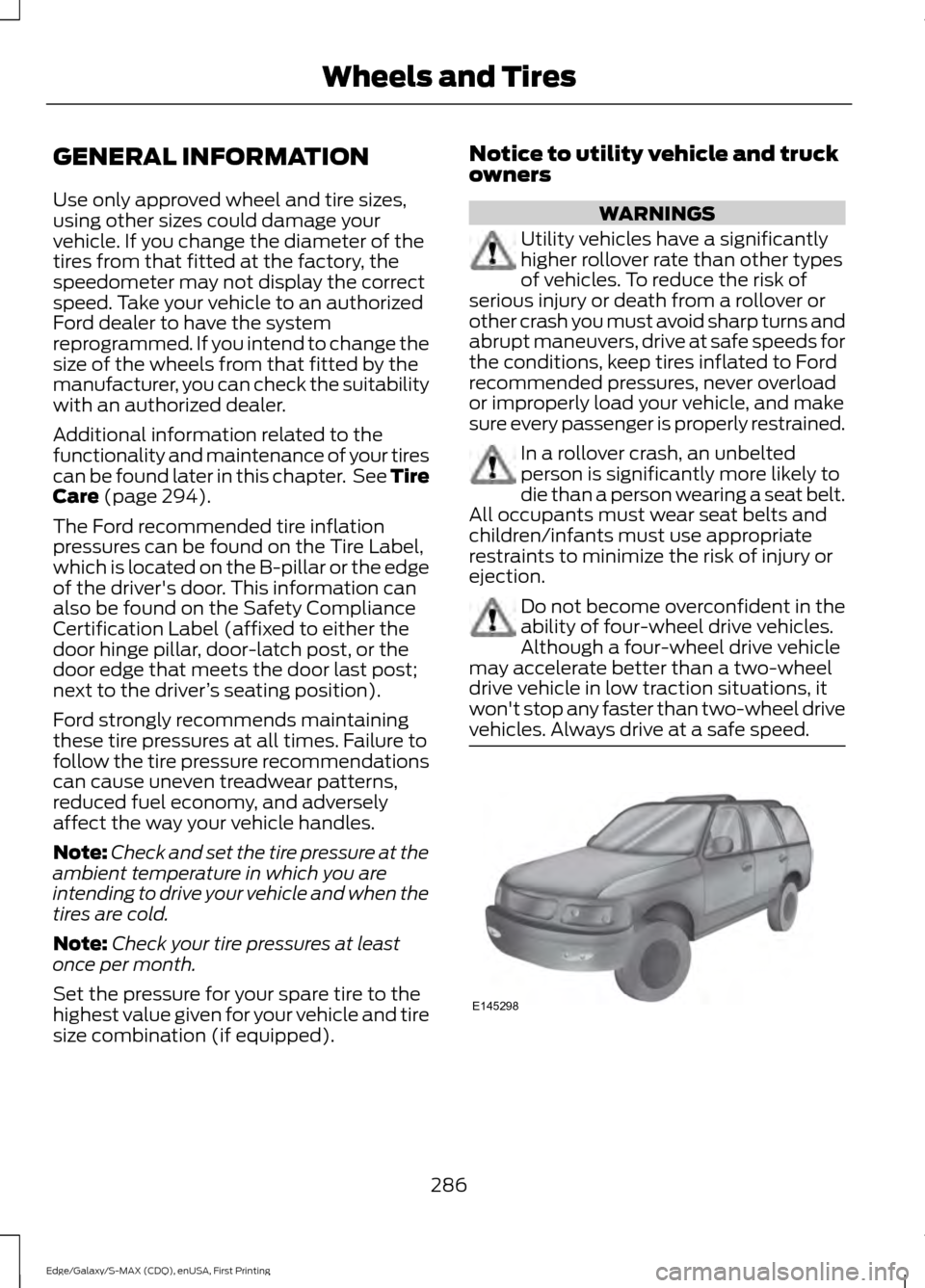
owners WARNINGS
Utility vehicles have a significantly
higher rollover rate than other types
of vehicles. To reduce the risk of
serious injury or death from a rollover or
other crash you must avoid sharp turns and
abrupt maneuvers, drive at safe speeds for
the conditions, keep tires inflated to Ford
recommended pressures, never overload
or improperly load your vehicle, and make
sure every passenger is properly restrained. In a rollover crash, an unbelted
person is significantly more likely to
die than a person wearing a seat belt.
All occupants must wear seat belts and
children/infants must use appropriate
restraints to minimize the risk of injury or
ejection. Do not become overconfident in the
ability of four-wheel drive vehicles.
Although a four-wheel drive vehicle
may accelerate better than a two-wheel
drive vehicle in low traction situations, it
won't stop any faster than two-wheel drive
vehicles. Always drive at a safe speed. 286
Edge/Galaxy/S-MAX (CDQ), enUSA, First Printing Wheels and TiresE145298
Page 299 of 508
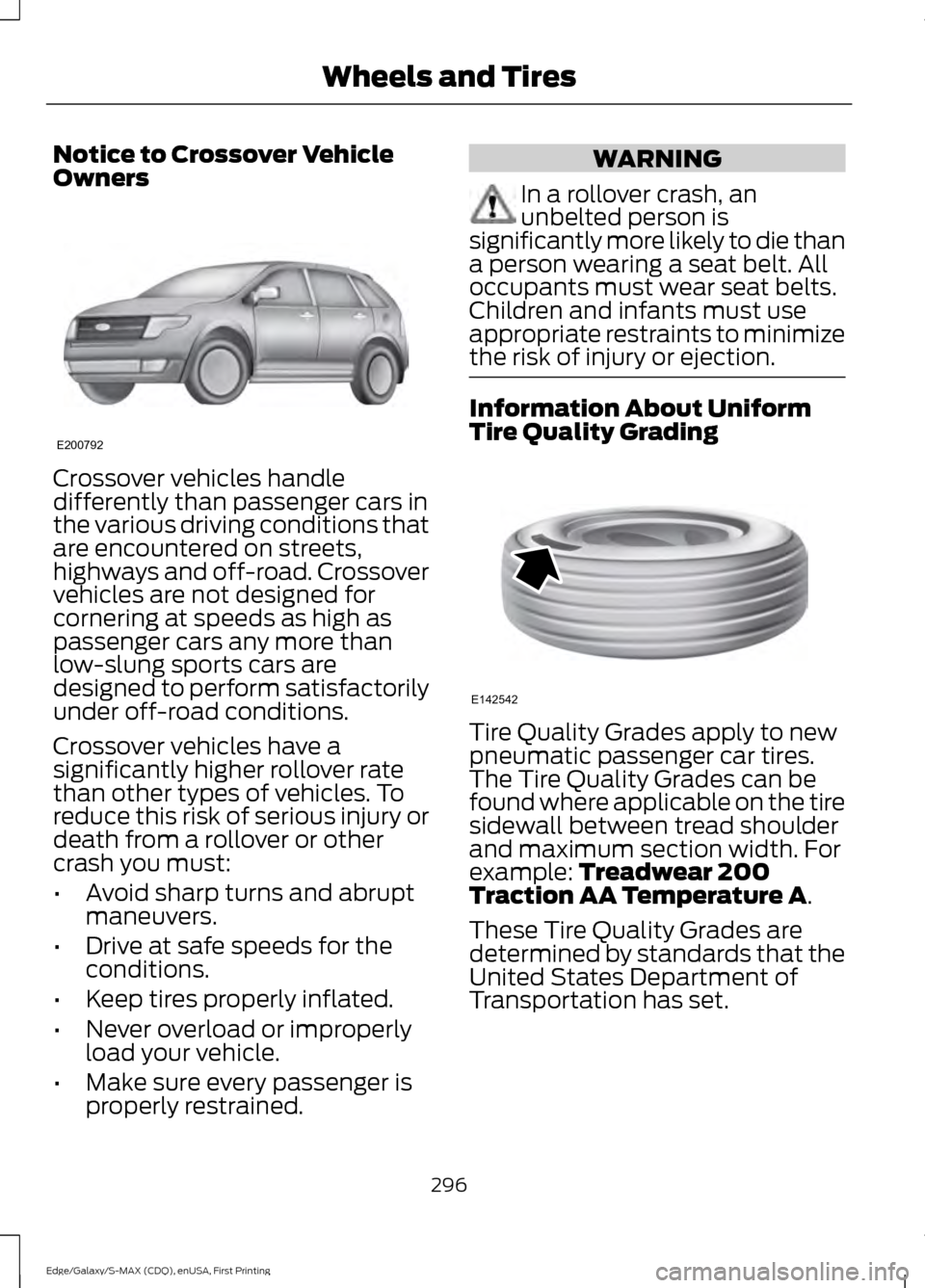
Notice to Crossover Vehicle
Owners
Crossover vehicles handle
differently than passenger cars in
the various driving conditions that
are encountered on streets,
highways and off-road. Crossover
vehicles are not designed for
cornering at speeds as high as
passenger cars any more than
low-slung sports cars are
designed to perform satisfactorily
under off-road conditions.
Crossover vehicles have a
significantly higher rollover rate
than other types of vehicles. To
reduce this risk of serious injury or
death from a rollover or other
crash you must:
•
Avoid sharp turns and abrupt
maneuvers.
• Drive at safe speeds for the
conditions.
• Keep tires properly inflated.
• Never overload or improperly
load your vehicle.
• Make sure every passenger is
properly restrained. WARNING
In a rollover crash, an
unbelted person is
significantly more likely to die than
a person wearing a seat belt. All
occupants must wear seat belts.
Children and infants must use
appropriate restraints to minimize
the risk of injury or ejection. Information About Uniform
Tire Quality Grading
Tire Quality Grades apply to new
pneumatic passenger car tires.
The Tire Quality Grades can be
found where applicable on the tire
sidewall between tread shoulder
and maximum section width. For
example: Treadwear 200
Traction AA Temperature A.
These Tire Quality Grades are
determined by standards that the
United States Department of
Transportation has set.
296
Edge/Galaxy/S-MAX (CDQ), enUSA, First Printing Wheels and TiresE200792 E142542
Page 324 of 508
ENGINE SPECIFICATIONS - 2.0L ECOBOOST™
2.0L EcoBoost Engine
Engine
122
Cubic inches
Minimum 87 octane
Required fuel
9.7:1
Compression ratio
0.027-0.031 in. (0.70-0.80 mm)
Spark plug gap
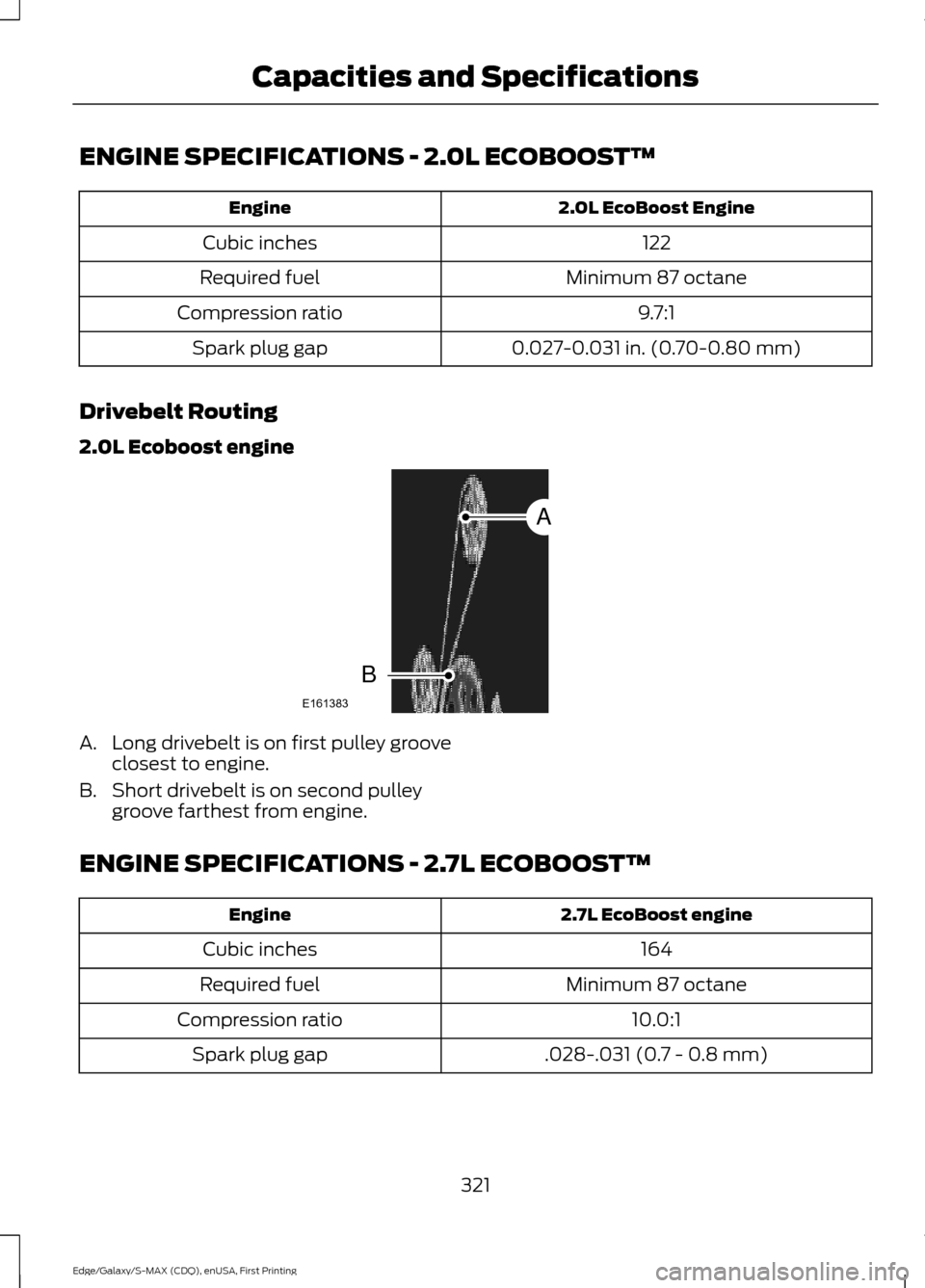
Drivebelt Routing
2.0L Ecoboost engine A. Long drivebelt is on first pulley groove
closest to engine.
B. Short drivebelt is on second pulley groove farthest from engine.
ENGINE SPECIFICATIONS - 2.7L ECOBOOST™ 2.7L EcoBoost engine
Engine
164
Cubic inches
Minimum 87 octane
Required fuel
10.0:1
Compression ratio
.028-.031 (0.7 - 0.8 mm)
Spark plug gap
321
Edge/Galaxy/S-MAX (CDQ), enUSA, First Printing Capacities and SpecificationsE161383
A
B