audio FORD EDGE 2015 2.G Repair Manual
[x] Cancel search | Manufacturer: FORD, Model Year: 2015, Model line: EDGE, Model: FORD EDGE 2015 2.GPages: 508, PDF Size: 6.2 MB
Page 427 of 508
Troubleshooting
•
Do not connect the audio input jack to
a line level output. The jack only works
correctly with devices that have a
headphone output with a volume
control.
• Do not set the portable music player's
volume level higher than is necessary
to match the volume of the CD or FM
radio as this causes distortion and
reduces sound quality. •
If the music sounds distorted at lower
listening levels, turn the portable music
player volume down. If the problem
persists, replace or recharge the
batteries in the portable media player.
• Control the portable media player in
the same manner when used with
headphones, as the auxiliary input jack
does not provide control (such as Play
or Pause) over the attached portable
media player.
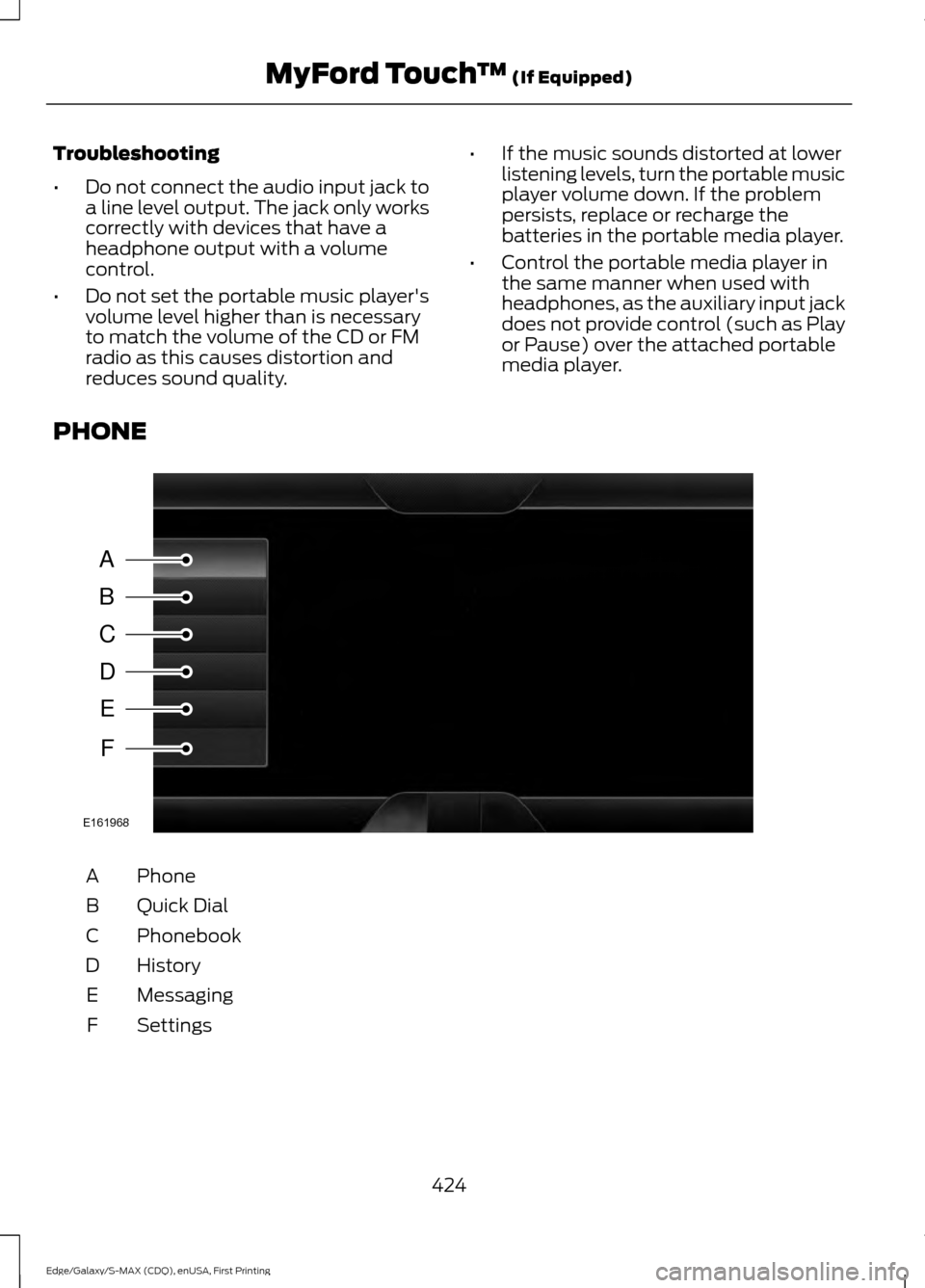
PHONE Phone
A
Quick Dial
B
Phonebook
C
History
D
Messaging
E
Settings
F
424
Edge/Galaxy/S-MAX (CDQ), enUSA, First Printing MyFord Touch
™ (If Equipped)A
B
C
D
E
F
E161968
Page 436 of 508
SYNC Services quick tips
You can personalize your Services feature to provide
quicker access to your most used or favorite information.
You can save address points, such as work or home. You
can also save favorite information like sports teams, such
as Detroit Lions, or a news category. You can learn more
about personalization by logging onto
www.SYNCMyRide.com.
Personalizing
Press the voice button at any time (while connected to
SYNC Services) to interrupt a voice prompt or an audio
clip (such as a sports report) and say your voice command.
Push to interrupt
Your subscription is associated with your Bluetooth-
enabled cellular phone number, not your VIN (Vehicle
Identification Number). You can pair and connect your
phone to any vehicle equipped with SYNC Services and
continue enjoying your personalized services.
Portable
SYNC Services Voice Commands When a route has been
downloaded (non-navigation
systems), press the voice button
on the steering wheel controls. When
prompted, say any of the following
commands: "SERVICES"
"Cancel route"
"Navigation voice off" "Navigation voice on" "Next turn"
"Route status"
"Route summary" "Services"
"Update route" "Help" Sirius Travel Link (If Equipped) WARNING
Driving while distracted can result in
loss of vehicle control, crash and
injury. We strongly recommend that
you use extreme caution when using any
device that may take your focus off the
road. Your primary responsibility is the safe
operation of your vehicle. We recommend
against the use of any handheld device
while driving and encourage the use of
voice-operated systems when possible.
Make sure you are aware of all applicable
local laws that may affect the use of
electronic devices while driving. Note:
In order to use Sirius Travel Link, your
vehicle must be equipped with navigation
and your navigation SD card must be in the
SD card slot.
Note: This feature is only available in the
United States.
433
Edge/Galaxy/S-MAX (CDQ), enUSA, First Printing MyFord Touch
™
(If Equipped)E142599
Page 477 of 508
•
Links to Third Party Sites: The MS
SOFTWARE may provide you with the
ability to link to third party sites through
the use of the SOFTWARE. The third
party sites are not under the control of
MS, Microsoft Corporation, their
affiliates and/or their designated
agent. Neither MS nor Microsoft
Corporation nor their affiliates nor their
designated agent are responsible for
(i) the contents of any third party sites,
any links contained in third party sites,
or any changes or updates to third
party sites, or (ii) webcasting or any
other form of transmission received
from any third party sites. If the
SOFTWARE provides links to third
party sites, those links are provided to
you only as a convenience, and the
inclusion of any link does not imply an
endorsement of the third party site by
MS, Microsoft Corporation, their
affiliates and/or their designated
agent.
• Obligation to Drive Responsibly:
You recognize your obligation to drive
responsibly and keep attention on the
road. You will read and abide with the
DEVICE operating instructions
particularly as they pertain to safety
and assumes any risk associated with
the use of the DEVICE.
UPGRADES AND RECOVERY MEDIA:
If the SOFTWARE is provided by FORD
MOTOR COMPANY separate from the
DEVICE on media such as a ROM chip, CD
ROM disk(s) or via web download or other
means, and is labeled "For Upgrade
Purposes Only" or "For Recovery Purposes
Only" you may install one (1) copy of such
SOFTWARE onto the DEVICE as a
replacement copy for the existing
SOFTWARE, and use it in accordance with
this EULA, including any additional EULA
terms accompanying the upgrade
SOFTWARE. INTELLECTUAL PROPERTY RIGHTS:
All title and intellectual property rights in
and to the SOFTWARE (including but not
limited to any images, photographs,
animations, video, audio, music, text and
"applets" incorporated into the
SOFTWARE), the accompanying printed
materials, and any copies of the
SOFTWARE, are owned by MS, Microsoft
Corporation, FORD MOTOR COMPANY, or
their affiliates or suppliers. The
SOFTWARE is licensed, not sold. You may
not copy the printed materials
accompanying the SOFTWARE. All title
and intellectual property rights in and to
the content which may be accessed
through use of the SOFTWARE is the
property of the respective content owner
and may be protected by applicable
copyright or other intellectual property
laws and treaties. This EULA grants you no
rights to use such content. All rights not
specifically granted under this EULA are
reserved by MS, Microsoft Corporation,
FORD MOTOR COMPANY, third party
software and service providers, their
affiliates and suppliers. Use of any on-line
services which may be accessed through
the SOFTWARE may be governed by the
respective terms of use relating to such
services. If this SOFTWARE contains
documentation that is provided only in
electronic form, you may print one copy of
such electronic documentation.
EXPORT RESTRICTIONS:
You
acknowledge that the SOFTWARE is
subject to U.S. and European Union export
jurisdiction. You agree to comply with all
applicable international and national laws
that apply to the SOFTWARE, including
the U.S. Export Administration Regulations,
as well as end-user, end-use and
destination restrictions issued by U.S. and
other governments. For additional
information, see
http://www.microsoft.com/exporting/.
474
Edge/Galaxy/S-MAX (CDQ), enUSA, First Printing Appendices
Page 481 of 508
2. Account Information
You agree: (a) when registering the
Telenav Software, to provide Telenav with
true, accurate, current, and complete
information about yourself, and (b) to
inform Telenav promptly of any changes
to such information, and to keep it true,
accurate, current and complete.
3. Software License
Subject to your compliance with the terms
of this Agreement, Telenav hereby grants
to you a personal, non-exclusive,
non-transferable license (except as
expressly permitted below in connection
with your permanent transfer of the
Telenav Software license), without the
right to sublicense, to use the Telenav
Software (in object code form only) in
order to access and use the Telenav
Software. This license shall terminate upon
any termination or expiration of this
Agreement. You agree that you will use the
Telenav Software only for your personal
business or leisure purposes, and not to
provide commercial navigation services to
other parties.
3.1 License Limitations
You agree not to do any of the following:
(a) reverse engineer, decompile,
disassemble, translate, modify, alter or
otherwise change the Telenav Software
or any part thereof; (b) attempt to derive
the source code, audio library or structure
of the Telenav Software without the prior
express written consent of Telenav; (c)
remove from the Telenav Software, or
alter, any of Telenav
’s or its suppliers’
trademarks, trade names, logos, patent or
copyright notices, or other notices or
markings; (d) distribute, sublicense or
otherwise transfer the Telenav Software
to others, except as part of your permanent
transfer of the Telenav Software; or (e)
use the Telenav Software in any manner
that (i) infringes the intellectual property or proprietary rights, rights of publicity or
privacy or other rights of any party, (ii)
violates any law, statute, ordinance or
regulation, including but not limited to laws
and regulations related to spamming,
privacy, consumer and child protection,
obscenity or defamation, or (iii) is harmful,
threatening, abusive, harassing, tortuous,
defamatory, vulgar, obscene, libelous, or
otherwise objectionable; and (f) lease, rent
out, or otherwise permit unauthorized
access by third parties to the Telenav
Software without advanced written
permission of Telenav.
4. Disclaimers
To the fullest extent permissible pursuant
to applicable law, in no event will Telenav,
its licensors and suppliers, or agents or
employees of any of the foregoing, be
liable for any decision made or action
taken by you or anyone else in reliance on
the information provided by the Telenav
Software. Telenav also does not warrant
the accuracy of the map or other data used
for the Telenav Software. Such data may
not always reflect reality due to, among
other things, road closures, construction,
weather, new roads and other changing
conditions. You are responsible for the
entire risk arising out of your use of the
Telenav Software. For example but
without limitation, you agree not to rely on
the Telenav Software for critical navigation
in areas where the well-being or survival
of you or others is dependent on the
accuracy of navigation, as the maps or
functionality of the Telenav Software are
not intended to support such high risk
applications, especially in more remote
geographical areas.
TELENAV EXPRESSLY DISCLAIMS AND
EXCLUDES ALL WARRANTIES IN
CONNECTION WITH THE TELENAV
SOFTWARE, WHETHER STATUTORY,
EXPRESS OR IMPLIED, INCLUDING ALL
WARRANTIES WHICH MAY ARISE FROM
478
Edge/Galaxy/S-MAX (CDQ), enUSA, First Printing Appendices
Page 498 of 508
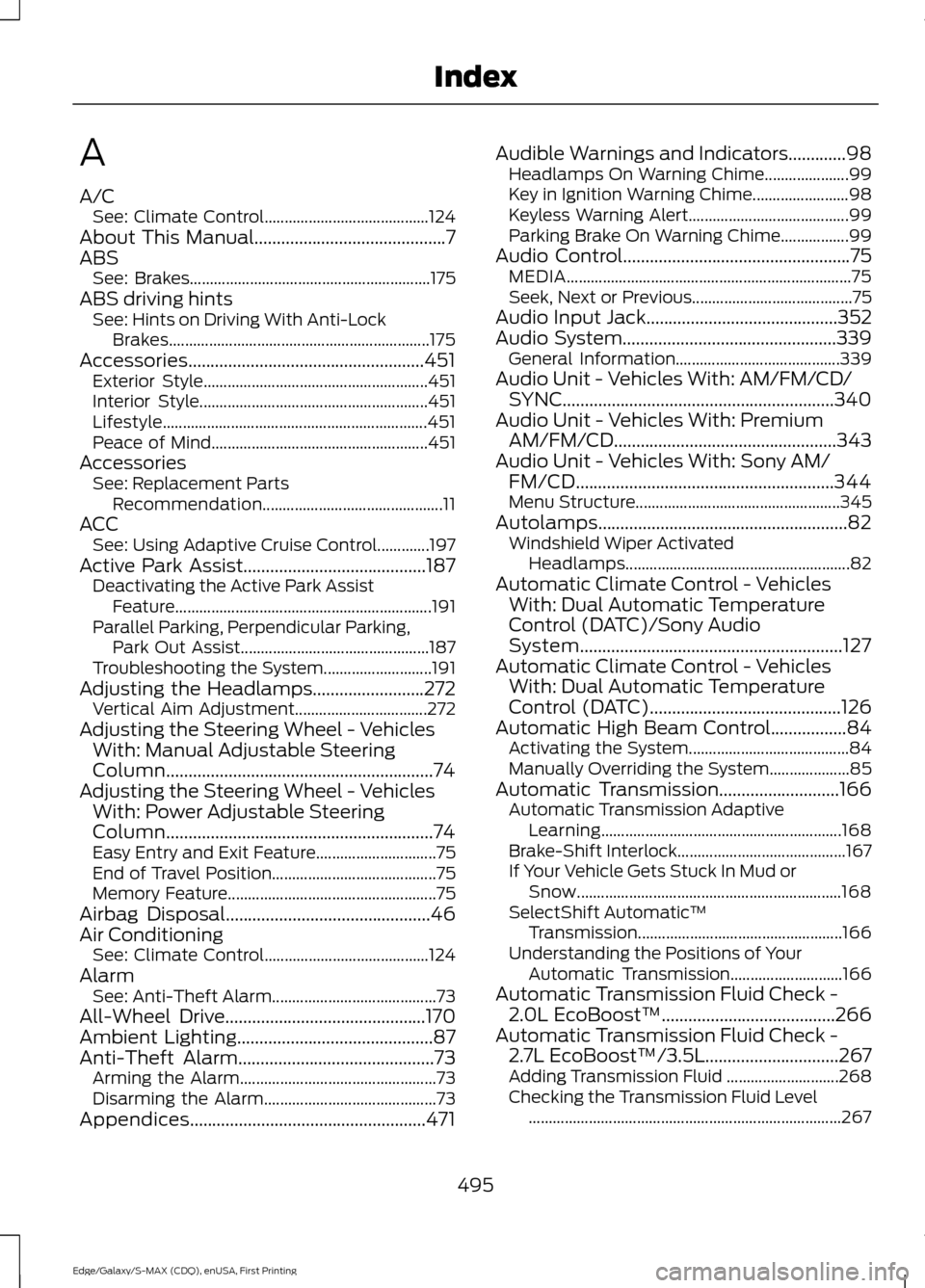
A
A/C
See: Climate Control......................................... 124
About This Manual...........................................7
ABS See: Brakes............................................................ 175
ABS driving hints See: Hints on Driving With Anti-Lock
Brakes................................................................. 175
Accessories.....................................................451 Exterior Style........................................................ 451
Interior Style......................................................... 451
Lifestyle.................................................................. 451
Peace of Mind...................................................... 451
Accessories See: Replacement Parts
Recommendation............................................. 11
ACC See: Using Adaptive Cruise Control.............197
Active Park Assist.........................................187 Deactivating the Active Park Assist
Feature ................................................................ 191
Parallel Parking, Perpendicular Parking, Park Out Assist............................................... 187
Troubleshooting the System........................... 191
Adjusting the Headlamps
.........................272
Vertical Aim Adjustment................................. 272
Adjusting the Steering Wheel - Vehicles With: Manual Adjustable Steering
Column............................................................74
Adjusting the Steering Wheel - Vehicles With: Power Adjustable Steering
Column............................................................74
Easy Entry and Exit Feature.............................. 75
End of Travel Position......................................... 75
Memory Feature.................................................... 75
Airbag Disposal
..............................................46
Air Conditioning See: Climate Control......................................... 124
Alarm See: Anti-Theft Alarm......................................... 73
All-Wheel Drive
.............................................170
Ambient Lighting............................................87
Anti-Theft Alarm............................................73 Arming the Alarm................................................. 73
Disarming the Alarm........................................... 73
Appendices.....................................................471 Audible Warnings and Indicators
.............98
Headlamps On Warning Chime..................... 99
Key in Ignition Warning Chime........................ 98
Keyless Warning Alert........................................ 99
Parking Brake On Warning Chime.................99
Audio Control
...................................................75
MEDIA....................................................................... 75
Seek, Next or Previous........................................ 75
Audio Input Jack
...........................................352
Audio System................................................339
General Information......................................... 339
Audio Unit - Vehicles With: AM/FM/CD/ SYNC.............................................................340
Audio Unit - Vehicles With: Premium AM/FM/CD
..................................................343
Audio Unit - Vehicles With: Sony AM/ FM/CD..........................................................344
Menu Structure................................................... 345
Autolamps........................................................82 Windshield Wiper Activated
Headlamps........................................................ 82
Automatic Climate Control - Vehicles With: Dual Automatic Temperature
Control (DATC)/Sony Audio
System...........................................................127
Automatic Climate Control - Vehicles With: Dual Automatic Temperature
Control (DATC)
...........................................126
Automatic High Beam Control.................84 Activating the System........................................ 84
Manually Overriding the System.................... 85
Automatic Transmission
...........................166
Automatic Transmission Adaptive
Learning............................................................ 168
Brake-Shift Interlock.......................................... 167
If Your Vehicle Gets Stuck In Mud or Snow.................................................................. 168
SelectShift Automatic ™
Transmission................................................... 166
Understanding the Positions of Your Automatic Transmission............................ 166
Automatic Transmission Fluid Check - 2.0L EcoBoost™.......................................266
Automatic Transmission Fluid Check - 2.7L EcoBoost™/3.5L
..............................267
Adding Transmission Fluid ............................ 268
Checking the Transmission Fluid Level ........................................................................\
...... 267
495
Edge/Galaxy/S-MAX (CDQ), enUSA, First Printing Index
Page 501 of 508
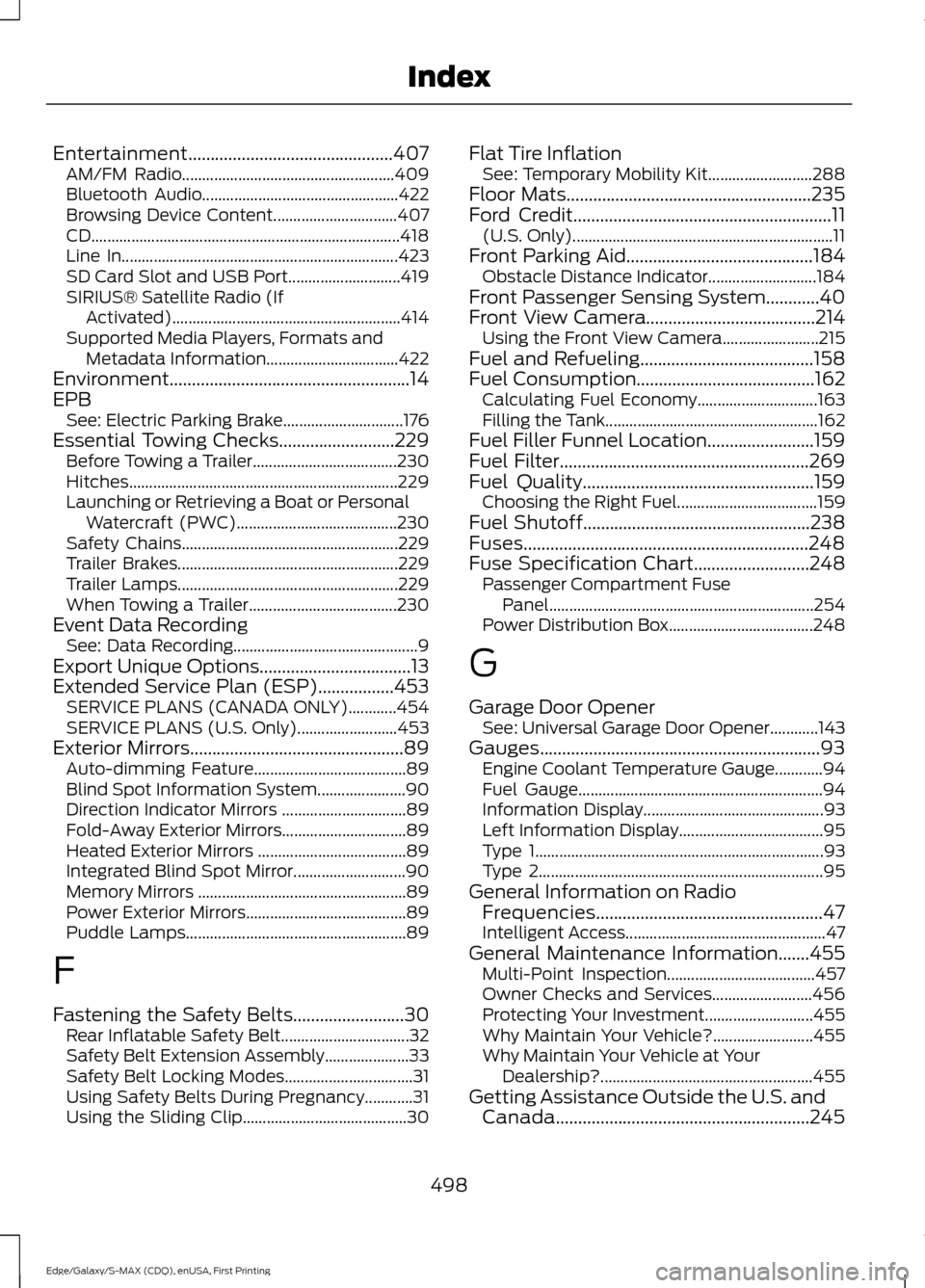
Entertainment..............................................407
AM/FM Radio..................................................... 409
Bluetooth Audio................................................. 422
Browsing Device Content............................... 407
CD........................................................................\
..... 418
Line In..................................................................... 423
SD Card Slot and USB Port............................ 419
SIRIUS® Satellite Radio (If Activated)......................................................... 414
Supported Media Players, Formats and Metadata Information................................. 422
Environment......................................................14
EPB See: Electric Parking Brake.............................. 176
Essential Towing Checks..........................229
Before Towing a Trailer.................................... 230
Hitches................................................................... 229
Launching or Retrieving a Boat or Personal Watercraft (PWC)........................................ 230
Safety Chains...................................................... 229
Trailer Brakes....................................................... 229
Trailer Lamps....................................................... 229
When Towing a Trailer..................................... 230
Event Data Recording See: Data Recording.............................................. 9
Export Unique Options..................................13
Extended Service Plan (ESP).................453 SERVICE PLANS (CANADA ONLY)............454
SERVICE PLANS (U.S. Only)......................... 453
Exterior Mirrors
................................................89
Auto-dimming Feature...................................... 89
Blind Spot Information System...................... 90
Direction Indicator Mirrors ............................... 89
Fold-Away Exterior Mirrors............................... 89
Heated Exterior Mirrors ..................................... 89
Integrated Blind Spot Mirror............................ 90
Memory Mirrors .................................................... 89
Power Exterior Mirrors........................................ 89
Puddle Lamps....................................................... 89
F
Fastening the Safety Belts
.........................30
Rear Inflatable Safety Belt................................ 32
Safety Belt Extension Assembly..................... 33
Safety Belt Locking Modes................................ 31
Using Safety Belts During Pregnancy............31
Using the Sliding Clip......................................... 30Flat Tire Inflation
See: Temporary Mobility Kit.......................... 288
Floor Mats
.......................................................235
Ford Credit..........................................................11
(U.S. Only)................................................................. 11
Front Parking Aid
..........................................184
Obstacle Distance Indicator........................... 184
Front Passenger Sensing System............40
Front View Camera
......................................214
Using the Front View Camera........................ 215
Fuel and Refueling.......................................158
Fuel Consumption
........................................162
Calculating Fuel Economy.............................. 163
Filling the Tank..................................................... 162
Fuel Filler Funnel Location........................159
Fuel Filter
........................................................269
Fuel Quality....................................................159
Choosing the Right Fuel................................... 159
Fuel Shutoff
...................................................238
Fuses................................................................248
Fuse Specification Chart..........................248
Passenger Compartment Fuse
Panel.................................................................. 254
Power Distribution Box.................................... 248
G
Garage Door Opener See: Universal Garage Door Opener............143
Gauges...............................................................93 Engine Coolant Temperature Gauge............94
Fuel Gauge............................................................. 94
Information Display............................................. 93
Left Information Display.................................... 95
Type 1........................................................................\
93
Type 2....................................................................... 95
General Information on Radio Frequencies...................................................47
Intelligent Access.................................................. 47
General Maintenance Information.......455 Multi-Point Inspection..................................... 457
Owner Checks and Services......................... 456
Protecting Your Investment........................... 455
Why Maintain Your Vehicle?......................... 455
Why Maintain Your Vehicle at Your Dealership?..................................................... 455
Getting Assistance Outside the U.S. and Canada.........................................................245
498
Edge/Galaxy/S-MAX (CDQ), enUSA, First Printing Index
Page 507 of 508
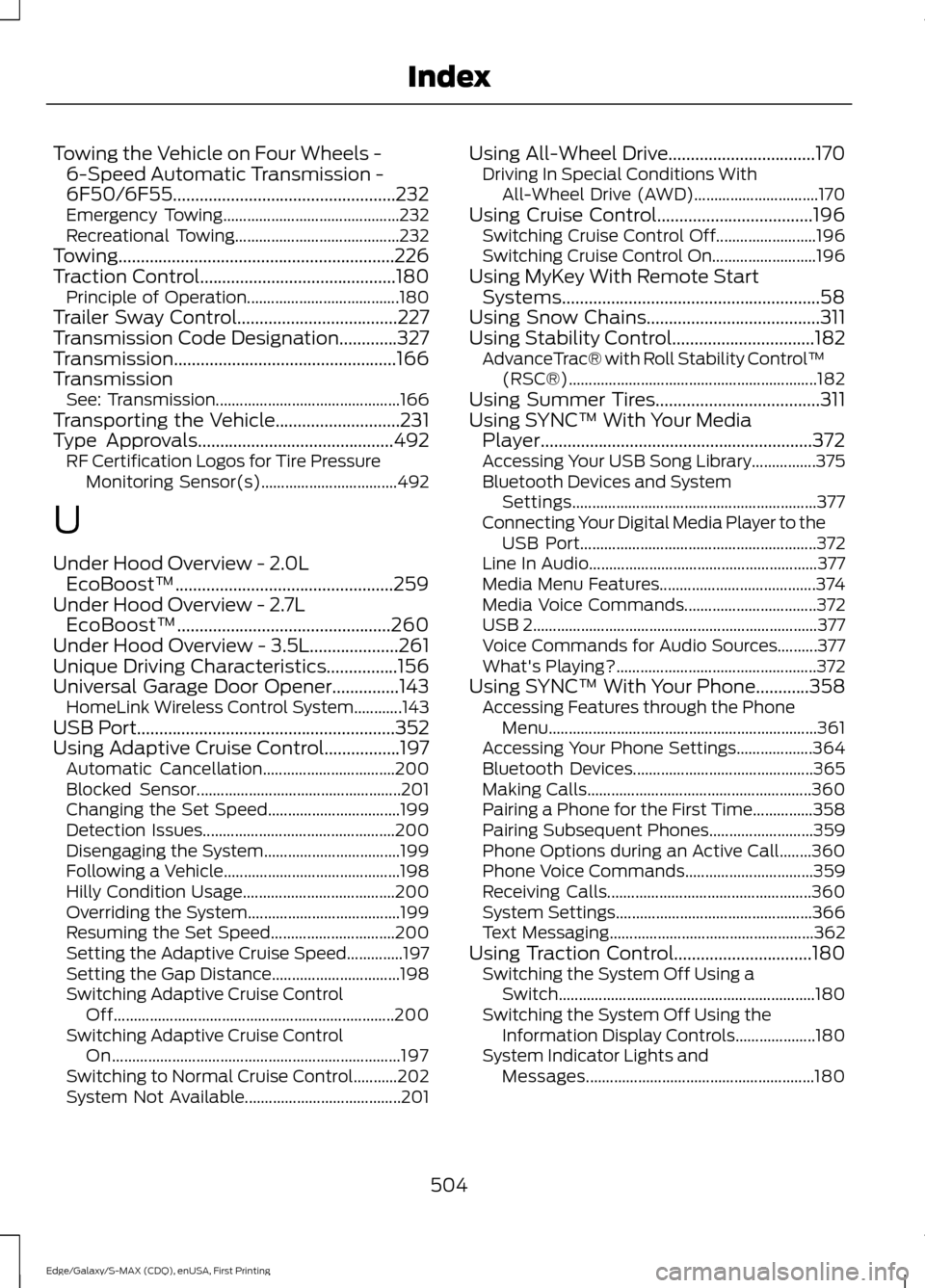
Towing the Vehicle on Four Wheels -
6-Speed Automatic Transmission -
6F50/6F55..................................................232
Emergency Towing............................................ 232
Recreational Towing......................................... 232
Towing..............................................................226
Traction Control............................................180 Principle of Operation...................................... 180
Trailer Sway Control....................................227
Transmission Code Designation.............327
Transmission..................................................166
Transmission See: Transmission.............................................. 166
Transporting the Vehicle............................231
Type Approvals
............................................492
RF Certification Logos for Tire Pressure
Monitoring Sensor(s).................................. 492
U
Under Hood Overview - 2.0L EcoBoost™.................................................259
Under Hood Overview - 2.7L EcoBoost™................................................260
Under Hood Overview - 3.5L....................261
Unique Driving Characteristics................156
Universal Garage Door Opener...............143 HomeLink Wireless Control System............143
USB Port..........................................................352
Using Adaptive Cruise Control.................197 Automatic Cancellation................................. 200
Blocked Sensor................................................... 201
Changing the Set Speed................................. 199
Detection Issues................................................ 200
Disengaging the System.................................. 199
Following a Vehicle............................................ 198
Hilly Condition Usage...................................... 200
Overriding the System...................................... 199
Resuming the Set Speed............................... 200
Setting the Adaptive Cruise Speed..............197
Setting the Gap Distance................................ 198
Switching Adaptive Cruise Control Off...................................................................... 200
Switching Adaptive Cruise Control On........................................................................\
197
Switching to Normal Cruise Control...........202
System Not Available....................................... 201Using All-Wheel Drive.................................170
Driving In Special Conditions With
All-Wheel Drive (AWD)............................... 170
Using Cruise Control...................................196 Switching Cruise Control Off......................... 196
Switching Cruise Control On.......................... 196
Using MyKey With Remote Start Systems..........................................................58
Using Snow Chains.......................................311
Using Stability Control................................182 AdvanceTrac® with Roll Stability Control ™
(RSC®).............................................................. 182
Using Summer Tires.....................................311
Using SYNC™ With Your Media Player.............................................................372
Accessing Your USB Song Library................375
Bluetooth Devices and System Settings............................................................. 377
Connecting Your Digital Media Player to the USB Port........................................................... 372
Line In Audio......................................................... 377
Media Menu Features....................................... 374
Media Voice Commands................................. 372
USB 2
....................................................................... 377
Voice Commands for Audio Sources..........377
What's Playing?.................................................. 372
Using SYNC™ With Your Phone
............358
Accessing Features through the Phone
Menu................................................................... 361
Accessing Your Phone Settings................... 364
Bluetooth Devices............................................. 365
Making Calls........................................................ 360
Pairing a Phone for the First Time...............358
Pairing Subsequent Phones.......................... 359
Phone Options during an Active Call........360
Phone Voice Commands................................ 359
Receiving Calls................................................... 360
System Settings................................................. 366
Text Messaging................................................... 362
Using Traction Control...............................180 Switching the System Off Using a
Switch................................................................ 180
Switching the System Off Using the Information Display Controls.................... 180
System Indicator Lights and Messages......................................................... 180
504
Edge/Galaxy/S-MAX (CDQ), enUSA, First Printing Index