roof rack FORD EDGE 2023 Owners Manual
[x] Cancel search | Manufacturer: FORD, Model Year: 2023, Model line: EDGE, Model: FORD EDGE 2023Pages: 504, PDF Size: 14.96 MB
Page 13 of 504
What Is the Maximum Loaded TrailerWeight........................................................244
What Is the Gross Combined WeightRating..........................................................245
Calculating Payload...................................245
Calculating the Load Limit......................246
Roof Rack.......................................................247
Luggage Compartment
Installing and Removing the LuggageCompartment Cargo Net....................249
Installing and Removing the LuggageCompartment Cover.............................249
Connecting a Trailer
Connecting a Trailer Precautions...........251
Connecting a Trailer....................................251
Towing a Trailer
Towing a Trailer Precautions..................253
Trailer Brake Precautions.........................253
Towing a Trailer Limitations...................254
Loading Your Trailer...................................254
Trailer Towing Hints...................................254
Launching or Retrieving a Boat orPersonal Watercraft..............................255
Towing Weights and Dimensions.........256
Trailer Sway Control
How Does Trailer Sway Control Work........................................................................258
Trailer Sway Control Precautions.........258
Switching Trailer Sway Control On andOff................................................................258
Driving Hints
Cold Weather Precautions......................259
Breaking-In....................................................259
Driving Economically.................................259
Driving in Special Conditions.................259
Driving Through Shallow Water.............261
Floor Mats.......................................................261
Crash and BreakdownInformation
Roadside Assistance.................................263
Switching the Hazard Flashers On andOff................................................................264
Jump Starting the Vehicle.......................264
Post-Crash Alert System.........................266
Automatic Crash Shutoff........................266
Transporting the Vehicle..........................267
Towing Your Vehicle
Towing Your Vehicle Precautions.........269
Recreationally Towing Your Vehicle -2.0L EcoBoost™, AWD........................269
Recreationally Towing Your Vehicle -2.0L EcoBoost™, FWD........................269
Recreationally Towing Your Vehicle -2.7L EcoBoost™.....................................269
Emergency Towing.....................................270
Fuses
Fuse Precautions..........................................271
Under Hood Fuse Box.................................271
Body Control Module Fuse Box.............278
Identifying Fuse Types...............................281
Fuses – Troubleshooting..........................281
Maintenance
Maintenance Precautions.......................282
Opening and Closing the Hood.............282
Under Hood Overview - 2.0L EcoBoost™........................................................................283
Under Hood Overview - 2.7L EcoBoost™........................................................................284
Engine Oil......................................................285
Checking the Coolant................................287
Engine Air Filter...........................................290
Drive Belt Routing Overview - 2.0LEcoBoost™...............................................292
9
2023 Edge (CDQ) Canada/United States of America, enUSA, Edition date: 202207, DOMTable of Contents
Page 195 of 504
HOW DOES STABILITY
CONTROL WORK
WARNING: Vehicle modificationsinvolving braking system, aftermarketroof racks, suspension, steering system,tire construction and wheel and tire sizemay change the handling characteristicsof your vehicle and may adversely affectthe performance of the electronicstability control system. In addition,installing any stereo loudspeakers mayinterfere with and adversely affect theelectronic stability control system. Installany aftermarket stereo loudspeaker asfar as possible from the front centerconsole, the tunnel, and the front seatsin order to minimize the risk of interferingwith the electronic stability controlsensors. Reducing the effectiveness ofthe electronic stability control systemcould lead to an increased risk of loss ofvehicle control, vehicle rollover, personalinjury and death.
WARNING: Remember that evenadvanced technology cannot defy thelaws of physics. It's always possible tolose control of a vehicle due toinappropriate driver input for theconditions. Aggressive driving on anyroad condition can cause you to losecontrol of your vehicle increasing the riskof personal injury or property damage.Activation of the electronic stabilitycontrol system is an indication that atleast some of the tires have exceededtheir ability to grip the road; this couldreduce the operator's ability to controlthe vehicle potentially resulting in a lossof vehicle control, vehicle rollover,personal injury and death. If yourelectronic stability control systemactivates, SLOW DOWN.
If a driving condition activates either thestability control or the traction controlsystem you may experience the followingconditions:
•The stability and traction control lightflashes.
•Your vehicle slows down.
•Reduced engine power.
The stability control system has severalfeatures built into it to help you maintaincontrol of your vehicle:
Electronic Stability Control
Electronic stability control enhances yourvehicle’s ability to prevent skids or lateralslides by applying brakes to one or moreof the wheels individually and, if necessary,reducing engine power.
Roll Stability Control
Roll stability control enhances yourvehicle’s ability to prevent rollovers bydetecting your vehicle’s roll motion andthe rate at which it changes by applyingthe brakes to one or more wheelsindividually.
Curve Control
Curve control enhances your vehicle’sability to follow the road when corneringseverely or avoiding objects in the roadway.Curve control operates by reducing enginepower and, if necessary, applying brakesto one or more of the wheels individually.
Traction Control
Traction control enhances your vehicle’sability to maintain traction of the wheelsby detecting and controlling wheel spin.See How Does Traction Control Work(page 190).
191
2023 Edge (CDQ) Canada/United States of America, enUSA, Edition date: 202207, DOMStability Control
Page 247 of 504
LOAD CARRYING
PRECAUTIONS
Keep your loaded vehicle weightwithin its design rating capability,with or without a trailer. Properlyloading your vehicle providesmaximum return of vehicle designperformance. Before you load yourvehicle, become familiar with thefollowing terms for determiningyour vehicle’s weight rating, withor without a trailer, from thevehicle’s Tire and LoadingInformation label or SafetyCompliance Certification label.
WARNING: Theappropriate loading capacity ofyour vehicle can be limited eitherby volume capacity (how muchspace is available) or by payloadcapacity (how much weight thevehicle should carry). Once youhave reached the maximumpayload of your vehicle, do notadd more cargo, even if there isspace available. Overloading orimproperly loading your vehiclecan contribute to loss of vehiclecontrol and vehicle rollover.
WARNING: Exceeding theSafety Compliance Certificationlabel vehicle weight limits canadversely affect theperformance and handling ofyour vehicle, cause vehicledamage and can result in theloss of control of your vehicle,serious personal injury or death.
WARNING: Do not usereplacement tires with lowerload carrying capacities than theoriginal tires because they maylower your vehicle's GVWR andGAWR limitations. Replacementtires with a higher limit than theoriginal tires do not increase theGVWR and GAWR limitations.
WARNING: Do not exceedthe GVWR or the GAWRspecified on the certificationlabel.
WARNING: Exceeding anyvehicle weight rating canadversely affect theperformance and handling ofyour vehicle, cause vehicledamage and can result in theloss of control of your vehicle,serious personal injury or death.
WARNING: When loadingthe roof racks, we recommendyou evenly distribute the load,as well as maintain a low centerof gravity. Loaded vehicles, withhigher centers of gravity, may
243
2023 Edge (CDQ) Canada/United States of America, enUSA, Edition date: 202207, DOMLoad Carrying
Page 251 of 504
Suppose your vehicle has a1400-pound (635-kilogram) cargoand luggage capacity. You andone of your friends decide to pickup cement from the local homeimprovement store to finish thatpatio you have been planning forthe past two years. Measuring theinside of the vehicle with the rearseat folded down, you have roomfor twelve 100-pound(45-kilogram) bags of cement. Doyou have enough load capacity totransport the cement to yourhome? If you and your friend eachweigh 220 pounds (99 kilograms),the calculation would be: 1400 -(2 x 220) - (12 x 100) = 1400 - 440- 1200 = - 240 pounds. No, you donot have enough cargo capacityto carry that much weight. Inmetric units, the calculation wouldbe: 635 kilograms - (2 x 99kilograms) - (12 x 45 kilograms) =635 - 198 - 540 = -103 kilograms.You will need to reduce the loadweight by at least 240 pounds(104 kilograms). If you removethree 100-pound (45-kilogram)cement bags, then the loadcalculation would be: 1400 - (2 x220) - (9 x 100) = 1400 - 440 -900 = 60 pounds. Now you havethe load capacity to transport thecement and your friend home. Inmetric units, the calculation wouldbe: 635 kilograms - (2 x 99kilograms) - (9 x 45 kilograms) =635 - 198 - 405 = 32 kilograms.
The above calculations alsoassume that the loads arepositioned in your vehicle in amanner that does not overloadthe front or the rear gross axleweight rating specified for yourvehicle on the Safety ComplianceCertification label.
ROOF RACK (IF EQUIPPED)
ROOF RACK PRECAUTIONS
WARNING: Read and follow themanufacturer's instructions when youare fitting a roof rack.
WARNING: When loading the roofracks, we recommend you evenlydistribute the load, as well as maintaina low center of gravity. Loaded vehicles,with higher centers of gravity, mayhandle differently than unloadedvehicles. Take extra precautions, suchas slower speeds and increased stoppingdistance, when driving a heavily loadedvehicle.
Note:If you use a roof rack, the fuelconsumption of your vehicle will be higherand you may experience different drivingcharacteristics.
You must place loads directly on thecrossbars fitted to the roof rack side rails.
Make sure that you securely fasten theload. Check the tightness of the loadbefore driving and at each fuel stop.
247
2023 Edge (CDQ) Canada/United States of America, enUSA, Edition date: 202207, DOMLoad Carrying
Page 252 of 504
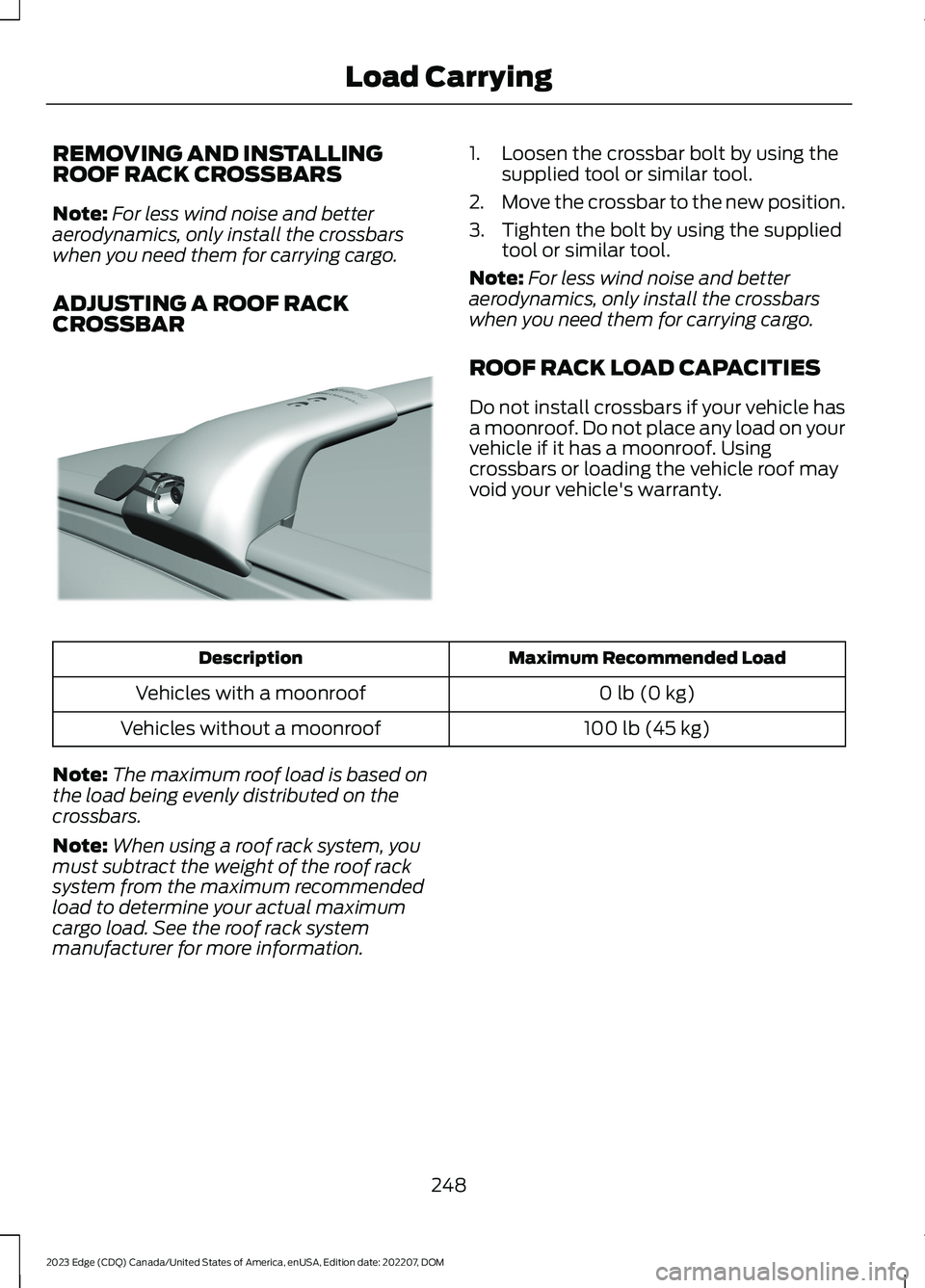
REMOVING AND INSTALLINGROOF RACK CROSSBARS
Note:For less wind noise and betteraerodynamics, only install the crossbarswhen you need them for carrying cargo.
ADJUSTING A ROOF RACKCROSSBAR
1.Loosen the crossbar bolt by using thesupplied tool or similar tool.
2.Move the crossbar to the new position.
3.Tighten the bolt by using the suppliedtool or similar tool.
Note:For less wind noise and betteraerodynamics, only install the crossbarswhen you need them for carrying cargo.
ROOF RACK LOAD CAPACITIES
Do not install crossbars if your vehicle hasa moonroof. Do not place any load on yourvehicle if it has a moonroof. Usingcrossbars or loading the vehicle roof mayvoid your vehicle's warranty.
Maximum Recommended LoadDescription
0 lb (0 kg)Vehicles with a moonroof
100 lb (45 kg)Vehicles without a moonroof
Note:The maximum roof load is based onthe load being evenly distributed on thecrossbars.
Note:When using a roof rack system, youmust subtract the weight of the roof racksystem from the maximum recommendedload to determine your actual maximumcargo load. See the roof rack systemmanufacturer for more information.
248
2023 Edge (CDQ) Canada/United States of America, enUSA, Edition date: 202207, DOMLoad CarryingE299329
Page 263 of 504
COLD WEATHER
PRECAUTIONS
The functional operation of somecomponents and systems can be affectedat temperatures below approximately-13°F (-25°C).
BREAKING-IN
Tires
You need to break in new tires forapproximately 300 mi (480 km). Duringthis time, your vehicle may exhibit someunusual driving characteristics.
Brakes and Clutch
Avoid heavy use of the brakes and clutchif possible for the first 100 mi (160 km) intown and for the first 1,000 mi (1,600 km)on freeways.
DRIVING ECONOMICALLY
The following helps to improve fuelconsumption:
•Drive smoothly, accelerate gently andanticipate the road ahead to avoidheavy braking.
•Regularly check your tire pressures andmake sure that they are inflated to thecorrect pressure.
•Follow the recommended maintenanceschedule and carry out therecommended checks.
•Plan your journey and check the trafficbefore you set off. It is more efficientto combine errands into a single tripwhenever possible.
•Avoid idling the engine in cold weatheror for extended periods. Start theengine only when you are ready to setoff.
•Do not carry unnecessary weight in yourvehicle as extra weight wastes fuel.
•Do not add unnecessary accessoriesto the exterior of your vehicle, forexample running boards. If you use aroof rack, remember to fold it down orremove it when not in use.
•Do not shift into neutral when you arebraking or when your vehicle is slowingdown.
•Shut all windows when driving at highspeeds.
•Switch off all electric systems whennot in use, for example air conditioning.Make sure that you unplug anyaccessories from the auxiliary powerpoints when not in use.
DRIVING IN SPECIAL
CONDITIONS
DRIVING THROUGH MUD ANDWATER
Mud
Be cautious of sudden changes in vehiclespeed or direction when you are driving inmud. Even all-wheel drive and four-wheeldrive vehicles can lose traction in mud. Ifyour vehicle slides, steer in the direction ofthe slide until you regain control of yourvehicle. After driving through mud, cleanoff residue stuck to rotating driveshaftsand tires. Excess residue can cause animbalance that could damage drivecomponents.
Note:If your vehicle gets stuck in mud, itcould be rocked out by shifting betweenforward and reverse gears, stoppingbetween shifts in a steady pattern. Presslightly on the accelerator in each gear.
Note:Do not rock your vehicle if the engineis not at normal operating temperature, asdamage to the transmission could occur.
259
2023 Edge (CDQ) Canada/United States of America, enUSA, Edition date: 202207, DOMDriving Hints
Page 310 of 504
CLEANING MOONROOF TRACKS
1.Remove debris from the tracks with avacuum cleaner.
2.Wipe the bulb seal and mating paintedroof metal surface with a soft, dampcloth and a mild soap and watersolution.
Note:The moonroof rail tracks are greasedto maintain proper functionality. Do notwipe off the grease.
REPAIRING MINOR PAINT
DAMAGE
We recommend that you contact anauthorized dealer to identify your vehiclecolor code. Authorized dealers havetouch-up paint to match your vehicle'scolor.
Before repairing minor paint damage, usea cleaner to remove particles such as birddroppings, tree sap, insect deposits, tarspots, road salt and industrial fallout.
Read the instructions before using cleaningproducts.
WAXING YOUR VEHICLE
Wax the high-gloss painted surface of yourprewashed vehicle once or twice a year.
We recommend that you only use anapproved quality wax that does notcontain abrasives. Follow themanufacturer's instructions to apply andremove the wax. For additional informationand assistance, we recommend that youcontact an authorized dealer.
When washing and waxing, park yourvehicle in a shaded area out of directsunlight.
Note:Avoid waxing unpainted or low-glossblack colored parts, they discolor over time.
306
2023 Edge (CDQ) Canada/United States of America, enUSA, Edition date: 202207, DOMVehicle Care
Page 367 of 504
DIGITAL RADIO INDICATORS
HD Radio Indicator
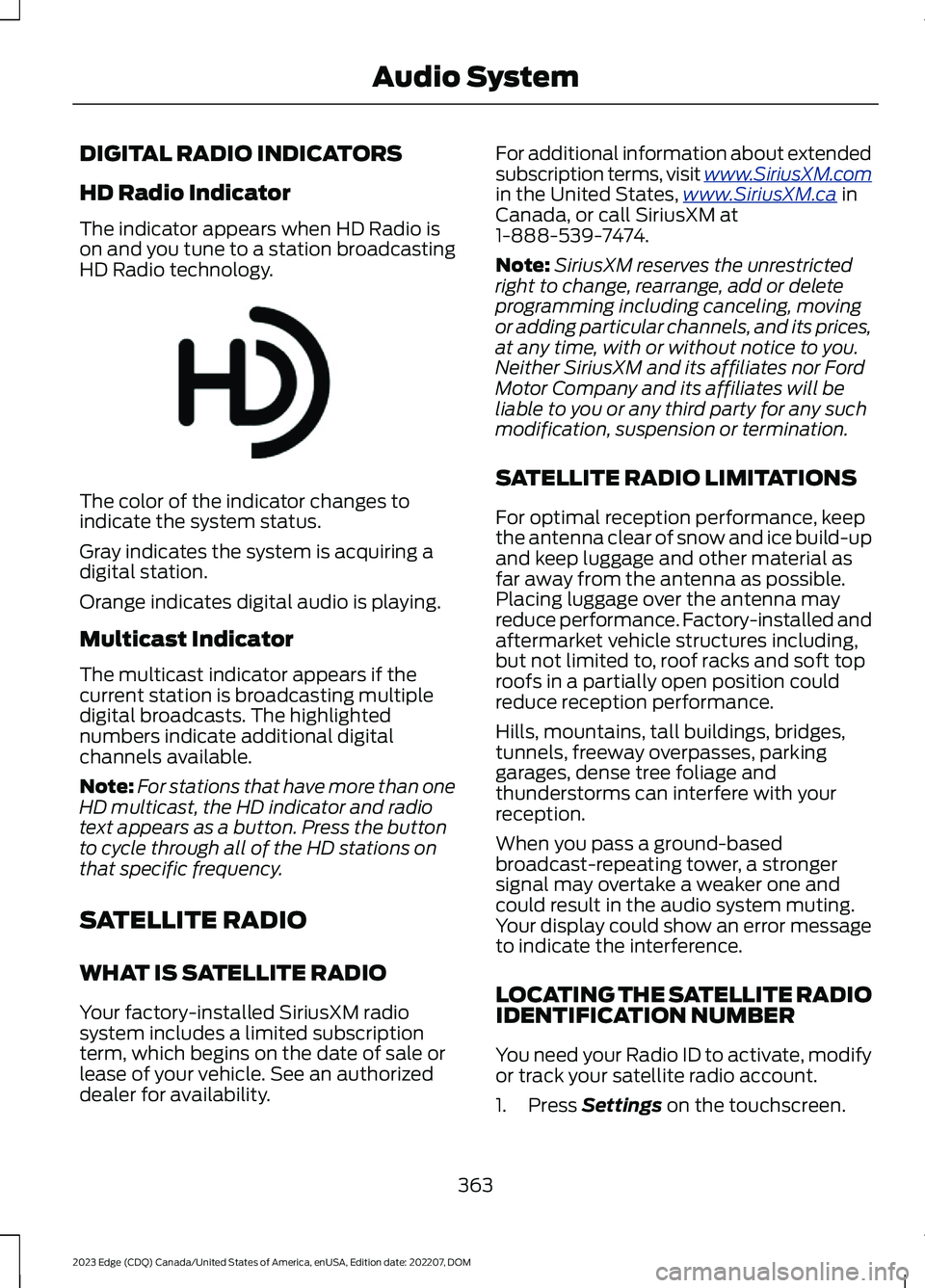
The indicator appears when HD Radio ison and you tune to a station broadcastingHD Radio technology.
The color of the indicator changes toindicate the system status.
Gray indicates the system is acquiring adigital station.
Orange indicates digital audio is playing.
Multicast Indicator
The multicast indicator appears if thecurrent station is broadcasting multipledigital broadcasts. The highlightednumbers indicate additional digitalchannels available.
Note:For stations that have more than oneHD multicast, the HD indicator and radiotext appears as a button. Press the buttonto cycle through all of the HD stations onthat specific frequency.
SATELLITE RADIO
WHAT IS SATELLITE RADIO
Your factory-installed SiriusXM radiosystem includes a limited subscriptionterm, which begins on the date of sale orlease of your vehicle. See an authorizeddealer for availability.
For additional information about extendedsubscription terms, visit www.SiriusXM.comin the United States,www.SiriusXM.ca inCanada, or call SiriusXM at1-888-539-7474.
Note:SiriusXM reserves the unrestrictedright to change, rearrange, add or deleteprogramming including canceling, movingor adding particular channels, and its prices,at any time, with or without notice to you.Neither SiriusXM and its affiliates nor FordMotor Company and its affiliates will beliable to you or any third party for any suchmodification, suspension or termination.
SATELLITE RADIO LIMITATIONS
For optimal reception performance, keepthe antenna clear of snow and ice build-upand keep luggage and other material asfar away from the antenna as possible.Placing luggage over the antenna mayreduce performance. Factory-installed andaftermarket vehicle structures including,but not limited to, roof racks and soft toproofs in a partially open position couldreduce reception performance.
Hills, mountains, tall buildings, bridges,tunnels, freeway overpasses, parkinggarages, dense tree foliage andthunderstorms can interfere with yourreception.
When you pass a ground-basedbroadcast-repeating tower, a strongersignal may overtake a weaker one andcould result in the audio system muting.Your display could show an error messageto indicate the interference.
LOCATING THE SATELLITE RADIOIDENTIFICATION NUMBER
You need your Radio ID to activate, modifyor track your satellite radio account.
1.Press Settings on the touchscreen.
363
2023 Edge (CDQ) Canada/United States of America, enUSA, Edition date: 202207, DOMAudio SystemE142616
Page 488 of 504
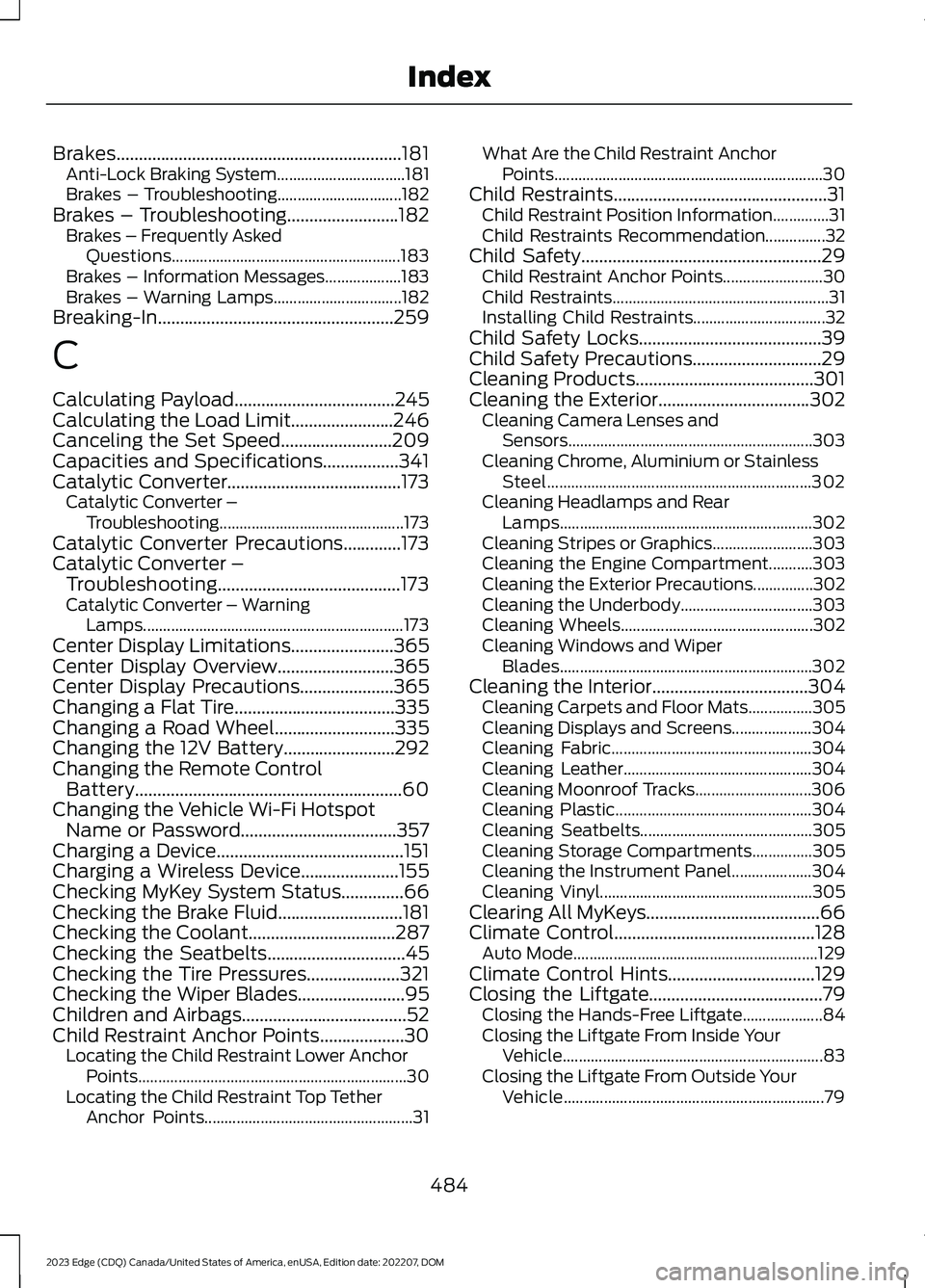
Brakes................................................................181Anti-Lock Braking System................................181Brakes – Troubleshooting...............................182Brakes – Troubleshooting.........................182Brakes – Frequently AskedQuestions.........................................................183Brakes – Information Messages...................183Brakes – Warning Lamps................................182Breaking-In.....................................................259
C
Calculating Payload....................................245Calculating the Load Limit.......................246Canceling the Set Speed.........................209Capacities and Specifications.................341Catalytic Converter.......................................173Catalytic Converter –Troubleshooting..............................................173Catalytic Converter Precautions.............173Catalytic Converter –Troubleshooting.........................................173Catalytic Converter – WarningLamps.................................................................173Center Display Limitations.......................365Center Display Overview..........................365Center Display Precautions.....................365Changing a Flat Tire....................................335Changing a Road Wheel...........................335Changing the 12V Battery.........................292Changing the Remote ControlBattery............................................................60Changing the Vehicle Wi-Fi HotspotName or Password...................................357Charging a Device..........................................151Charging a Wireless Device......................155Checking MyKey System Status..............66Checking the Brake Fluid............................181Checking the Coolant.................................287Checking the Seatbelts...............................45Checking the Tire Pressures.....................321Checking the Wiper Blades........................95Children and Airbags.....................................52Child Restraint Anchor Points...................30Locating the Child Restraint Lower AnchorPoints...................................................................30Locating the Child Restraint Top TetherAnchor Points....................................................31
What Are the Child Restraint AnchorPoints...................................................................30Child Restraints................................................31Child Restraint Position Information..............31Child Restraints Recommendation...............32Child Safety......................................................29Child Restraint Anchor Points.........................30Child Restraints......................................................31Installing Child Restraints.................................32Child Safety Locks.........................................39Child Safety Precautions.............................29Cleaning Products........................................301Cleaning the Exterior..................................302Cleaning Camera Lenses andSensors.............................................................303Cleaning Chrome, Aluminium or StainlessSteel..................................................................302Cleaning Headlamps and RearLamps...............................................................302Cleaning Stripes or Graphics.........................303Cleaning the Engine Compartment...........303Cleaning the Exterior Precautions...............302Cleaning the Underbody.................................303Cleaning Wheels................................................302Cleaning Windows and WiperBlades...............................................................302Cleaning the Interior...................................304Cleaning Carpets and Floor Mats................305Cleaning Displays and Screens....................304Cleaning Fabric..................................................304Cleaning Leather...............................................304Cleaning Moonroof Tracks.............................306Cleaning Plastic.................................................304Cleaning Seatbelts...........................................305Cleaning Storage Compartments...............305Cleaning the Instrument Panel....................304Cleaning Vinyl.....................................................305Clearing All MyKeys.......................................66Climate Control.............................................128Auto Mode.............................................................129Climate Control Hints.................................129Closing the Liftgate.......................................79Closing the Hands-Free Liftgate....................84Closing the Liftgate From Inside YourVehicle.................................................................83Closing the Liftgate From Outside YourVehicle.................................................................79
484
2023 Edge (CDQ) Canada/United States of America, enUSA, Edition date: 202207, DOMIndex
Page 494 of 504
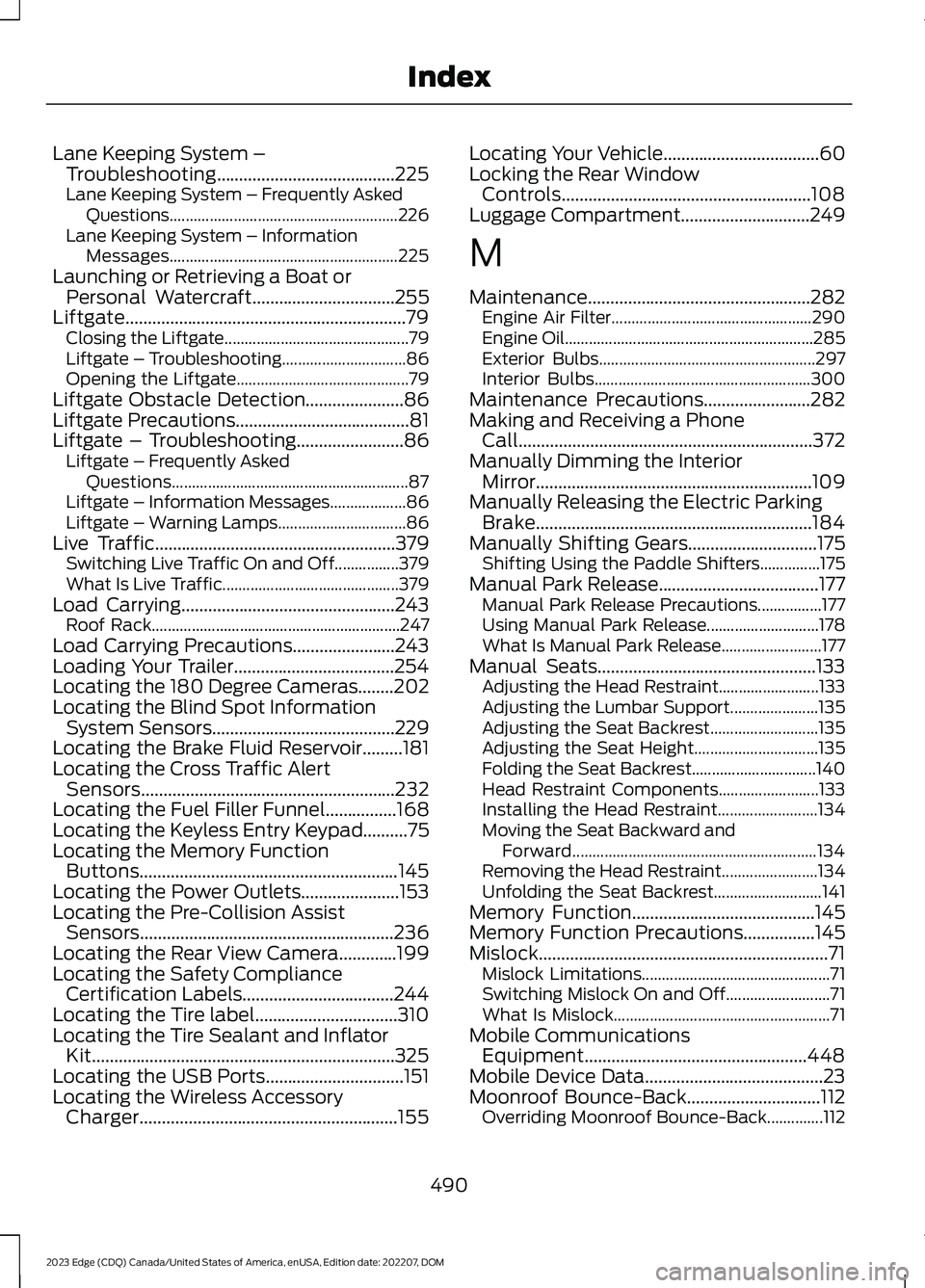
Lane Keeping System –Troubleshooting........................................225Lane Keeping System – Frequently AskedQuestions.........................................................226Lane Keeping System – InformationMessages.........................................................225Launching or Retrieving a Boat orPersonal Watercraft................................255Liftgate...............................................................79Closing the Liftgate..............................................79Liftgate – Troubleshooting...............................86Opening the Liftgate...........................................79Liftgate Obstacle Detection......................86Liftgate Precautions.......................................81Liftgate – Troubleshooting........................86Liftgate – Frequently AskedQuestions...........................................................87Liftgate – Information Messages...................86Liftgate – Warning Lamps................................86Live Traffic......................................................379Switching Live Traffic On and Off................379What Is Live Traffic............................................379Load Carrying................................................243Roof Rack..............................................................247Load Carrying Precautions.......................243Loading Your Trailer....................................254Locating the 180 Degree Cameras........202Locating the Blind Spot InformationSystem Sensors.........................................229Locating the Brake Fluid Reservoir.........181Locating the Cross Traffic AlertSensors.........................................................232Locating the Fuel Filler Funnel................168Locating the Keyless Entry Keypad..........75Locating the Memory FunctionButtons..........................................................145Locating the Power Outlets......................153Locating the Pre-Collision AssistSensors.........................................................236Locating the Rear View Camera.............199Locating the Safety ComplianceCertification Labels..................................244Locating the Tire label................................310Locating the Tire Sealant and InflatorKit....................................................................325Locating the USB Ports...............................151Locating the Wireless AccessoryCharger..........................................................155
Locating Your Vehicle...................................60Locking the Rear WindowControls........................................................108Luggage Compartment.............................249
M
Maintenance..................................................282Engine Air Filter..................................................290Engine Oil..............................................................285Exterior Bulbs......................................................297Interior Bulbs......................................................300Maintenance Precautions........................282Making and Receiving a PhoneCall..................................................................372Manually Dimming the InteriorMirror..............................................................109Manually Releasing the Electric ParkingBrake..............................................................184Manually Shifting Gears.............................175Shifting Using the Paddle Shifters...............175Manual Park Release....................................177Manual Park Release Precautions................177Using Manual Park Release............................178What Is Manual Park Release.........................177Manual Seats.................................................133Adjusting the Head Restraint.........................133Adjusting the Lumbar Support......................135Adjusting the Seat Backrest...........................135Adjusting the Seat Height...............................135Folding the Seat Backrest...............................140Head Restraint Components.........................133Installing the Head Restraint.........................134Moving the Seat Backward andForward.............................................................134Removing the Head Restraint........................134Unfolding the Seat Backrest...........................141Memory Function.........................................145Memory Function Precautions................145Mislock.................................................................71Mislock Limitations...............................................71Switching Mislock On and Off..........................71What Is Mislock......................................................71Mobile CommunicationsEquipment..................................................448Mobile Device Data........................................23Moonroof Bounce-Back..............................112Overriding Moonroof Bounce-Back..............112
490
2023 Edge (CDQ) Canada/United States of America, enUSA, Edition date: 202207, DOMIndex