ignition FORD EXPEDITION 1997 1.G User Guide
[x] Cancel search | Manufacturer: FORD, Model Year: 1997, Model line: EXPEDITION, Model: FORD EXPEDITION 1997 1.GPages: 224, PDF Size: 2.2 MB
Page 25 of 224
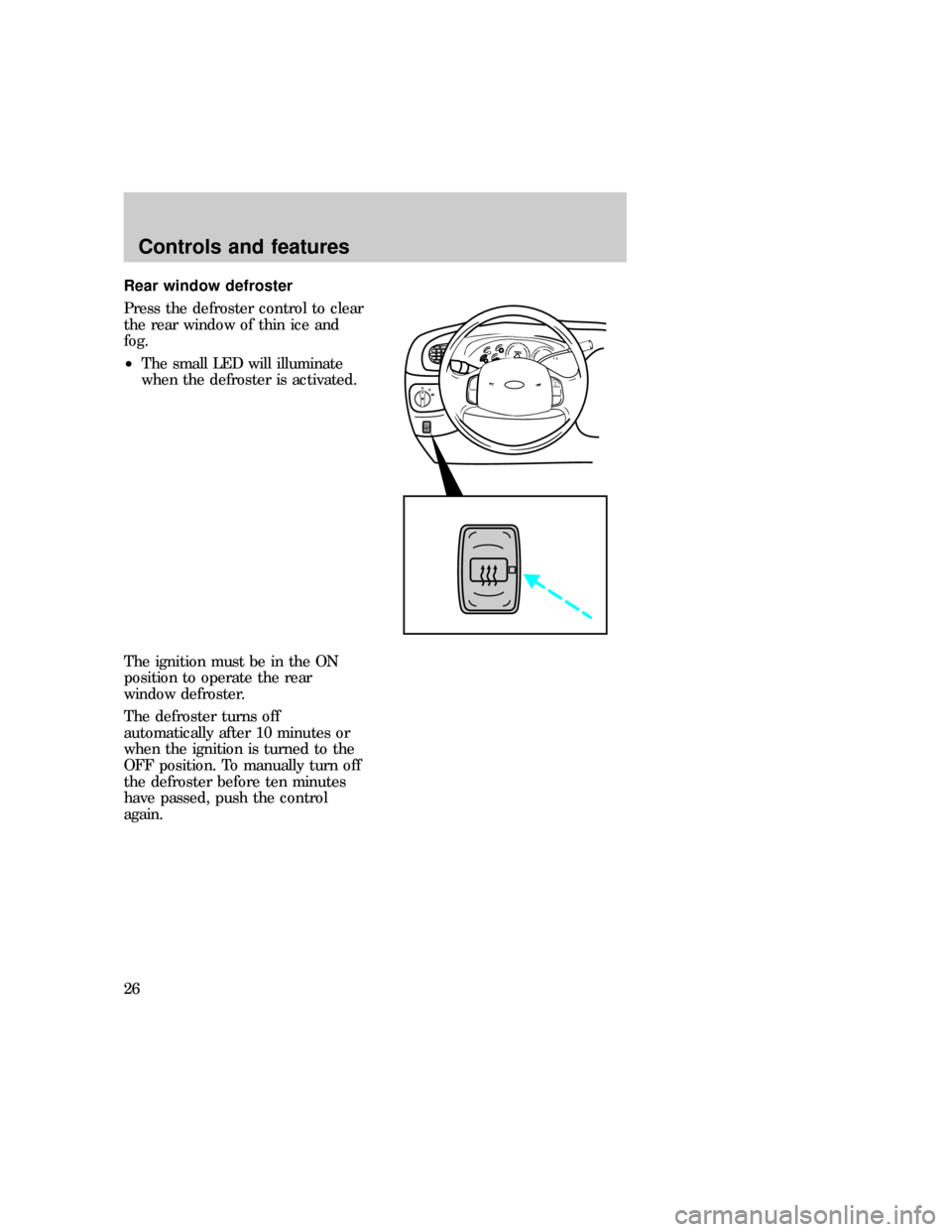
Rear window defroster
Press the defroster control to clear
the rear window of thin ice and
fog.
²The small LED will illuminate
when the defroster is activated.
The ignition must be in the ON
position to operate the rear
window defroster.
The defroster turns off
automatically after 10 minutes or
when the ignition is turned to the
OFF position. To manually turn off
the defroster before ten minutes
have passed, push the control
again.
P
exd_parking_brake_location
Controls and features
26
Page 39 of 224
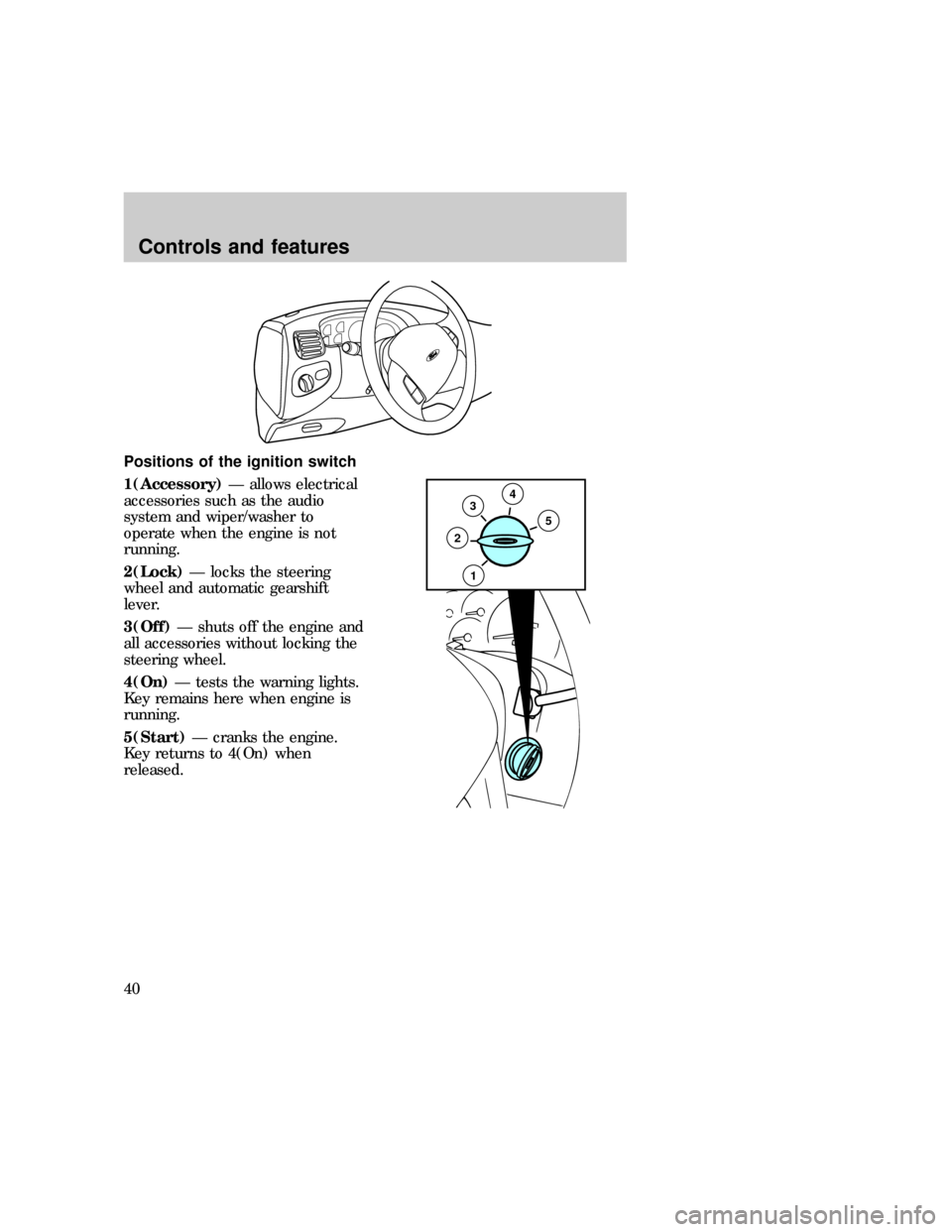
Positions of the ignition switch
1(Accessory)Ð allows electrical
accessories such as the audio
system and wiper/washer to
operate when the engine is not
running.
2(Lock)Ð locks the steering
wheel and automatic gearshift
lever.
3(Off)Ð shuts off the engine and
all accessories without locking the
steering wheel.
4(On)Ð tests the warning lights.
Key remains here when engine is
running.
5(Start)Ð cranks the engine.
Key returns to 4(On) when
released.
35
2
4
1
exd_ignition_positions
exd_speed_control_title
Controls and features
40
Page 40 of 224
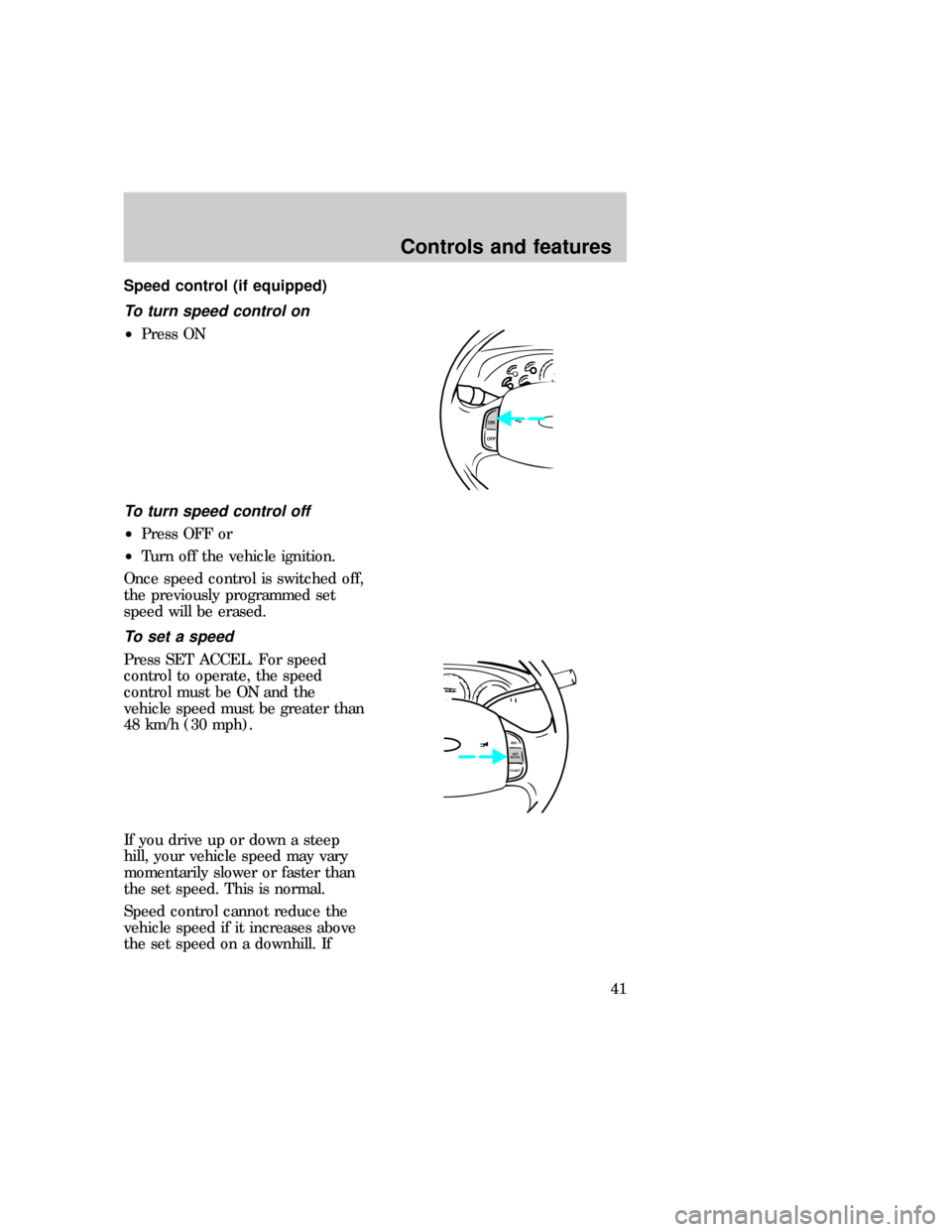
Speed control (if equipped)
To turn speed control on
²Press ON
To turn speed control off
²Press OFF or
²Turn off the vehicle ignition.
Once speed control is switched off,
the previously programmed set
speed will be erased.
To set a speed
Press SET ACCEL. For speed
control to operate, the speed
control must be ON and the
vehicle speed must be greater than
48 km/h (30 mph).
If you drive up or down a steep
hill, your vehicle speed may vary
momentarily slower or faster than
the set speed. This is normal.
Speed control cannot reduce the
vehicle speed if it increases above
the set speed on a downhill. If
ON
OFF
RES
SET
ACCEL
COAST
com_speed_on.01 com_speed_off.01
com_set_speed.01
Controls and features
41
Page 48 of 224
automatically return to normalD(Overdrive) mode.
Deactivate overdrive whenever
driving conditions (i.e., city traffic,
hilly terrain, etc.) cause the
transmission to shift excessively
between
D(Overdrive) and
D(Drive) ranges. Also deactivate
D(Overdrive) when:
²driving with a heavy load
²towing a trailer up or down
steep hills
²additional engine braking is
desired
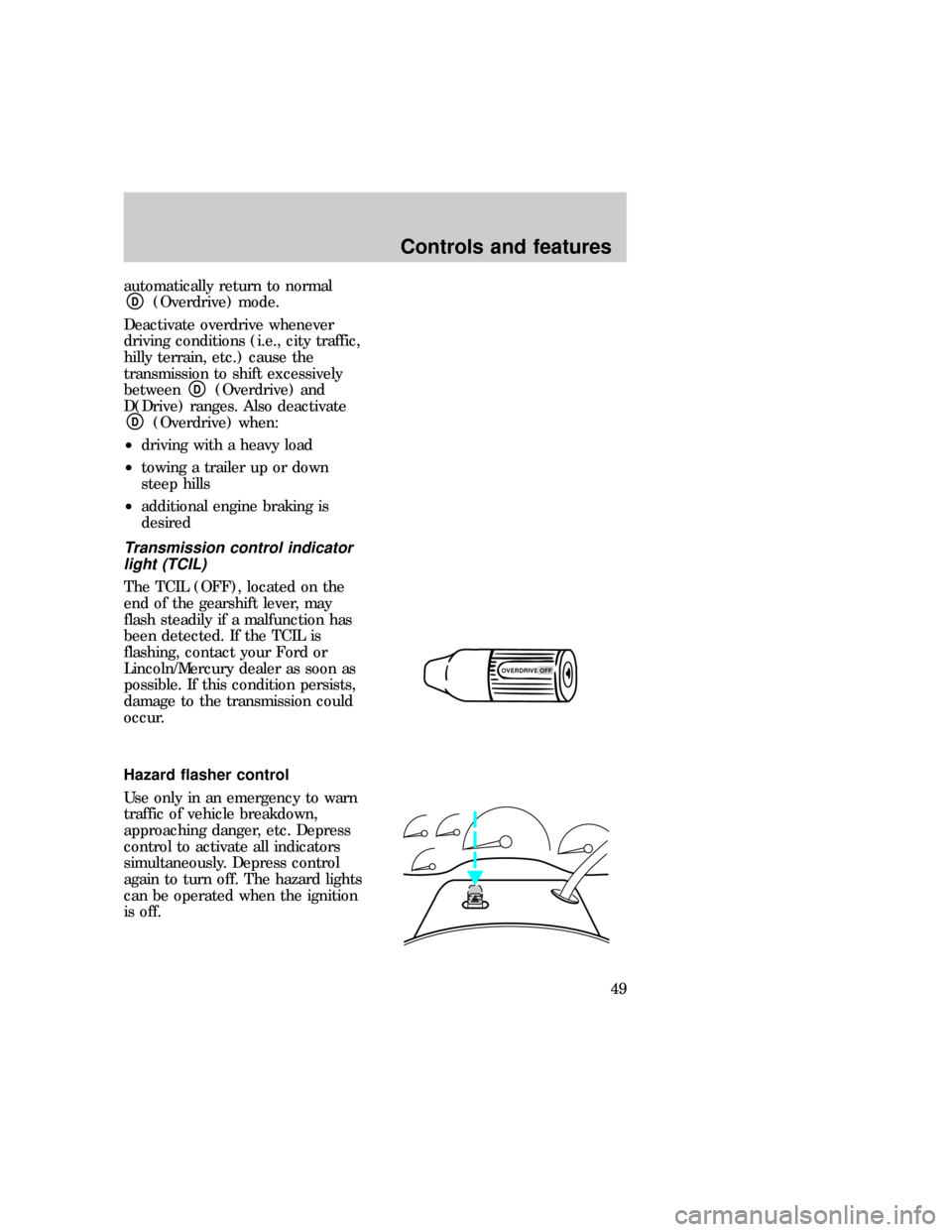
Transmission control indicator
light (TCIL)
The TCIL (OFF), located on the
end of the gearshift lever, may
flash steadily if a malfunction has
been detected. If the TCIL is
flashing, contact your Ford or
Lincoln/Mercury dealer as soon as
possible. If this condition persists,
damage to the transmission could
occur.
Hazard flasher control
Use only in an emergency to warn
traffic of vehicle breakdown,
approaching danger, etc. Depress
control to activate all indicators
simultaneously. Depress control
again to turn off. The hazard lights
can be operated when the ignition
is off.
OVERDRIVE OFFexd_hazards
exd_tilt_steering
Controls and features
49
Page 51 of 224
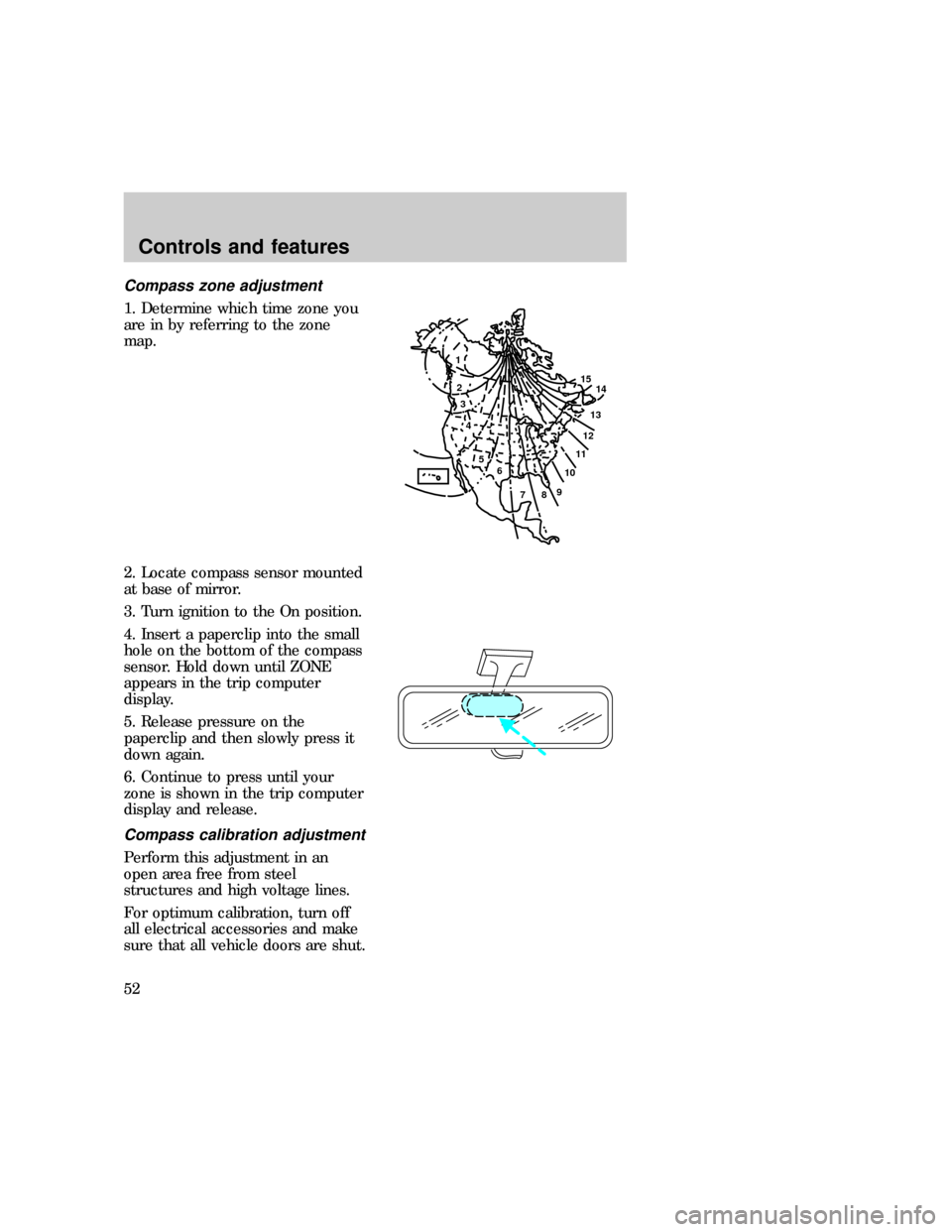
Compass zone adjustment
1. Determine which time zone you
are in by referring to the zone
map.
2. Locate compass sensor mounted
at base of mirror.
3. Turn ignition to the On position.
4. Insert a paperclip into the small
hole on the bottom of the compass
sensor. Hold down until ZONE
appears in the trip computer
display.
5. Release pressure on the
paperclip and then slowly press it
down again.
6. Continue to press until your
zone is shown in the trip computer
display and release.
Compass calibration adjustment
Perform this adjustment in an
open area free from steel
structures and high voltage lines.
For optimum calibration, turn off
all electrical accessories and make
sure that all vehicle doors are shut.
1
2
3
4
5
6
7891011121314 15
exd_claibration_adjust_compass
Controls and features
52
Page 53 of 224
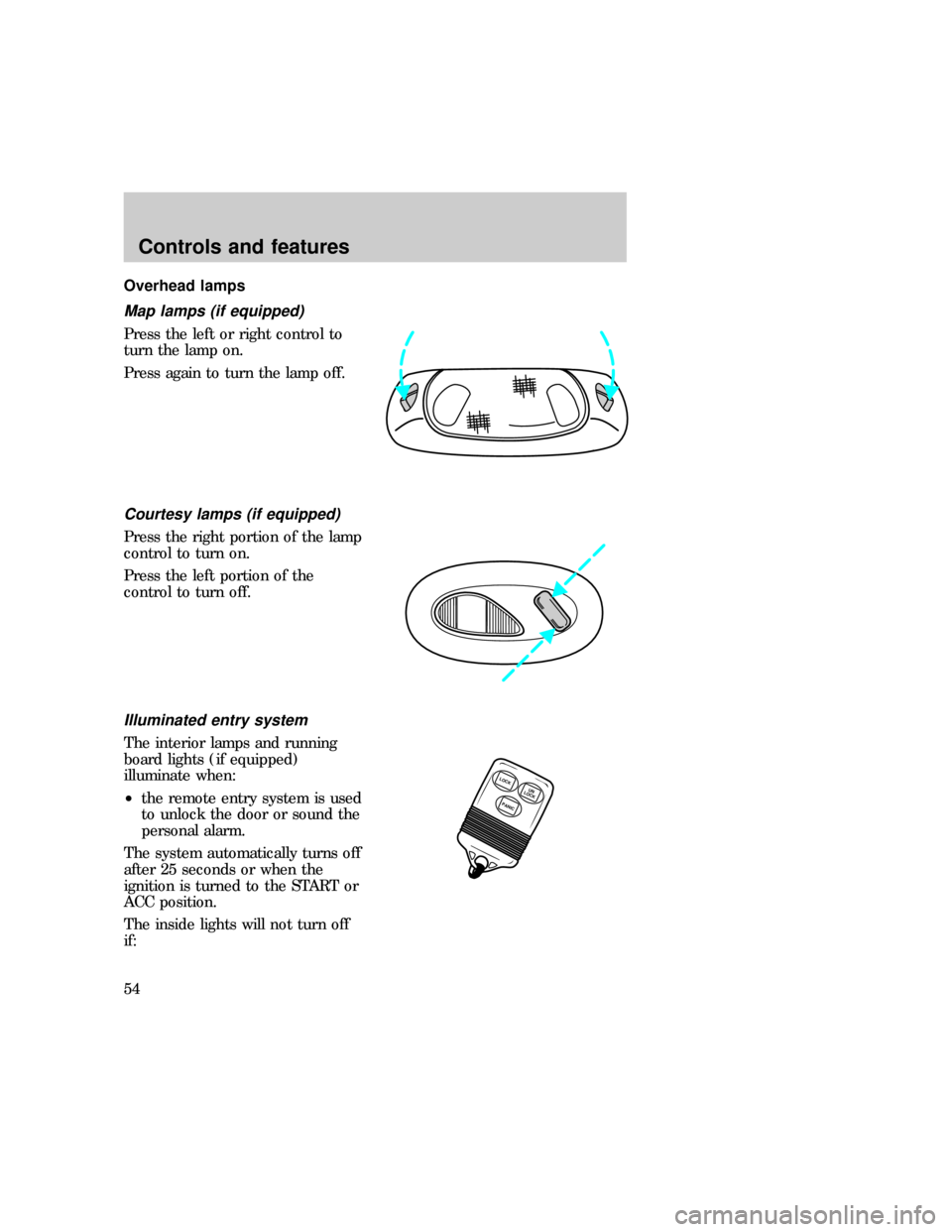
Overhead lamps
Map lamps (if equipped)
Press the left or right control to
turn the lamp on.
Press again to turn the lamp off.
Courtesy lamps (if equipped)
Press the right portion of the lamp
control to turn on.
Press the left portion of the
control to turn off.
Illuminated entry system
The interior lamps and running
board lights (if equipped)
illuminate when:
²the remote entry system is used
to unlock the door or sound the
personal alarm.
The system automatically turns off
after 25 seconds or when the
ignition is turned to the START or
ACC position.
The inside lights will not turn off
if:
LOCK
PANICUN
LOCK
exd_map_lamps exd_courtesy_lamps
uno_illuminated_entry
Controls and features
54
Page 58 of 224
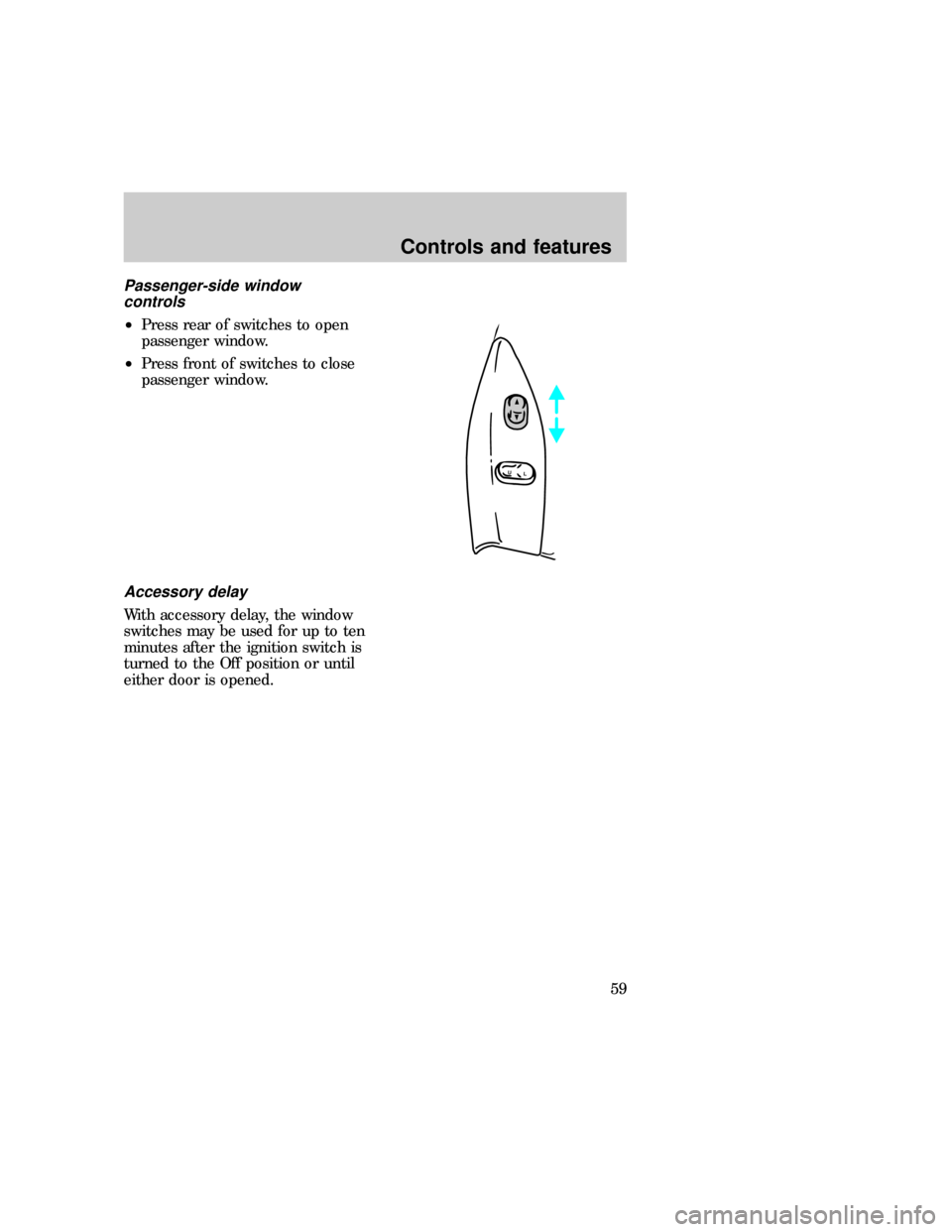
Passenger-side window
controls
²Press rear of switches to open
passenger window.
²Press front of switches to close
passenger window.
Accessory delay
With accessory delay, the window
switches may be used for up to ten
minutes after the ignition switch is
turned to the Off position or until
either door is opened.
L
U
exd_acc_delay
exd_door_locks_power
Controls and features
59
Page 66 of 224

ANTI-THEFT SYSTEM
Passive anti-theft system
Your ignition key has a unique
imbedded transponder which
engages engine electronics and
allows the vehicle to be started.
Without the use of your special
ignition key, the vehicle will not
start.
During each vehicle start, the
coded key is read by the anti-theft
system. If the key's ID code
matches the code in the anti-theft
system, the vehicle is enabled to
start.
Your vehicle is equipped with two
electronically coded keys.
Additional spare keys can be
purchased through your dealer or
selected retailers. Be sure to
purchase coded keys with the Ford
logo to ensure proper functionality.
If both supplied keys are lost or
stolen, the vehicle and any other
keys must be reinitialized by the
dealer.
A theft indicator in the instrument
cluster provides operating status of
the anti-theft system. For more
information on this indicator and
its function, refer toWarning and
indicator lightsin the
Instrumentationchapter.
Programming spare keys
Use one of the two electronically
coded keys supplied with your
vehicle to program additional keys:
THEFT
com_anti-theft_passive.01
exd_passive_anti_theft
exd_programming_key
Controls and features
67
Page 67 of 224

²Insert a coded key into the
ignition and turn to the On
position.
²Wait until the THEFT light in
the instrument cluster
illuminates and then turns off.
²Within 15 seconds, insert a new
key into the ignition and turn
the ignition to On or Start. The
vehicle does not have to be
started to program the key.
If the key has been coded properly,
the theft indicator will illuminate
for two seconds. The newly coded
key can then be used to start the
vehicle. This process may be
repeated to code up to 16 keys.
If the key has not been coded
properly, the theft indicator will
flash and the vehicle cannot be
started. There are several possible
explanations:
²The new key was not inserted
within 15 seconds.
²All 16 key codes have already
been stored.
²The key does not have an
electronic code.
REMOTE ENTRY SYSTEM (IF
EQUIPPED)
The remote entry system allows
you to lock or unlock all vehicle
doors without a key.
exd_title_remote_entry
com_remote_unlocking.01
Controls and features
68
Page 68 of 224
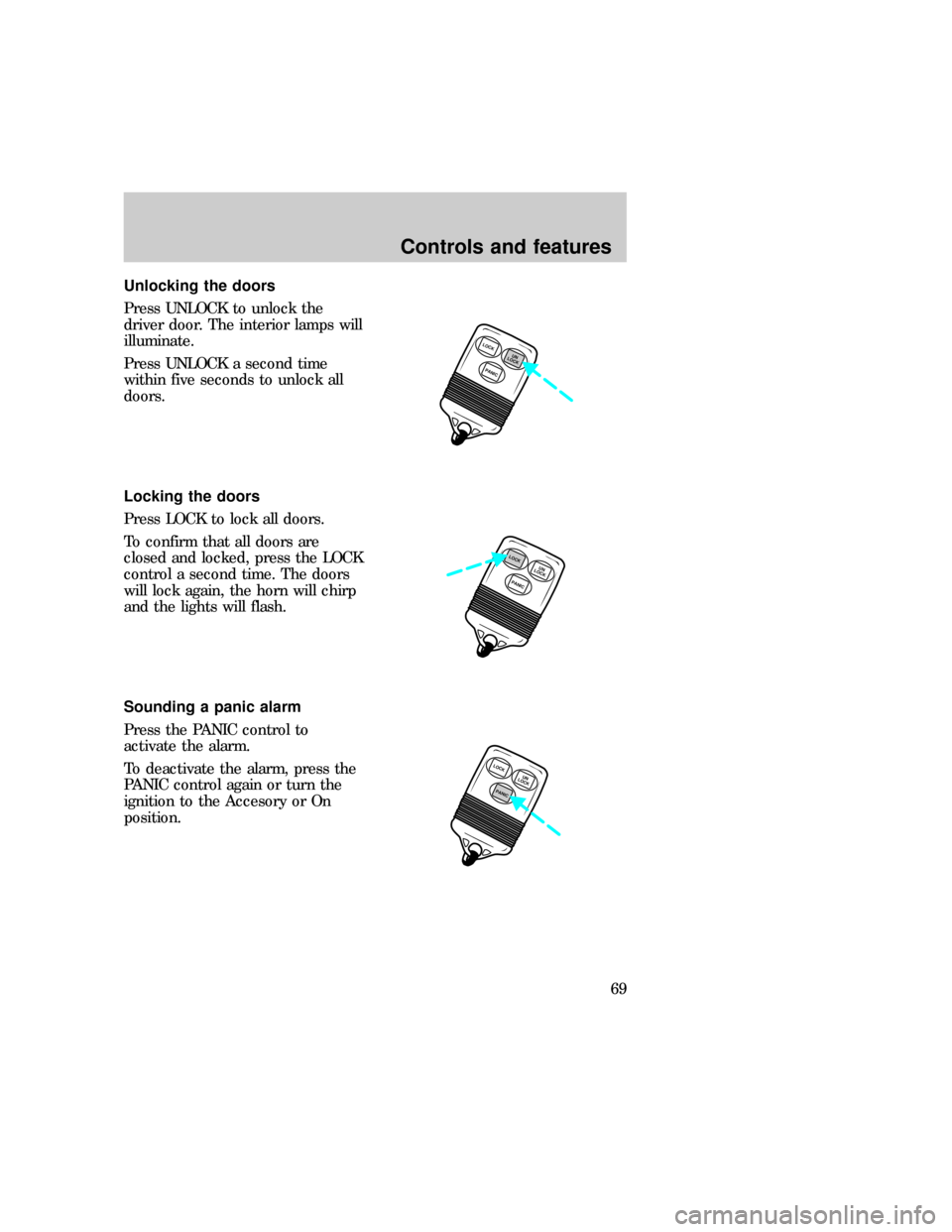
Unlocking the doors
Press UNLOCK to unlock the
driver door. The interior lamps will
illuminate.
Press UNLOCK a second time
within five seconds to unlock all
doors.
Locking the doors
Press LOCK to lock all doors.
To confirm that all doors are
closed and locked, press the LOCK
control a second time. The doors
will lock again, the horn will chirp
and the lights will flash.
Sounding a panic alarm
Press the PANIC control to
activate the alarm.
To deactivate the alarm, press the
PANIC control again or turn the
ignition to the Accesory or On
position.
LOCK
PANICUN
LOCK
PANICUN
LOCKLOCK
LOCK
PANICUN
LOCK
exd_locking_doors
exd_remote_panic
com_remote_batteries.01
Controls and features
69