lock FORD EXPEDITION 1998 1.G User Guide
[x] Cancel search | Manufacturer: FORD, Model Year: 1998, Model line: EXPEDITION, Model: FORD EXPEDITION 1998 1.GPages: 216, PDF Size: 1.51 MB
Page 54 of 216
Make sure that the liftgate
door and/or window are
closed to prevent exhaust fumes
from being drawn into the
vehicle. This will also prevent
passengers and cargo from falling
out. If you must drive with the
liftgate door or window open,
keep the vents open so outside
air comes into the vehicle.
SECURILOCKYANTI-THEFT
SYSTEM
Your vehicle is equipped with a
coded-key anti-theft system. Only
the correct key will be able to start
your vehicle. If your keys are lost
or stolen, you must take your
vehicle to a Ford/Lincoln-Mercury
dealership for re-programming.
Programming additional keys
If you need additional keys
electronically coded for your
vehicle, spares can be purchased
(a maximum of 16 keys can be
programmed). To program a new
key, perform the following
procedure:
1. With the coded key in the
ignition, turn the ignition from ON
to OFF.
2. Within 15 seconds of turning
ignition off, insert the new coded
key into the ignition and turn it
from OFF to ON or START. If
successful, the THEFT indicator
Controls and features
54
Page 55 of 216

light will illuminate for two
seconds. Repeat procedure for all
new keys.
If key coding fails, the THEFT
indicator light will flash.
Coding failure can be caused by
any of the following:
²The new key was not inserted
into the ignition within 15
seconds.
²16 keys have already been
programmed.
²The new key does not have an
electronic code.
REMOTE ENTRY SYSTEM
The remote entry system allows
you to lock or unlock all vehicle
doors without a key.
The remote entry features only
operate with the ignition in the
OFF position.
Unlocking the doors
Press this control to unlock the
driver door. The interior lamps and
running board lamps (if equipped)
will illuminate.
Press the control a second time
within five seconds to unlock all
doors.
Controls and features
55
Page 56 of 216
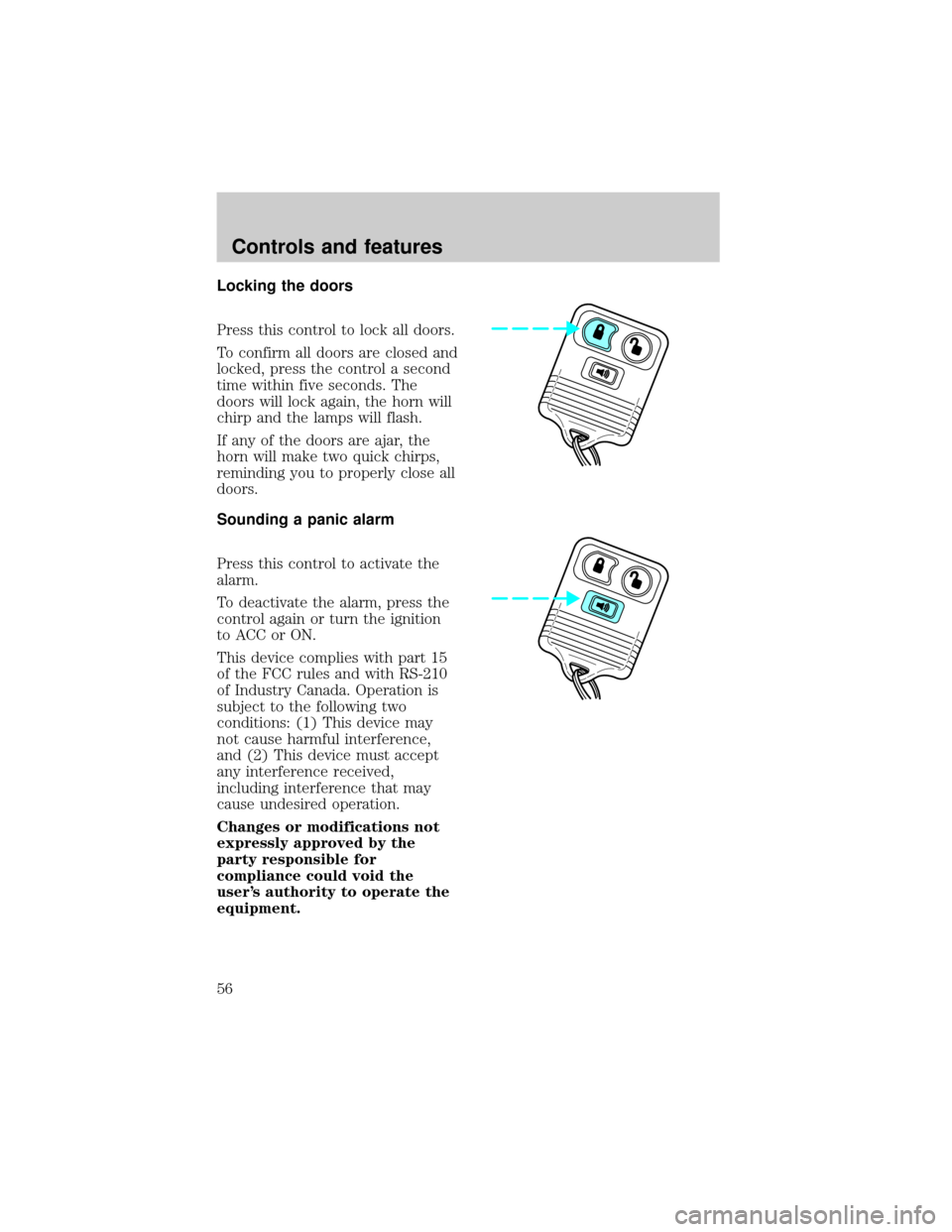
Locking the doors
Press this control to lock all doors.
To confirm all doors are closed and
locked, press the control a second
time within five seconds. The
doors will lock again, the horn will
chirp and the lamps will flash.
If any of the doors are ajar, the
horn will make two quick chirps,
reminding you to properly close all
doors.
Sounding a panic alarm
Press this control to activate the
alarm.
To deactivate the alarm, press the
control again or turn the ignition
to ACC or ON.
This device complies with part 15
of the FCC rules and with RS-210
of Industry Canada. Operation is
subject to the following two
conditions: (1) This device may
not cause harmful interference,
and (2) This device must accept
any interference received,
including interference that may
cause undesired operation.
Changes or modifications not
expressly approved by the
party responsible for
compliance could void the
user's authority to operate the
equipment.
Controls and features
56
Page 58 of 216

Replacing lost transmitters
Take all your vehicle's transmitters
to your dealer for reprogramming
if:
²a transmitter is lost or
²you want to purchase additional
transmitters (up to four may be
programmed).
To reprogram the transmitters,
place the key in the ignition and
switch from OFF to ON eight times
in rapid succession within 10
seconds. After doors lock/unlock,
press any button on all
transmitters (up to four). When
completed, switch the ignition to
OFF.
All transmitters must be
programmed at the same time.
Illuminated entry
The interior lamps and the running
board lights illuminate when the
remote entry system is used to
unlock the door(s) or sound the
personal alarm.
The system automatically turns off
after 25 seconds or when the
ignition is turned to the RUN
position. The dome lamp switch (if
equipped) mustnotbe set to the
OFF position for the illuminated
entry system to operate.
The inside lights will not turn off
if:
²they have been turned on with
the dimmer control or
Controls and features
58
Page 60 of 216
SEATING
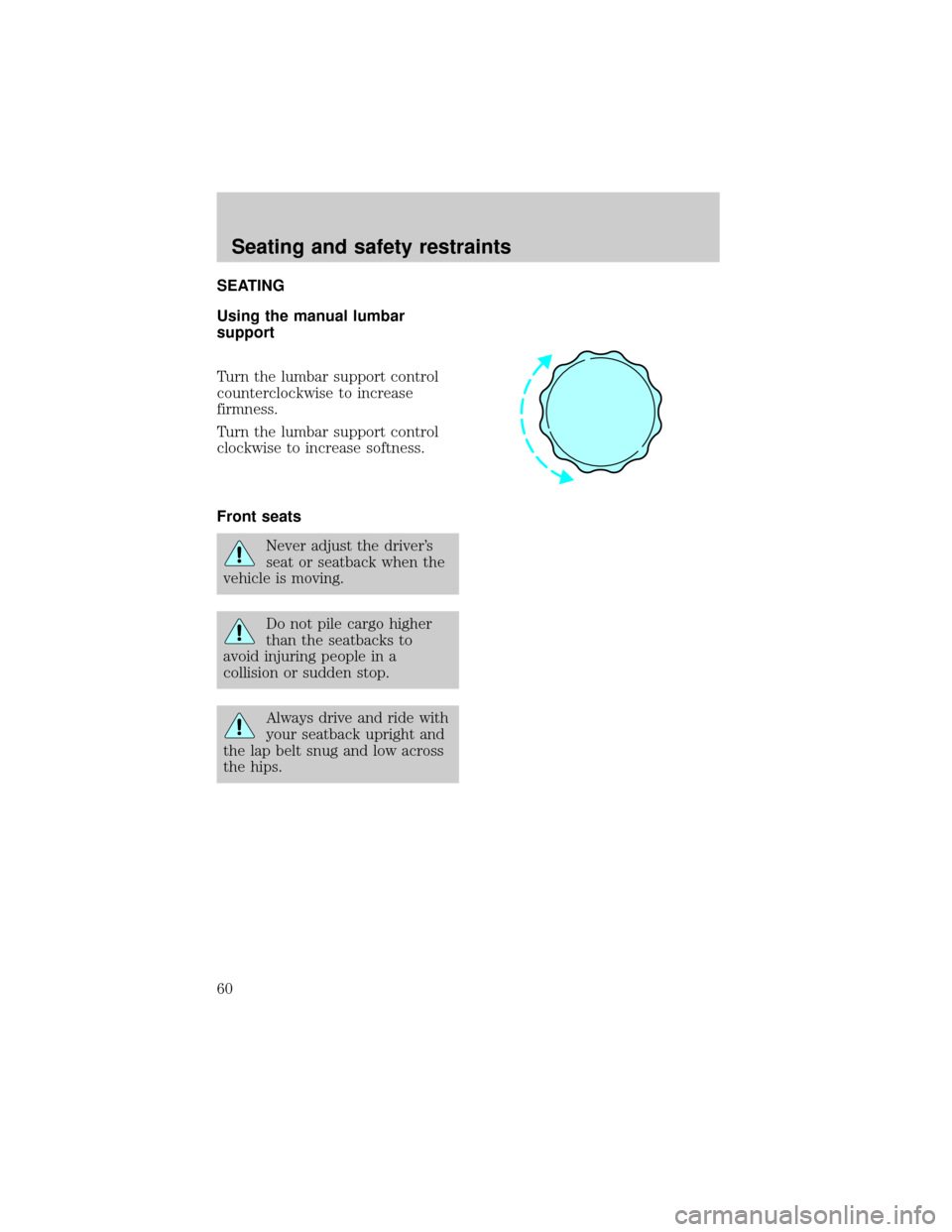
Using the manual lumbar
support
Turn the lumbar support control
counterclockwise to increase
firmness.
Turn the lumbar support control
clockwise to increase softness.
Front seats
Never adjust the driver's
seat or seatback when the
vehicle is moving.
Do not pile cargo higher
than the seatbacks to
avoid injuring people in a
collision or sudden stop.
Always drive and ride with
your seatback upright and
the lap belt snug and low across
the hips.
Seating and safety restraints
60
Page 64 of 216
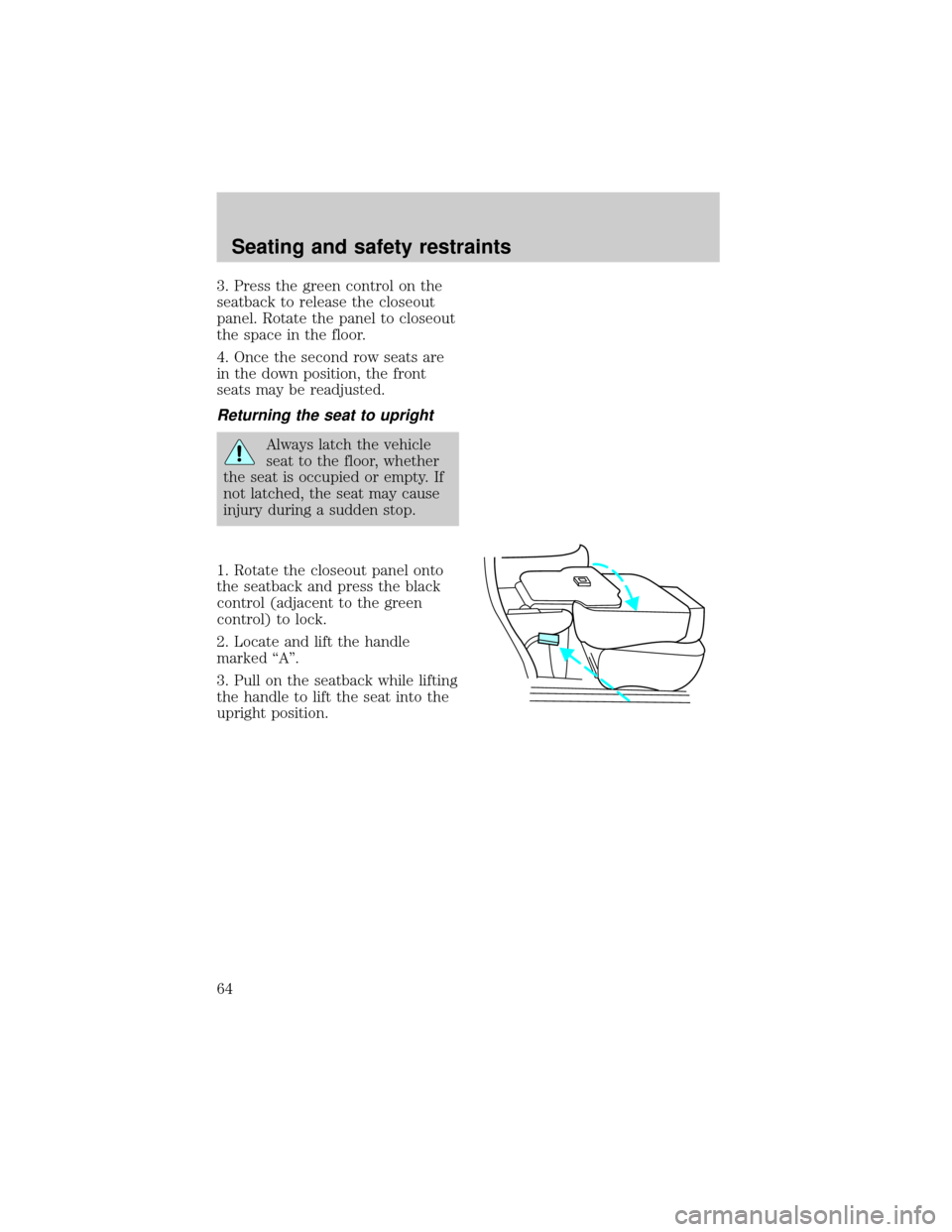
3. Press the green control on the
seatback to release the closeout
panel. Rotate the panel to closeout
the space in the floor.
4. Once the second row seats are
in the down position, the front
seats may be readjusted.
Returning the seat to upright
Always latch the vehicle
seat to the floor, whether
the seat is occupied or empty. If
not latched, the seat may cause
injury during a sudden stop.
1. Rotate the closeout panel onto
the seatback and press the black
control (adjacent to the green
control) to lock.
2. Locate and lift the handle
marked ªAº.
3. Pull on the seatback while lifting
the handle to lift the seat into the
upright position.
Seating and safety restraints
64
Page 72 of 216
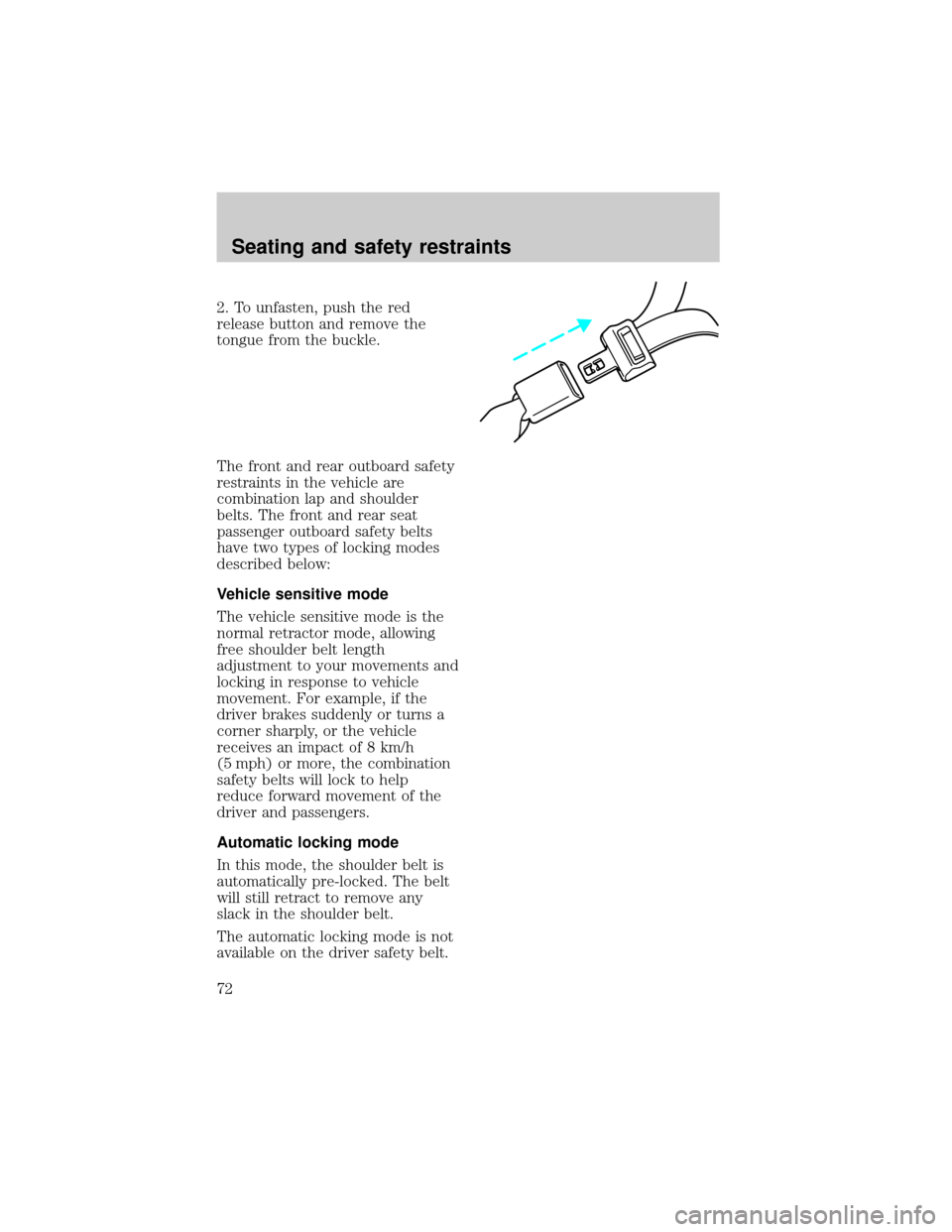
2. To unfasten, push the red
release button and remove the
tongue from the buckle.
The front and rear outboard safety
restraints in the vehicle are
combination lap and shoulder
belts. The front and rear seat
passenger outboard safety belts
have two types of locking modes
described below:
Vehicle sensitive mode
The vehicle sensitive mode is the
normal retractor mode, allowing
free shoulder belt length
adjustment to your movements and
locking in response to vehicle
movement. For example, if the
driver brakes suddenly or turns a
corner sharply, or the vehicle
receives an impact of 8 km/h
(5 mph) or more, the combination
safety belts will lock to help
reduce forward movement of the
driver and passengers.
Automatic locking mode
In this mode, the shoulder belt is
automatically pre-locked. The belt
will still retract to remove any
slack in the shoulder belt.
The automatic locking mode is not
available on the driver safety belt.
Seating and safety restraints
72
Page 73 of 216
When to use the automatic
locking mode
²When a tight lap/shoulder fit is
desired.
²Anytimea child safety seat is
installed in the vehicle. Refer to
Safety Restraints for Children
orSafety Seats for Children
later in this chapter.
How to use the automatic
locking mode
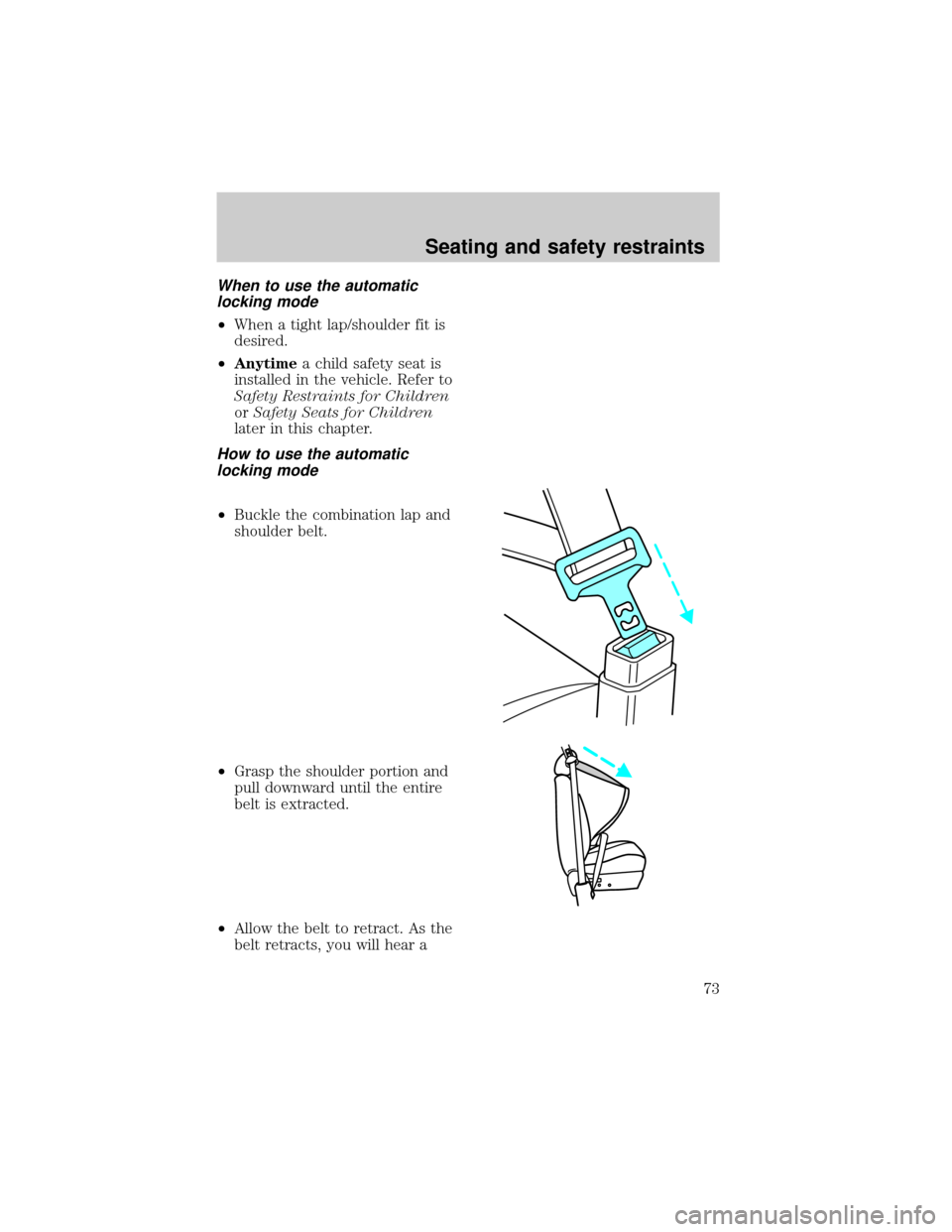
²Buckle the combination lap and
shoulder belt.
²Grasp the shoulder portion and
pull downward until the entire
belt is extracted.
²Allow the belt to retract. As the
belt retracts, you will hear a
Seating and safety restraints
73
Page 74 of 216
clicking sound. This indicates
the safety belt is now in the
automatic locking mode.
How to disengage the automatic
locking mode
Disconnect the combination
lap/shoulder belt and allow it to
retract completely to disengage the
automatic locking mode and
activate the vehicle sensitive
(emergency) locking mode.
Lap belts
Adjusting the lap belt
The lap belt does not adjust
automatically. Adjust to fit snugly
and as low as possible around your
hips. Do not wear the lap belt
around your waist.
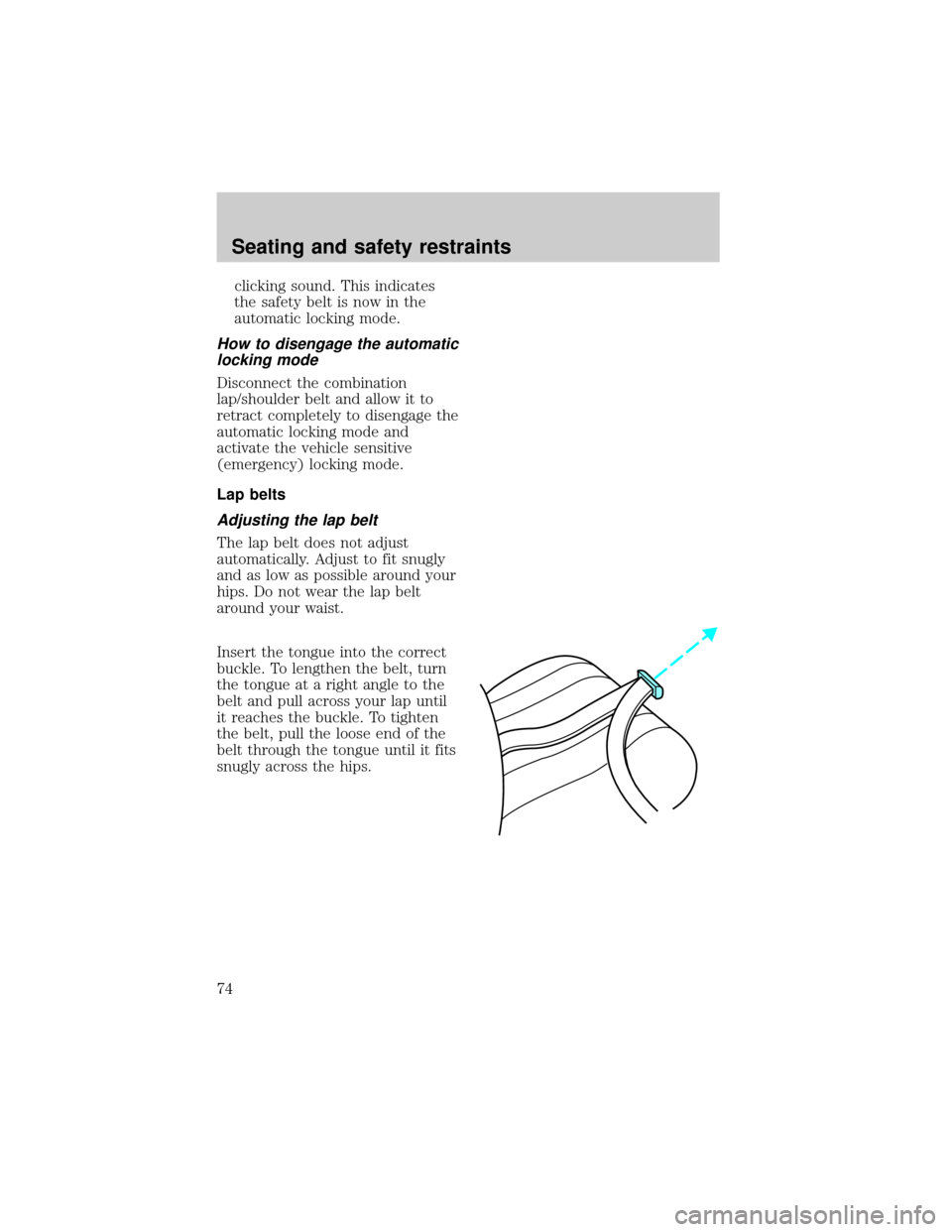
Insert the tongue into the correct
buckle. To lengthen the belt, turn
the tongue at a right angle to the
belt and pull across your lap until
it reaches the buckle. To tighten
the belt, pull the loose end of the
belt through the tongue until it fits
snugly across the hips.
Seating and safety restraints
74
Page 75 of 216
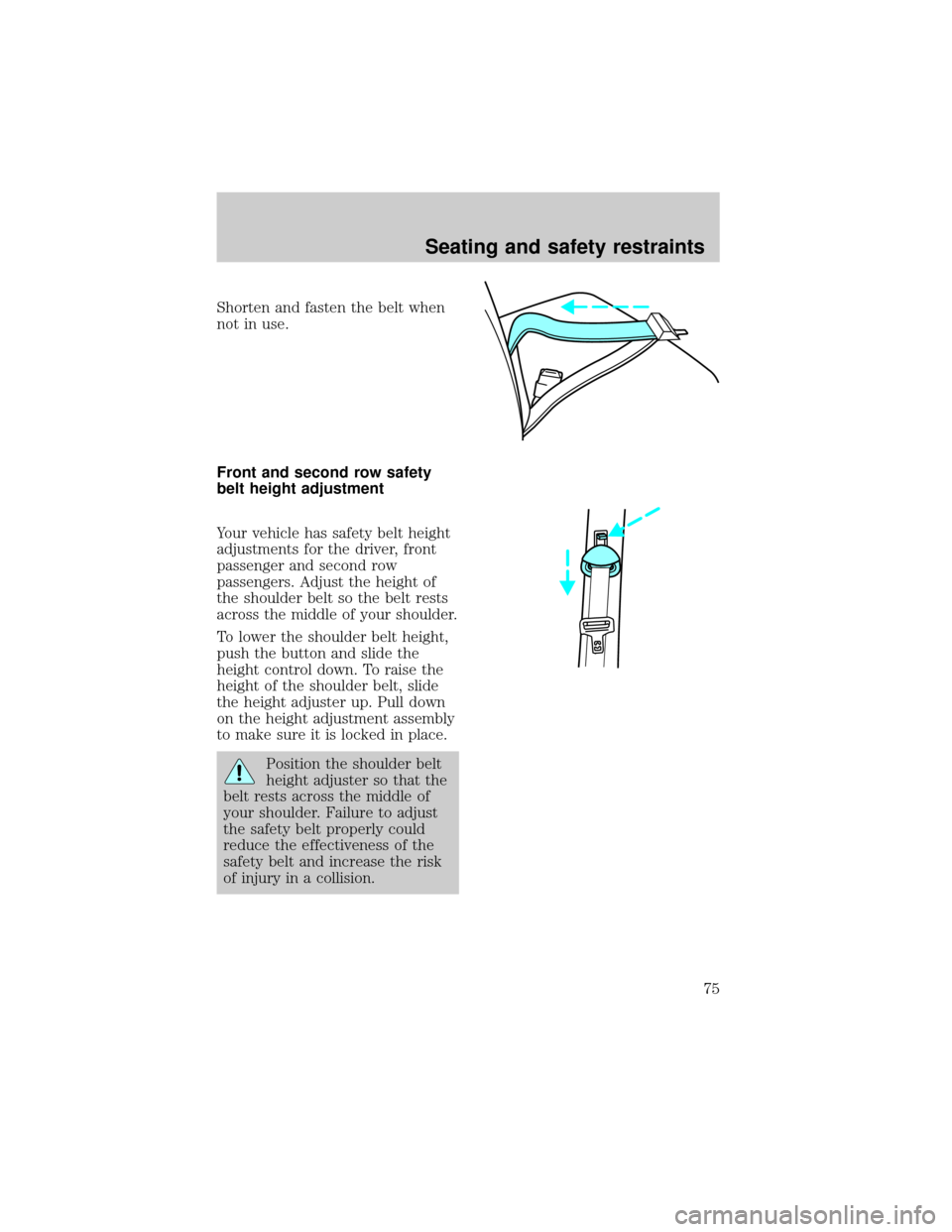
Shorten and fasten the belt when
not in use.
Front and second row safety
belt height adjustment
Your vehicle has safety belt height
adjustments for the driver, front
passenger and second row
passengers. Adjust the height of
the shoulder belt so the belt rests
across the middle of your shoulder.
To lower the shoulder belt height,
push the button and slide the
height control down. To raise the
height of the shoulder belt, slide
the height adjuster up. Pull down
on the height adjustment assembly
to make sure it is locked in place.
Position the shoulder belt
height adjuster so that the
belt rests across the middle of
your shoulder. Failure to adjust
the safety belt properly could
reduce the effectiveness of the
safety belt and increase the risk
of injury in a collision.
Seating and safety restraints
75