reset FORD EXPEDITION EL 2009 Owner's Manual
[x] Cancel search | Manufacturer: FORD, Model Year: 2009, Model line: EXPEDITION EL, Model: FORD EXPEDITION EL 2009Pages: 415, PDF Size: 5.4 MB
Page 61 of 415
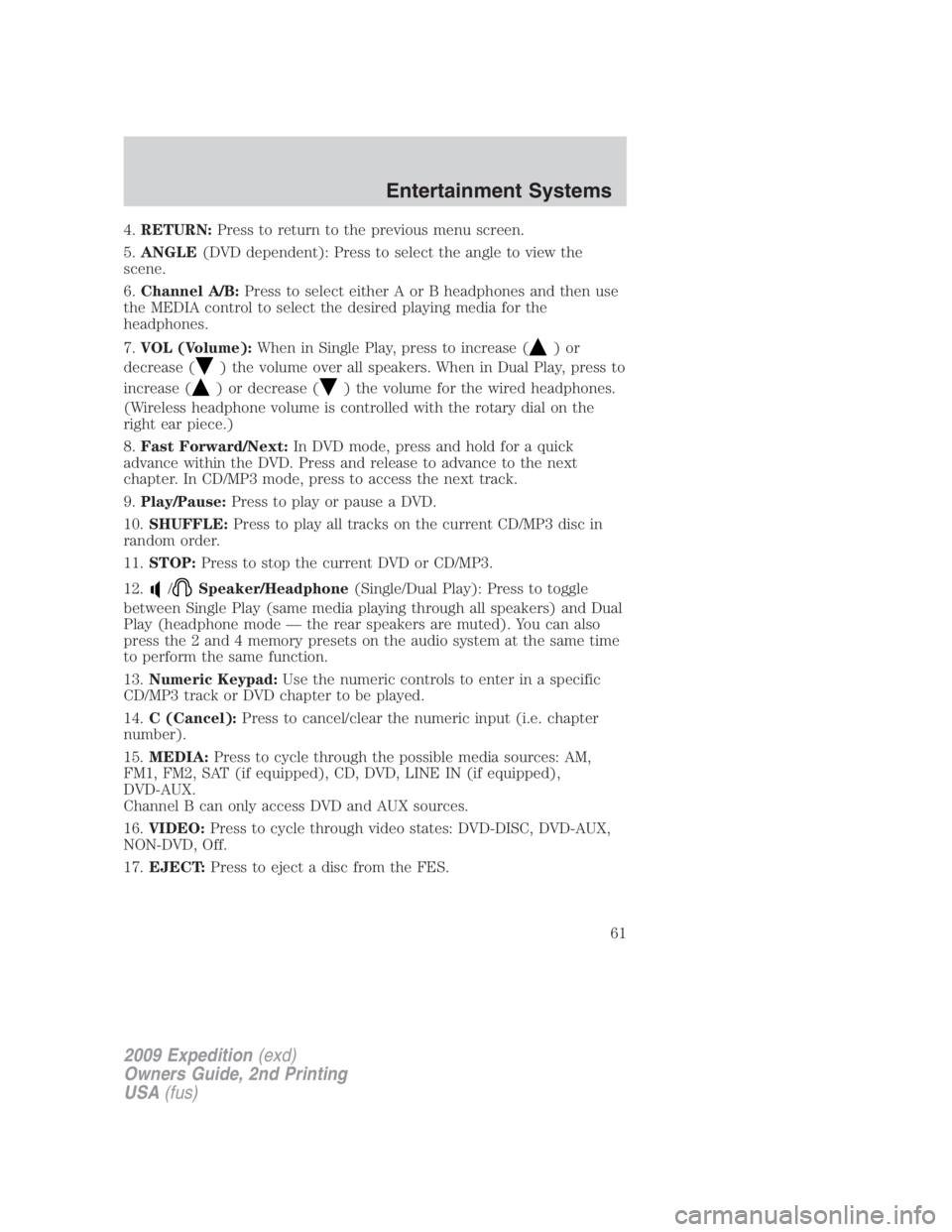
4. RETURN: Press to return to the previous menu screen.
5. ANGLE (DVD dependent): Press to select the angle to view the
scene.
6. Channel A/B: Press to select either A or B headphones and then use
the MEDIA control to select the desired playing media for the
headphones.
7. VOL (Volume): When in Single Play, press to increase ( )or
decrease ( ) the volume over all speakers. When in Dual Play, press to
increase ( ) or decrease ( ) the volume for the wired headphones.
(Wireless headphone volume is controlled with the rotary dial on the
right ear piece.)
8. Fast Forward/Next: In DVD mode, press and hold for a quick
advance within the DVD. Press and release to advance to the next
chapter. In CD/MP3 mode, press to access the next track.
9. Play/Pause: Press to play or pause a DVD.
10. SHUFFLE: Press to play all tracks on the current CD/MP3 disc in
random order.
11. STOP: Press to stop the current DVD or CD/MP3.
12. / Speaker/Headphone (Single/Dual Play): Press to toggle
between Single Play (same media playing through all speakers) and Dual
Play (headphone mode — the rear speakers are muted). You can also
press the 2 and 4 memory presets on the audio system at the same time
to perform the same function.
13. Numeric Keypad: Use the numeric controls to enter in a specific
CD/MP3 track or DVD chapter to be played.
14. C (Cancel): Press to cancel/clear the numeric input (i.e. chapter
number).
15. MEDIA: Press to cycle through the possible media sources: AM,
FM1, FM2, SAT (if equipped), CD, DVD, LINE IN (if equipped),
DVD-AUX.
Channel B can only access DVD and AUX sources.
16. VIDEO: Press to cycle through video states: DVD-DISC, DVD-AUX,
NON-DVD, Off.
17. EJECT: Press to eject a disc from the FES.
2009 Expedition (exd)
Owners Guide, 2nd Printing
USA (fus) Entertainment Systems
61
Page 67 of 415
Single Play: Single play consists of all occupants in the vehicle listening
to the same playing media over the front and rear speakers. When the
DVD system is on, and the same source is playing through the front and
rear speakers, SINGLE PLAY will appear in the front radio display.
Dual Play (navigation-based radio systems only): Dual play is when
the rear seat passengers choose to listen to a different playing media
than the front seat passengers. With the DVD and rear seat controls
turned ON, the rear seat passengers may choose to listen to the radio,
CD, MP3, SYNC, DVD, or DVD-AUX media sources over headphones
while the front speakers play the chosen selection for the front audio
system, they may listen to another over the headphones. DUAL PLAY
will appear in the radio display.
When both the front seat passengers and the rear seat passengers listen
to the same audio source, SHARED MODE will appear on the radio.
Note: If the front seat passengers are listening to the radio, the rear seat
passengers can also listen to the radio; however, they will be limited to
listening to the same radio channel.
There are two ways to get into dual play mode:
1. After initially turning ignition on, when a disc is inserted, the FES
immediately switches to dual-play mode.
2. Press the / headphone/
speaker button on the DVD player
or navigation radio touch screen.
3. Press the 2 and 4 memory presets on the radio at the same time.
Repeating each of these actions will switch back to single play mode, all
speakers playing and headphones off.
The headphone control will now be active and a green light next to the
A or B headphone control buttons will illuminate. The system can output
two different audio sources over the headphones. These are called
Channel A and Channel B. Both Channel A and Channel B can be
listened to on the wired headphones (not included) or on the infrared
(IR) wireless headphones.
2009 Expedition (exd)
Owners Guide, 2nd Printing
USA (fus) Entertainment Systems
67
Page 77 of 415
Audio displays
Your DVD system interacts closely with the front audio system. Status
messages will appear in the radio display showing the DVD status. Some
possible radio display messages:
• SINGLE PLAY or DUAL PLAY
• DVD LOAD
• DVD MENU
• DVD STOP
Audio interaction
You can then also use the front audio controls to advance, reverse, play
and pause a DVD. While a DVD is playing you may use the following
controls on the front radio:
• SEEK: Press to advance to the previous ( ) or next ( ) DVD
chapters.
• : Press to play a DVD or to pause the DVD.
When the radio displays “DVD MENU”, press PLAY on the radio
(memory preset #6), to play the disc.
Parental control for the DVD system
Your Family Entertainment System (FES) allows you to have control
over the rear seat controls in a few different ways. The DVD system is
automatically activated when the vehicle ignition is ON, which allows the
rear seat passengers to use the DVD system.
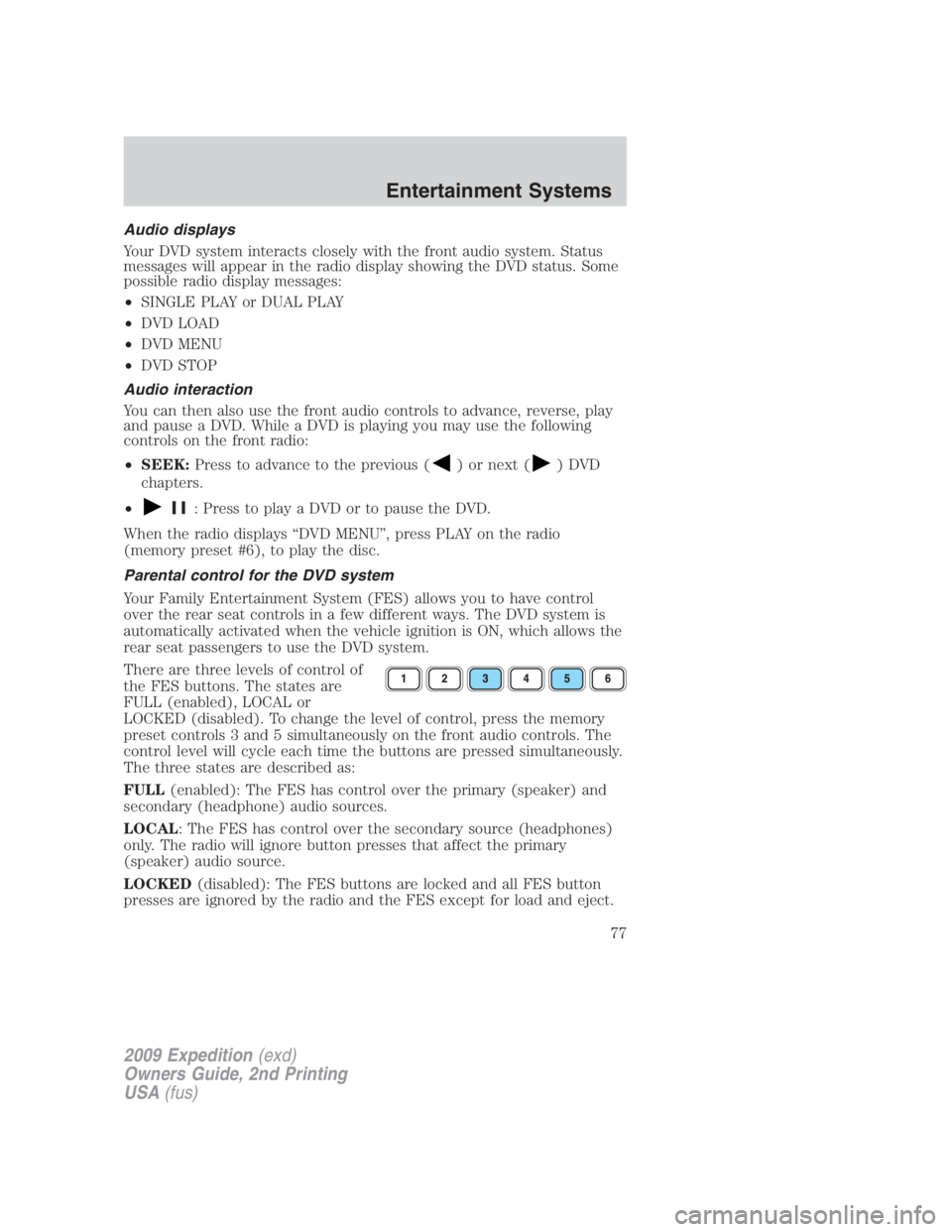
There are three levels of control of
the FES buttons. The states are
FULL (enabled), LOCAL or
LOCKED (disabled). To change the level of control, press the memory
preset controls 3 and 5 simultaneously on the front audio controls. The
control level will cycle each time the buttons are pressed simultaneously.
The three states are described as:
FULL (enabled): The FES has control over the primary (speaker) and
secondary (headphone) audio sources.
LOCAL : The FES has control over the secondary source (headphones)
only. The radio will ignore button presses that affect the primary
(speaker) audio source.
LOCKED (disabled): The FES buttons are locked and all FES button
presses are ignored by the radio and the FES except for load and eject.
2009 Expedition (exd)
Owners Guide, 2nd Printing
USA (fus) Entertainment Systems
77
Page 78 of 415
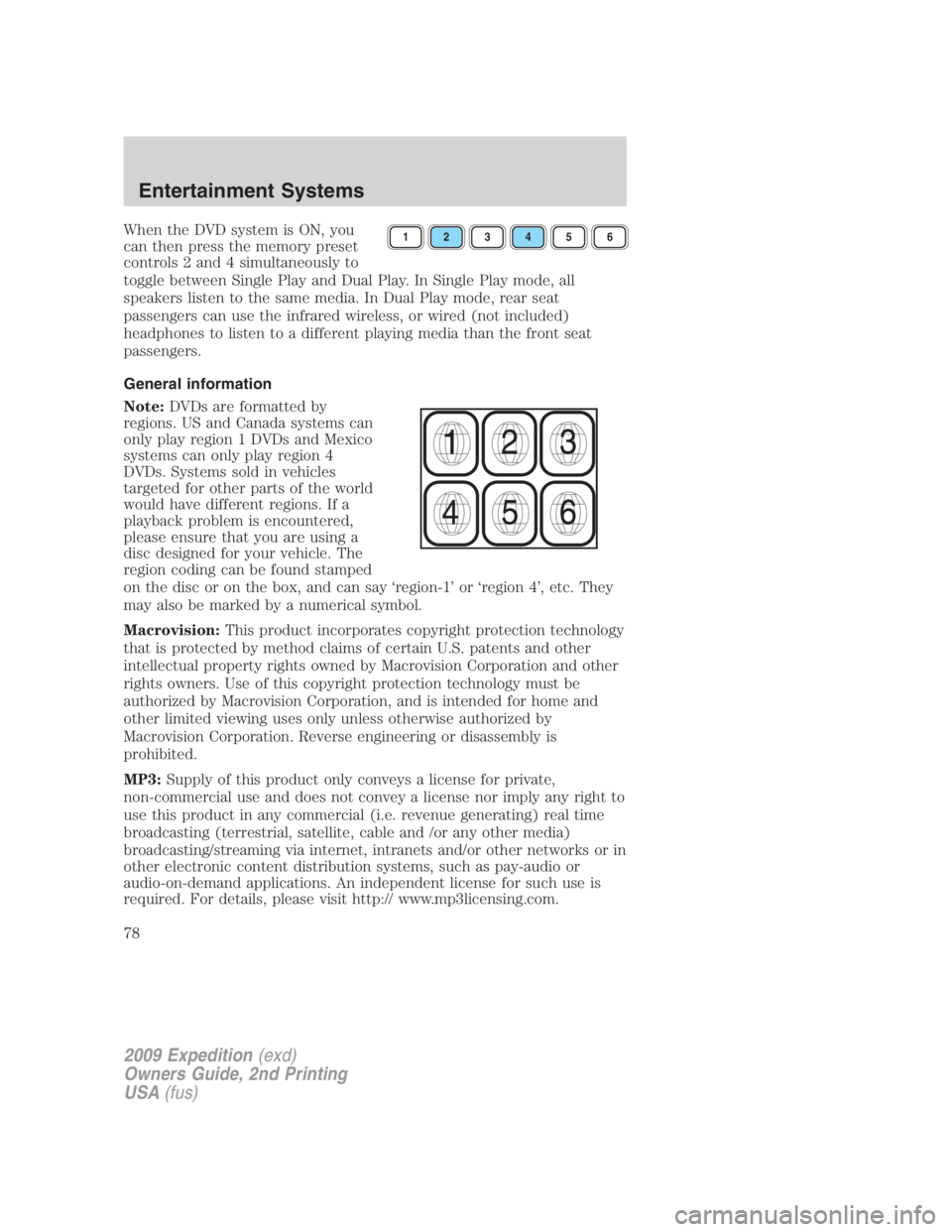
When the DVD system is ON, you
can then press the memory preset
controls 2 and 4 simultaneously to
toggle between Single Play and Dual Play. In Single Play mode, all
speakers listen to the same media. In Dual Play mode, rear seat
passengers can use the infrared wireless, or wired (not included)
headphones to listen to a different playing media than the front seat
passengers.
General information
Note: DVDs are formatted by
regions. US and Canada systems can
only play region 1 DVDs and Mexico
systems can only play region 4
DVDs. Systems sold in vehicles
targeted for other parts of the world
would have different regions. If a
playback problem is encountered,
please ensure that you are using a
disc designed for your vehicle. The
region coding can be found stamped
on the disc or on the box, and can say ‘region-1’ or ‘region 4’, etc. They
may also be marked by a numerical symbol.
Macrovision: This product incorporates copyright protection technology
that is protected by method claims of certain U.S. patents and other
intellectual property rights owned by Macrovision Corporation and other
rights owners. Use of this copyright protection technology must be
authorized by Macrovision Corporation, and is intended for home and
other limited viewing uses only unless otherwise authorized by
Macrovision Corporation. Reverse engineering or disassembly is
prohibited.
MP3: Supply of this product only conveys a license for private,
non-commercial use and does not convey a license nor imply any right to
use this product in any commercial (i.e. revenue generating) real time
broadcasting (terrestrial, satellite, cable and /or any other media)
broadcasting/streaming via internet, intranets and/or other networks or in
other electronic content distribution systems, such as pay-audio or
audio-on-demand applications. An independent license for such use is
required. For details, please visit http:// www.mp3licensing.com. 1 2 3 4 5 6
2009 Expedition (exd)
Owners Guide, 2nd Printing
USA (fus)Entertainment Systems
78
Page 96 of 415
WARNING: Always remember to turn on your headlamps at
dusk or during inclement weather. The Daytime Running Lamp
(DRL) system does not activate the tail lamps and generally may not
provide adequate lighting during these conditions. Failure to activate
your headlamps under these conditions may result in a collision.
PANEL DIMMER CONTROL
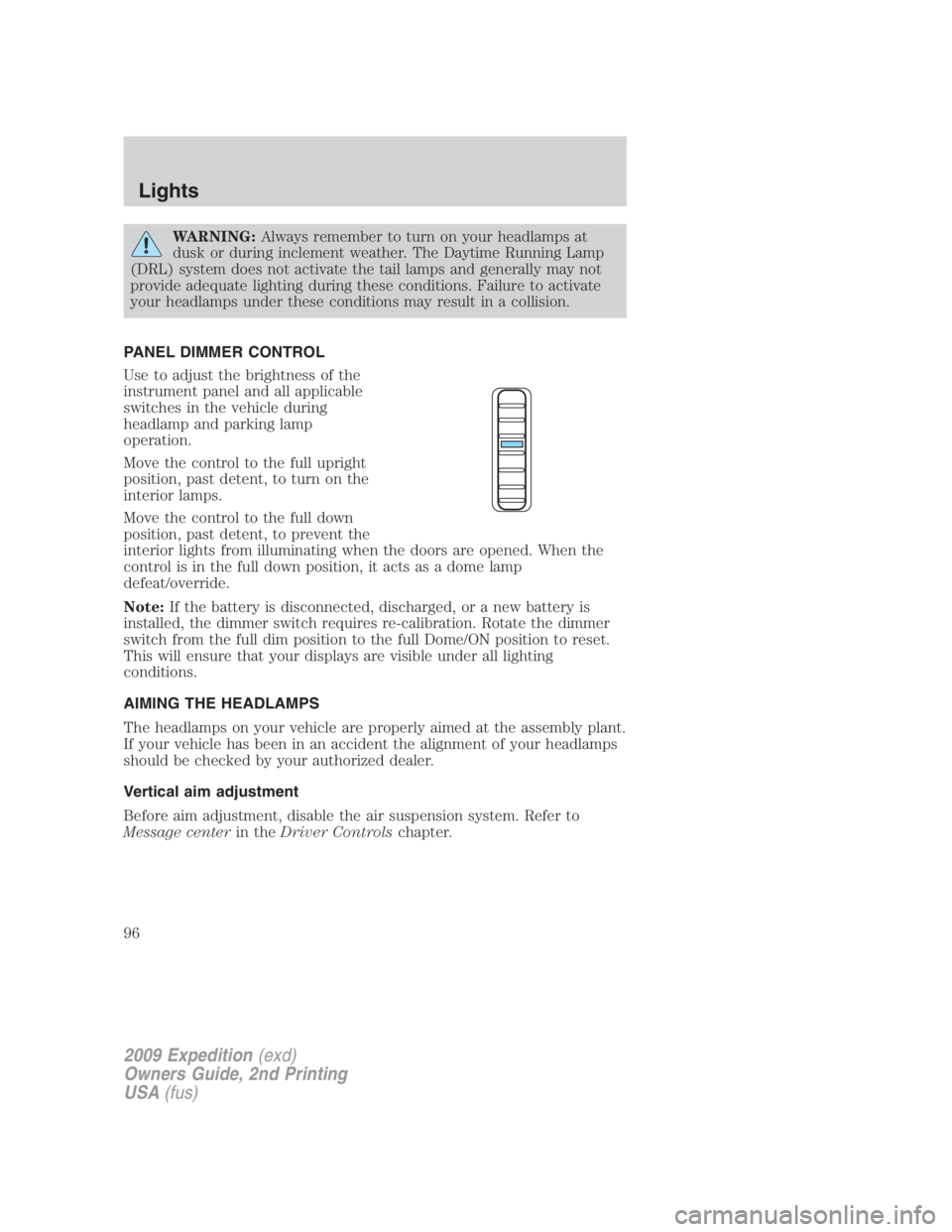
Use to adjust the brightness of the
instrument panel and all applicable
switches in the vehicle during
headlamp and parking lamp
operation.
Move the control to the full upright
position, past detent, to turn on the
interior lamps.
Move the control to the full down
position, past detent, to prevent the
interior lights from illuminating when the doors are opened. When the
control is in the full down position, it acts as a dome lamp
defeat/override.
Note: If the battery is disconnected, discharged, or a new battery is
installed, the dimmer switch requires re-calibration. Rotate the dimmer
switch from the full dim position to the full Dome/ON position to reset.
This will ensure that your displays are visible under all lighting
conditions.
AIMING THE HEADLAMPS
The headlamps on your vehicle are properly aimed at the assembly plant.
If your vehicle has been in an accident the alignment of your headlamps
should be checked by your authorized dealer.
Vertical aim adjustment
Before aim adjustment, disable the air suspension system. Refer to
Message center in the Driver Controls chapter.
2009 Expedition (exd)
Owners Guide, 2nd Printing
USA (fus)Lights
96
Page 116 of 415
EXTERIOR MIRRORS
Power side view mirrors
The ignition can be in any position to adjust the power side view mirrors.
To adjust your mirrors:
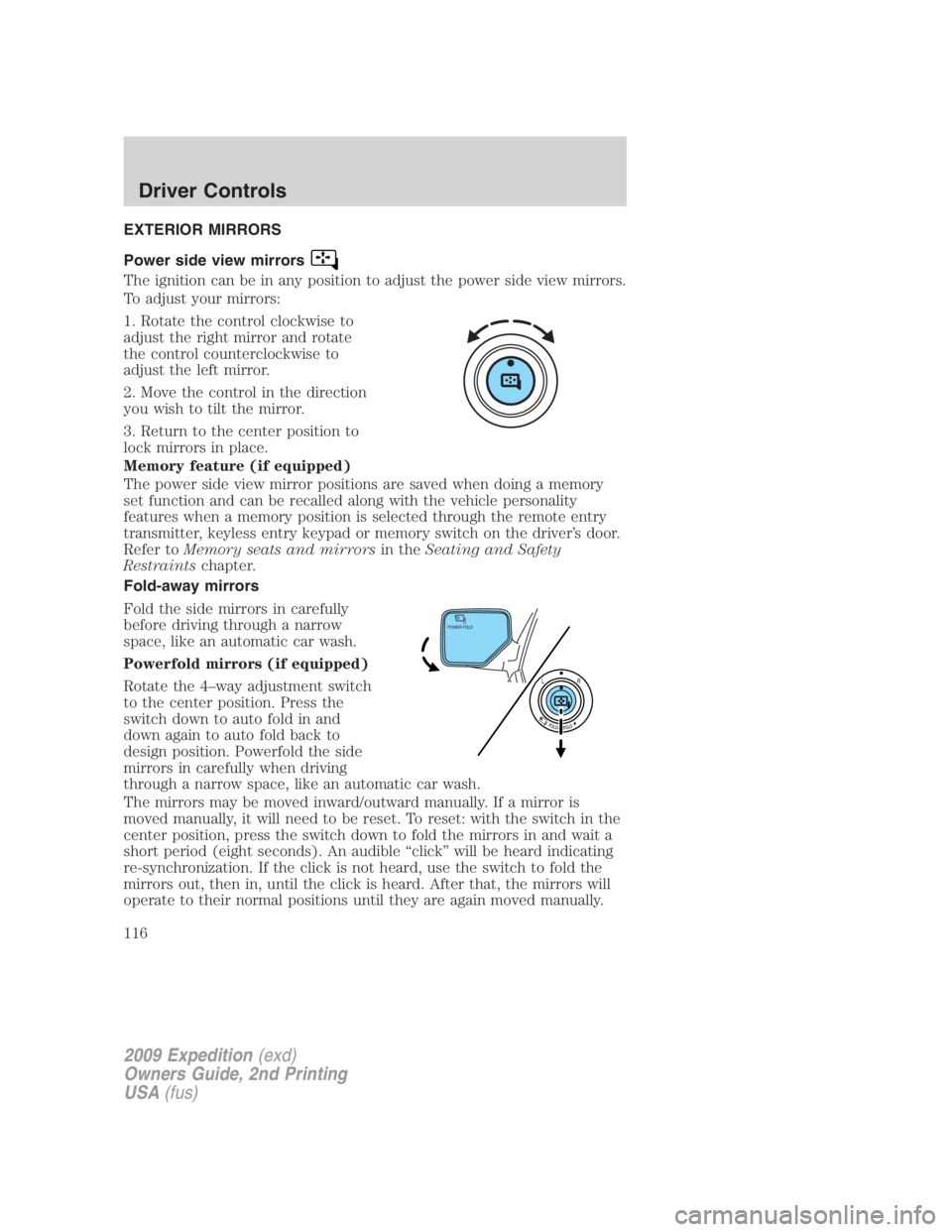
1. Rotate the control clockwise to
adjust the right mirror and rotate
the control counterclockwise to
adjust the left mirror.
2. Move the control in the direction
you wish to tilt the mirror.
3. Return to the center position to
lock mirrors in place.
Memory feature (if equipped)
The power side view mirror positions are saved when doing a memory
set function and can be recalled along with the vehicle personality
features when a memory position is selected through the remote entry
transmitter, keyless entry keypad or memory switch on the driver’s door.
Refer to Memory seats and mirrors in the Seating and Safety
Restraints chapter.
Fold-away mirrors
Fold the side mirrors in carefully
before driving through a narrow
space, like an automatic car wash.
Powerfold mirrors (if equipped)
Rotate the 4–way adjustment switch
to the center position. Press the
switch down to auto fold in and
down again to auto fold back to
design position. Powerfold the side
mirrors in carefully when driving
through a narrow space, like an automatic car wash.
The mirrors may be moved inward/outward manually. If a mirror is
moved manually, it will need to be reset. To reset: with the switch in the
center position, press the switch down to fold the mirrors in and wait a
short period (eight seconds). An audible “click” will be heard indicating
re-synchronization. If the click is not heard, use the switch to fold the
mirrors out, then in, until the click is heard. After that, the mirrors will
operate to their normal positions until they are again moved manually. POWER FOLD
2009 Expedition (exd)
Owners Guide, 2nd Printing
USA (fus)Driver Controls
116
Page 117 of 415
Note: 10 or more switch activations within one minute, or repeated
folding/unfolding of the mirrors while holding the switch rearward during
full travel, may cause the system to disable the fold/unfold function to
protect motors from overheating. Should this occur, wait approximately
three minutes with the vehicle running and up to 10 minutes with the
vehicle off, for the system to reset and for function to return to normal.
Heated outside mirrors
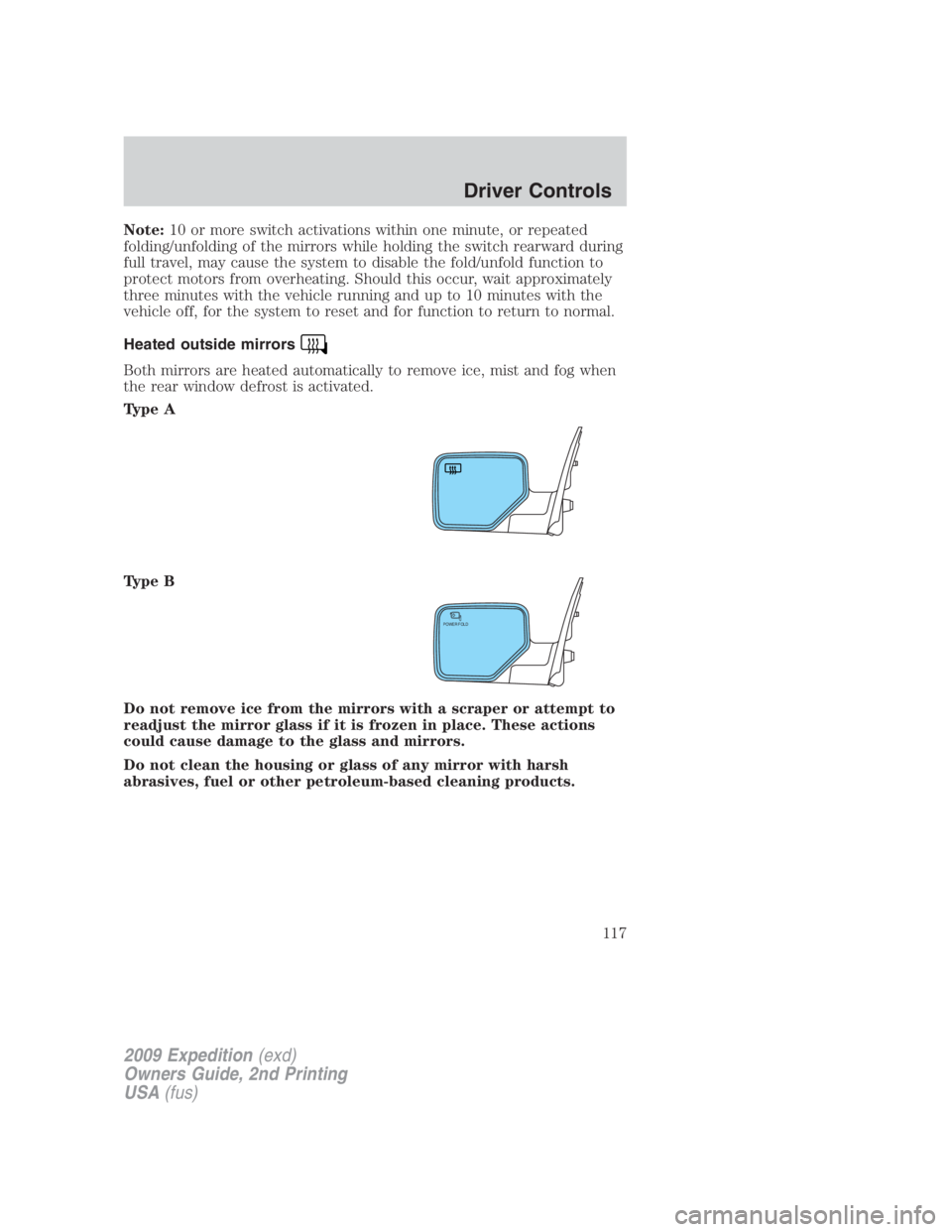
Both mirrors are heated automatically to remove ice, mist and fog when
the rear window defrost is activated.
Type A
Type B
Do not remove ice from the mirrors with a scraper or attempt to
readjust the mirror glass if it is frozen in place. These actions
could cause damage to the glass and mirrors.
Do not clean the housing or glass of any mirror with harsh
abrasives, fuel or other petroleum-based cleaning products. POWER FOLD
2009 Expedition (exd)
Owners Guide, 2nd Printing
USA (fus) Driver Controls
117
Page 123 of 415
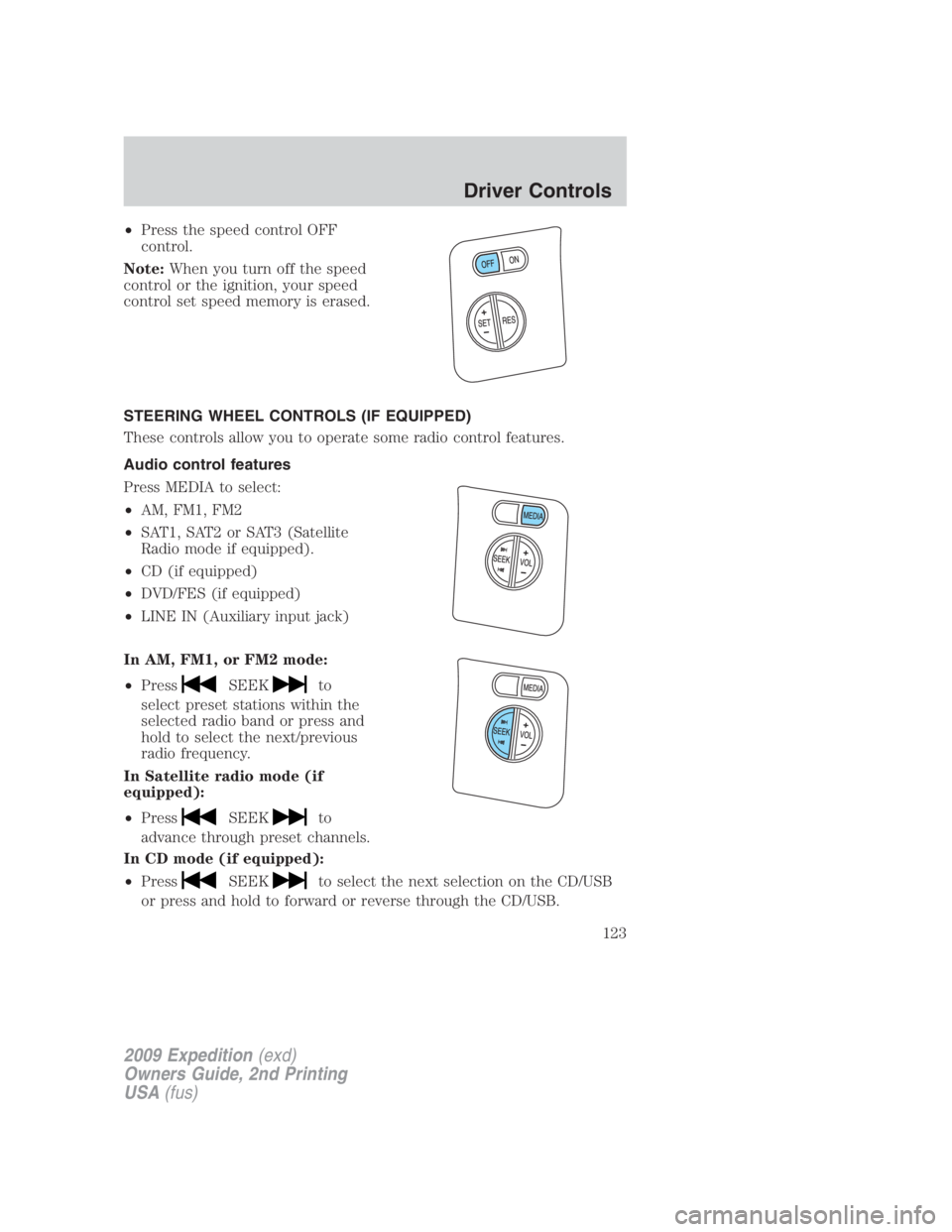
• Press the speed control OFF
control.
Note: When you turn off the speed
control or the ignition, your speed
control set speed memory is erased.
STEERING WHEEL CONTROLS (IF EQUIPPED)
These controls allow you to operate some radio control features.
Audio control features
Press MEDIA to select:
• AM, FM1, FM2
• SAT1, SAT2 or SAT3 (Satellite
Radio mode if equipped).
• CD (if equipped)
• DVD/FES (if equipped)
• LINE IN (Auxiliary input jack)
In AM, FM1, or FM2 mode:
• Press SEEK to
select preset stations within the
selected radio band or press and
hold to select the next/previous
radio frequency.
In Satellite radio mode (if
equipped):
• Press SEEK to
advance through preset channels.
In CD mode (if equipped):
• Press SEEK to select the next selection on the CD/USB
or press and hold to forward or reverse through the CD/USB.
2009 Expedition (exd)
Owners Guide, 2nd Printing
USA (fus) Driver Controls
123
Page 130 of 415
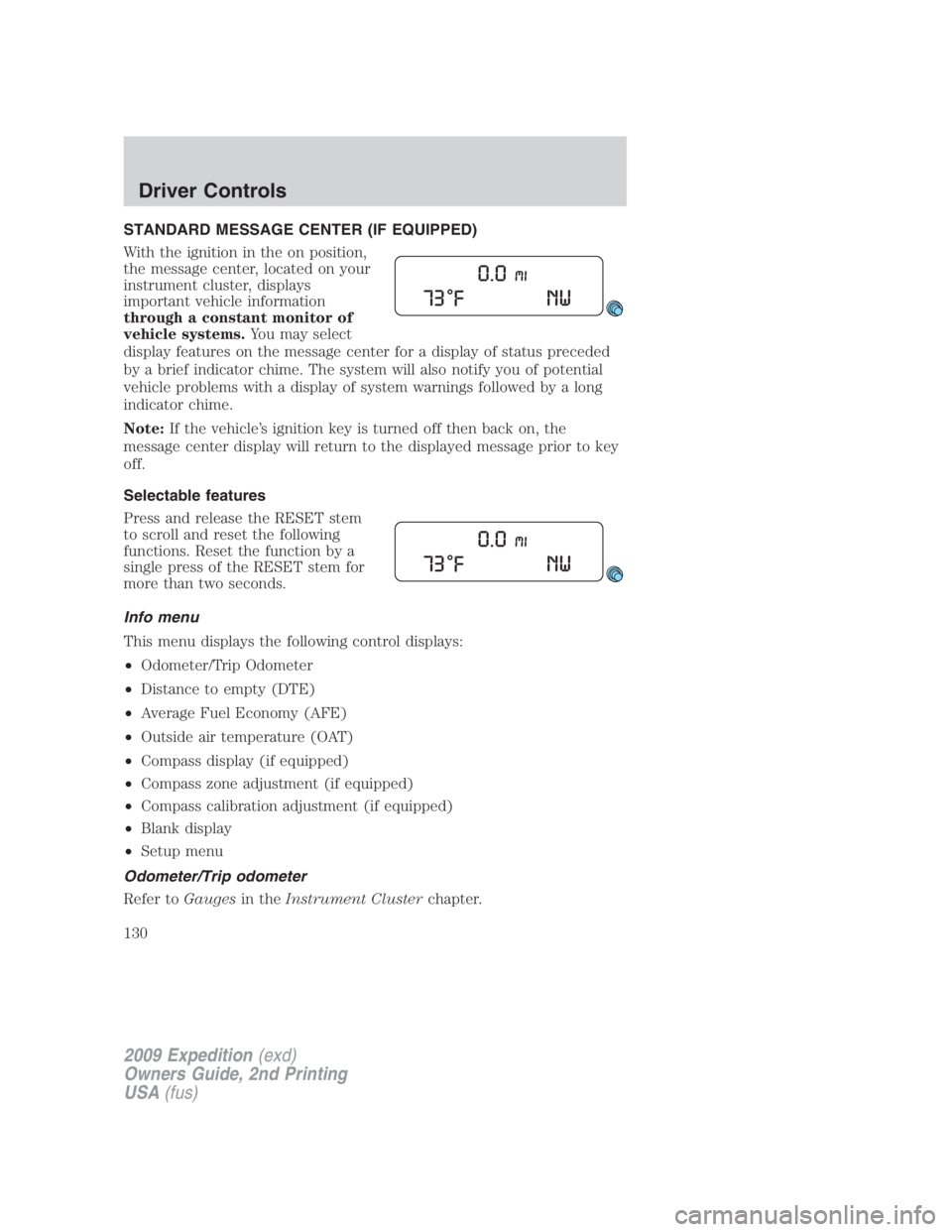
STANDARD MESSAGE CENTER (IF EQUIPPED)
With the ignition in the on position,
the message center, located on your
instrument cluster, displays
important vehicle information
through a constant monitor of
vehicle systems. You may select
display features on the message center for a display of status preceded
by a brief indicator chime. The system will also notify you of potential
vehicle problems with a display of system warnings followed by a long
indicator chime.
Note: If the vehicle’s ignition key is turned off then back on, the
message center display will return to the displayed message prior to key
off.
Selectable features
Press and release the RESET stem
to scroll and reset the following
functions. Reset the function by a
single press of the RESET stem for
more than two seconds.
Info menu
This menu displays the following control displays:
• Odometer/Trip Odometer
• Distance to empty (DTE)
• Average Fuel Economy (AFE)
• Outside air temperature (OAT)
• Compass display (if equipped)
• Compass zone adjustment (if equipped)
• Compass calibration adjustment (if equipped)
• Blank display
• Setup menu
Odometer/Trip odometer
Refer to Gauges in the Instrument Cluster chapter.
2009 Expedition (exd)
Owners Guide, 2nd Printing
USA (fus)Driver Controls
130
Page 131 of 415
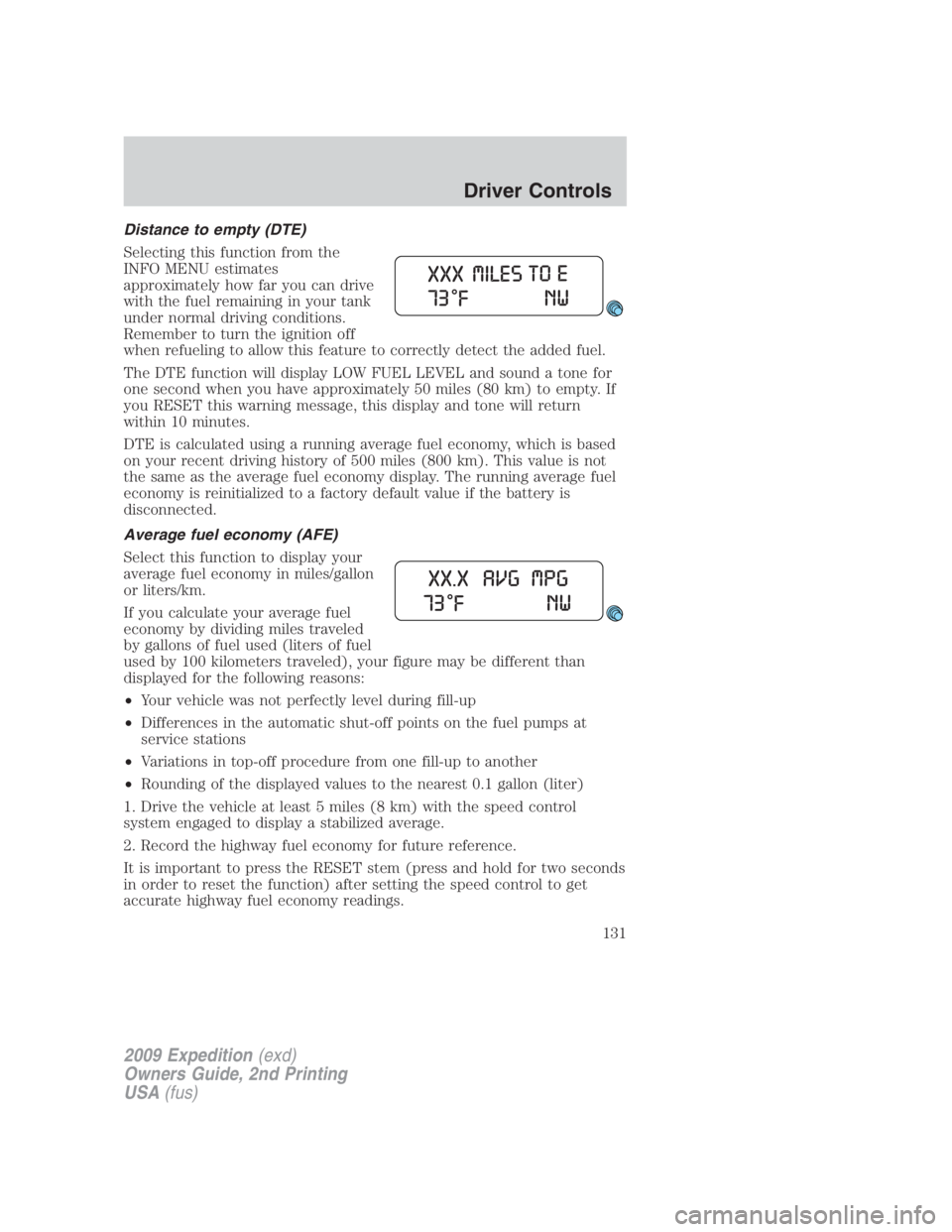
Distance to empty (DTE)
Selecting this function from the
INFO MENU estimates
approximately how far you can drive
with the fuel remaining in your tank
under normal driving conditions.
Remember to turn the ignition off
when refueling to allow this feature to correctly detect the added fuel.
The DTE function will display LOW FUEL LEVEL and sound a tone for
one second when you have approximately 50 miles (80 km) to empty. If
you RESET this warning message, this display and tone will return
within 10 minutes.
DTE is calculated using a running average fuel economy, which is based
on your recent driving history of 500 miles (800 km). This value is not
the same as the average fuel economy display. The running average fuel
economy is reinitialized to a factory default value if the battery is
disconnected.
Average fuel economy (AFE)
Select this function to display your
average fuel economy in miles/gallon
or liters/km.
If you calculate your average fuel
economy by dividing miles traveled
by gallons of fuel used (liters of fuel
used by 100 kilometers traveled), your figure may be different than
displayed for the following reasons:
• Your vehicle was not perfectly level during fill-up
• Differences in the automatic shut-off points on the fuel pumps at
service stations
• Variations in top-off procedure from one fill-up to another
• Rounding of the displayed values to the nearest 0.1 gallon (liter)
1. Drive the vehicle at least 5 miles (8 km) with the speed control
system engaged to display a stabilized average.
2. Record the highway fuel economy for future reference.
It is important to press the RESET stem (press and hold for two seconds
in order to reset the function) after setting the speed control to get
accurate highway fuel economy readings.
2009 Expedition (exd)
Owners Guide, 2nd Printing
USA (fus) Driver Controls
131