radio FORD EXPLORER 1997 2.G Audio Guide
[x] Cancel search | Manufacturer: FORD, Model Year: 1997, Model line: EXPLORER, Model: FORD EXPLORER 1997 2.GPages: 29, PDF Size: 0.19 MB
Page 15 of 29
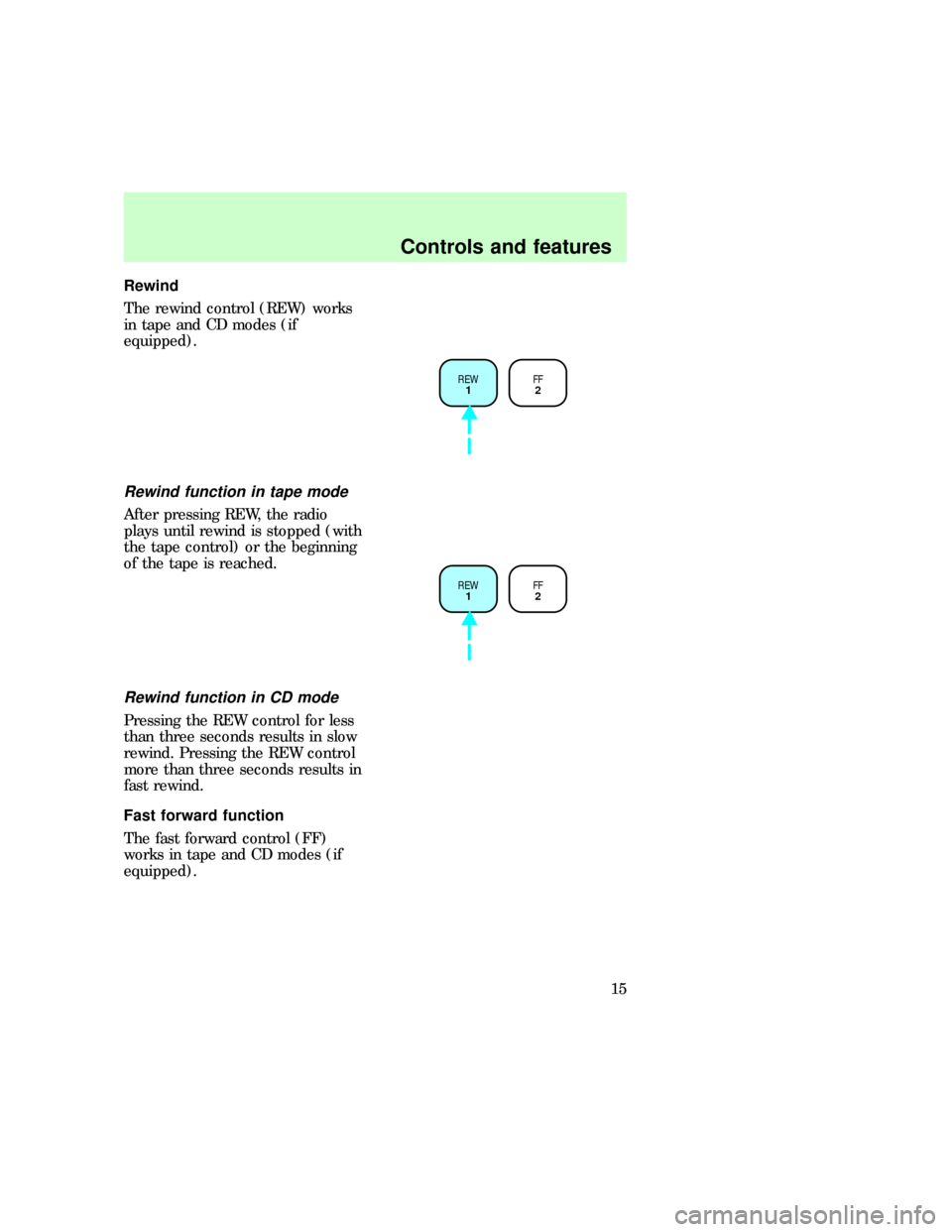
Rewind
The rewind control (REW) works
in tape and CD modes (if
equipped).
Rewind function in tape mode
After pressing REW, the radio
plays until rewind is stopped (with
the tape control) or the beginning
of the tape is reached.
Rewind function in CD mode
Pressing the REW control for less
than three seconds results in slow
rewind. Pressing the REW control
more than three seconds results in
fast rewind.
Fast forward function
The fast forward control (FF)
works in tape and CD modes (if
equipped).
REW
1FF
2
REW
1FF
2
uno_rewind_tape
com_rewind_cd.01
com_fast_forward.01
uno_fast_forward_tape
Controls and features
15
Page 16 of 29
Fast forward function in tape
mode
After pressing FF, the radio plays
until the fast forward function is
stopped (with the tape play select
control or the fast forward control)
or the end of the tape is reached.
At the end of the first side of the
tape, direction automatically
reverses and the opposite side of
the tape plays.
Fast forward function in the CD
mode
Pressing FF for less than three
seconds results in slow forward
action.
Pressing FF for more than three
seconds results in fast forward
action.
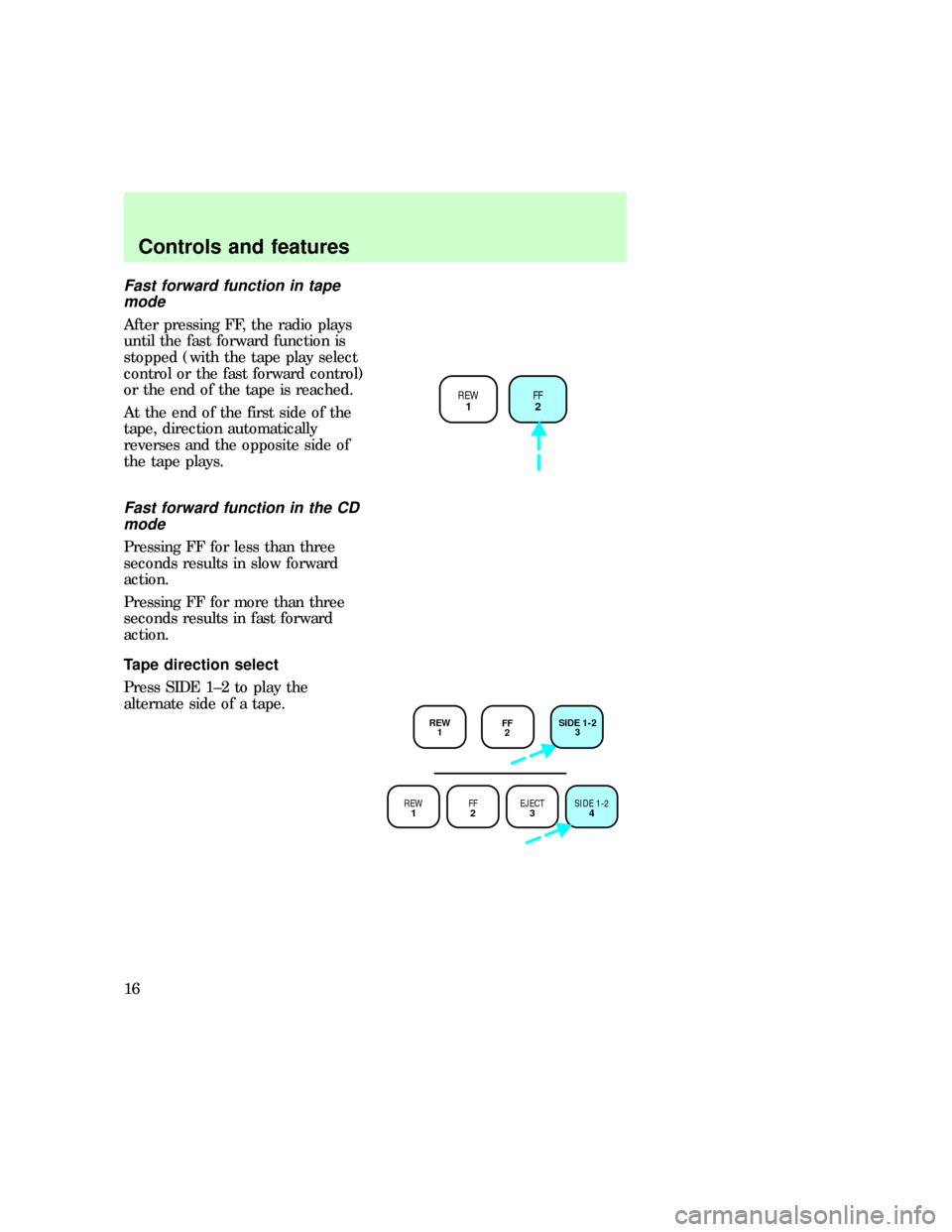
Tape direction select
Press SIDE 1±2 to play the
alternate side of a tape.
REW
1FF
2
REW
1FF
2EJECT
3SIDE 1-2
4
REW
1FF
2SIDE 1-2
3
com_fast_forward_cd.01
uno_tape_direction_select uno_tape_eject
Controls and features
16
Page 21 of 29
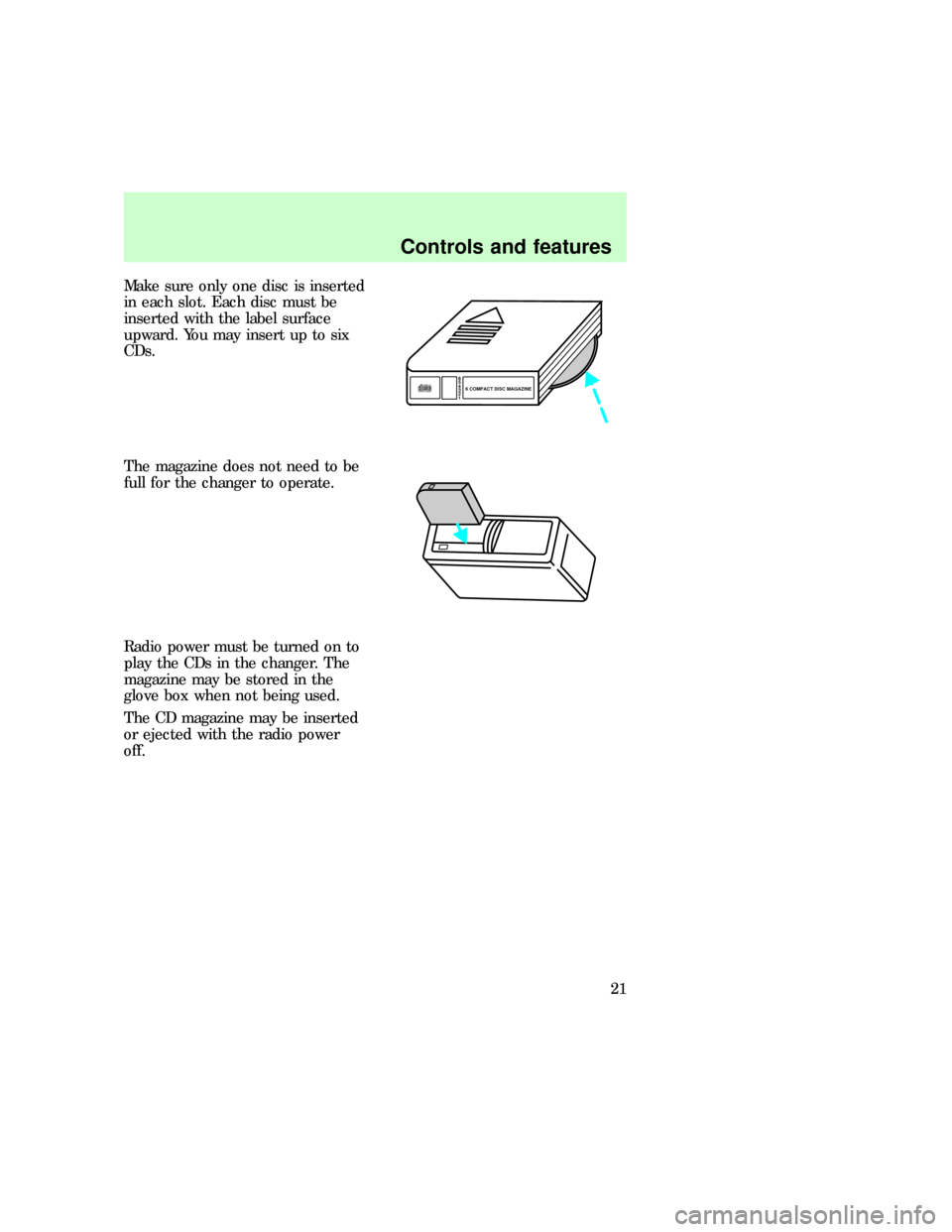
Make sure only one disc is inserted
in each slot. Each disc must be
inserted with the label surface
upward. You may insert up to six
CDs.
The magazine does not need to be
full for the changer to operate.
Radio power must be turned on to
play the CDs in the changer. The
magazine may be stored in the
glove box when not being used.
The CD magazine may be inserted
or ejected with the radio power
off.
6
5
4
3
2
16 COMPACT DISC MAGAZINECOMPACT
DIGITAL AUDIO
com_rear_seat_controls.02
Controls and features
21
Page 22 of 29
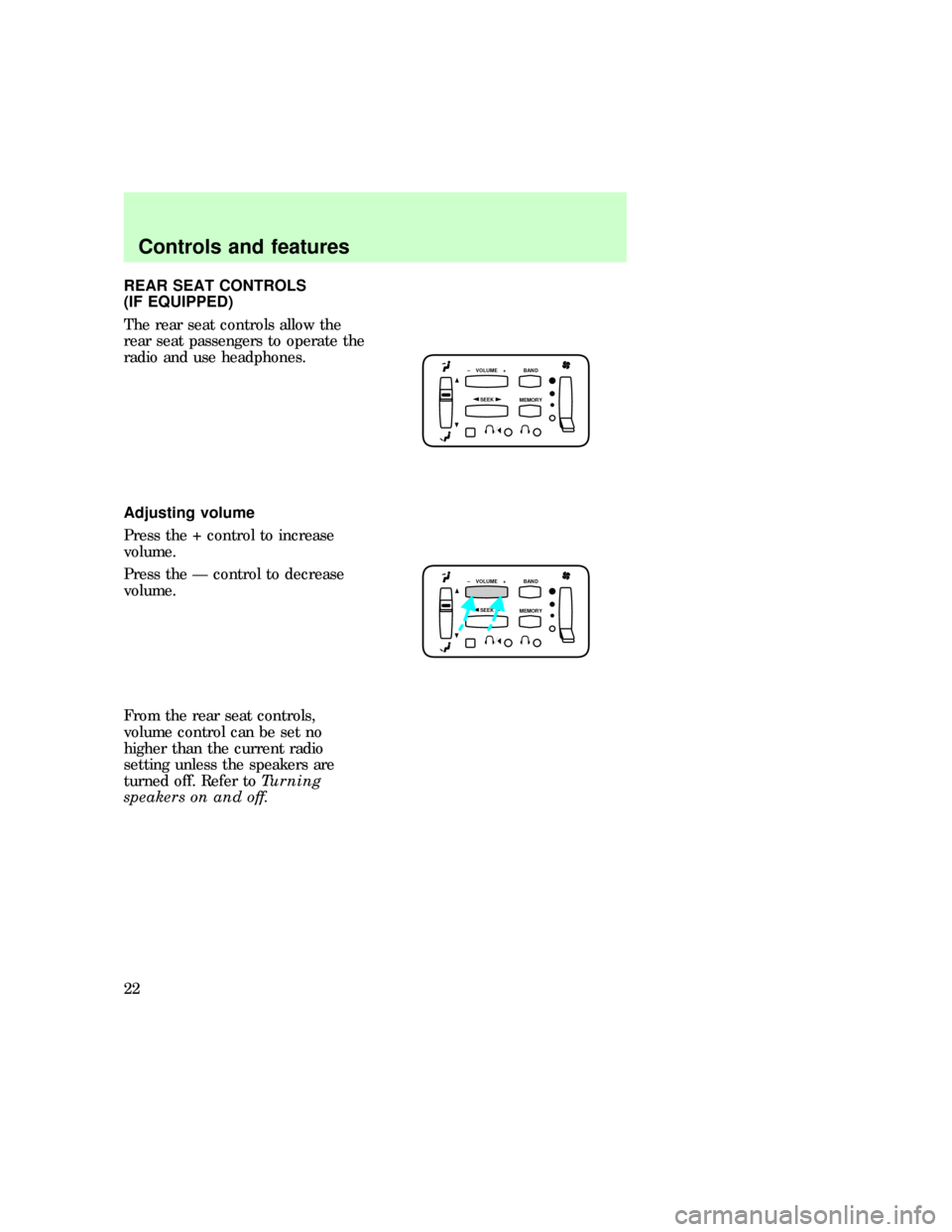
REAR SEAT CONTROLS
(IF EQUIPPED)
The rear seat controls allow the
rear seat passengers to operate the
radio and use headphones.
Adjusting volume
Press the + control to increase
volume.
Press the Ð control to decrease
volume.
From the rear seat controls,
volume control can be set no
higher than the current radio
setting unless the speakers are
turned off. Refer toTurning
speakers on and off.
SEEK
– VOLUME + BAND
MEMORY
SEEK
– VOLUME + BAND
MEMORY
com_rear_adjusting_volume.01
com_rear_speakers.01
Controls and features
22
Page 24 of 29
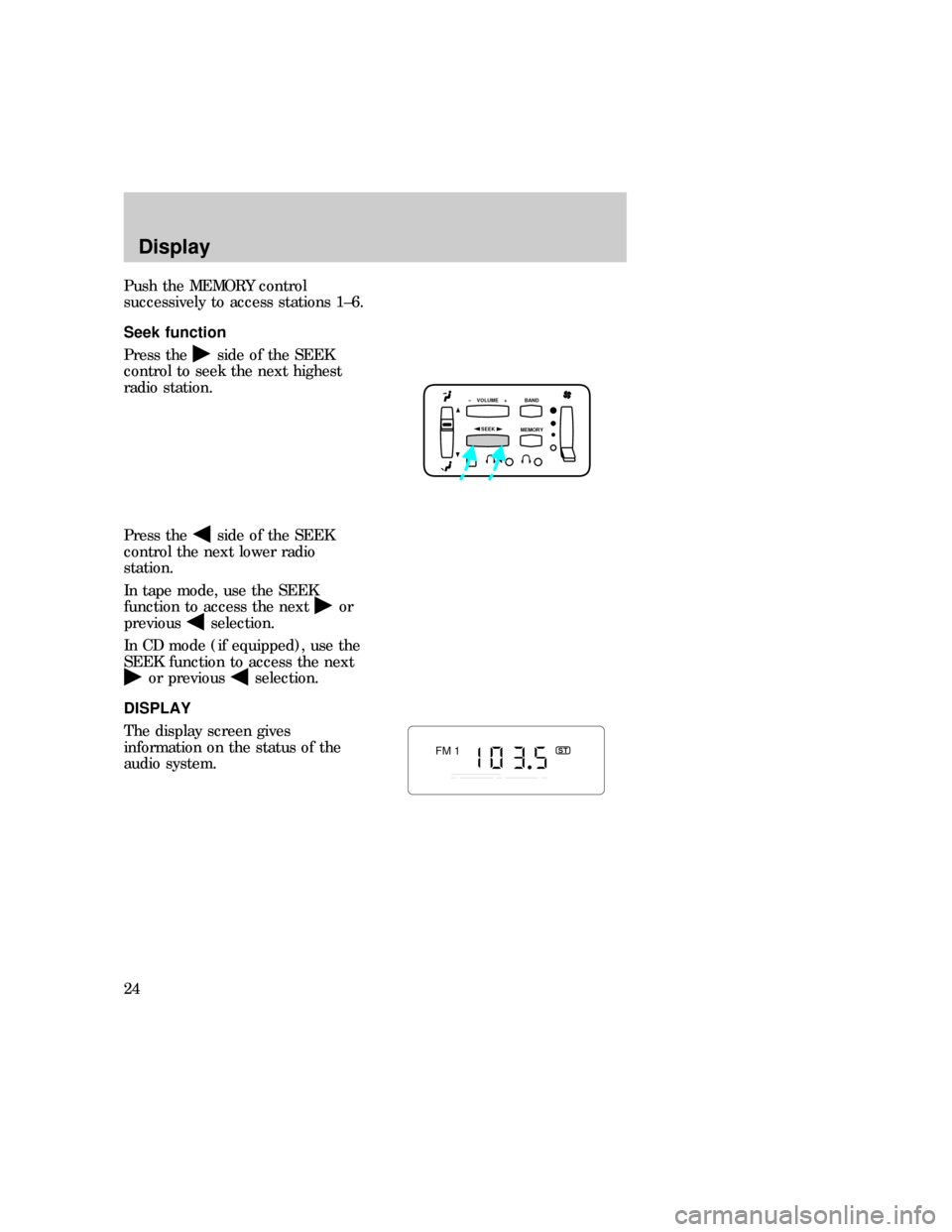
Push the MEMORY control
successively to access stations 1±6.
Seek function
Press the
side of the SEEK
control to seek the next highest
radio station.
Press the
side of the SEEK
control the next lower radio
station.
In tape mode, use the SEEK
function to access the next
or
previous
selection.
In CD mode (if equipped), use the
SEEK function to access the next
or previousselection.
DISPLAY
The display screen gives
information on the status of the
audio system.
SEEK
– VOLUME + BAND
MEMORY
FM 1ST
com_rear_seek_function.01
com_display.01
Display
24
Page 26 of 29

CD and CD changer care
²Handle discs by their edges only.
Never touch the playing surface.
²Do not expose discs to direct
sunlight or heat sources for
extended periods of time.
²Do not insert more than one
disc into each slot of the CD
changer magazine.
Cleaning cassette player
Clean the tape player head with a
cassette cleaning cartridge after
ten to twelve hours of play to
maintain the best sound and
operation.
Cassette and cassette player
care
²Use only cassettes that are 90
minutes long or less.
²Do not expose tapes to direct
sunlight, high humidity, extreme
heat or extreme cold. Allow
tapes that may have been
exposed to extreme
temperatures to reach a
moderate temperature before
playing.
²Tighten very loose tapes by
inserting a finger or pencil into
the hole and turning the hub.
²Remove loose labels before
inserting tapes.
²Do not leave tapes in the
cassette player for a long time
when not being played.
com_cleaning_cassette.01
com_cassette_and_player.01
com_radio_frequency_info.01
Radio frequency information
26
Page 27 of 29
RADIO FREQUENCY
INFORMATION
The Federal Communications
Commission (FCC) and the
Canadian Radio and
Telecommunications
Communications (CRTC) establish
the frequencies AM and FM
stations may use for their
broadcasts. Allowable frequencies
are:
AM 530, 540±1600, 1610 kHz steps
FM 87.9, 88.1±107.1, 107.9 Mhz
steps
Not all frequencies are used in a
given area.
RADIO RECEPTION FACTORS
Three factors can affect radio
reception:
²Distance/strength. The further
an FM station travels, the
weaker it is. The listenable
range of the average FM station
is approximately 40 km (24
miles). This range can be
affected by ªsignal modulation.º
Signal modulation is a process
radio stations use to increase
their strength/volume relative to
other stations.
²Terrain. Hills, mountains and tall
buildings between your vehicle's
antenna and the radio station
signal can cause FM reception
problems. Static can be caused
on AM stations by power lines,
electric fences, traffic lights,
driving under bridges and
com_radio_reception_factors.01
Radio frequency information
27
Page 29 of 29

AM/FM select ................................7
Audio power ..................................6
Bass adjust ..................................13
CD select .....................................14
Clock ............................................18
Compact disc changer
care ............................................26
operation ...................................20
troubleshooting .........................25
Compression adjust ....................17
Display .........................................24
Dolbyt
noise reduction .........................17
Electronic sound system ...........2,4
Fast forward function .................15Radio frequency
information ................................27
reception ...................................27
Rewind function ..........................15
Scan function ..............................10
Seek function ................................9
Speaker balance adjust ..............13
Stations
selecting ....................................11
Tape direction select ..................16
Tape select ..................................14
Treble adjust ...............................13
Tune adjust ...................................8
Warranties
radio ...........................................28
Index
29