warning FORD EXPLORER 2006 4.G User Guide
[x] Cancel search | Manufacturer: FORD, Model Year: 2006, Model line: EXPLORER, Model: FORD EXPLORER 2006 4.GPages: 328, PDF Size: 3.59 MB
Page 15 of 328
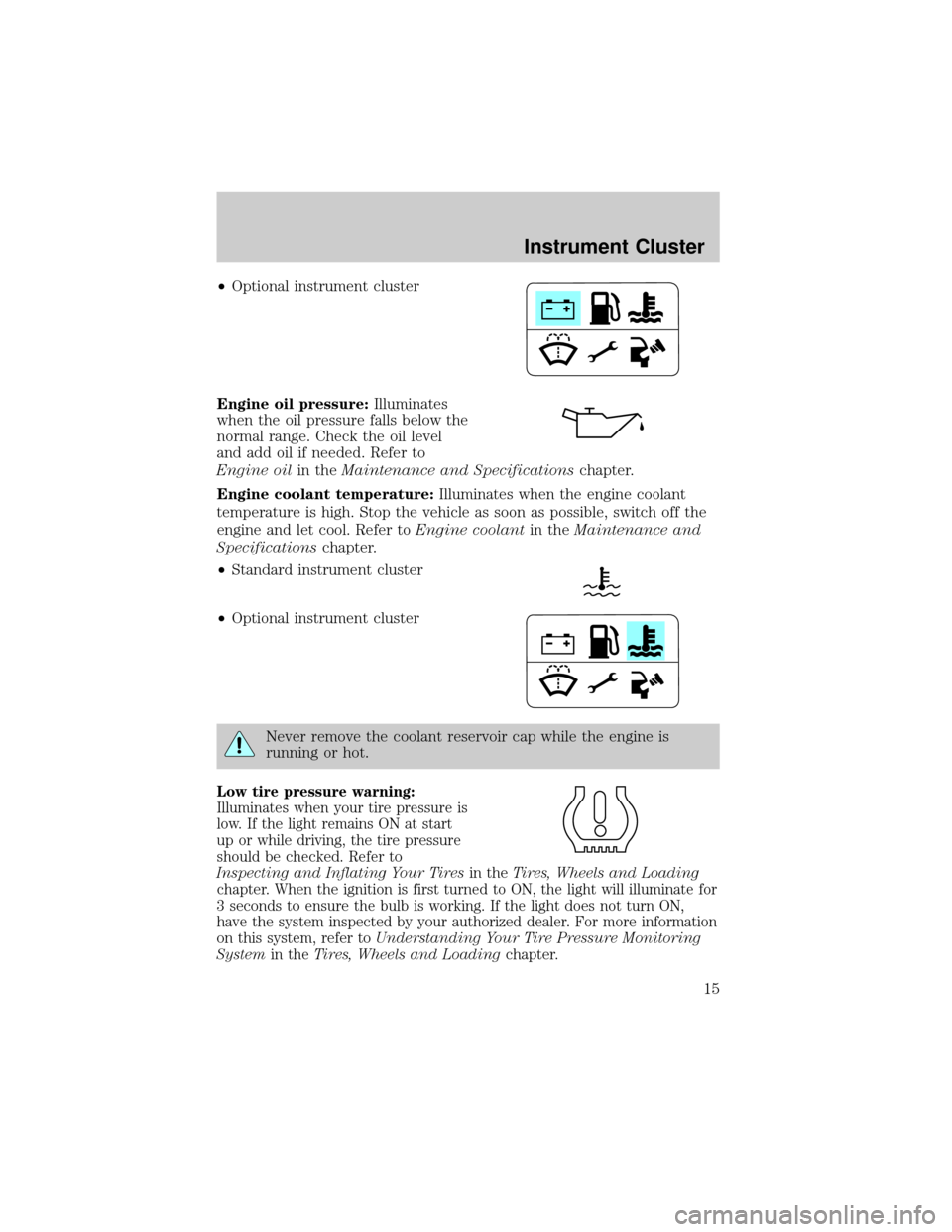
²Optional instrument cluster
Engine oil pressure:Illuminates
when the oil pressure falls below the
normal range. Check the oil level
and add oil if needed. Refer to
Engine oilin theMaintenance and Specificationschapter.
Engine coolant temperature:Illuminates when the engine coolant
temperature is high. Stop the vehicle as soon as possible, switch off the
engine and let cool. Refer toEngine coolantin theMaintenance and
Specificationschapter.
²Standard instrument cluster
²Optional instrument cluster
Never remove the coolant reservoir cap while the engine is
running or hot.
Low tire pressure warning:
Illuminates when your tire pressure is
low. If the light remains ON at start
up or while driving, the tire pressure
should be checked. Refer to
Inspecting and Inflating Your Tiresin theTires, Wheels and Loading
chapter. When the ignition is first turned to ON, the light will illuminate for
3 seconds to ensure the bulb is working. If the light does not turn ON,
have the system inspected by your authorized dealer. For more information
on this system, refer toUnderstanding Your Tire Pressure Monitoring
Systemin theTires, Wheels and Loadingchapter.
Instrument Cluster
15
Page 16 of 328
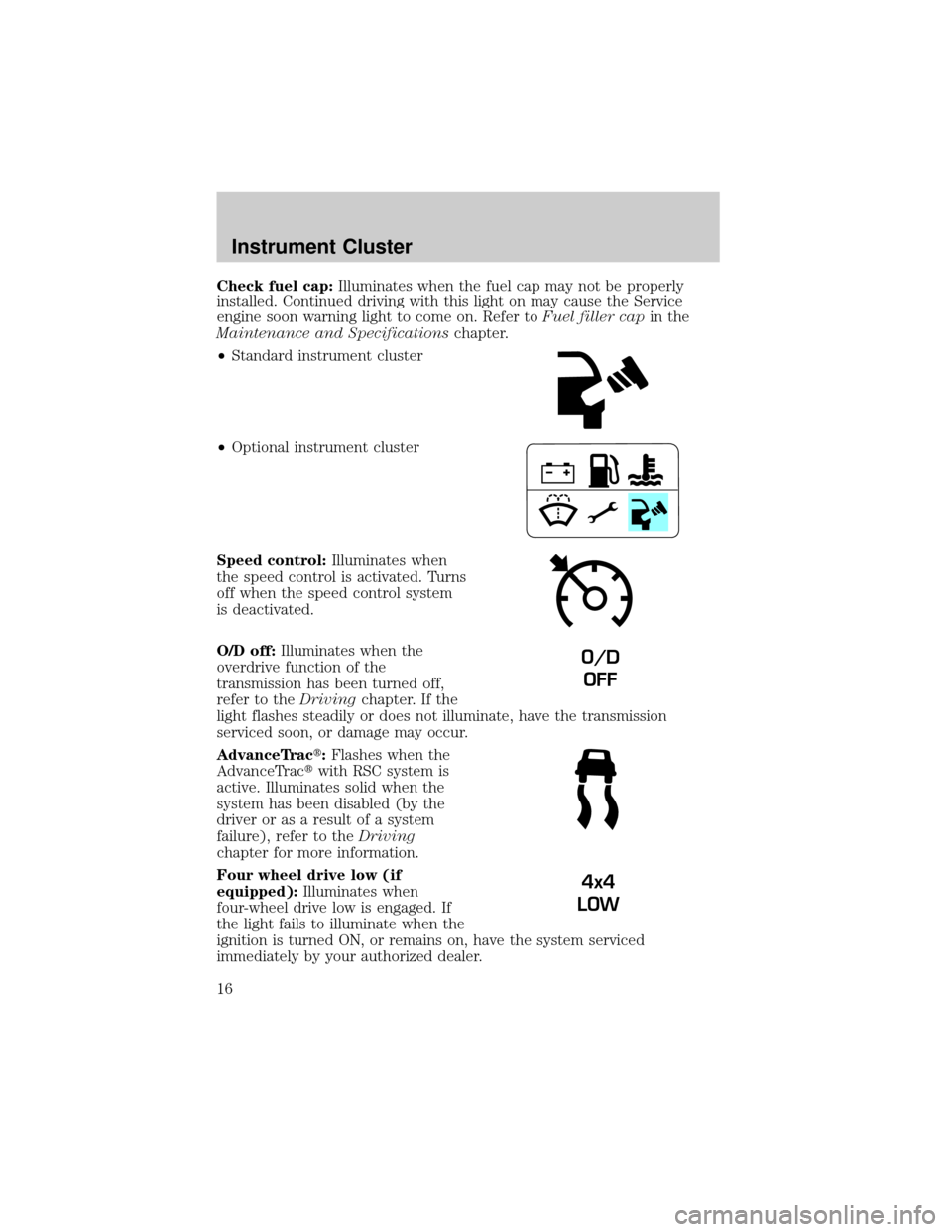
Check fuel cap:Illuminates when the fuel cap may not be properly
installed. Continued driving with this light on may cause the Service
engine soon warning light to come on. Refer toFuel filler capin the
Maintenance and Specificationschapter.
²Standard instrument cluster
²Optional instrument cluster
Speed control:Illuminates when
the speed control is activated. Turns
off when the speed control system
is deactivated.
O/D off:Illuminates when the
overdrive function of the
transmission has been turned off,
refer to theDrivingchapter. If the
light flashes steadily or does not illuminate, have the transmission
serviced soon, or damage may occur.
AdvanceTract:Flashes when the
AdvanceTractwith RSC system is
active. Illuminates solid when the
system has been disabled (by the
driver or as a result of a system
failure), refer to theDriving
chapter for more information.
Four wheel drive low (if
equipped):Illuminates when
four-wheel drive low is engaged. If
the light fails to illuminate when the
ignition is turned ON, or remains on, have the system serviced
immediately by your authorized dealer.
O/D
OFF
4x4
LOW
Instrument Cluster
16
Page 17 of 328
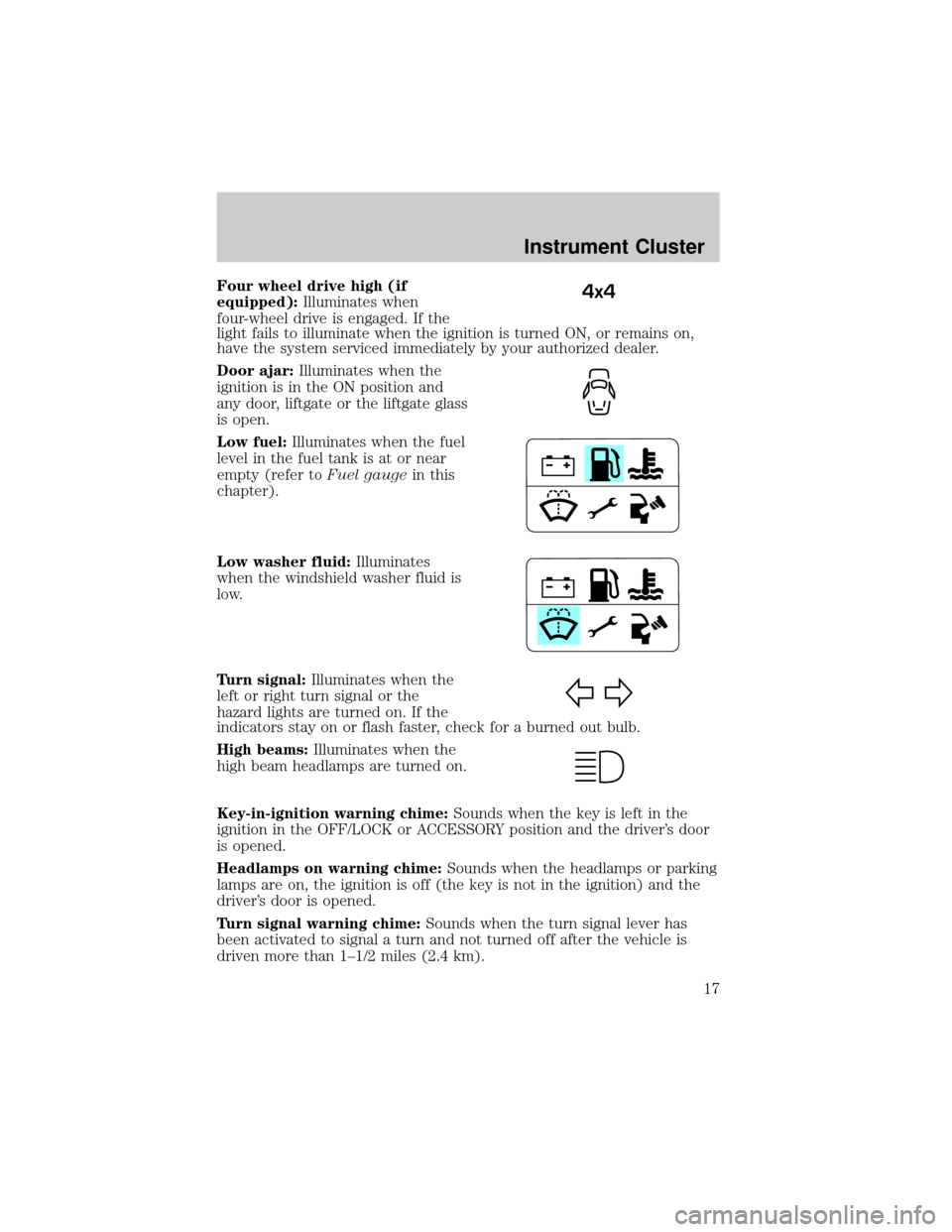
Four wheel drive high (if
equipped):Illuminates when
four-wheel drive is engaged. If the
light fails to illuminate when the ignition is turned ON, or remains on,
have the system serviced immediately by your authorized dealer.
Door ajar:Illuminates when the
ignition is in the ON position and
any door, liftgate or the liftgate glass
is open.
Low fuel:Illuminates when the fuel
level in the fuel tank is at or near
empty (refer toFuel gaugein this
chapter).
Low washer fluid:Illuminates
when the windshield washer fluid is
low.
Turn signal:Illuminates when the
left or right turn signal or the
hazard lights are turned on. If the
indicators stay on or flash faster, check for a burned out bulb.
High beams:Illuminates when the
high beam headlamps are turned on.
Key-in-ignition warning chime:Sounds when the key is left in the
ignition in the OFF/LOCK or ACCESSORY position and the driver's door
is opened.
Headlamps on warning chime:Sounds when the headlamps or parking
lamps are on, the ignition is off (the key is not in the ignition) and the
driver's door is opened.
Turn signal warning chime:Sounds when the turn signal lever has
been activated to signal a turn and not turned off after the vehicle is
driven more than 1±1/2 miles (2.4 km).4x4
Instrument Cluster
17
Page 18 of 328
Parking brake ON warning chime:Sounds when the parking brake is
set, the engine is running and the vehicle is driven more than 3 mph
(5 km).
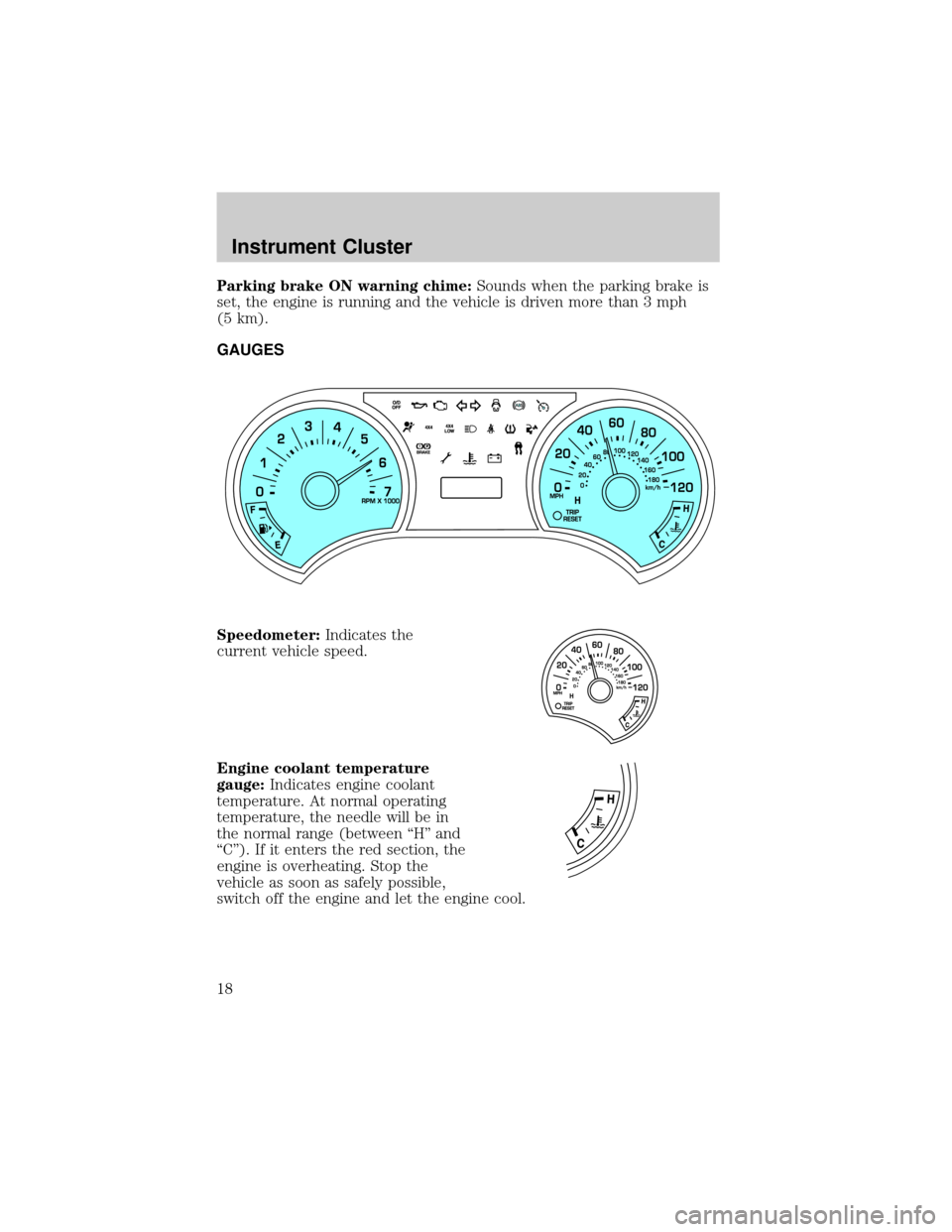
GAUGES
Speedometer:Indicates the
current vehicle speed.
Engine coolant temperature
gauge:Indicates engine coolant
temperature. At normal operating
temperature, the needle will be in
the normal range (between ªHº and
ªCº). If it enters the red section, the
engine is overheating. Stop the
vehicle as soon as safely possible,
switch off the engine and let the engine cool.
Instrument Cluster
18
Page 69 of 328
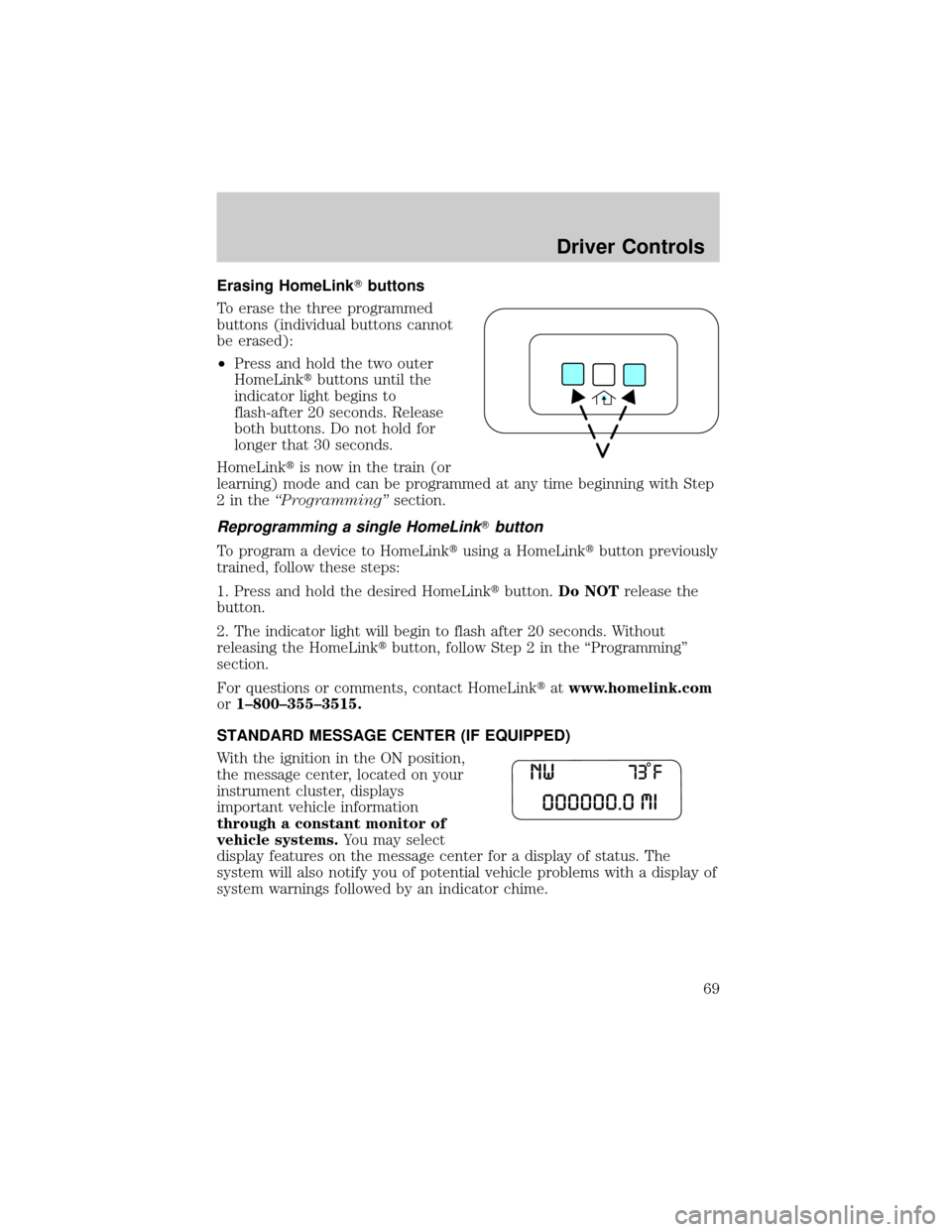
Erasing HomeLinkTbuttons
To erase the three programmed
buttons (individual buttons cannot
be erased):
²Press and hold the two outer
HomeLinktbuttons until the
indicator light begins to
flash-after 20 seconds. Release
both buttons. Do not hold for
longer that 30 seconds.
HomeLinktis now in the train (or
learning) mode and can be programmed at any time beginning with Step
2intheªProgrammingºsection.
Reprogramming a single HomeLinkTbutton
To program a device to HomeLinktusing a HomeLinktbutton previously
trained, follow these steps:
1. Press and hold the desired HomeLinktbutton.Do NOTrelease the
button.
2. The indicator light will begin to flash after 20 seconds. Without
releasing the HomeLinktbutton, follow Step 2 in the ªProgrammingº
section.
For questions or comments, contact HomeLinktatwww.homelink.com
or1±800±355±3515.
STANDARD MESSAGE CENTER (IF EQUIPPED)
With the ignition in the ON position,
the message center, located on your
instrument cluster, displays
important vehicle information
through a constant monitor of
vehicle systems.You may select
display features on the message center for a display of status. The
system will also notify you of potential vehicle problems with a display of
system warnings followed by an indicator chime.
Driver Controls
69
Page 70 of 328
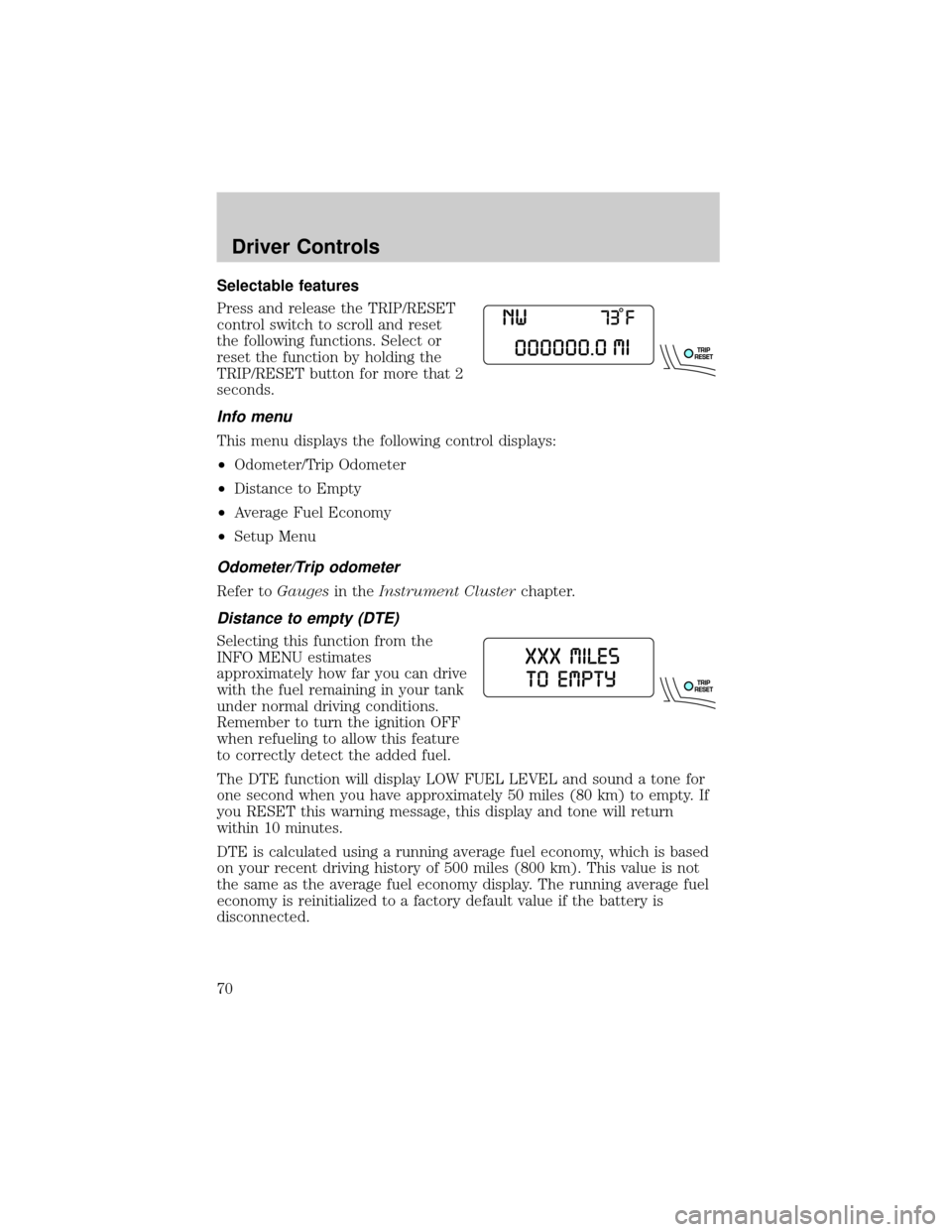
Selectable features
Press and release the TRIP/RESET
control switch to scroll and reset
the following functions. Select or
reset the function by holding the
TRIP/RESET button for more that 2
seconds.
Info menu
This menu displays the following control displays:
²Odometer/Trip Odometer
²Distance to Empty
²Average Fuel Economy
²Setup Menu
Odometer/Trip odometer
Refer toGaugesin theInstrument Clusterchapter.
Distance to empty (DTE)
Selecting this function from the
INFO MENU estimates
approximately how far you can drive
with the fuel remaining in your tank
under normal driving conditions.
Remember to turn the ignition OFF
when refueling to allow this feature
to correctly detect the added fuel.
The DTE function will display LOW FUEL LEVEL and sound a tone for
one second when you have approximately 50 miles (80 km) to empty. If
you RESET this warning message, this display and tone will return
within 10 minutes.
DTE is calculated using a running average fuel economy, which is based
on your recent driving history of 500 miles (800 km). This value is not
the same as the average fuel economy display. The running average fuel
economy is reinitialized to a factory default value if the battery is
disconnected.
Driver Controls
70
Page 72 of 328
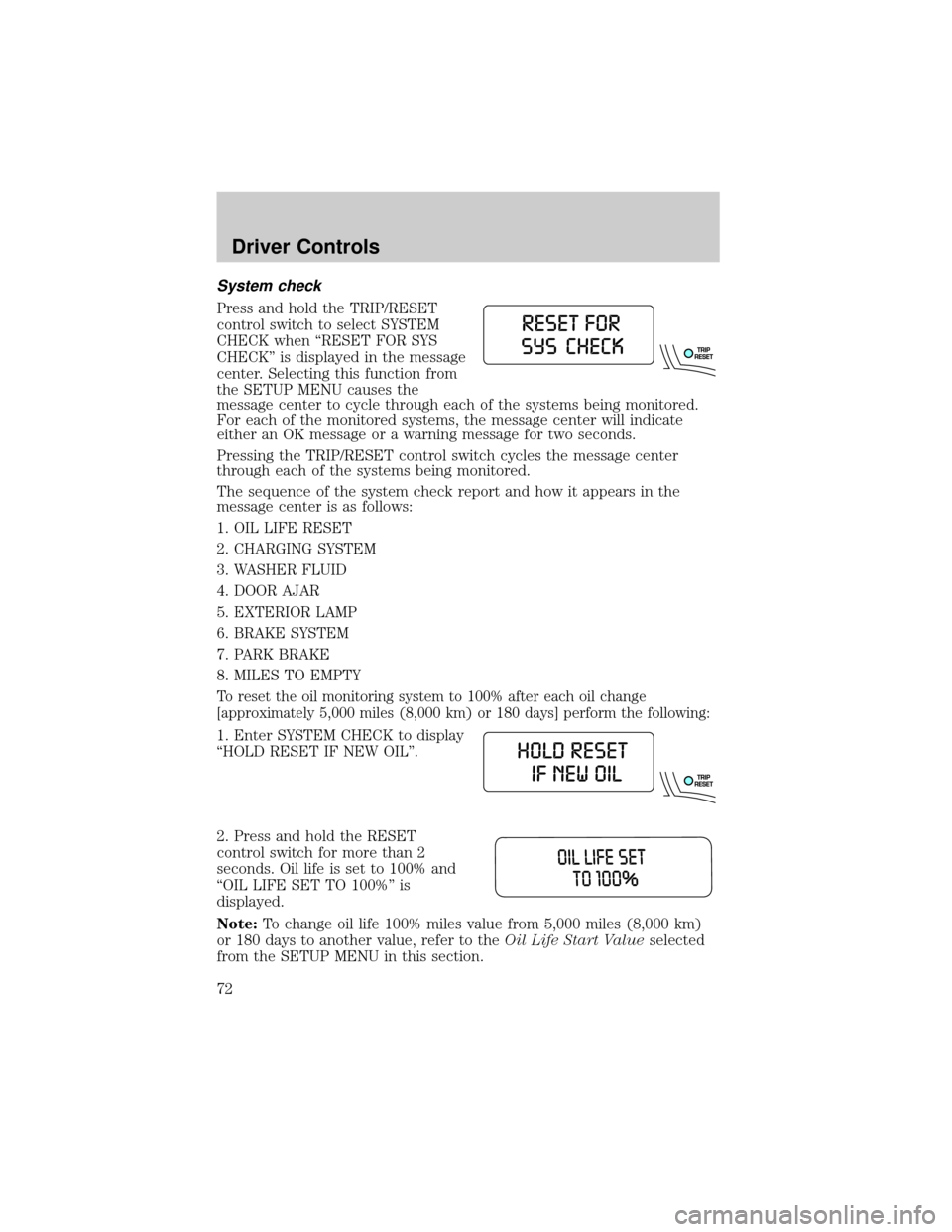
System check
Press and hold the TRIP/RESET
control switch to select SYSTEM
CHECK when ªRESET FOR SYS
CHECKº is displayed in the message
center. Selecting this function from
the SETUP MENU causes the
message center to cycle through each of the systems being monitored.
For each of the monitored systems, the message center will indicate
either an OK message or a warning message for two seconds.
Pressing the TRIP/RESET control switch cycles the message center
through each of the systems being monitored.
The sequence of the system check report and how it appears in the
message center is as follows:
1. OIL LIFE RESET
2. CHARGING SYSTEM
3. WASHER FLUID
4. DOOR AJAR
5. EXTERIOR LAMP
6. BRAKE SYSTEM
7. PARK BRAKE
8. MILES TO EMPTY
To reset the oil monitoring system to 100% after each oil change
[approximately 5,000 miles (8,000 km) or 180 days] perform the following:
1. Enter SYSTEM CHECK to display
ªHOLD RESET IF NEW OILº.
2. Press and hold the RESET
control switch for more than 2
seconds. Oil life is set to 100% and
ªOIL LIFE SET TO 100%º is
displayed.
Note:To change oil life 100% miles value from 5,000 miles (8,000 km)
or 180 days to another value, refer to theOil Life Start Valueselected
from the SETUP MENU in this section.
Driver Controls
72
Page 74 of 328
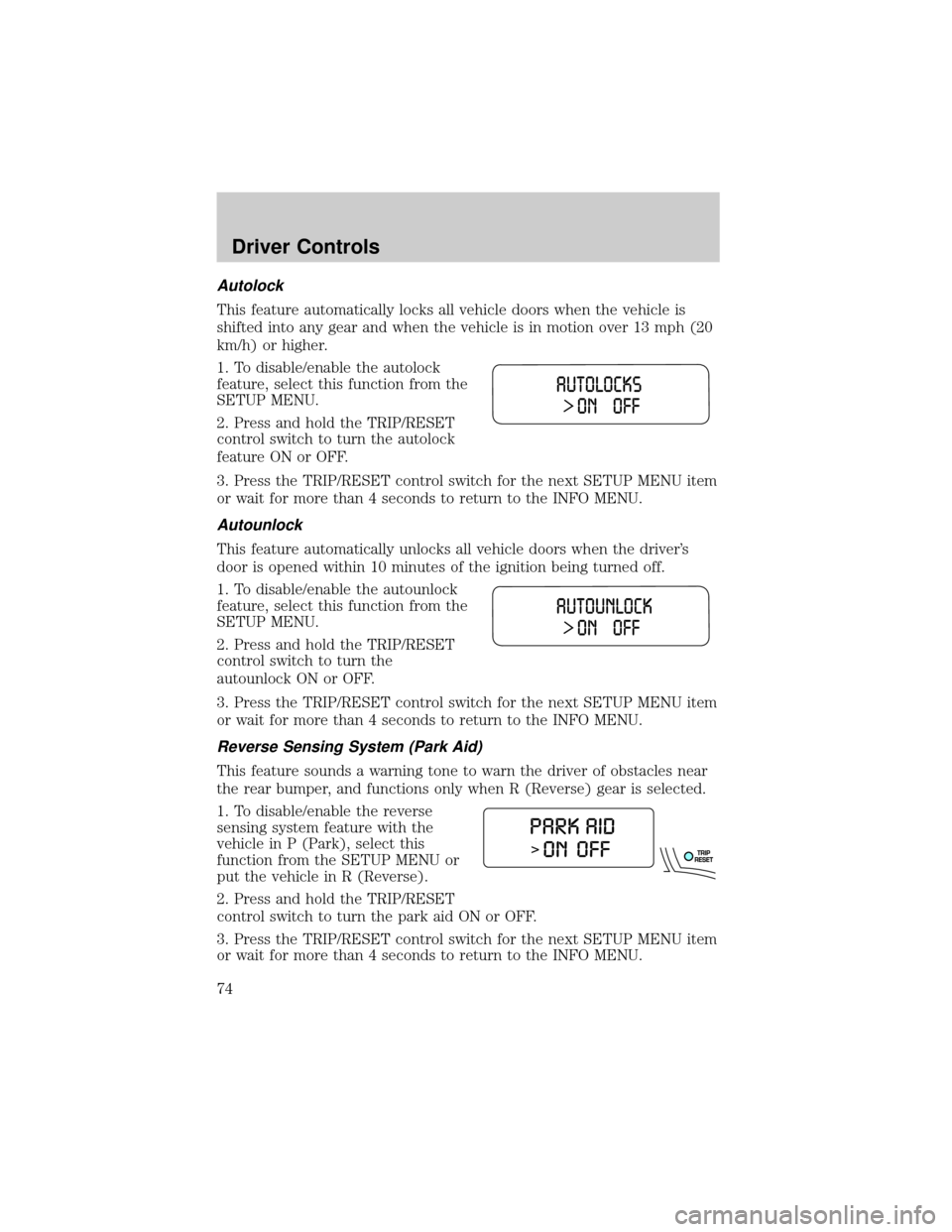
Autolock
This feature automatically locks all vehicle doors when the vehicle is
shifted into any gear and when the vehicle is in motion over 13 mph (20
km/h) or higher.
1. To disable/enable the autolock
feature, select this function from the
SETUP MENU.
2. Press and hold the TRIP/RESET
control switch to turn the autolock
feature ON or OFF.
3. Press the TRIP/RESET control switch for the next SETUP MENU item
or wait for more than 4 seconds to return to the INFO MENU.
Autounlock
This feature automatically unlocks all vehicle doors when the driver's
door is opened within 10 minutes of the ignition being turned off.
1. To disable/enable the autounlock
feature, select this function from the
SETUP MENU.
2. Press and hold the TRIP/RESET
control switch to turn the
autounlock ON or OFF.
3. Press the TRIP/RESET control switch for the next SETUP MENU item
or wait for more than 4 seconds to return to the INFO MENU.
Reverse Sensing System (Park Aid)
This feature sounds a warning tone to warn the driver of obstacles near
the rear bumper, and functions only when R (Reverse) gear is selected.
1. To disable/enable the reverse
sensing system feature with the
vehicle in P (Park), select this
function from the SETUP MENU or
put the vehicle in R (Reverse).
2. Press and hold the TRIP/RESET
control switch to turn the park aid ON or OFF.
3. Press the TRIP/RESET control switch for the next SETUP MENU item
or wait for more than 4 seconds to return to the INFO MENU.
Driver Controls
74
Page 77 of 328
Compass calibration adjustment
Perform compass calibration in an open area free from steel structures
and high voltage lines. For optimum calibration, turn off all electrical
accessories (heater/air conditioning, wipers, etc.) and make sure all
vehicle doors are shut.
1. Start the vehicle.
2. Locate the reset button on the compass sensor mounted on the base
of mirror.
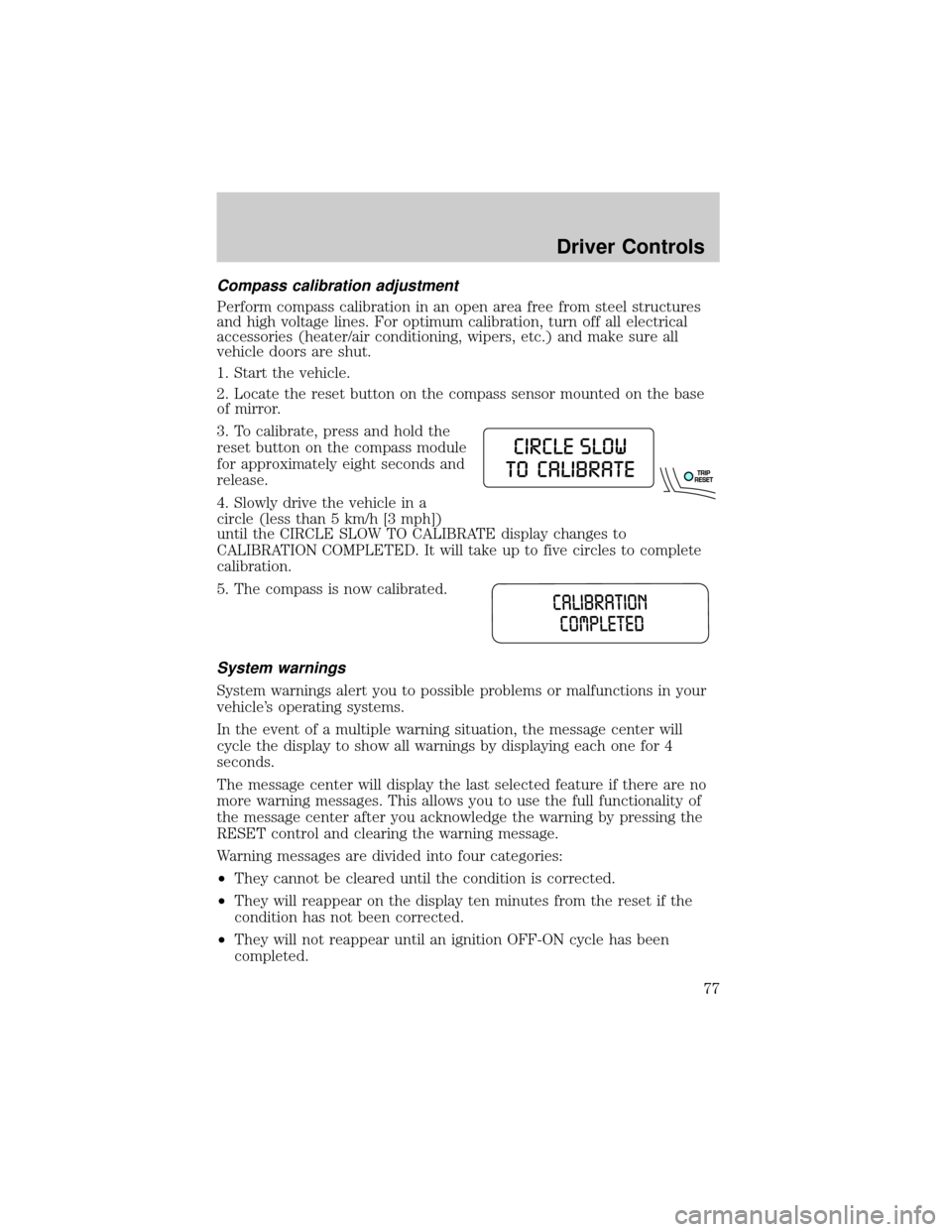
3. To calibrate, press and hold the
reset button on the compass module
for approximately eight seconds and
release.
4. Slowly drive the vehicle in a
circle (less than 5 km/h [3 mph])
until the CIRCLE SLOW TO CALIBRATE display changes to
CALIBRATION COMPLETED. It will take up to five circles to complete
calibration.
5. The compass is now calibrated.
System warnings
System warnings alert you to possible problems or malfunctions in your
vehicle's operating systems.
In the event of a multiple warning situation, the message center will
cycle the display to show all warnings by displaying each one for 4
seconds.
The message center will display the last selected feature if there are no
more warning messages. This allows you to use the full functionality of
the message center after you acknowledge the warning by pressing the
RESET control and clearing the warning message.
Warning messages are divided into four categories:
²They cannot be cleared until the condition is corrected.
²They will reappear on the display ten minutes from the reset if the
condition has not been corrected.
²They will not reappear until an ignition OFF-ON cycle has been
completed.
Driver Controls
77
Page 78 of 328
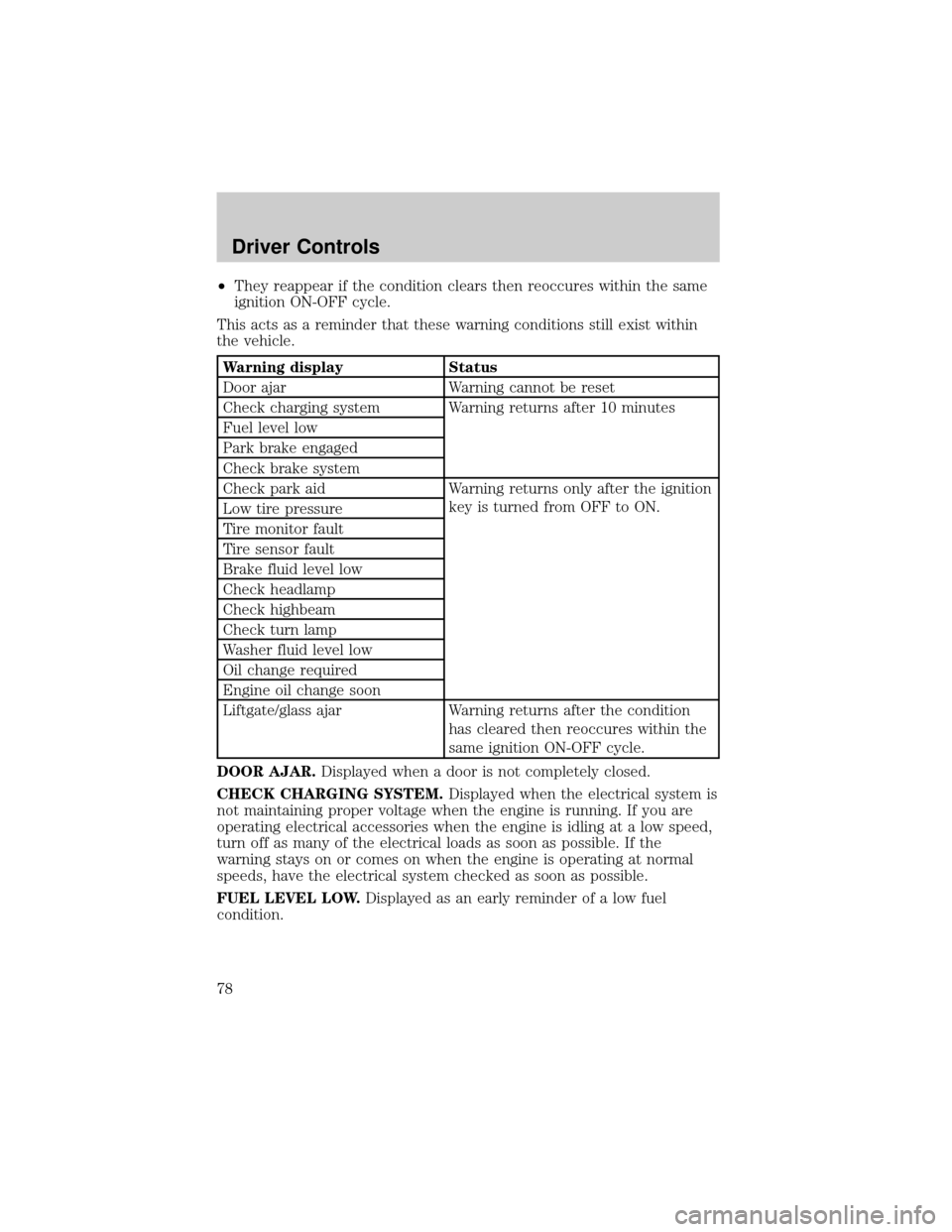
²They reappear if the condition clears then reoccures within the same
ignition ON-OFF cycle.
This acts as a reminder that these warning conditions still exist within
the vehicle.
Warning display Status
Door ajar Warning cannot be reset
Check charging system Warning returns after 10 minutes
Fuel level low
Park brake engaged
Check brake system
Check park aid Warning returns only after the ignition
key is turned from OFF to ON.
Low tire pressure
Tire monitor fault
Tire sensor fault
Brake fluid level low
Check headlamp
Check highbeam
Check turn lamp
Washer fluid level low
Oil change required
Engine oil change soon
Liftgate/glass ajar Warning returns after the condition
has cleared then reoccures within the
same ignition ON-OFF cycle.
DOOR AJAR.Displayed when a door is not completely closed.
CHECK CHARGING SYSTEM.Displayed when the electrical system is
not maintaining proper voltage when the engine is running. If you are
operating electrical accessories when the engine is idling at a low speed,
turn off as many of the electrical loads as soon as possible. If the
warning stays on or comes on when the engine is operating at normal
speeds, have the electrical system checked as soon as possible.
FUEL LEVEL LOW.Displayed as an early reminder of a low fuel
condition.
Driver Controls
78