oil FORD EXPLORER 2006 4.G Owners Manual
[x] Cancel search | Manufacturer: FORD, Model Year: 2006, Model line: EXPLORER, Model: FORD EXPLORER 2006 4.GPages: 328, PDF Size: 3.59 MB
Page 3 of 328
Cleaning 269
Maintenance and Specifications 276
Engine compartment 278
Engine oil 281
Battery 286
Engine Coolant 288
Fuel information 294
Air filter(s) 307
Part numbers 307
Refill capacities 308
Lubricant specifications 310
Accessories 317
Index 320
All rights reserved. Reproduction by any means, electronic or mechanical
including photocopying, recording or by any information storage and retrieval
system or translation in whole or part is not permitted without written
authorization from Ford Motor Company. Ford may change the contents without
notice and without incurring obligation.
Copyright 2005 Ford Motor Company
Table of Contents
3
Page 6 of 328
BREAKING-IN YOUR VEHICLE
Your vehicle does not need an extensive break-in. Try not to drive
continuously at the same speed for the first 1,000 miles (1,600 km) of
new vehicle operation. Vary your speed frequently in order to give the
moving parts a chance to break in.
Drive your new vehicle at least 500 miles (800 km) before towing a
trailer. For more detailed information about towing a trailer, refer to
Trailer towingin theTires, Wheels and Loadingchapter.
Do not add friction modifier compounds or special break-in oils during
the first few thousand miles (kilometers) of operation, since these
additives may prevent piston ring seating. SeeEngine oilin the
Maintenance and Specificationschapter for more information on oil
usage.
SPECIAL NOTICES
New Vehicle Limited Warranty
For a detailed description of what is covered and what is not covered by
your vehicle's New Vehicle Limited Warranty, refer to theWarranty
Guidethat is provided to you along with yourOwner's Guide.
Special instructions
For your added safety, your vehicle is fitted with sophisticated electronic
controls.
Please read the sectionSupplemental restraint system (SRS)
in theSeating and Safety Restraintschapter. Failure to follow
the specific warnings and instructions could result in personal injury.
Front seat mounted rear-facing child or infant seats should
NEVERbe placed in front of an active passenger airbag.
Introduction
6
Page 11 of 328
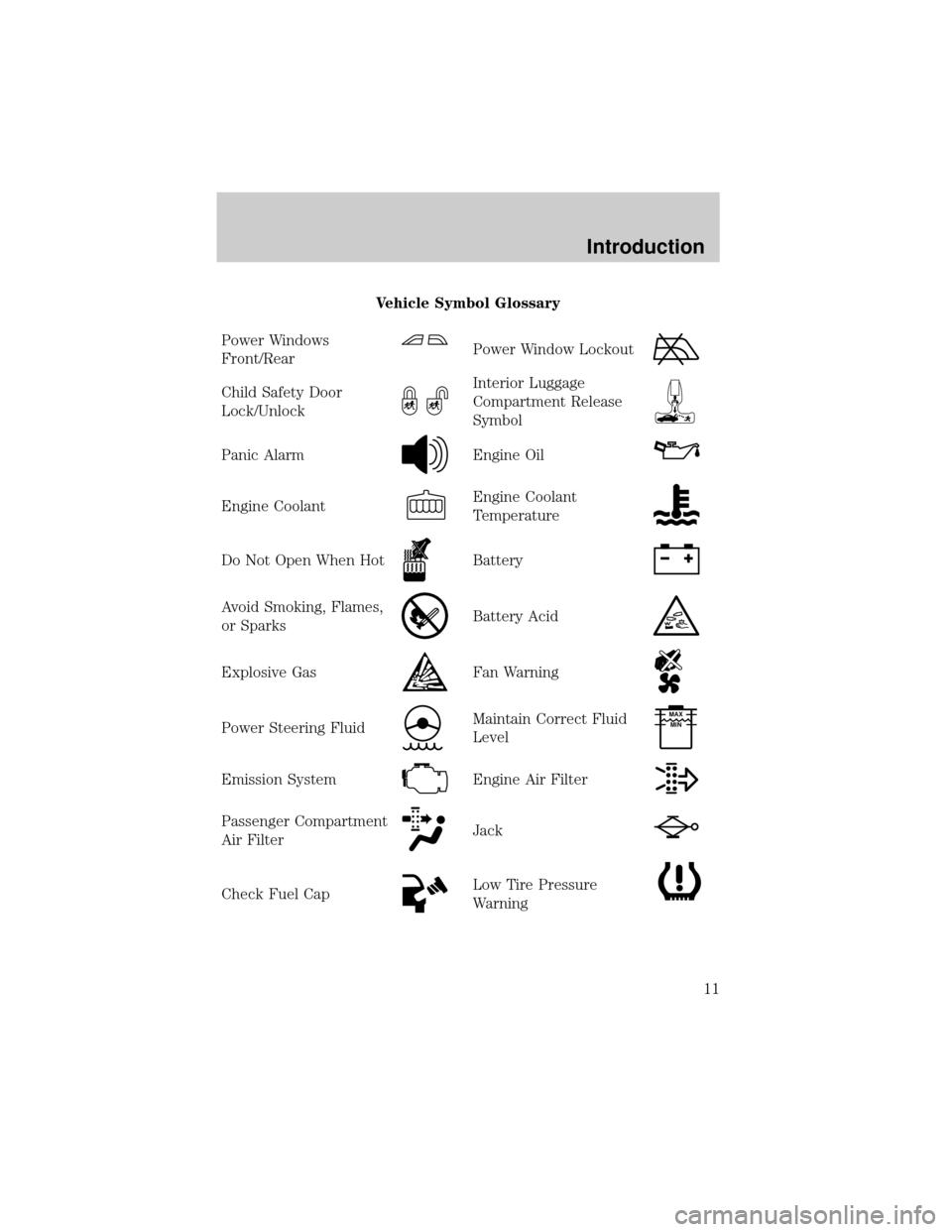
Vehicle Symbol Glossary
Power Windows
Front/Rear
Power Window Lockout
Child Safety Door
Lock/UnlockInterior Luggage
Compartment Release
Symbol
Panic AlarmEngine Oil
Engine CoolantEngine Coolant
Temperature
Do Not Open When HotBattery
Avoid Smoking, Flames,
or SparksBattery Acid
Explosive GasFan Warning
Power Steering FluidMaintain Correct Fluid
LevelMAX
MIN
Emission SystemEngine Air Filter
Passenger Compartment
Air FilterJack
Check Fuel CapLow Tire Pressure
Warning
Introduction
11
Page 15 of 328
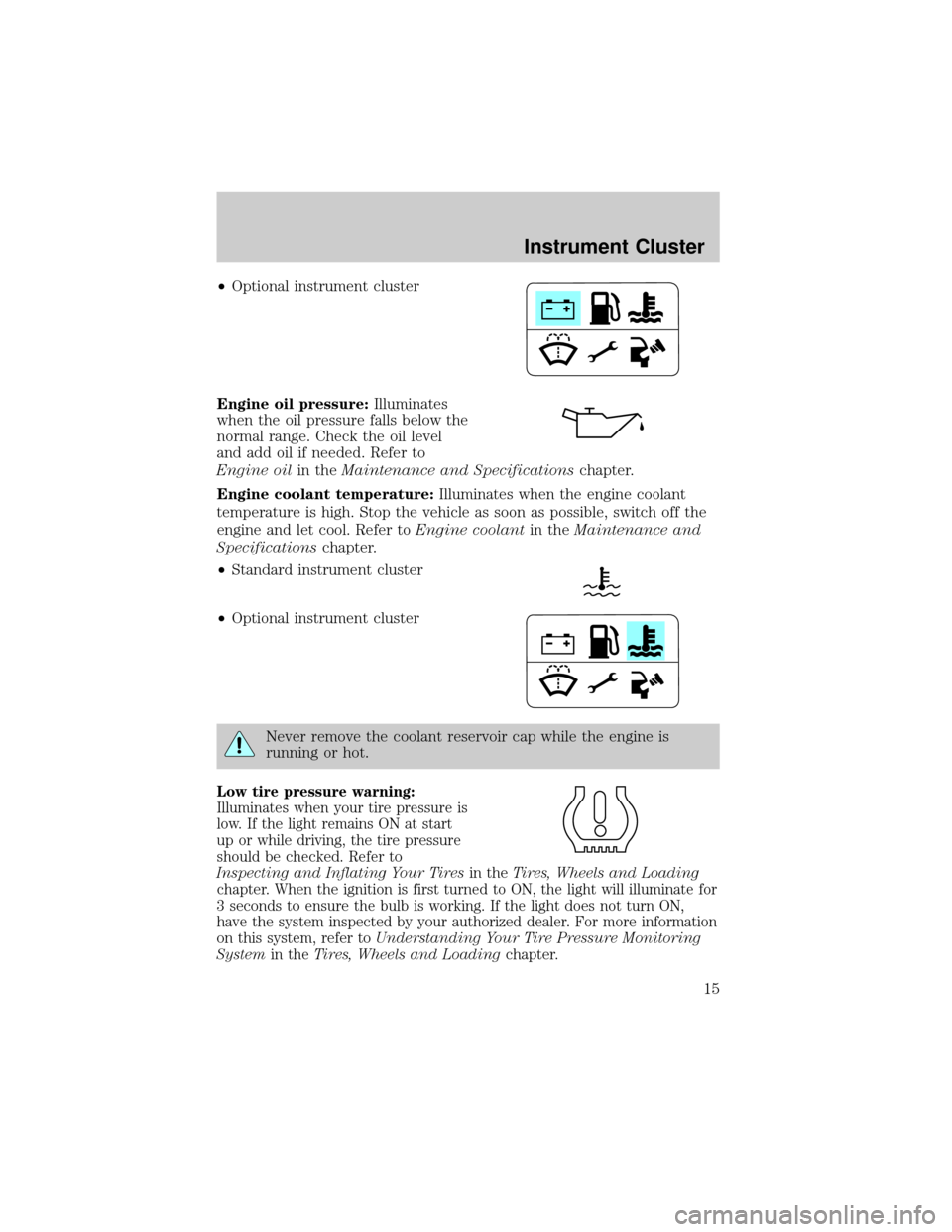
²Optional instrument cluster
Engine oil pressure:Illuminates
when the oil pressure falls below the
normal range. Check the oil level
and add oil if needed. Refer to
Engine oilin theMaintenance and Specificationschapter.
Engine coolant temperature:Illuminates when the engine coolant
temperature is high. Stop the vehicle as soon as possible, switch off the
engine and let cool. Refer toEngine coolantin theMaintenance and
Specificationschapter.
²Standard instrument cluster
²Optional instrument cluster
Never remove the coolant reservoir cap while the engine is
running or hot.
Low tire pressure warning:
Illuminates when your tire pressure is
low. If the light remains ON at start
up or while driving, the tire pressure
should be checked. Refer to
Inspecting and Inflating Your Tiresin theTires, Wheels and Loading
chapter. When the ignition is first turned to ON, the light will illuminate for
3 seconds to ensure the bulb is working. If the light does not turn ON,
have the system inspected by your authorized dealer. For more information
on this system, refer toUnderstanding Your Tire Pressure Monitoring
Systemin theTires, Wheels and Loadingchapter.
Instrument Cluster
15
Page 48 of 328
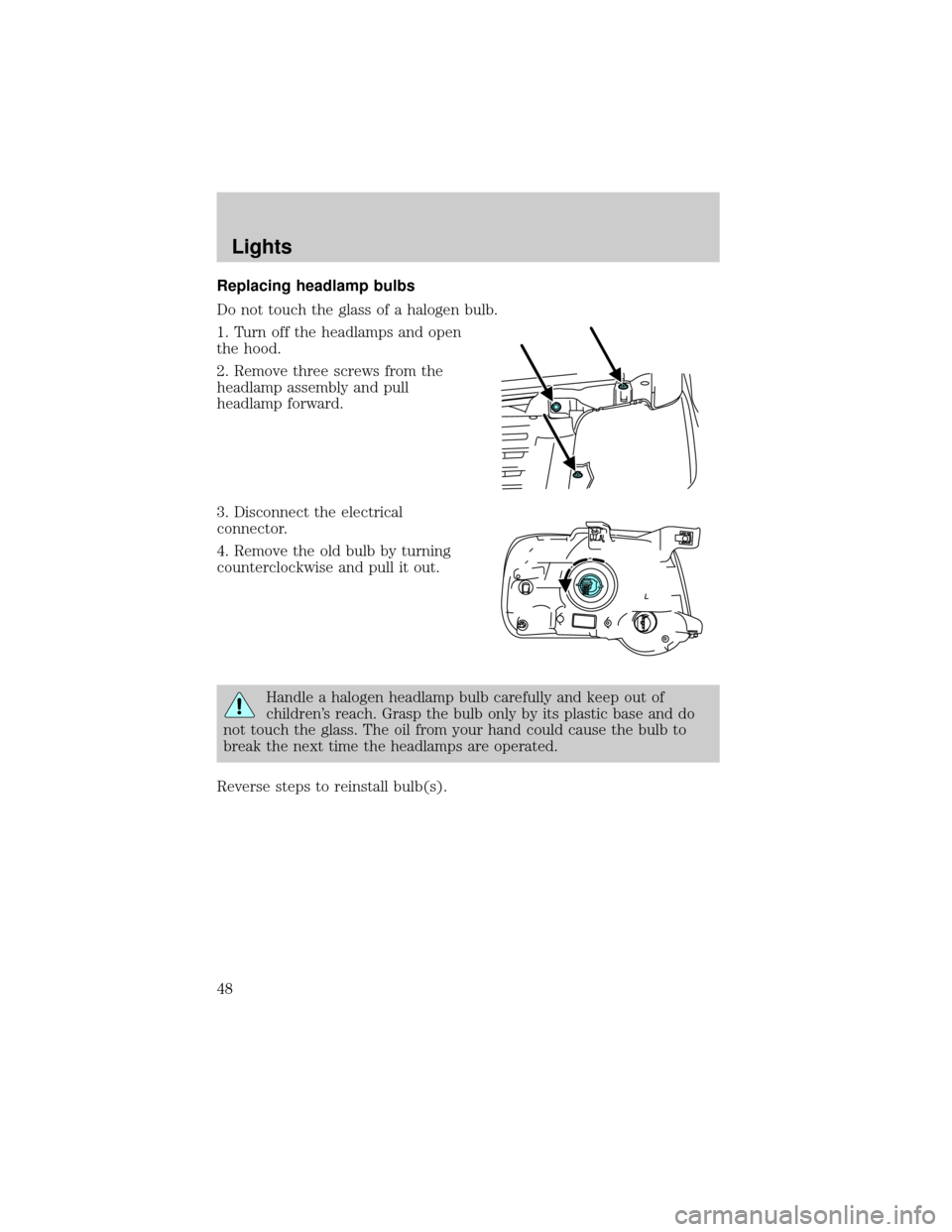
Replacing headlamp bulbs
Do not touch the glass of a halogen bulb.
1. Turn off the headlamps and open
the hood.
2. Remove three screws from the
headlamp assembly and pull
headlamp forward.
3. Disconnect the electrical
connector.
4. Remove the old bulb by turning
counterclockwise and pull it out.
Handle a halogen headlamp bulb carefully and keep out of
children's reach. Grasp the bulb only by its plastic base and do
not touch the glass. The oil from your hand could cause the bulb to
break the next time the headlamps are operated.
Reverse steps to reinstall bulb(s).
Lights
48
Page 71 of 328
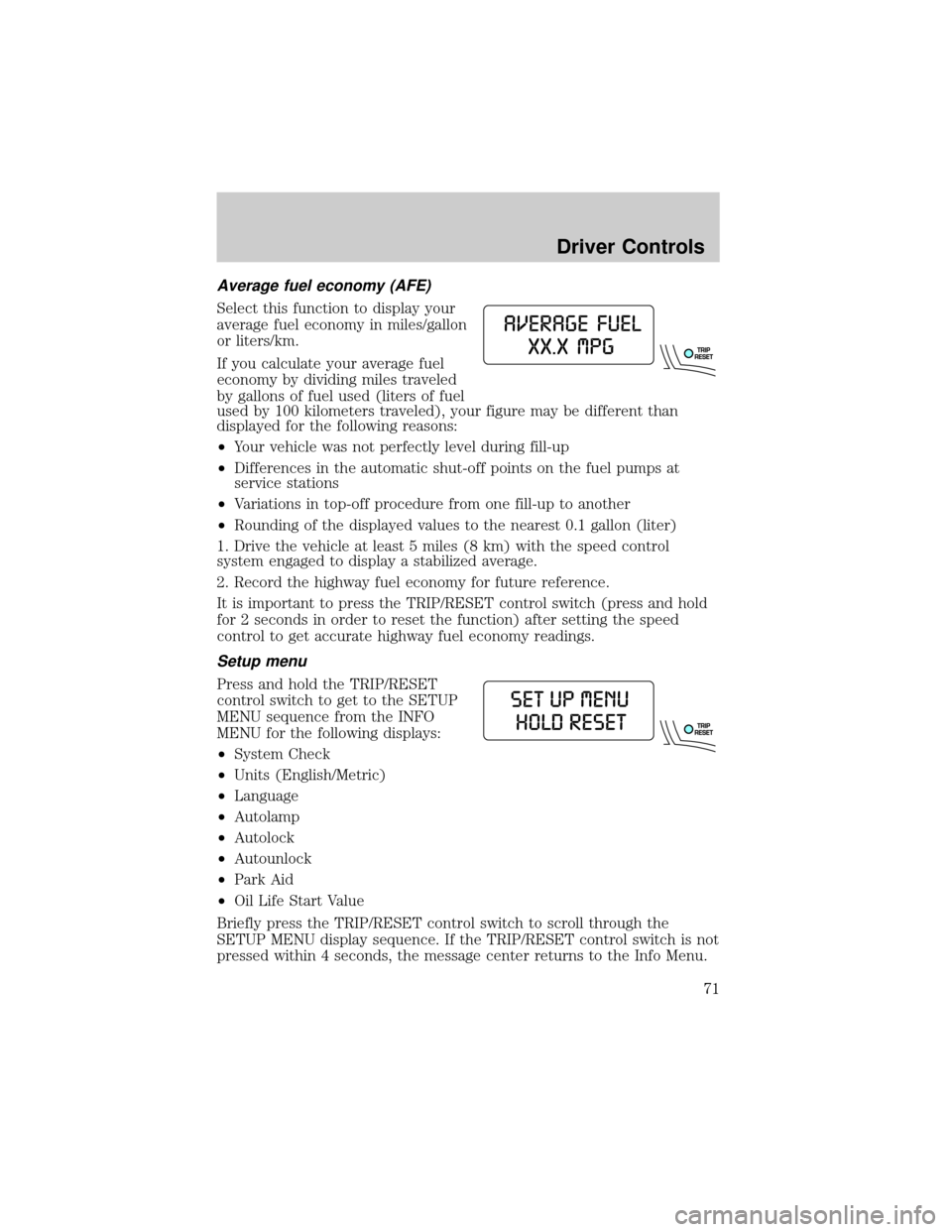
Average fuel economy (AFE)
Select this function to display your
average fuel economy in miles/gallon
or liters/km.
If you calculate your average fuel
economy by dividing miles traveled
by gallons of fuel used (liters of fuel
used by 100 kilometers traveled), your figure may be different than
displayed for the following reasons:
²Your vehicle was not perfectly level during fill-up
²Differences in the automatic shut-off points on the fuel pumps at
service stations
²Variations in top-off procedure from one fill-up to another
²Rounding of the displayed values to the nearest 0.1 gallon (liter)
1. Drive the vehicle at least 5 miles (8 km) with the speed control
system engaged to display a stabilized average.
2. Record the highway fuel economy for future reference.
It is important to press the TRIP/RESET control switch (press and hold
for 2 seconds in order to reset the function) after setting the speed
control to get accurate highway fuel economy readings.
Setup menu
Press and hold the TRIP/RESET
control switch to get to the SETUP
MENU sequence from the INFO
MENU for the following displays:
²System Check
²Units (English/Metric)
²Language
²Autolamp
²Autolock
²Autounlock
²Park Aid
²Oil Life Start Value
Briefly press the TRIP/RESET control switch to scroll through the
SETUP MENU display sequence. If the TRIP/RESET control switch is not
pressed within 4 seconds, the message center returns to the Info Menu.
Driver Controls
71
Page 72 of 328
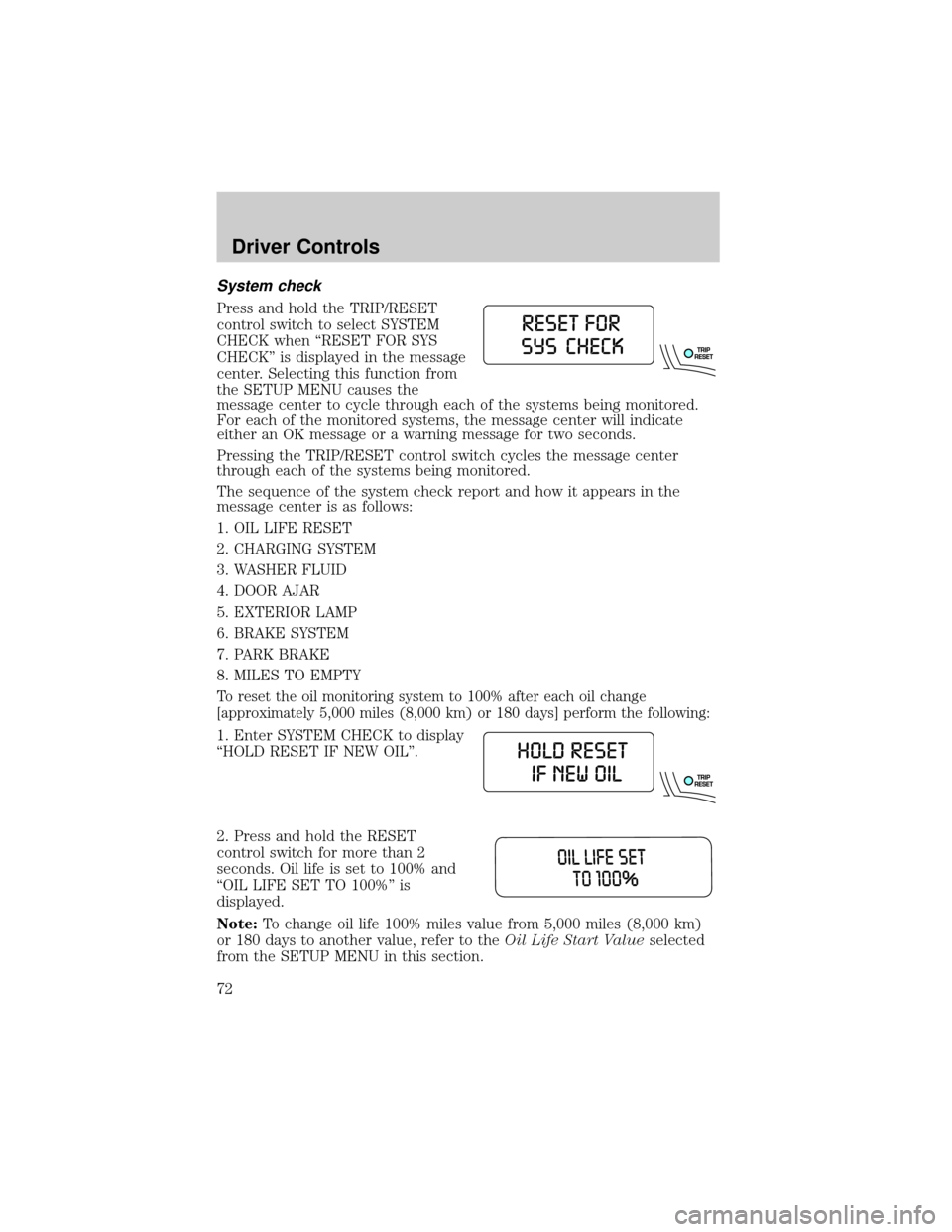
System check
Press and hold the TRIP/RESET
control switch to select SYSTEM
CHECK when ªRESET FOR SYS
CHECKº is displayed in the message
center. Selecting this function from
the SETUP MENU causes the
message center to cycle through each of the systems being monitored.
For each of the monitored systems, the message center will indicate
either an OK message or a warning message for two seconds.
Pressing the TRIP/RESET control switch cycles the message center
through each of the systems being monitored.
The sequence of the system check report and how it appears in the
message center is as follows:
1. OIL LIFE RESET
2. CHARGING SYSTEM
3. WASHER FLUID
4. DOOR AJAR
5. EXTERIOR LAMP
6. BRAKE SYSTEM
7. PARK BRAKE
8. MILES TO EMPTY
To reset the oil monitoring system to 100% after each oil change
[approximately 5,000 miles (8,000 km) or 180 days] perform the following:
1. Enter SYSTEM CHECK to display
ªHOLD RESET IF NEW OILº.
2. Press and hold the RESET
control switch for more than 2
seconds. Oil life is set to 100% and
ªOIL LIFE SET TO 100%º is
displayed.
Note:To change oil life 100% miles value from 5,000 miles (8,000 km)
or 180 days to another value, refer to theOil Life Start Valueselected
from the SETUP MENU in this section.
Driver Controls
72
Page 75 of 328
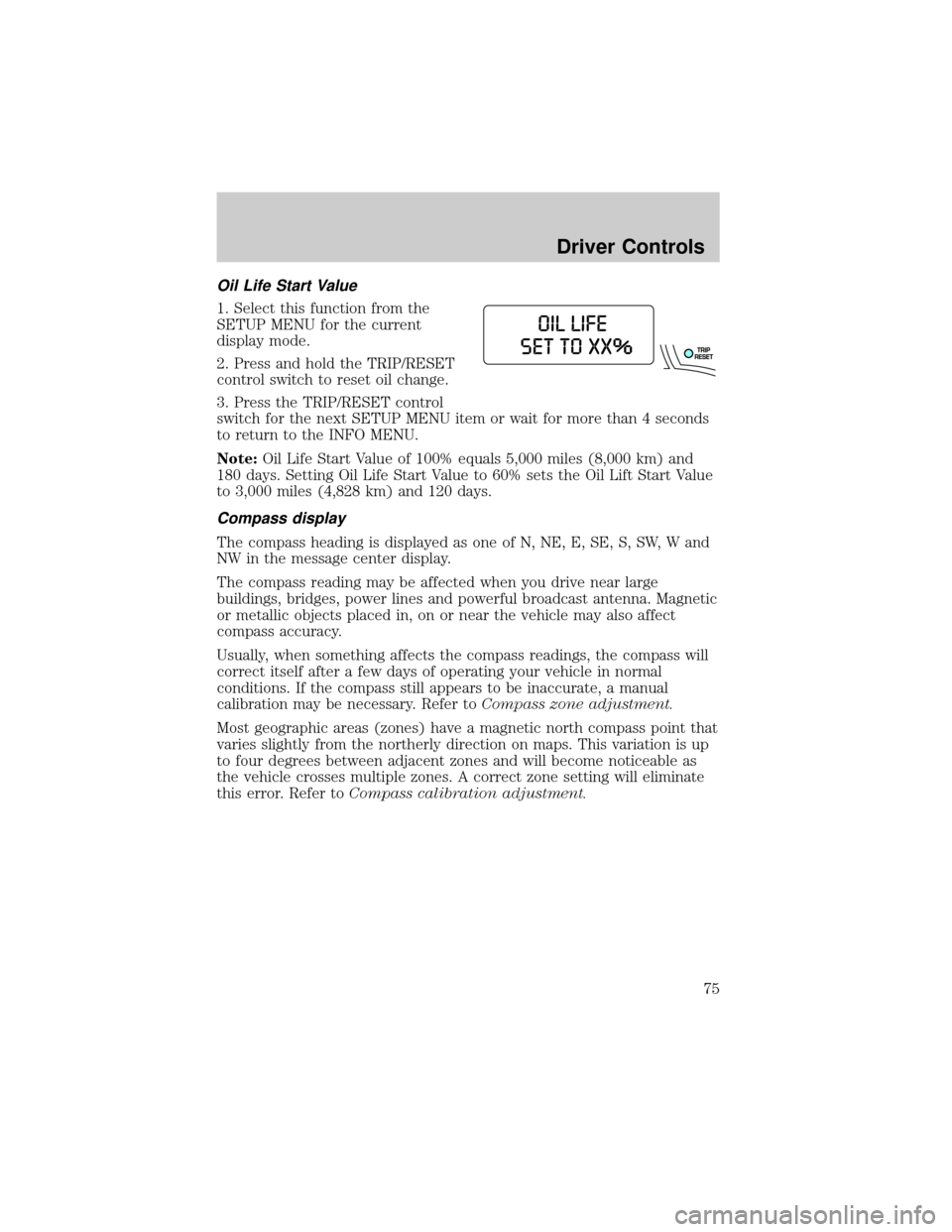
Oil Life Start Value
1. Select this function from the
SETUP MENU for the current
display mode.
2. Press and hold the TRIP/RESET
control switch to reset oil change.
3. Press the TRIP/RESET control
switch for the next SETUP MENU item or wait for more than 4 seconds
to return to the INFO MENU.
Note:Oil Life Start Value of 100% equals 5,000 miles (8,000 km) and
180 days. Setting Oil Life Start Value to 60% sets the Oil Lift Start Value
to 3,000 miles (4,828 km) and 120 days.
Compass display
The compass heading is displayed as one of N, NE, E, SE, S, SW, W and
NW in the message center display.
The compass reading may be affected when you drive near large
buildings, bridges, power lines and powerful broadcast antenna. Magnetic
or metallic objects placed in, on or near the vehicle may also affect
compass accuracy.
Usually, when something affects the compass readings, the compass will
correct itself after a few days of operating your vehicle in normal
conditions. If the compass still appears to be inaccurate, a manual
calibration may be necessary. Refer toCompass zone adjustment.
Most geographic areas (zones) have a magnetic north compass point that
varies slightly from the northerly direction on maps. This variation is up
to four degrees between adjacent zones and will become noticeable as
the vehicle crosses multiple zones. A correct zone setting will eliminate
this error. Refer toCompass calibration adjustment.
Driver Controls
75
Page 78 of 328
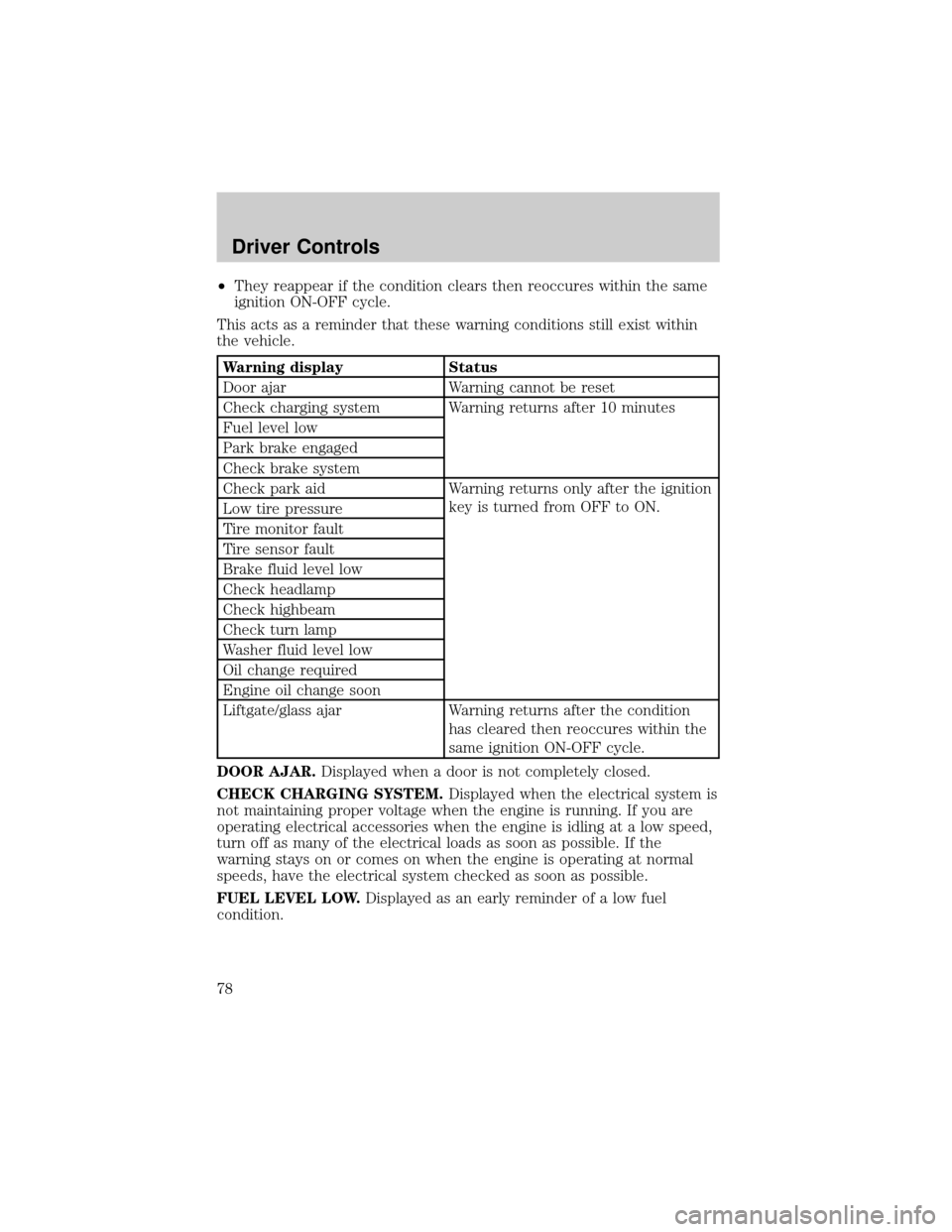
²They reappear if the condition clears then reoccures within the same
ignition ON-OFF cycle.
This acts as a reminder that these warning conditions still exist within
the vehicle.
Warning display Status
Door ajar Warning cannot be reset
Check charging system Warning returns after 10 minutes
Fuel level low
Park brake engaged
Check brake system
Check park aid Warning returns only after the ignition
key is turned from OFF to ON.
Low tire pressure
Tire monitor fault
Tire sensor fault
Brake fluid level low
Check headlamp
Check highbeam
Check turn lamp
Washer fluid level low
Oil change required
Engine oil change soon
Liftgate/glass ajar Warning returns after the condition
has cleared then reoccures within the
same ignition ON-OFF cycle.
DOOR AJAR.Displayed when a door is not completely closed.
CHECK CHARGING SYSTEM.Displayed when the electrical system is
not maintaining proper voltage when the engine is running. If you are
operating electrical accessories when the engine is idling at a low speed,
turn off as many of the electrical loads as soon as possible. If the
warning stays on or comes on when the engine is operating at normal
speeds, have the electrical system checked as soon as possible.
FUEL LEVEL LOW.Displayed as an early reminder of a low fuel
condition.
Driver Controls
78
Page 80 of 328
WASHER FLUID LEVEL LOW.Indicates the washer fluid reservoir is
less than one quarter full. Check the washer fluid level. Refer to
Windshield washer fluidin theMaintenance and Specifications
chapter.
OIL CHANGE REQUIRED.Displayed when the engine oil life
remaining is 0%.
An oil change is required whenever indicated by the message center and
according to the recommended maintenance schedule. USE ONLY
RECOMMENDED ENGINE OILS.
ENGINE OIL CHANGE SOON.Displayed when the engine oil life
reaches 5% or less of the Oil Life Start Value.
LIFTGATE/GLASS AJAR.Displayed when the liftgate or the liftgate
glass is not completely closed.
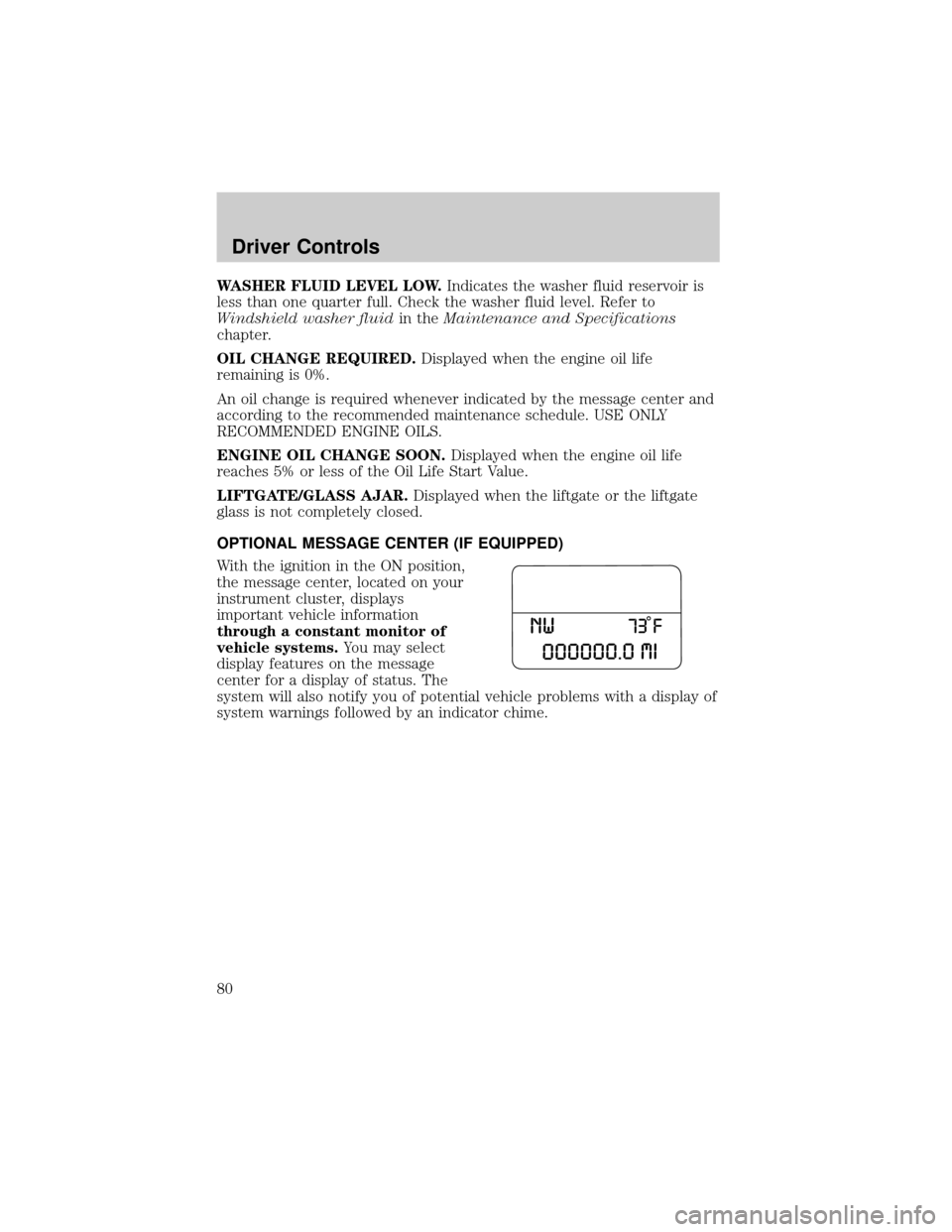
OPTIONAL MESSAGE CENTER (IF EQUIPPED)
With the ignition in the ON position,
the message center, located on your
instrument cluster, displays
important vehicle information
through a constant monitor of
vehicle systems.You may select
display features on the message
center for a display of status. The
system will also notify you of potential vehicle problems with a display of
system warnings followed by an indicator chime.
Driver Controls
80