service FORD EXPLORER 2006 4.G Owners Manual
[x] Cancel search | Manufacturer: FORD, Model Year: 2006, Model line: EXPLORER, Model: FORD EXPLORER 2006 4.GPages: 328, PDF Size: 3.59 MB
Page 7 of 328

Service Data Recording
Service data recorders in your vehicle are capable of collecting and
storing diagnostic information about your vehicle. This potentially
includes information about the performance or status of various systems
and modules in the vehicle, such as engine, throttle, steering or brake
systems. In order to properly diagnose and service your vehicle, Ford
Motor Company, Ford of Canada, and service and repair facilities may
access vehicle diagnostic information through a direct connection to your
vehicle when diagnosing or servicing your vehicle.
Event Data Recording
Other modules in your vehicle Ð event data recorders Ð are capable of
collecting and storing data during a crash or near crash event. The
recorded information may assist in the investigation of such an event.
The modules may record information about both the vehicle and the
occupants, potentially including information such as:
²how various systems in your vehicle were operating;
²whether or not the driver and passenger seatbelts were buckled;
²how far (if at all) the driver was depressing the accelerator and/or the
brake pedal;
²how fast the vehicle was traveling; and
²where the driver was positioning the steering wheel.
To access this information, special equipment must be directly connected
to the recording modules. Ford Motor Company and Ford of Canada do
not access event data recorder information without obtaining consent,
unless pursuant to court order or where required by law enforcement,
other government authorities or other third parties acting with lawful
authority. Other parties may seek to access the information
independently of Ford Motor Company and Ford of Canada.
Introduction
7
Page 13 of 328
bulb works. If any light remains on after starting the vehicle, refer to the
respective system warning light for additional information.
Note:Some Warning Lights will display in the Message Center as words
and function the same as the warning light.
Note:Depending on which options your vehicle has, some indicators
may not be present in your vehicle.
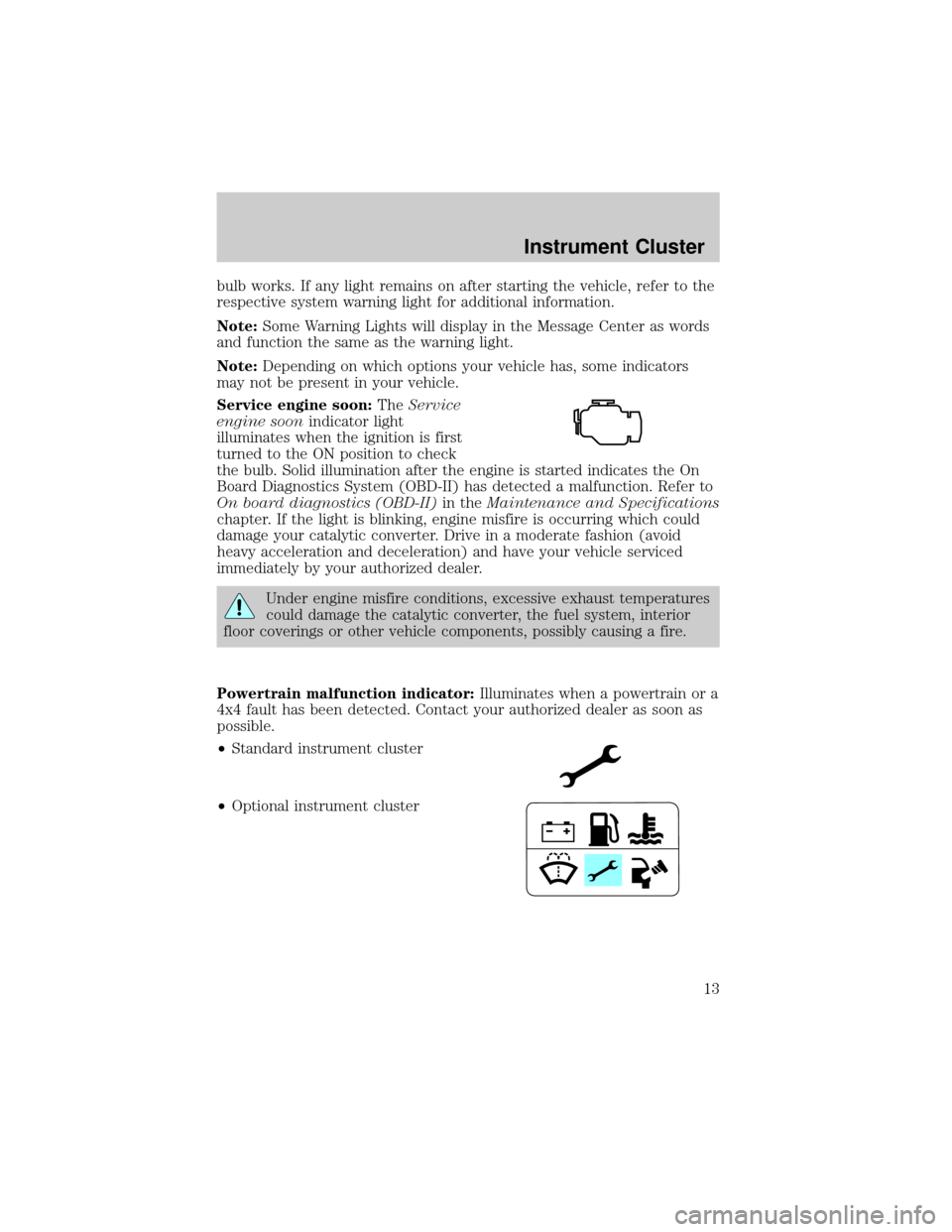
Service engine soon:TheService
engine soonindicator light
illuminates when the ignition is first
turned to the ON position to check
the bulb. Solid illumination after the engine is started indicates the On
Board Diagnostics System (OBD-II) has detected a malfunction. Refer to
On board diagnostics (OBD-II)in theMaintenance and Specifications
chapter. If the light is blinking, engine misfire is occurring which could
damage your catalytic converter. Drive in a moderate fashion (avoid
heavy acceleration and deceleration) and have your vehicle serviced
immediately by your authorized dealer.
Under engine misfire conditions, excessive exhaust temperatures
could damage the catalytic converter, the fuel system, interior
floor coverings or other vehicle components, possibly causing a fire.
Powertrain malfunction indicator:Illuminates when a powertrain or a
4x4 fault has been detected. Contact your authorized dealer as soon as
possible.
²Standard instrument cluster
²Optional instrument cluster
Instrument Cluster
13
Page 14 of 328
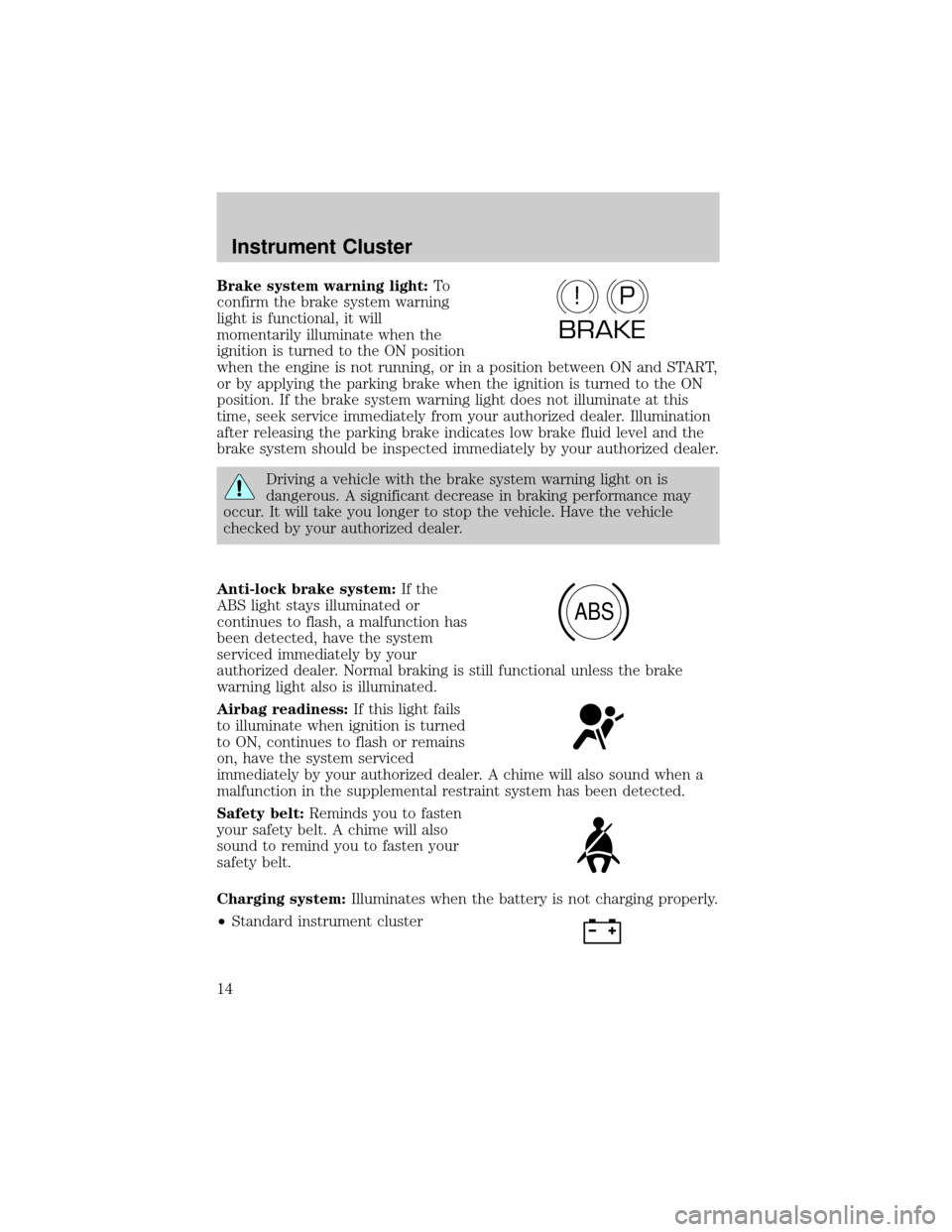
Brake system warning light:To
confirm the brake system warning
light is functional, it will
momentarily illuminate when the
ignition is turned to the ON position
when the engine is not running, or in a position between ON and START,
or by applying the parking brake when the ignition is turned to the ON
position. If the brake system warning light does not illuminate at this
time, seek service immediately from your authorized dealer. Illumination
after releasing the parking brake indicates low brake fluid level and the
brake system should be inspected immediately by your authorized dealer.
Driving a vehicle with the brake system warning light on is
dangerous. A significant decrease in braking performance may
occur. It will take you longer to stop the vehicle. Have the vehicle
checked by your authorized dealer.
Anti-lock brake system:If the
ABS light stays illuminated or
continues to flash, a malfunction has
been detected, have the system
serviced immediately by your
authorized dealer. Normal braking is still functional unless the brake
warning light also is illuminated.
Airbag readiness:If this light fails
to illuminate when ignition is turned
to ON, continues to flash or remains
on, have the system serviced
immediately by your authorized dealer. A chime will also sound when a
malfunction in the supplemental restraint system has been detected.
Safety belt:Reminds you to fasten
your safety belt. A chime will also
sound to remind you to fasten your
safety belt.
Charging system:Illuminates when the battery is not charging properly.
²Standard instrument cluster
P!
BRAKE
ABS
Instrument Cluster
14
Page 16 of 328
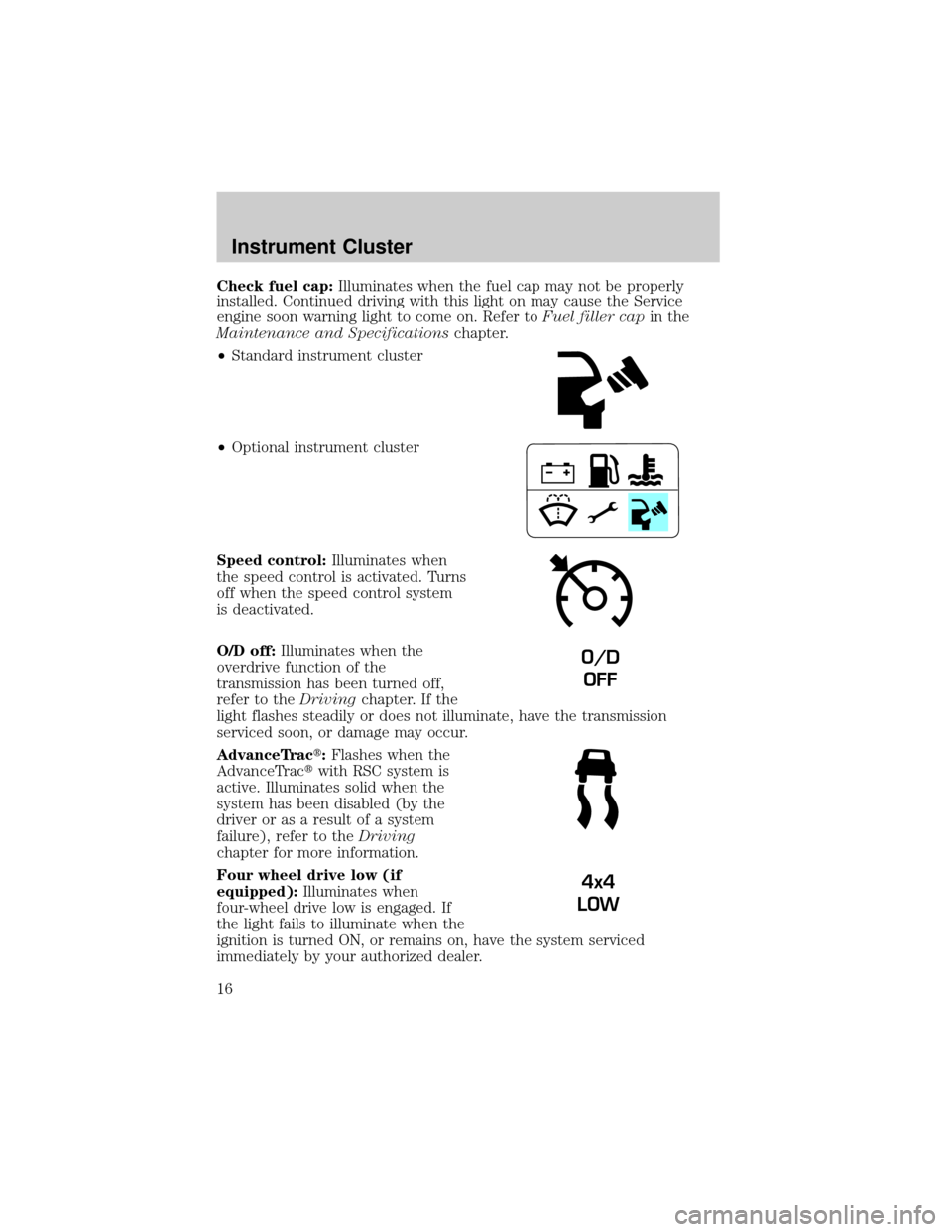
Check fuel cap:Illuminates when the fuel cap may not be properly
installed. Continued driving with this light on may cause the Service
engine soon warning light to come on. Refer toFuel filler capin the
Maintenance and Specificationschapter.
²Standard instrument cluster
²Optional instrument cluster
Speed control:Illuminates when
the speed control is activated. Turns
off when the speed control system
is deactivated.
O/D off:Illuminates when the
overdrive function of the
transmission has been turned off,
refer to theDrivingchapter. If the
light flashes steadily or does not illuminate, have the transmission
serviced soon, or damage may occur.
AdvanceTract:Flashes when the
AdvanceTractwith RSC system is
active. Illuminates solid when the
system has been disabled (by the
driver or as a result of a system
failure), refer to theDriving
chapter for more information.
Four wheel drive low (if
equipped):Illuminates when
four-wheel drive low is engaged. If
the light fails to illuminate when the
ignition is turned ON, or remains on, have the system serviced
immediately by your authorized dealer.
O/D
OFF
4x4
LOW
Instrument Cluster
16
Page 17 of 328
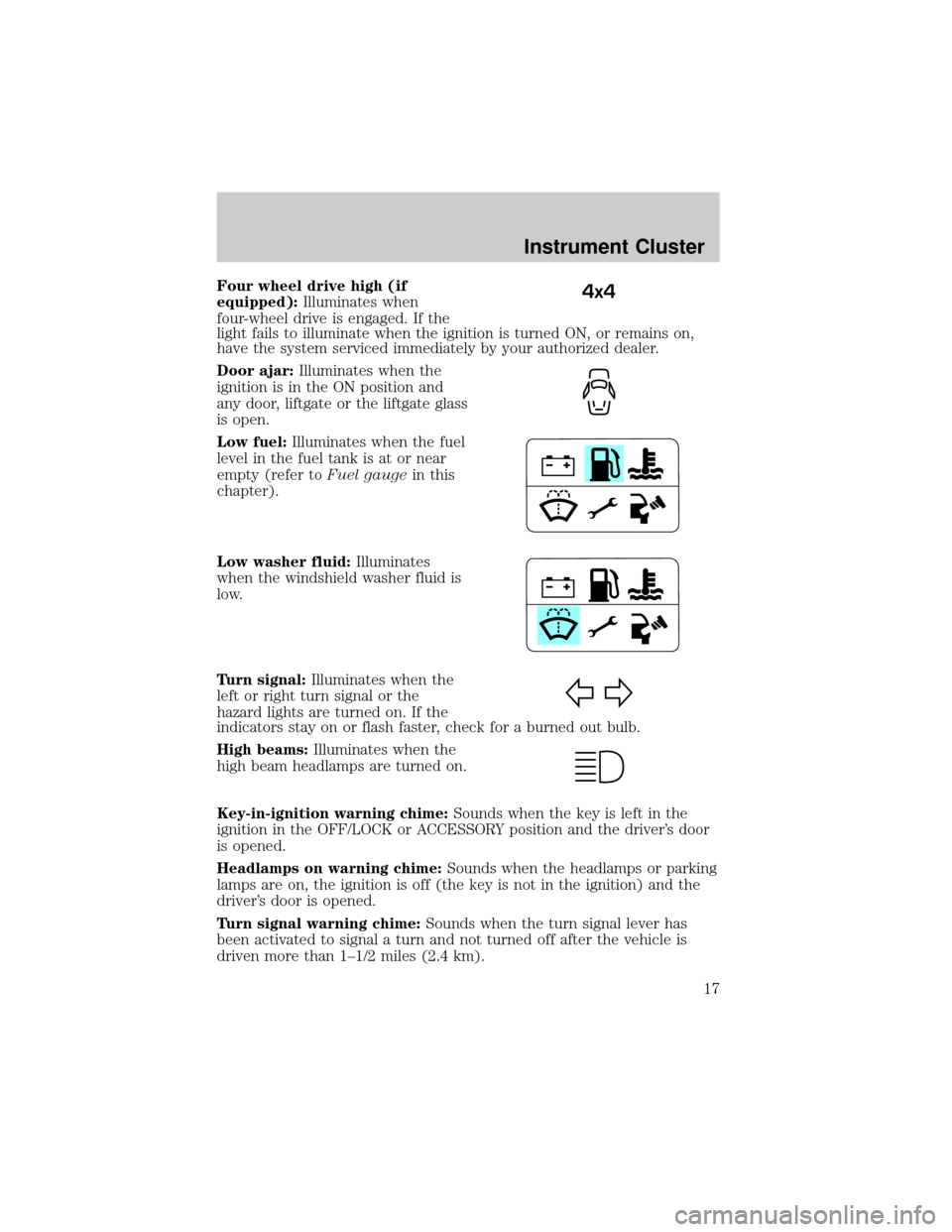
Four wheel drive high (if
equipped):Illuminates when
four-wheel drive is engaged. If the
light fails to illuminate when the ignition is turned ON, or remains on,
have the system serviced immediately by your authorized dealer.
Door ajar:Illuminates when the
ignition is in the ON position and
any door, liftgate or the liftgate glass
is open.
Low fuel:Illuminates when the fuel
level in the fuel tank is at or near
empty (refer toFuel gaugein this
chapter).
Low washer fluid:Illuminates
when the windshield washer fluid is
low.
Turn signal:Illuminates when the
left or right turn signal or the
hazard lights are turned on. If the
indicators stay on or flash faster, check for a burned out bulb.
High beams:Illuminates when the
high beam headlamps are turned on.
Key-in-ignition warning chime:Sounds when the key is left in the
ignition in the OFF/LOCK or ACCESSORY position and the driver's door
is opened.
Headlamps on warning chime:Sounds when the headlamps or parking
lamps are on, the ignition is off (the key is not in the ignition) and the
driver's door is opened.
Turn signal warning chime:Sounds when the turn signal lever has
been activated to signal a turn and not turned off after the vehicle is
driven more than 1±1/2 miles (2.4 km).4x4
Instrument Cluster
17
Page 34 of 328

Don't:
²Expose discs to direct sunlight or heat sources for extended periods
of time.
²Clean using a circular motion.
CD units are designed to play commercially pressed 4.75 in (12
cm) audio compact discs only. Due to technical incompatibility,
certain recordable and re-recordable compact discs may not
function correctly when used in Ford CD players. Dirty, warped
or damaged CDs, irregular shaped CDs, CDs with a scratch
protection film attached, and CDs with homemade paper
(adhesive) labels should not be inserted into the CD player. The
label may peel and cause the CD to become jammed. It is
recommended that homemade CDs be identified with permanent
felt tip marker rather than adhesive labels. Ballpoint pens may
damage CDs. Please contact your authorized dealer for further
information.
Audio system warranty and service:Refer to theWarranty Guide
for audio system warranty information. If service is necessary, see your
dealer or qualified technician.
NAVIGATION SYSTEM (IF EQUIPPED)
Your vehicle may be equipped with a Navigation System. Refer to the
Navigation supplementfor further information.
FAMILY ENTERTAINMENT SYSTEM (IF EQUIPPED)
Your vehicle may be equipped with a Family Entertainment System
(FES). This is a DVD system for the rear seat passengers which includes
a DVD player, wireless infrared headphones and a remote control. For
more information, please refer to theFamily Entertainment System
supplement.
Entertainment Systems
34
Page 44 of 328
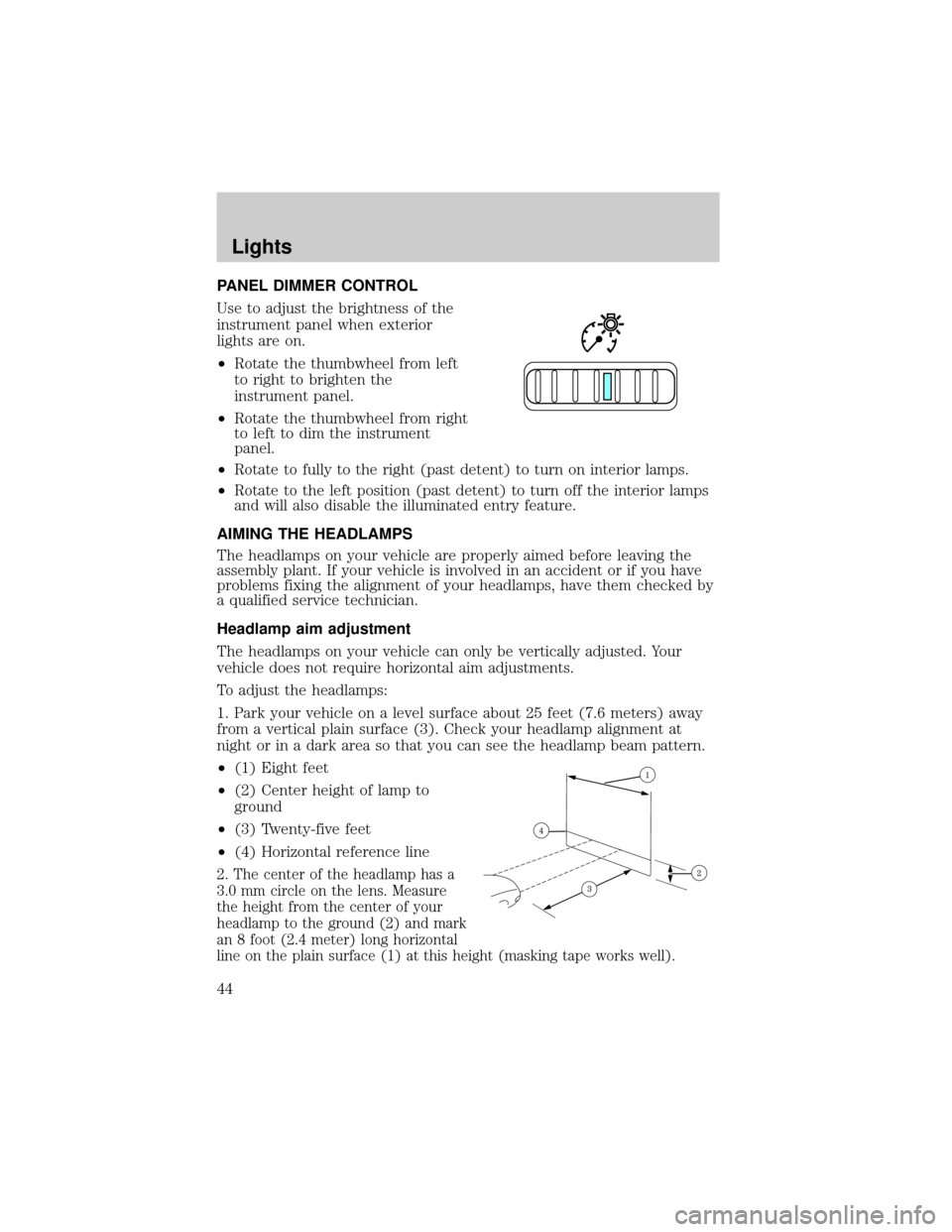
PANEL DIMMER CONTROL
Use to adjust the brightness of the
instrument panel when exterior
lights are on.
²Rotate the thumbwheel from left
to right to brighten the
instrument panel.
²Rotate the thumbwheel from right
to left to dim the instrument
panel.
²Rotate to fully to the right (past detent) to turn on interior lamps.
²Rotate to the left position (past detent) to turn off the interior lamps
and will also disable the illuminated entry feature.
AIMING THE HEADLAMPS
The headlamps on your vehicle are properly aimed before leaving the
assembly plant. If your vehicle is involved in an accident or if you have
problems fixing the alignment of your headlamps, have them checked by
a qualified service technician.
Headlamp aim adjustment
The headlamps on your vehicle can only be vertically adjusted. Your
vehicle does not require horizontal aim adjustments.
To adjust the headlamps:
1. Park your vehicle on a level surface about 25 feet (7.6 meters) away
from a vertical plain surface (3). Check your headlamp alignment at
night or in a dark area so that you can see the headlamp beam pattern.
²(1) Eight feet
²(2) Center height of lamp to
ground
²(3) Twenty-five feet
²(4) Horizontal reference line
2. The center of the headlamp has a
3.0 mm circle on the lens. Measure
the height from the center of your
headlamp to the ground (2) and mark
an 8 foot (2.4 meter) long horizontal
line on the plain surface (1) at this height (masking tape works well).
Lights
44
Page 71 of 328
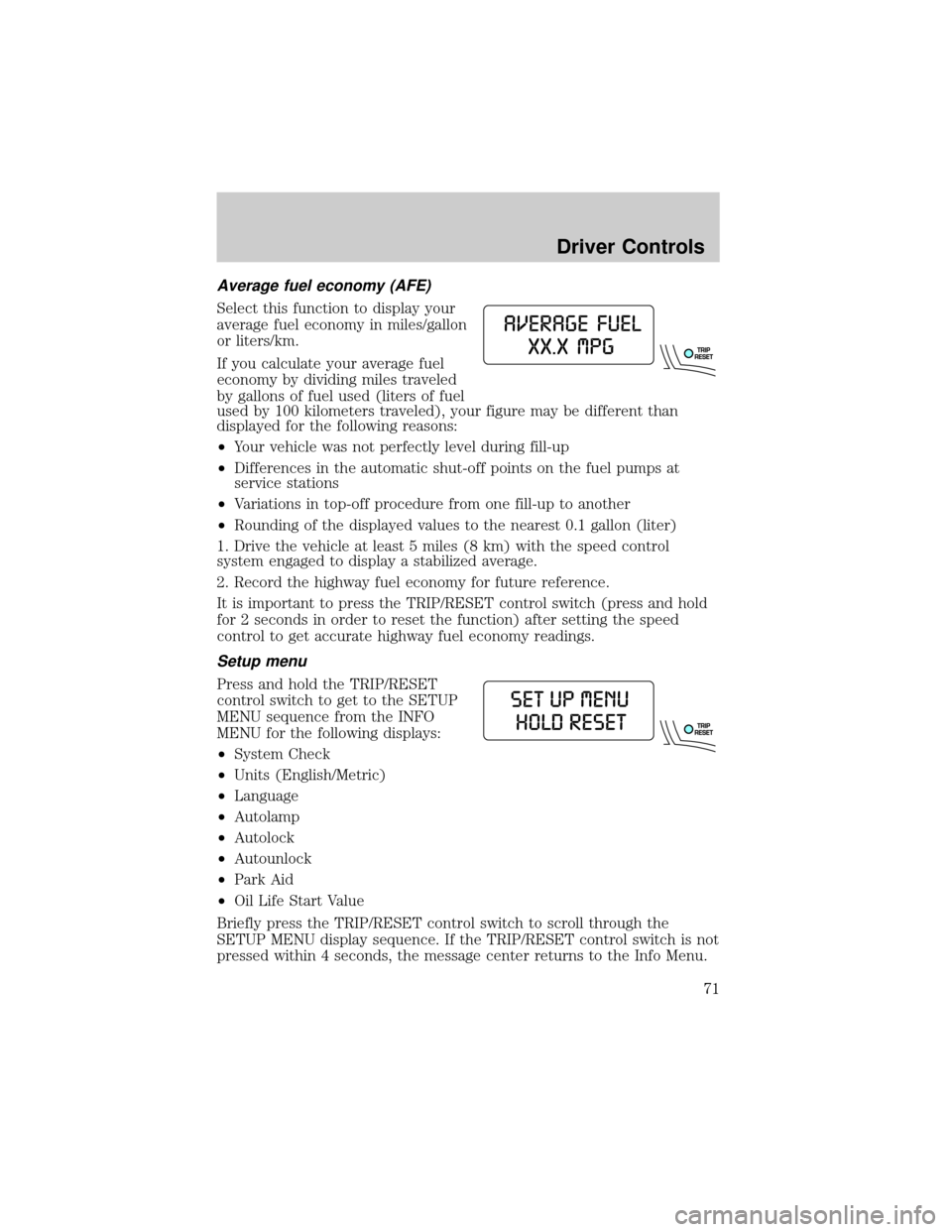
Average fuel economy (AFE)
Select this function to display your
average fuel economy in miles/gallon
or liters/km.
If you calculate your average fuel
economy by dividing miles traveled
by gallons of fuel used (liters of fuel
used by 100 kilometers traveled), your figure may be different than
displayed for the following reasons:
²Your vehicle was not perfectly level during fill-up
²Differences in the automatic shut-off points on the fuel pumps at
service stations
²Variations in top-off procedure from one fill-up to another
²Rounding of the displayed values to the nearest 0.1 gallon (liter)
1. Drive the vehicle at least 5 miles (8 km) with the speed control
system engaged to display a stabilized average.
2. Record the highway fuel economy for future reference.
It is important to press the TRIP/RESET control switch (press and hold
for 2 seconds in order to reset the function) after setting the speed
control to get accurate highway fuel economy readings.
Setup menu
Press and hold the TRIP/RESET
control switch to get to the SETUP
MENU sequence from the INFO
MENU for the following displays:
²System Check
²Units (English/Metric)
²Language
²Autolamp
²Autolock
²Autounlock
²Park Aid
²Oil Life Start Value
Briefly press the TRIP/RESET control switch to scroll through the
SETUP MENU display sequence. If the TRIP/RESET control switch is not
pressed within 4 seconds, the message center returns to the Info Menu.
Driver Controls
71
Page 82 of 328
Trip odometer
Refer toGaugesin theInstrument Clusterchapter.
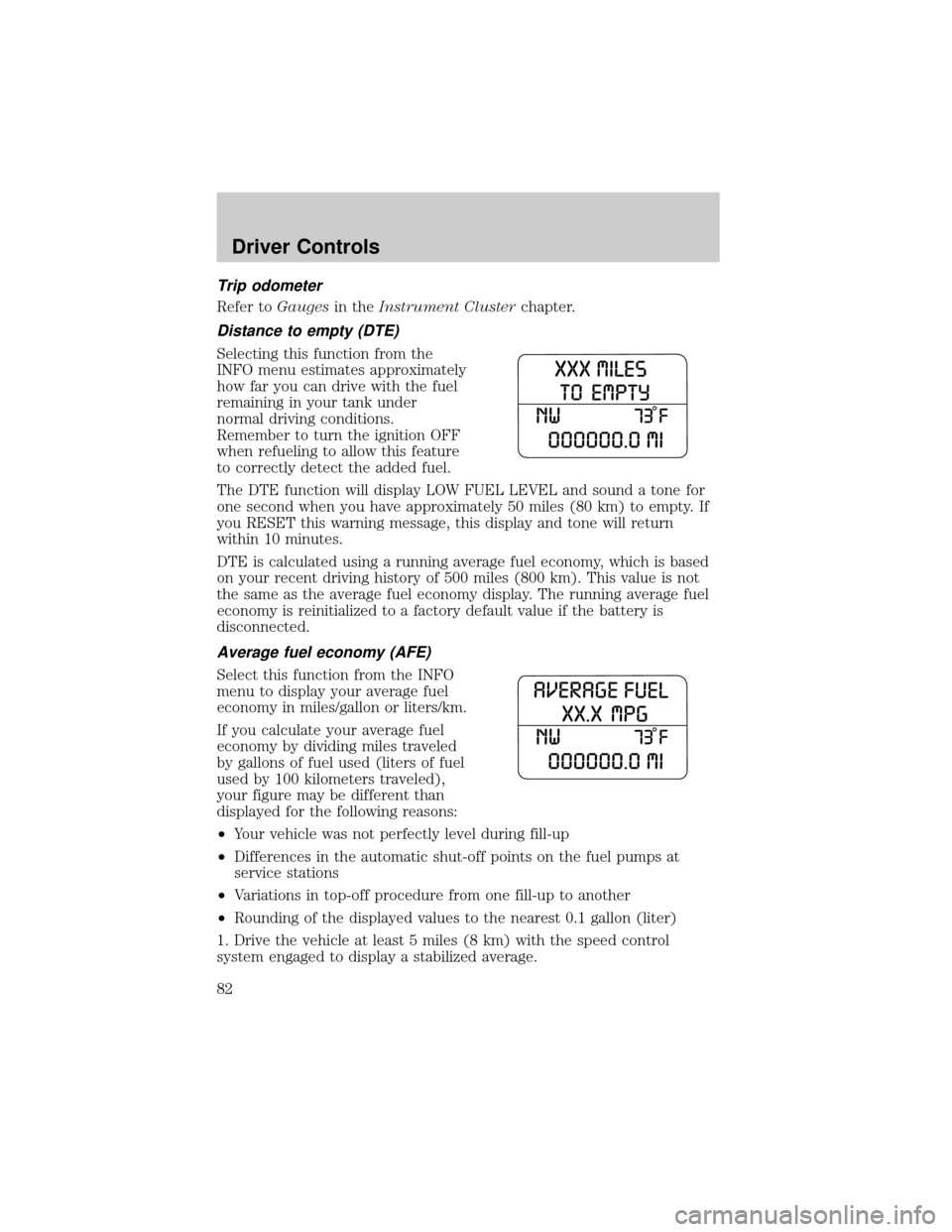
Distance to empty (DTE)
Selecting this function from the
INFO menu estimates approximately
how far you can drive with the fuel
remaining in your tank under
normal driving conditions.
Remember to turn the ignition OFF
when refueling to allow this feature
to correctly detect the added fuel.
The DTE function will display LOW FUEL LEVEL and sound a tone for
one second when you have approximately 50 miles (80 km) to empty. If
you RESET this warning message, this display and tone will return
within 10 minutes.
DTE is calculated using a running average fuel economy, which is based
on your recent driving history of 500 miles (800 km). This value is not
the same as the average fuel economy display. The running average fuel
economy is reinitialized to a factory default value if the battery is
disconnected.
Average fuel economy (AFE)
Select this function from the INFO
menu to display your average fuel
economy in miles/gallon or liters/km.
If you calculate your average fuel
economy by dividing miles traveled
by gallons of fuel used (liters of fuel
used by 100 kilometers traveled),
your figure may be different than
displayed for the following reasons:
²Your vehicle was not perfectly level during fill-up
²Differences in the automatic shut-off points on the fuel pumps at
service stations
²Variations in top-off procedure from one fill-up to another
²Rounding of the displayed values to the nearest 0.1 gallon (liter)
1. Drive the vehicle at least 5 miles (8 km) with the speed control
system engaged to display a stabilized average.
Driver Controls
82
Page 111 of 328

6. Release the 3²4.
The user should receive a horn chirp to indicate the system has been
disabled or a chirp followed by a honk to indicate the system has been
enabled.
Message center procedure
For information on activating/deactivating the autounlock feature using
the vehicle's message center (if equipped), refer toMessage center
information in theDriver Controlschapter.
SECURILOCKYPASSIVE ANTI-THEFT SYSTEM
SecuriLockypassive anti-theft system is an engine immobilization
system. This system is designed to help prevent the engine from being
started unless acoded key programmed to your vehicleis used. The
use of the wrong type of coded key may lead to a ªno-startº condition.
Your vehicle comes with two coded keys; additional coded keys may be
purchased from your authorized dealer. The authorized dealer can
program your spare keys to your vehicle or you can program the keys
yourself. Refer toProgramming spare keysfor instructions on how to
program the coded key.
Note:The SecuriLockypassive anti-theft system is not compatible with
non-Ford aftermarket remote start systems. Use of these systems may
result in vehicle starting problems and a loss of security protection.
Note:Large metallic objects, electronic devices that are used to
purchase gasoline or similar items, or a second coded key on the same
key chain may cause vehicle starting issues. You need to prevent these
objects from touching the coded key while starting the engine. These
objects will not cause damage to the coded key, but may cause a
momentary issue if they are too close to the key when starting the
engine. If a problem occurs, turn the ignition off, remove all objects on
the key chain away from the coded key and restart the engine.
Anti-theft indicator
The anti-theft indicator is located on top of the instrument panel.
²When the ignition is in the 1 (OFF/LOCK) position, the indicator will
flash once every 2 seconds to indicate the SecuriLockysystem is
functioning as a theft deterrent.
²When the ignition is in the 3 (ON) position, the indicator will glow for
3 seconds to indicate normal system functionality.
If a problem occurs with the SecuriLockysystem, the indicator will flash
rapidly or glow steadily when the ignition is in the 3 (ON) position. If this
occurs, the vehicle should be taken to an authorized dealer for service.
Locks and Security
111