key battery FORD EXPLORER 2011 5.G User Guide
[x] Cancel search | Manufacturer: FORD, Model Year: 2011, Model line: EXPLORER, Model: FORD EXPLORER 2011 5.GPages: 449, PDF Size: 4.03 MB
Page 272 of 449
3. On — press and hold the START/STOP button for at least one second
without applying the brake pedal. This will power your vehicle’s electrical
system and the warning lights in the instrument cluster will illuminate,
but the engine will remain off.Note:You can start the engine from any
ignition mode.
4. Start — press the START/STOP button (for any length of time) while
applying the brake pedal.Note:The indicator light on the start button
will illuminate when the vehicle is in on mode and when the engine is
started.
There may be areas inside your vehicle where the IA key is not detected.
If the message NO KEY DETECTED appears on your message center
when you press the START/STOP button, it may be necessary to move
your IA key to another area within the vehicle. The IA key may not be
detected near the roof (between the driver or passenger sunvisor and
the roof, or in the overhead console area) or in the extreme corners of
the rear package tray, near your audio speakers. It is not recommended
that you stow the IA key in these locations. If you move the IA key to a
location where it has been detected before and you still see the NO KEY
DETECTED message, your IA key’s battery may be low or you may be in
an area with excessive radio frequency interference. If this occurs, you
can use the back-up method to start your vehicle (see below).
Back-up method of starting:Your IA key uses a radio frequency signal
to communicate with your vehicle and authorize your vehicle to start
when you press the START/STOP button and apply the brake pedal. If
excessive radio frequency interference is present in the area, or if the
battery in your IA key is low, it may be necessary to start your car by
inserting the IA key in the back-up slot, located at the front of the center
console storage compartment. Insert the IA key into the slot with
buttons facing out and with key ring up. After inserting the IA key into
the back-up slot, use the START/STOP button and brake pedal to start
your vehicle as usual. The vehicle should respond normally as long as the
IA key is in the back-up slot. Once the vehicle is started, the IA key can
be removed from the back-up slot, if desired.
Fast restart feature:The fast restart feature allows you to re-start
your vehicle within 20 seconds of switching the vehicle off, if a valid IA
key is not present when the vehicle is switched off. When you switch
your vehicle off without an IA key in the passenger compartment or
trunk, the message RESTART NOW OR KEY IS NEEDED will be
displayed in the message center. You can re-start the vehicle (by
applying the brake pedal and pressing the START/STOP button) for up
to 20 seconds, even though the IA key is not present. After 20 seconds
have expired, you can no longer start your vehicle without the IA key
present inside the vehicle.
Driving
271
2011 Explorer(exp)
Owners Guide, 1st Printing
USA(fus)
Page 273 of 449
Switching the vehicle off when not in P (Park):It is recommended
that you shift into the P (Park) position before switching your vehicle
off. If you switch your vehicle off with the shifter in any position other
than P (Park), the message SHIFT TO PARK will be displayed in the
message center. If the vehicle is left in this state, your key in ignition
chime will activate when the driver door is opened, and you may drain
your vehicle’s battery. In order to avoid draining your battery, it is
recommended that you always shift to P (Park) before or immediately
after switching your vehicle off.
Absence of the intelligent access key:Once the vehicle has started,
the vehicle will remain running until being turned off by the
START/STOP button, even if the IA key is no longer found in the vehicle.
Whenever a door is opened and then closed while the vehicle is running,
the system will search for an IA key inside the vehicle and the message
center will display NO KEY DETECTED if the IA key is no longer
present. This message is a reminder that someone else in the vehicle
may have taken the IA key when exiting the vehicle. If the IA key is no
longer present in the vehicle, you will not be able to re-start your vehicle
outside of the Fast Restart time (seeFast Restart Featureabove).
Note:It is important to be aware of where your IA key is located in the
vehicle, to avoid becoming stranded without an IA key.
Guarding against exhaust fumes
Carbon monoxide is present in exhaust fumes. Take precautions to avoid
its dangerous effects.
WARNING:If you smell exhaust fumes inside your vehicle, have
your dealer inspect your vehicle immediately. Do not drive if you
smell exhaust fumes.
Important ventilating information
If the engine is idling while the vehicle is stopped for a long period of
time, open the windows at least 1 inch (2.5 cm) or adjust the heating or
air conditioning to bring in fresh air.
Driving
272
2011 Explorer(exp)
Owners Guide, 1st Printing
USA(fus)
Page 326 of 449
ROADSIDE ASSISTANCE
Getting roadside assistance
To fully assist you should you have a vehicle concern, Ford Motor
Company offers a complimentary roadside assistance program. This
program is separate from the New Vehicle Limited Warranty. The service
is available:
•24-hours, seven days a week
•for the coverage period listed on the Roadside Assistance Card
included in your Owner Guide portfolio.
Roadside assistance will cover:
•a flat tire change with a good spare (except vehicles that have been
supplied with a tire inflation kit)
•battery jump start
•lock-out assistance (key replacement cost is the customer’s
responsibility)
•fuel delivery – Independent Service Contractors, if not prohibited by
state, local or municipal law shall deliver up to 2.0 gallons (7.5L) of
gasoline or 5.0 gallons (18.9L) of diesel fuel to a disabled vehicle. Fuel
delivery service is limited to two no-charge occurrences within a
12-month period.
•winch out – available within 100 feet (30.5 meters) of a paved or
county maintained road, no recoveries.
•towing – Ford and Lincoln eligible vehicles towed to an authorized
dealer within 35 miles (56 km) of the disablement location or to the
nearest authorized dealer. If a member requests to be towed to an
authorized dealer more than 35 miles (56 km) from the disablement
location, the member shall be responsible for any mileage costs in
excess of 35 miles (56 km).
Trailers shall be covered up to $200 if the disabled eligible vehicle
requires service at the nearest authorized dealer. If the trailer is disabled,
but the towing vehicle is operational, the trailer does not qualify for any
roadside services.
Roadside Emergencies
325
2011 Explorer(exp)
Owners Guide, 1st Printing
USA(fus)
Page 327 of 449
Canadian customers refer to your Warranty Guide or visit our
website at www.ford.ca for information on:
Using roadside assistance
Complete the roadside assistance identification card and place it in your
wallet for quick reference. In the United States, this card is found in the
Owner Guide portfolio in the glove compartment. In Canada, the card is
found in theWarranty Guidein the glove compartment.
U.S. Ford and Lincoln vehicle customers who require Roadside
Assistance, call 1-800-241-3673.
Canadian customers who require roadside assistance, call
1-800-665-2006.
If you need to arrange roadside assistance for yourself, Ford Motor
Company will reimburse a reasonable amount for towing to the nearest
dealership within 35 miles (56 km). To obtain reimbursement information,
U.S. Ford and Lincoln vehicle customers call 1-800-241-3673. Customers
will be asked to submit their original receipts.
Canadian customers who need to obtain reimbursement information, call
1-800-665-2006 or visit our website at www.ford.ca.
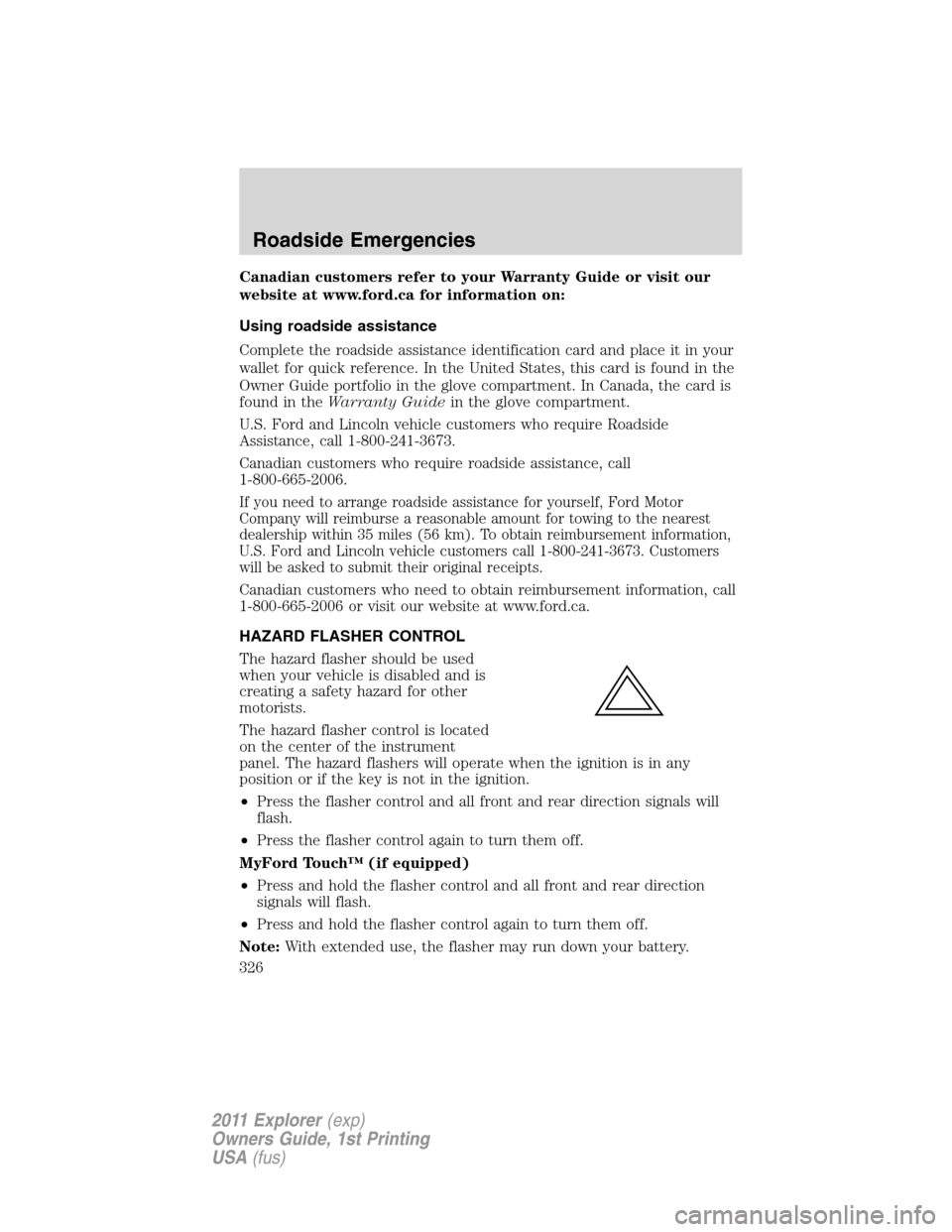
HAZARD FLASHER CONTROL
The hazard flasher should be used
when your vehicle is disabled and is
creating a safety hazard for other
motorists.
The hazard flasher control is located
on the center of the instrument
panel. The hazard flashers will operate when the ignition is in any
position or if the key is not in the ignition.
•Press the flasher control and all front and rear direction signals will
flash.
•Press the flasher control again to turn them off.
MyFord Touch™ (if equipped)
•Press and hold the flasher control and all front and rear direction
signals will flash.
•Press and hold the flasher control again to turn them off.
Note:With extended use, the flasher may run down your battery.
Roadside Emergencies
326
2011 Explorer(exp)
Owners Guide, 1st Printing
USA(fus)
Page 376 of 449
SERVICE RECOMMENDATIONS
•Use thescheduled maintenance informationto track routine
service.
•Use only recommended fuels, lubricants, fluids and service parts
conforming to specifications.
•Your authorized dealer can provide parts and service.
PRECAUTIONS WHEN SERVICING YOUR VEHICLE
•Do not work on a hot engine.
•Make sure that nothing gets caught in moving parts.
•Do not work on a vehicle with the engine running in an enclosed
space, unless you are sure you have enough ventilation.
•Keep all open flames and other burning material (such as cigarettes)
away from the battery and all fuel related parts.
Working with the engine off
1. Set the parking brake and ensure the gearshift is securely latched in P
(Park).
2. Turn off the engine and remove the key.
3. Block the wheels to prevent the vehicle from moving unexpectedly.
Working with the engine on
1. Set the parking brake and shift to P (Park).
2. Block the wheels.
WARNING:To reduce the risk of vehicle damage and/or
personal burn injuries, do not start your engine with the air
cleaner removed and do not remove it while the engine is running.
Maintenance and Specifications
375
2011 Explorer(exp)
Owners Guide, 1st Printing
USA(fus)
Page 404 of 449
Readiness for Inspection/Maintenance (I/M) testing
Some state/provincial and local governments may have
Inspection/Maintenance (I/M) programs to inspect the emission control
equipment on your vehicle. Failure to pass this inspection could prevent
you from getting a vehicle registration. Your vehicle may not pass the I/M
test if the service engine soon
indicator is on or not working
properly (bulb is burned out), or if the OBD-II system has determined
that some of the emission control systems have not been properly
checked. In this case, the vehicle is considered not ready for I/M testing.
If the service engine soon
indicator is on or the bulb does not
work, the vehicle may need to be serviced. Refer toOn-board
diagnostics (OBD-II)in this chapter.
If the vehicle’s engine or transmission has just been serviced, or the
battery has recently run down or been replaced, the OBD-II system may
indicate that the vehicle is not ready for I/M testing. To determine if the
vehicle is ready for I/M testing, turn the ignition key to the on position
for 15 seconds without cranking the engine. If the service engine
soon
indicator blinks eight times, it means that the vehicle is not
ready for I/M testing; if the service engine soon
indicator stays on
solid, it means that the vehicle is ready for I/M testing.
The OBD-II system is designed to check the emission control system
during normal driving. A complete check may take several days. If the
vehicle is not ready for I/M testing, the following driving cycle consisting
of mixed city and highway driving may be performed:
15 minutes of steady driving on an expressway/highway followed by
20 minutes of stop-and-go driving with at least four 30-second idle
periods.
Allow the vehicle to sit for at least eight hours without starting the
engine. Then, start the engine and complete the above driving cycle. The
engine must warm up to its normal operating temperature. Once started,
do not turn off the engine until the above driving cycle is complete. If
the vehicle is still not ready for I/M testing, the above driving cycle will
have to be repeated.
Maintenance and Specifications
403
2011 Explorer(exp)
Owners Guide, 1st Printing
USA(fus)
Page 419 of 449
Peace of mind
•Keyless entry keypad•Vehicle security systems
•Vehicle tracking and recovery*•Wheel locks
•Windshield wiper shaker*•Remote start
•Cargo shade•Cargo area protector
•Bumper and hitch mounted parking sensors*
•Locking gas plug for capless fuel system
*Ford Licensed Accessories (FLA) are warranted by the accessory
manufacturer’s warranty. Ford Licensed Accessories are fully designed
and developed by the accessory manufacturer and have not been
designed or tested to Ford Motor Company engineering requirements.
Contact your Ford dealer for details regarding the manufacturer’s limited
warranty and/or a copy of the FLA product limited warranty offered by
the accessory manufacturer.
For maximum vehicle performance, keep the following information in
mind when adding accessories or equipment to your vehicle:
•When adding accessories, equipment, passengers and luggage to your
vehicle, do not exceed the total weight capacity of the vehicle or of
the front or rear axle (GVWR or GAWR as indicated on the Safety
Compliance Certification label). Consult your authorized dealer for
specific weight information.
•
The Federal Communications Commission (FCC) and Canadian Radio
Telecommunications Commission (CRTC) regulate the use of mobile
communications systems — such as two-way radios, telephones and
theft alarms - that are equipped with radio transmitters. Any such
equipment installed in your vehicle should comply with FCC or CRTC
regulations and should be installed only by a qualified service technician.
•Mobile communications systems may harm the operation of your vehicle,
particularly if they are not properly designed for automotive use.
•To avoid interference with other vehicle functions, such as anti-lock
braking systems, amateur radio users who install radios and antennas
onto their vehicle should not locate the Amateur Radio Antennas in
the area of the driver’s side hood.
•Electrical or electronic accessories or components that are added to
the vehicle by the authorized dealer or the owner may adversely affect
battery performance and durability and may also adversely affect the
performance of other electrical systems in the vehicle.
Accessories
418
2011 Explorer(exp)
Owners Guide, 1st Printing
USA(fus)