brake FORD EXPLORER 2015 5.G User Guide
[x] Cancel search | Manufacturer: FORD, Model Year: 2015, Model line: EXPLORER, Model: FORD EXPLORER 2015 5.GPages: 596, PDF Size: 6.32 MB
Page 96 of 596
ADJUSTABLE PEDALS (IF EQUIPPED)
WARNING:Never adjust the accelerator and brake pedal with
feet on the pedals while the vehicle is moving.
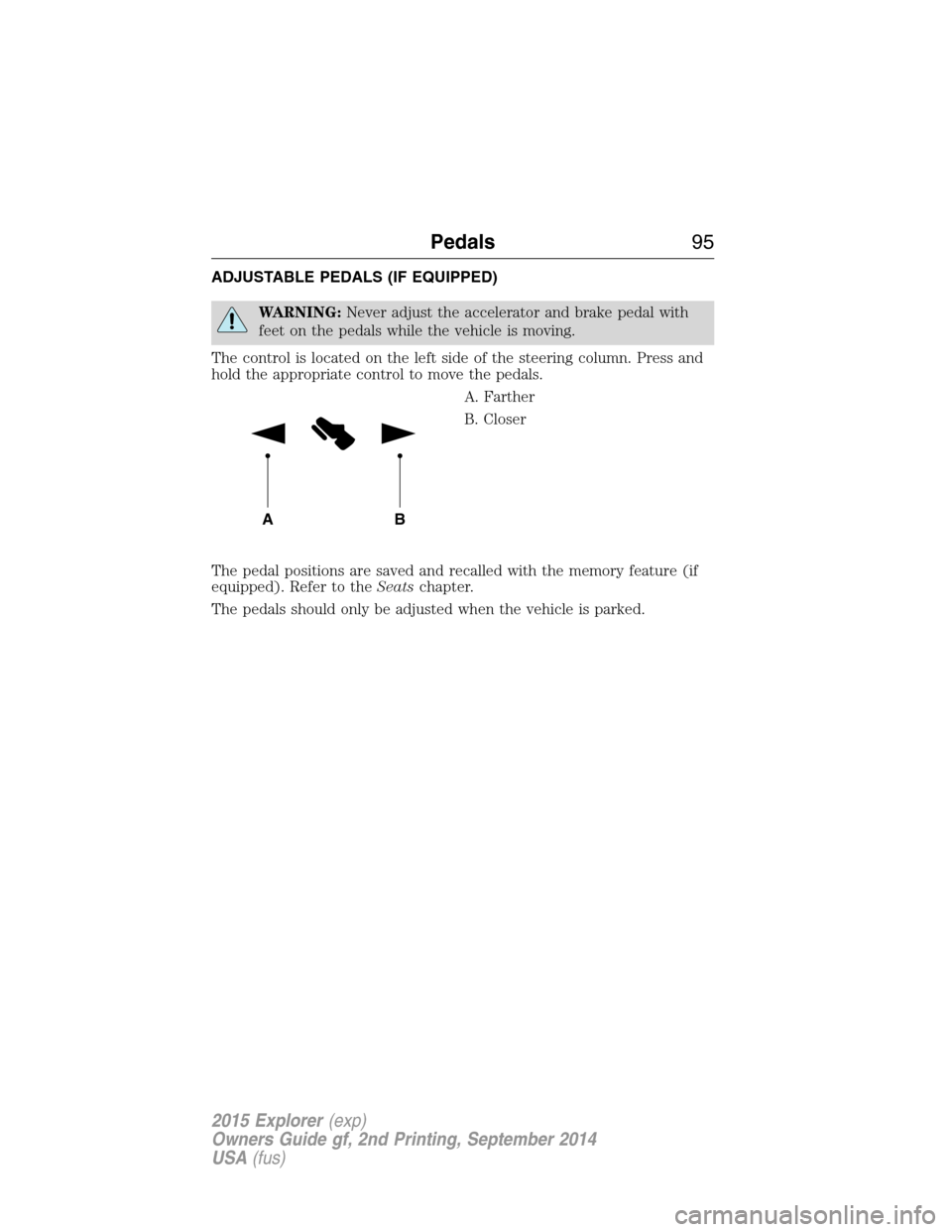
The control is located on the left side of the steering column. Press and
hold the appropriate control to move the pedals.
A. Farther
B. Closer
The pedal positions are saved and recalled with the memory feature (if
equipped). Refer to theSeatschapter.
The pedals should only be adjusted when the vehicle is parked.
AB
Pedals95
2015 Explorer(exp)
Owners Guide gf, 2nd Printing, September 2014
USA(fus)
Page 118 of 596
WARNING LAMPS AND INDICATORS
There are indicators that can alert you to a vehicle condition that may
become serious enough to cause expensive repairs. Many lights will
illuminate when you start your vehicle to make sure they work. If any
light remains on after starting the vehicle, refer to the respective system
warning light for additional information.
Note:Some warning indicators are reconfigurable telltales (RTT). These
indicators appear in the information display and function the same as a
warning light, but do not display on startup.
Adaptive cruise control (RTT) (if equipped)
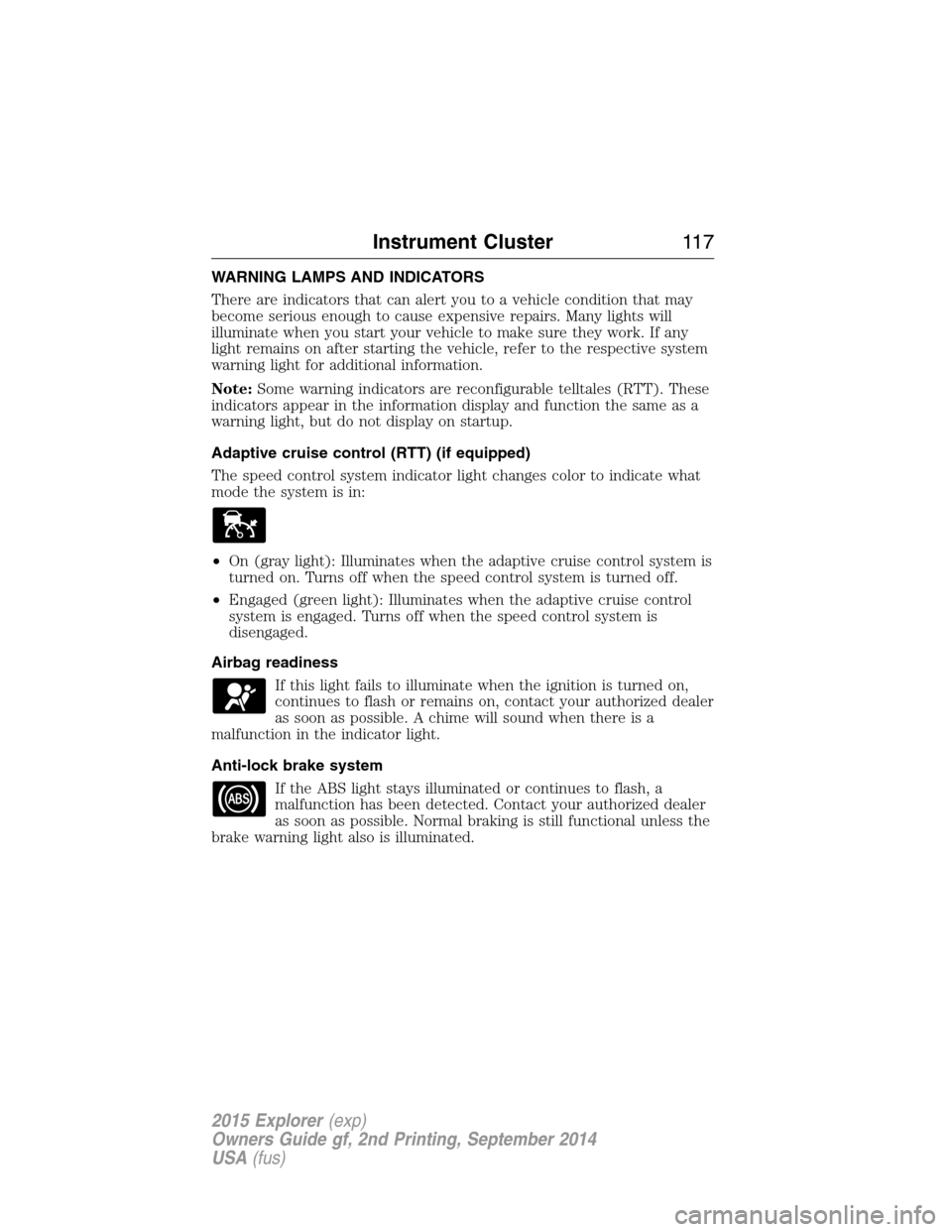
The speed control system indicator light changes color to indicate what
mode the system is in:
•On (gray light): Illuminates when the adaptive cruise control system is
turned on. Turns off when the speed control system is turned off.
•Engaged (green light): Illuminates when the adaptive cruise control
system is engaged. Turns off when the speed control system is
disengaged.
Airbag readiness
If this light fails to illuminate when the ignition is turned on,
continues to flash or remains on, contact your authorized dealer
as soon as possible. A chime will sound when there is a
malfunction in the indicator light.
Anti-lock brake system
If the ABS light stays illuminated or continues to flash, a
malfunction has been detected. Contact your authorized dealer
as soon as possible. Normal braking is still functional unless the
brake warning light also is illuminated.
Instrument Cluster11 7
2015 Explorer(exp)
Owners Guide gf, 2nd Printing, September 2014
USA(fus)
Page 119 of 596
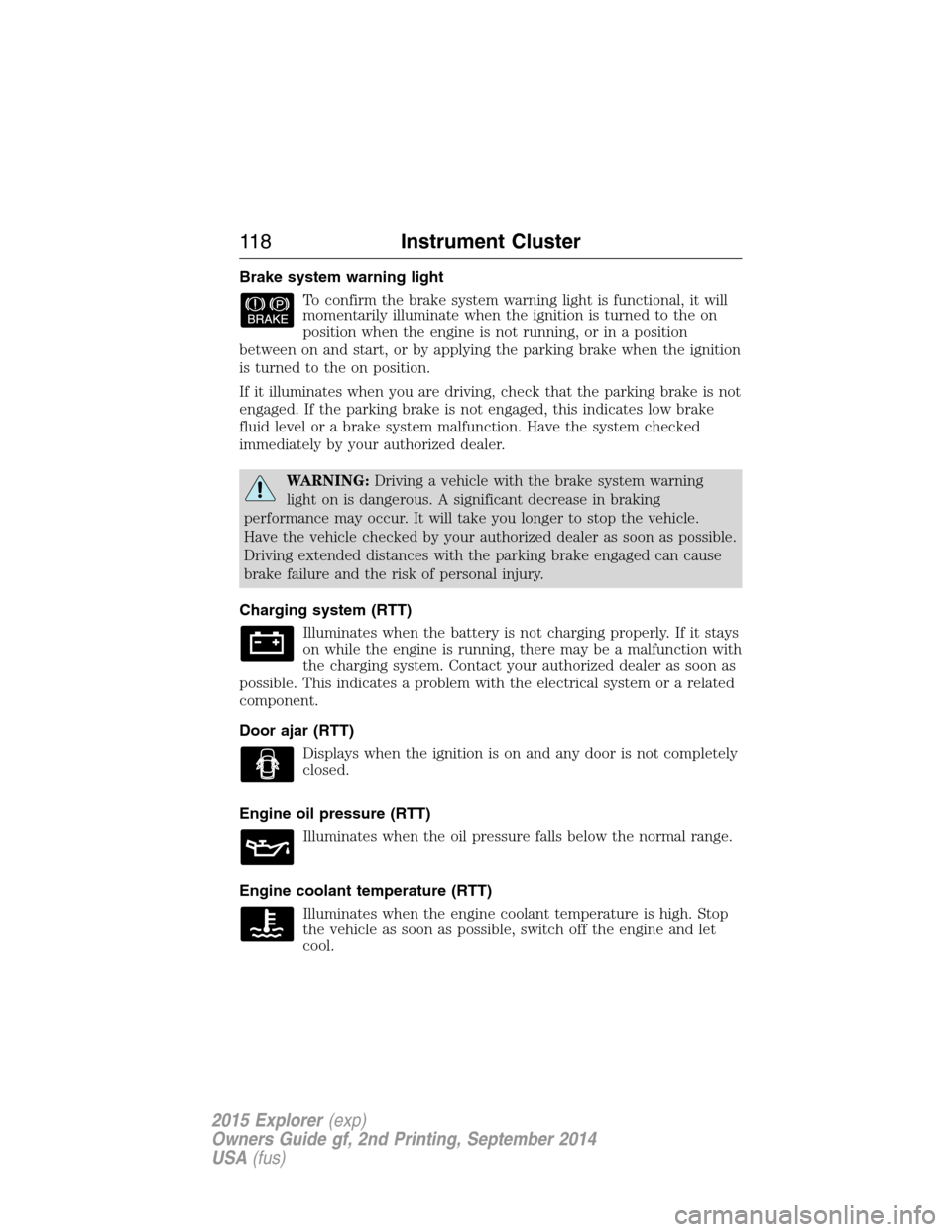
Brake system warning light
To confirm the brake system warning light is functional, it will
momentarily illuminate when the ignition is turned to the on
position when the engine is not running, or in a position
between on and start, or by applying the parking brake when the ignition
is turned to the on position.
If it illuminates when you are driving, check that the parking brake is not
engaged. If the parking brake is not engaged, this indicates low brake
fluid level or a brake system malfunction. Have the system checked
immediately by your authorized dealer.
WARNING:Driving a vehicle with the brake system warning
light on is dangerous. A significant decrease in braking
performance may occur. It will take you longer to stop the vehicle.
Have the vehicle checked by your authorized dealer as soon as possible.
Driving extended distances with the parking brake engaged can cause
brake failure and the risk of personal injury.
Charging system (RTT)
Illuminates when the battery is not charging properly. If it stays
on while the engine is running, there may be a malfunction with
the charging system. Contact your authorized dealer as soon as
possible. This indicates a problem with the electrical system or a related
component.
Door ajar (RTT)
Displays when the ignition is on and any door is not completely
closed.
Engine oil pressure (RTT)
Illuminates when the oil pressure falls below the normal range.
Engine coolant temperature (RTT)
Illuminates when the engine coolant temperature is high. Stop
the vehicle as soon as possible, switch off the engine and let
cool.
11 8Instrument Cluster
2015 Explorer(exp)
Owners Guide gf, 2nd Printing, September 2014
USA(fus)
Page 123 of 596
AUDIBLE WARNINGS AND INDICATORS
Key In Ignition Warning Chime
Sounds when the key is left in the ignition in the off or accessory
position and the driver’s door is opened.
Keyless Warning Alert (If Equipped)
Sounds the horn twice when you exit your vehicle with the intelligent
access key, after the last door is closed and your keyless vehicle is in
RUN, indicating your vehicle is still on.
Headlamps On Warning Chime
Sounds when the headlamps or parking lamps are on, the ignition is off
(the key is not in the ignition) and the driver’s door is opened.
Parking Brake On Warning Chime
Sounds when you have left the parking brake on and drive your vehicle.
If the warning chime remains on after you have released the parking
brake, have the system checked by your authorized dealer immediately.
122Instrument Cluster
2015 Explorer(exp)
Owners Guide gf, 2nd Printing, September 2014
USA(fus)
Page 138 of 596
Brake System
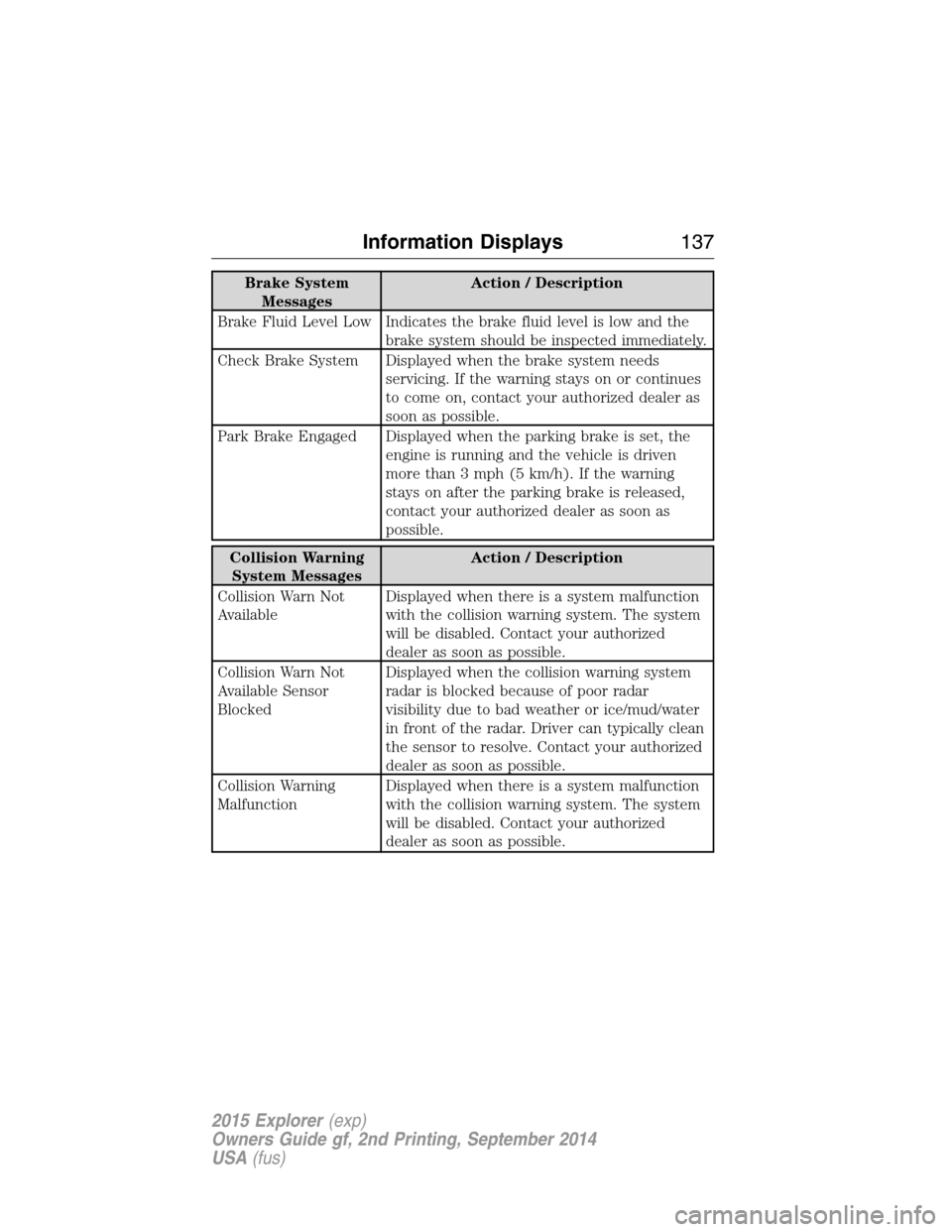
MessagesAction / Description
Brake Fluid Level Low Indicates the brake fluid level is low and the
brake system should be inspected immediately.
Check Brake System Displayed when the brake system needs
servicing. If the warning stays on or continues
to come on, contact your authorized dealer as
soon as possible.
Park Brake Engaged Displayed when the parking brake is set, the
engine is running and the vehicle is driven
more than 3 mph (5 km/h). If the warning
stays on after the parking brake is released,
contact your authorized dealer as soon as
possible.
Collision Warning
System MessagesAction / Description
Collision Warn Not
AvailableDisplayed when there is a system malfunction
with the collision warning system. The system
will be disabled. Contact your authorized
dealer as soon as possible.
Collision Warn Not
Available Sensor
BlockedDisplayed when the collision warning system
radar is blocked because of poor radar
visibility due to bad weather or ice/mud/water
in front of the radar. Driver can typically clean
the sensor to resolve. Contact your authorized
dealer as soon as possible.
Collision Warning
MalfunctionDisplayed when there is a system malfunction
with the collision warning system. The system
will be disabled. Contact your authorized
dealer as soon as possible.
Information Displays137
2015 Explorer(exp)
Owners Guide gf, 2nd Printing, September 2014
USA(fus)
Page 140 of 596
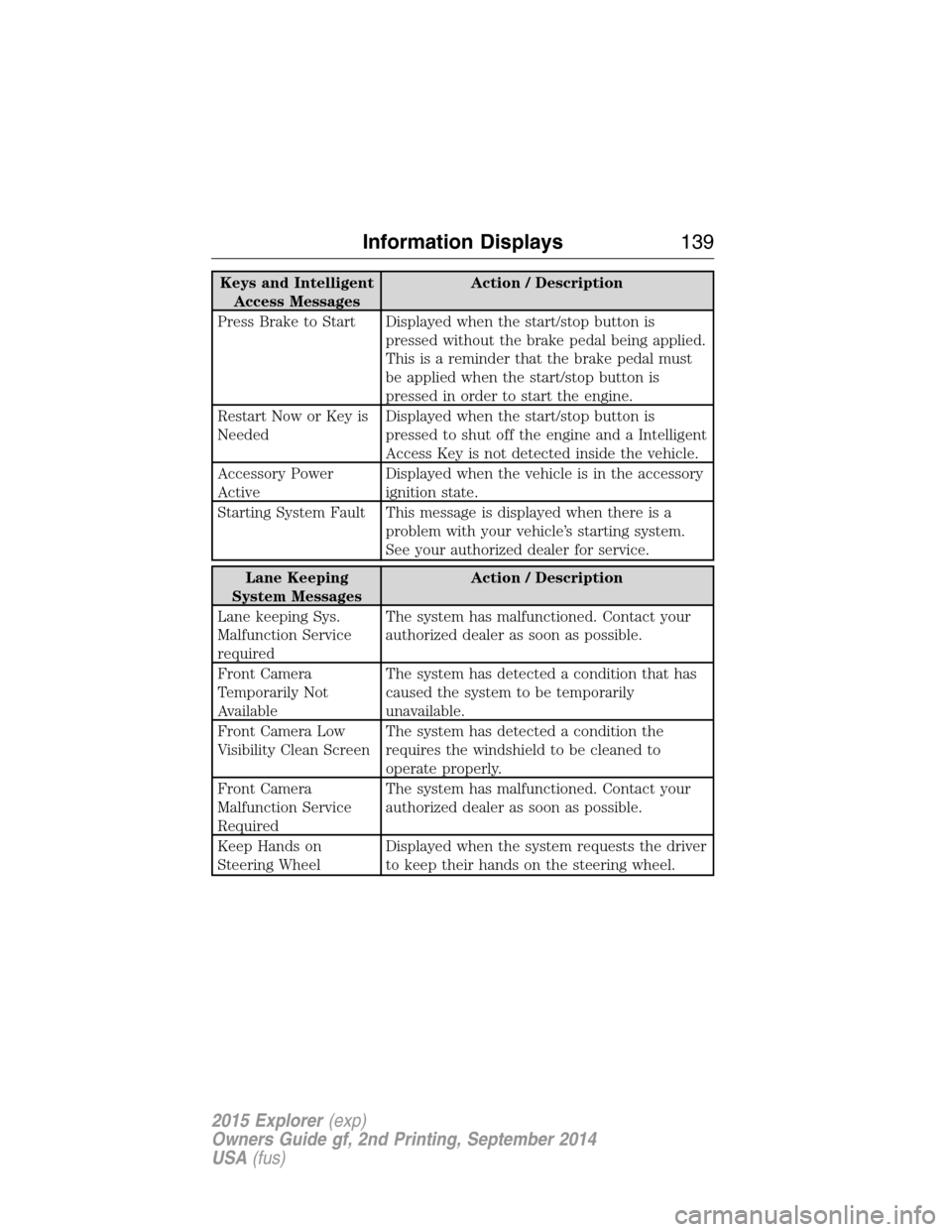
Keys and Intelligent
Access MessagesAction / Description
Press Brake to Start Displayed when the start/stop button is
pressed without the brake pedal being applied.
This is a reminder that the brake pedal must
be applied when the start/stop button is
pressed in order to start the engine.
Restart Now or Key is
NeededDisplayed when the start/stop button is
pressed to shut off the engine and a Intelligent
Access Key is not detected inside the vehicle.
Accessory Power
ActiveDisplayed when the vehicle is in the accessory
ignition state.
Starting System Fault This message is displayed when there is a
problem with your vehicle’s starting system.
See your authorized dealer for service.
Lane Keeping
System MessagesAction / Description
Lane keeping Sys.
Malfunction Service
requiredThe system has malfunctioned. Contact your
authorized dealer as soon as possible.
Front Camera
Temporarily Not
AvailableThe system has detected a condition that has
caused the system to be temporarily
unavailable.
Front Camera Low
Visibility Clean ScreenThe system has detected a condition the
requires the windshield to be cleaned to
operate properly.
Front Camera
Malfunction Service
RequiredThe system has malfunctioned. Contact your
authorized dealer as soon as possible.
Keep Hands on
Steering WheelDisplayed when the system requests the driver
to keep their hands on the steering wheel.
Information Displays139
2015 Explorer(exp)
Owners Guide gf, 2nd Printing, September 2014
USA(fus)
Page 143 of 596
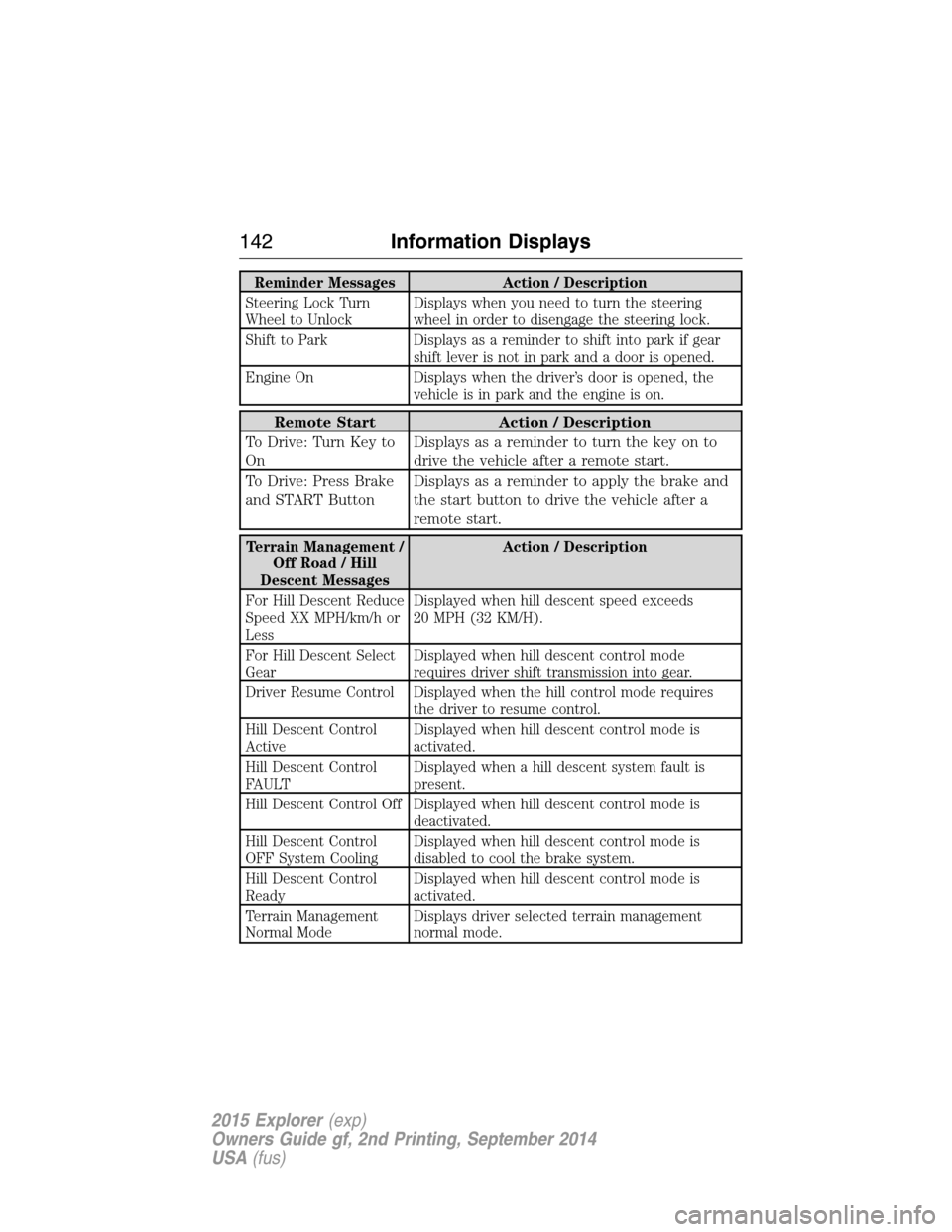
Reminder Messages Action / Description
Steering Lock Turn
Wheel to UnlockDisplays when you need to turn the steering
wheel in order to disengage the steering lock.
Shift to Park Displays as a reminder to shift into park if gear
shift lever is not in park and a door is opened.
Engine On Displays when the driver’s door is opened, the
vehicle is in park and the engine is on.
Remote Start Action / Description
To Drive: Turn Key to
OnDisplays as a reminder to turn the key on to
drive the vehicle after a remote start.
To Drive: Press Brake
and START ButtonDisplays as a reminder to apply the brake and
the start button to drive the vehicle after a
remote start.
Terrain Management /
Off Road / Hill
Descent MessagesAction / Description
For Hill Descent Reduce
Speed XX MPH/km/h or
LessDisplayed when hill descent speed exceeds
20 MPH (32 KM/H).
For Hill Descent Select
GearDisplayed when hill descent control mode
requires driver shift transmission into gear.
Driver Resume Control Displayed when the hill control mode requires
the driver to resume control.
Hill Descent Control
ActiveDisplayed when hill descent control mode is
activated.
Hill Descent Control
FAULTDisplayed when a hill descent system fault is
present.
Hill Descent Control Off Displayed when hill descent control mode is
deactivated.
Hill Descent Control
OFF System CoolingDisplayed when hill descent control mode is
disabled to cool the brake system.
Hill Descent Control
ReadyDisplayed when hill descent control mode is
activated.
Terrain Management
Normal ModeDisplays driver selected terrain management
normal mode.
142Information Displays
2015 Explorer(exp)
Owners Guide gf, 2nd Printing, September 2014
USA(fus)
Page 190 of 596
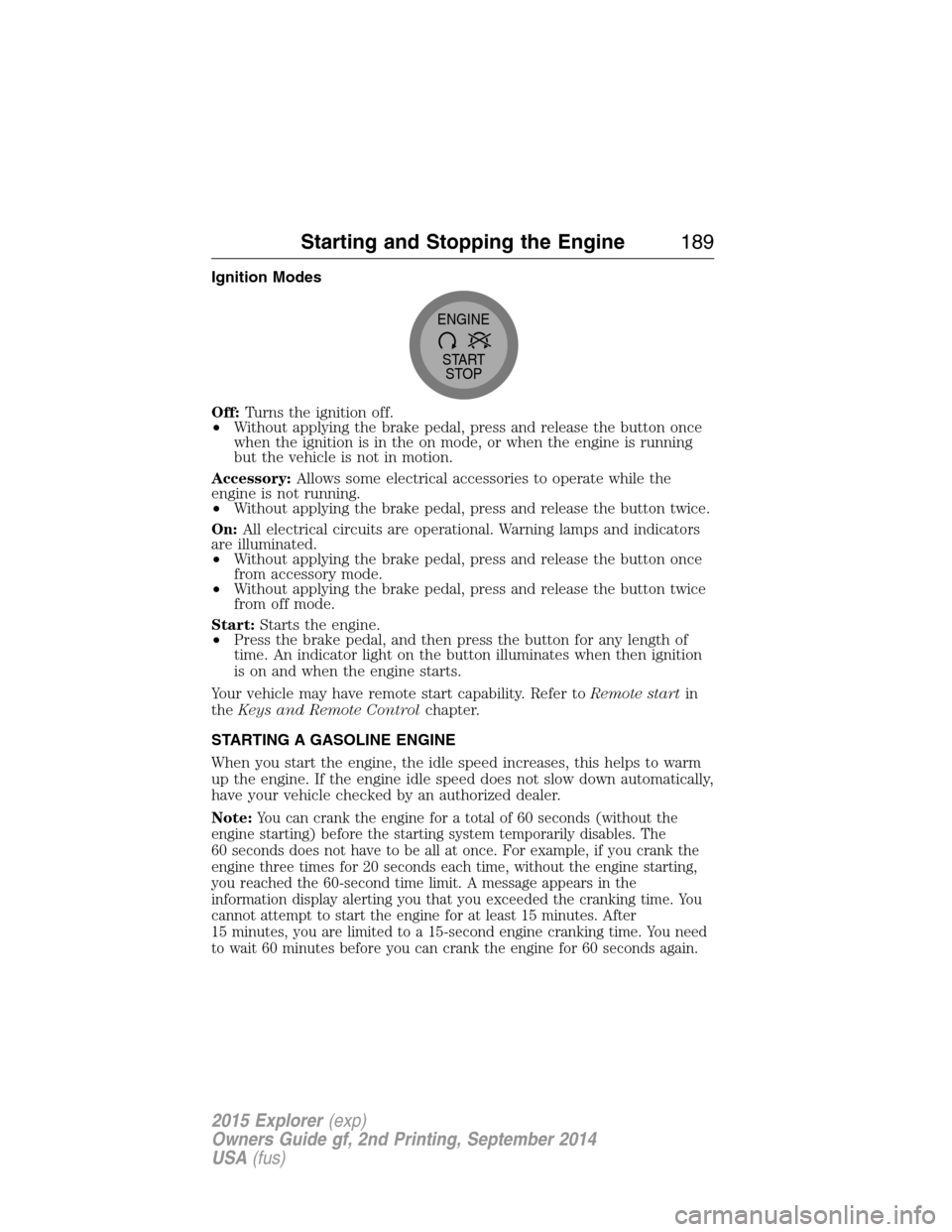
Ignition Modes
Off:Turns the ignition off.
•Without applying the brake pedal, press and release the button once
when the ignition is in the on mode, or when the engine is running
but the vehicle is not in motion.
Accessory:Allows some electrical accessories to operate while the
engine is not running.
•Without applying the brake pedal, press and release the button twice.
On:All electrical circuits are operational. Warning lamps and indicators
are illuminated.
•Without applying the brake pedal, press and release the button once
from accessory mode.
•Without applying the brake pedal, press and release the button twice
from off mode.
Start:Starts the engine.
•Press the brake pedal, and then press the button for any length of
time. An indicator light on the button illuminates when then ignition
is on and when the engine starts.
Your vehicle may have remote start capability. Refer toRemote startin
theKeys and Remote Controlchapter.
STARTING A GASOLINE ENGINE
When you start the engine, the idle speed increases, this helps to warm
up the engine. If the engine idle speed does not slow down automatically,
have your vehicle checked by an authorized dealer.
Note:
You can crank the engine for a total of 60 seconds (without the
engine starting) before the starting system temporarily disables. The
60 seconds does not have to be all at once. For example, if you crank the
engine three times for 20 seconds each time, without the engine starting,
you reached the 60-second time limit. A message appears in the
information display alerting you that you exceeded the cranking time. You
cannot attempt to start the engine for at least 15 minutes. After
15 minutes, you are limited to a 15-second engine cranking time. You need
to wait 60 minutes before you can crank the engine for 60 seconds again.
START
STOP ENGINE
Starting and Stopping the Engine189
2015 Explorer(exp)
Owners Guide gf, 2nd Printing, September 2014
USA(fus)
Page 191 of 596
Before starting the engine check the following:
•Make sure all occupants have fastened their safety belts.
•Make sure the headlamps and electrical accessories are off.
•Make sure the parking brake is on.
•Make sure the gearshift is in positionP.
•Turn the ignition key to the on position. If your vehicle is equipped
with a keyless ignition, see the following instructions.
Vehicles with an Ignition Key
Note:Do not touch the accelerator pedal.
1. Fully press the brake pedal.
2. Turn the key to the start position. Release the key when the engine
starts.
Note:The engine may continue cranking for up to 15 seconds or until it
starts.
Note:If you cannot start the engine on the first try, wait for a short
period and try again.
Vehicles with Keyless Start
Note:Do not touch the accelerator pedal.
1. Fully press the brake pedal.
2. Press the button.
The system does not function if:
•The key frequencies are jammed.
•The key battery has no charge.
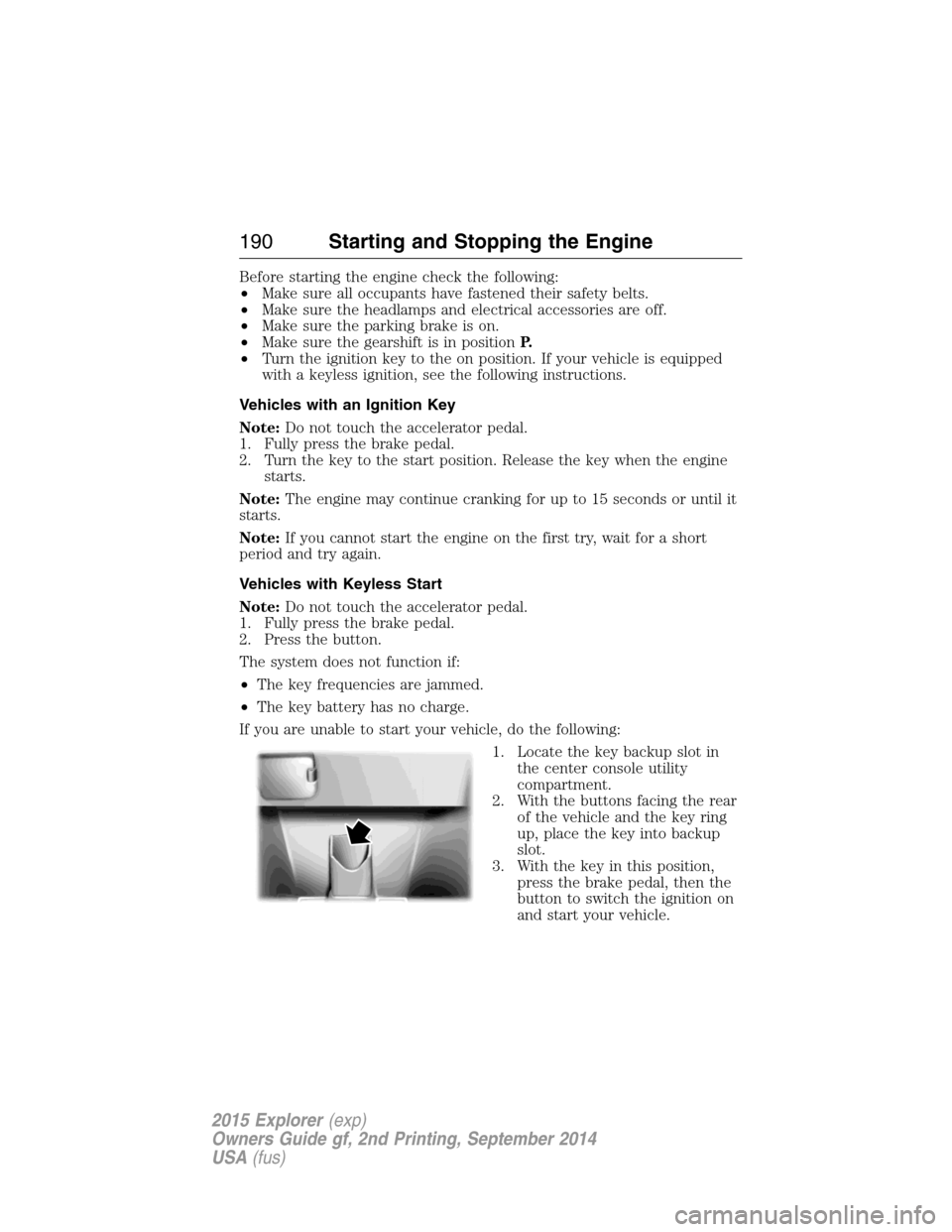
If you are unable to start your vehicle, do the following:
1. Locate the key backup slot in
the center console utility
compartment.
2. With the buttons facing the rear
of the vehicle and the key ring
up, place the key into backup
slot.
3. With the key in this position,
press the brake pedal, then the
button to switch the ignition on
and start your vehicle.
190Starting and Stopping the Engine
2015 Explorer(exp)
Owners Guide gf, 2nd Printing, September 2014
USA(fus)
Page 192 of 596
Fast Restart (Vehicles with Keyless Start)
The fast restart feature allows you to restart the engine within
20 seconds of switching it off, even if a valid key is not present.
Within 20 seconds of switching the engine off, press the brake pedal and
press the button. After 20 seconds have expired, you can no longer start
the engine without the key present inside your vehicle.
Once the engine has started, it remains running until you press the
button, even if the system does not detect a valid key. If you open and
close a door while the engine is running, the system searches for a valid
key. You cannot start the engine if the system does not detect a valid key
within 20 seconds.
Failure to Start
If you cannot start the engine after three attempts, wait 10 seconds and
follow this procedure:
1. Fully press the brake pedal.
2. Fully press the accelerator pedal and hold it there.
3. Start the engine.
Stopping the Engine When Your Vehicle is Stationary
1. Move the transmission selector lever to positionP.
2. If your vehicle has an ignition key, turn the key to the off position. If
your vehicle has a keyless start system, press the button once.
3. Apply the parking brake.
Note:This switches off the ignition, all electrical circuits, warning lamps
and indicators.
Stopping the Engine When Your Vehicle is Moving
WARNING:Switching off the engine when the vehicle is still
moving will result in a loss of brake and steering assistance. The
steering will not lock, but higher effort will be required. When the
ignition is switched off, some electrical circuits, including air bags,
warning lamps and indicators may also be off. If the ignition was turned
off accidentally, you can shift into Neutral and restart the engine.
1.If your vehicle has an ignition key,move the transmission
selector lever to positionNand use the brakes to bring your vehicle
to a safe stop. When your vehicle has stopped, move the transmission
selector lever to positionPand turn the key to the off position.
Starting and Stopping the Engine191
2015 Explorer(exp)
Owners Guide gf, 2nd Printing, September 2014
USA(fus)