climate control FORD EXPLORER 2023 Owner's Manual
[x] Cancel search | Manufacturer: FORD, Model Year: 2023, Model line: EXPLORER, Model: FORD EXPLORER 2023Pages: 573, PDF Size: 16.1 MB
Page 338 of 573
•Climate control.
•Heated steering wheel.
•Audio unit.
•Navigation system.
A message may appear in the informationdisplay to alert you that battery protectionactions are active. This message is only fornotification that an action is taking place,and not intended to indicate an electricalproblem or that the battery requiresreplacement.
After battery replacement, or in somecases after charging the battery with anexternal charger, the battery managementsystem requires eight hours of vehicle sleeptime to relearn the battery state of charge.During this time, your vehicle must remainfully locked with the ignition switched off.
Note:Prior to relearning the battery stateof charge, the battery management systemmay temporarily disable some electricalsystems.
Electrical Accessory Installation
To make sure the battery managementsystem works correctly, do not connect anelectrical device ground connectiondirectly to the battery negative post. Thiscan cause inaccurate measurements ofthe battery condition and potentialincorrect system operation.
Note:If you add electrical accessories orcomponents to the vehicle, it may adverselyaffect battery performance and durability.This may also affect the performance ofother electrical systems in the vehicle.
Remove and Reinstall the Battery
Install a battery approved for use by ourspecifications. See Capacities andSpecifications (page 378).
To disconnect or remove the battery, dothe following:
1.Apply the parking brake and switch theignition off.
2.Switch all electrical equipment off, forexample lights and radio.
3.Wait a minimum of two minutes beforedisconnecting the battery.
Note:The engine management system hasa power hold function and remains poweredfor a period of time after you switch theignition off. This is to allow the system tostore diagnostic and adaptive tables.Disconnecting the battery without waitingcan cause damage not covered by thevehicle warranty.
4.Disconnect the negative battery cableterminal.
5.Disconnect the positive battery cableterminal.
6.Remove the battery securing clamp.
7.Remove the battery.
8.To install, reverse the removalprocedure.
Note:Before reconnecting the battery,make sure the ignition remains switched off.
Note:Make sure to fully tighten the batterycables.
If you disconnect or replace the vehiclebattery, you must reset the followingfeatures:
•Window bounce-back. See PowerWindows (page 94).
•Clock Settings.
•Pre-set radio stations.
Battery Disposal
Make sure that you dispose ofold batteries in anenvironmentally friendly way.Seek advice from your local authorityabout recycling old batteries.
334
2023 Explorer (CTW) Canada/United States of America, enUSA, Edition date: 202209, First-PrintingMaintenanceE107998
Page 349 of 573
Body
•Wash your vehicle thoroughly toremove dirt, grease, oil, tar or mud fromexterior surfaces, rear-wheel housingand the underside of front fenders.
•Periodically wash your vehicle if it isstored in exposed locations.
•Touch-up exposed or primed metal toprevent rust.
•Cover chrome and stainless steel partswith a thick coat of auto wax to preventdiscoloration. Re-wax as necessarywhen you wash your vehicle.
•Lubricate all hood, door and luggagecompartment hinges and latches witha light grade oil.
•Cover interior trim to prevent fading.
•Keep all rubber parts free from oil andsolvents.
Engine
•Change the engine oil and filter prior tostorage because used engine oilcontains contaminates which maycause engine damage.
•Start the engine every 15 days for aminimum of 15 minutes. Run at fastidle with the climate controls set todefrost until the engine reaches normaloperating temperature.
•With your foot on the brake, shiftthrough all the gears while the engineis running.
•We recommend that you change theengine oil before you use your vehicleagain.
Fuel system
•Fill the fuel tank with high-quality fueluntil the first automatic shutoff of thefuel pump nozzle.
Cooling system
•Protect against freezing temperatures.
•When removing your vehicle fromstorage, check coolant fluid level.Confirm that there are no coolingsystem leaks and that fluid is at therecommended level.
Disconnecting Your 12 Volt Battery
•Check and recharge as necessary. Keepconnections clean.
•If storing your vehicle for more than 30days without recharging the battery,we recommend that you disconnectthe battery cables to maintain batterycharge for quick starting.
Note:It is necessary to reset memoryfeatures if you disconnect the batterycables.
Brakes
•Make sure the brakes and parking brakerelease fully.
Tires
•Maintain recommended air pressure.
Miscellaneous
•Make sure all linkages, cables, leversand pins under your vehicle are coveredwith grease to prevent rust.
•Move vehicles at least 25 ft (7.5 m)every 15 days to lubricate working partsand prevent corrosion.
345
2023 Explorer (CTW) Canada/United States of America, enUSA, Edition date: 202209, First-PrintingVehicle Care
Page 353 of 573
TIRE CARE
Information About UniformTire Quality Grading
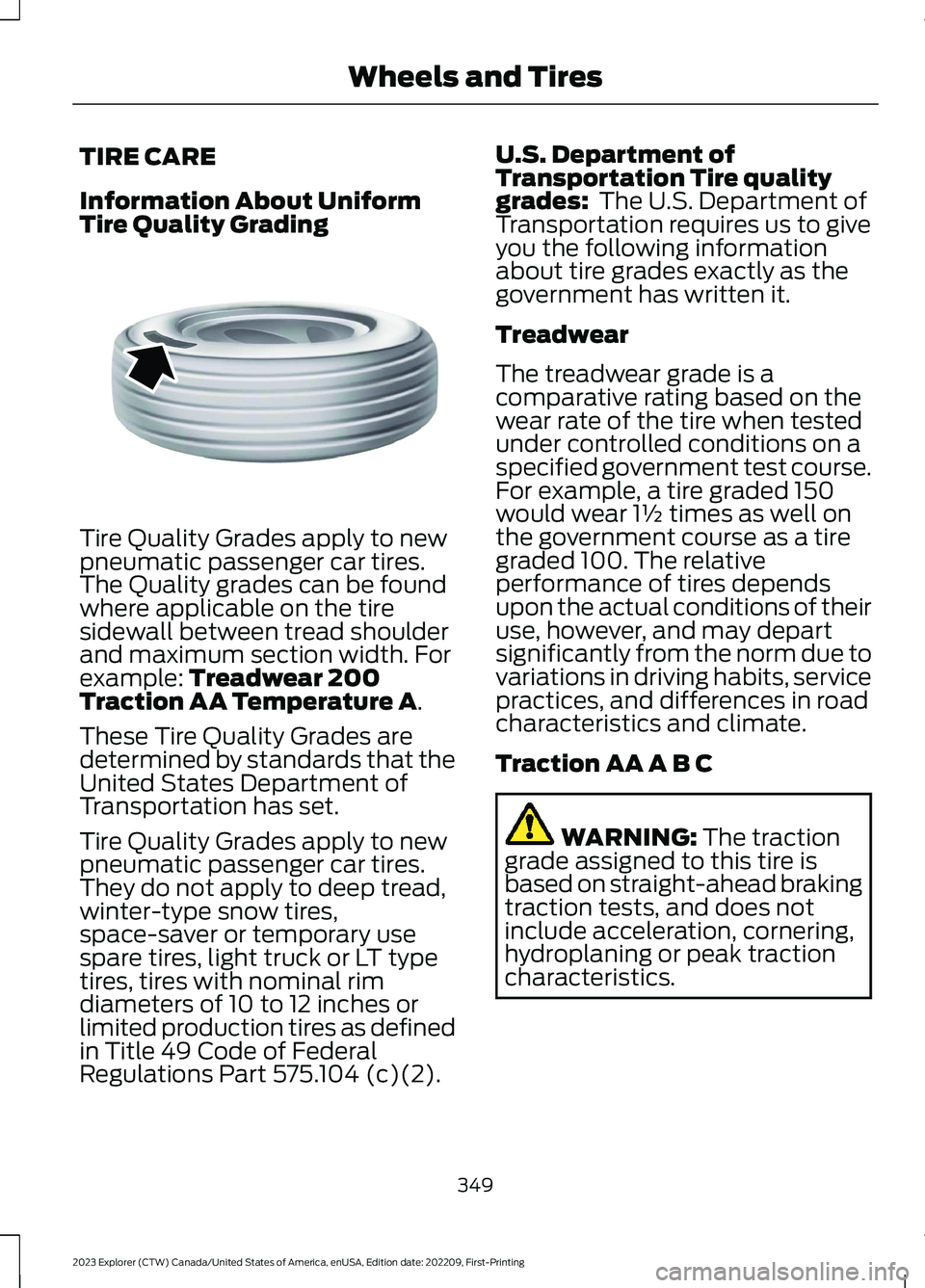
Tire Quality Grades apply to newpneumatic passenger car tires.The Quality grades can be foundwhere applicable on the tiresidewall between tread shoulderand maximum section width. Forexample: Treadwear 200Traction AA Temperature A.
These Tire Quality Grades aredetermined by standards that theUnited States Department ofTransportation has set.
Tire Quality Grades apply to newpneumatic passenger car tires.They do not apply to deep tread,winter-type snow tires,space-saver or temporary usespare tires, light truck or LT typetires, tires with nominal rimdiameters of 10 to 12 inches orlimited production tires as definedin Title 49 Code of FederalRegulations Part 575.104 (c)(2).
U.S. Department ofTransportation Tire qualitygrades: The U.S. Department ofTransportation requires us to giveyou the following informationabout tire grades exactly as thegovernment has written it.
Treadwear
The treadwear grade is acomparative rating based on thewear rate of the tire when testedunder controlled conditions on aspecified government test course.For example, a tire graded 150would wear 1½ times as well onthe government course as a tiregraded 100. The relativeperformance of tires dependsupon the actual conditions of theiruse, however, and may depart
significantly from the norm due tovariations in driving habits, servicepractices, and differences in roadcharacteristics and climate.
Traction AA A B C
WARNING: The tractiongrade assigned to this tire isbased on straight-ahead brakingtraction tests, and does notinclude acceleration, cornering,hydroplaning or peak tractioncharacteristics.
349
2023 Explorer (CTW) Canada/United States of America, enUSA, Edition date: 202209, First-PrintingWheels and TiresE142542
Page 435 of 573
USB and Media Player
DescriptionVoice Command
Play your music by category.1
Play Album ___
Play Artist ___
Play Genre ___
Play Playlist ___
Play Song ___
Play Audiobook ___
Play Podcast ___
Browse music on a USB device.
Browse All Albums
Browse All Artists
Browse All Audiobooks
Browse All Genres
Browse All Playlists
Browse All Podcasts
Browse All Songs
Browse your music by category on a USB device.1
Browse Album ___
Browse Artist ___
Browse Audiobook ___
Browse Genre ___
Browse Playlist ___
Browse Podcast ___
1 Add an album name, artist name, audiobook name, genre name, playlist name, podcastname or track name to the command. Say the name exactly as it appears on your device.
Climate (If Equipped)
You can control the temperature of thevehicle using voice commands.
___ is a dynamic listing, meaning that forclimate voice commands it can be thedesired degrees for the temperaturesetting.
431
2023 Explorer (CTW) Canada/United States of America, enUSA, Edition date: 202209, First-PrintingSYNC™ 3
Page 449 of 573
Supported USB file systems include: FAT,exFAT, and NTFS.
SYNC 3 is also able to organize the mediafrom your USB device by metadata tags.Metadata tags, which are descriptivesoftware identifiers embedded in themedia files, provide information about thefile.
If your indexed media files contain noinformation embedded in these metadatatags, SYNC 3 may classify the emptymetadata tags as unknown.
SYNC 3 is capable of indexing up to50,000 songs per USB device, for up to 10devices.
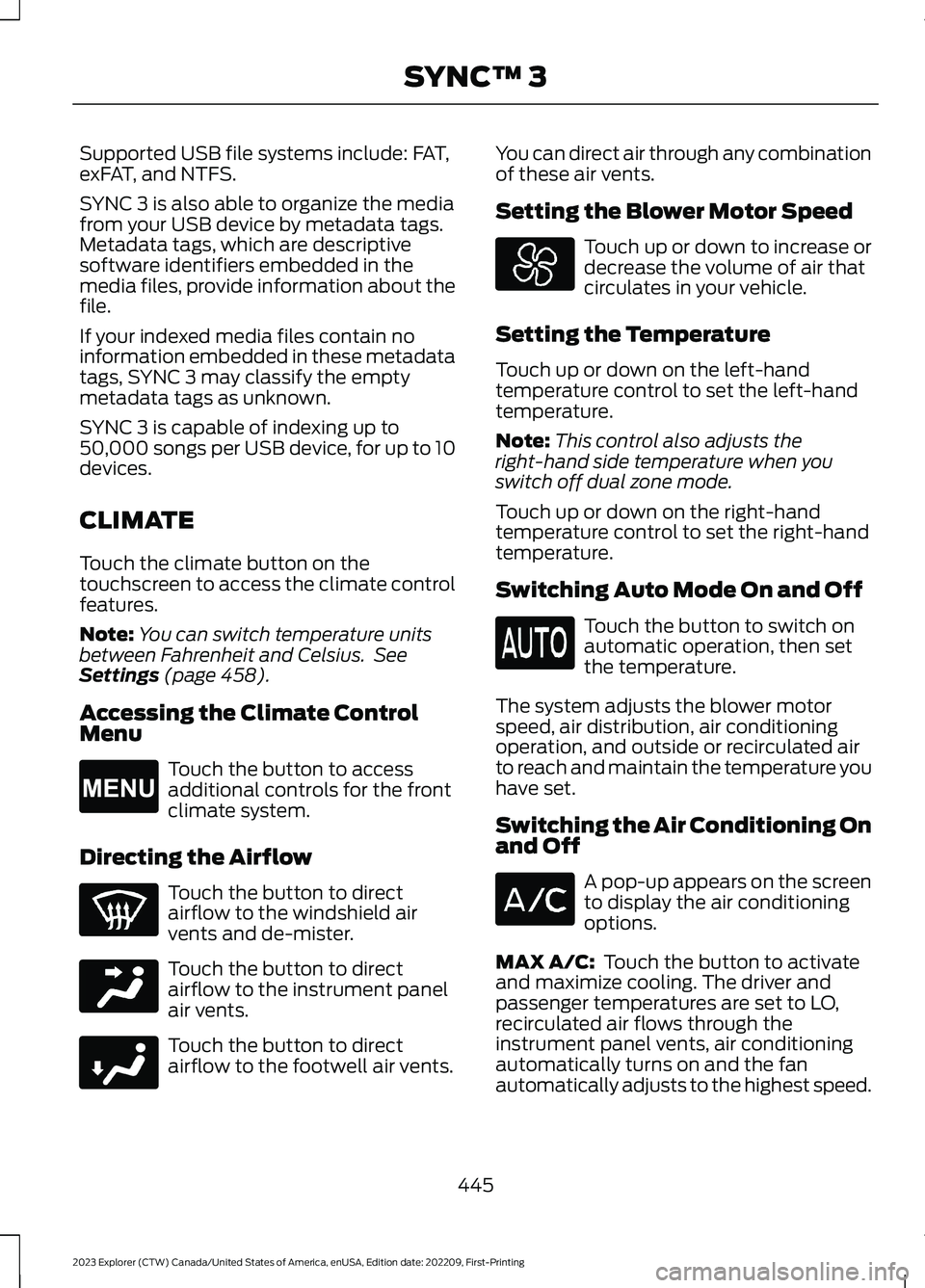
CLIMATE
Touch the climate button on thetouchscreen to access the climate controlfeatures.
Note:You can switch temperature unitsbetween Fahrenheit and Celsius. SeeSettings (page 458).
Accessing the Climate ControlMenu
Touch the button to accessadditional controls for the frontclimate system.
Directing the Airflow
Touch the button to directairflow to the windshield airvents and de-mister.
Touch the button to directairflow to the instrument panelair vents.
Touch the button to directairflow to the footwell air vents.
You can direct air through any combinationof these air vents.
Setting the Blower Motor Speed
Touch up or down to increase ordecrease the volume of air thatcirculates in your vehicle.
Setting the Temperature
Touch up or down on the left-handtemperature control to set the left-handtemperature.
Note:This control also adjusts theright-hand side temperature when youswitch off dual zone mode.
Touch up or down on the right-handtemperature control to set the right-handtemperature.
Switching Auto Mode On and Off
Touch the button to switch onautomatic operation, then setthe temperature.
The system adjusts the blower motorspeed, air distribution, air conditioningoperation, and outside or recirculated airto reach and maintain the temperature youhave set.
Switching the Air Conditioning Onand Off
A pop-up appears on the screento display the air conditioningoptions.
MAX A/C: Touch the button to activateand maximize cooling. The driver andpassenger temperatures are set to LO,recirculated air flows through theinstrument panel vents, air conditioningautomatically turns on and the fanautomatically adjusts to the highest speed.
445
2023 Explorer (CTW) Canada/United States of America, enUSA, Edition date: 202209, First-PrintingSYNC™ 3E265038 E244097 E244098
Page 450 of 573
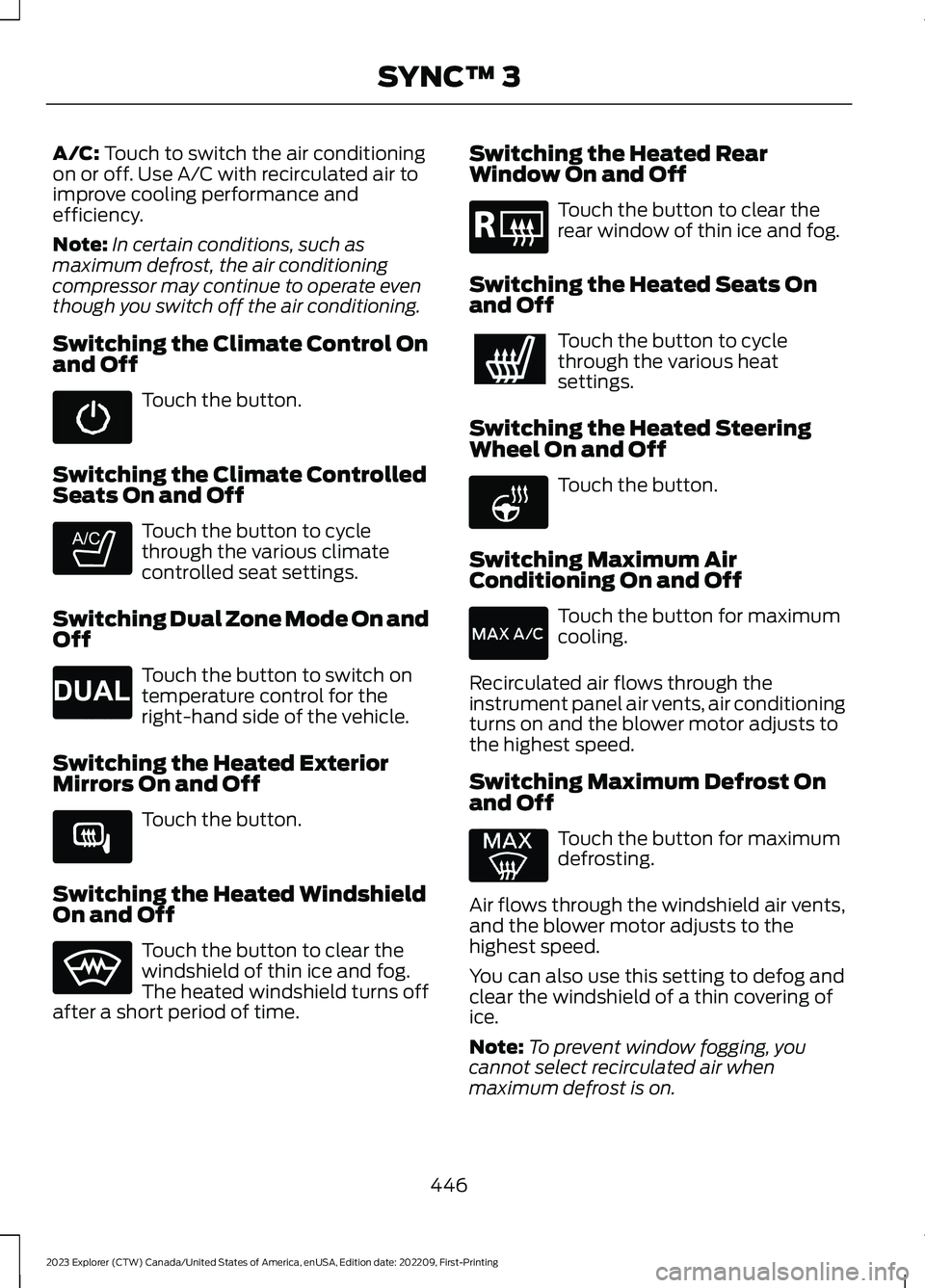
A/C: Touch to switch the air conditioningon or off. Use A/C with recirculated air toimprove cooling performance andefficiency.
Note:In certain conditions, such asmaximum defrost, the air conditioningcompressor may continue to operate eventhough you switch off the air conditioning.
Switching the Climate Control Onand Off
Touch the button.
Switching the Climate ControlledSeats On and Off
Touch the button to cyclethrough the various climatecontrolled seat settings.
Switching Dual Zone Mode On andOff
Touch the button to switch ontemperature control for theright-hand side of the vehicle.
Switching the Heated ExteriorMirrors On and Off
Touch the button.
Switching the Heated WindshieldOn and Off
Touch the button to clear thewindshield of thin ice and fog.The heated windshield turns offafter a short period of time.
Switching the Heated RearWindow On and Off
Touch the button to clear therear window of thin ice and fog.
Switching the Heated Seats Onand Off
Touch the button to cyclethrough the various heatsettings.
Switching the Heated SteeringWheel On and Off
Touch the button.
Switching Maximum AirConditioning On and Off
Touch the button for maximumcooling.
Recirculated air flows through theinstrument panel air vents, air conditioningturns on and the blower motor adjusts tothe highest speed.
Switching Maximum Defrost Onand Off
Touch the button for maximumdefrosting.
Air flows through the windshield air vents,and the blower motor adjusts to thehighest speed.
You can also use this setting to defog andclear the windshield of a thin covering ofice.
Note:To prevent window fogging, youcannot select recirculated air whenmaximum defrost is on.
446
2023 Explorer (CTW) Canada/United States of America, enUSA, Edition date: 202209, First-PrintingSYNC™ 3 E265282 E265280 E266189 E184884 E256621
Page 451 of 573
Note:The heated rear window also turnson when you select maximum defrost.
Note:Depending on your region, airconditioning turns on.
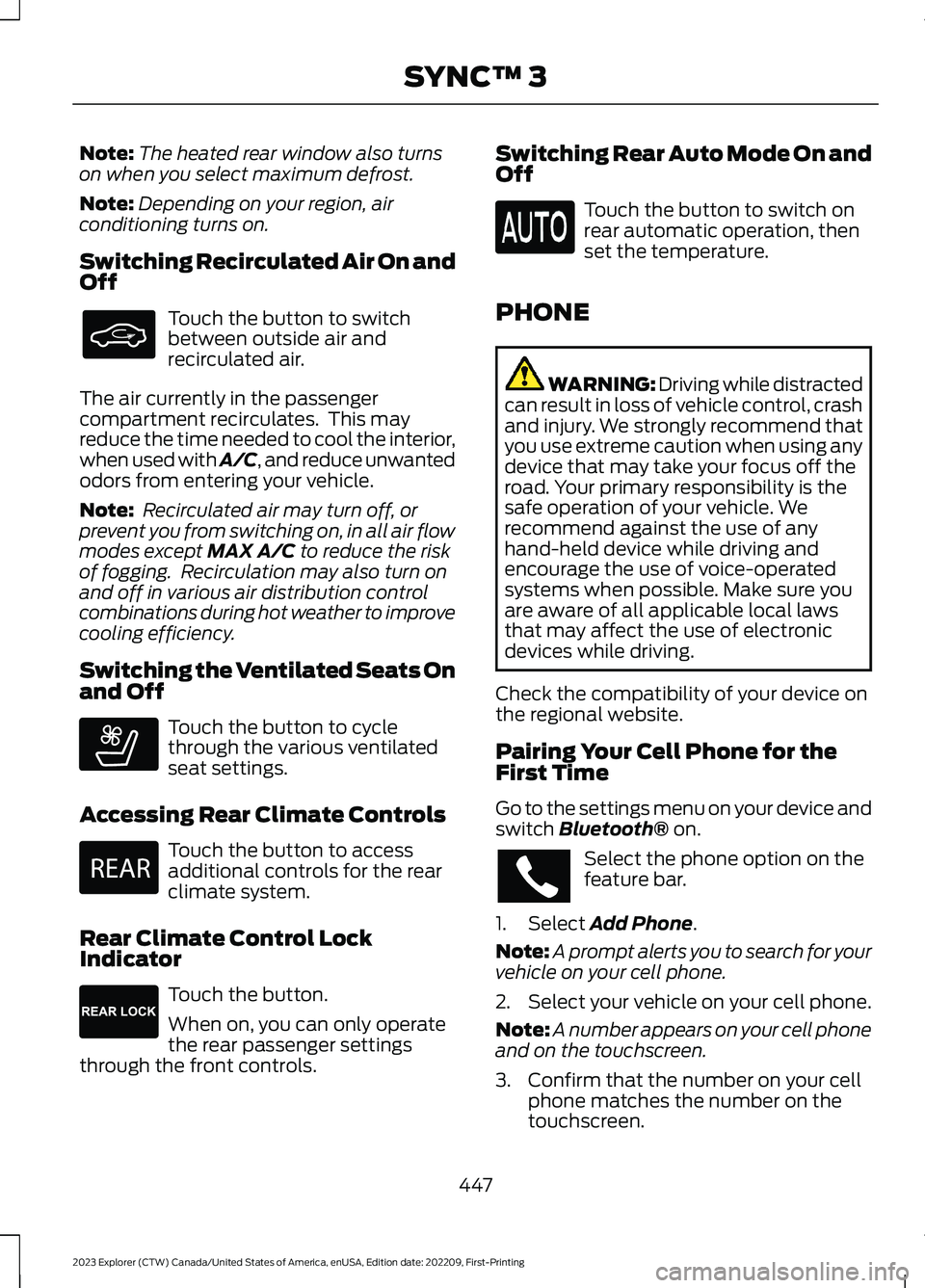
Switching Recirculated Air On andOff
Touch the button to switchbetween outside air andrecirculated air.
The air currently in the passengercompartment recirculates. This mayreduce the time needed to cool the interior,when used with A/C, and reduce unwantedodors from entering your vehicle.
Note: Recirculated air may turn off, orprevent you from switching on, in all air flowmodes except MAX A/C to reduce the riskof fogging. Recirculation may also turn onand off in various air distribution controlcombinations during hot weather to improvecooling efficiency.
Switching the Ventilated Seats Onand Off
Touch the button to cyclethrough the various ventilatedseat settings.
Accessing Rear Climate Controls
Touch the button to accessadditional controls for the rearclimate system.
Rear Climate Control LockIndicator
Touch the button.
When on, you can only operatethe rear passenger settingsthrough the front controls.
Switching Rear Auto Mode On andOff
Touch the button to switch onrear automatic operation, thenset the temperature.
PHONE
WARNING: Driving while distractedcan result in loss of vehicle control, crashand injury. We strongly recommend thatyou use extreme caution when using anydevice that may take your focus off theroad. Your primary responsibility is thesafe operation of your vehicle. Werecommend against the use of anyhand-held device while driving andencourage the use of voice-operatedsystems when possible. Make sure youare aware of all applicable local lawsthat may affect the use of electronicdevices while driving.
Check the compatibility of your device onthe regional website.
Pairing Your Cell Phone for theFirst Time
Go to the settings menu on your device andswitch Bluetooth® on.
Select the phone option on thefeature bar.
1.Select Add Phone.
Note:A prompt alerts you to search for yourvehicle on your cell phone.
2.Select your vehicle on your cell phone.
Note:A number appears on your cell phoneand on the touchscreen.
3.Confirm that the number on your cellphone matches the number on thetouchscreen.
447
2023 Explorer (CTW) Canada/United States of America, enUSA, Edition date: 202209, First-PrintingSYNC™ 3 E268558 E270447 E265289
Page 565 of 573
3
360 Degree Camera....................................237
4
4WDSee: Four-Wheel Drive.....................................203
9
911 Assist...........................................................55
A
A/CSee: Climate Control..........................................137About This Manual...........................................9ABSSee: Brakes...........................................................210ABS driving hintsSee: Hints on Driving With Anti-LockBrakes..................................................................211Accessories....................................................473AccessoriesSee: Replacement PartsRecommendation............................................12Active Park Assist........................................230Adaptive Cruise Control.............................241Adaptive Cruise Control –Troubleshooting............................................250Adaptive Cruise Control Indicators -Vehicles With: Intelligent AdaptiveCruise Control............................................248Adaptive Cruise Control Indicators -Vehicles With: Lane Centering............248Adaptive Cruise Control Indicators -Vehicles With: Stop and Go..................248Adaptive Cruise Control Limitations -Vehicles With: Lane Centering.............242Adaptive Cruise Control Limitations -Vehicles With: Stop and Go..................243Adaptive Cruise Control Precautions -Vehicles With: Lane Centering..............241Adaptive Cruise Control Precautions -Vehicles With: Stop and Go...................241
Adaptive Cruise Control –Troubleshooting........................................250Adaptive Cruise Control – InformationMessages.........................................................250Adaptive Headlamps...................................89Adjusting the Headlamps.........................335Adjusting the Set SpeedTolerance.....................................................250Adjusting the Steering Wheel - VehiclesWith: Manual Adjustable SteeringColumn............................................................79Adjusting the Steering Wheel - VehiclesWith: Power Adjustable SteeringColumn............................................................79AFSSee: Adaptive Headlamps...............................89Airbag Disposal...............................................53Air ConditioningSee: Climate Control..........................................137Air FilterSee: Changing the Engine Air Filter - 2.3LEcoBoost™......................................................321See: Changing the Engine Air Filter -3.0L.....................................................................322See: Changing the Engine Air Filter -3.3L.....................................................................323AlarmSee: Anti-Theft Alarm.........................................77Ambient Lighting - Vehicles With: 10.1Inch Center Display Screen......................91Ambient Lighting - Vehicles With: 8 InchCenter Display Screen..............................90Anti-Theft Alarm.............................................77Appendices.....................................................531Apps.................................................................455At a Glance.......................................................20At a Glance - ST.............................................20Audible Warnings and Indicators...........109Audio Control...................................................81Audio System.................................................419General Information..........................................419Audio Unit.......................................................419Auto Hold.........................................................214Autolamps........................................................87Automatic Climate Control.......................137Automatic High Beam Control..................92Automatic High Beam ControlIndicators........................................................93
561
2023 Explorer (CTW) Canada/United States of America, enUSA, Edition date: 202209, First-PrintingIndex
Page 566 of 573
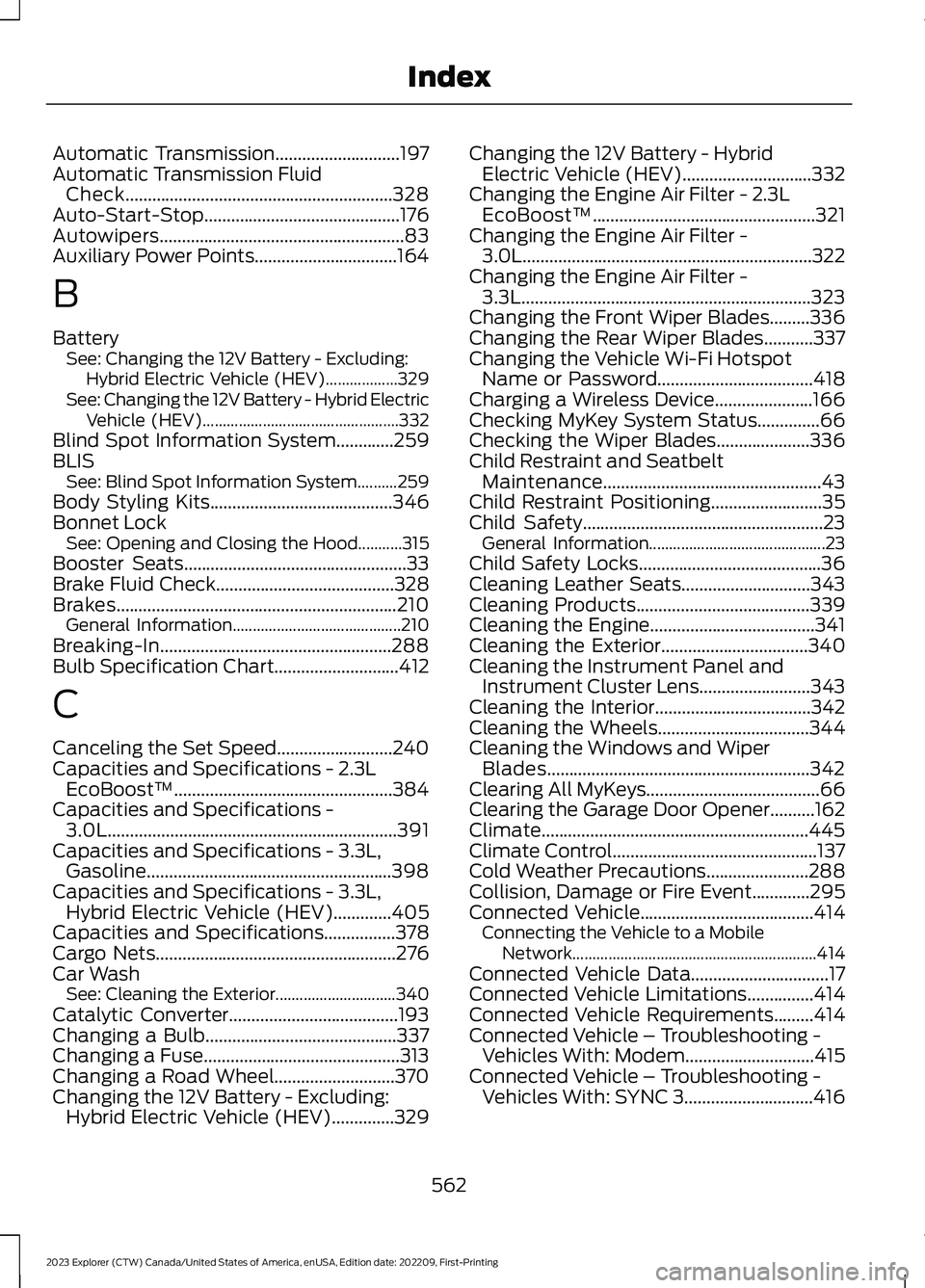
Automatic Transmission............................197Automatic Transmission FluidCheck............................................................328Auto-Start-Stop............................................176Autowipers.......................................................83Auxiliary Power Points................................164
B
BatterySee: Changing the 12V Battery - Excluding:Hybrid Electric Vehicle (HEV)..................329See: Changing the 12V Battery - Hybrid ElectricVehicle (HEV).................................................332Blind Spot Information System.............259BLISSee: Blind Spot Information System..........259Body Styling Kits.........................................346Bonnet LockSee: Opening and Closing the Hood...........315Booster Seats..................................................33Brake Fluid Check........................................328Brakes...............................................................210General Information..........................................210Breaking-In....................................................288Bulb Specification Chart............................412
C
Canceling the Set Speed..........................240Capacities and Specifications - 2.3LEcoBoost™.................................................384Capacities and Specifications -3.0L.................................................................391Capacities and Specifications - 3.3L,Gasoline.......................................................398Capacities and Specifications - 3.3L,Hybrid Electric Vehicle (HEV).............405Capacities and Specifications................378Cargo Nets......................................................276Car WashSee: Cleaning the Exterior..............................340Catalytic Converter......................................193Changing a Bulb...........................................337Changing a Fuse............................................313Changing a Road Wheel...........................370Changing the 12V Battery - Excluding:Hybrid Electric Vehicle (HEV)..............329
Changing the 12V Battery - HybridElectric Vehicle (HEV).............................332Changing the Engine Air Filter - 2.3LEcoBoost™..................................................321Changing the Engine Air Filter -3.0L.................................................................322Changing the Engine Air Filter -3.3L.................................................................323Changing the Front Wiper Blades.........336Changing the Rear Wiper Blades...........337Changing the Vehicle Wi-Fi HotspotName or Password...................................418Charging a Wireless Device......................166Checking MyKey System Status..............66Checking the Wiper Blades.....................336Child Restraint and SeatbeltMaintenance.................................................43Child Restraint Positioning.........................35Child Safety......................................................23General Information............................................23Child Safety Locks.........................................36Cleaning Leather Seats.............................343Cleaning Products.......................................339Cleaning the Engine.....................................341Cleaning the Exterior.................................340Cleaning the Instrument Panel andInstrument Cluster Lens.........................343Cleaning the Interior...................................342Cleaning the Wheels..................................344Cleaning the Windows and WiperBlades...........................................................342Clearing All MyKeys.......................................66Clearing the Garage Door Opener..........162Climate............................................................445Climate Control..............................................137Cold Weather Precautions.......................288Collision, Damage or Fire Event.............295Connected Vehicle.......................................414Connecting the Vehicle to a MobileNetwork.............................................................414Connected Vehicle Data...............................17Connected Vehicle Limitations...............414Connected Vehicle Requirements.........414Connected Vehicle – Troubleshooting -Vehicles With: Modem.............................415Connected Vehicle – Troubleshooting -Vehicles With: SYNC 3.............................416
562
2023 Explorer (CTW) Canada/United States of America, enUSA, Edition date: 202209, First-PrintingIndex
Page 568 of 573
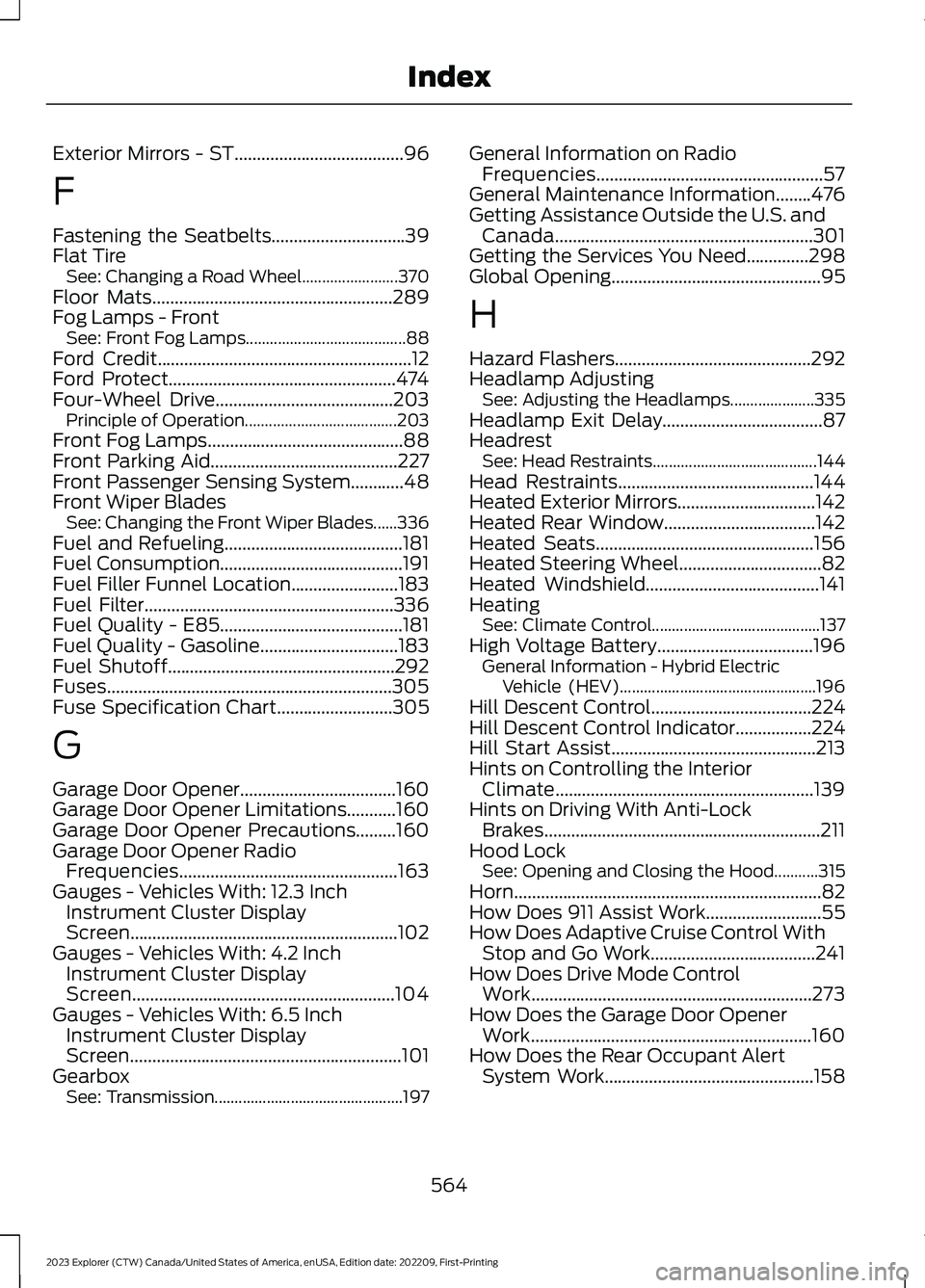
Exterior Mirrors - ST......................................96
F
Fastening the Seatbelts..............................39Flat TireSee: Changing a Road Wheel........................370Floor Mats......................................................289Fog Lamps - FrontSee: Front Fog Lamps........................................88Ford Credit.........................................................12Ford Protect...................................................474Four-Wheel Drive........................................203Principle of Operation......................................203Front Fog Lamps............................................88Front Parking Aid..........................................227Front Passenger Sensing System............48Front Wiper BladesSee: Changing the Front Wiper Blades......336Fuel and Refueling........................................181Fuel Consumption.........................................191Fuel Filler Funnel Location........................183Fuel Filter........................................................336Fuel Quality - E85.........................................181Fuel Quality - Gasoline...............................183Fuel Shutoff...................................................292Fuses................................................................305Fuse Specification Chart..........................305
G
Garage Door Opener...................................160Garage Door Opener Limitations...........160Garage Door Opener Precautions.........160Garage Door Opener RadioFrequencies.................................................163Gauges - Vehicles With: 12.3 InchInstrument Cluster DisplayScreen............................................................102Gauges - Vehicles With: 4.2 InchInstrument Cluster DisplayScreen...........................................................104Gauges - Vehicles With: 6.5 InchInstrument Cluster DisplayScreen.............................................................101GearboxSee: Transmission...............................................197
General Information on RadioFrequencies...................................................57General Maintenance Information........476Getting Assistance Outside the U.S. andCanada..........................................................301Getting the Services You Need..............298Global Opening...............................................95
H
Hazard Flashers............................................292Headlamp AdjustingSee: Adjusting the Headlamps.....................335Headlamp Exit Delay....................................87HeadrestSee: Head Restraints.........................................144Head Restraints............................................144Heated Exterior Mirrors...............................142Heated Rear Window..................................142Heated Seats.................................................156Heated Steering Wheel................................82Heated Windshield.......................................141HeatingSee: Climate Control..........................................137High Voltage Battery...................................196General Information - Hybrid ElectricVehicle (HEV).................................................196Hill Descent Control....................................224Hill Descent Control Indicator.................224Hill Start Assist..............................................213Hints on Controlling the InteriorClimate..........................................................139Hints on Driving With Anti-LockBrakes..............................................................211Hood LockSee: Opening and Closing the Hood...........315Horn.....................................................................82How Does 911 Assist Work..........................55How Does Adaptive Cruise Control WithStop and Go Work.....................................241How Does Drive Mode ControlWork...............................................................273How Does the Garage Door OpenerWork...............................................................160How Does the Rear Occupant AlertSystem Work...............................................158
564
2023 Explorer (CTW) Canada/United States of America, enUSA, Edition date: 202209, First-PrintingIndex