roof FORD F150 2023 User Guide
[x] Cancel search | Manufacturer: FORD, Model Year: 2023, Model line: F150, Model: FORD F150 2023Pages: 786, PDF Size: 23.15 MB
Page 537 of 786
3.Make sure the leather is dry, then applya small amount of conditioner to aclean, dry cloth.
4.Rub the conditioner into the leatheruntil it disappears. Allow theconditioner to dry, then repeat theprocess for the entire interior. If a filmappears, wipe it off with a dry, cleancloth.
5.For additional information andassistance, we recommend that youcontact an authorized dealer.
CLEANING VINYL
WARNING: On vehicles equippedwith seat-mounted airbags, do not usechemical solvents or strong detergents.Such products could contaminate theside airbag system and affectperformance of the side airbag in a crash.
We recommend that you only clean vinylsurfaces in the following way:
1.Remove dust and loose dirt with avacuum cleaner.
2.Wipe the surface with a soft, dampcloth and a mild soap and watersolution. Dry the area with a clean, softcloth.
3.For additional information andassistance, we recommend that youcontact an authorized dealer.
CLEANING CARPETS AND FLOORMATS
We recommend that you only clean yourcarpets in the following way:
1.Remove dust and loose dirt with avacuum cleaner.
2.Wipe the surface with a soft, dampcloth and a mild soap and watersolution. Dry the area with a clean, softcloth.
3.For additional information andassistance, we recommend that youcontact an authorized dealer.
For heavy stains, spot clean the area. If aring forms on the fabric, clean the entirearea immediately, but do not oversaturateor the ring could set.
We recommend that you only clean yourfloor mats in the following way:
1.Remove dust and loose dirt with avacuum cleaner.
2.Wash rubber floor mats using mildsoap and lukewarm or cold water.
3.Completely dry the floor mat beforeplacing them back in your vehicle.
CLEANING SEATBELTS
WARNING: Do not use cleaningsolvents, bleach or dye on the vehicle'sseatbelts, as these actions may weakenthe belt webbing.
1.Wipe the surface with a soft, dampcloth and a mild soap and watersolution. Dry the area with a clean, softcloth.
CLEANING MOONROOF TRACKS
1.Remove debris from the tracks with avacuum cleaner.
2.Wipe the bulb seal and mating paintedroof metal surface with a soft, dampcloth and a mild soap and watersolution.
Note:The moonroof rail tracks are greasedto maintain proper functionality. Do notwipe off the grease.
533
2023 F-150 (TFD) Canada/United States of America, enUSA, Edition date: 202206, DOMVehicle Care
Page 634 of 786
Depending on the station quality, you couldhear a slight sound change when thestation changes between analog anddigital audio.
You cannot access a saved HD station ifyour vehicle is outside the station’sreception area.
SWITCHING DIGITAL RADIORECEPTION ON AND OFF
1.Press Settings on the touchscreen.
2.Press Radio Settings.
3.Switch AM HD Radio or FM HD Radioon or off.
DIGITAL RADIO INDICATORS
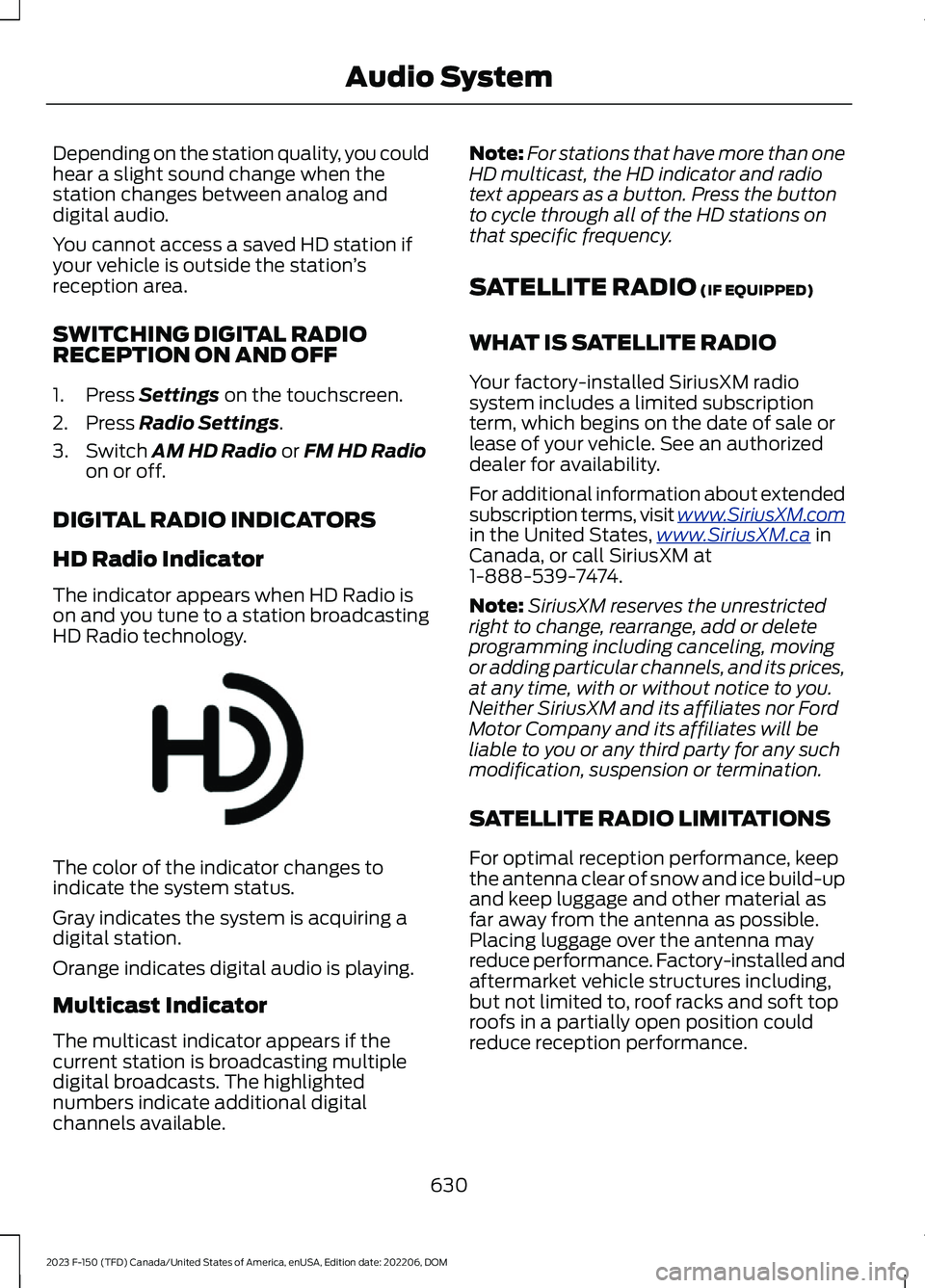
HD Radio Indicator
The indicator appears when HD Radio ison and you tune to a station broadcastingHD Radio technology.
The color of the indicator changes toindicate the system status.
Gray indicates the system is acquiring adigital station.
Orange indicates digital audio is playing.
Multicast Indicator
The multicast indicator appears if thecurrent station is broadcasting multipledigital broadcasts. The highlightednumbers indicate additional digitalchannels available.
Note:For stations that have more than oneHD multicast, the HD indicator and radiotext appears as a button. Press the buttonto cycle through all of the HD stations onthat specific frequency.
SATELLITE RADIO (IF EQUIPPED)
WHAT IS SATELLITE RADIO
Your factory-installed SiriusXM radiosystem includes a limited subscriptionterm, which begins on the date of sale orlease of your vehicle. See an authorizeddealer for availability.
For additional information about extendedsubscription terms, visit www.SiriusXM.comin the United States,www.SiriusXM.ca inCanada, or call SiriusXM at1-888-539-7474.
Note:SiriusXM reserves the unrestrictedright to change, rearrange, add or deleteprogramming including canceling, movingor adding particular channels, and its prices,at any time, with or without notice to you.Neither SiriusXM and its affiliates nor FordMotor Company and its affiliates will beliable to you or any third party for any suchmodification, suspension or termination.
SATELLITE RADIO LIMITATIONS
For optimal reception performance, keepthe antenna clear of snow and ice build-upand keep luggage and other material asfar away from the antenna as possible.Placing luggage over the antenna mayreduce performance. Factory-installed andaftermarket vehicle structures including,but not limited to, roof racks and soft toproofs in a partially open position couldreduce reception performance.
630
2023 F-150 (TFD) Canada/United States of America, enUSA, Edition date: 202206, DOMAudio SystemE142616
Page 686 of 786
try to resolve them. A Customer ClaimForm will be mailed that needs to becompleted, signed and returned to the BBBalong with proof of ownership. Uponreceipt, the BBB reviews the claim foreligibility under the Program SummaryGuidelines.
You can get more information bycalling BBB AUTO LINE at1-800-955-5100, or writing to:
BBB AUTO LINE a Division of BBBNational Programs, Inc.1676 International Drive, Suite 550McLean, VA 22102
BBB AUTO LINE applications can also berequested by calling the Ford MotorCompany Customer Relationship Centerat 1-800-392-3673.
For additional information, refer to theBetter Business Bureau website.
Note:Ford Motor Company reserves theright to change eligibility limitations, modifyprocedures, or to discontinue this processat any time without notice and withoutobligation.
THE MEDIATION AND
ARBITRATION PROGRAM
For vehicles delivered to authorizedCanadian dealers. In those cases whereyou continue to feel that the efforts by Fordof Canada and the authorized dealer toresolve a factory-related vehicle serviceconcern have been unsatisfactory, Ford ofCanada participates in an impartial thirdparty mediation/arbitration programadministered by the Canadian MotorVehicle Arbitration Plan (CAMVAP).
The CAMVAP program is a straightforwardand relatively speedy alternative to resolvea disagreement when all other efforts toproduce a settlement have failed. Thisprocedure is without cost to you and isdesigned to eliminate the need for lengthyand expensive legal proceedings.
In the CAMVAP program, impartialthird-party arbitrators conduct hearings atmutually convenient times and places inan informal environment. These impartialarbitrators review the positions of theparties, make decisions and, whenappropriate, render awards to resolvedisputes. CAMVAP decisions are fast, fair,and final as the arbitrator’s award isbinding on both you and Ford of Canada.
CAMVAP services are available in allCanadian territories and provinces. Formore information, without charge orobligation, call your CAMVAP ProvincialAdministrator directly at 1-800-207-0685or visit www.camvap.ca.
ORDERING A CANADIAN
FRENCH OWNER'S MANUAL
You can obtain a French owner's manualfrom an authorized dealer or by contactingHelm, LLC at:
HELM, LLC47911 Halyard Drive, Suite 200Plymouth, Michigan 48170Attention: Customer Service
Call toll free: 1-800-782-4356
Monday-Friday 8:00 a.m. - 6:00 p.m. EST
For additional information, visitwww.helminc.com.
682
2023 F-150 (TFD) Canada/United States of America, enUSA, Edition date: 202206, DOMCustomer Information
Page 747 of 786
view it, and (ii) save it, provided that youdo not remove any copyright notices thatappear and do not modify the Data in anyway. You agree not to otherwise reproduce,copy, modify, decompile, disassemble orreverse engineer any portion of this Data,and may not transfer or distribute it in anyform, for any purpose, except to the extentpermitted by mandatory laws.
Restrictions
Except where you have been specificallylicensed to do so by NAV2 , and withoutlimiting the preceding paragraph, you maynot (a) use this Data with any products,systems, or applications installed orotherwise connected to or incommunication with vehicles, capable ofvehicle navigation, positioning, dispatch,real time route guidance, fleetmanagement or similar applications; or (b)with or in communication with anypositioning devices or any mobile orwireless-connected electronic or computerdevices, including without limitationcellular phones, palmtop and handheldcomputers, pagers, and personal digitalassistants or PDAs. You agree to ceaseusing this Data if you fail to comply withthese terms and conditions.
Limited Warranty
NAV2 warrants that (a) the Data willperform substantially in accordance withthe accompanying written materials for aperiod of ninety (90) days from the dateof receipt, and (b) any support servicesprovided by NAV2 shall be substantially asdescribed in applicable written materialsprovided to you by NAV2, and NAV2’ssupport engineers will make commerciallyreasonable efforts to solve any problemissues.
Customer Remedies
NAV2 and its suppliers’ entire liability andyour exclusive remedy shall be, at NAV2’ssole discretion, either (a) return of the pricepaid, if any, or (b) repair or replacement ofthe Data that do not meet NAV2’s LimitedWarranty and that are returned to NAV2with a copy of your receipt. This LimitedWarranty is void if failure of the Data hasresulted from accident, abuse, ormisapplication. Any replacement Data willbe warranted for the remainder of theoriginal warranty period or thirty (30) days,whichever is longer. Neither these remediesnor any product support services offeredby NAV2 are available without proof ofpurchase from an authorized internationalsource.
No Other Warranty:
EXCEPT FOR THE LMITED WARRANTYSET FORTH ABOVE AND TO THE EXTENTPERMITTED BY APPLICABLE LAW, NAV2AND ITS LICENSORS (INCLUDING THEIRLICENSORS AND SUPPLIERS) DISCLAIMANY WARRANTIES, EXPRESS OR IMPLIED,OF QUALITY, PERFORMANCE,MERCHANTABILITY, FITNESS FOR APARTICULAR PURPOSE, OWNERSHIP ORNON-INFRINGEMENT. Certain warrantyexclusions may not be permitted underapplicable law, so to that extent the aboveexclusion may not apply to you.
Limited Liability:
TO THE EXTENT PERMITTED BYAPPLICABLE LAW, NAV2 AND ITSLICENSORS (INCLUDING THEIRLICENSORS AND SUPPLIERS) SHALL NOTBE LIABLE TO YOU: IN RESPECT OF ANYCLAIM, DEMAND OR ACTION,IRRESPECTIVE OF THE NATURE OF THECAUSE OF THE CLAIM, DEMAND ORACTION ALLEGING ANY LOSS, INJURY ORDAMAGES, DIRECT OR INDIRECT, WHICHMAY RESULT FROM THE USE ORPOSSESSION OF THE INFORMATION; OR
743
2023 F-150 (TFD) Canada/United States of America, enUSA, Edition date: 202206, DOMCustomer Information
Page 763 of 786
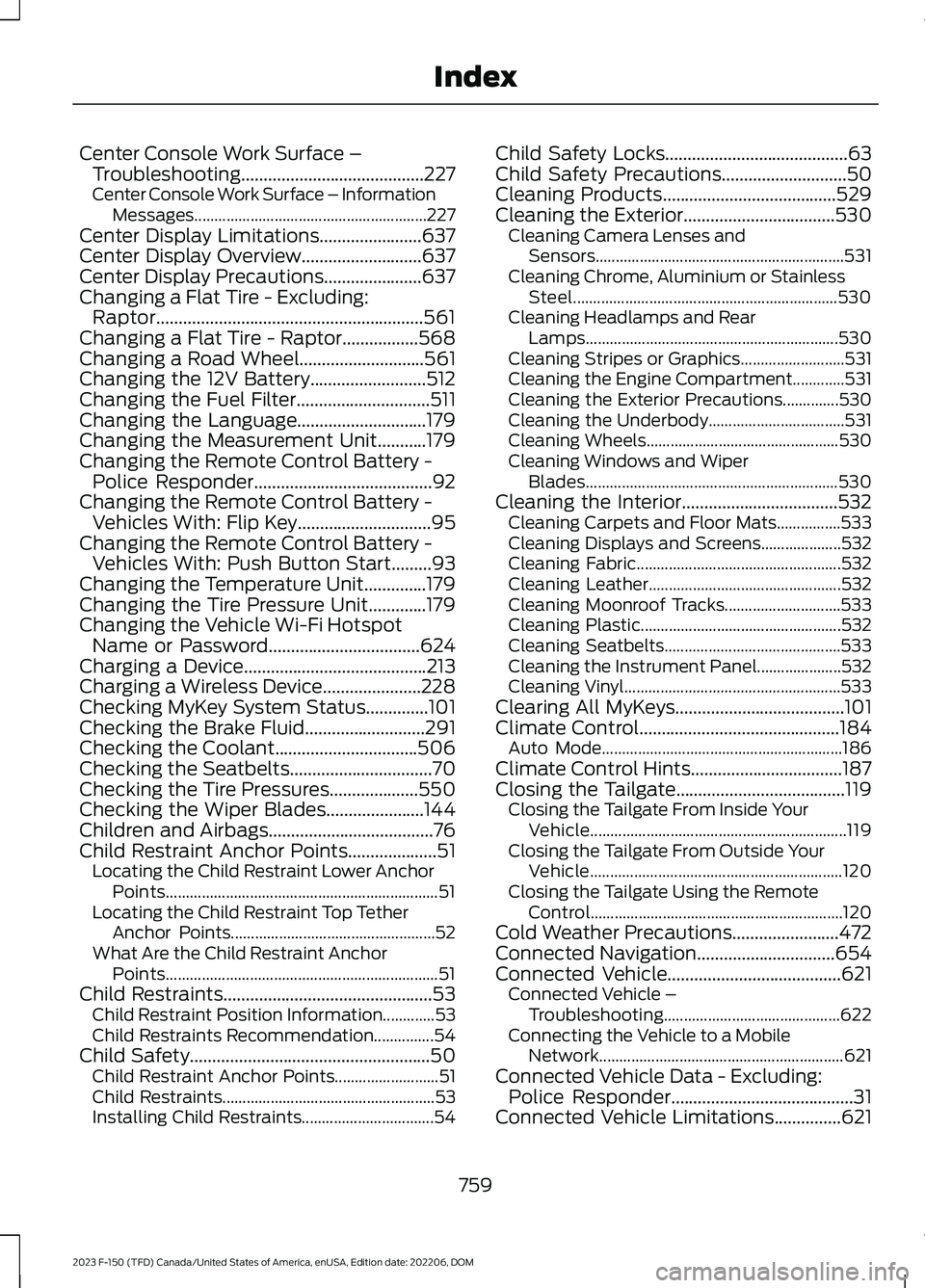
Center Console Work Surface –Troubleshooting.........................................227Center Console Work Surface – InformationMessages..........................................................227Center Display Limitations.......................637Center Display Overview...........................637Center Display Precautions......................637Changing a Flat Tire - Excluding:Raptor............................................................561Changing a Flat Tire - Raptor.................568Changing a Road Wheel............................561Changing the 12V Battery..........................512Changing the Fuel Filter..............................511Changing the Language.............................179Changing the Measurement Unit...........179Changing the Remote Control Battery -Police Responder........................................92Changing the Remote Control Battery -Vehicles With: Flip Key..............................95Changing the Remote Control Battery -Vehicles With: Push Button Start.........93Changing the Temperature Unit..............179Changing the Tire Pressure Unit.............179Changing the Vehicle Wi-Fi HotspotName or Password..................................624Charging a Device.........................................213Charging a Wireless Device......................228Checking MyKey System Status..............101Checking the Brake Fluid...........................291Checking the Coolant................................506Checking the Seatbelts................................70Checking the Tire Pressures....................550Checking the Wiper Blades......................144Children and Airbags.....................................76Child Restraint Anchor Points....................51Locating the Child Restraint Lower AnchorPoints....................................................................51Locating the Child Restraint Top TetherAnchor Points...................................................52What Are the Child Restraint AnchorPoints....................................................................51Child Restraints...............................................53Child Restraint Position Information.............53Child Restraints Recommendation...............54Child Safety......................................................50Child Restraint Anchor Points..........................51Child Restraints.....................................................53Installing Child Restraints.................................54
Child Safety Locks.........................................63Child Safety Precautions............................50Cleaning Products.......................................529Cleaning the Exterior..................................530Cleaning Camera Lenses andSensors..............................................................531Cleaning Chrome, Aluminium or StainlessSteel..................................................................530Cleaning Headlamps and RearLamps...............................................................530Cleaning Stripes or Graphics..........................531Cleaning the Engine Compartment.............531Cleaning the Exterior Precautions..............530Cleaning the Underbody..................................531Cleaning Wheels................................................530Cleaning Windows and WiperBlades...............................................................530Cleaning the Interior...................................532Cleaning Carpets and Floor Mats................533Cleaning Displays and Screens....................532Cleaning Fabric...................................................532Cleaning Leather................................................532Cleaning Moonroof Tracks.............................533Cleaning Plastic..................................................532Cleaning Seatbelts............................................533Cleaning the Instrument Panel.....................532Cleaning Vinyl......................................................533Clearing All MyKeys......................................101Climate Control.............................................184Auto Mode............................................................186Climate Control Hints..................................187Closing the Tailgate......................................119Closing the Tailgate From Inside YourVehicle................................................................119Closing the Tailgate From Outside YourVehicle...............................................................120Closing the Tailgate Using the RemoteControl...............................................................120Cold Weather Precautions........................472Connected Navigation...............................654Connected Vehicle.......................................621Connected Vehicle –Troubleshooting............................................622Connecting the Vehicle to a MobileNetwork.............................................................621Connected Vehicle Data - Excluding:Police Responder.........................................31Connected Vehicle Limitations...............621
759
2023 F-150 (TFD) Canada/United States of America, enUSA, Edition date: 202206, DOMIndex
Page 772 of 786
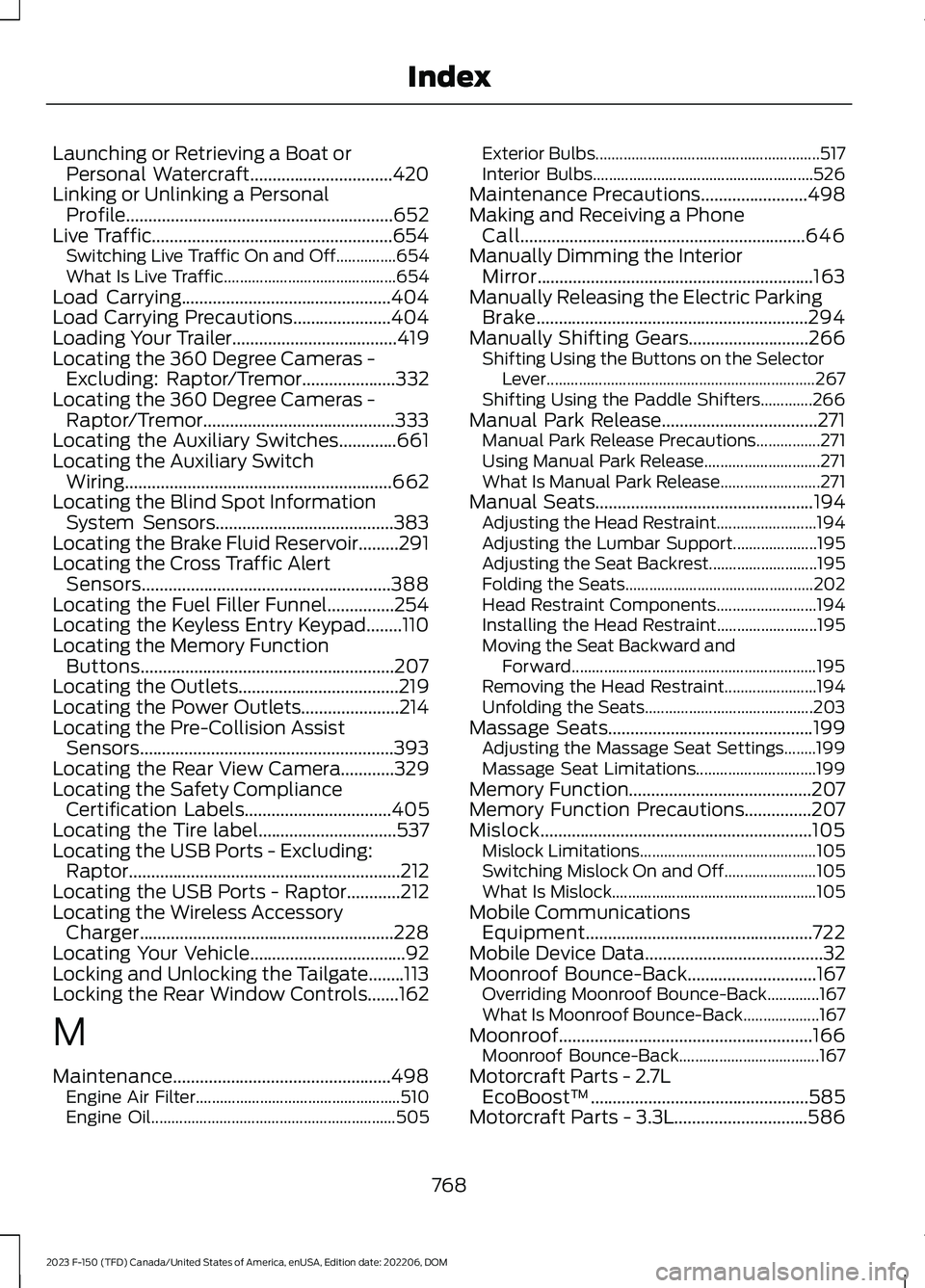
Launching or Retrieving a Boat orPersonal Watercraft................................420Linking or Unlinking a PersonalProfile............................................................652Live Traffic......................................................654Switching Live Traffic On and Off...............654What Is Live Traffic...........................................654Load Carrying...............................................404Load Carrying Precautions......................404Loading Your Trailer.....................................419Locating the 360 Degree Cameras -Excluding: Raptor/Tremor.....................332Locating the 360 Degree Cameras -Raptor/Tremor...........................................333Locating the Auxiliary Switches.............661Locating the Auxiliary SwitchWiring............................................................662Locating the Blind Spot InformationSystem Sensors........................................383Locating the Brake Fluid Reservoir.........291Locating the Cross Traffic AlertSensors........................................................388Locating the Fuel Filler Funnel...............254Locating the Keyless Entry Keypad........110Locating the Memory FunctionButtons.........................................................207Locating the Outlets....................................219Locating the Power Outlets......................214Locating the Pre-Collision AssistSensors.........................................................393Locating the Rear View Camera............329Locating the Safety ComplianceCertification Labels.................................405Locating the Tire label...............................537Locating the USB Ports - Excluding:Raptor.............................................................212Locating the USB Ports - Raptor............212Locating the Wireless AccessoryCharger.........................................................228Locating Your Vehicle...................................92Locking and Unlocking the Tailgate........113Locking the Rear Window Controls.......162
M
Maintenance.................................................498Engine Air Filter...................................................510Engine Oil.............................................................505
Exterior Bulbs........................................................517Interior Bulbs.......................................................526Maintenance Precautions........................498Making and Receiving a PhoneCall................................................................646Manually Dimming the InteriorMirror..............................................................163Manually Releasing the Electric ParkingBrake.............................................................294Manually Shifting Gears...........................266Shifting Using the Buttons on the SelectorLever...................................................................267Shifting Using the Paddle Shifters.............266Manual Park Release...................................271Manual Park Release Precautions................271Using Manual Park Release.............................271What Is Manual Park Release.........................271Manual Seats.................................................194Adjusting the Head Restraint.........................194Adjusting the Lumbar Support.....................195Adjusting the Seat Backrest...........................195Folding the Seats...............................................202Head Restraint Components.........................194Installing the Head Restraint.........................195Moving the Seat Backward andForward.............................................................195Removing the Head Restraint.......................194Unfolding the Seats..........................................203Massage Seats..............................................199Adjusting the Massage Seat Settings........199Massage Seat Limitations..............................199Memory Function.........................................207Memory Function Precautions...............207Mislock.............................................................105Mislock Limitations............................................105Switching Mislock On and Off.......................105What Is Mislock...................................................105Mobile CommunicationsEquipment...................................................722Mobile Device Data........................................32Moonroof Bounce-Back.............................167Overriding Moonroof Bounce-Back.............167What Is Moonroof Bounce-Back...................167Moonroof.........................................................166Moonroof Bounce-Back...................................167Motorcraft Parts - 2.7LEcoBoost™.................................................585Motorcraft Parts - 3.3L..............................586
768
2023 F-150 (TFD) Canada/United States of America, enUSA, Edition date: 202206, DOMIndex
Page 773 of 786
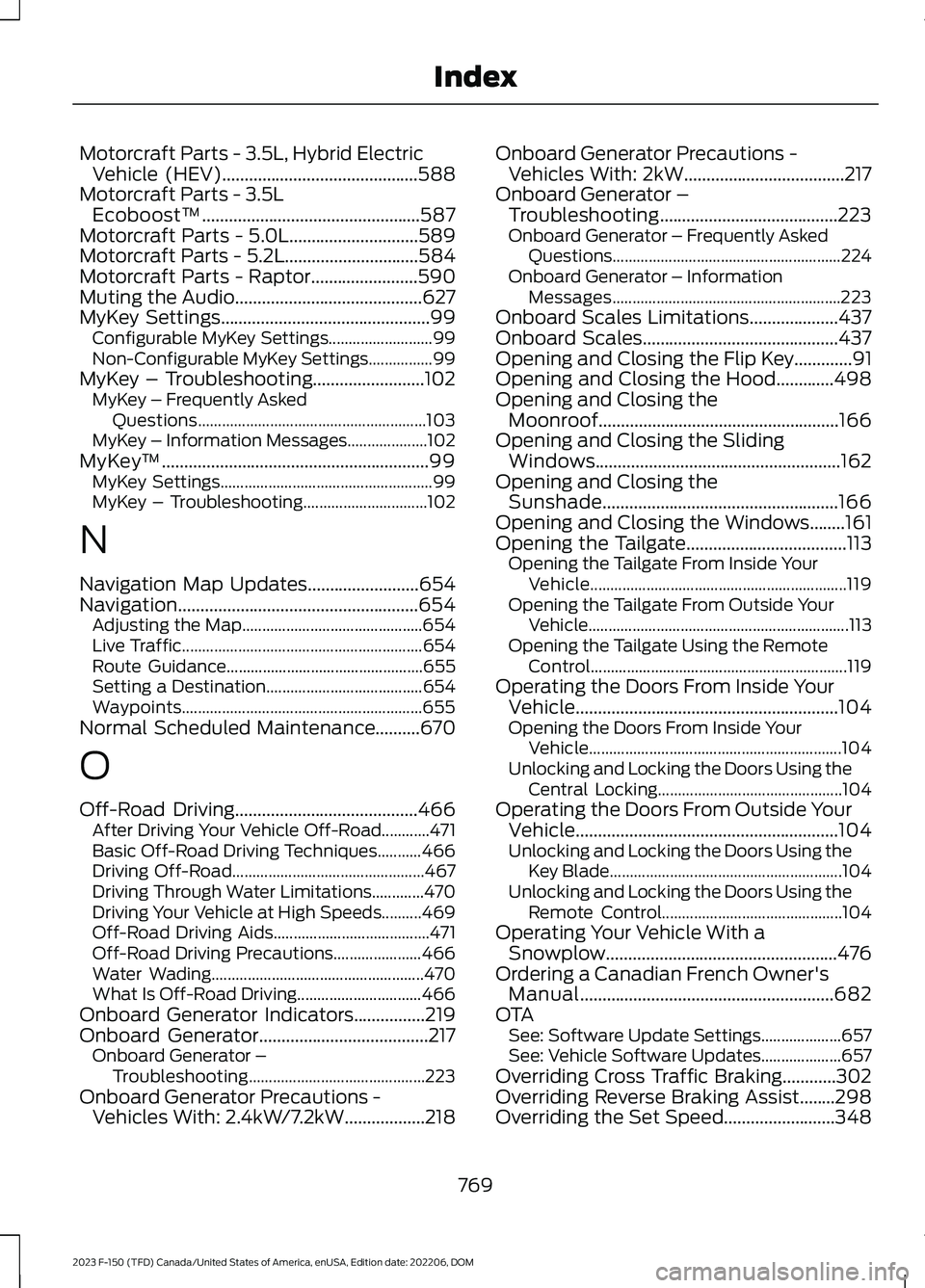
Motorcraft Parts - 3.5L, Hybrid ElectricVehicle (HEV)............................................588Motorcraft Parts - 3.5LEcoboost™.................................................587Motorcraft Parts - 5.0L.............................589Motorcraft Parts - 5.2L..............................584Motorcraft Parts - Raptor........................590Muting the Audio..........................................627MyKey Settings...............................................99Configurable MyKey Settings..........................99Non-Configurable MyKey Settings................99MyKey – Troubleshooting.........................102MyKey – Frequently AskedQuestions.........................................................103MyKey – Information Messages....................102MyKey™............................................................99MyKey Settings.....................................................99MyKey – Troubleshooting...............................102
N
Navigation Map Updates.........................654Navigation......................................................654Adjusting the Map.............................................654Live Traffic............................................................654Route Guidance.................................................655Setting a Destination.......................................654Waypoints............................................................655Normal Scheduled Maintenance..........670
O
Off-Road Driving.........................................466After Driving Your Vehicle Off-Road............471Basic Off-Road Driving Techniques...........466Driving Off-Road................................................467Driving Through Water Limitations.............470Driving Your Vehicle at High Speeds..........469Off-Road Driving Aids.......................................471Off-Road Driving Precautions......................466Water Wading.....................................................470What Is Off-Road Driving...............................466Onboard Generator Indicators................219Onboard Generator......................................217Onboard Generator –Troubleshooting............................................223Onboard Generator Precautions -Vehicles With: 2.4kW/7.2kW..................218
Onboard Generator Precautions -Vehicles With: 2kW....................................217Onboard Generator –Troubleshooting........................................223Onboard Generator – Frequently AskedQuestions.........................................................224Onboard Generator – InformationMessages.........................................................223Onboard Scales Limitations....................437Onboard Scales............................................437Opening and Closing the Flip Key.............91Opening and Closing the Hood.............498Opening and Closing theMoonroof......................................................166Opening and Closing the SlidingWindows.......................................................162Opening and Closing theSunshade.....................................................166Opening and Closing the Windows........161Opening the Tailgate....................................113Opening the Tailgate From Inside YourVehicle................................................................119Opening the Tailgate From Outside YourVehicle.................................................................113Opening the Tailgate Using the RemoteControl................................................................119Operating the Doors From Inside YourVehicle...........................................................104Opening the Doors From Inside YourVehicle...............................................................104Unlocking and Locking the Doors Using theCentral Locking..............................................104Operating the Doors From Outside YourVehicle...........................................................104Unlocking and Locking the Doors Using theKey Blade..........................................................104Unlocking and Locking the Doors Using theRemote Control.............................................104Operating Your Vehicle With aSnowplow....................................................476Ordering a Canadian French Owner'sManual.........................................................682OTASee: Software Update Settings....................657See: Vehicle Software Updates....................657Overriding Cross Traffic Braking............302Overriding Reverse Braking Assist........298Overriding the Set Speed.........................348
769
2023 F-150 (TFD) Canada/United States of America, enUSA, Edition date: 202206, DOMIndex
Page 779 of 786
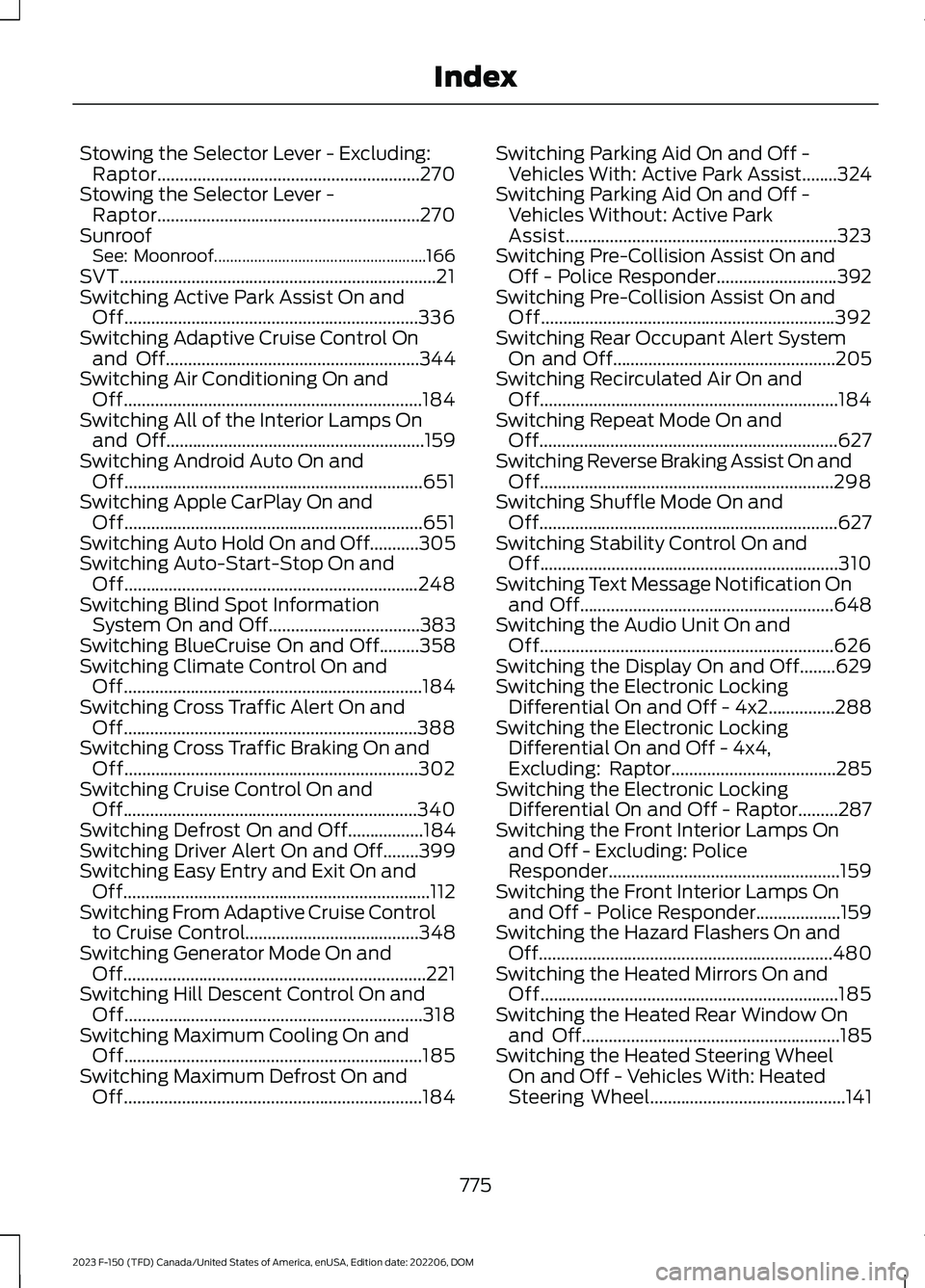
Stowing the Selector Lever - Excluding:Raptor...........................................................270Stowing the Selector Lever -Raptor...........................................................270SunroofSee: Moonroof.....................................................166SVT.......................................................................21Switching Active Park Assist On andOff..................................................................336Switching Adaptive Cruise Control Onand Off.........................................................344Switching Air Conditioning On andOff...................................................................184Switching All of the Interior Lamps Onand Off..........................................................159Switching Android Auto On andOff...................................................................651Switching Apple CarPlay On andOff...................................................................651Switching Auto Hold On and Off...........305Switching Auto-Start-Stop On andOff..................................................................248Switching Blind Spot InformationSystem On and Off..................................383Switching BlueCruise On and Off.........358Switching Climate Control On andOff...................................................................184Switching Cross Traffic Alert On andOff..................................................................388Switching Cross Traffic Braking On andOff..................................................................302Switching Cruise Control On andOff..................................................................340Switching Defrost On and Off.................184Switching Driver Alert On and Off........399Switching Easy Entry and Exit On andOff.....................................................................112Switching From Adaptive Cruise Controlto Cruise Control.......................................348Switching Generator Mode On andOff....................................................................221Switching Hill Descent Control On andOff...................................................................318Switching Maximum Cooling On andOff...................................................................185Switching Maximum Defrost On andOff...................................................................184
Switching Parking Aid On and Off -Vehicles With: Active Park Assist........324Switching Parking Aid On and Off -Vehicles Without: Active ParkAssist.............................................................323Switching Pre-Collision Assist On andOff - Police Responder...........................392Switching Pre-Collision Assist On andOff..................................................................392Switching Rear Occupant Alert SystemOn and Off..................................................205Switching Recirculated Air On andOff...................................................................184Switching Repeat Mode On andOff...................................................................627Switching Reverse Braking Assist On andOff..................................................................298Switching Shuffle Mode On andOff...................................................................627Switching Stability Control On andOff...................................................................310Switching Text Message Notification Onand Off.........................................................648Switching the Audio Unit On andOff..................................................................626Switching the Display On and Off........629Switching the Electronic LockingDifferential On and Off - 4x2...............288Switching the Electronic LockingDifferential On and Off - 4x4,Excluding: Raptor.....................................285Switching the Electronic LockingDifferential On and Off - Raptor.........287Switching the Front Interior Lamps Onand Off - Excluding: PoliceResponder....................................................159Switching the Front Interior Lamps Onand Off - Police Responder...................159Switching the Hazard Flashers On andOff..................................................................480Switching the Heated Mirrors On andOff...................................................................185Switching the Heated Rear Window Onand Off..........................................................185Switching the Heated Steering WheelOn and Off - Vehicles With: HeatedSteering Wheel............................................141
775
2023 F-150 (TFD) Canada/United States of America, enUSA, Edition date: 202206, DOMIndex
Page 783 of 786
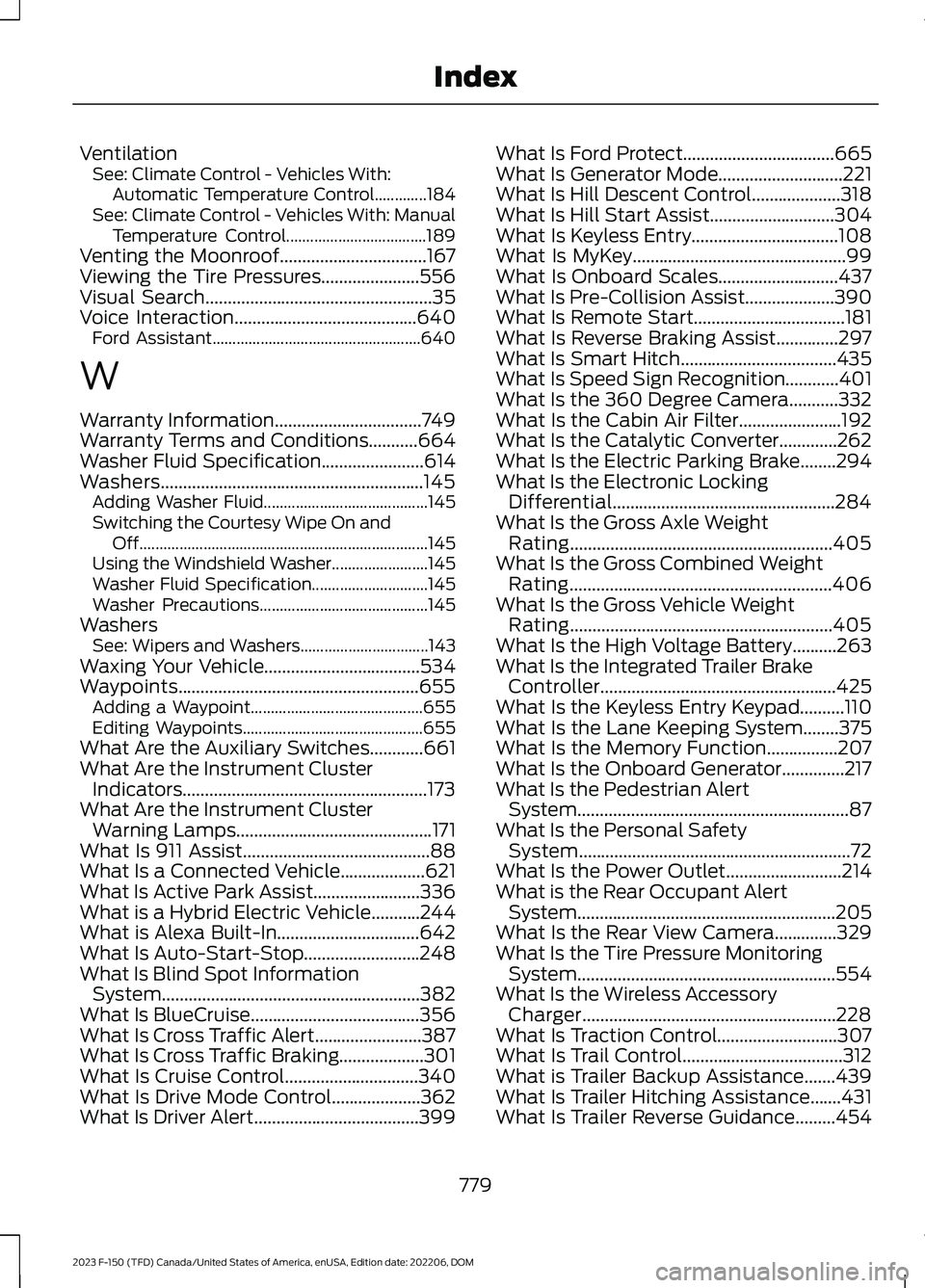
VentilationSee: Climate Control - Vehicles With:Automatic Temperature Control.............184See: Climate Control - Vehicles With: ManualTemperature Control...................................189Venting the Moonroof.................................167Viewing the Tire Pressures......................556Visual Search...................................................35Voice Interaction.........................................640Ford Assistant....................................................640
W
Warranty Information.................................749Warranty Terms and Conditions...........664Washer Fluid Specification.......................614Washers...........................................................145Adding Washer Fluid.........................................145Switching the Courtesy Wipe On andOff........................................................................145Using the Windshield Washer........................145Washer Fluid Specification.............................145Washer Precautions..........................................145WashersSee: Wipers and Washers................................143Waxing Your Vehicle...................................534Waypoints......................................................655Adding a Waypoint...........................................655Editing Waypoints.............................................655What Are the Auxiliary Switches............661What Are the Instrument ClusterIndicators.......................................................173What Are the Instrument ClusterWarning Lamps............................................171What Is 911 Assist..........................................88What Is a Connected Vehicle...................621What Is Active Park Assist........................336What is a Hybrid Electric Vehicle...........244What is Alexa Built-In................................642What Is Auto-Start-Stop..........................248What Is Blind Spot InformationSystem..........................................................382What Is BlueCruise......................................356What Is Cross Traffic Alert........................387What Is Cross Traffic Braking...................301What Is Cruise Control..............................340What Is Drive Mode Control....................362What Is Driver Alert.....................................399
What Is Ford Protect..................................665What Is Generator Mode............................221What Is Hill Descent Control....................318What Is Hill Start Assist............................304What Is Keyless Entry.................................108What Is MyKey................................................99What Is Onboard Scales...........................437What Is Pre-Collision Assist....................390What Is Remote Start..................................181What Is Reverse Braking Assist..............297What Is Smart Hitch...................................435What Is Speed Sign Recognition............401What Is the 360 Degree Camera...........332What Is the Cabin Air Filter.......................192What Is the Catalytic Converter.............262What Is the Electric Parking Brake........294What Is the Electronic LockingDifferential..................................................284What Is the Gross Axle WeightRating...........................................................405What Is the Gross Combined WeightRating...........................................................406What Is the Gross Vehicle WeightRating...........................................................405What Is the High Voltage Battery..........263What Is the Integrated Trailer BrakeController.....................................................425What Is the Keyless Entry Keypad..........110What Is the Lane Keeping System........375What Is the Memory Function................207What Is the Onboard Generator..............217What Is the Pedestrian AlertSystem.............................................................87What Is the Personal SafetySystem.............................................................72What Is the Power Outlet..........................214What is the Rear Occupant AlertSystem..........................................................205What Is the Rear View Camera..............329What Is the Tire Pressure MonitoringSystem..........................................................554What Is the Wireless AccessoryCharger.........................................................228What Is Traction Control...........................307What Is Trail Control....................................312What is Trailer Backup Assistance.......439What Is Trailer Hitching Assistance.......431What Is Trailer Reverse Guidance.........454
779
2023 F-150 (TFD) Canada/United States of America, enUSA, Edition date: 202206, DOMIndex